Smart QR Labels for Storage, Inventory & Everyday Objects Give any object a digital history — now smarter with AI.
Stick → Scan → Know everything. TapNota smart QR labels connect storage bins, moving boxes, home inventory, tools, equipment, supplies, and business assets to searchable digital Item Pages. In addition, each record can hold notes, photos, history, Item Status, privacy, and AI-assisted identification. As a result, you can find and manage the physical item later from one Portal. No app required.
From physical label to searchable digital Item Page.
TapNota connects your storage bins, moving boxes, tools, equipment, supplies, and other belongings to information you can access from your phone or computer.
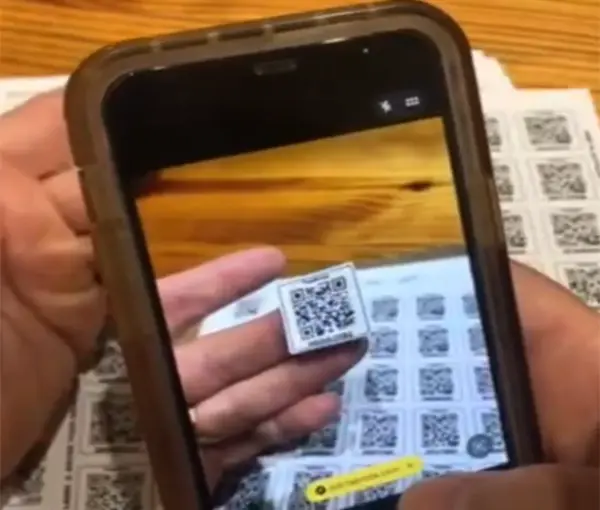
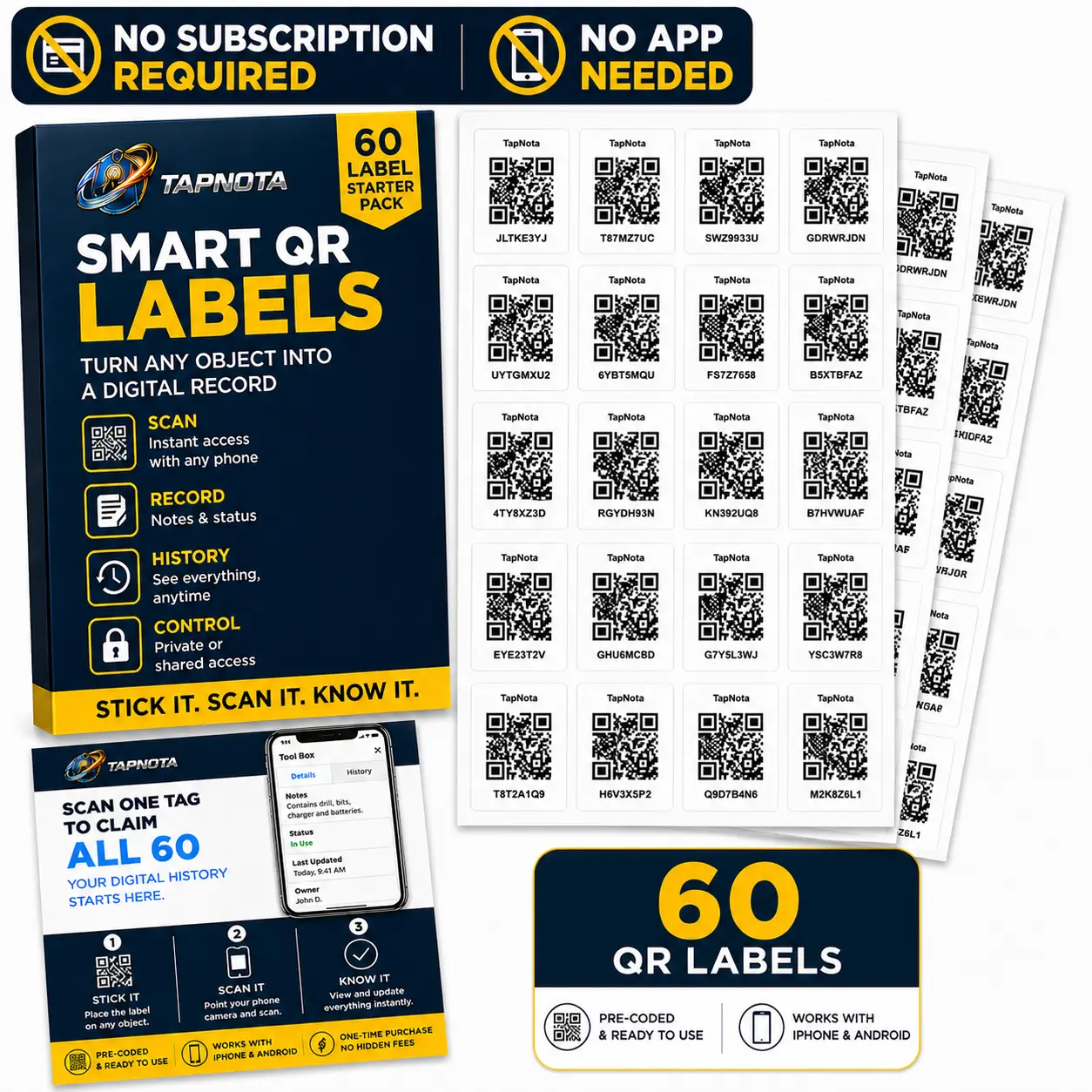
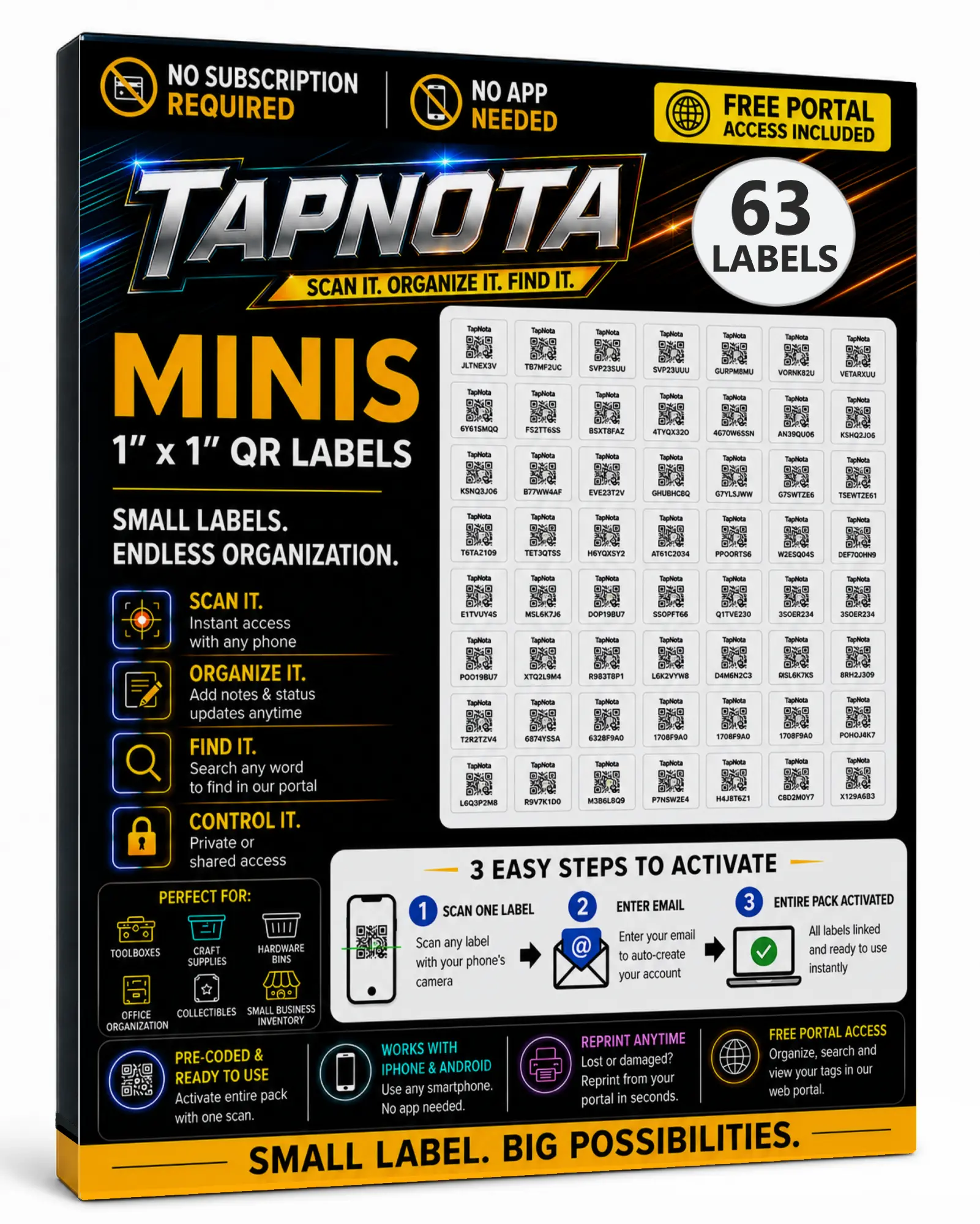
Scan one label to activate the entire pack.
First, open your phone’s camera and scan any TapNota label in the pack. Then, enter and verify your email address, and the complete pack will be connected to your TapNota account.
- You only activate the pack once.
- You do not activate every label separately.
- Additional packs can be added to the same account.
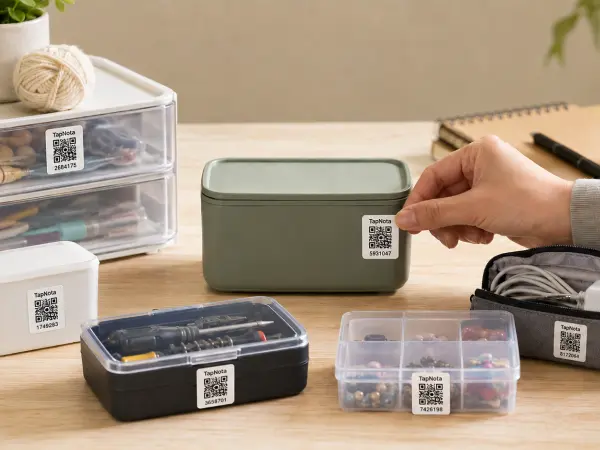
Pictured: TapNota Minis (1" × 1"). Original 2" × 2" labels are also available.
Attach a QR label to nearly anything.
Next, place a TapNota label on a storage bin, moving box, tool, piece of equipment, container, supply shelf, document box, or other item you want to organize.
- Each QR label connects to its own Item Page.
- The same physical label stays with the item.
- Use full-size labels or TapNota Minis for smaller objects.
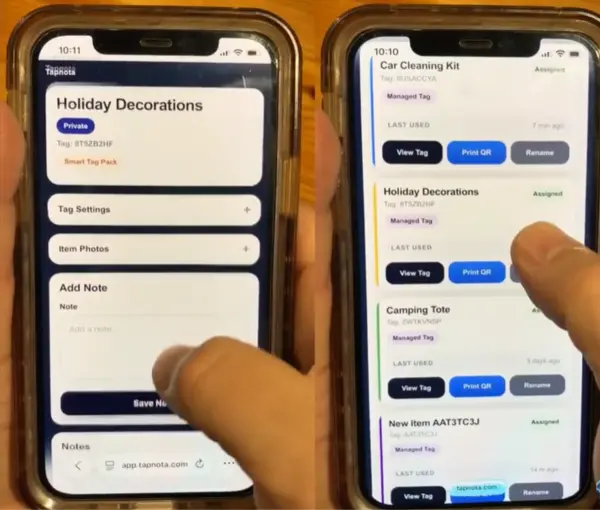
Scan the label and record what matters.
Then, scan the attached label to open its Item Page. After that, add information from your phone, tablet, or computer and update it whenever something changes.
- Item names, descriptions, and box contents
- Notes, photos, instructions, and important records
- Serial numbers, model numbers, repairs, and service history
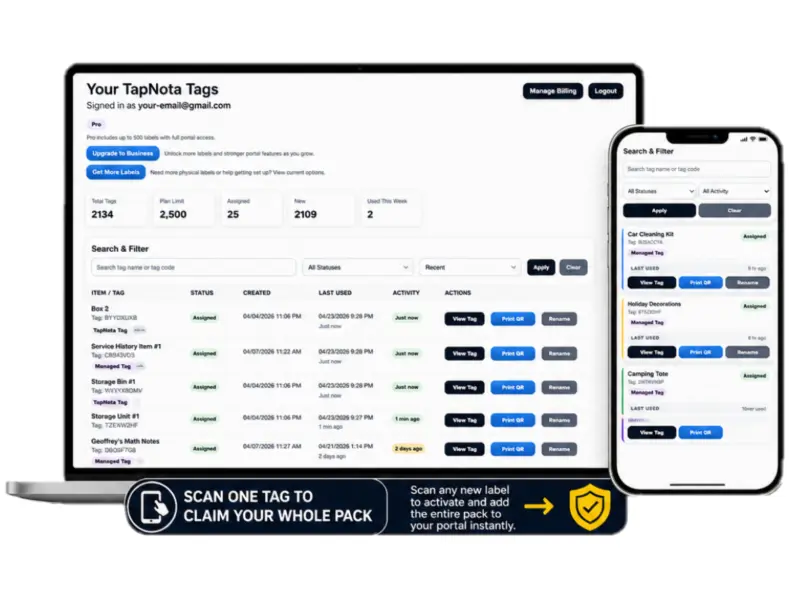
Search your Portal instead of searching every box.
Your private TapNota Portal brings all of your Item Pages together. Search from your phone or computer to find an item even when you do not have the physical QR label in front of you.
- Search item names, notes, contents, codes, and details.
- Organize Item Pages into searchable folders.
- Update, share, print, or reprint active QR labels.
Activate. Label. Add details. Find it later.
Turn ordinary objects and containers into organized, searchable digital records with TapNota Smart QR Labels.
Most physical items still have no reliable digital history
Boxes turn into mysteries. Tools wander. Notes get separated.
Traditional tracking usually leaves information scattered across labels, notebooks, spreadsheets, memory, text messages, and sticky notes. As a result, the physical item is rarely connected to the record you need.
TapNota connects the physical item to the information you need.
First, the QR label stays on the object. Next, the Item Page holds the information. Finally, the Portal helps you search, organize, update, and share it later.
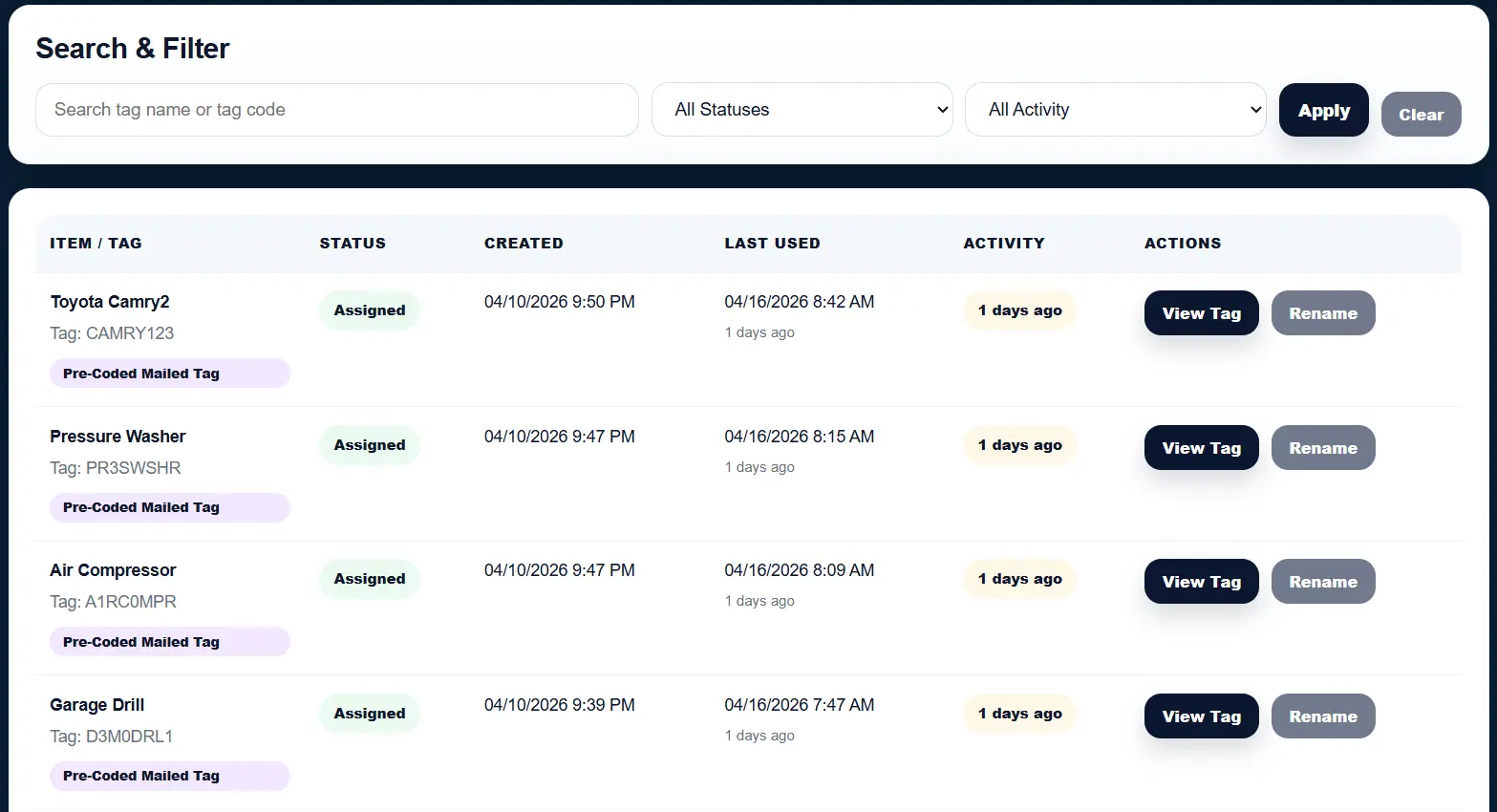
Search the whole inventory. Open the exact record you need.
The TapNota Portal is your account-wide dashboard. In addition, it lets you search across everything, organize items into folders, manage privacy, check AI credits, update Item Status, print or reprint QR codes, and open any connected Item Page without scanning the physical label first.
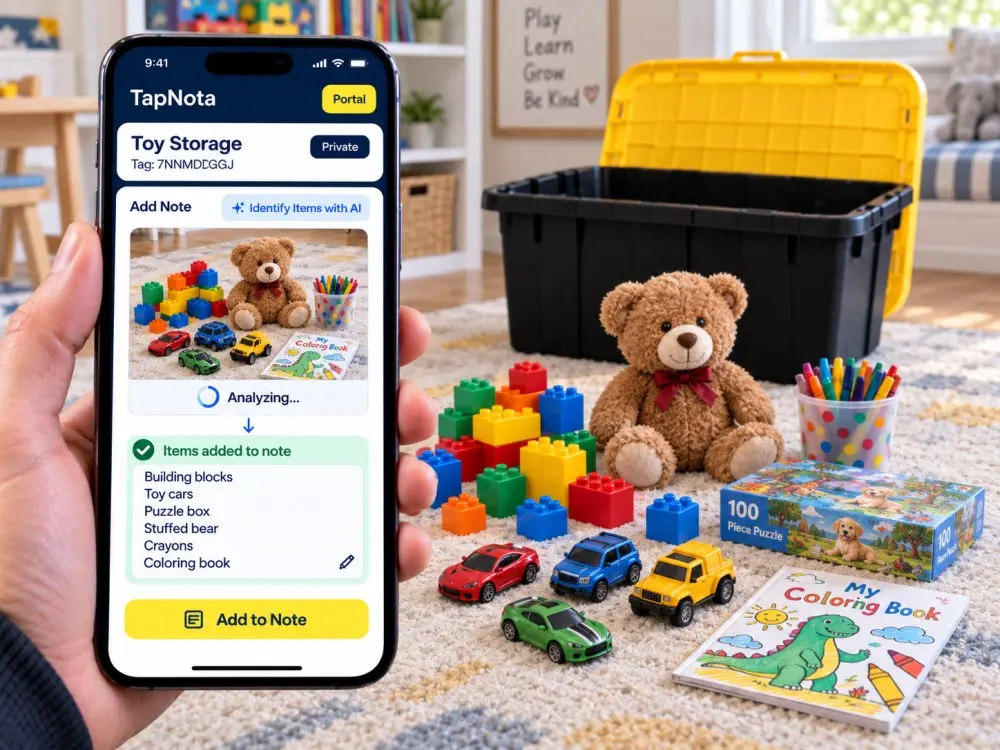
Identify with AI
Signed-in owners can take or choose a photo and let TapNota identify visible items to help build the note faster.
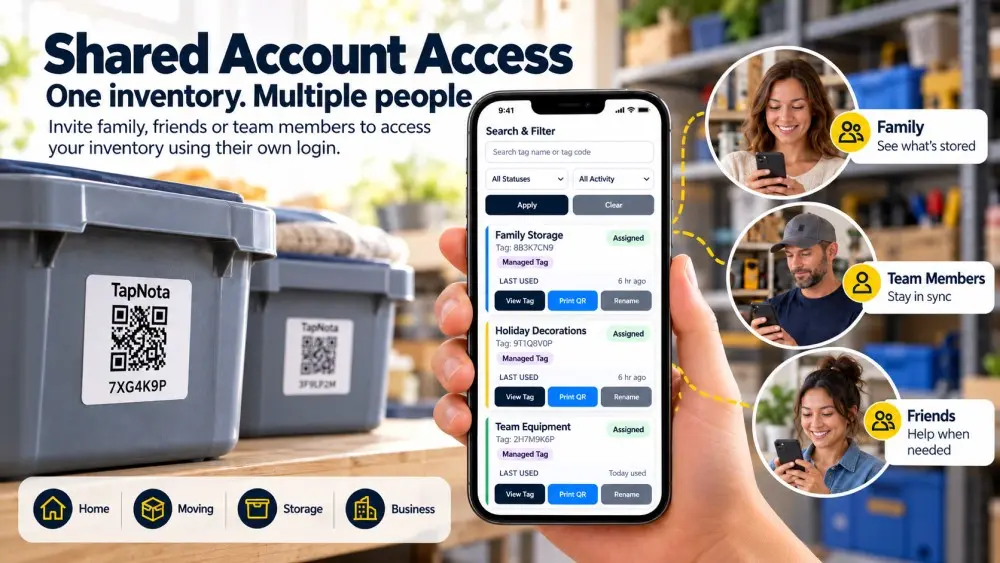
Shared Account Access
Invite approved family members or team members to use their own login inside the same inventory while the owner keeps administration.
Privacy, sharing & PIN
Keep an Item Page private, share it when needed, make it public, or protect it with optional PIN access when appropriate.
Create, print & reprint QR codes
Create more QR-connected records from the Portal and reprint a damaged QR without losing the original Item Page history.
Identify visible items with AI when typing everything would slow you down
Identify with AI works inside the TapNota Item Page workflow. For example, use it for toy bins, storage tubs, tools, mixed supplies, holiday decorations, and other groups of visible items. Then, review the result, edit it, and save only what you want to keep.
Share the inventory without sharing the owner's login
Shared Account Access lets multiple approved people work in the same inventory. Meanwhile, members sign in with their own TapNota login while the owner keeps control of account ownership, billing, and member administration.
Turn mystery storage into a searchable home inventory.
TapNota QR code labels for storage bins connect the physical container to a digital Item Page you can update over time. Add photos and notes, use Identify with AI to help recognize visible contents, organize records into folders, and search the Portal later without opening every tote.
Find the item from a detail, not just the exact title
TapNota search can match information inside saved notes, folder names, and tag codes — not only the Item Page title. That means “Christmas lights,” “oil filter,” “garage drill,” “blue tote,” or a remembered model number can lead you back to the right record.
Smart QR labels that help you find the record later — not just scan it now
Because storage and inventory change over time, TapNota keeps the useful information in a searchable Portal. For example, you can remember a note, folder, item name, or tag detail and use that clue to get back to the right record.
Search what you remember
For example, a remembered phrase such as “Christmas lights,” “blue tote,” or a model number can help lead you back to the right Item Page.
No app required
In addition, TapNota works through a mobile-friendly web experience, so your labels and Portal are not locked inside a dedicated mobile app.
Folders, status and history add context
Meanwhile, folders help describe where something belongs, Item Status shows its current state, and history preserves useful changes over time.
One inventory can work for more than one person
Finally, Shared Account Access lets approved family members or teammates use their own login while the owner keeps account administration.
See how smart QR labels connect the physical item to a searchable digital record
TapNota is more than a QR code that opens a link. Instead, each label connects a real-world item, bin, box, tool, piece of equipment, or asset to an Item Page you can update over time. Then the TapNota Portal helps you search and manage those records later from your phone or computer.
A quick look at how TapNota connects smart QR labels, Item Pages, search, and digital inventory.
One system. Endless ways to use it.
TapNota helps homeowners, businesses, organizers and collectors identify, manage and find real-world items with smart QR labels and one searchable portal.
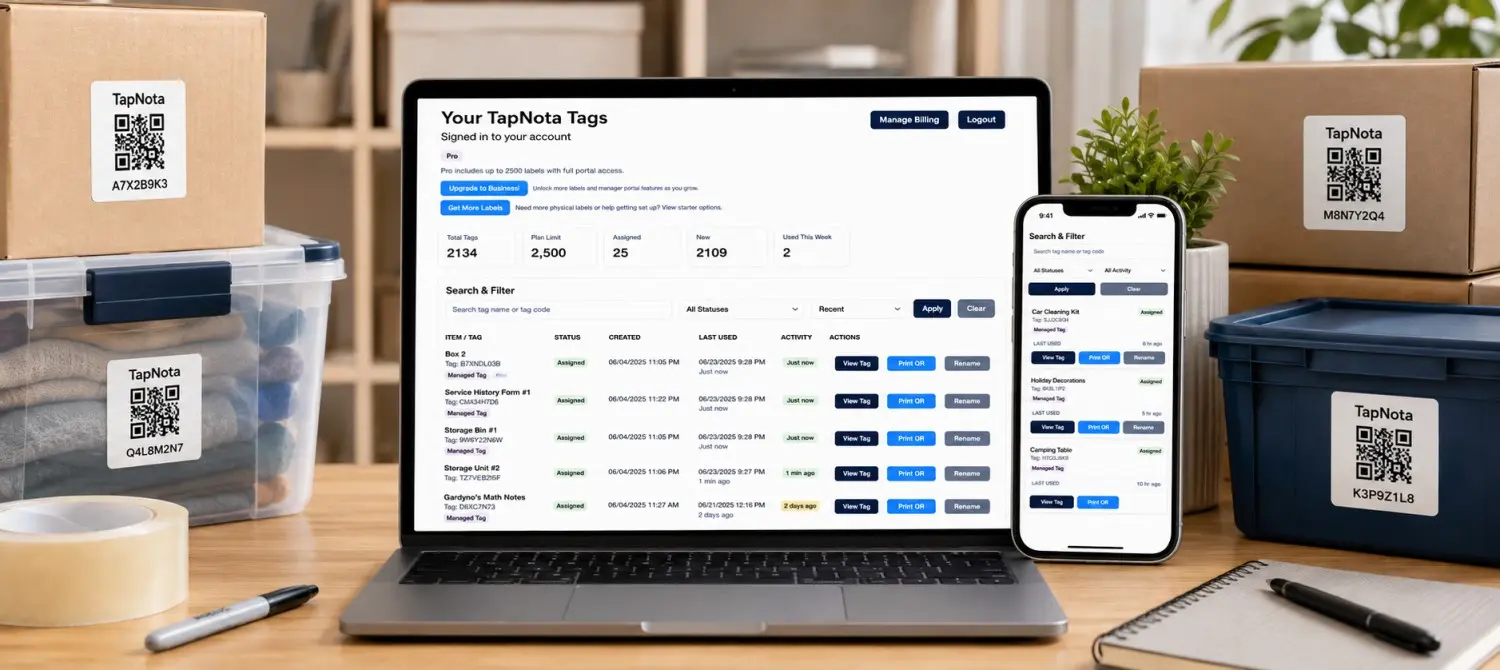
Know what is inside every box.
Label boxes, bins, totes and containers so you can search their contents without opening and digging through everything.
Explore moving labels →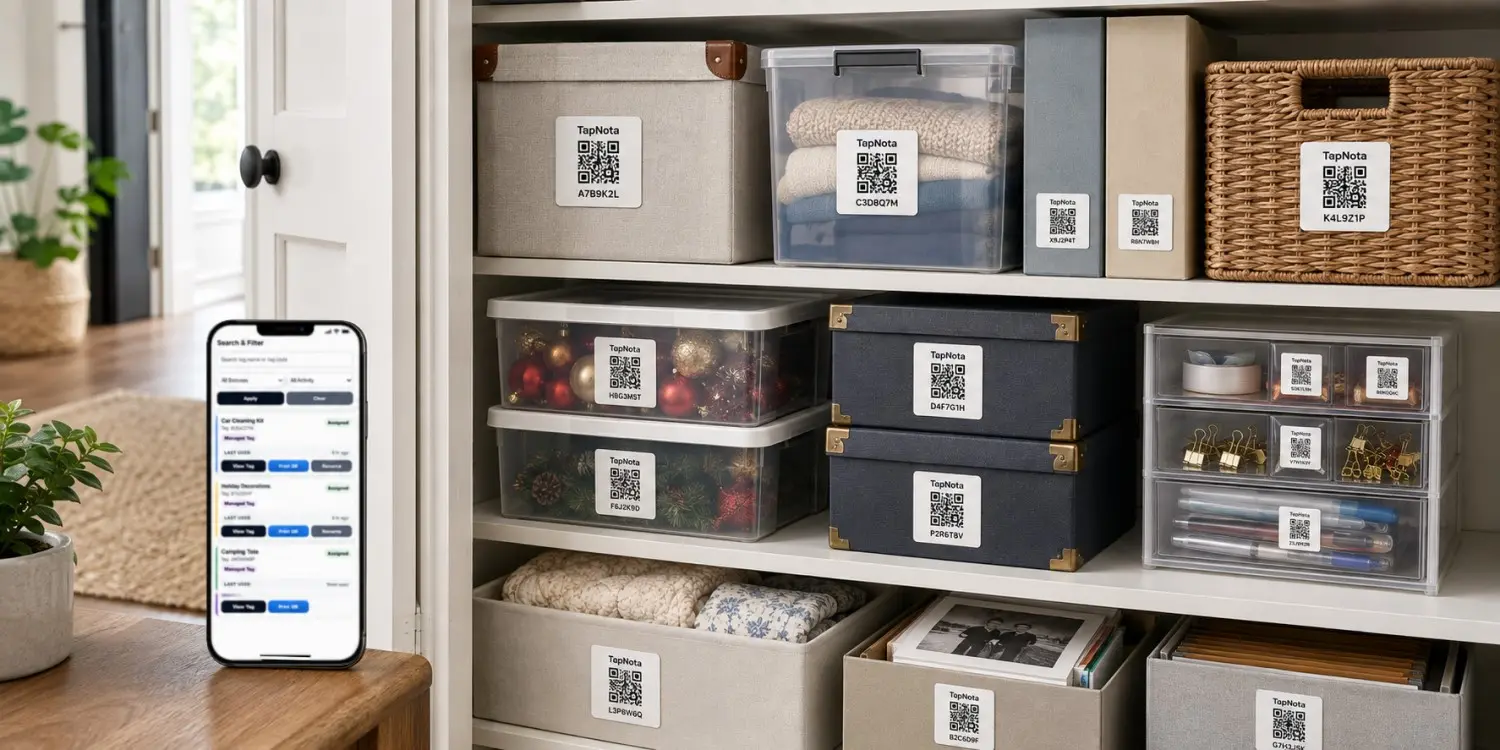
Create a searchable home inventory.
Organize garage items, closet storage, holiday decorations, keepsakes and household supplies from one convenient portal.
View home inventory →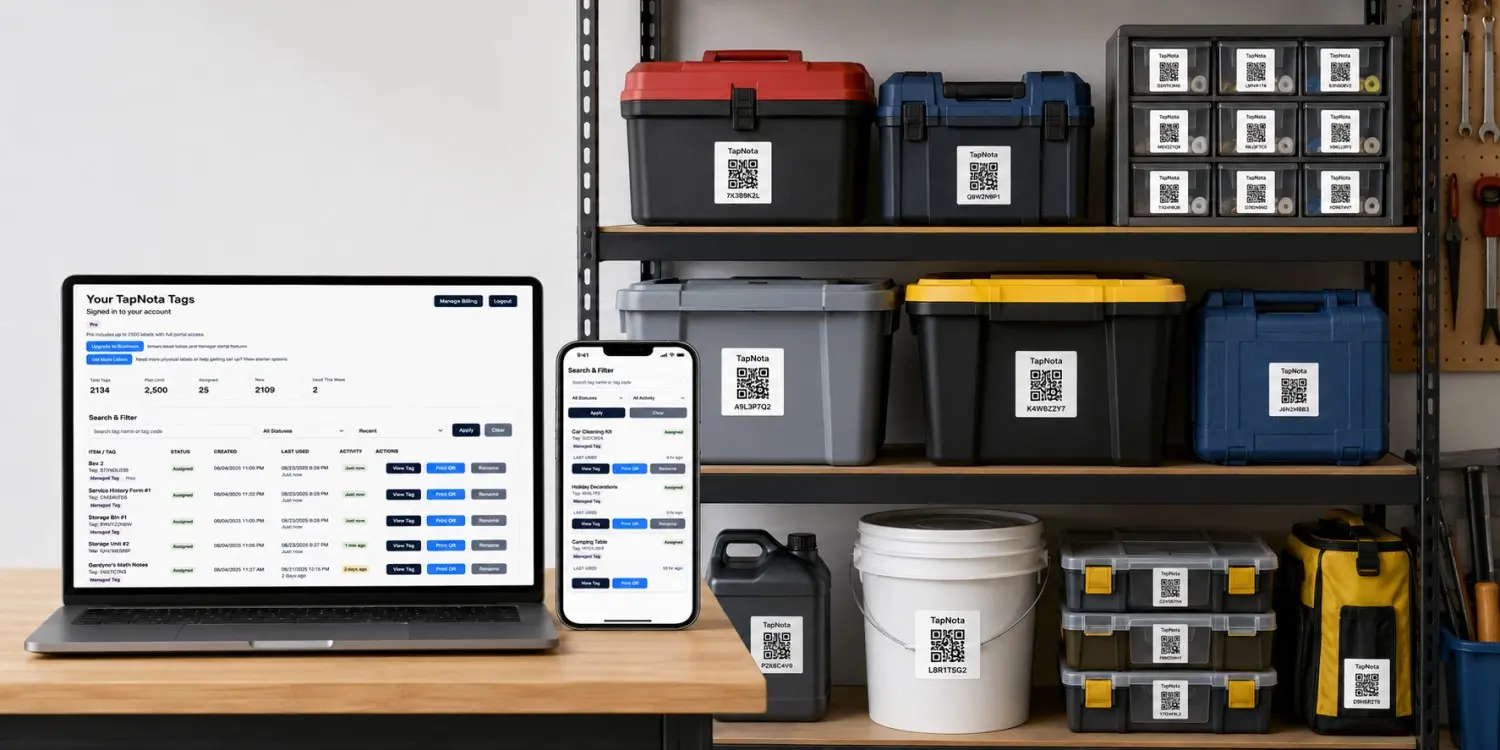
Track supplies, inventory and shared items.
Keep searchable records for business inventory, office equipment, rental items, supplies and operational assets.
Explore business labels →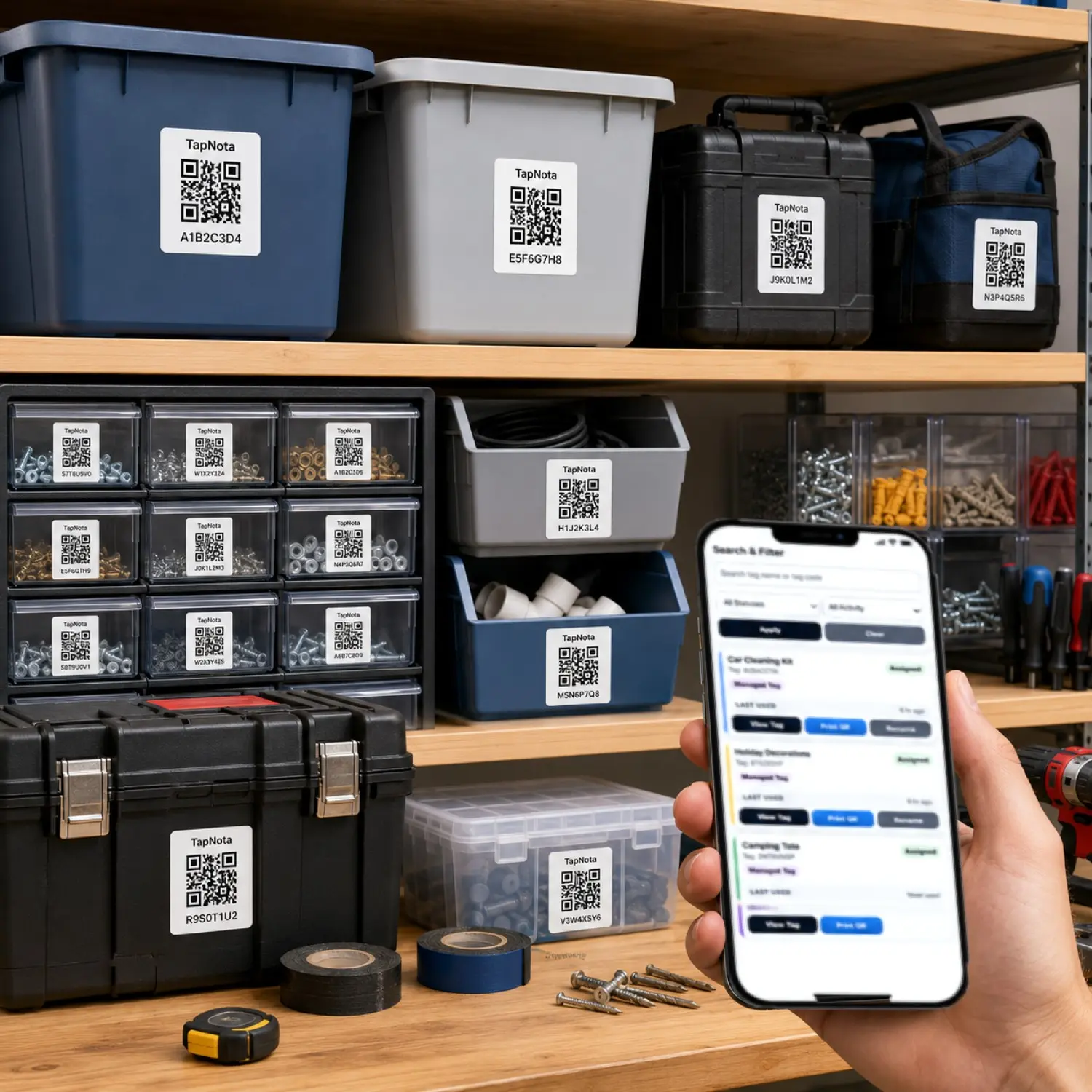
Keep equipment details with the equipment.
Connect tools, machines and equipment to notes, photos, identification details, service records and status information.
Explore tool organization →Use a full-size label on the bin — or a Mini on the smaller item
TapNota gives you two physical label sizes while keeping the digital experience consistent. The same Portal, Item Pages, search, notes, photos, AI, status, privacy, and sharing work behind both sizes.
Label the container, the individual item, or both.
Use the original 2" × 2" labels on storage bins, moving boxes, equipment cases, totes, shelves, and larger surfaces. Use 1" × 1" TapNota Minis on tools, drawers, folders, organizers, electronics, small containers, and tighter spaces.
Smart QR labels that keep working as your inventory grows
First, activate a purchased pack with one scan. Next, use the label size that fits the object. Then, add another pack to the same account when you need more labels. Finally, reprint a QR if the physical label ever needs replacing.
One scan activates the pack
Therefore, setup stays simple: scan one label, verify the email, and the purchased pack connects to your account.
Two sizes. One TapNota system.
For example, use 2-inch labels on bins and boxes while Minis fit smaller tools, drawers, folders, cases, and compact items.
Add another pack anytime
In addition, future packs can join the same TapNota account, so you do not need a separate inventory each time you grow.
Create, print and replace
As a result, a damaged physical label does not have to erase the record; reprint the connected QR and keep the Item Page history.
Start with one project. Keep the same system when the next project starts.
Because the Portal is account-based, you can organize a closet today, a garage tomorrow, moving boxes next month, or business inventory later without rebuilding from zero.
Helping customers organize, move, and find things faster
See what customers are saying about TapNota Smart QR Labels for storage bins, moving boxes, garages, closets, classrooms, and everyday organization.
Get and stay organized!
“These are AMAZING! If you want an easy way to get and stay organized, get these storage labels!!!”
Easy to use
“Makes organizing tubs in the garage or closet easier. No longer have to open every box to find what I'm looking for.”
Great when moving
“What a great idea!!! So helpful when moving.”
Very user friendly
“Very user friendly.”
In addition, review excerpts were shortened for display and may come from different TapNota pack sizes shown on Amazon.
Choose the TapNota label size and pack that fit your project
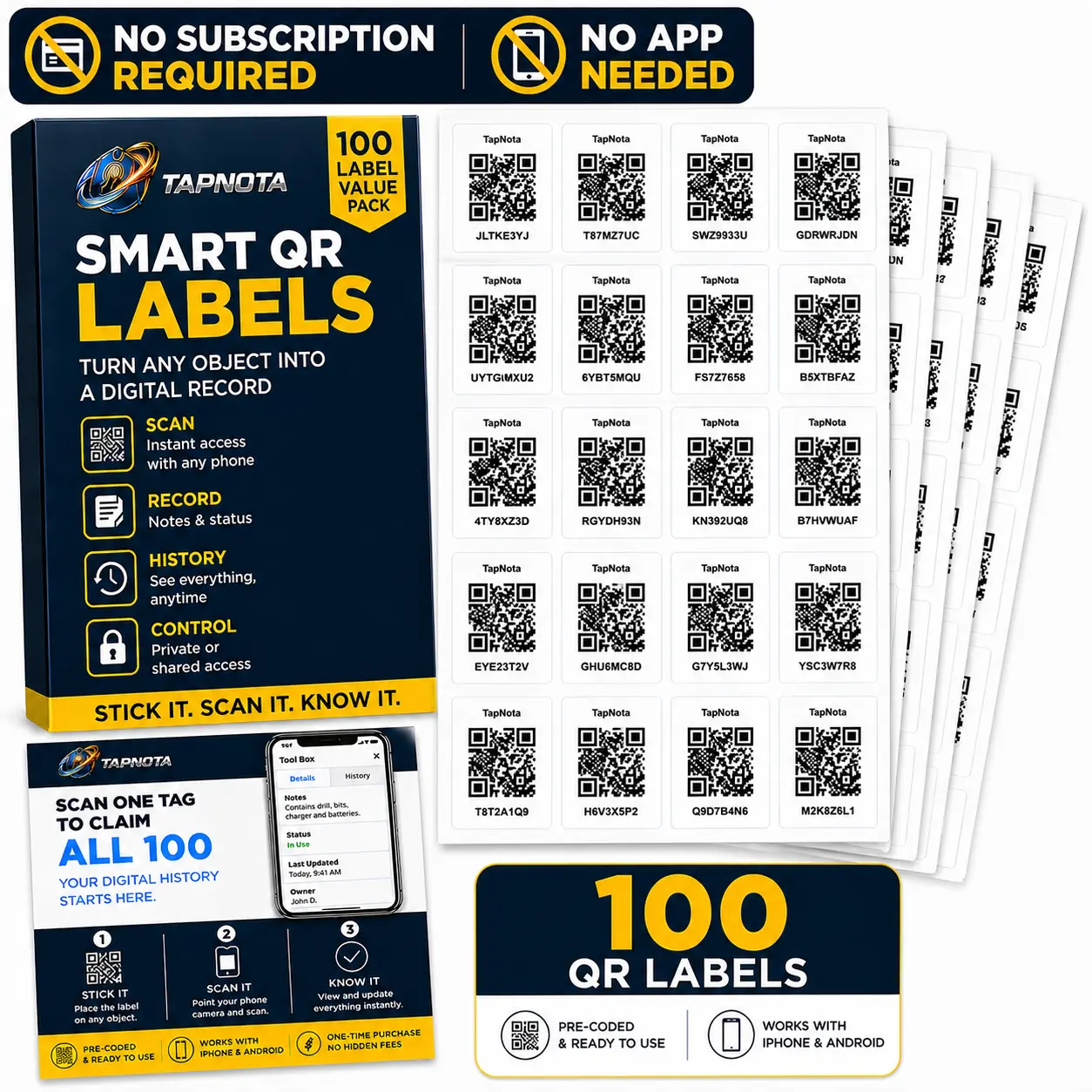
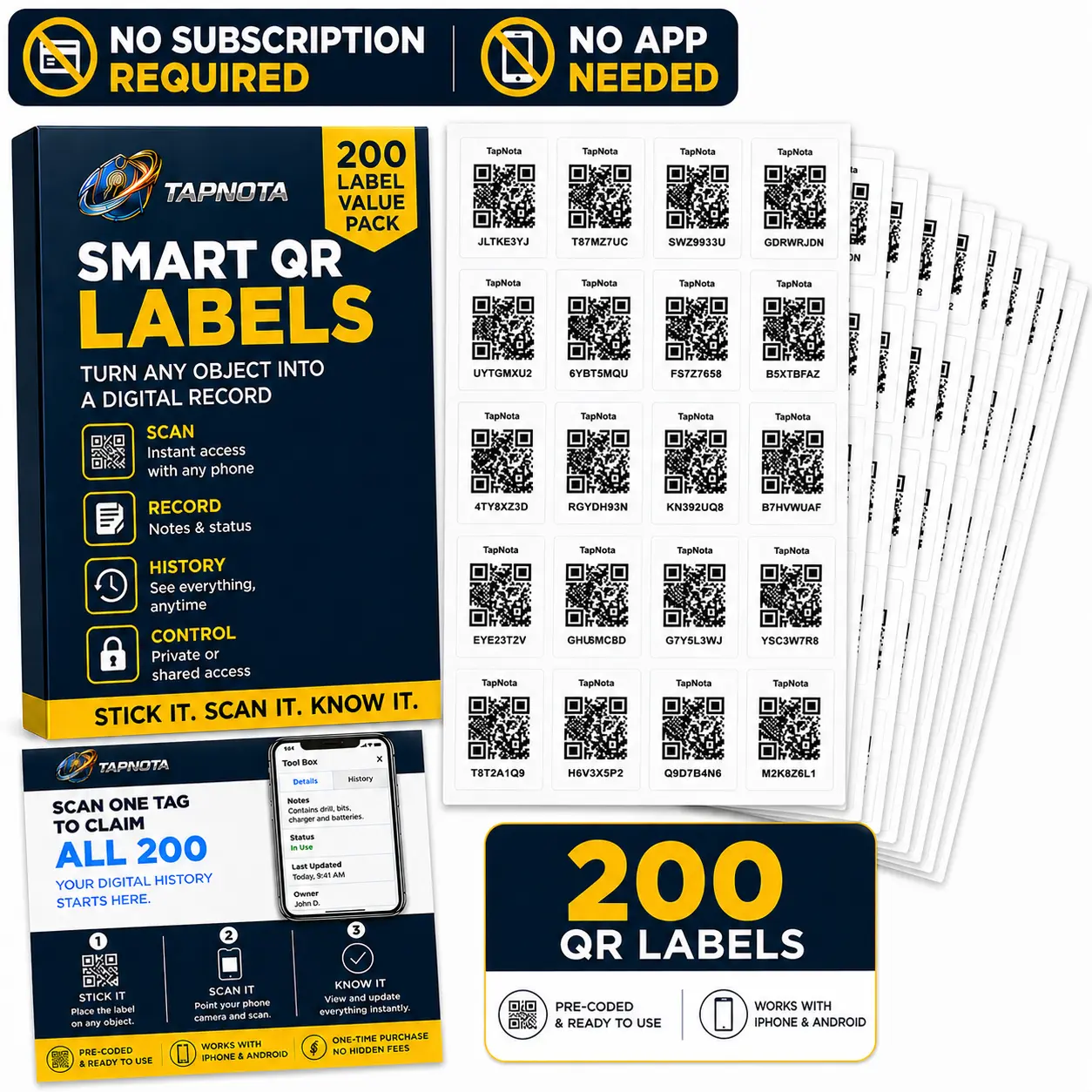
TapNota smart QR labels are available in original 2" × 2" sizes and compact 1" × 1" Minis. Purchased packs connect to the same TapNota system: Item Pages, Portal search, AI item identification, sharing, status, notes, photos, folders, and QR reprints.
100 Pack →
200 Pack →
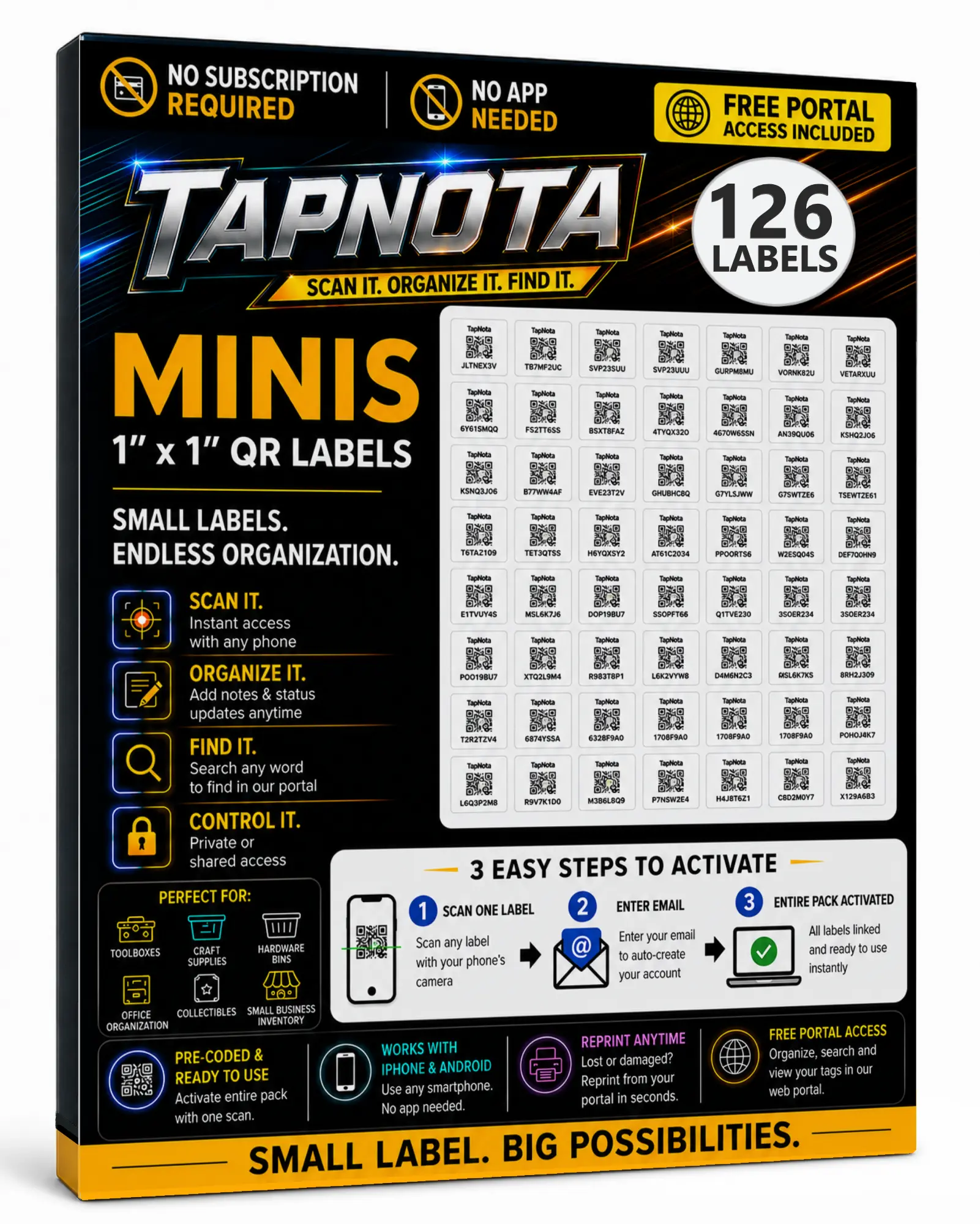
126 Pack →
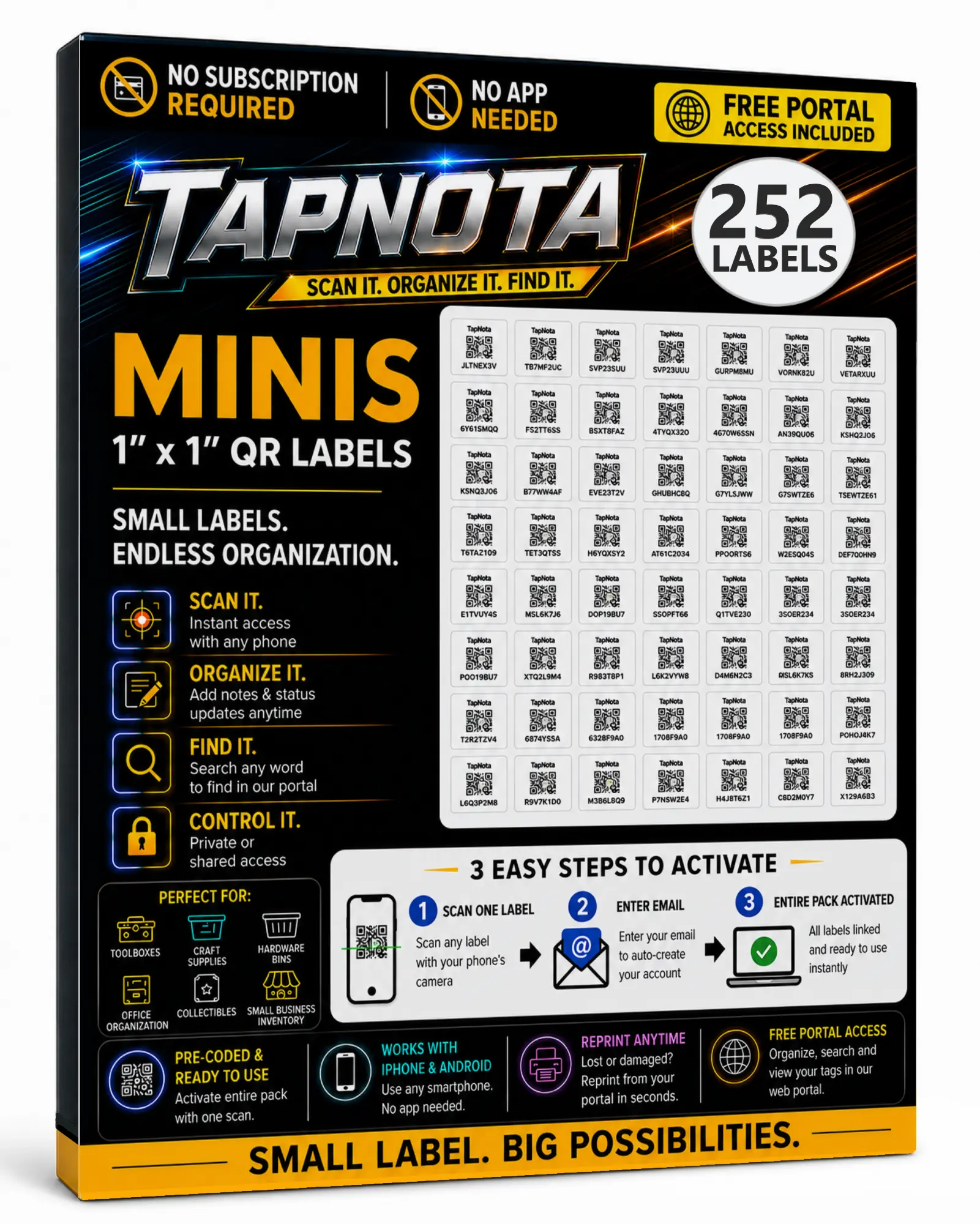
252 Pack →
Start free. Upgrade when you need more active tags.
Every TapNota account includes the tools you need to organize your items with QR-powered pages, folders, notes, photos, search, and sharing. Then, choose a larger plan when you need more active tags, more AI credits, or more Shared Account Access members.
Purchased a TapNota Smart Tag Pack on Amazon?
Claiming your purchased pack gives your account up to 600 included active tags, 200 monthly AI credits, 3 additional Shared Account Access members, and access to TapNota’s core organization tools.
Therefore, you do not need to purchase a monthly plan just to activate and use your Amazon tags. In addition, purchased packs can still be activated if your account goes over its included capacity. Your purchased tags will continue working, and your portal will let you know when a larger account plan is recommended.
Starter
Create a small TapNota system and explore the portal for free.
Lite
Great for home storage, tools, moving boxes, collections, and shared household inventory.
Pro
Built for families, shops, equipment, collections, and small teams.
Business
Designed for larger inventories, assets, equipment, and multi-user operations.
Smart QR labels for storage, home inventory, moving boxes, tools, equipment, and business assets
Explore the workflows people use TapNota for most: QR code labels for storage, home inventory, moving labels, inventory management, tool tracking, equipment tracking, and searchable business asset records.
Common questions people have before getting started
Do I need an app to use TapNota?
How does a TapNota pack activate?
What happens the next time the QR code is scanned?
What can TapNota search?
How does Identify with AI work?
Can more than one person use the same inventory?
Can I keep an item private or share it?
What if a label gets damaged?
Start with the label — then keep the record useful for the life of the item
TapNota gives physical items a digital record you can search, update, share, and manage later. For example, use it for storage, home inventory, tools, equipment, supplies, assets, records, and the everyday things you want to stop losing track of.