
Activate the Entire Pack Once
Scan any label in the purchased pack, enter and verify your email, and TapNota connects the whole pack to your account.
You do not activate every label separately.

Label storage bins, boxes, shelves, closets, drawers, cabinets, pantry containers, tools, and household items with TapNota. QR-powered home organization labels connect physical belongings to searchable notes, photos, locations, folders, and history.
Home Organization Labels Image
Add one lifestyle image showing labeled storage bins, closet shelves, pantry containers, and a phone displaying TapNota.
Labels work best when they are clear, consistent, and easy to update. Use short category names on the outside and keep detailed information connected digitally when needed.
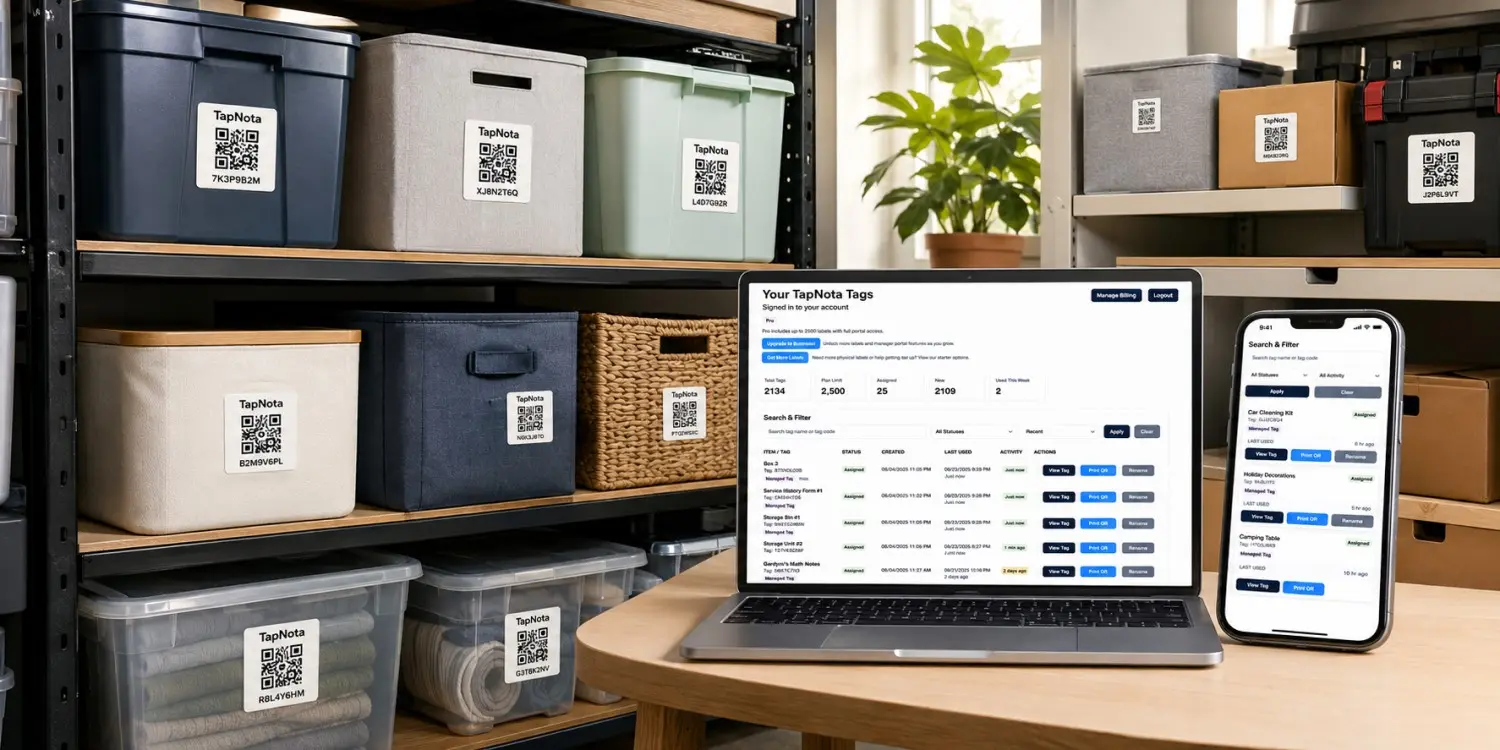
Choose clear labels such as Winter Clothes, Baking Supplies, Hand Tools, or Holiday Lights instead of vague words like Miscellaneous.
Place labels where they can be read from the aisle, doorway, shelf, or normal viewing angle.
Use TapNota QR pages to update contents, locations, photos, and notes without replacing the physical label.
Create a labeling system that helps your household find and return items consistently.
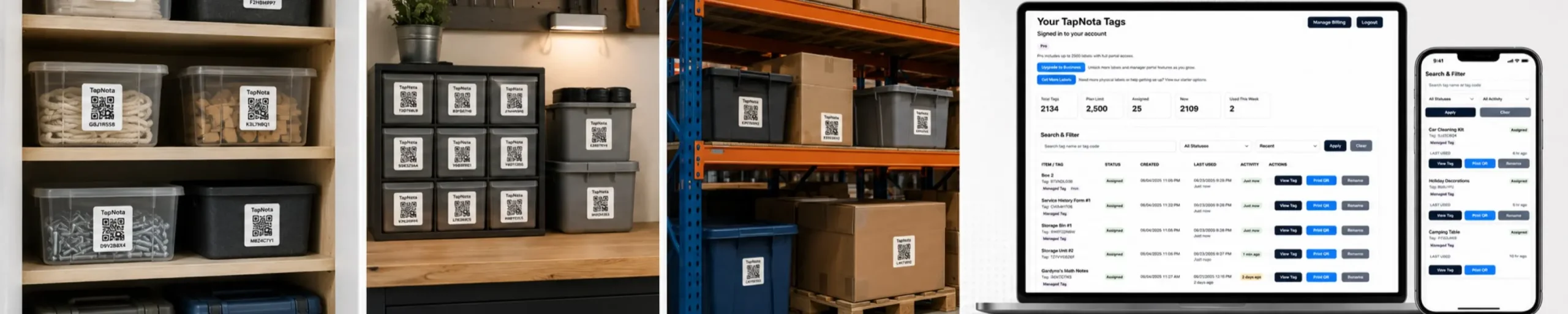
Start with one closet, pantry, garage section, room, or group of storage bins.
Group similar items by purpose, room, season, family member, or frequency of use.
Use a category that is easy for everyone in the household to understand.
Place labels in the same general location on bins, boxes, shelves, or containers.
Record contents, photos, locations, notes, and history on the connected TapNota page.
Keep the same QR label while updating the record when contents move, grow, or change.
TapNota works for containers, shelves, drawers, equipment, household assets, and storage areas.
Label pantry zones, baking supplies, small appliances, serving pieces, backup food, and kitchen storage.
Organize seasonal clothing, shoes, accessories, linens, keepsakes, and hand-me-downs.
Label toys, books, school supplies, clothes, art projects, and activity bins.
Organize towels, cleaning supplies, toiletries, backup products, and laundry categories.
Label tools, hardware, sports gear, automotive supplies, equipment, and storage bins.
Label seasonal bins, shelves, boxes, keepsakes, documents, and long-term storage.
Organize cables, devices, files, supplies, equipment, and office storage.
Track lawn equipment, pool supplies, camping gear, seasonal décor, and utility storage.
Different household items need different label sizes and placement.
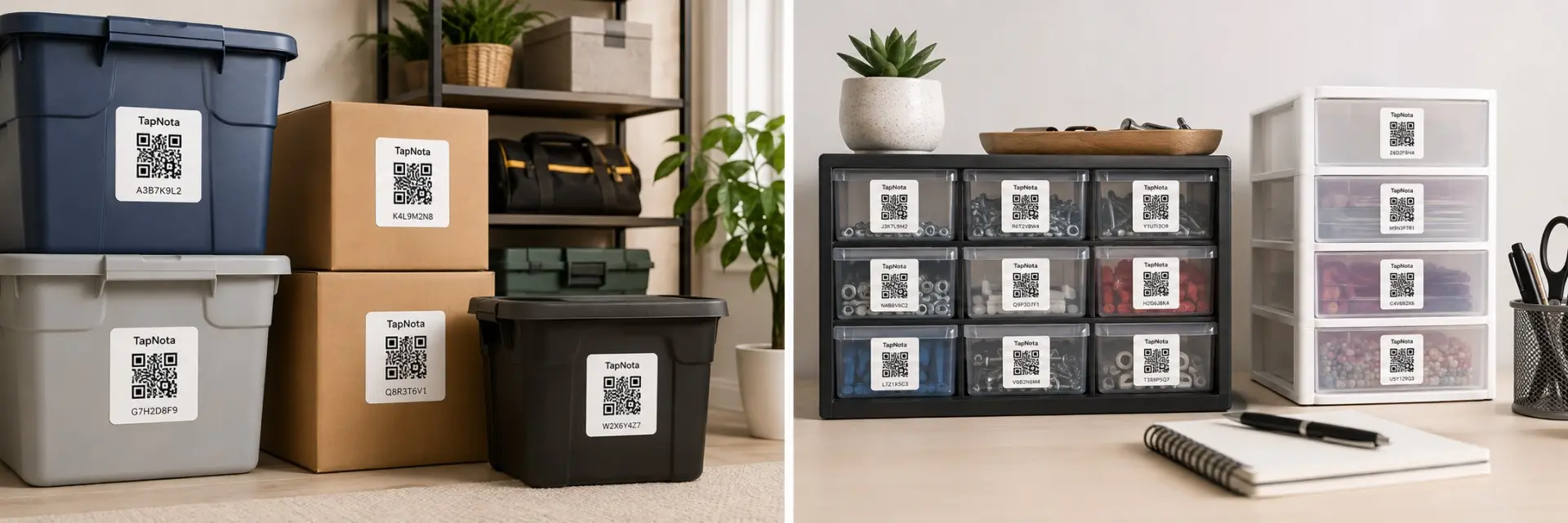
A printed category label shows what something is. TapNota also connects it to detailed, searchable, and updatable information.
| Feature | Traditional Home Label | TapNota QR Organization Label |
|---|---|---|
| Show a category | Short printed or handwritten text | Clear label plus a connected digital record |
| List detailed contents | Limited by label space | Add a searchable contents list |
| Add photos | Not available on the label | Upload photos directly to the item page |
| Track location | Rewrite the label when items move | Update the room, shelf, or bin location anytime |
| Organize by folder | Not available | Group records by room, category, or purpose |
| Update contents | Replace or rewrite the label | Update the digital page without relabeling |
| Replace a damaged label | Create a new label manually | Reprint the existing QR code |
Keep notes, photos, locations, folders, and history connected to the physical bin, shelf, tool, container, or household item.
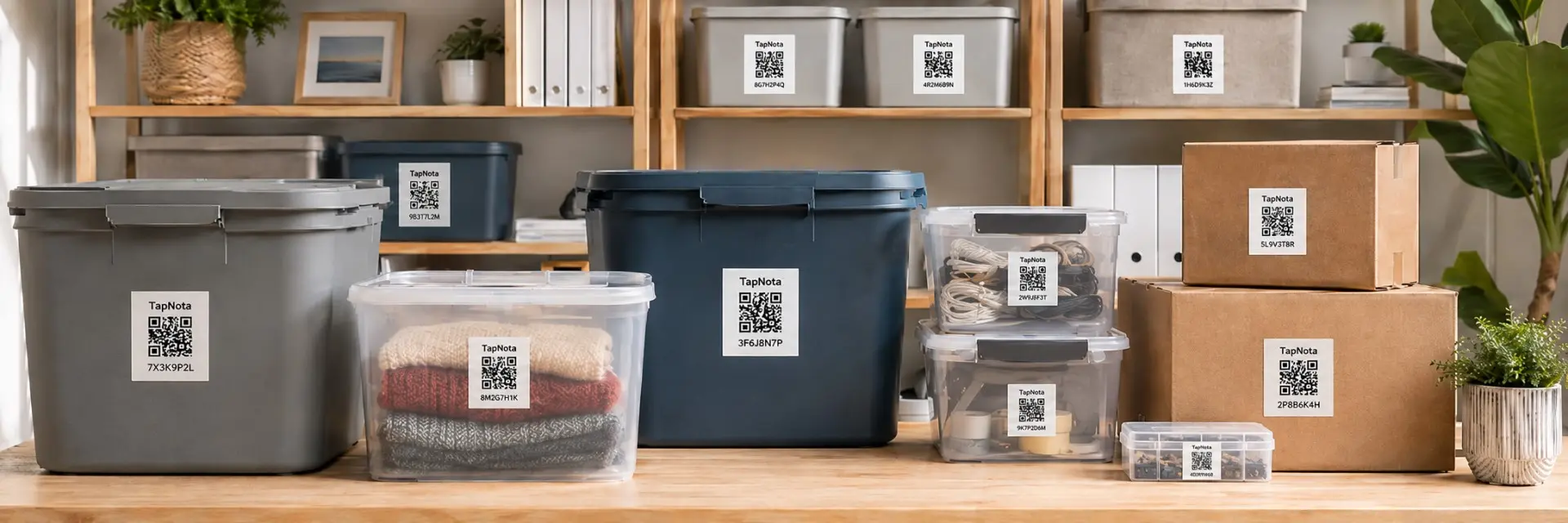
TapNota Product Image
Add one product image showing TapNota label packs with labels on storage bins, shelves, drawers, tools, and household items.
Use original 2-inch TapNota labels for bins, boxes, shelves, cabinets, equipment, and larger household items. TapNota Minis work well for drawers, tools, electronics, pantry containers, and smaller organizers.
Use clear categories, consistent placement, and TapNota QR records to organize bins, shelves, closets, tools, and household storage.
Need more labels? Buy additional TapNota pre-coded packs on Amazon. Scan one label to activate your entire pack instantly.











