
Activate Your Entire Pack
- Open your phone’s camera and scan any label in the pack.
- Enter and verify your email address.
- TapNota connects the entire pack to your account at once.

Photograph visible items before you put them away. TapNota AI helps identify what it sees, creates an item list for you to review, and keeps that information connected to the smart QR label on your box, bin, tote, tool, or other item.
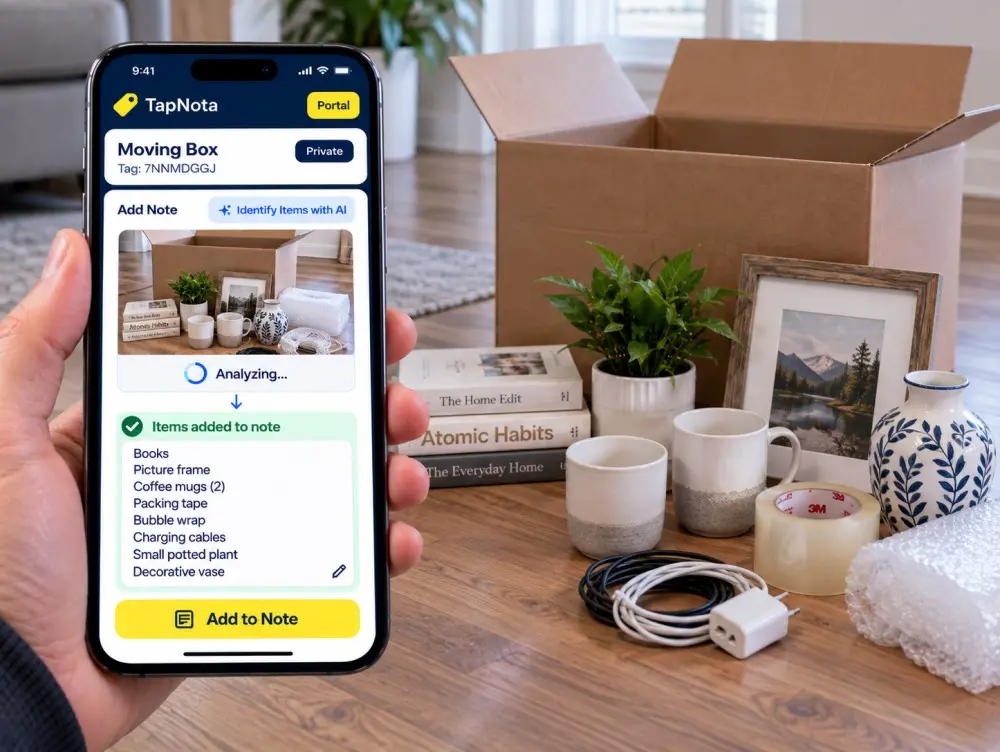
Photograph loose items before storage.
TapNota helps create your item list.
Edit the result before saving.
Find it again from your Portal.
A detailed inventory is useful. Entering every object manually is not. TapNota AI helps shorten that process by identifying visible items from a photo and placing the results into your note for you to review.
Spread the items out where they can be clearly seen before placing them in a moving box, tote, bin, cabinet, or other container.
TapNota AI analyzes the photo and helps identify multiple visible objects so you do not have to type the entire contents manually.
Once you review and save the note, those words become searchable information inside your TapNota system.
Open the Item Page connected to your TapNota QR label while logged into your account. The AI tool is available directly beside the Add Note area, keeping the workflow fast and simple.
Scan the label or open the item from your Portal.
Take a photo or choose one from your phone.
Multiple detected items can be listed one per line.
You decide exactly what gets saved to the note.
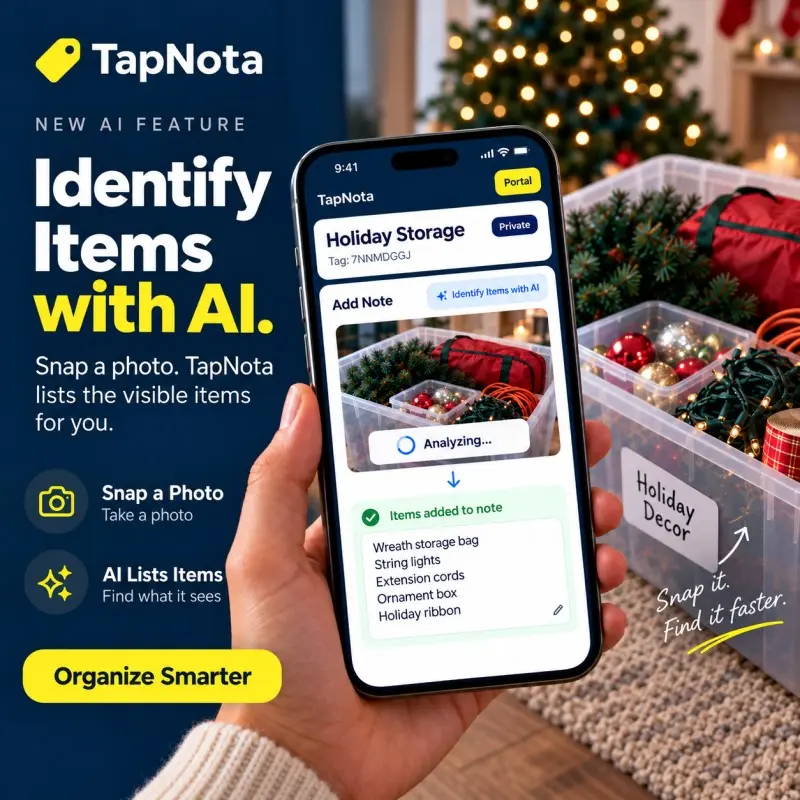
A handwritten label such as “Holiday,” “Garage,” or “Kitchen” only tells part of the story. TapNota connects that physical label to a digital record containing the details you may need months later.
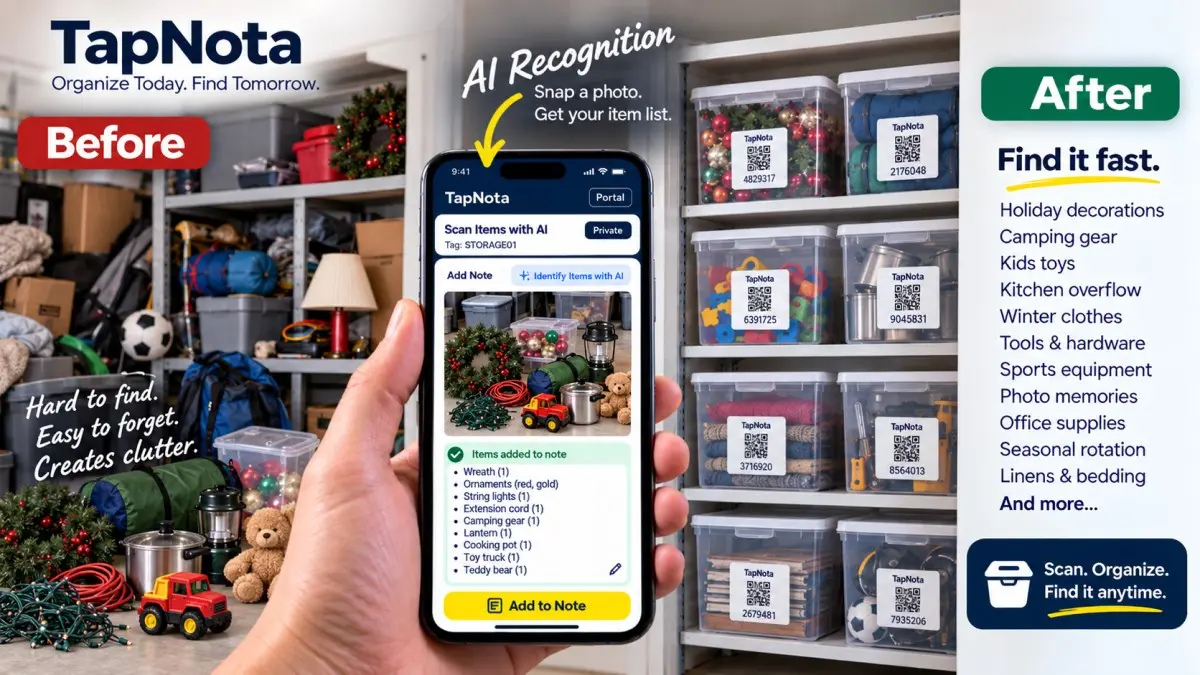
Label the container, save what is inside, and use the TapNota Portal whenever you need to locate something again.
Moving boxes, tools, seasonal decorations, clothes, toys, camping gear, hardware, kitchen overflow and home inventory all benefit from faster item entry.
Photograph the items going into the box and save the contents to that box's TapNota Item Page. Later, search for what you need without opening every box.
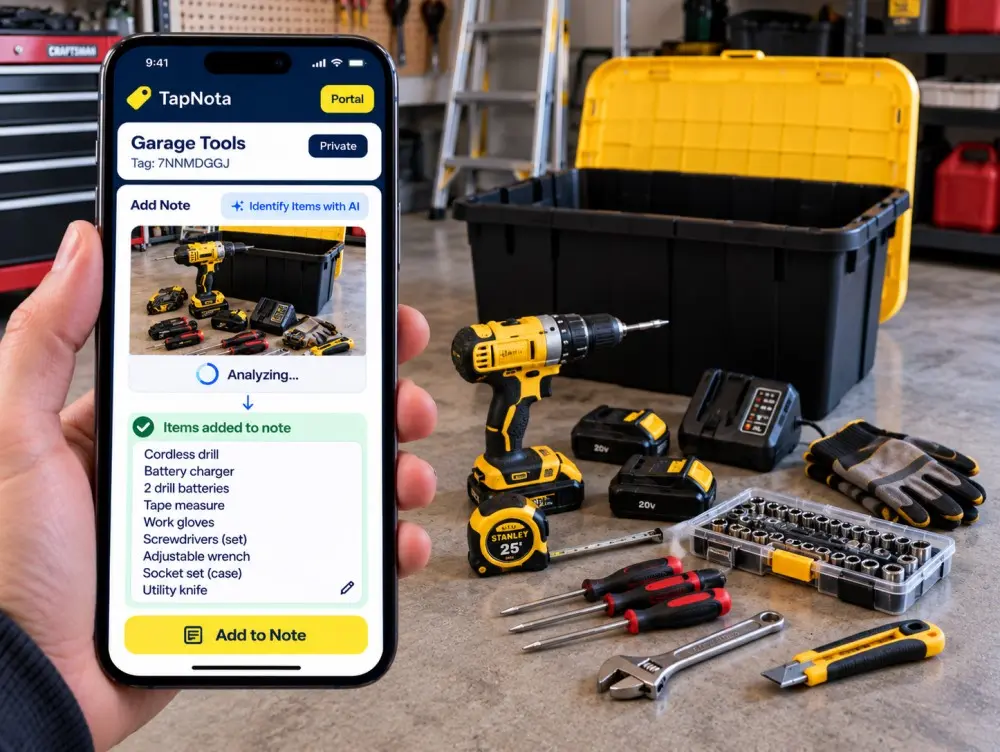
Build searchable records for drills, chargers, batteries, hand tools, accessories and equipment throughout the garage or workshop.

Record blocks, cars, puzzles, games, stuffed animals and art supplies before the bin disappears into a closet.
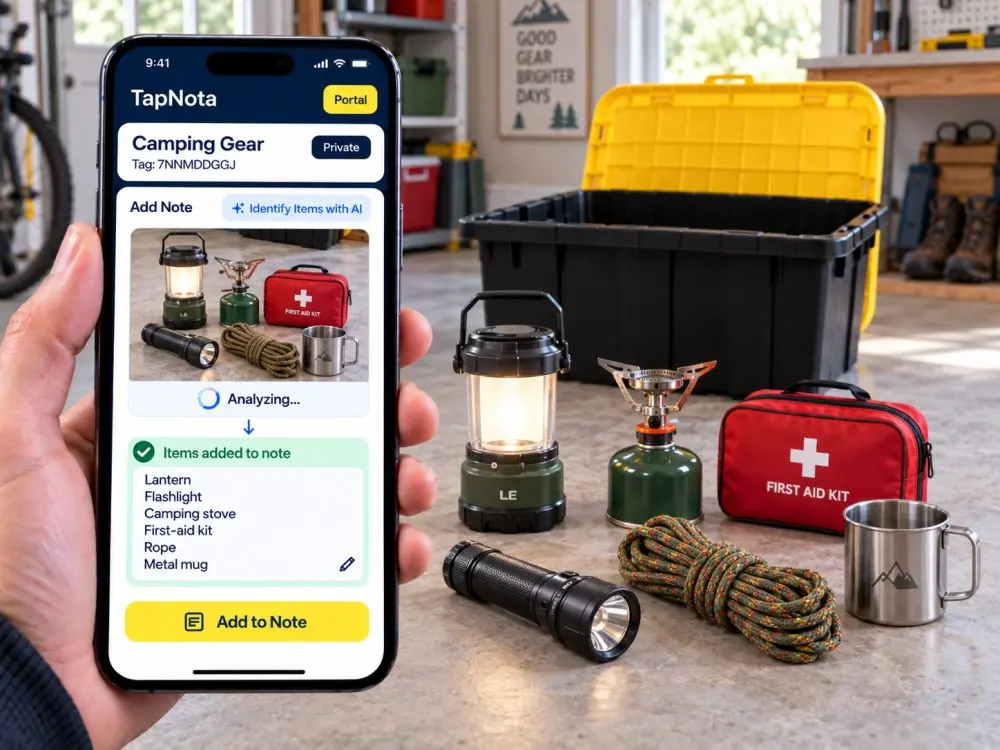
Keep lanterns, cookware, flashlights, first-aid supplies and outdoor equipment easier to locate between trips.
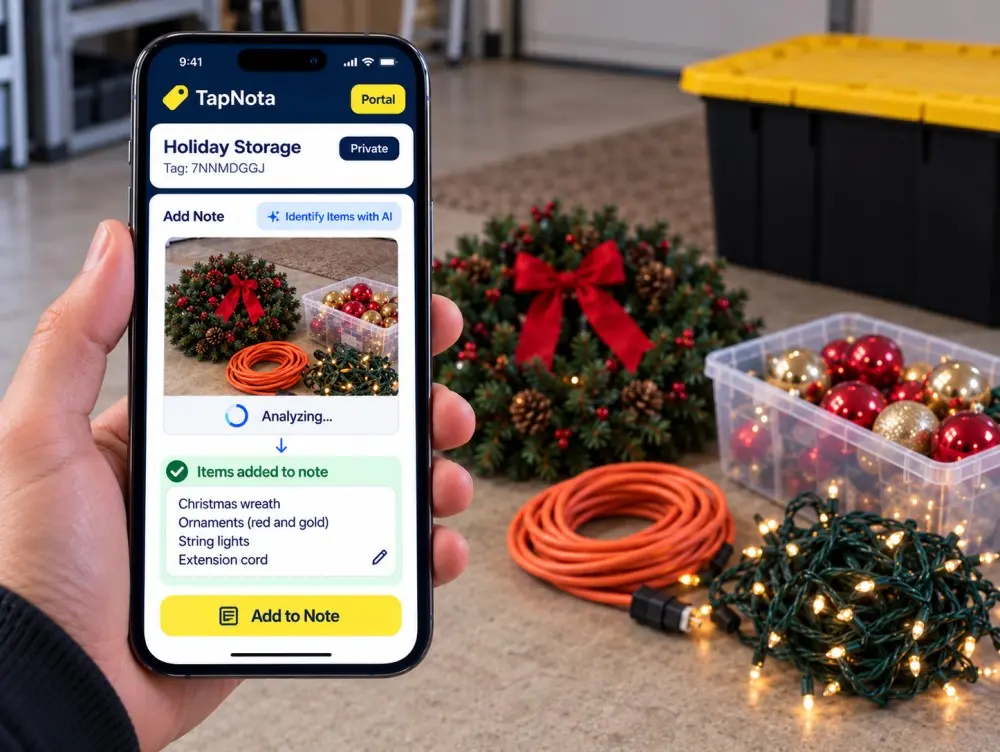
Keep track of ornaments, wreaths, lights, ribbon and seasonal decorations without opening several containers.
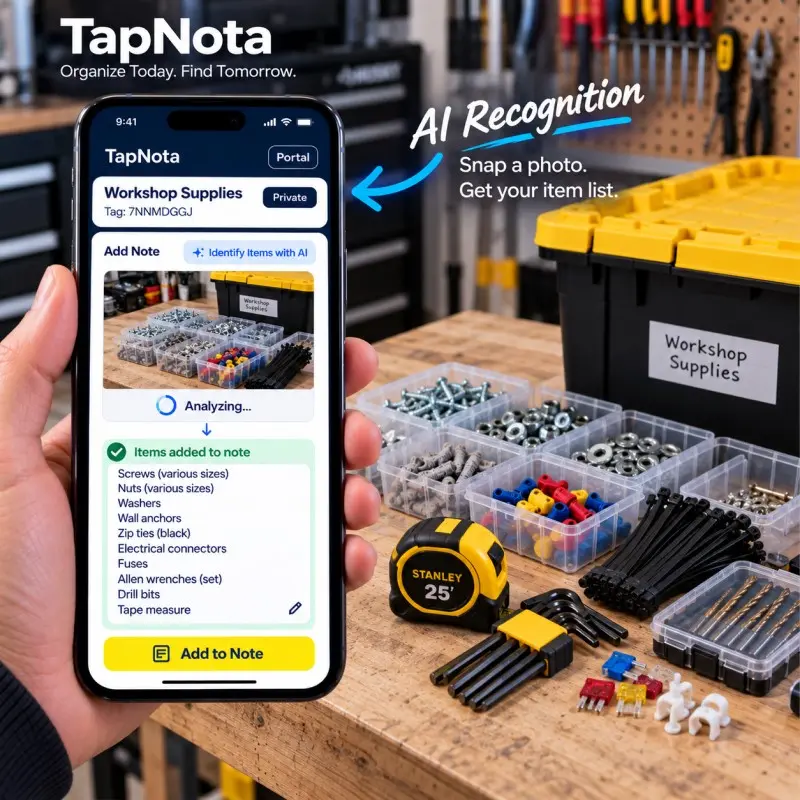
Document fasteners, connectors, drill bits, anchors and small workshop supplies that are easy to lose track of.
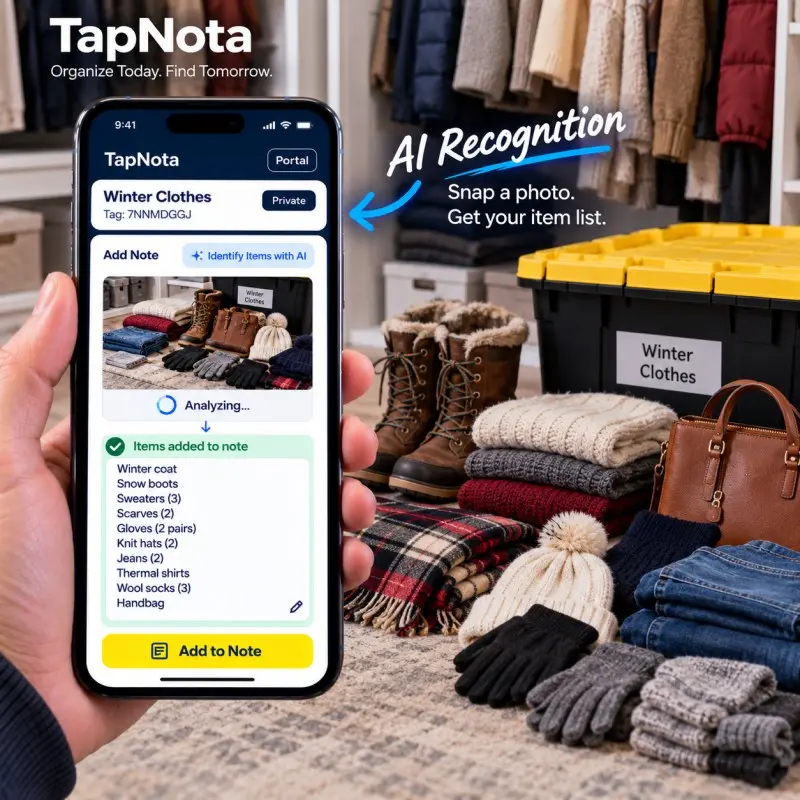
Record sweaters, coats, boots, gloves and other seasonal clothing before it goes into long-term storage.
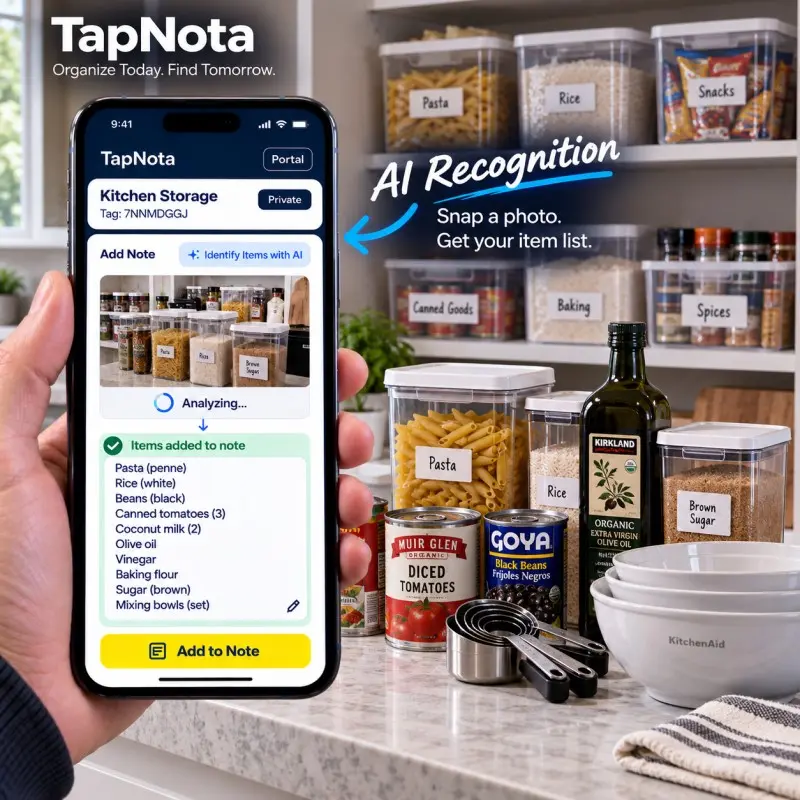
Keep pantry overflow, holiday dishes, cookware and appliances organized even when stored outside the everyday kitchen.
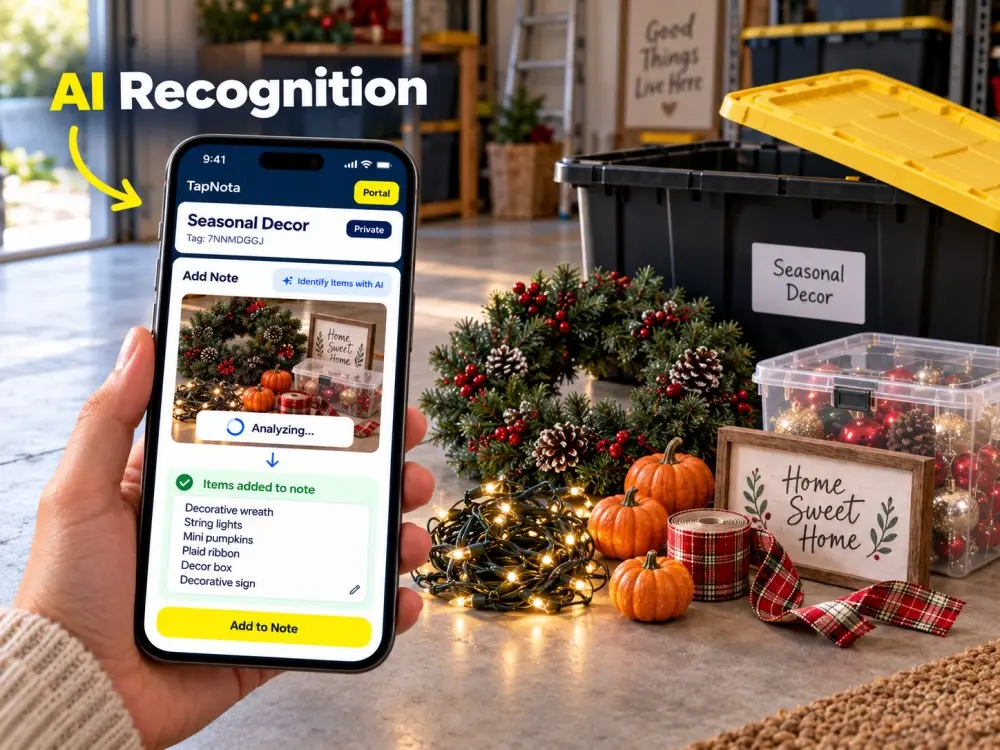
Search for the decorations you need instead of guessing which container contains them.

The real value of a storage inventory appears when you need something months later. Your TapNota Portal brings your Item Pages together so you can search from your phone or computer without scanning every physical container.
TapNota can search words saved inside your notes, which means you do not have to remember the exact Item Page title.
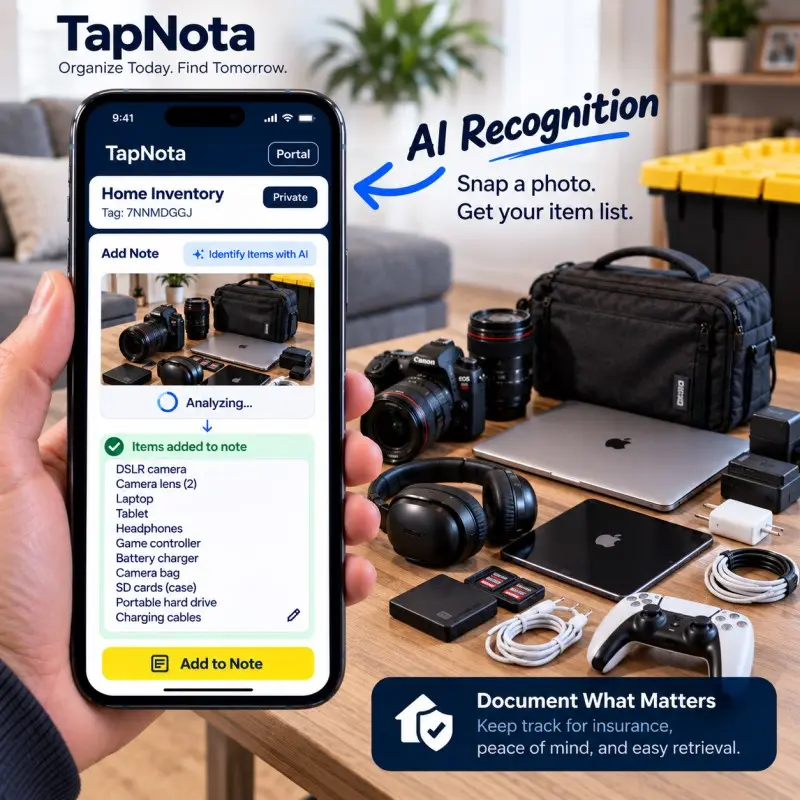
TapNota can also help build an organized digital home inventory. Use Item Pages, notes and photos to document electronics, household belongings, equipment, valuables and stored items.
When several visible objects need to be listed, AI recognition can reduce repetitive typing and give you a starting point that you can review and refine.
TapNota is not just an AI photo tool and it is not just a QR sticker. The physical label, Item Page, AI recognition and searchable Portal work together.
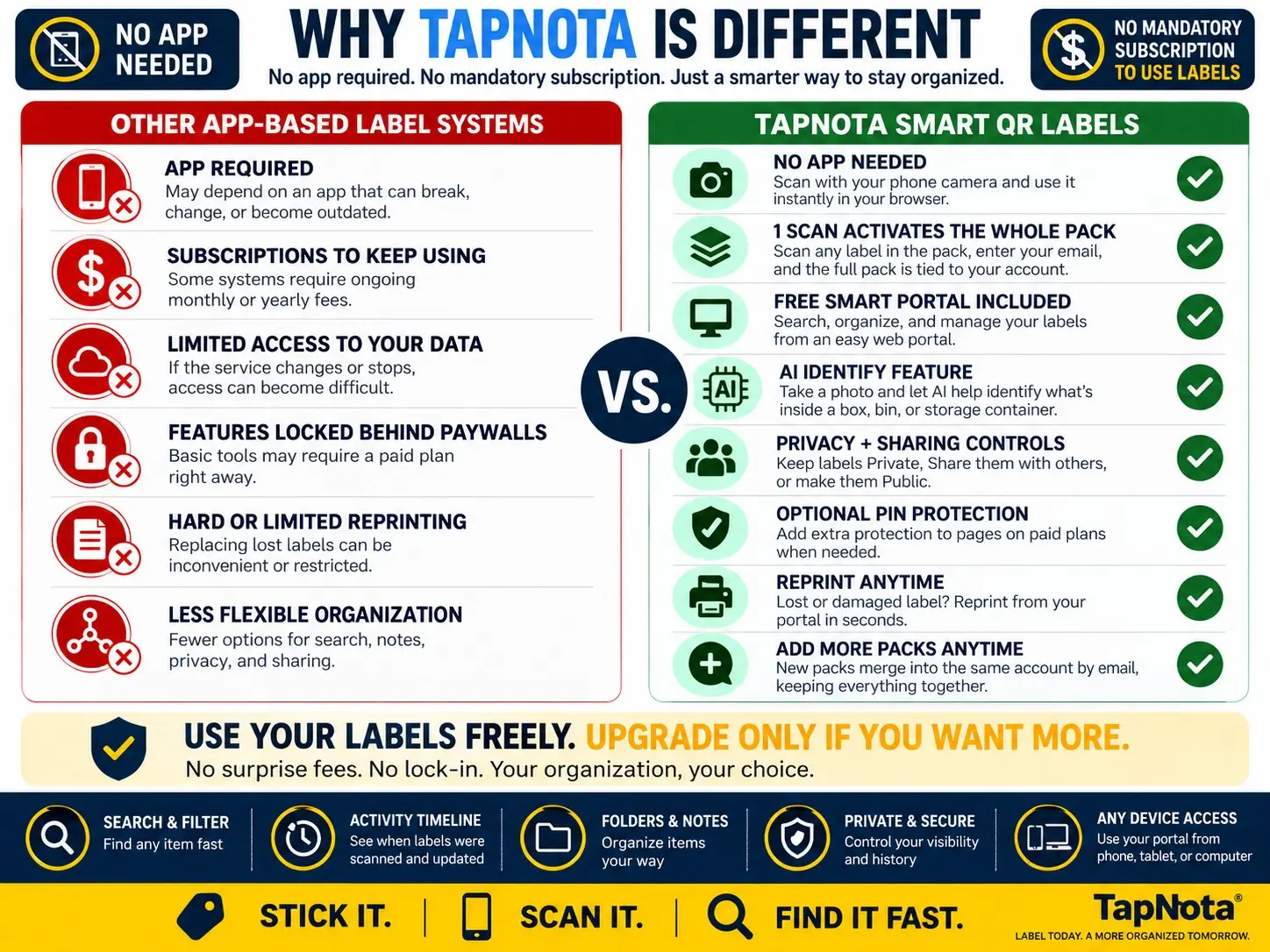
TapNota AI becomes even more useful when it is part of your larger storage, moving, home inventory, tool organization or inventory system.
Turn storage bins, moving boxes, tools, gear and household belongings into searchable digital records with TapNota Smart QR Labels.
Common questions about AI identification, photos, smart QR labels and saving searchable information.
TapNota AI analyzes a photo you provide and helps identify visible items. The results are placed into the Note area so you can review, edit and save them to the Item Page.
Make sure you are logged into the TapNota account that owns the tag. The AI option is available to the signed-in owner of the Item Page.
No. TapNota is web based. Scan the QR label with your phone camera and use the Item Page through your browser.
For the most useful item list, photograph the loose items before putting them inside the storage bin, tote or moving box. Make sure the objects are clearly visible.
Yes. When several objects are visible, TapNota can identify multiple items and place them into the Note area for review. Image quality and item visibility can affect the results.
Yes. The AI result is editable. Review it, add or remove anything you want, and then save the final note.
No. The image used for AI identification is separate from your permanent Item Page photos. If you want to keep a photo on the Item Page, add it using the normal photo option.
Yes. Photograph the items before packing the box, review the generated contents list, and save it to the Item Page connected to that moving box's QR label.
Yes. TapNota can help organize records for household belongings, electronics, equipment, valuables and stored items. AI recognition can make it faster to create item lists from photos.
Search your TapNota Portal from your phone or computer using the item name, note text, folder name, tag code or other information saved to the Item Page.
Need more labels? Buy additional TapNota pre-coded packs on Amazon. Scan one label to activate your entire pack instantly.







