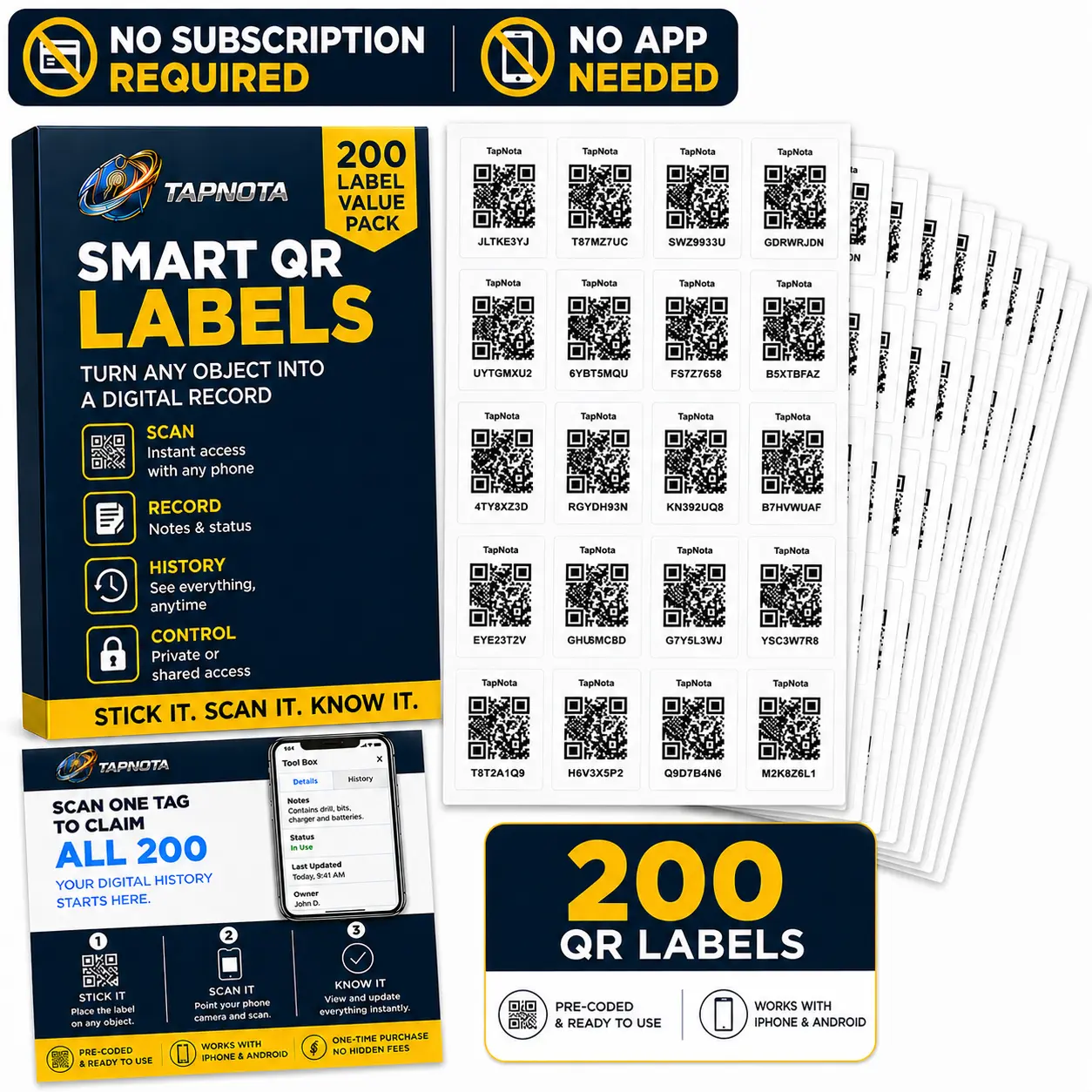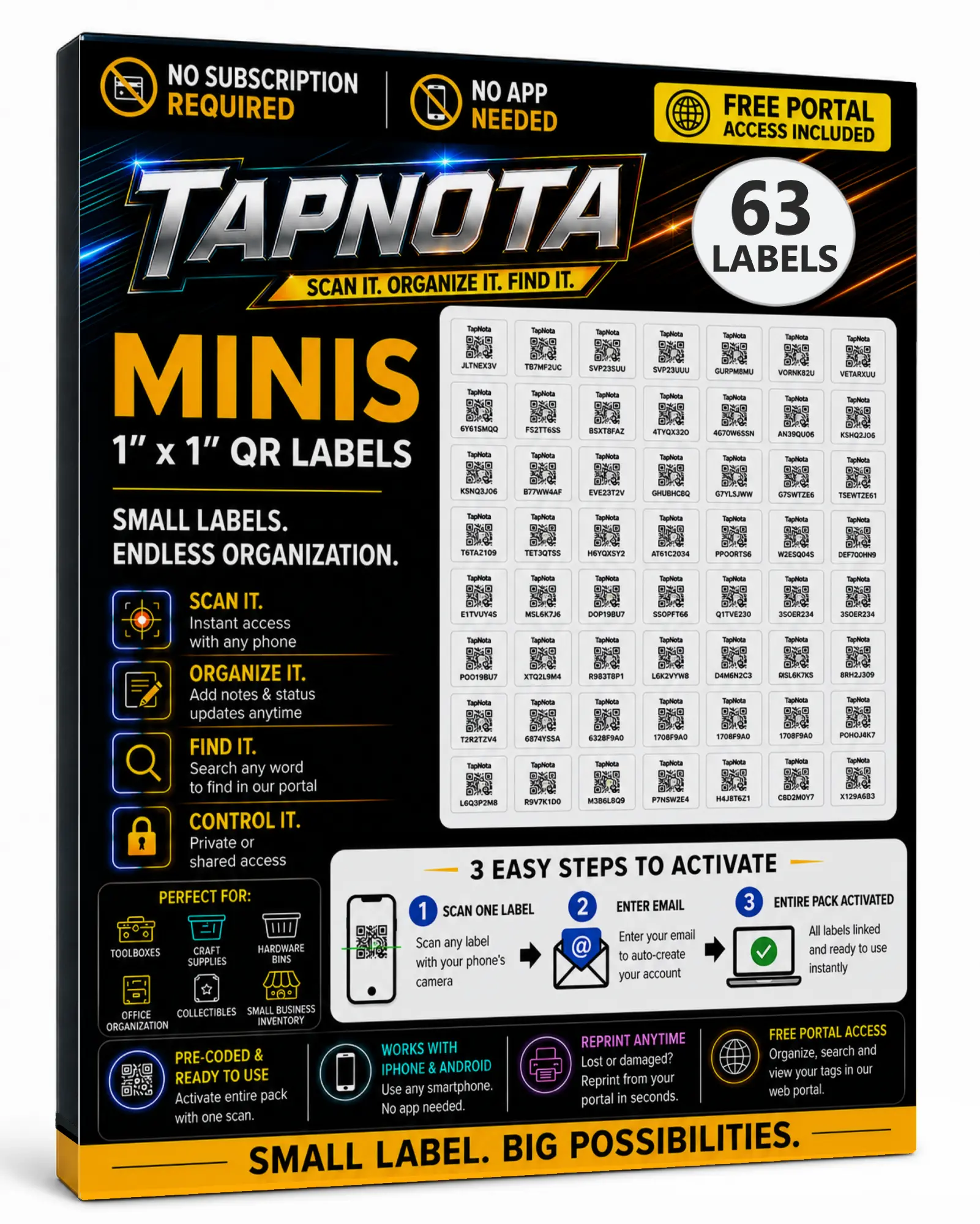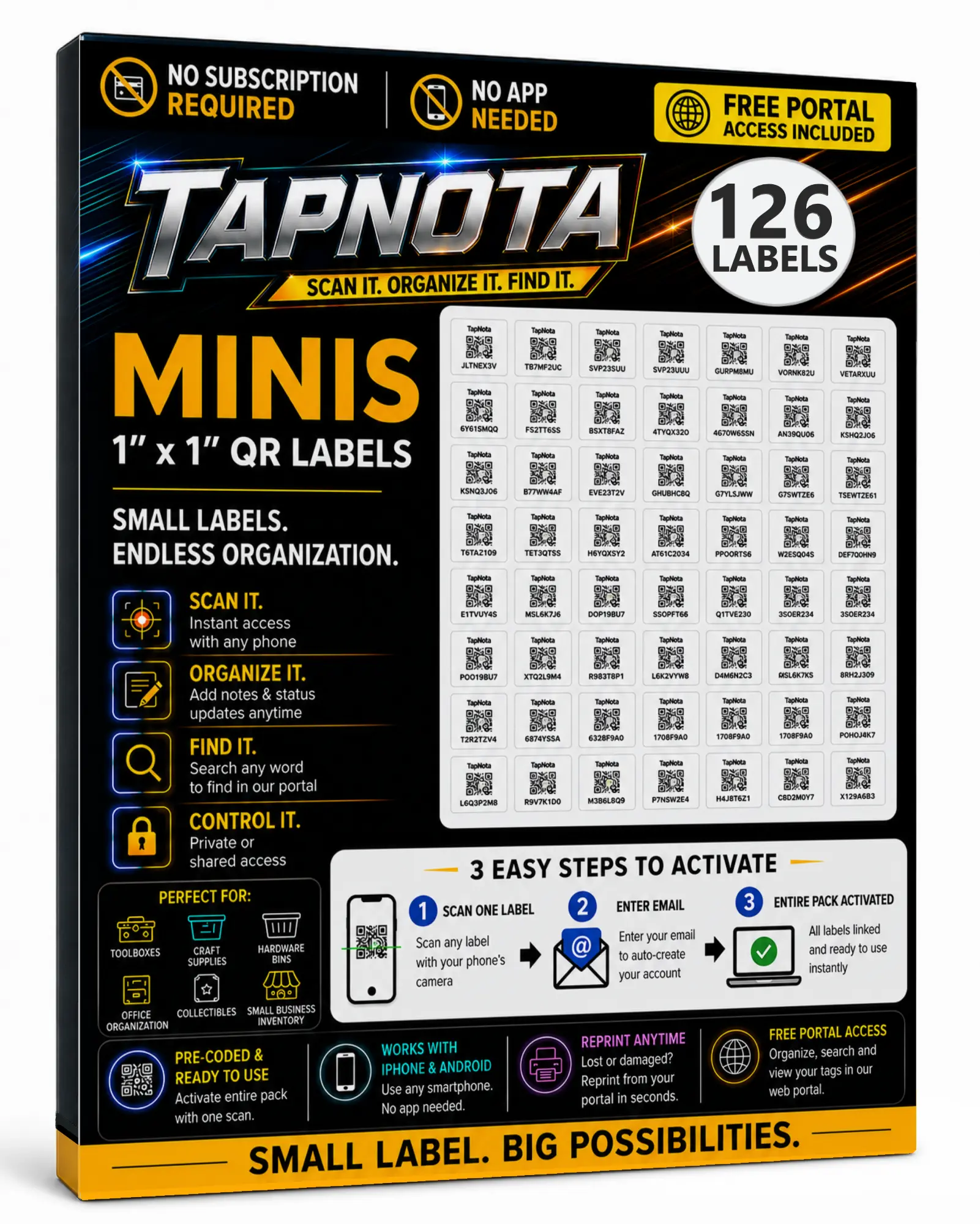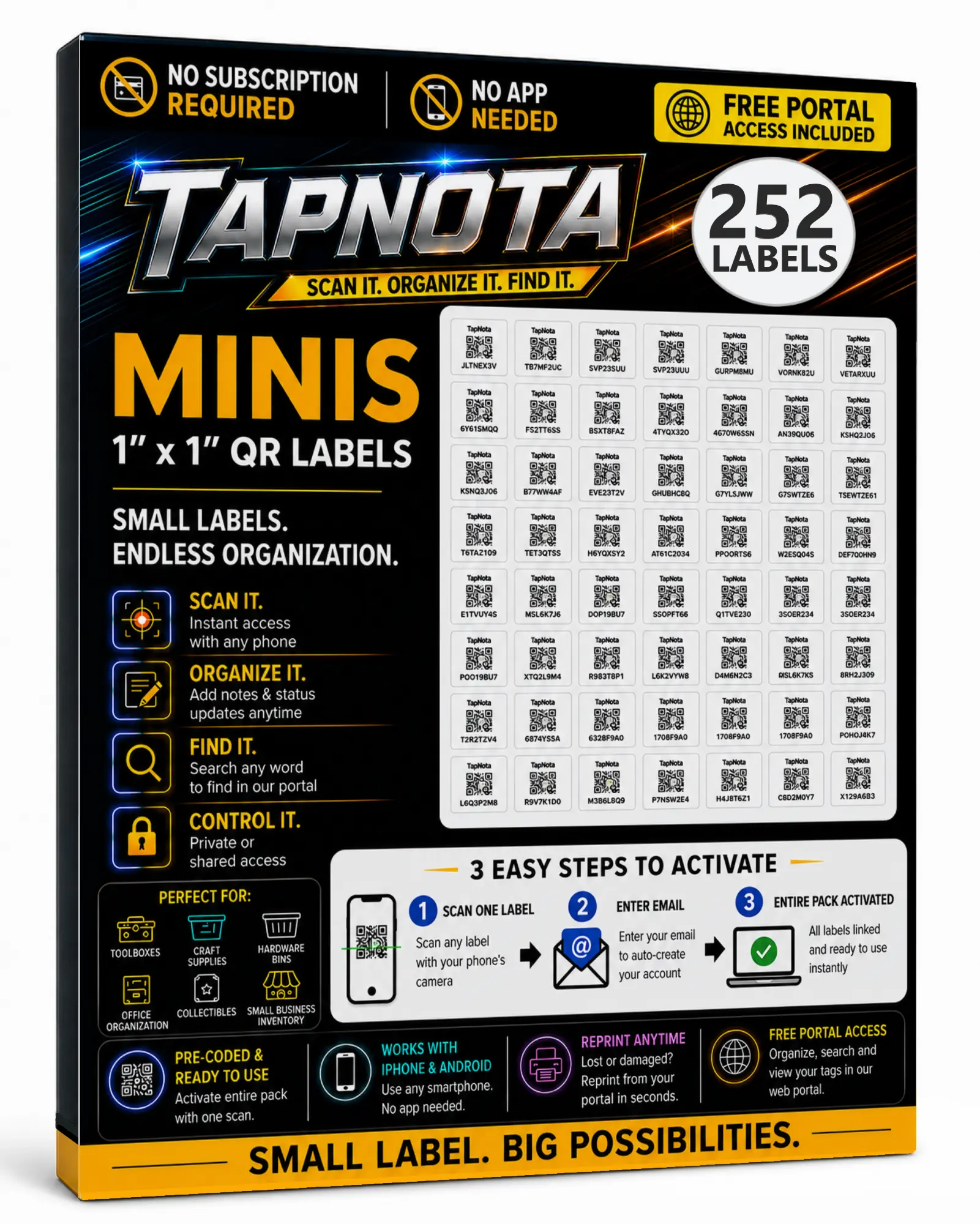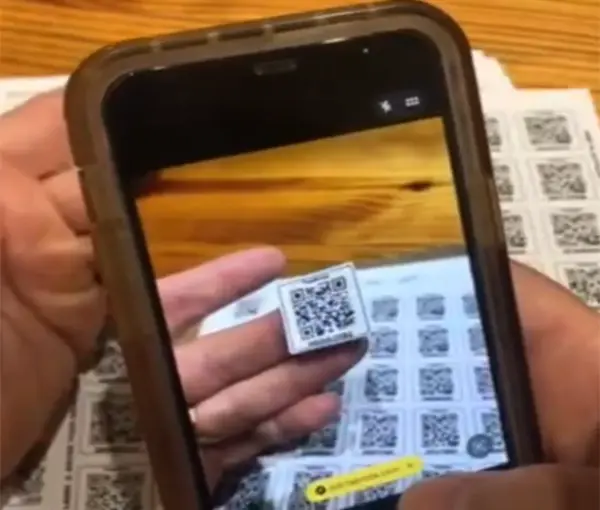
Activate the Entire Pack Once
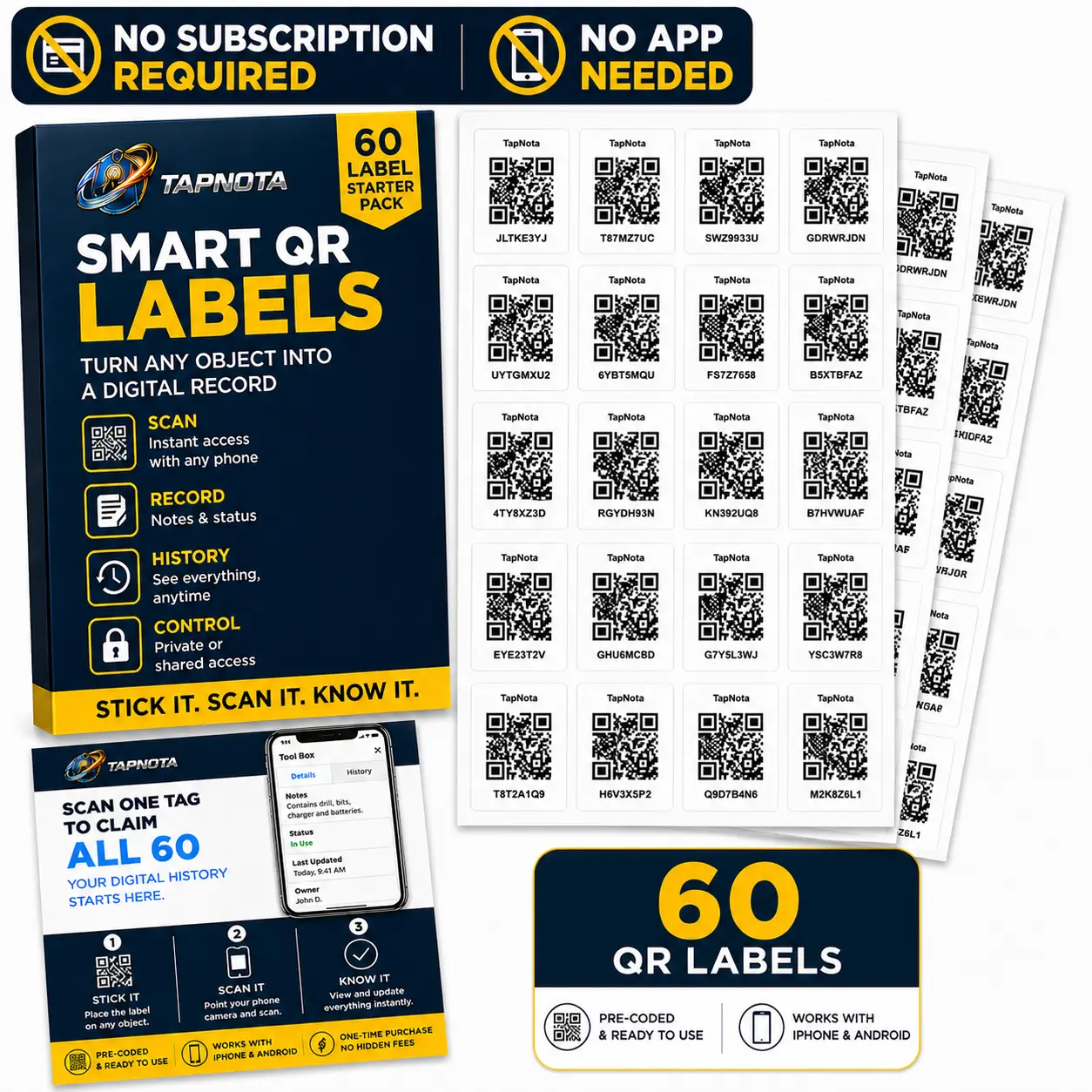
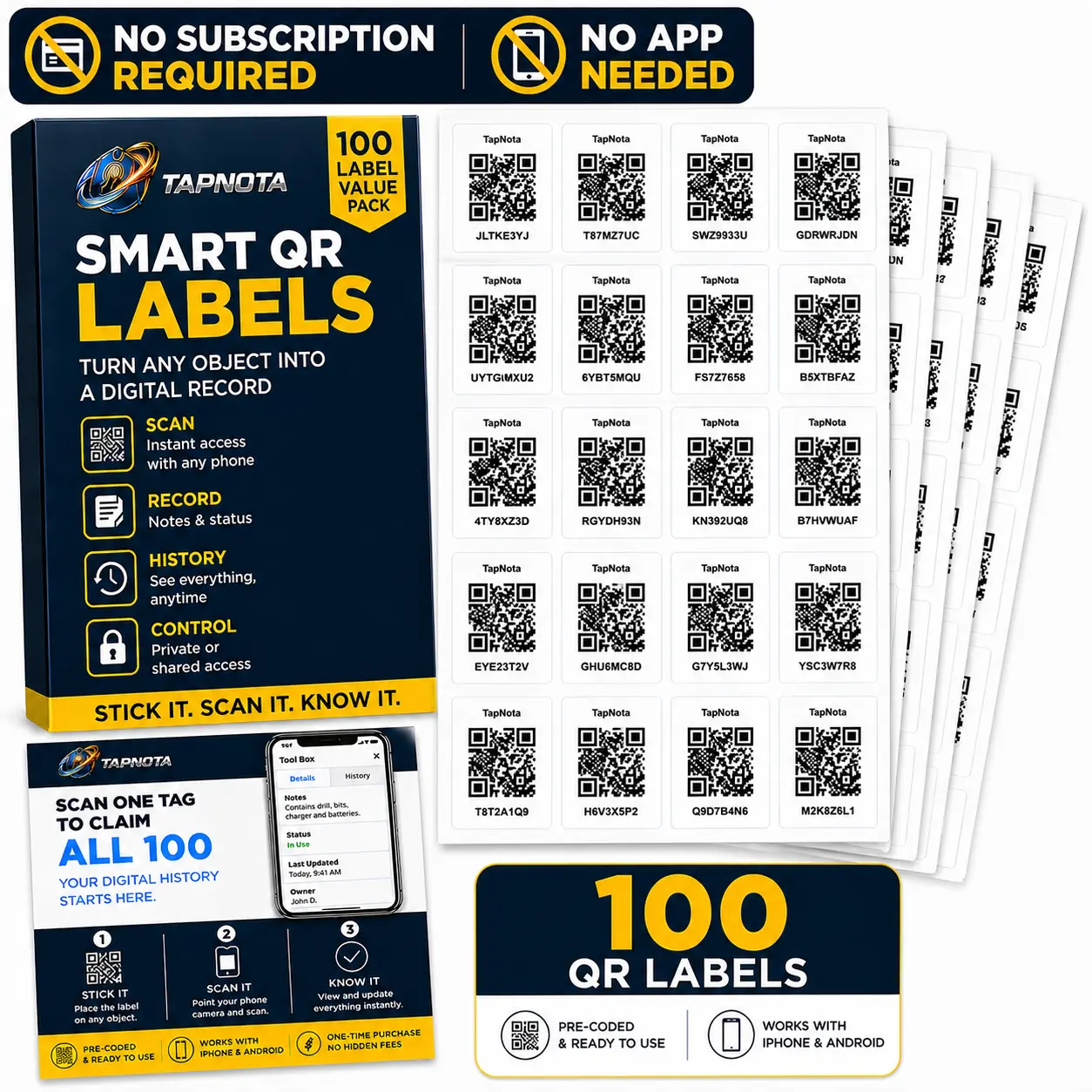
Scan any label in the purchased pack, enter and verify your email, and TapNota connects the whole pack to your account.
You do not activate every label separately.
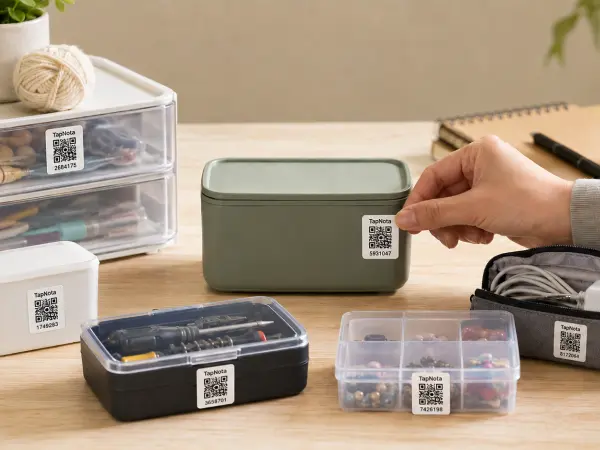
Give physical assets a searchable digital identity with TapNota. Use QR or NFC tags to connect tools, equipment, kits, vehicles, electronics, storage, and other assets to photos, notes, status, history, AI-assisted identification, and shared account access.
TapNota connects the physical asset to the information people need when they are standing in front of it, while keeping the entire asset collection searchable from the Portal.
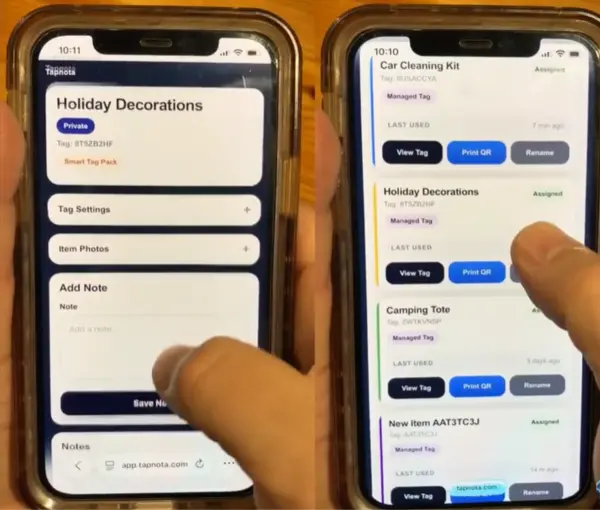
The Item Page can become the working record behind the tag.
When a technician, employee, family member, or asset owner is standing in front of the item, they should not have to guess which spreadsheet row or database entry belongs to it. Tap the NFC tag or scan the QR code and open the connected record directly.
TapNota is useful when the real challenge is keeping the identity, condition, notes, location, ownership, or history of physical assets easy to access. The Portal gives you the larger view, while the tag keeps day-to-day use close to the asset itself.
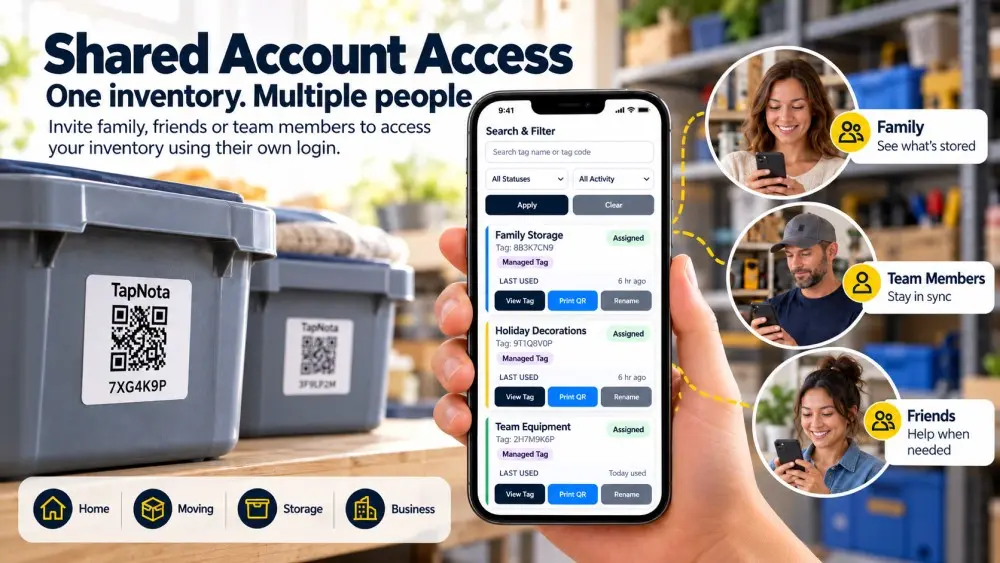
Asset tracking gets more useful when updates are not trapped with one person. Shared Account Access lets invited members sign in with their own TapNota login and work inside the shared inventory without using the account owner's password.
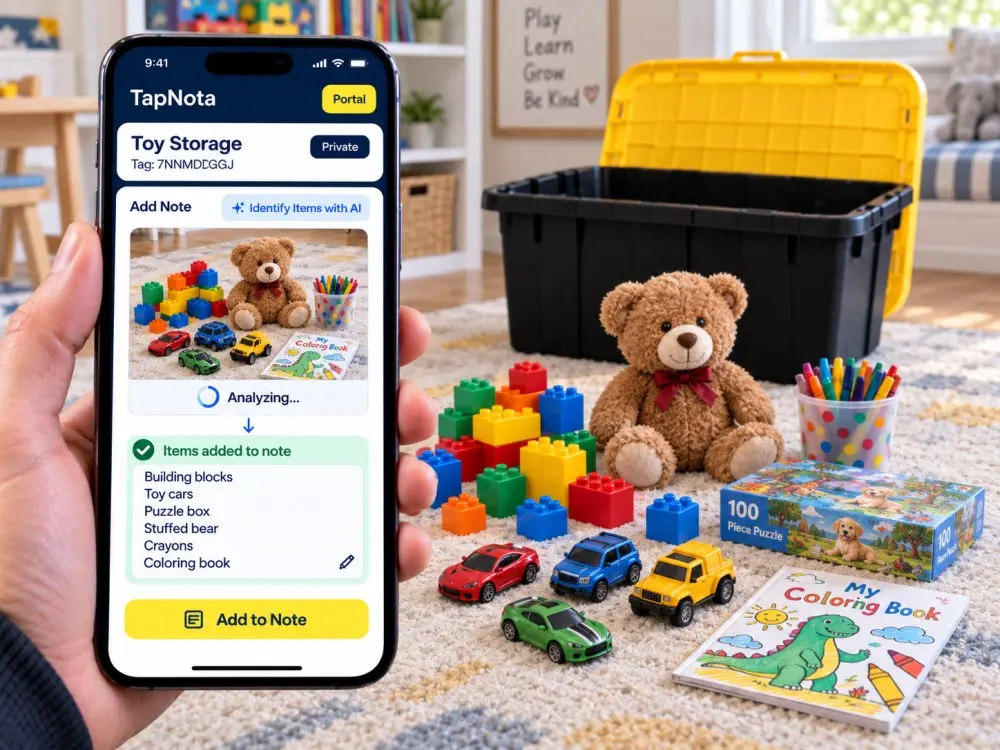
When a case, kit, shelf, or work area contains multiple objects, Identify with AI can analyze a photo and return a useful item list while you are building the connected record.
A static label tells you what something is. A connected asset record can also preserve useful context about what happened to it, where it moved, what was added, and what people need to know next.
Use the features you need without forcing every asset into a complicated enterprise workflow.
Document condition, contents, instructions, identifiers, service notes, purchase details, or other asset-specific information.
Track whether an asset is in use, stored, moved, sold, donated, retired, or otherwise changed.
Preserve important updates and item history instead of losing yesterday's context when today's record changes.
Organize assets by location, team, project, asset type, customer, storage area, or another structure that matches your operation.
Choose Private, Share, or Public Item Page visibility and add optional PIN protection when another layer of control is useful.
Share a specific asset record when needed without handing over access to the whole TapNota account.
Keep another path to the Item Page if a physical tag becomes damaged, removed, or difficult to scan.
Export and reprint the existing QR code without losing the digital asset record already attached to it.
Access TapNota through the web from a compatible phone, tablet, or computer instead of requiring a dedicated mobile app.
TapNota works well when assets move, get shared, require history, need visual documentation, or are easier to manage from the item itself.
Track drills, meters, ladders, cases, kits, and other equipment used by multiple people.
Keep identifying details, photos, condition notes, service information, and status connected to the machine itself.
Use asset records for photos, notes, identifiers, maintenance context, accessories, and other useful history.
Track laptops, monitors, devices, accessories, demo equipment, and other electronics that move between people or locations.
Document what belongs inside a case or kit, photograph contents, add instructions, and keep updates attached to the container.
Know what is inside a storage location and keep the contents searchable without reopening every container.
| Asset tracking task | Static label / spreadsheet | TapNota Asset Tracking System |
|---|---|---|
| Open the exact asset record | Search the file manually | Scan QR or tap NFC from the asset |
| Add photos and notes | Stored separately or manually linked | Keep them on the connected Item Page |
| Track asset status | Custom column or manual notes | Use status inside the asset record |
| Preserve useful history | Often overwritten or split across files | Activity and updates stay with the asset |
| Search across assets | Search the spreadsheet | Search the TapNota Portal |
| Shared access | Share the file or password | Separate logins with Shared Account Access |
| Privacy controls | Usually file-level | Private, Share, Public + optional PIN |
| Damaged QR label | Create a new label manually | Export and reprint the same QR |
Quick answers for businesses and individuals comparing asset tracking systems, asset management software, QR asset labels, and NFC tracking.
Start with your tools, equipment, fleet gear, electronics, kits, or storage assets. Tag them, build the records as you go, and let TapNota become the searchable layer behind your physical assets.
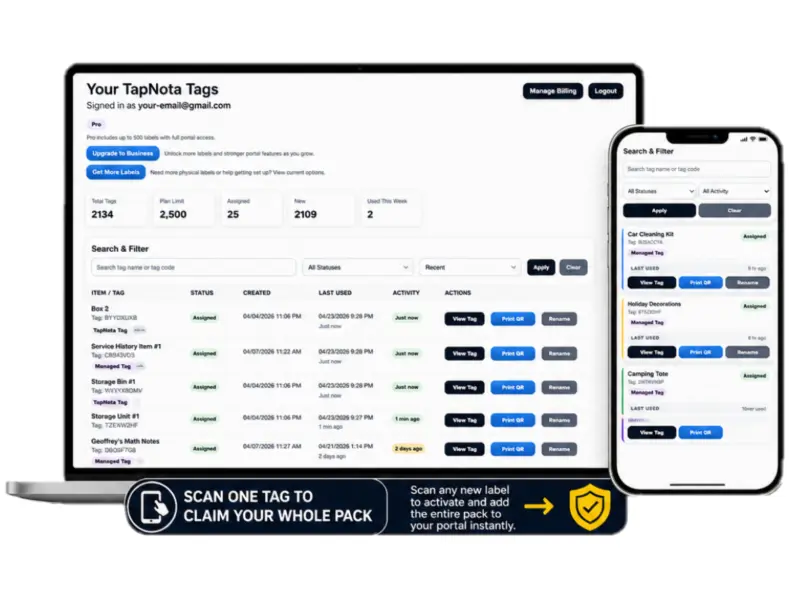
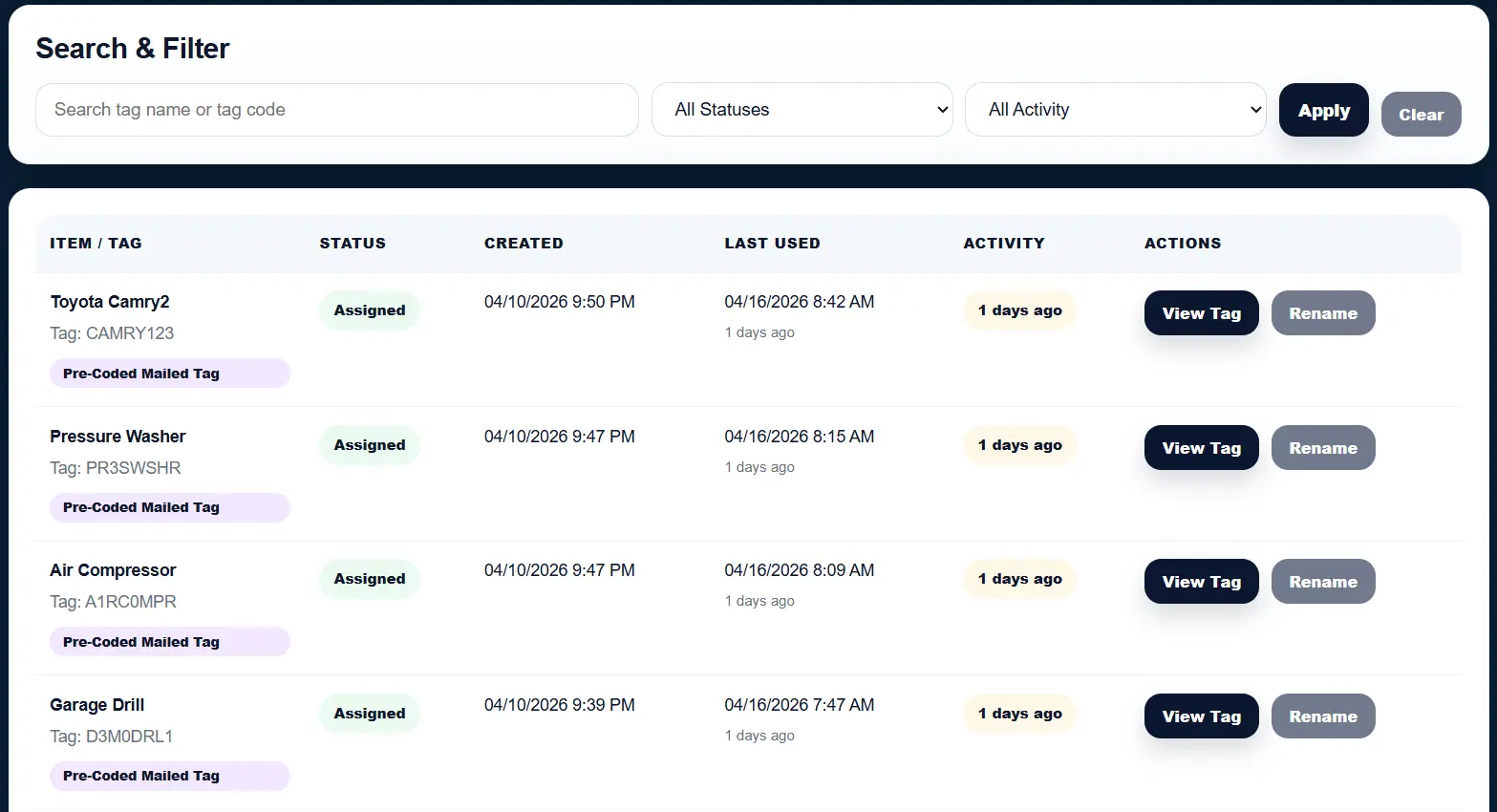
TapNota gives you both sides of the system: fast item-level access from the tag and a portal dashboard to manage everything in one place.
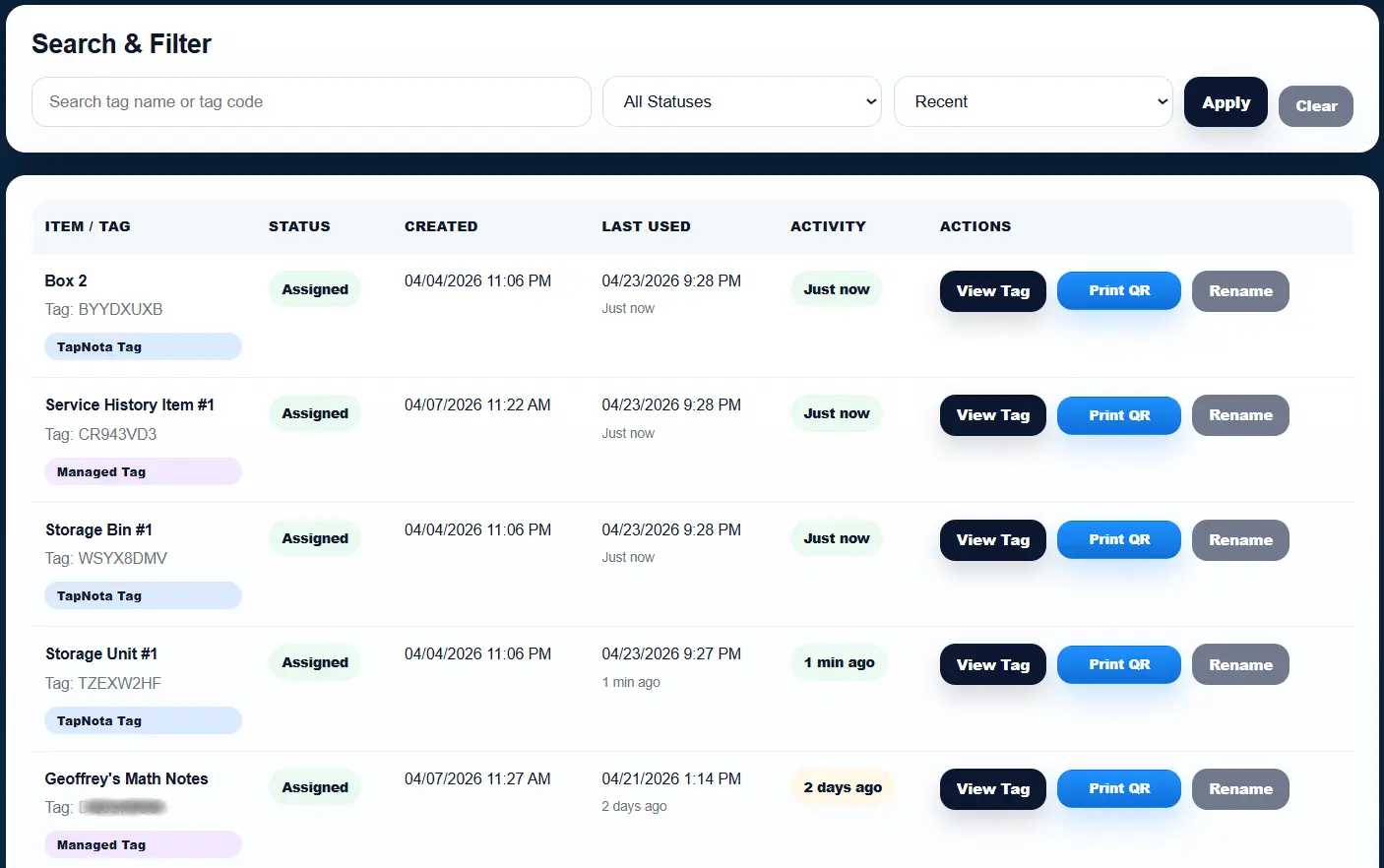
Instantly see what items were recently scanned or updated. Perfect for tracking active tools, inventory movement, and day-to-day usage.
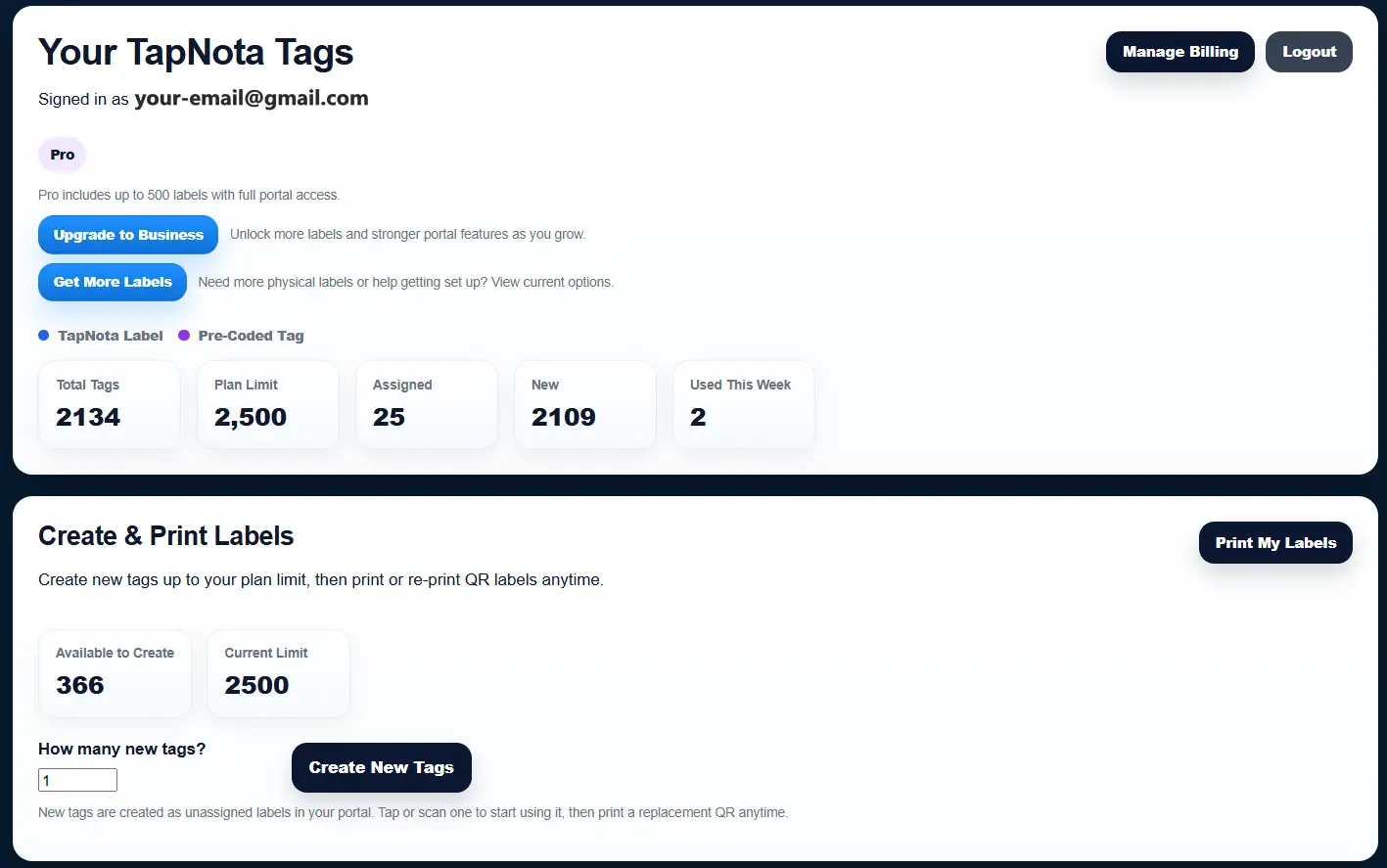
View total tags, assigned items, new items, and overall system activity. Manage everything from one dashboard as your setup grows.
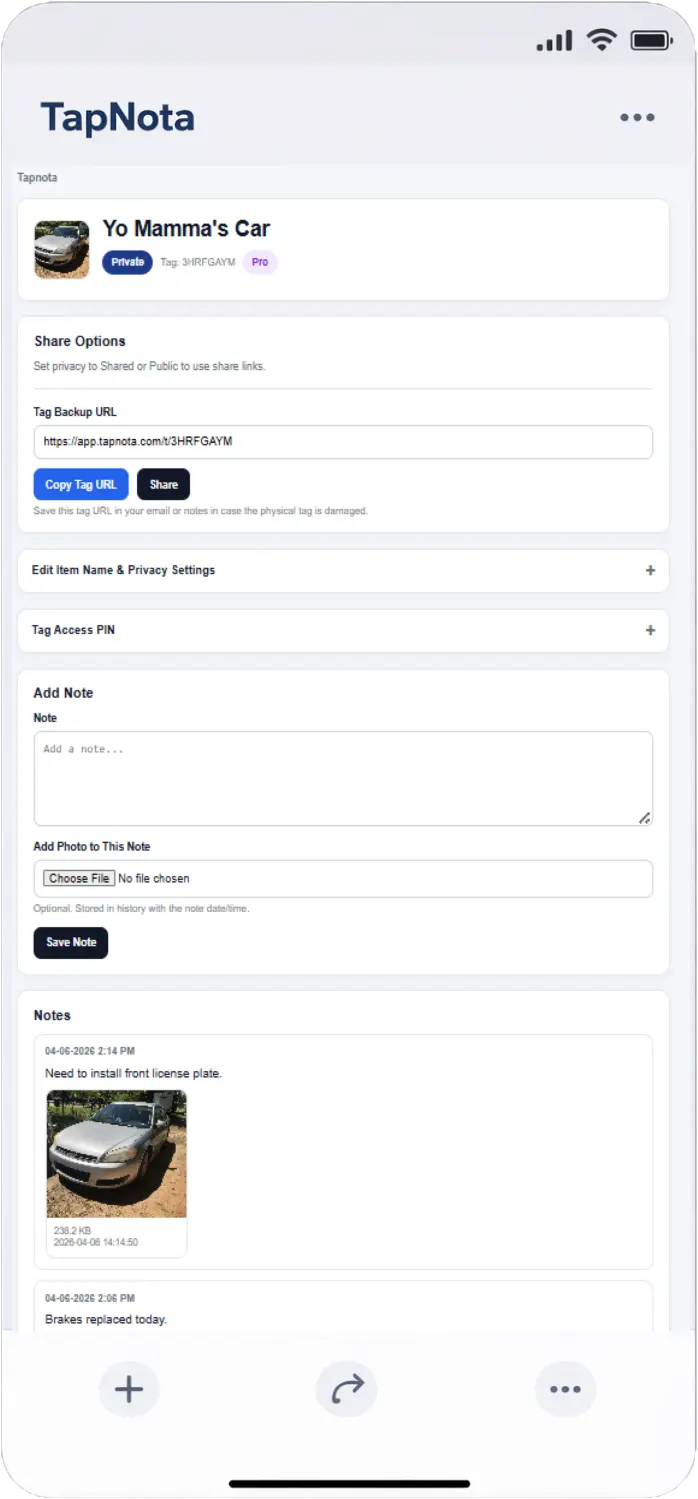
The item page is where the real work happens. Scan the tag to open it instantly, add notes, upload photos, copy the backup URL, create share links, and set privacy or PIN protection.
Need more labels? Buy additional TapNota pre-coded packs on Amazon. Scan one label to activate your entire pack instantly.