TapNota • QR Code Labels for Storage

QR Code Labels for Storage Bins, Moving Boxes, Garage Organization & Home Inventory

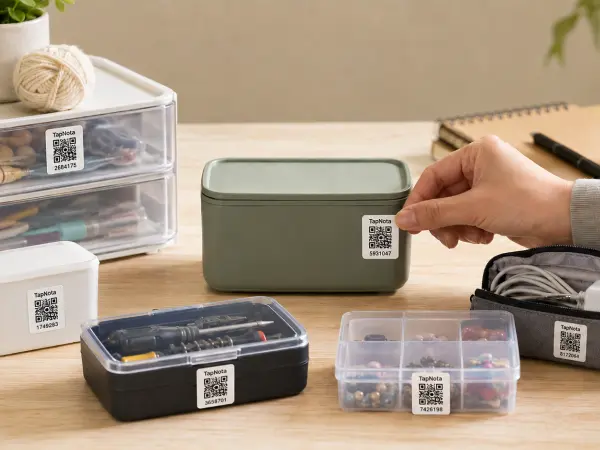
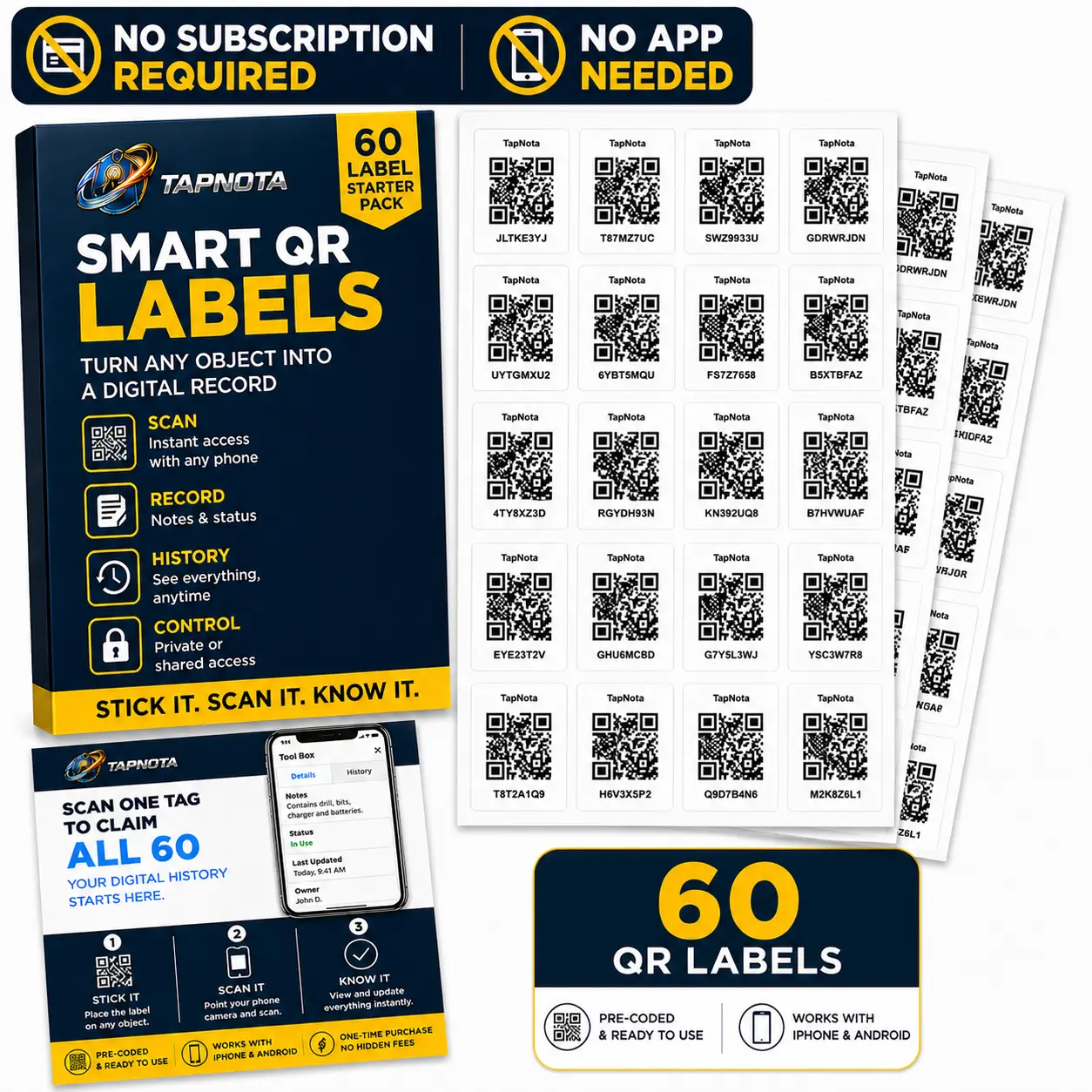
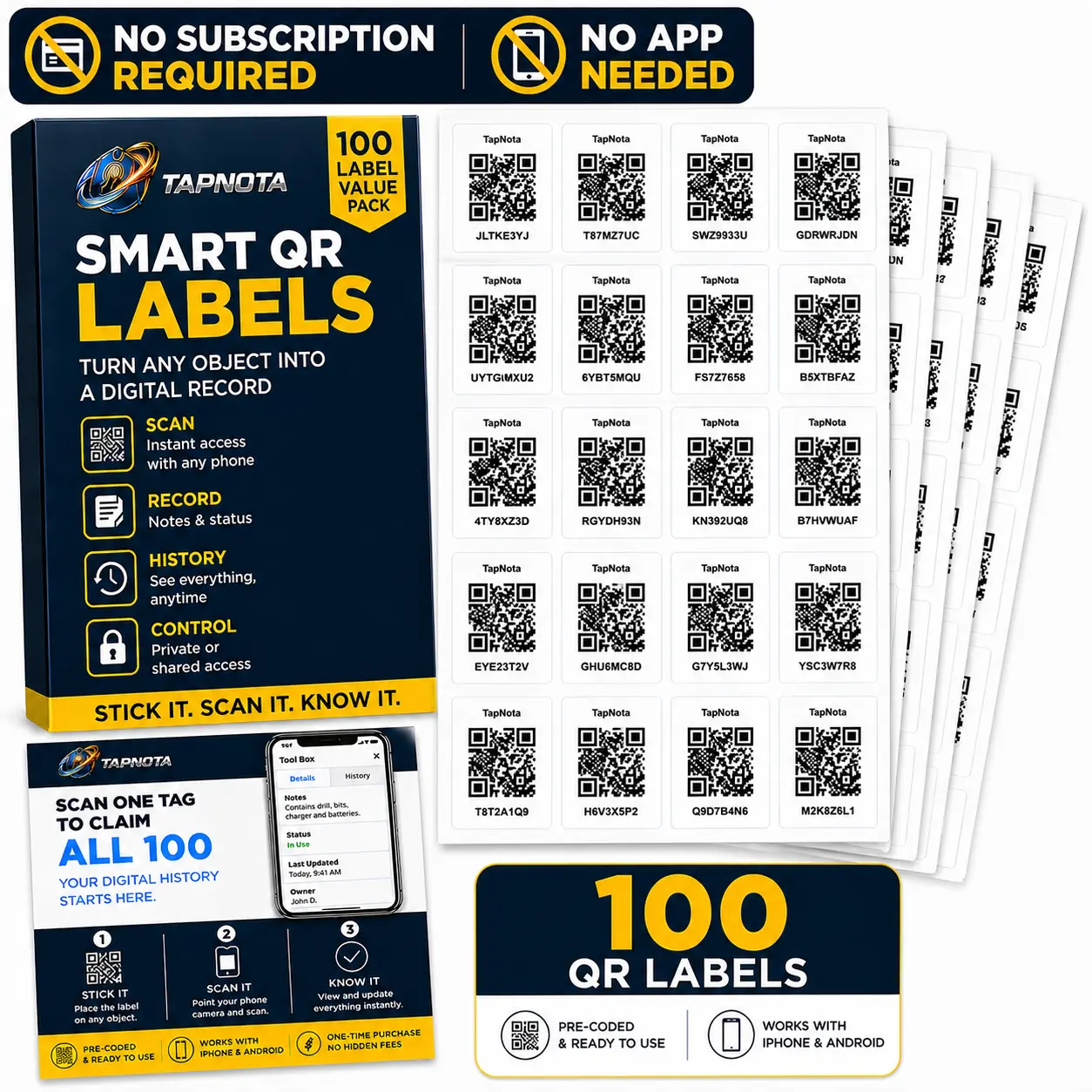
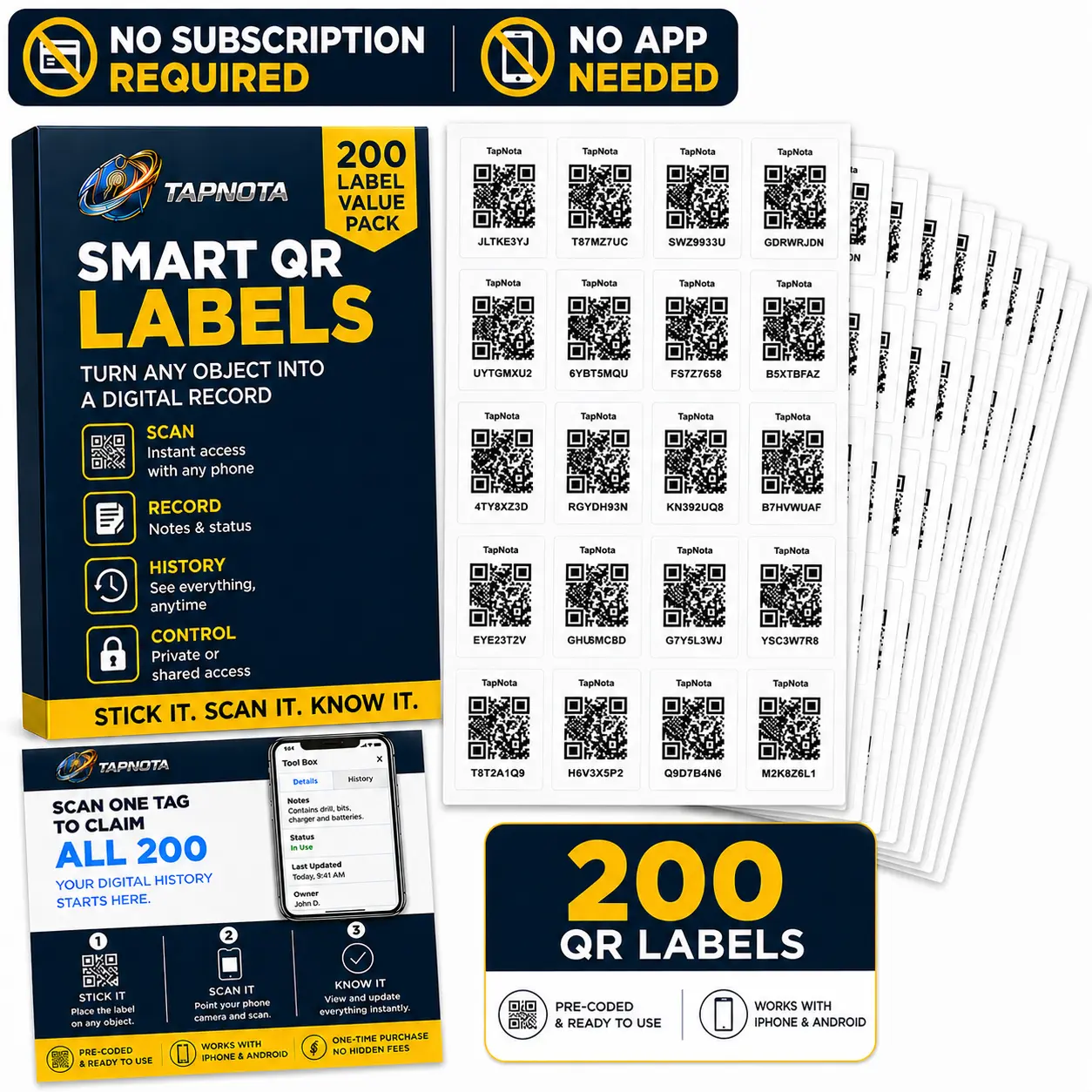
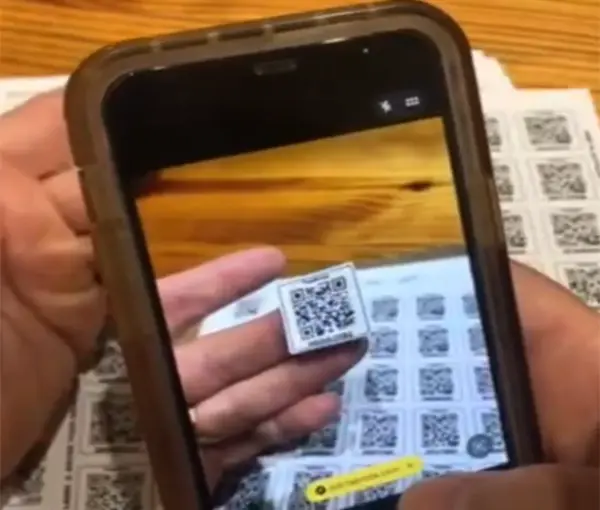
TapNota makes qr code labels for storage simple. Stick a smart QR label on a storage bin, moving box, tote, container, shelf, or garage item, then scan it with your phone to see what is inside. No app required, no subscription required, and every label opens a searchable digital inventory page.

Stick it Scan it Know what’s inside
Looking for the main TapNota site? Visit our TapNota homepage.
✓ QR code labels for storage bins ✓ No app required ✓ Search what is inside every box ✓ Great for moving, garage & home inventory
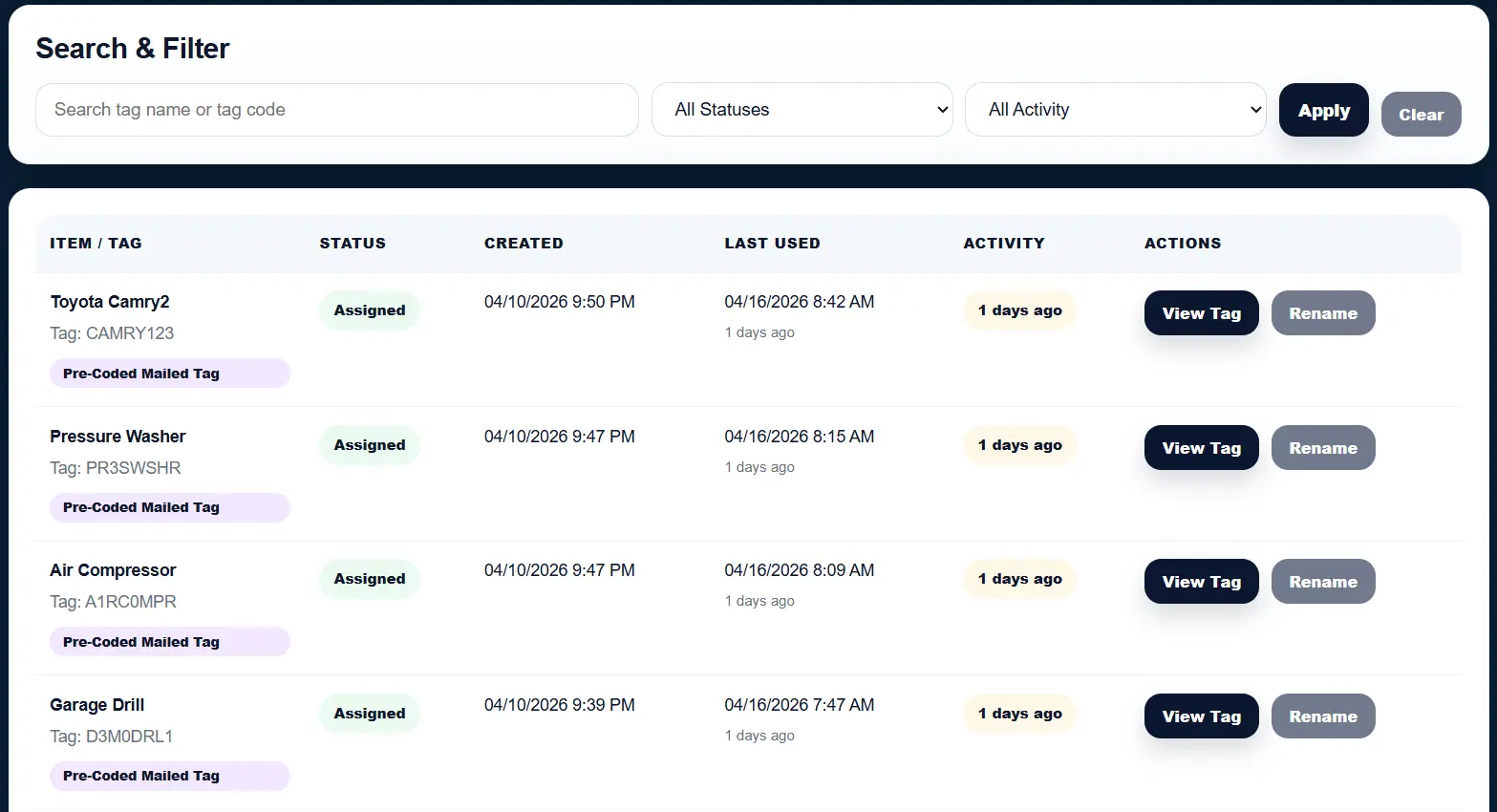
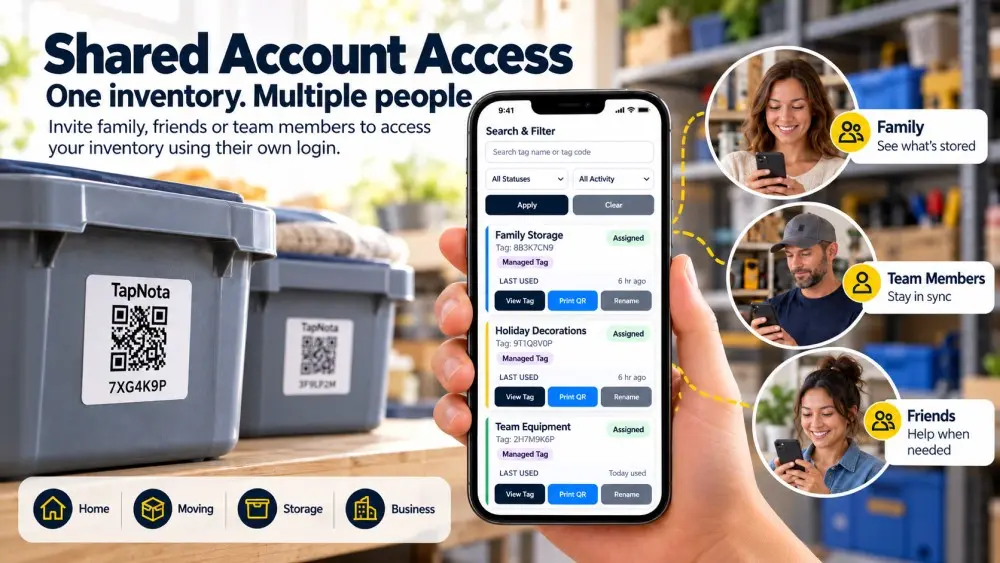
Storage Inventory Dashboard
Scan & Search
qr code labels for storage bins showing a searchable storage inventory dashboard
Scan
Any Label
Search
Stored Items
Know
What’s Inside
The problem

Storage bins are easy to label, but hard to search.

Most storage labels only tell you one thing: a box name. But when you need to find one specific item inside a tote, garage bin, closet container, attic box, or moving box, paper labels and marker notes are not enough.

• No easy way to search what is inside every storage bin or moving box
• Paper labels fade, fall off, or only show a short category name
• Photos, notes, and item details get lost in your phone or spreadsheets
• You still have to open box after box to find what you need
The solution

TapNota turns storage labels into searchable QR code records.

TapNota QR code labels for storage help you organize bins, totes, moving boxes, garage shelves, closets, holiday decorations, business inventory, and more. Stick on a label, scan it with your phone, and open a digital page where you can list what is inside.

Searchable Storage Inventory
Add item names, notes, photos, and details so every bin is easier to find later.
QR Code Labels for Bins
Use QR labels on storage bins, plastic totes, boxes, containers, shelves, and drawers.
No App Required
Scan with an iPhone or Android camera and manage everything from the TapNota portal.
Moving & Home Organization
Great for moving boxes, garage storage, attic bins, seasonal decor, and home inventory.
How it works

How TapNota QR code labels for storage work.

Organizing storage bins, moving boxes, totes, closets, garages, and home inventory takes just a few minutes. Scan once, add what's inside, and quickly find it later.

1

Stick on a QR Label

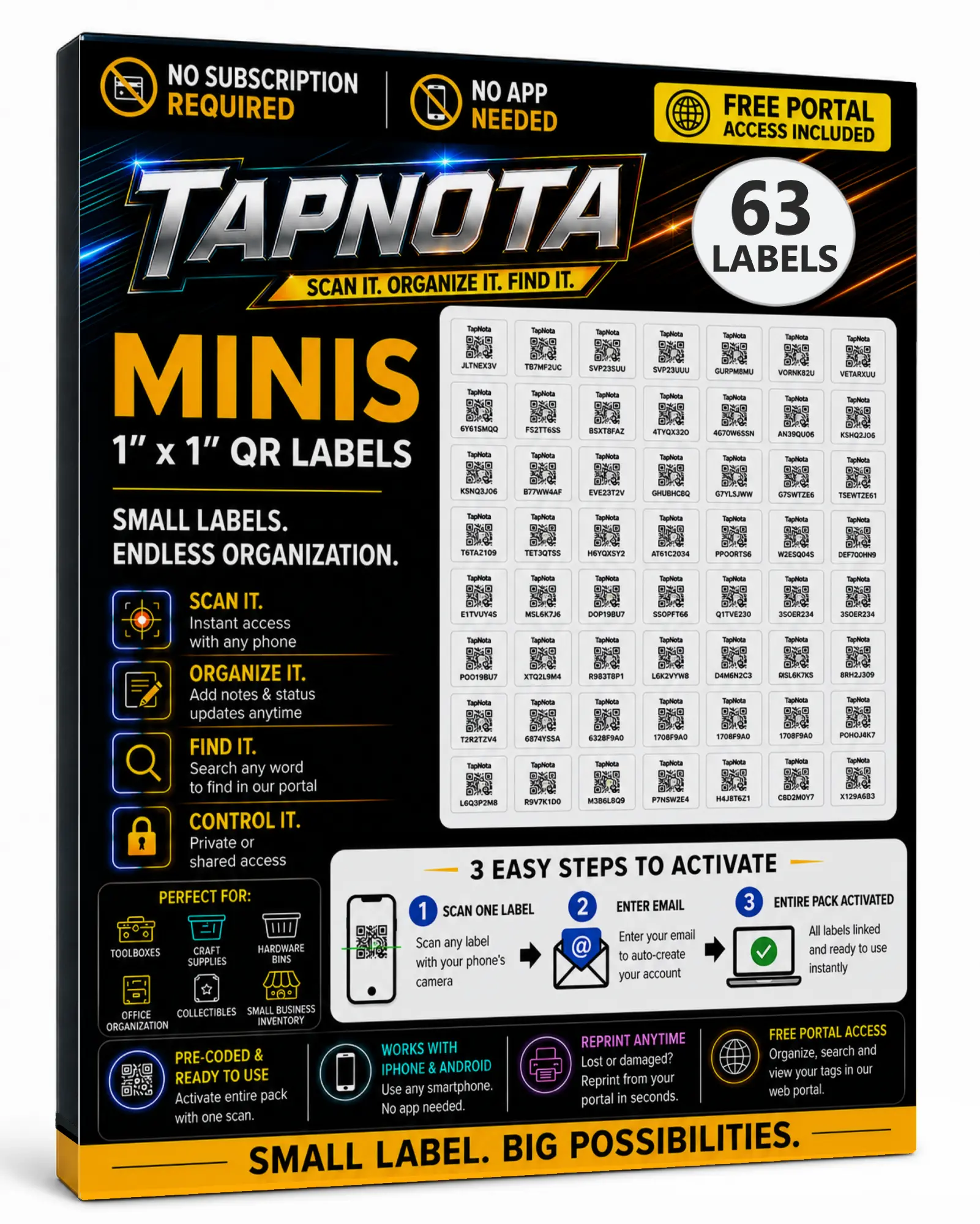
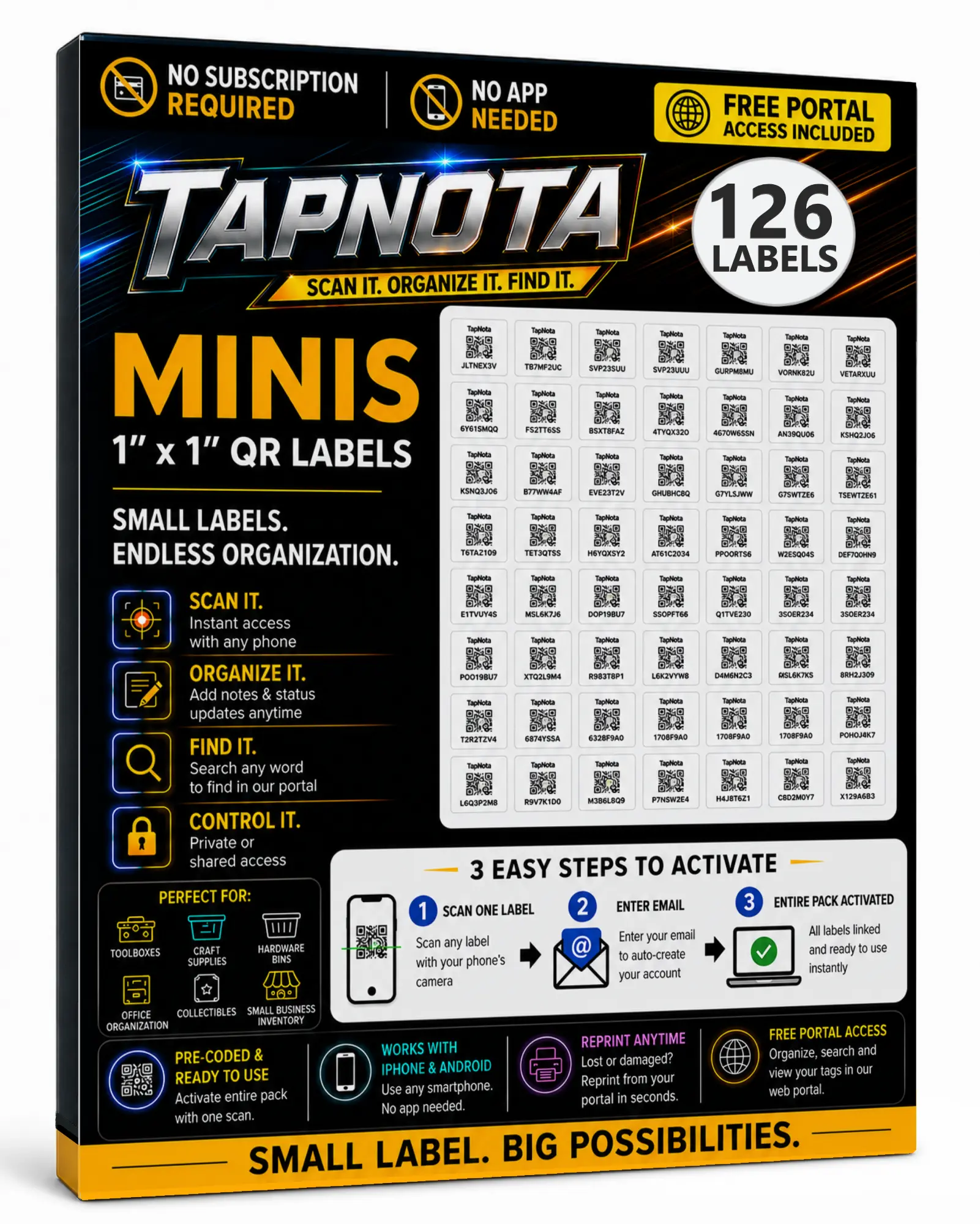
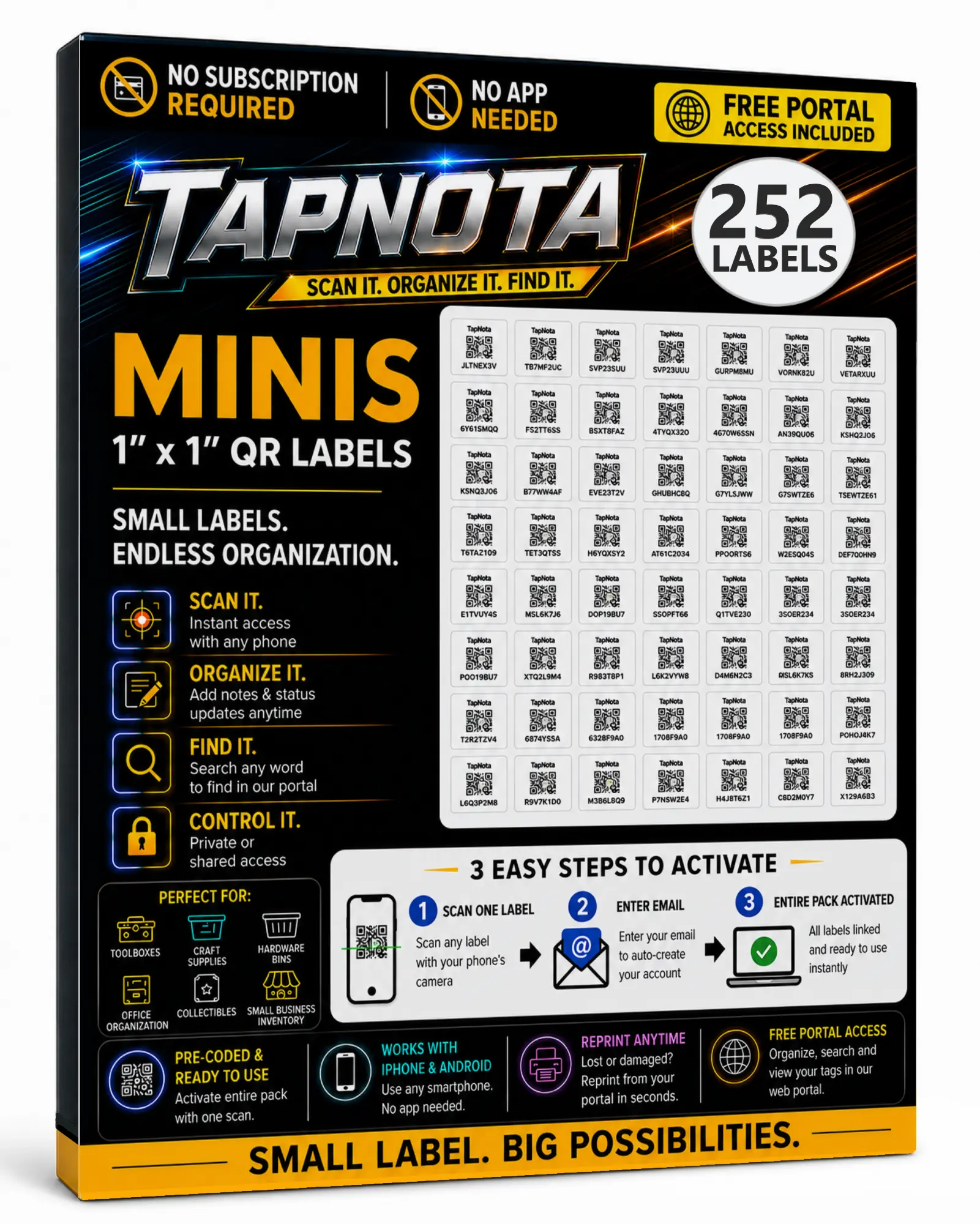
Apply a TapNota QR code label to any storage bin, moving box, tote, container, shelf, drawer, or other storage item. Scan one label to activate your entire pack.

2

Add What's Inside

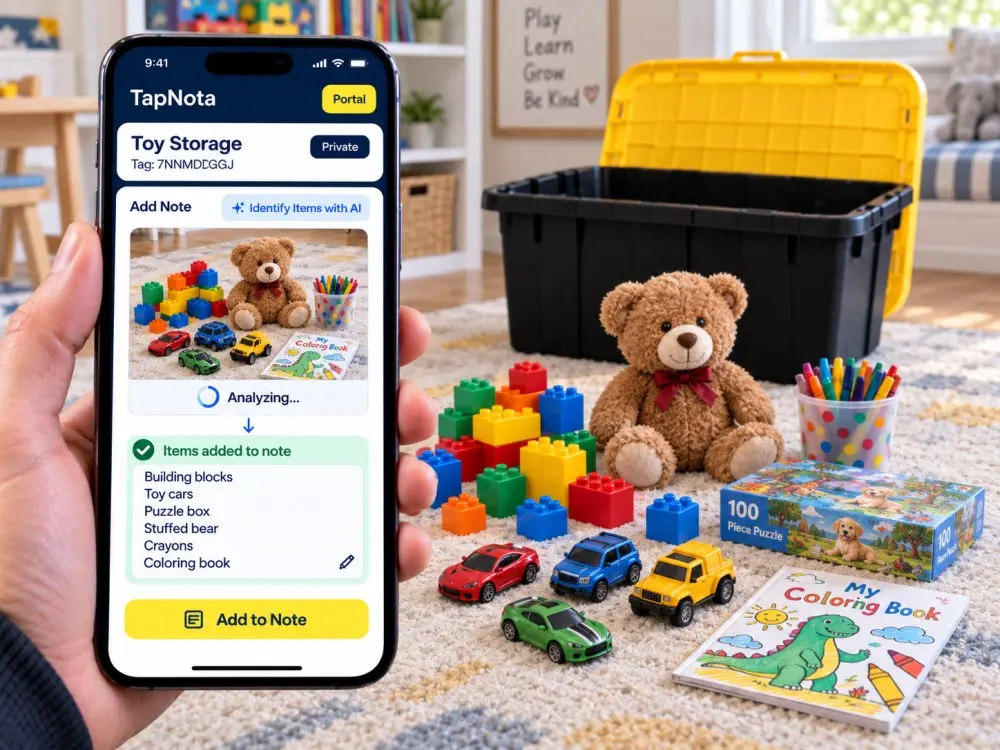
Scan the QR code with your phone, then create a searchable list of everything inside the box. Add notes, photos, categories, and details whenever you need.

3

Search & Find Anything

Search your home inventory from the TapNota portal to instantly find the right storage bin or moving box. No app required—just scan and organize from any phone or computer.

Digital storage inventory

More than QR code labels for storage—a complete home inventory system.

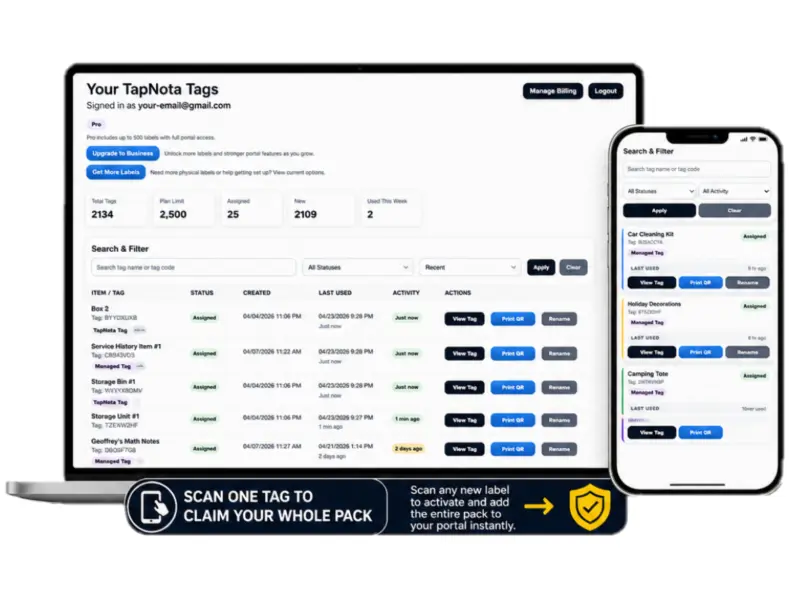
Every TapNota QR code label opens a digital inventory page where you can organize what is inside each storage bin, moving box, tote, or container. Search your entire storage inventory in seconds from one simple dashboard.

home inventory dashboard for qr code labels for storage bins

Find any storage bin instantly

Search your home inventory by item name instead of opening every box. Quickly locate holiday decorations, keepsakes, tools, office supplies, kitchen items, or anything else you've stored away.

digital storage inventory dashboard with qr code storage labels

Organize every box in one place

View every QR code storage label you've created, organize boxes into folders, upload photos, add notes, and keep your entire garage, attic, basement, closet, or storage room organized from a single dashboard.

Storage bin details

Every QR code label opens a detailed inventory page.

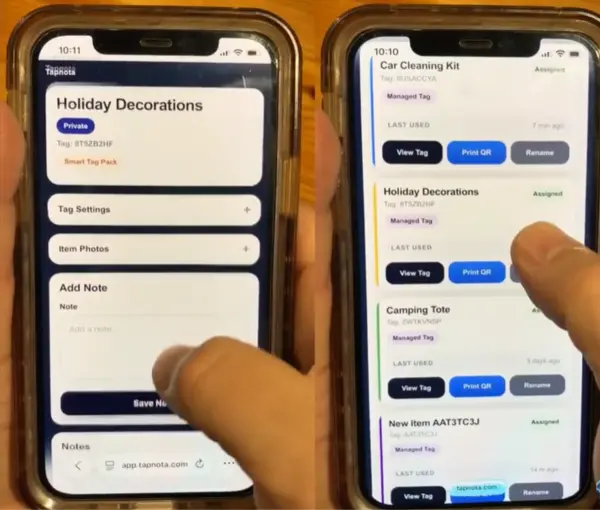
Instead of writing "Christmas" or "Kitchen" on a storage bin, TapNota lets you create a complete digital inventory for every box. Scan the QR code label to instantly view everything inside, add new items, upload photos, and update your inventory whenever the contents change.

• Create a searchable list of everything inside each storage bin or moving box
• Add notes, photos, and descriptions to keep your home inventory up to date
• Instantly scan a QR code label with your phone—no app required
• Search your digital inventory to quickly find items stored in garages, closets, attics, basements, and storage rooms
QR code label for storage showing a digital inventory page with box contents, notes, and photos
Popular uses

QR code labels for storage work almost anywhere.

Whether you're organizing your home, preparing for a move, or managing business inventory, TapNota QR code labels for storage help you instantly find what's inside every box, bin, tote, and container.

📦

Moving Boxes

Know exactly what's packed in every moving box without opening it. Perfect for local moves, long-distance moves, and unpacking faster.

🗂️

Storage Bins & Totes

Organize plastic totes, storage bins, closets, shelves, and containers with searchable QR code labels instead of handwritten notes.

🎄

Seasonal Storage

Quickly locate holiday decorations, Halloween costumes, Christmas lights, camping gear, and seasonal clothing when you need them.

🏠

Home Inventory

Create a searchable home inventory for garages, attics, basements, closets, offices, and storage rooms so you can find anything in seconds.

Why TapNota

A smarter way to organize storage with QR code labels.

Most storage labels only tell you which box you're looking at. TapNota QR code labels for storage let you know exactly what's inside every storage bin, moving box, tote, and container—without opening it. Create a searchable home inventory that grows with you.

Find anything in seconds
Search your inventory instead of digging through boxes, bins, and totes looking for one item.
Update your inventory anytime
Add or remove items, upload photos, and keep every storage container up to date whenever contents change.
Works anywhere you store things
Perfect for garages, closets, attics, basements, storage units, offices, workshops, and moving boxes.
Why people choose TapNota
✓ No app required
✓ Scan one label to activate your entire pack
✓ Search what's inside every storage bin instantly
✓ Add notes and photos for every box
✓ Works on iPhone, Android, tablets, and computers
✓ Perfect for moving, home inventory, garage organization, and storage rooms
FAQ

Questions about QR code labels for storage.

Clear answers for people comparing QR code storage labels, moving box labels, home inventory systems, and storage organization tools.

What are QR code labels for storage?

QR code labels for storage are scannable labels you place on storage bins, moving boxes, totes, containers, shelves, or drawers. With TapNota, each QR label opens a digital inventory page where you can list what is inside.

Do I need an app to use TapNota?

No. Scan the QR code label with your iPhone or Android camera and the storage inventory page opens in your browser. No app required.

Can I use these QR labels for moving boxes?

Yes. TapNota works great for moving boxes because you can scan each box and see what is packed inside without opening it. It makes packing, unpacking, and finding items after a move much easier.

Can I search what is inside my storage bins?

Yes. TapNota lets you create a searchable digital inventory for your storage bins, totes, boxes, and containers so you can quickly find the item you need.

What can I organize with TapNota QR code storage labels?

You can organize garage storage, attic bins, basement boxes, closet containers, seasonal decorations, holiday items, office supplies, keepsakes, tools, hobby gear, and home inventory.

How does pack activation work?

Scan one TapNota label, enter your email, and your entire label pack activates to your account. After that, you can scan any label in the pack and start adding storage details.

Order Pre-Coded QR Labels

Need more labels? Buy additional TapNota pre-coded packs on Amazon. Scan one label to activate your entire pack instantly.