
Activate the Entire Pack Once
Scan any label in the purchased pack, enter and verify your email, and TapNota connects the whole pack to your account.
You do not activate every label separately.

Track rental tools, machines, kits, cases, accessories, customer assignments, pickup locations, return condition, and service history with TapNota. QR labels connect each rental item to a searchable digital record that can be updated throughout its lifecycle.
Rental Equipment Tracking Image
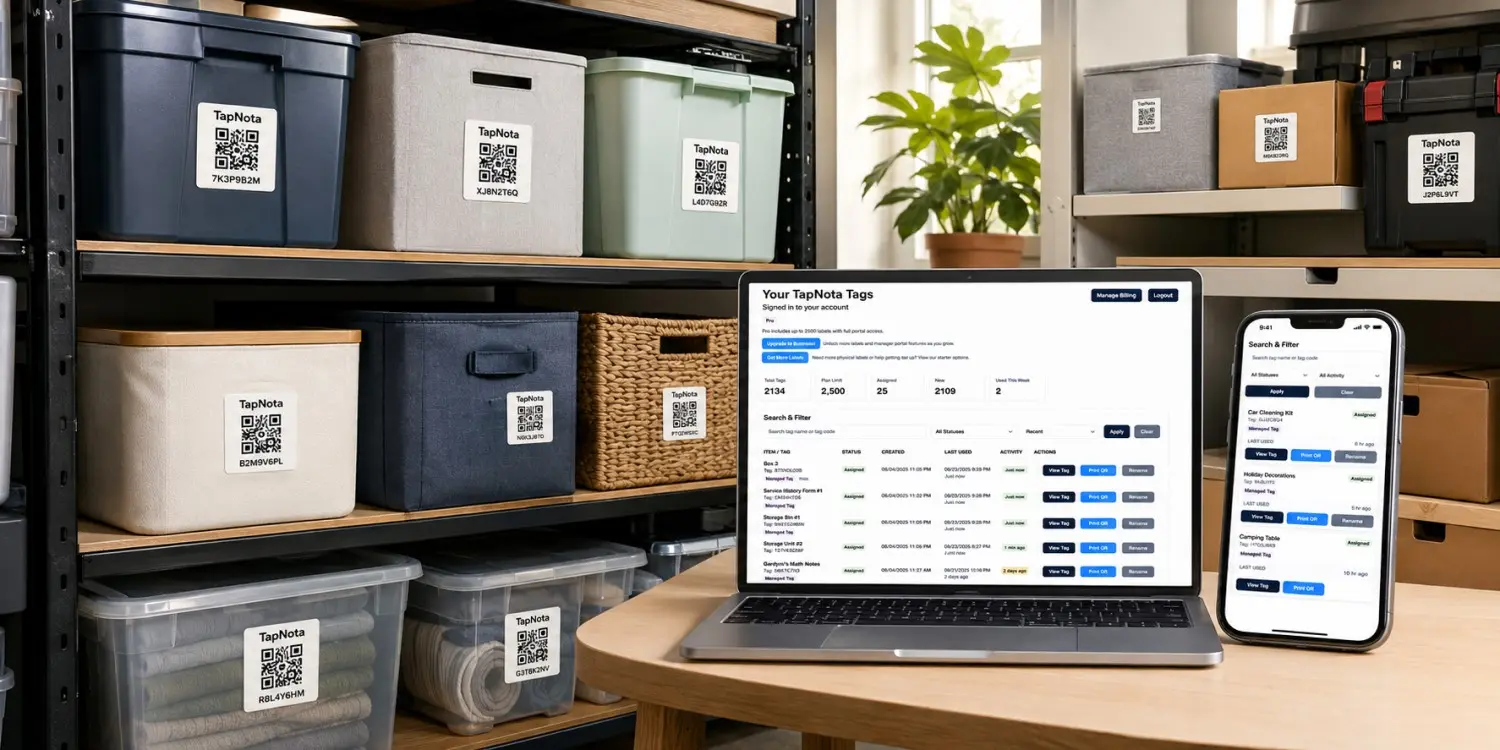
Add one lifestyle image showing labeled rental tools, equipment, cases, and a phone displaying a TapNota rental item record.
Rental equipment changes locations, customers, condition, and service status. TapNota keeps the item’s details connected through a scannable QR label and searchable digital record.
Record the customer, employee, project, event, department, delivery address, or other assignment connected to the rental item.
Track the shop, warehouse, pickup counter, customer site, jobsite, event venue, vehicle, repair area, or storage location.
Keep return notes, inspections, cleaning, maintenance, repairs, condition changes, and other history connected to the same item.
Create practical rental records without a complicated enterprise rollout or a separate mobile app.
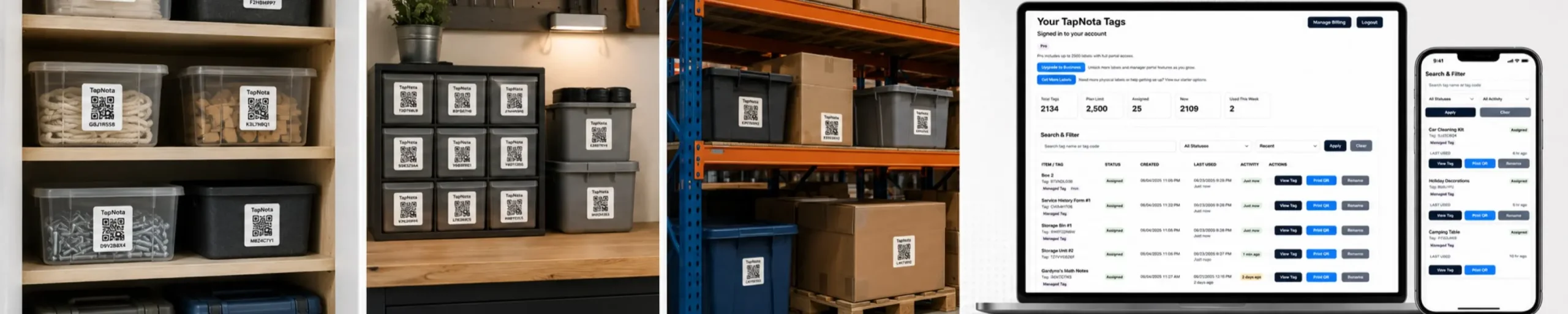
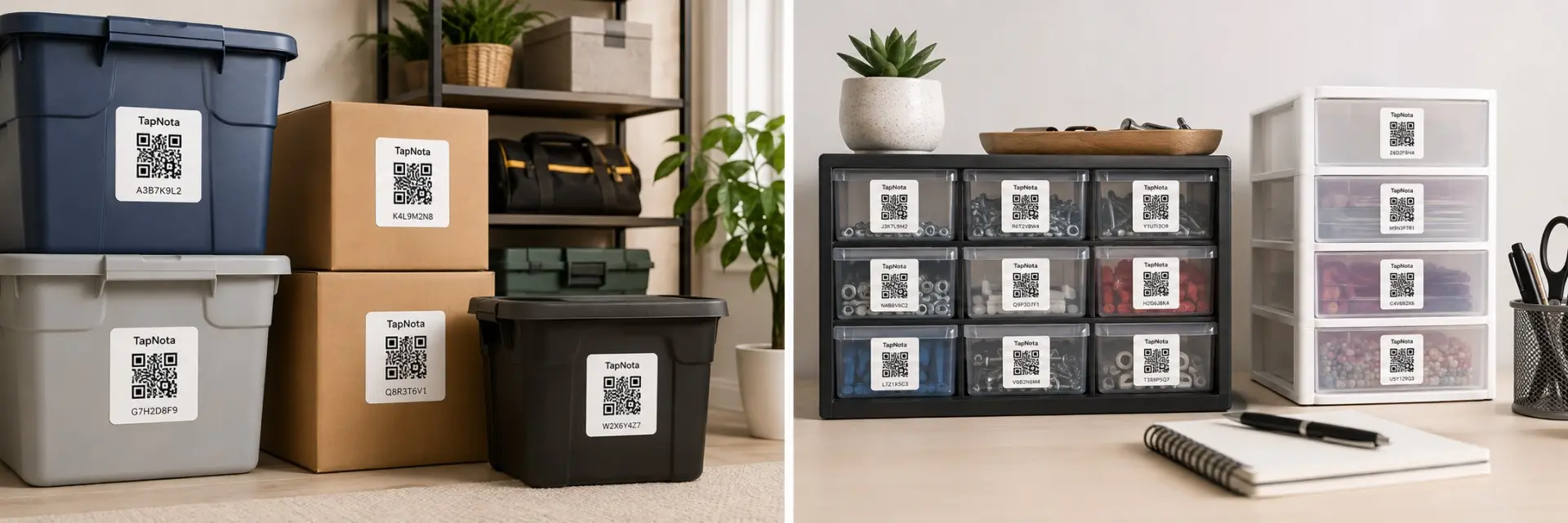
Place a TapNota label on the equipment, tool, case, kit, cart, cabinet, accessory container, or storage location.
Add the item name, serial number, photos, accessories, location, customer assignment, condition, and service notes.
Record return condition, damage, missing parts, cleaning, repairs, storage location, readiness, or the next assignment.
Keep the details your team needs connected to the physical equipment instead of spreading them across paper logs, photos, and spreadsheets.
Record manufacturer, model, serial number, asset number, size, and specifications.
Document condition before rental, at return, after cleaning, and after repairs.
Track batteries, chargers, cables, attachments, manuals, cases, and safety gear.
Record where equipment was picked up, delivered, returned, repaired, or stored.
Record wear, missing parts, scratches, operational issues, and cleaning needs.
Add inspections, testing, cleaning, repairs, replacement parts, and ready-status notes.

TapNota works for individual rental items, complete kits, cases, carts, storage areas, and accessory groups.
Track power tools, hand tools, batteries, chargers, cases, and accessories.
Track generators, compressors, pumps, lights, compact equipment, and jobsite gear.
Track tables, chairs, tents, décor, lighting, signs, staging, and event kits.
Track cameras, speakers, microphones, lighting, cables, stands, and cases.
Track laptops, tablets, monitors, projectors, chargers, and accessories.
Track camping gear, recreation equipment, coolers, cases, and bundled kits.
Track floor machines, vacuums, carts, cleaning tools, and maintenance equipment.
Track school, nonprofit, church, office, and community equipment that is loaned out.
A separate log can record a rental. TapNota keeps important information connected to the physical item.
| Feature | Spreadsheet or Paper Log | TapNota Rental Equipment Tracking |
|---|---|---|
| Identify the item | Match a number to a separate list | Scan the QR label to open the exact record |
| Track customer assignment | Update rows manually | Keep assignment details with the item |
| Document condition | Store photos and notes separately | Add checkout and return photos directly |
| Track accessories | Use another checklist | Keep kit contents connected to the item |
| Record maintenance | Use a separate service log | Keep repairs and inspections on the same page |
| Update storage location | Edit the list manually | Update the shop, shelf, or warehouse location anytime |
| Replace a damaged label | Create a new label manually | Reprint the existing QR code |
Rental equipment changes hands frequently. Keep the same QR label while updating the connected record throughout its lifecycle.

Use original 2-inch TapNota labels for machines, equipment, cases, carts, cabinets, and larger rental items. TapNota Minis work well for tools, electronics, chargers, cables, accessories, and smaller items.
Learn how TapNota connects rental tools, machines, kits, accessories, customer assignments, condition records, and service history.
Apply a TapNota QR label, record the customer, location, condition, accessories, photos, and service details, and keep the history connected to the physical item.
Need more labels? Buy additional TapNota pre-coded packs on Amazon. Scan one label to activate your entire pack instantly.









