
Activate the Entire Pack Once
Scan any label in the purchased pack, enter and verify your email, and TapNota connects the whole pack to your account.
You do not activate every label separately.

Organize hand tools, power tools, batteries, chargers, cases, cabinets, pegboards, drawers, shelves, trailers, and shop equipment with TapNota. QR labels connect each tool, kit, case, or storage location to searchable records with photos, notes, contents, assignments, condition, and history.
Tool Organization System Image
Add one lifestyle image showing organized tools, drawers, cabinets, cases, batteries, and a phone displaying TapNota.
A practical tool organization system should make it obvious where each tool belongs, what belongs with it, and what is missing.
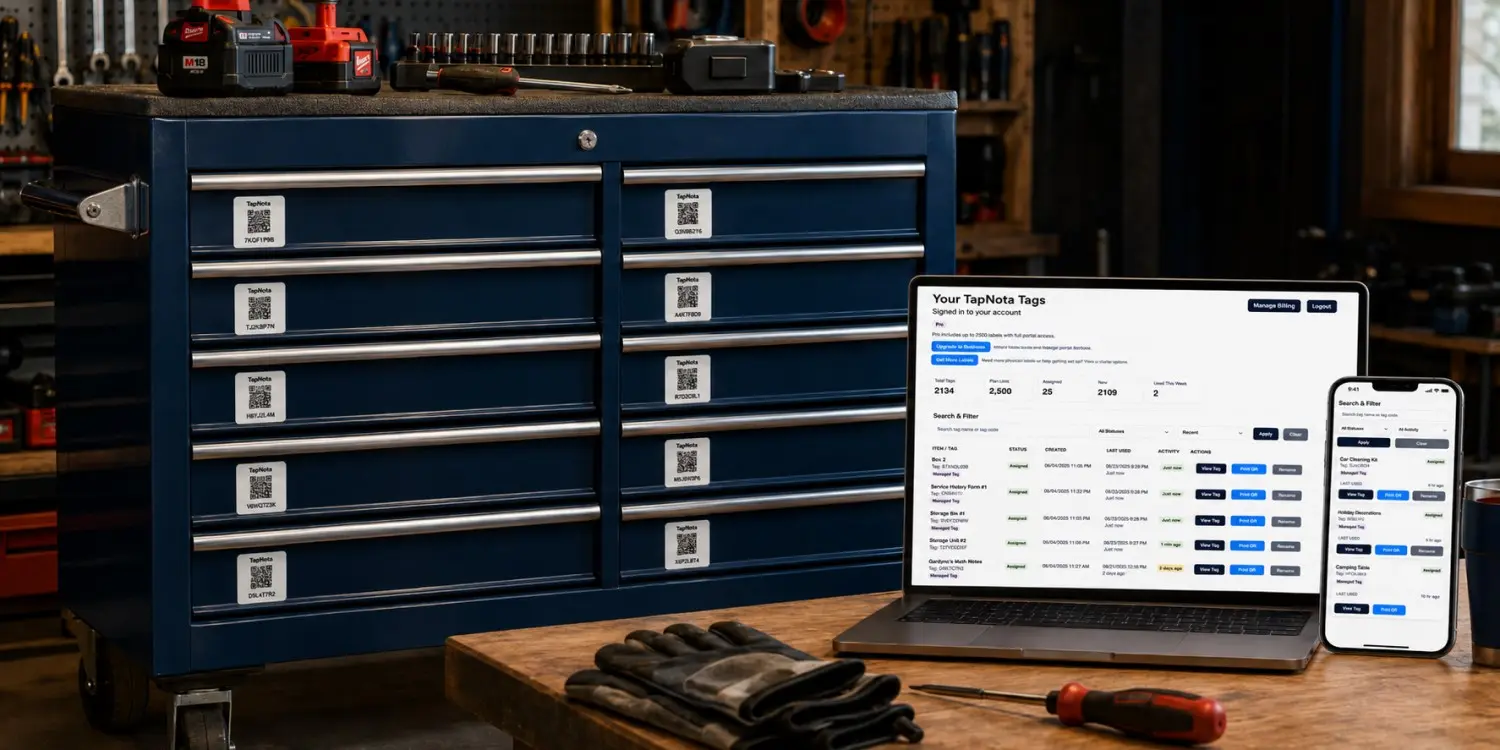
Group hand tools, power tools, measuring tools, electrical tools, plumbing tools, automotive tools, and specialty equipment.
Build complete kits for electrical work, plumbing, painting, carpentry, repairs, installation, maintenance, or field service.
Track the garage, shop, service vehicle, trailer, toolbox, cabinet, drawer, wall panel, shelf, or jobsite container.
Create a repeatable setup that makes tools easier to find, return, inspect, and maintain.
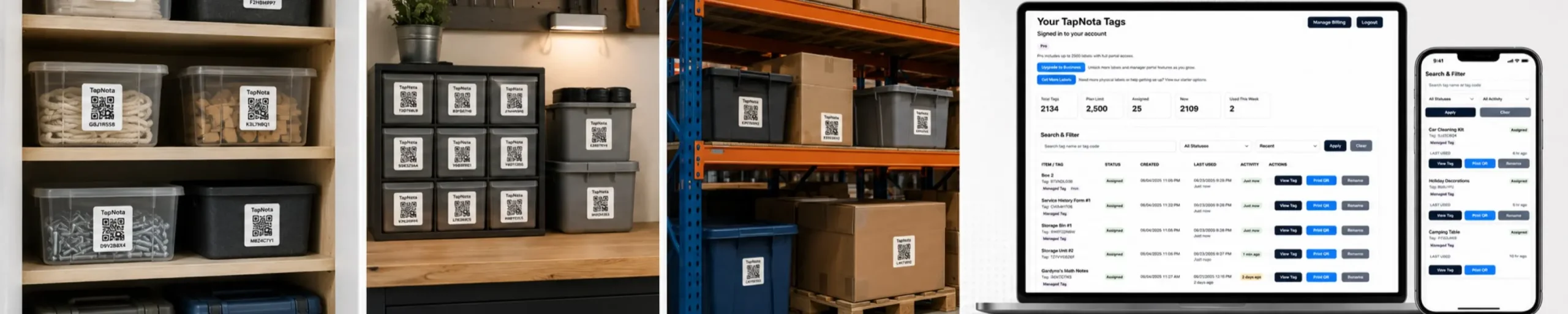
Bring together loose tools, cases, batteries, chargers, accessories, spare parts, and shop equipment, then check condition.
Group tools in a way that matches how they are used and who needs them.
Repair, replace, donate, sell, or discard tools that are unsafe, incomplete, broken, duplicated, or no longer useful.
Decide which cabinet, drawer, case, shelf, wall panel, trailer, or vehicle location belongs to each tool group.
Use visible labels and TapNota QR records for detailed contents, photos, accessories, assignments, and notes.
Return tools, replace missing accessories, recharge batteries, inspect damage, and update the connected record.
TapNota works for individual tools, complete kits, shared equipment, storage locations, vehicles, and grouped accessories.
Organize wrenches, pliers, screwdrivers, hammers, sockets, ratchets, cutters, and specialty hand tools.
Track drills, saws, grinders, sanders, batteries, chargers, cords, and matching accessories.
Organize drill bits, saw blades, sanding discs, fasteners, anchors, abrasives, and replacement parts.
Track levels, lasers, tape measures, squares, meters, gauges, and precision tools.
List every tool and accessory inside portable cases, bags, boxes, and complete project kits.
Label drawers, shelves, cabinets, pegboards, wall panels, and shop zones.
Track tools, ladders, cases, service kits, parts, and supplies stored in mobile work areas.
Track larger tools, machines, test equipment, stands, accessories, and maintenance records.
A complete tool kit should be easy to grab, easy to verify, and easy to return after use.
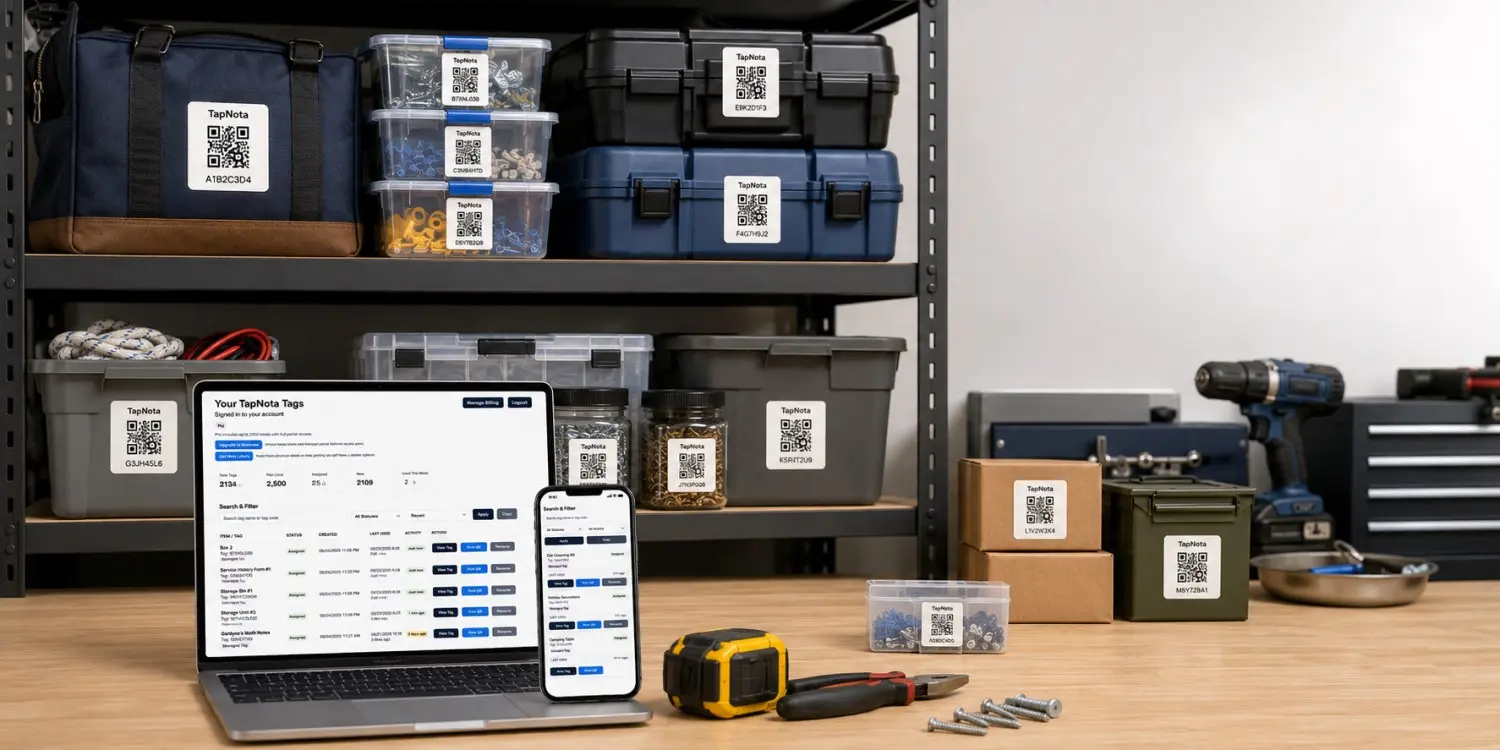
Physical labels show where a tool belongs. TapNota also connects the tool or location to searchable details, photos, assignments, and history.
| Feature | Traditional Tool Label | TapNota Tool Organization System |
|---|---|---|
| Identify the category | Short printed label or drawer name | Visible label plus a connected digital record |
| List complete kit contents | Limited by label space | Add complete searchable contents |
| Add photos | Stored separately | Upload photos directly to the tool or kit page |
| Track assignments | Use a separate checkout sheet | Record the employee, crew, vehicle, project, or department |
| Track condition | Use another note or log | Add damage, repair, inspection, and maintenance notes |
| Update location | Rewrite or replace the label | Update the cabinet, vehicle, trailer, shelf, or jobsite |
| Replace a damaged label | Create a new label manually | Reprint the existing QR code |
Tool storage changes over time. Keep the same QR label while updating the connected record.
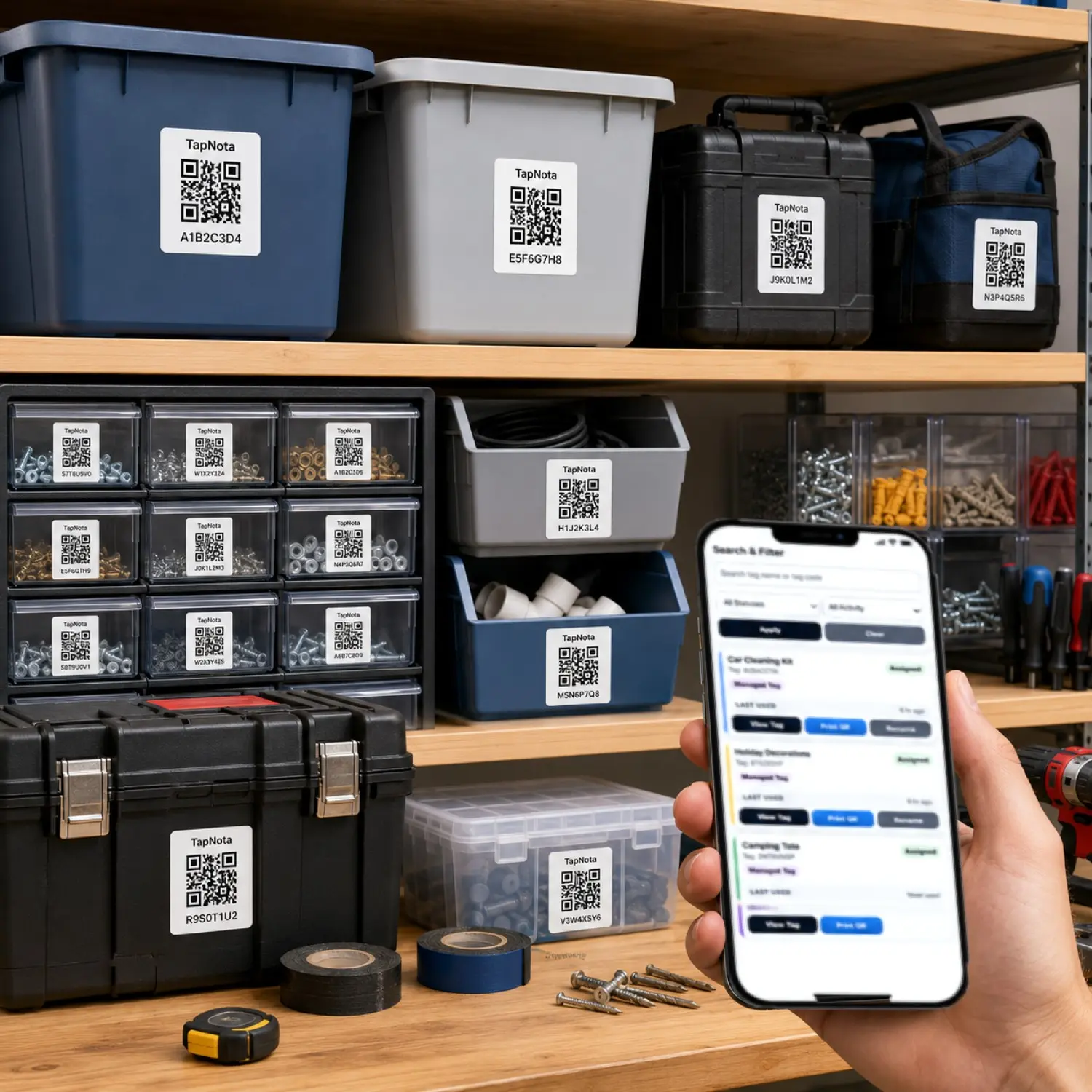
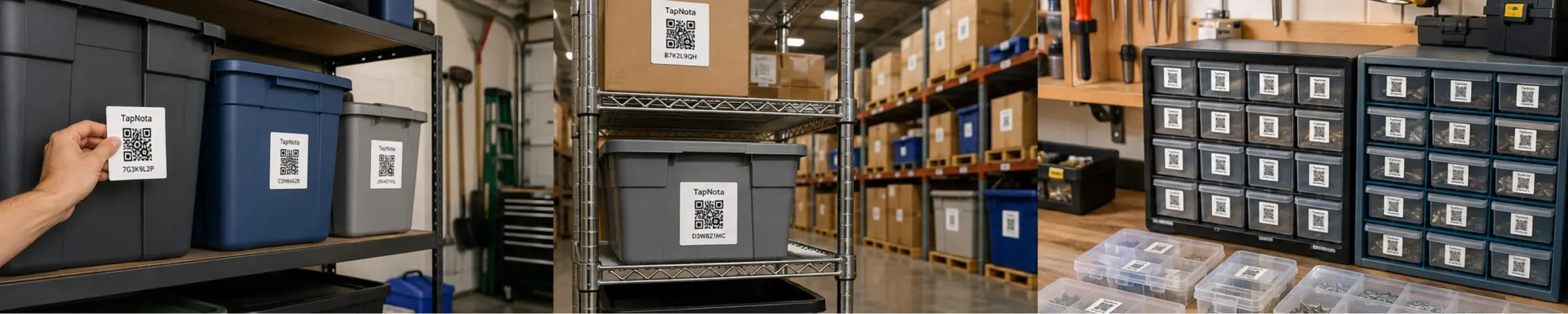
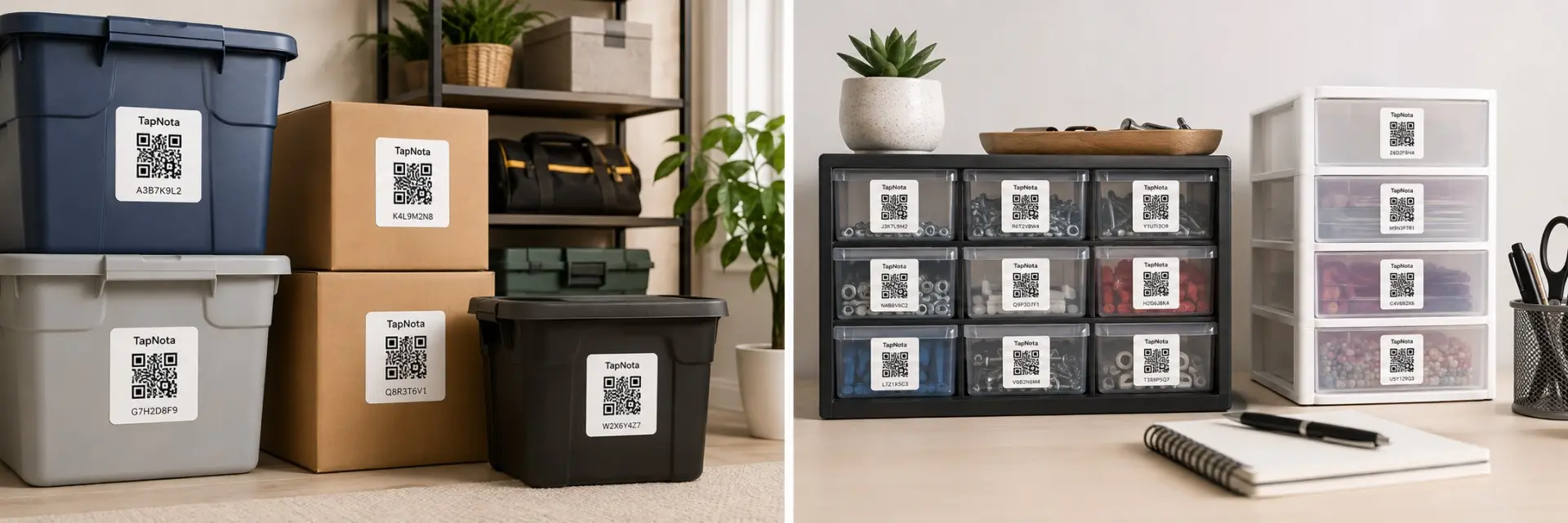
Use original 2-inch TapNota labels on toolboxes, cases, cabinets, shelves, drawers, bins, trailers, and larger equipment. TapNota Minis work well on hand tools, batteries, chargers, accessories, meters, smaller cases, and compact shop items.
Learn how TapNota can connect toolboxes, kits, cabinets, drawers, vehicles, and equipment to searchable digital records.
Organize every toolbox, cabinet, case, drawer, vehicle, trailer, and shop zone, then use TapNota QR labels to keep contents, photos, assignments, condition, and locations easy to find.
Need more labels? Buy additional TapNota pre-coded packs on Amazon. Scan one label to activate your entire pack instantly.











