
Activate the Entire Pack Once
Scan any label in the purchased pack, enter and verify your email, and TapNota connects the whole pack to your account.
You do not activate every label separately.

The fastest way to find things in storage is to create clear zones, label every bin and shelf, record exact locations, and keep a searchable inventory. TapNota connects each storage bin, shelf, cabinet, closet, attic, basement, garage, or storage room to digital contents, photos, notes, and location details.
Find Things in Storage Image
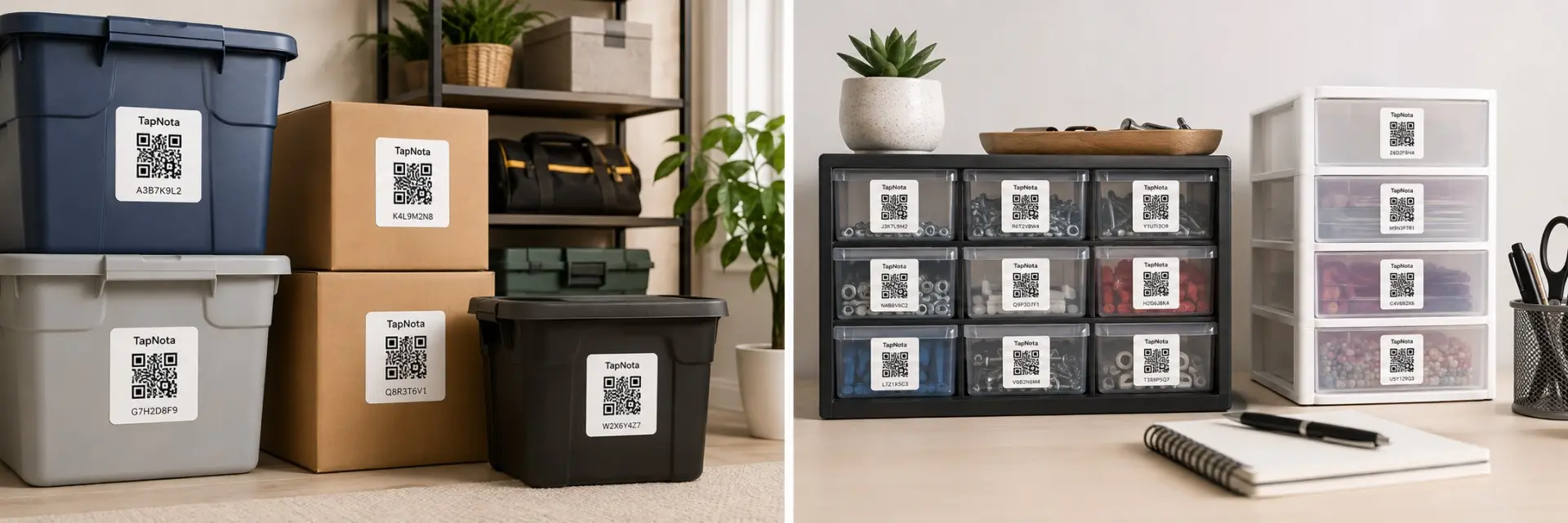
Add one lifestyle image showing labeled storage bins and shelves with a phone searching for a stored item in TapNota.
Storage becomes difficult when similar containers look the same, labels are too broad, and items move without the location being updated. A searchable system solves all three problems.
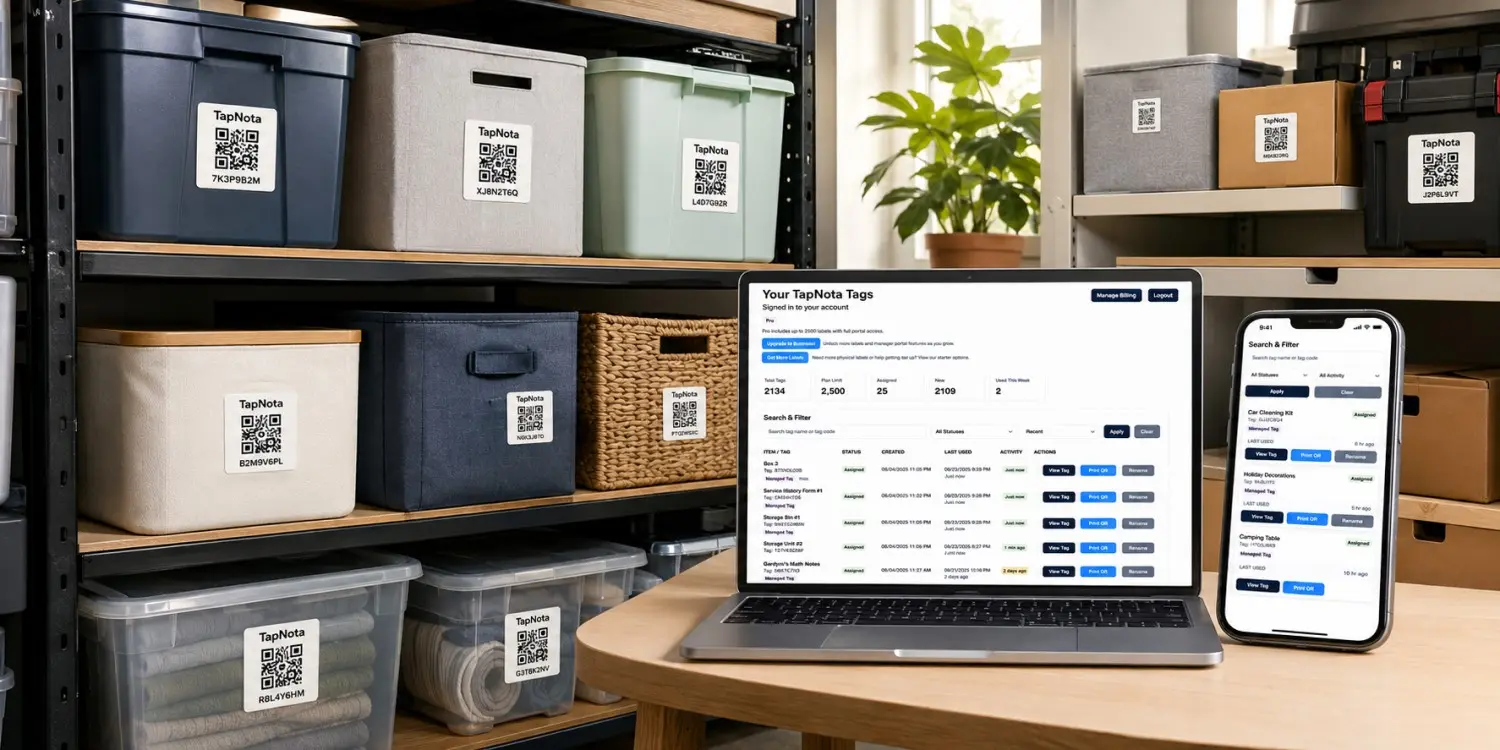
Labels such as “miscellaneous,” “garage,” or “holiday” do not reveal which specific items are inside the container.
Identical boxes and totes become difficult to distinguish when each one contains a different mix of stored belongings.
A storage list becomes unreliable when bins move to another shelf, room, attic, garage, basement, or storage unit.
Build a simple storage method that lets you locate an item before you touch a single box.
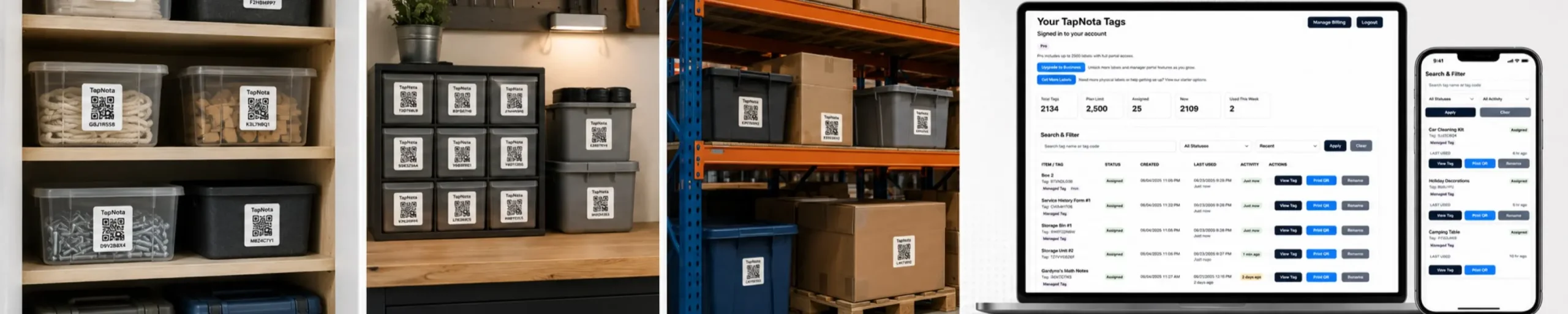
Create sections for holidays, tools, clothing, keepsakes, kitchen overflow, documents, sports gear, and other categories.
Assign clear names to rooms, walls, racks, shelves, rows, closets, cabinets, drawers, and bins.
Replace broad labels with names such as “Winter Coats — Adult” or “Christmas Lights — Outdoor.”
Add the complete contents, photos, quantities, sizes, seasons, owners, and identifying details.
Record the room, wall, rack, shelf, row, bin, cabinet, drawer, attic side, or storage-unit position.
Search the item name before looking, then update the contents or location whenever storage changes.
A consistent location format helps every household member find the same place without guessing.
Garage, attic, basement, hall closet, storage room, shed, office, or storage unit.
North Wall, Rack B, Cabinet 2, Closet Left, or Storage Unit Row 4.
Shelf 3, Bin 7, Drawer 2, Upper Shelf, Back Row, or Floor Position 5.
A useful record should explain what is inside, where it is stored, who it belongs to, and what makes the contents easy to identify.
List specific items instead of relying on one broad category.
Add an overall contents photo and close-ups of hard-to-describe items.
Record the owner, clothing size, holiday, room, project, or intended use.
Note counts, sets, kits, accessories, matching pieces, and related containers.
Save the room, zone, rack, shelf, row, bin, cabinet, drawer, or storage-unit position.
Add condition, repair, donation, replacement, missing-item, or movement notes.
The same system works anywhere belongings are stored in bins, boxes, drawers, cabinets, shelves, or grouped locations.
Find tools, sports gear, automotive supplies, outdoor equipment, and household overflow.
Find holiday décor, seasonal clothing, keepsakes, luggage, and long-term storage.
Find tools, household supplies, decorations, keepsakes, linens, and project materials.
Find clothing, shoes, accessories, linens, hand-me-downs, and seasonal items.
Find bins, shelves, household supplies, keepsakes, and long-term storage.
Find items by unit, row, wall, stack, shelf, pallet, or numbered container.
Find ornaments, lights, wreaths, trees, wrapping supplies, and seasonal décor.
Find memory boxes, heirlooms, albums, sentimental items, and family collections.
Traditional labels identify a category. TapNota helps you search the actual contents and exact location before opening the container.
| Feature | Traditional Storage Method | TapNota Searchable Storage |
|---|---|---|
| Find a specific item | Rely on memory or open several bins | Search the item name before looking |
| Identify bin contents | Use a short outside label | Open a detailed digital contents list |
| See what the item looks like | Open the container | View uploaded photos first |
| Track exact location | Use memory or a separate paper list | Record the room, rack, shelf, row, bin, or drawer |
| Update moved items | Rewrite the list or label | Update the digital page without replacing the QR label |
| Share directions | Explain where you think the item is | Share a repeatable location such as Rack B, Shelf 3, Bin 7 |
| Replace a damaged label | Create a new identifier manually | Reprint the existing QR code |
A searchable storage system works best when the digital record always matches the physical location.
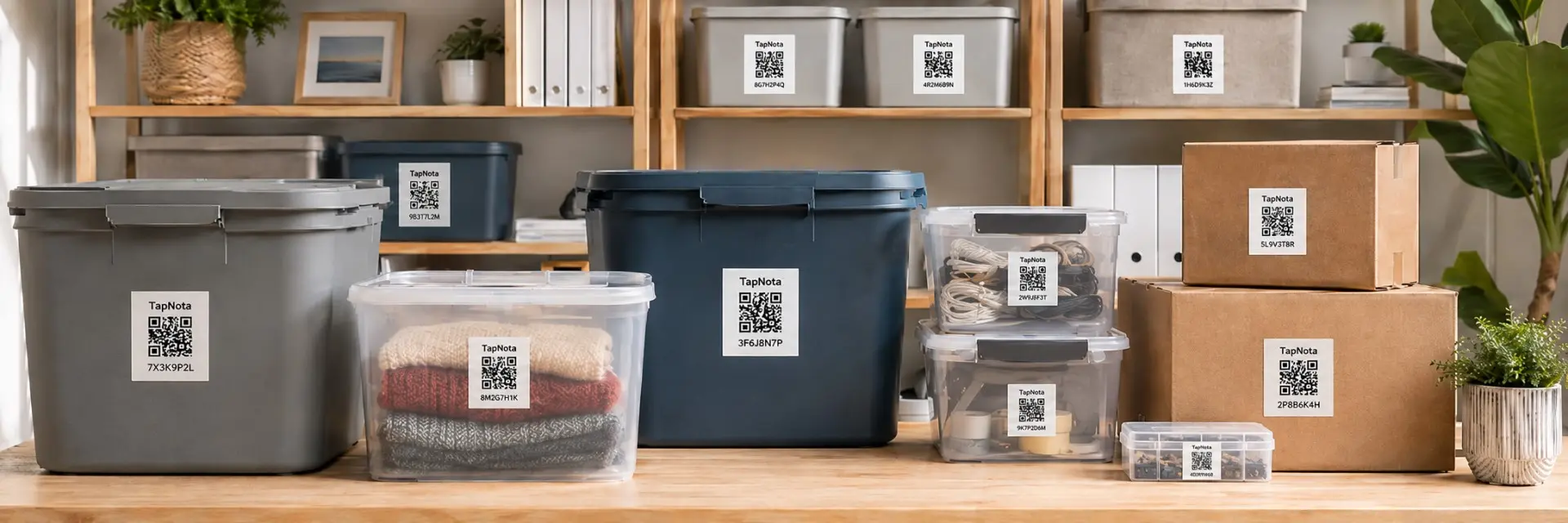
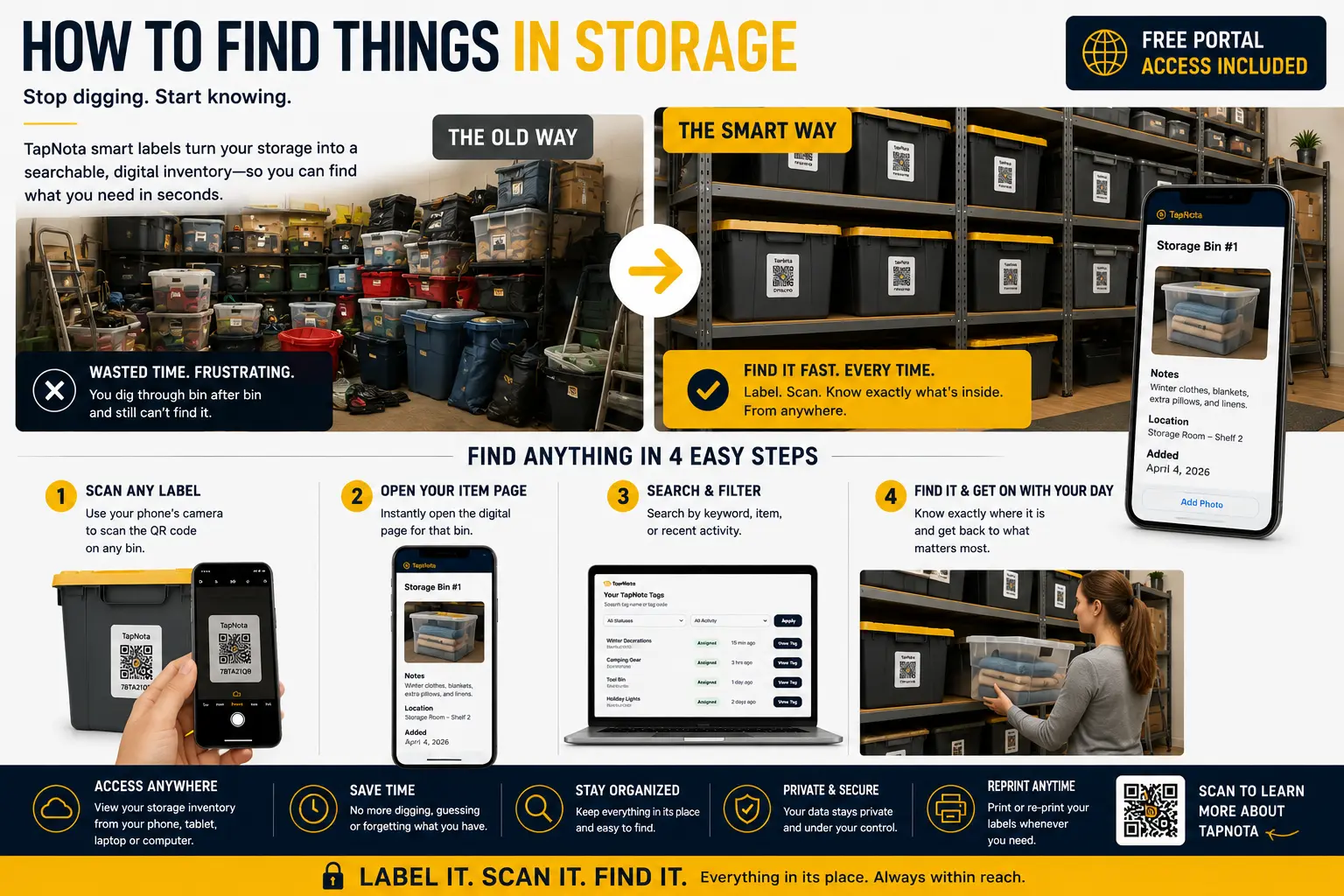
Use original 2-inch TapNota labels on bins, shelves, cabinets, totes, moving boxes, holiday containers, and larger storage areas. TapNota Minis work well on drawers, smaller boxes, cases, accessory bins, and compact items.
Use clear labels, exact locations, and searchable digital records to find stored belongings faster.
Apply a TapNota QR label, add the contents, photos, notes, and exact location, and find stored items before opening box after box.
Need more labels? Buy additional TapNota pre-coded packs on Amazon. Scan one label to activate your entire pack instantly.











