
Activate the Entire Pack Once
Scan any label in the purchased pack, enter and verify your email, and TapNota connects the whole pack to your account.
You do not activate every label separately.

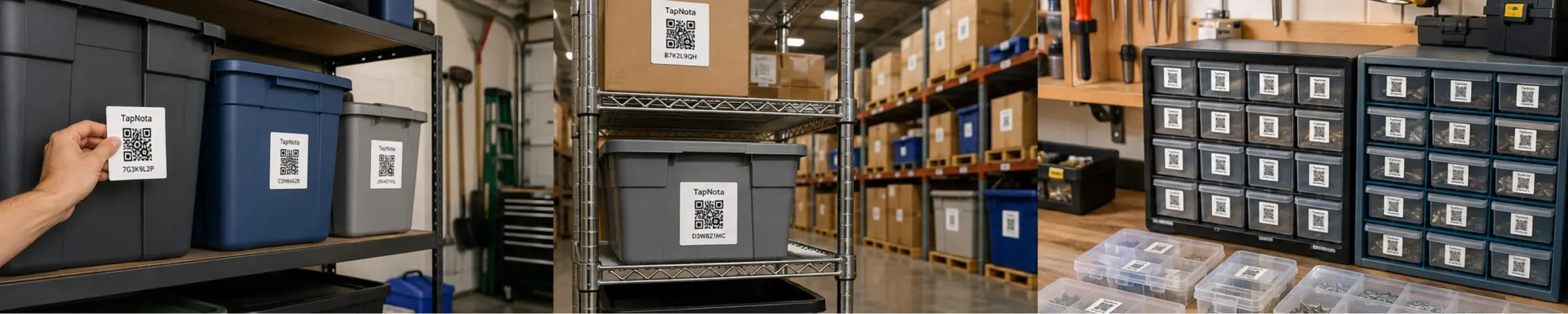
Organize tools, equipment, office assets, stockrooms, files, storage bins, service vehicles, and supplies with TapNota QR labels. Each label connects the physical item to a searchable digital record with notes, photos, locations, assignments, and history.
Business QR Label Image
Add one lifestyle image showing labeled tools, shelves, equipment, bins, and a phone displaying a TapNota business item page.
A generic QR code can open a link. TapNota turns each label into a dedicated item page designed for inventory, assets, equipment, storage, notes, photos, locations, folders, and history.
Record names, descriptions, categories, models, serial numbers, quantities, contents, and identifying details.
Track the office, vehicle, shelf, warehouse, job site, department, employee, or customer connected to an item.
Keep service records, maintenance notes, ownership details, updates, condition changes, and other history connected to the item.
Start organizing business inventory without a complicated rollout.
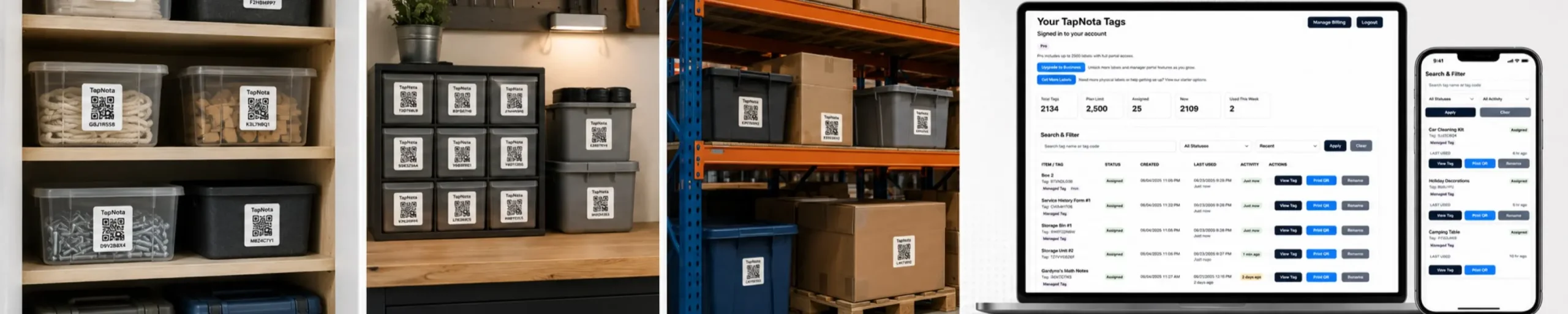
Place a TapNota label on the asset, tool, bin, shelf, cabinet, case, file box, vehicle kit, or piece of equipment.
Add names, photos, locations, contents, serial numbers, assignments, notes, and history.
Scan the label to open the exact item page or search the TapNota portal from a phone, tablet, or computer.
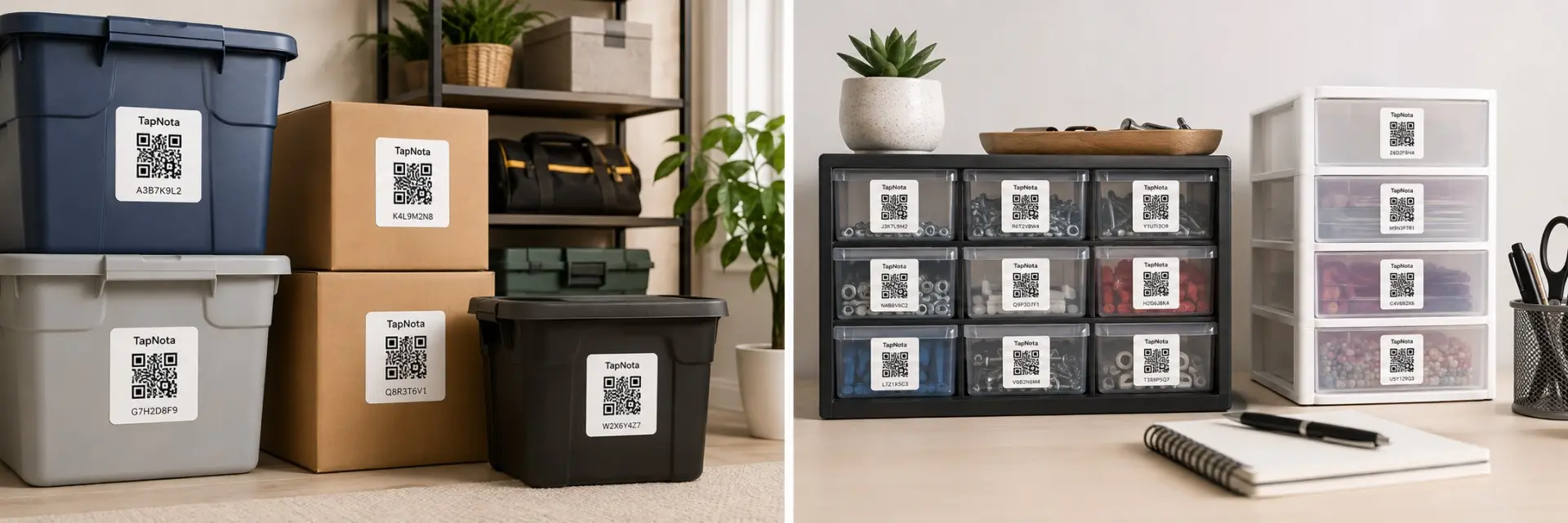
TapNota works for individual items, grouped kits, bins, shelves, equipment, office assets, and storage locations.
Track hand tools, power tools, batteries, chargers, cases, and accessories.
Record machines, devices, service equipment, accessories, and maintenance.
Organize laptops, monitors, printers, phones, devices, and shared equipment.
Track parts, supplies, product samples, files, kits, and container contents.
Track tools, equipment, emergency kits, supplies, and vehicle stock.
Label racks, cabinets, drawers, shelves, work areas, and inventory zones.
Organize archive boxes, document storage, cases, and administrative materials.
Track cameras, lighting, audio gear, cables, cases, and accessories.
TapNota gives organizations a practical way to keep physical items connected to useful digital information.
Track tools, job boxes, equipment, trailers, trucks, and field supplies.
Organize devices, furniture, shared equipment, files, and storage rooms.
Track classroom equipment, devices, event gear, supplies, and program assets.
Organize shared supplies, event materials, equipment, storage, and outreach assets.
Label displays, fixtures, backroom inventory, supplies, and store equipment.
Organize storage zones, bins, shelves, tools, carts, and equipment.
Track maintenance equipment, parts, supplies, rooms, and shared assets.
Track décor, signs, cables, equipment, kits, cases, and event inventory.
A generic QR code opens a destination. TapNota provides an item-focused system for records, organization, updates, and search.
| Feature | Generic QR Label | TapNota QR Label for Business |
|---|---|---|
| Connect to a digital page | Requires creating and hosting a destination | Pre-coded item page ready to activate |
| Add notes and details | Build or edit another page manually | Add notes directly to the item record |
| Add photos | Requires separate hosting or software | Upload photos directly to the record |
| Track locations | Create custom fields or another database | Update the item location anytime |
| Organize records | Build your own system | Use folders, search, and the TapNota portal |
| Share selected items | Depends on the external platform | Share individual item pages when needed |
| Replace a damaged label | Generate and manage another QR code | Reprint the existing QR code |
Business items move, change hands, get serviced, and gain new accessories. Keep the same QR label while updating the connected page.
TapNota Product Image
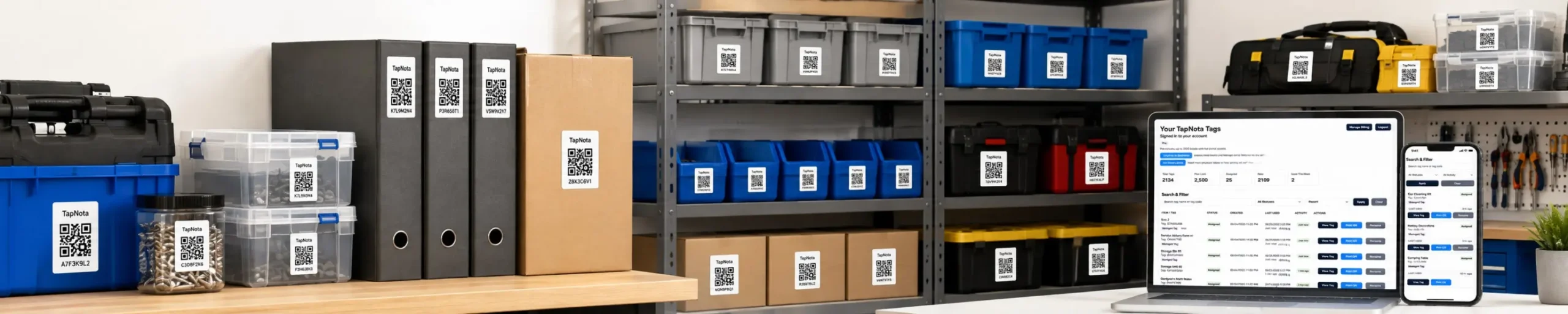
Add one product image showing TapNota label packs with labels on tools, bins, shelves, equipment, cases, and office assets.
Use original 2-inch TapNota labels for equipment, bins, shelves, cabinets, cases, and larger assets. TapNota Minis work well for tools, electronics, chargers, parts, drawers, and compact items.
Apply a TapNota QR label, add the details that matter, and keep useful business information connected to the physical item.
Need more labels? Buy additional TapNota pre-coded packs on Amazon. Scan one label to activate your entire pack instantly.











