
Activate the Entire Pack Once
Scan any label in the purchased pack, enter and verify your email, and TapNota connects the whole pack to your account.
You do not activate every label separately.

Organize warehouse bins, pallet locations, racks, shelves, parts, tools, equipment, supplies, cartons, stockrooms, and overflow storage with TapNota. Each QR label connects the physical location or item to searchable digital records with contents, photos, notes, assignments, condition, and history.
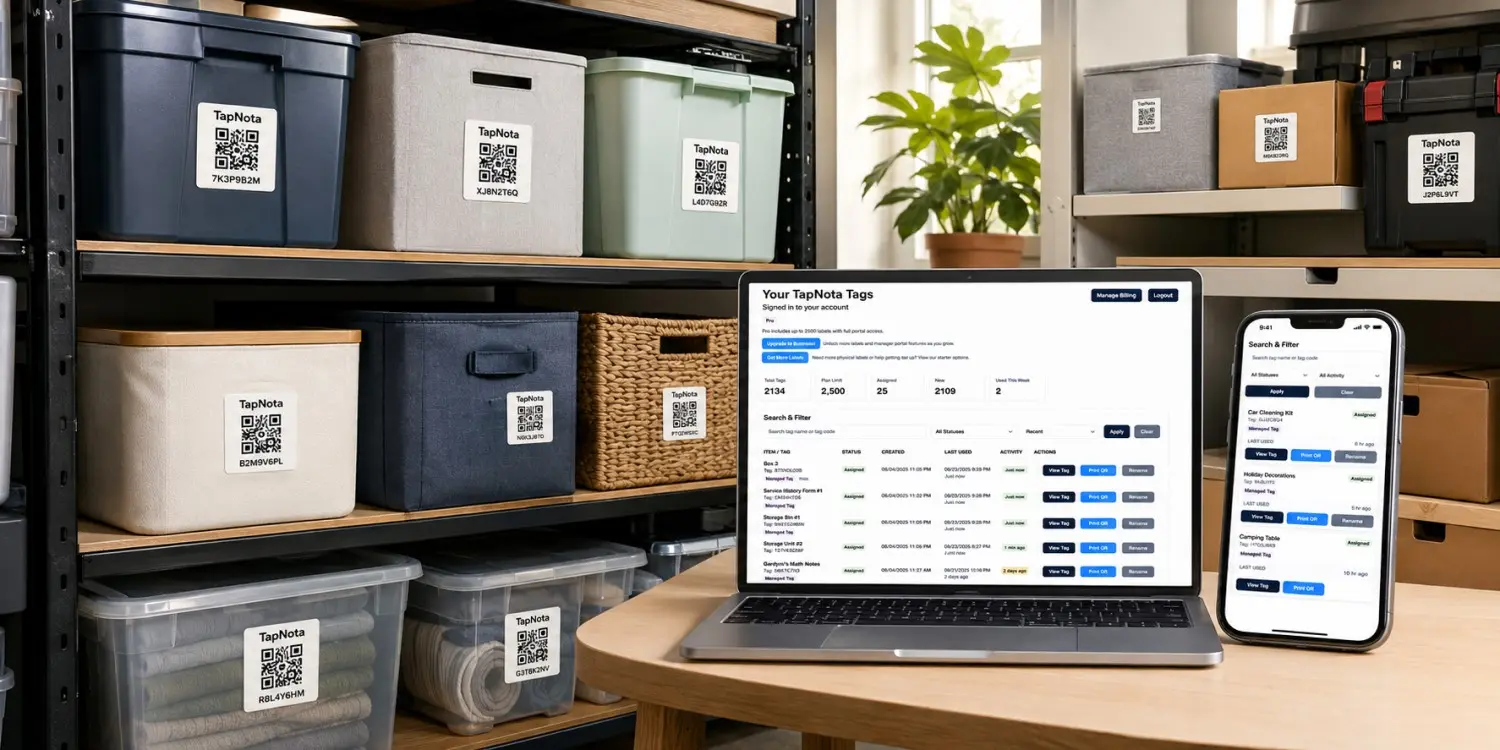
Warehouse Inventory Labels Image
Add one lifestyle image showing labeled warehouse racks, bins, shelves, parts, pallets, equipment, and a phone displaying TapNota.
Traditional warehouse labels identify a bin, rack, or item. TapNota also connects that label to searchable information that can be updated without replacing the physical QR code.
Record item names, SKUs, descriptions, quantities, dimensions, models, serial numbers, categories, and identifying details.
Track the building, zone, aisle, bay, rack, shelf, bin, cabinet, cage, trailer, pallet position, or overflow area.
Keep receiving notes, transfers, maintenance details, condition updates, inspections, assignments, and other history.
Build a practical warehouse labeling system without a complicated enterprise implementation or a separate mobile app.
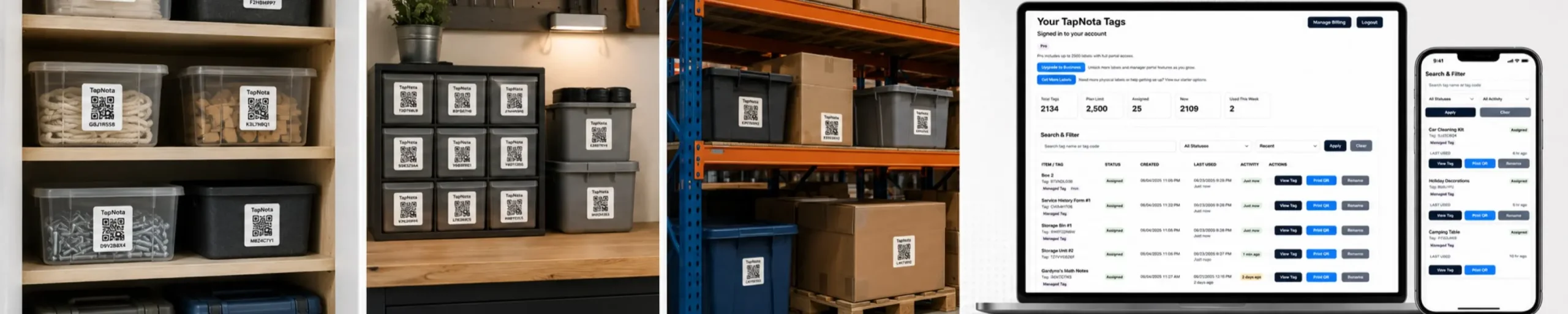
Place a TapNota label on the bin, shelf, rack, pallet position, carton, tool, machine, cabinet, cage, case, or storage area.
Add the item or location name, contents, SKU, quantity, photos, dimensions, assignments, condition, and location details.
Scan the label to open the exact record or search the TapNota Portal from a phone, tablet, or computer.
TapNota works for individual items, grouped inventory, fixed locations, movable assets, kits, containers, and warehouse zones.
Track parts, supplies, components, returns, samples, tools, and grouped inventory.
Label aisles, bays, rack levels, shelf positions, cabinets, cages, and storage zones.
Record pallet positions, product groups, lot notes, receiving details, and overflow storage.
Track replacement parts, fittings, hardware, assemblies, repair items, and production components.
Track hand tools, power tools, batteries, chargers, cases, and shared equipment.
Record serial numbers, locations, service history, accessories, condition, and assignments.
Separate returned, quarantined, damaged, inspection-pending, and repair inventory.
Track trailer stock, service vehicles, delivery equipment, mobile tools, and field supplies.
Warehouse inventory labels work best when every physical location follows a simple and repeatable naming structure.
Identify the facility, stockroom, yard, trailer, container, or satellite location.
→Divide the facility by product type, function, department, temperature, or workflow.
→Identify the vertical section, rack number, shelf level, cabinet, cage, or work area.
→Assign the final tote, slot, pallet position, drawer, container, or part location.
Warehouse A → Aisle 04 → Rack B → Shelf 03 → Bin 07
Keep the same order and abbreviations throughout the facility.
Every aisle, rack, shelf, bin, cage, and pallet position should be distinct.
Use visible text for location names and the QR page for full contents and updates.

Warehouse inventory labels are most useful when they support the full movement of items through the facility.
Record incoming shipments, temporary locations, photos, quantities, condition, shortages, and inspection notes.
Update the final aisle, rack, shelf, bin, cage, pallet position, or overflow area.
Identify where inventory is stored and note staging areas, kits, orders, or project assignments.
Update the location, department, vehicle, warehouse, project, or responsible team.
Track repairs, inspections, calibration, service dates, replacement parts, and return-to-service notes.
Separate customer returns, damaged goods, repair items, quality holds, and inspection-pending stock.
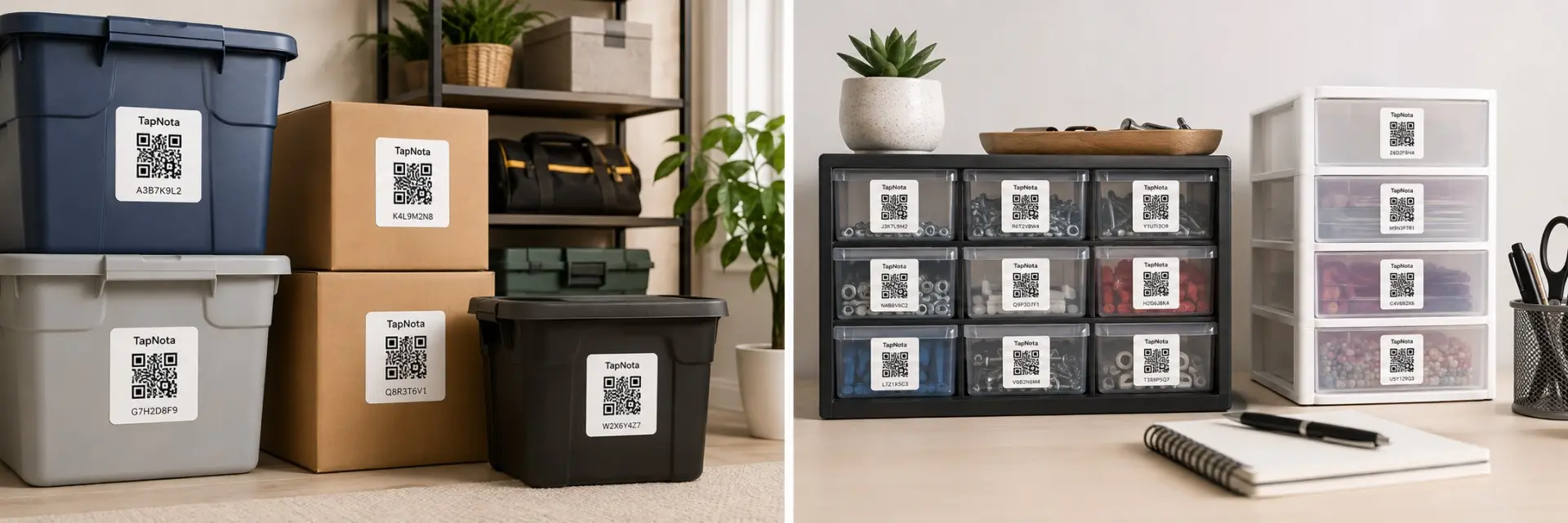
A printed label identifies a location or item. TapNota connects that label to detailed, searchable, and updatable information.
| Feature | Traditional Warehouse Label | TapNota Warehouse Inventory Label |
|---|---|---|
| Identify a location | Printed aisle, rack, shelf, or bin code | Visible location plus a connected digital record |
| List detailed contents | Limited by label size | Add complete searchable contents and notes |
| Add photos | Stored separately | Upload photos directly to the item or location page |
| Track location changes | Replace labels or update another system | Update the location without replacing the QR code |
| Record condition | Use separate forms or notes | Keep damage, inspection, and repair notes together |
| Track equipment history | Use a separate maintenance log | Keep service, assignment, and condition history on one page |
| Replace a damaged label | Create a new label manually | Reprint the existing QR code |
Warehouse inventory moves constantly. Keep the same QR label while updating the connected record.

Use original 2-inch TapNota labels for bins, racks, shelves, pallets, cabinets, cages, equipment, cases, and larger warehouse locations. TapNota Minis work well for tools, parts, components, chargers, accessories, drawers, and compact inventory.
Learn how TapNota connects warehouse bins, racks, shelves, pallet positions, parts, tools, equipment, and storage zones to digital records.
Apply TapNota warehouse inventory labels, add the location, contents, photos, notes, quantities, condition, and history, and keep the information connected to the physical item or storage position.
Need more labels? Buy additional TapNota pre-coded packs on Amazon. Scan one label to activate your entire pack instantly.









