
Activate the Entire Pack Once
Scan any label in the purchased pack, enter and verify your email, and TapNota connects the whole pack to your account.
You do not activate every label separately.

Build a searchable home inventory system with TapNota QR labels. Connect storage bins, valuables, equipment, keepsakes, and everyday belongings to digital records with photos, notes, AI-assisted identification, and shared family access.
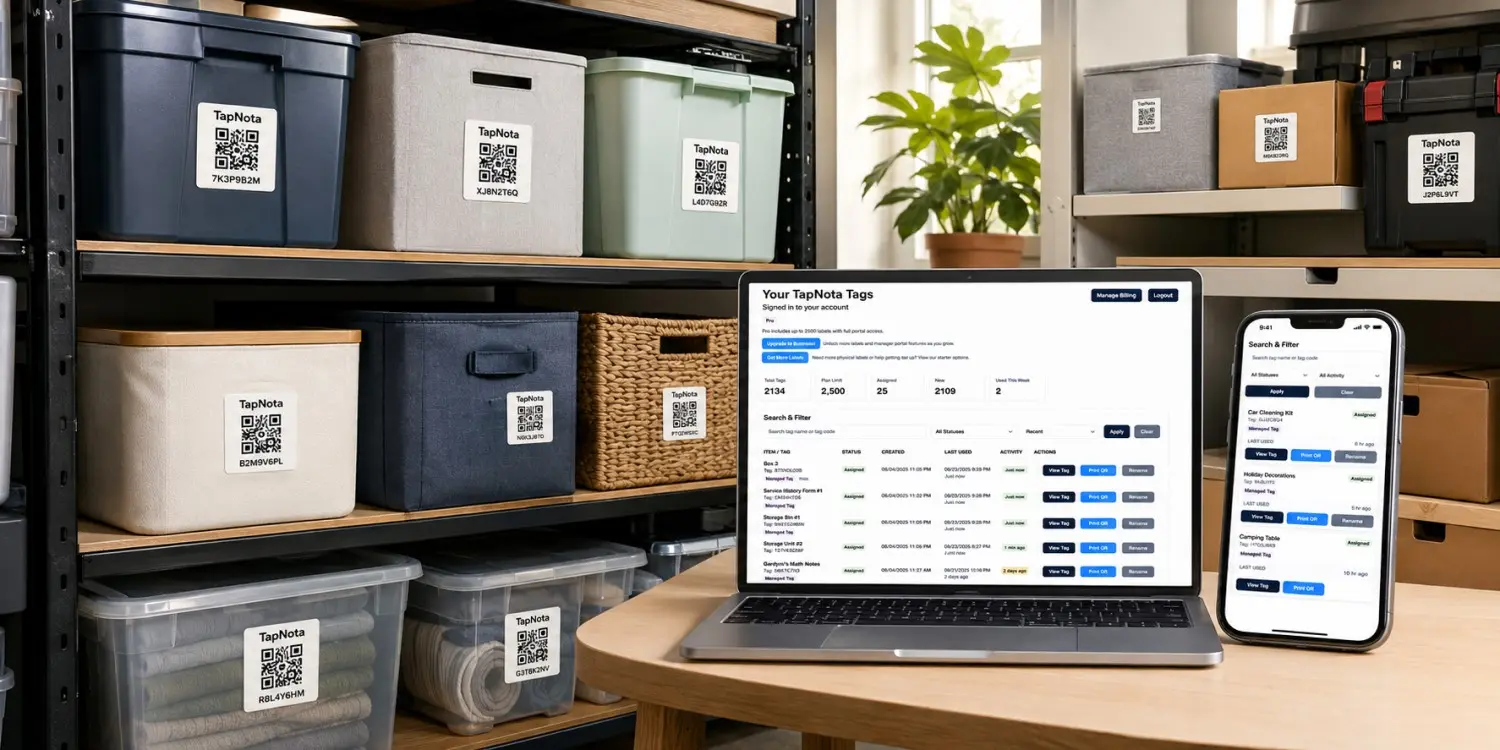
Home Inventory Hero Image
Add one lifestyle image showing labeled storage bins, household items, and a phone displaying a TapNota inventory page.
Paper lists and spreadsheets can quickly become outdated. TapNota connects physical belongings, storage containers, and household equipment to digital records you can update whenever something moves, changes, or is replaced. Your home inventory can also use AI-assisted item identification, folders, item status, privacy controls, and Shared Account Access for family members.
Household items become spread across closets, garages, attics, cabinets, sheds, and storage containers. When you need something, you may not remember where it is or whether you still own it.
Finding one belonging may require checking several rooms or containers.
Receipts, serial numbers, manuals, photos, and ownership information end up in different places.
Useful household knowledge can depend on one person remembering every location.
A paper list or spreadsheet may no longer be accurate after items are moved or replaced.
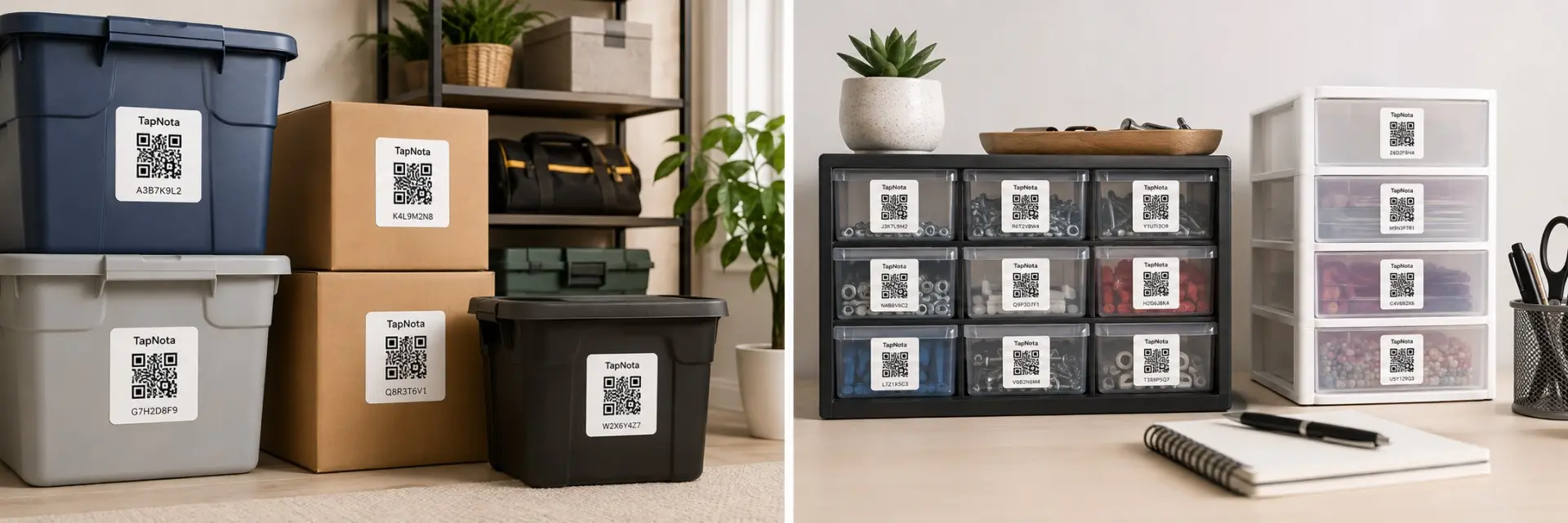
Apply a TapNota QR label to an item, box, or storage bin and give it its own digital Item Page. Add information once, then update the same record whenever its location, contents, or details change.
Add names, descriptions, quantities, locations, identifying information, and household notes.
Store reference photos, condition information, ownership details, and updates on the connected page.
Group related belongings by room, category, location, collection, or storage area.
Search your TapNota Portal from your phone or computer to find the item and its location.
Creating a detailed home inventory is useful, but typing every object in a storage bin can slow the process down. TapNota's Identify with AI feature can analyze a photo of household items and return a useful plain-text list you can use while building the connected item record.
A household inventory is more useful when the people who live there can actually use it. Shared Account Access lets invited members sign in with their own TapNota login and work inside the shared inventory without using the account owner's password.
Build your home inventory gradually, one item, bin, room, or category at a time.
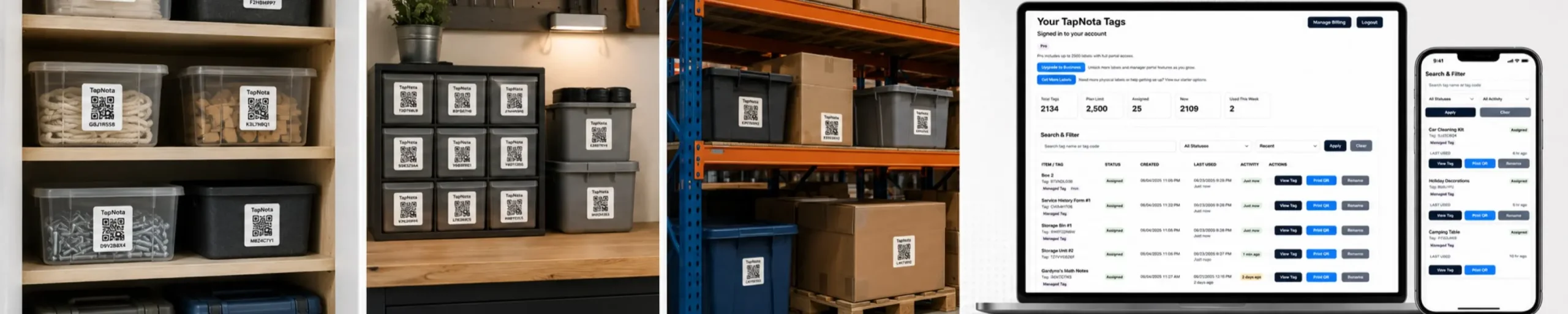
Scan any TapNota label, enter and verify your email address, and the entire label pack is connected to your account. You do not activate each label separately.
Place a QR label on the item, box, or bin, then add names, notes, photos, location, folder, item status, privacy settings, and other details that make the record useful.
Search your portal when you need something or scan the physical QR label to open the connected digital record.
Keep useful information connected directly to the physical item or storage location it describes.
Search item names, notes, folders, and tag codes in your TapNota Portal instead of opening container after container.
Keep contents photos, descriptions, quantities, model details, ownership notes, and other useful information with the QR-connected record.
Group belongings by room, storage area, person, collection, category, project, or any organization system that fits your home.
When signed in, use a photo to help identify items and create a useful list faster while you build your home inventory.
Invite family members to use their own login so household organization does not depend on one person knowing where everything is.
Use status information to help track whether an item is active, stored, moved, sold, donated, or otherwise changed.
Keep useful updates connected to the same item record so important changes do not disappear when information is edited.
Choose Private, Share, or Public visibility for Item Pages and add optional PIN protection when you want another layer of control.
If a physical label is damaged, export and reprint the same QR code while keeping the existing digital record intact.
TapNota can organize stored belongings, household equipment, valuables, supplies, collections, and everyday items.
Track toolboxes, power tools, accessories, manuals, and maintenance notes.
Record devices, cables, model details, serial numbers, and storage locations.
Organize holiday decorations, lights, ornaments, and seasonal supplies.
Add names, dates, photos, stories, and family notes to memory boxes.
Track automotive supplies, sports gear, lawn equipment, and spare parts.
Organize seasonal clothing, children’s sizes, bedding, shoes, and linens.
Record everything inside a container without fitting it on a small label.
Track cleaning supplies, pantry overflow, replacement parts, and backups.
A useful home inventory system should work in the places where things actually get stored. These are some of the most practical ways to use TapNota QR labels around the house.
Keep a searchable record of what is packed inside each moving box and where the contents belong before, during, and after the move.
Explore QR labels for moving boxes →Track ornaments, lights, decorations, seasonal supplies, and the bins they are stored in without reopening every container.
See smart storage bin labels →Keep model information, notes, photos, locations, maintenance details, and other useful history attached to the equipment itself.
Explore QR inventory labels →Use TapNota on drawers, closets, totes, craft supplies, collections, spare parts, children's items, and other belongings you want to find faster.
Learn how to organize storage bins →A basic list records information. TapNota keeps that information connected to the physical item through a scannable QR label.
| Feature | Paper List or Spreadsheet | TapNota Home Inventory System |
|---|---|---|
| Identify belongings | Separate list entry | QR label opens the item record |
| Add detailed notes | Possible, but not attached to the item | Notes remain connected to the physical item |
| Add photos | Stored separately or embedded manually | Upload photos directly to the item page |
| Update information | Edit the document manually | Update through the TapNota portal |
| Find a stored item | Search a file, then locate the item | Search the portal and scan the label |
| AI-assisted item identification | Not built in | Identify with AI from a photo while signed in |
| Family access | Share the whole document or account | Shared Account Access with separate member logins |
| Share selected records | Share the whole document or make a copy | Revocable links for individual Item Pages |
| Privacy controls | Depends on the file | Private, Share, Public, plus optional PIN |
| Replace a damaged label | Create another label manually | Export and reprint the existing QR code |
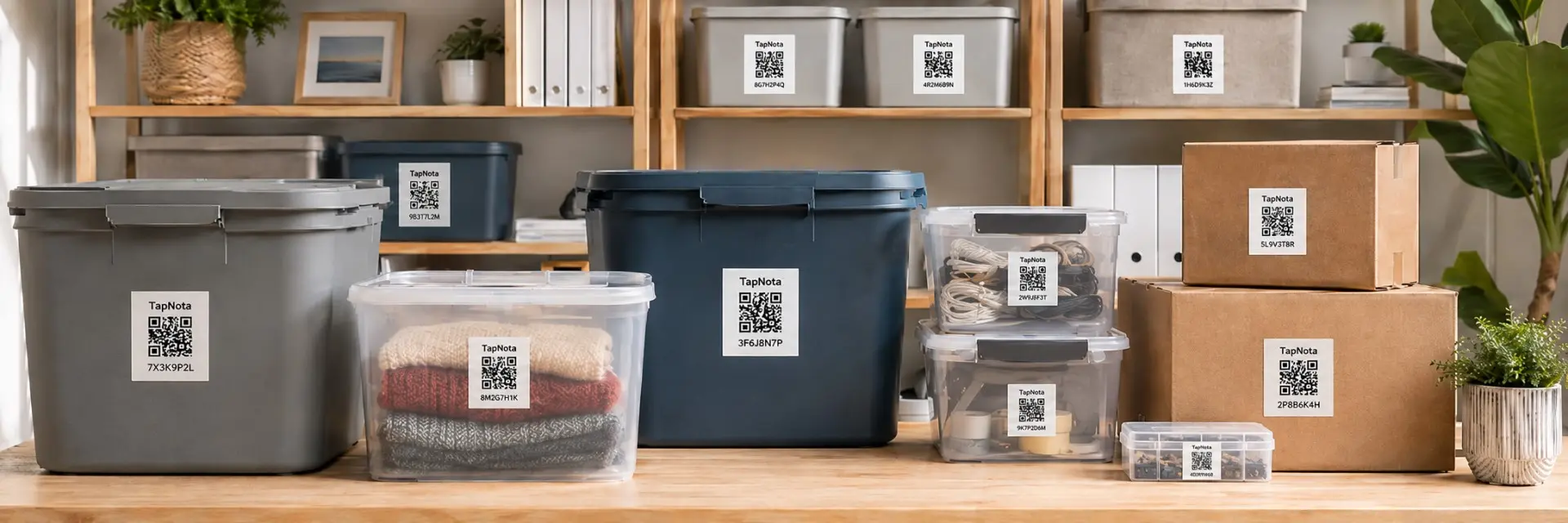
Choose the label size and pack quantity that fits your home. Use original 2-inch labels for bins, equipment, and larger belongings, or TapNota Minis for drawers, tools, electronics, and smaller items. Your TapNota Portal brings the labels together with search, folders, photos, notes, AI tools, privacy controls, and Shared Account Access.
Explore practical ways to use QR code labels for storage bins, moving boxes, household inventory, and organized storage throughout your home.
Turn plastic totes and storage containers into searchable digital records.
Explore storage bin labels →See how QR labels connect stored belongings to notes, photos, and searchable information.
Explore QR storage labels →Compare smarter ways to label bins when a short handwritten label is not enough.
Explore labels for bins →Create a moving box inventory so packed belongings are easier to locate and unpack.
Explore moving box labels →Use QR labels to connect physical belongings, equipment, and assets to digital records.
Explore QR inventory labels →Build a practical storage system that is easier to search, maintain, and use over time.
Read the storage bin guide →Learn how TapNota connects physical belongings to searchable digital records without requiring a separate mobile app.
Start with one room, one storage area, or one category. Apply a TapNota label, scan it with your phone, and keep useful information connected to the physical item. Add photos and notes, search from the Portal, use AI when it saves time, and share access with the people who help manage the household.
Need more labels? Buy additional TapNota pre-coded packs on Amazon. Scan one label to activate your entire pack instantly.











