
Activate the Entire Pack Once
Scan any label in the purchased pack, enter and verify your email, and TapNota connects the whole pack to your account.
You do not activate every label separately.

Build a searchable moving box inventory with TapNota QR labels. Record box contents, destination rooms, photos, priority notes, and unpacking details so you can find important items without opening every box.
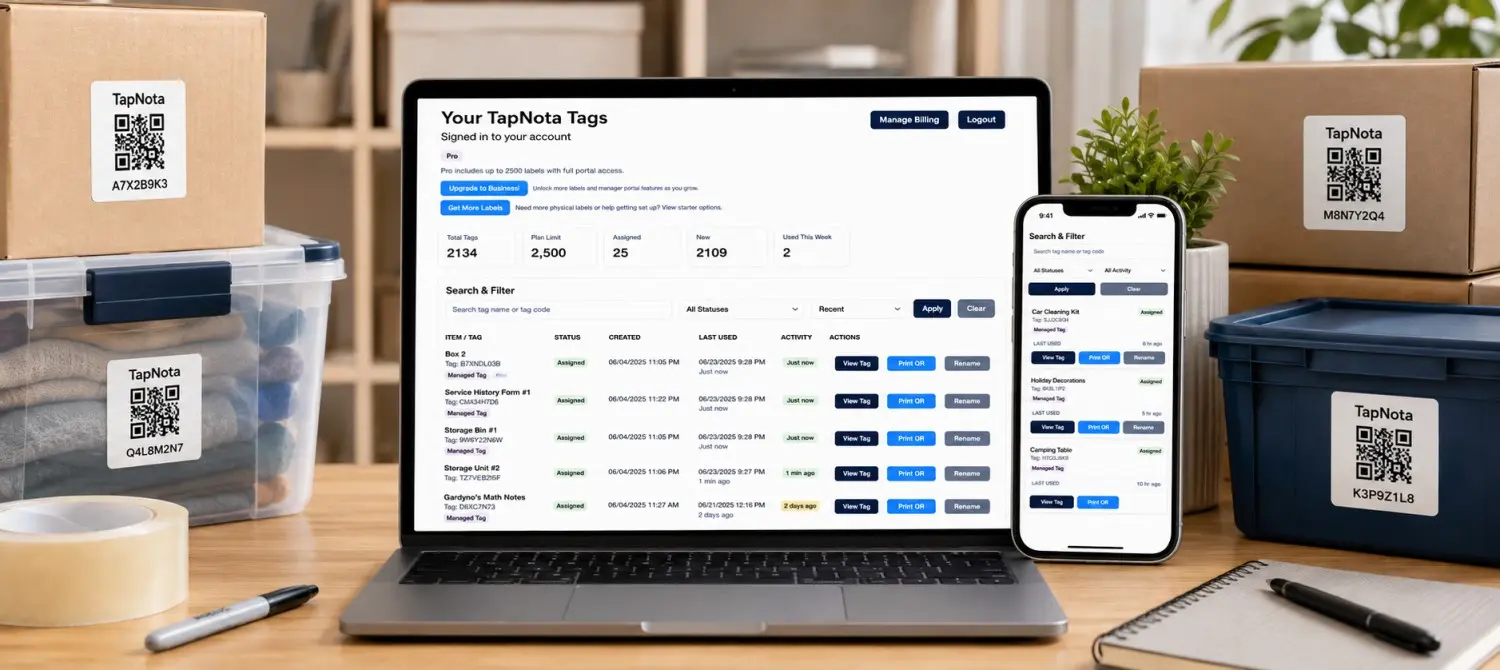
Moving Box Inventory Image
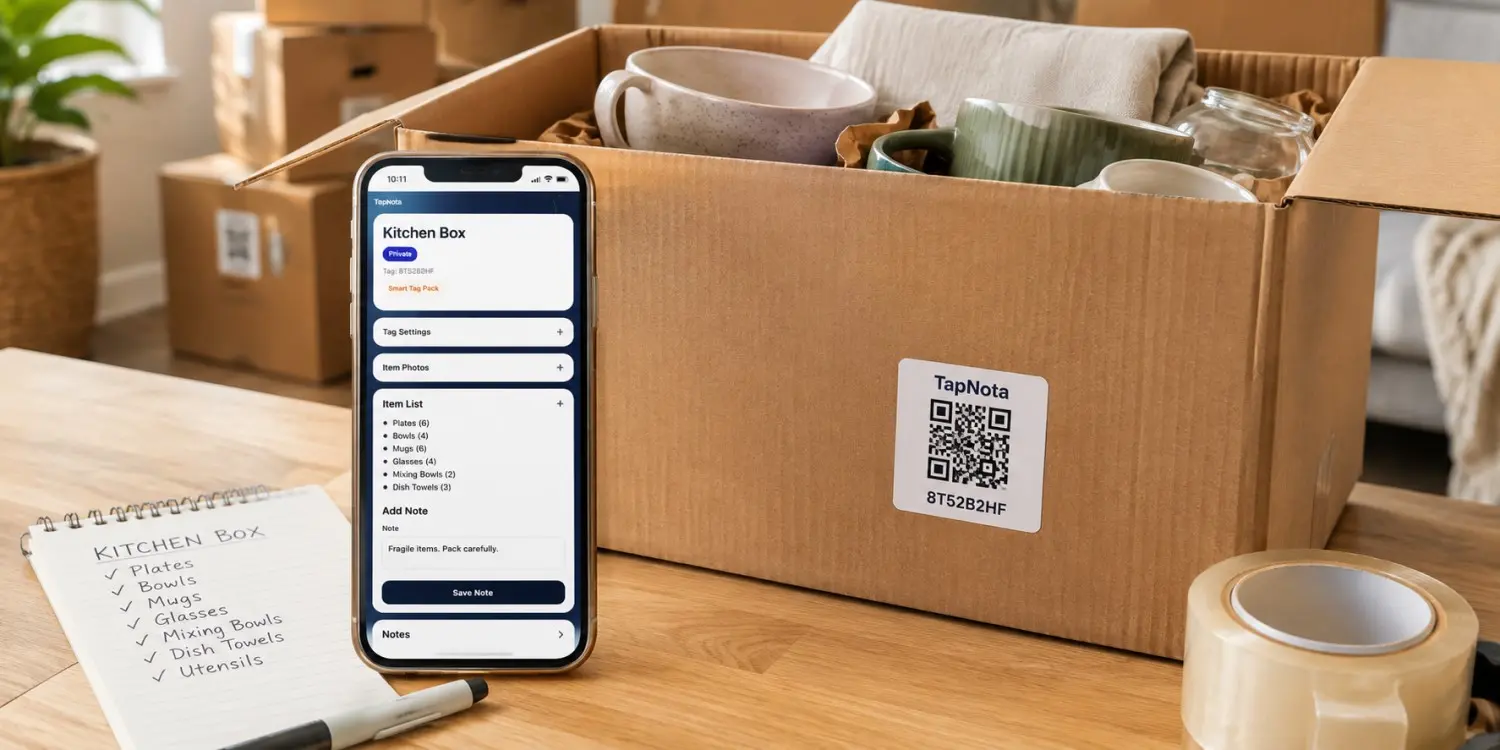
Add one lifestyle image showing labeled moving boxes and a phone displaying the searchable contents of one box.
A paper checklist or spreadsheet stays separate from the physical boxes. TapNota connects each box directly to its own digital inventory record through a scannable QR label.
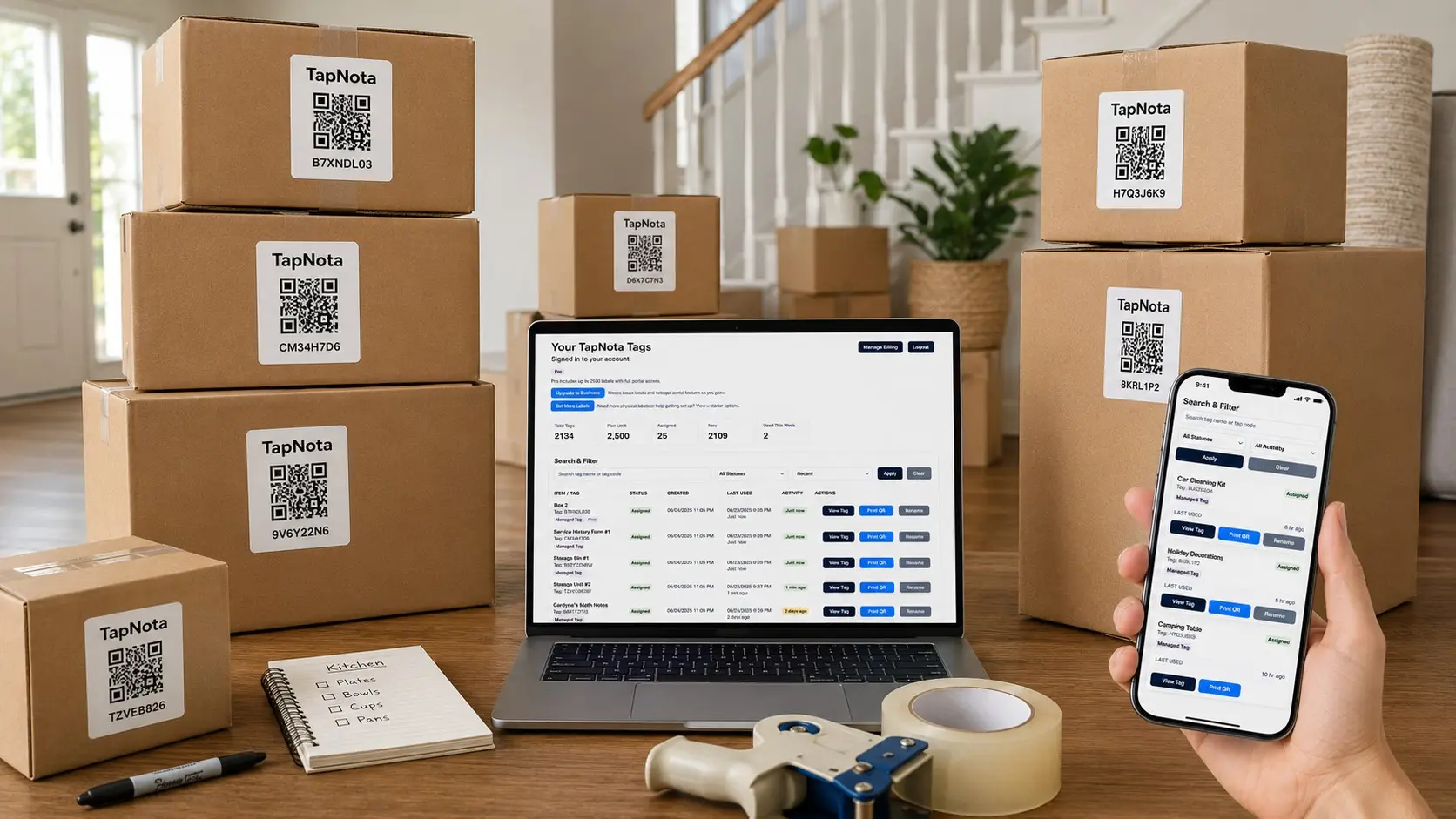
Give each moving box a clear name, number, destination room, and digital contents list.
Photograph packed contents before closing the box so you can confirm what is inside later.
Search your TapNota Portal for a specific item and identify the box that contains it.
Build your moving inventory while you pack instead of trying to reconstruct it after every box is sealed.
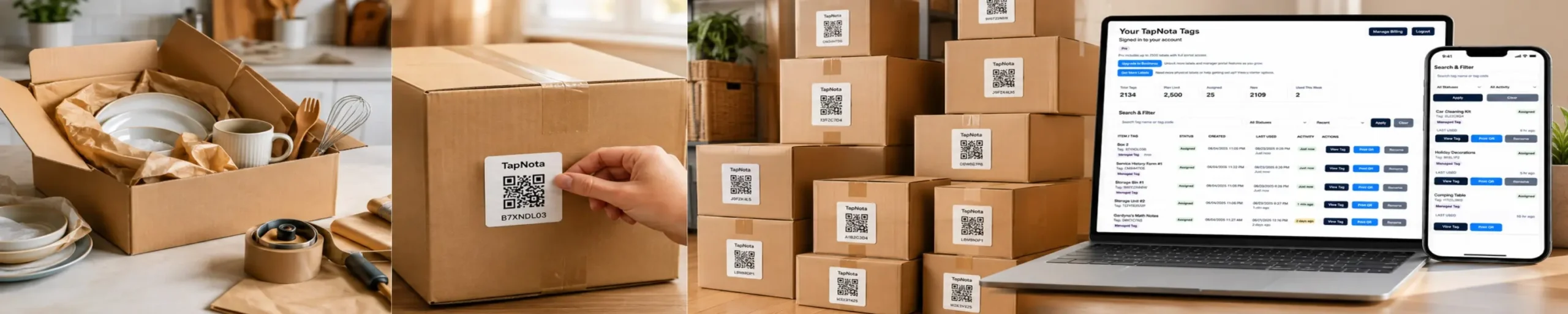
Place a TapNota label on the side or top of the box where it remains visible and easy to scan.
Add item names, photos, destination room, handling notes, and whether the box should be opened first.
Search the portal for an item or scan a box to confirm what is inside before opening it.
Each record should contain enough information to identify, route, handle, and unpack the box efficiently.
Use names such as Kitchen 04 or Primary Bedroom 02.
Record specific items, quantities, categories, and useful notes.
Identify where the box belongs at the new home or storage location.
Mark essentials and other boxes that should be opened first.
Add fragile, heavy, upright-only, or other handling notes.
Photograph the inside before sealing for a fast visual reference.
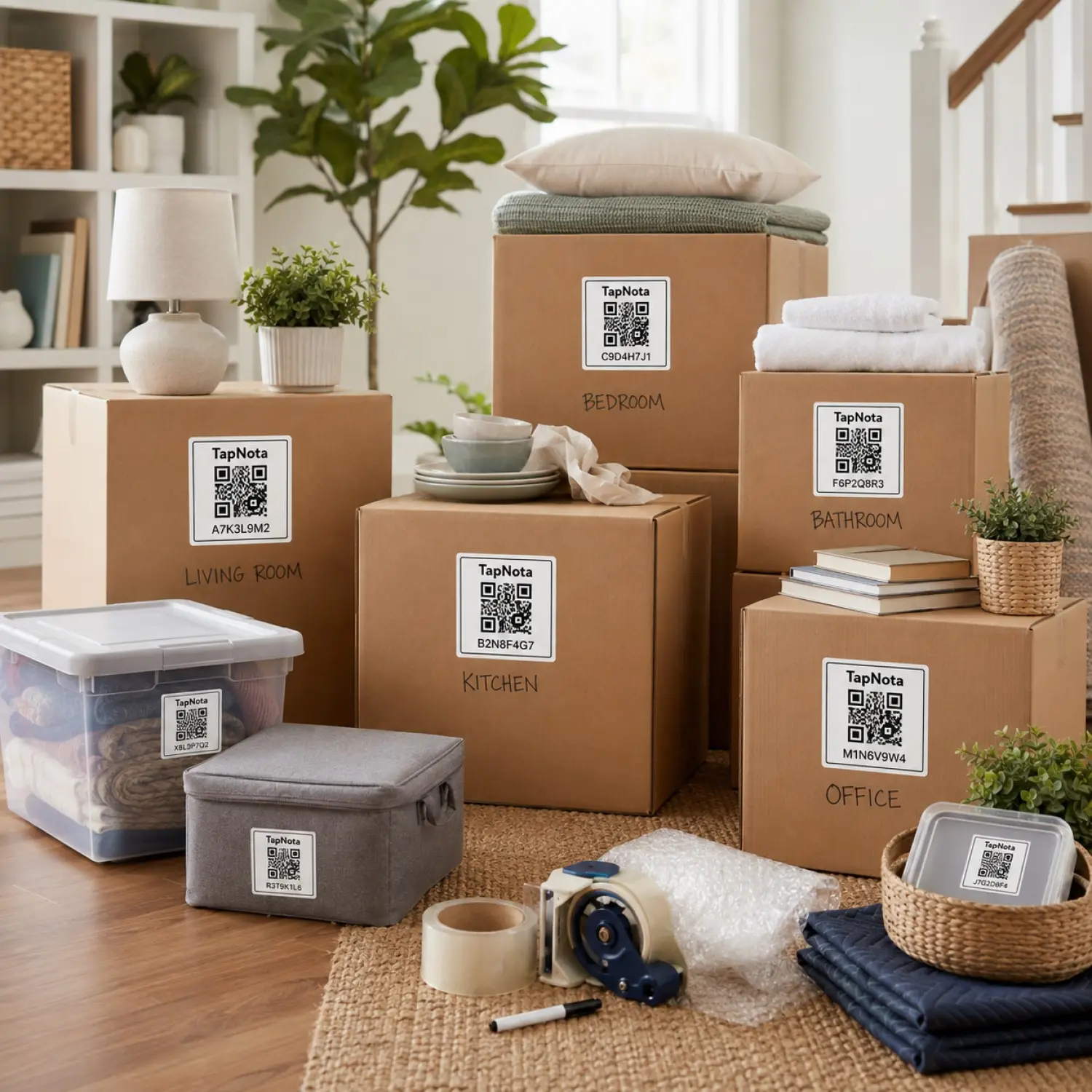
Room-based folders and box names make it easier for movers and family members to place every box correctly.
Track dishes, cookware, appliances, pantry items, and fragile glassware.
Organize clothing, bedding, shoes, personal items, and first-night supplies.
Record computers, monitors, cables, files, equipment, and accessories.
Track décor, books, media, lamps, electronics, and household accessories.
Organize toys, clothes, books, school supplies, and comfort items.
Track tools, hardware, automotive supplies, sports gear, and equipment.
Record toiletries, towels, cleaning supplies, and personal-care items.
Identify boxes that will remain packed for attic, garage, or closet storage.
A separate list can track boxes, but a QR-powered inventory keeps the record connected directly to the physical box.
| Feature | Paper List or Spreadsheet | TapNota Moving Box Inventory |
|---|---|---|
| Identify a box | Match a written box number to the list | Scan the box to open its record |
| List detailed contents | Possible, but separate from the box | Contents remain connected to the box |
| Add photos | Stored separately or embedded manually | Upload photos directly to the box page |
| Assign destination room | Update the list manually | Record and update the room anytime |
| Find a packed item | Search the list, then locate the box | Search the portal and scan the label |
| Track priority boxes | Highlight or mark rows manually | Add clear open-first notes |
| Reuse after the move | Create a new list entry | Update the record for continued storage |
Search for the item you need, identify the correct box, and confirm the contents before breaking the seal.
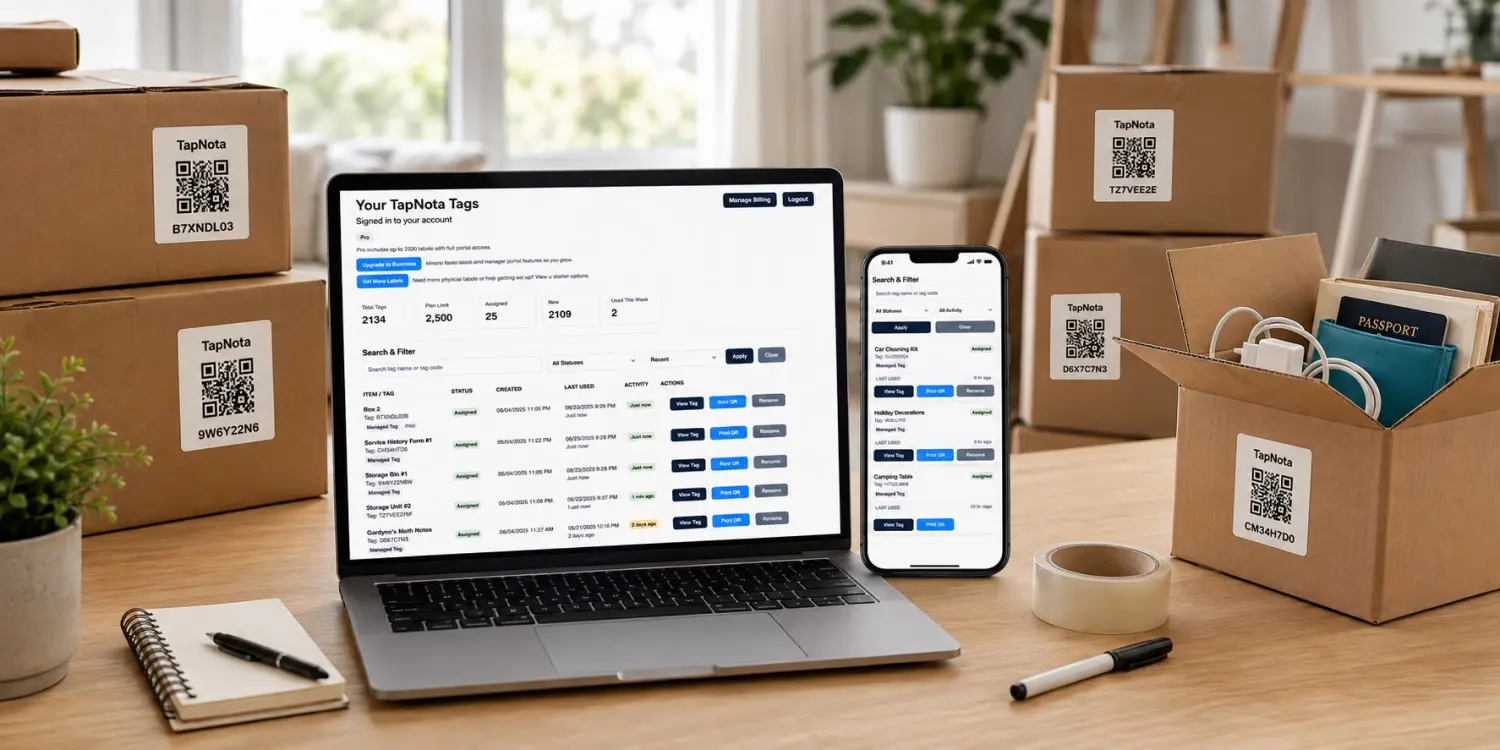
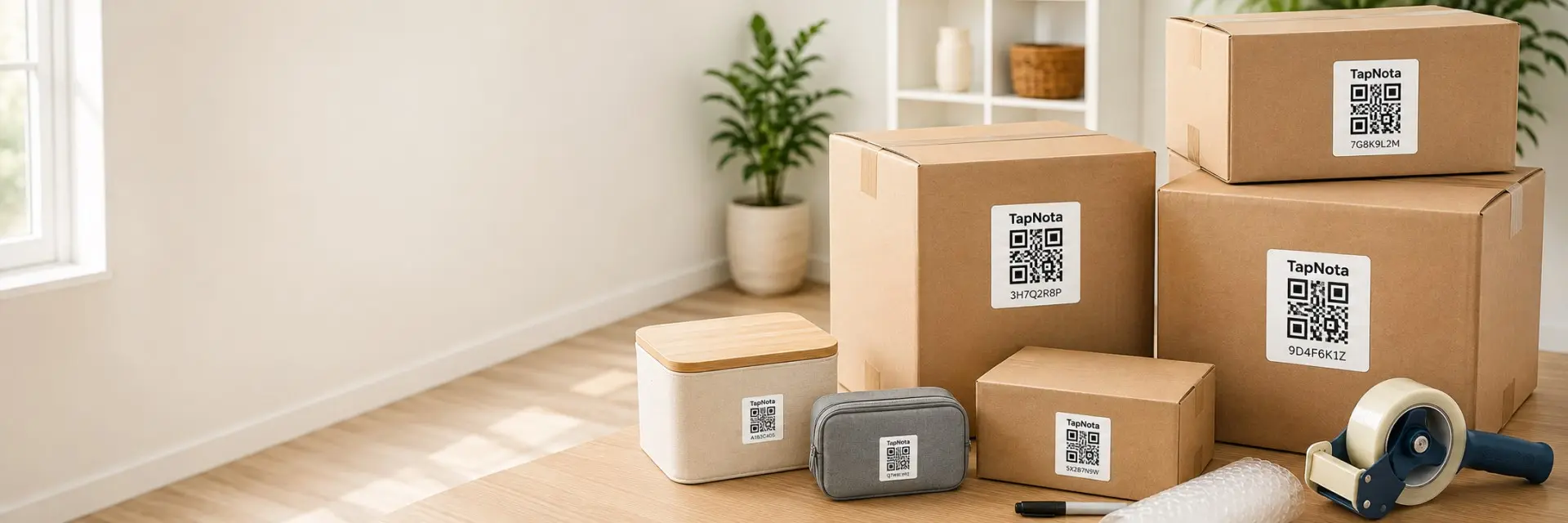
Use original 2-inch TapNota labels on standard moving boxes, large containers, and storage totes. TapNota Minis work well for smaller boxes, electronics, tools, cases, and compact items.
Learn how TapNota connects packed boxes to searchable contents, destination rooms, photos, notes, and unpacking priorities.
Record what is packed, where it belongs, and which boxes matter first. Scan with your phone and keep the information connected to the box throughout packing, moving, unpacking, and storage.
Need more labels? Buy additional TapNota pre-coded packs on Amazon. Scan one label to activate your entire pack instantly.











