













When it comes to managing important documents—insurance policies, medical records, tax files, warranties, and car documents—quick access is essential. Yet many people still rely on traditional filing methods that can be time-consuming and frustrating when searching for a specific paper. TapNota offers a modern, physical-to-digital solution that transforms how you organize, store, and retrieve your important documents.
What Makes TapNota Different for Document Organization?
Unlike simple QR stickers or spreadsheets, TapNota links a physical item or bin to its own evolving digital Item Page. Each pre-coded smart QR label attaches to a bin or folder containing your documents. Scanning the label opens a dedicated web Portal page where you can add and update detailed information—names, notes, photos, serial numbers, or expiration dates—about the contents. This record grows over time without changing the printed QR label.
Best of all, you don’t need the physical label to search your inventory. The TapNota Portal lets you search by item name, note text, tags, or folder names, so you can find exactly where your documents are stored from any device with internet access.
Step-by-Step: Organizing Important Documents with TapNota
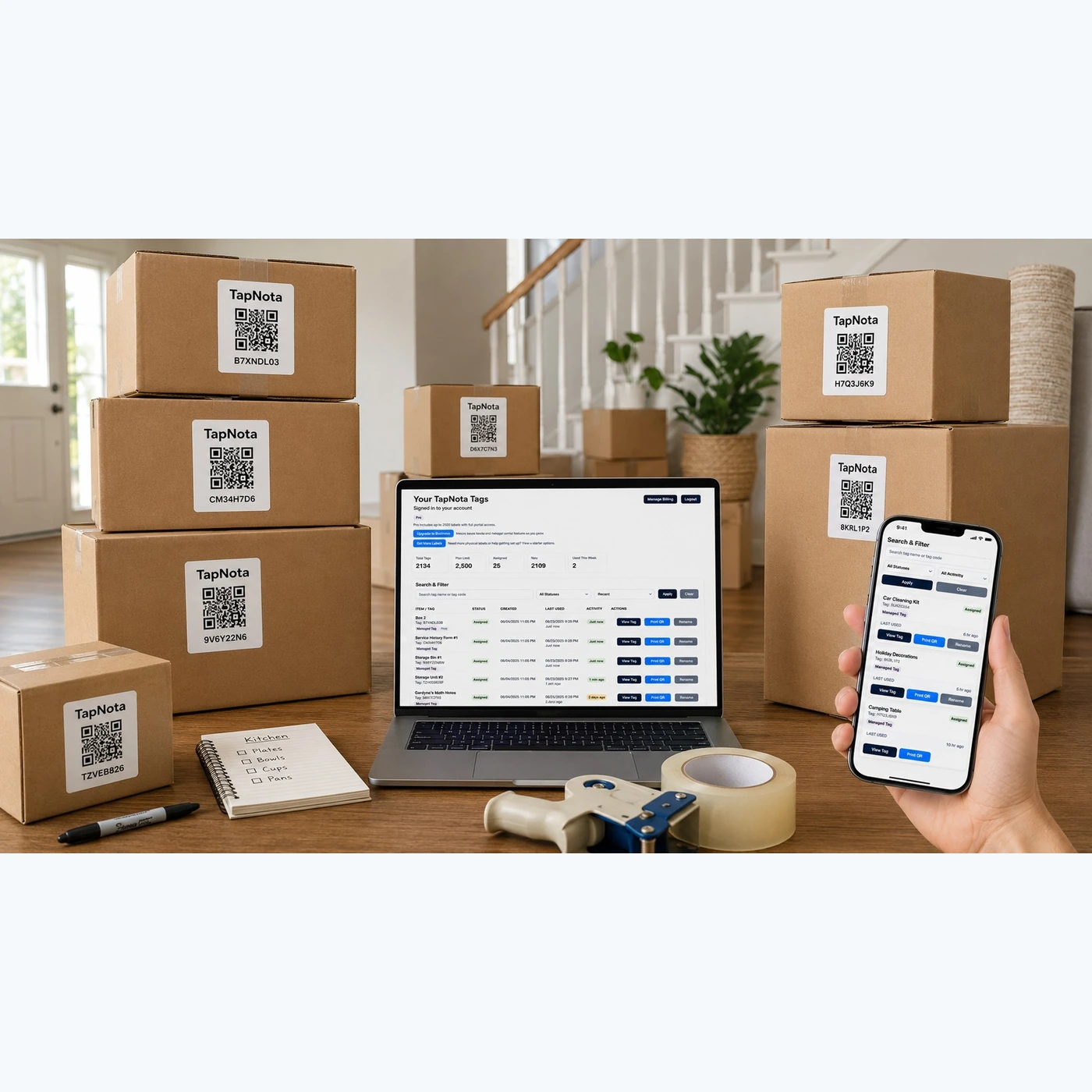
- Attach a TapNota QR Label to Each Document Bin or Folder. Use the original 2×2-inch or mini 1×1-inch pre-coded labels to mark your storage containers. Each label is unique and linked to one Item Page in your account.
- Scan Any Label to Activate Your Pack and Your Account. When you first scan a label and verify your email, your entire purchased pack becomes associated with your account. There’s no need to activate each sticker individually.
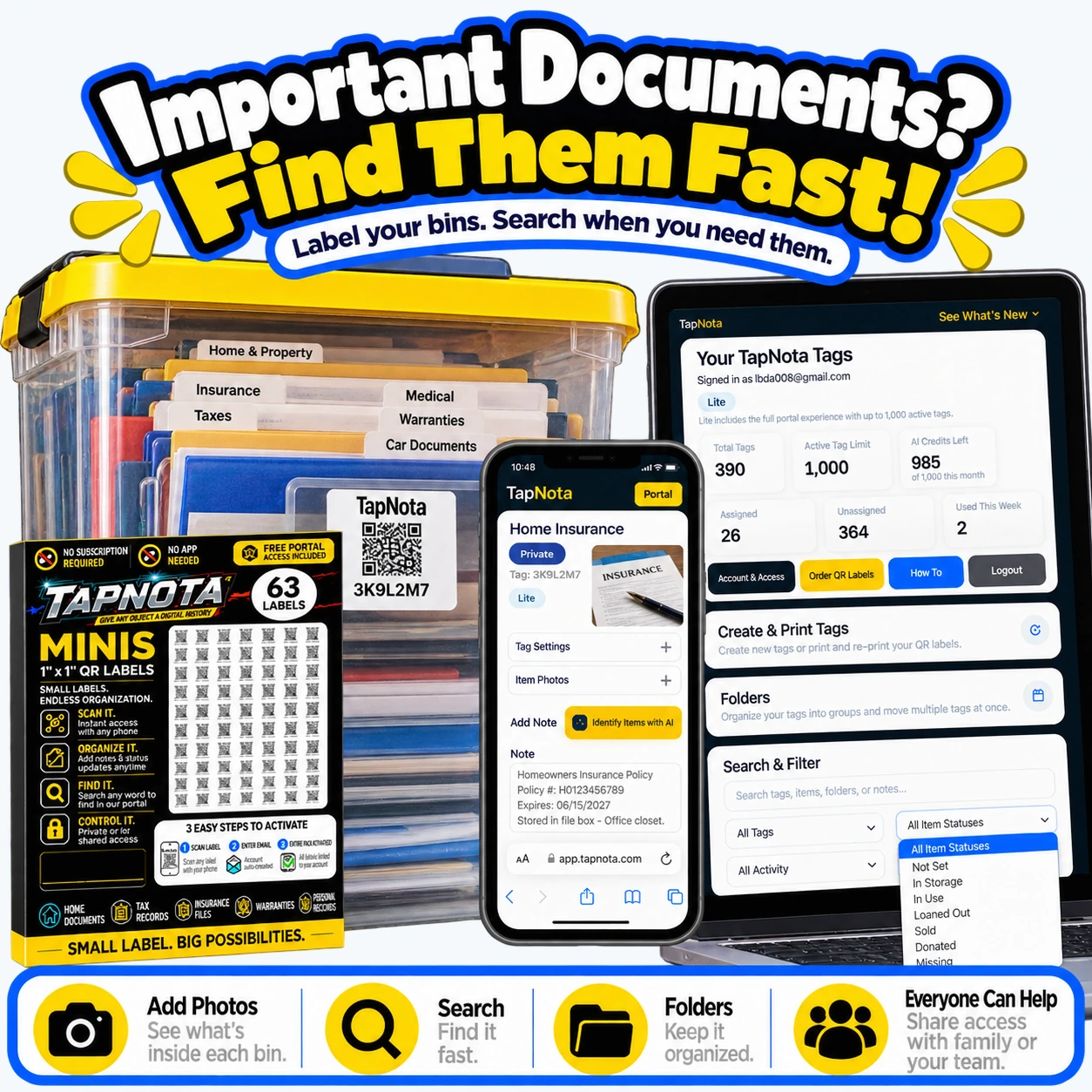
- Add Detailed Information on the Item Page. Enter the bin name (e.g., “Home Insurance”), add notes like policy numbers, expiration dates, or contents, and upload permanent photos of key documents or labels for quick reference.
- Organize Your Records in Folders and Use Tags. Group related bins into folders like “Taxes” or “Medical” for easy browsing. Use tags or item statuses (e.g., “In Storage,” “Loaned Out”) to track document location or availability.
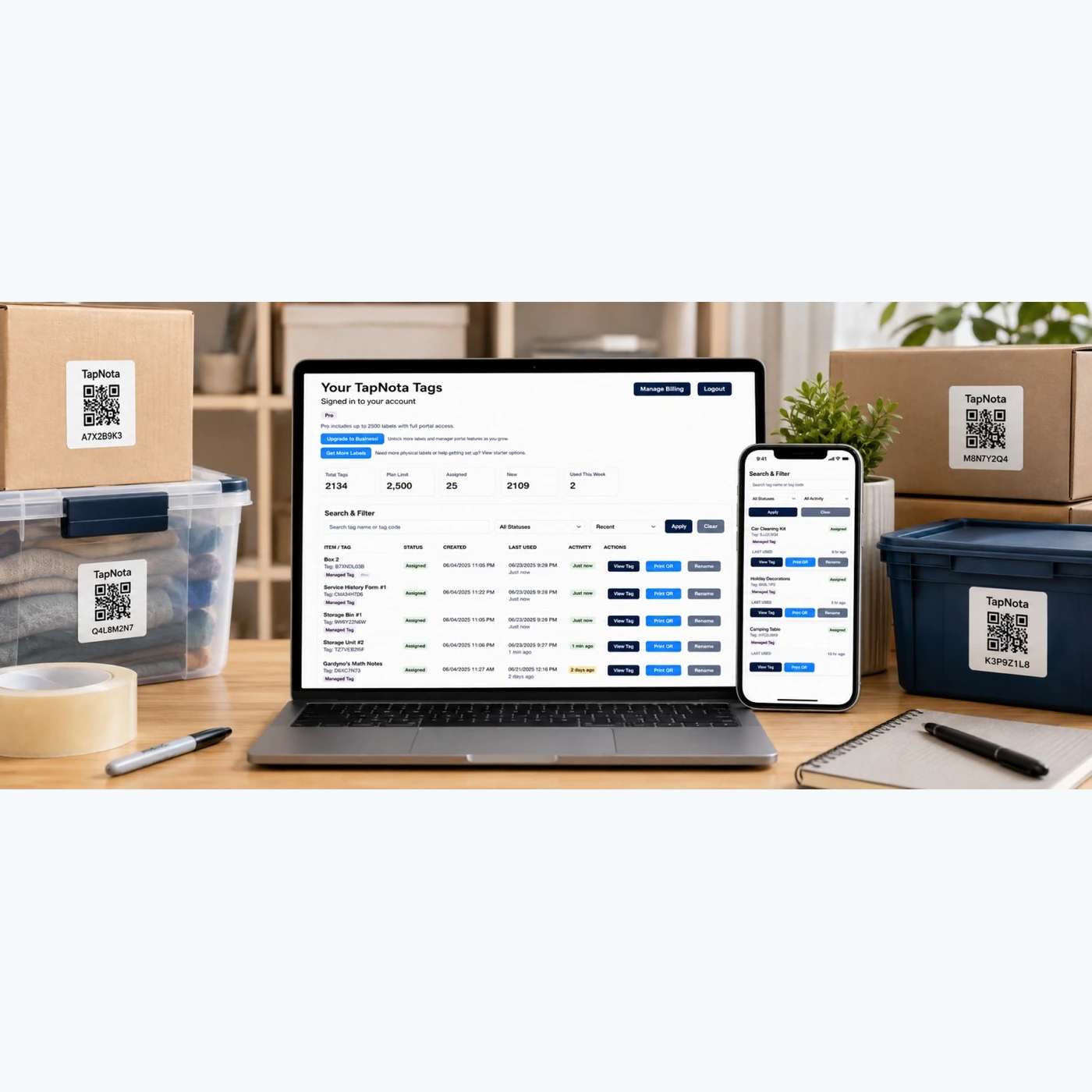
- Search Without Scanning. Open the TapNota Portal directly on your computer or phone, then search for any keyword from your saved notes, folder names, or tags to instantly locate the right bin.
- Share Access When Needed. You can share individual Item Pages with family members or authorized helpers via secure links or invite them to your account with Shared Account Access for collaboration.
How TapNota Helps You Find Documents Fast
Imagine you need your homeowner’s insurance policy quickly. Instead of rifling through multiple file cabinets or boxes, you open the TapNota Portal on your phone or laptop and type “Home Insurance” into the search bar. The Portal instantly lists the labeled bin with that name, shows the notes you saved (policy number, expiration), and even displays photos you added. You know exactly which bin to grab, saving time and stress.
Because the Item Page is editable, you can update details as policies renew or documents change without printing new labels. The QR label stays the same, always linking to the current, accurate record.
Additional Features for Document Management
- AI Identification (Optional): Take or select a photo of visible documents in a bin to get AI-generated suggestions for contents. Review and save the notes to jumpstart your record-keeping.
- Permanent Photos: Upload clear images of important documents or labels for quick visual reference without opening the bin.
- Activity History: Track changes to your document records over time, so you always know when and what was updated.
- PIN Protection: For plans that support it, add PIN protection to sensitive Item Pages to control who can view or edit your document records.
Practical Tips for Setting Up Your Document System
- Use clear, consistent naming conventions for bins and folders (e.g., “2024 Taxes,” “Car Warranty Files”).
- Keep related documents grouped in one bin to minimize searching.
- Regularly update notes and photos after adding or removing documents.
- Encourage family members to use Shared Account Access for easy collaboration and emergency access.
- Print extra labels or reprint damaged ones directly from the Portal without losing your saved data.
By adopting TapNota’s smart QR labels and web Portal, your important documents become instantly searchable, well-organized, and easy to update. No more lost papers or frustrating hunts—just fast, reliable access when you need it most.
Learn more about moving box inventory and how to label moving boxes with TapNota’s system for a complete organization solution.
Frequently Asked Questions
Do I need to scan each TapNota label to activate it?
No. When you scan any one label from a purchased pack and verify your email, the entire pack becomes associated with your account. You don't need to activate each sticker individually.
Can I search for my documents without having the physical label?
Yes. You can open your TapNota web Portal on any device and search by item names, notes, tags, or folder names without scanning the physical QR label.
Is there a mobile app required to use TapNota?
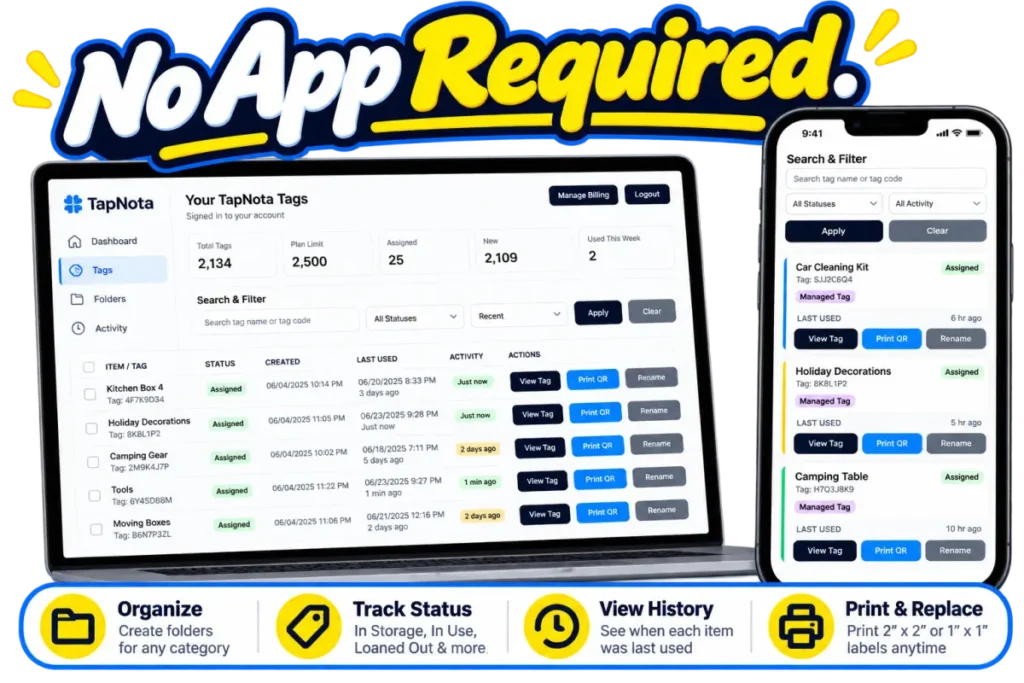
No. TapNota works through a web Portal accessed via your phone or computer browser. There is no dedicated mobile app to download or install.
Can I share access to my document records with family members?
Yes. You can share individual Item Pages via secure links or invite family members to your account with Shared Account Access, allowing collaboration with separate logins.
How does the AI identification feature work for documents?
The AI feature lets you take or select a photo of visible documents to generate suggested notes for your Item Page. You review and edit these suggestions before saving. It requires sign-in and consumes AI credits.


