













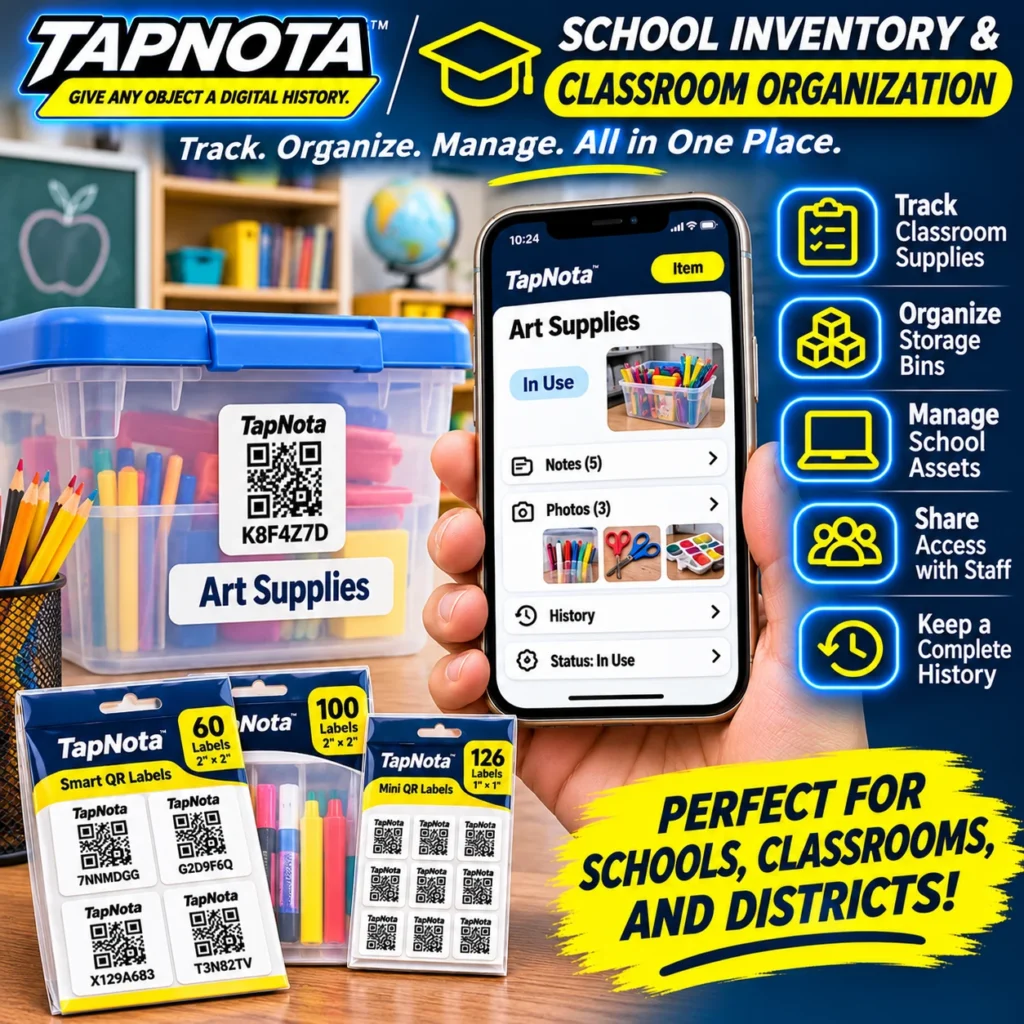
Managing classroom supplies and school assets can be a daunting task without the right tools. TapNota offers a smart, physical-to-digital inventory system that makes school and classroom organization efficient and accessible. One of its standout features is the Property Inventory Report PDF, a downloadable, comprehensive report that summarizes your entire inventory in a clear, organized format.
What Is the TapNota Property Inventory Report PDF?
The Property Inventory Report PDF is an exportable document generated from your TapNota account-wide Portal. It compiles all your tagged items into a single, easy-to-read report grouped by folders, such as classrooms, storage bins, or asset categories. This report includes key details like item names, assigned QR tag codes, folder organization, item status (e.g., In Use, In Storage, Loaned Out), and any manually entered estimated values.
This report is especially valuable for schools and districts to maintain an up-to-date overview of classroom supplies, teaching materials, and equipment without having to scan each item individually.
How TapNota Simplifies Classroom and School Inventory Management
- Track Classroom Supplies: Attach TapNota’s pre-coded smart QR labels to bins, cases, or individual items. Each scan opens a unique Item Page where you can add names, photos, notes, serial numbers, and usage history.
- Organize Storage Bins: Group items logically into folders (e.g., Art Supplies, Teacher Supplies) to keep the inventory structured. This makes searching and reporting straightforward.
- Manage School Assets: Use Item Status to track whether supplies are in use, loaned out, missing, or stored. This helps teachers and administrators know the availability of resources instantly.
- Share Access with Staff: Authorized team members can log into the same TapNota Portal with their own credentials to collaborate on inventory management.
- Keep a Complete History: The system preserves notes and changes over time, which is essential for tracking maintenance or usage of school equipment.
Generating and Using the Property Inventory Report PDF
Once your classroom and school items are tagged and their details entered, generating the report is simple:
- Log into the TapNota web Portal.
- Navigate to the Your TapNota Tags section or main dashboard.
- Click Download Inventory PDF to create the Property Inventory Report.
- Save or print the report for sharing with school administrators, inventory managers, or for insurance documentation.
The report groups items by folders, providing subtotals and an overall estimated value if you have entered values manually. This makes it easy to see the distribution of supplies across classrooms or departments at a glance.
Practical Example: Organizing Classroom Art Supplies
Imagine a teacher managing multiple bins of art supplies. Each bin gets a TapNota QR label, for example, labeled Art Supplies. Scanning the label opens an Item Page where the teacher adds notes like “Includes markers, scissors, glue,” along with photos of the contents. The status is set to In Use.
When it’s time to review all classroom supplies, the teacher or inventory manager downloads the Property Inventory Report PDF. This report shows all labeled bins, their contents, status, and estimated value if entered. It eliminates the need to open every bin or manually list items, saving time and reducing errors.
Benefits Over Traditional Methods
- No More Paper Lists: Unlike handwritten inventories or spreadsheets, TapNota links physical items directly to a digital record accessible anywhere.
- Search Without Scanning: You can search your entire inventory by item names, notes, or tags in the Portal without needing to scan each QR label.
- Easy Updates: Item Pages can be updated anytime without changing the physical label, keeping records current.
- Collaboration: Multiple staff members can manage the inventory securely with Shared Account Access.
Using TapNota for Broader School and District Needs
Beyond classrooms, TapNota’s system works well for managing libraries, athletic equipment, office supplies, and maintenance tools across a school or district. The Property Inventory Report PDF provides a snapshot that helps administrators budget, plan restocking, and verify asset locations quickly.
For more details on organizing storage bins efficiently, visit Storage Bin Organization. To explore how TapNota can help with moving and packing school materials, see our Moving & Packing category. For a deeper dive into managing home or classroom inventories, check out Home Inventory.
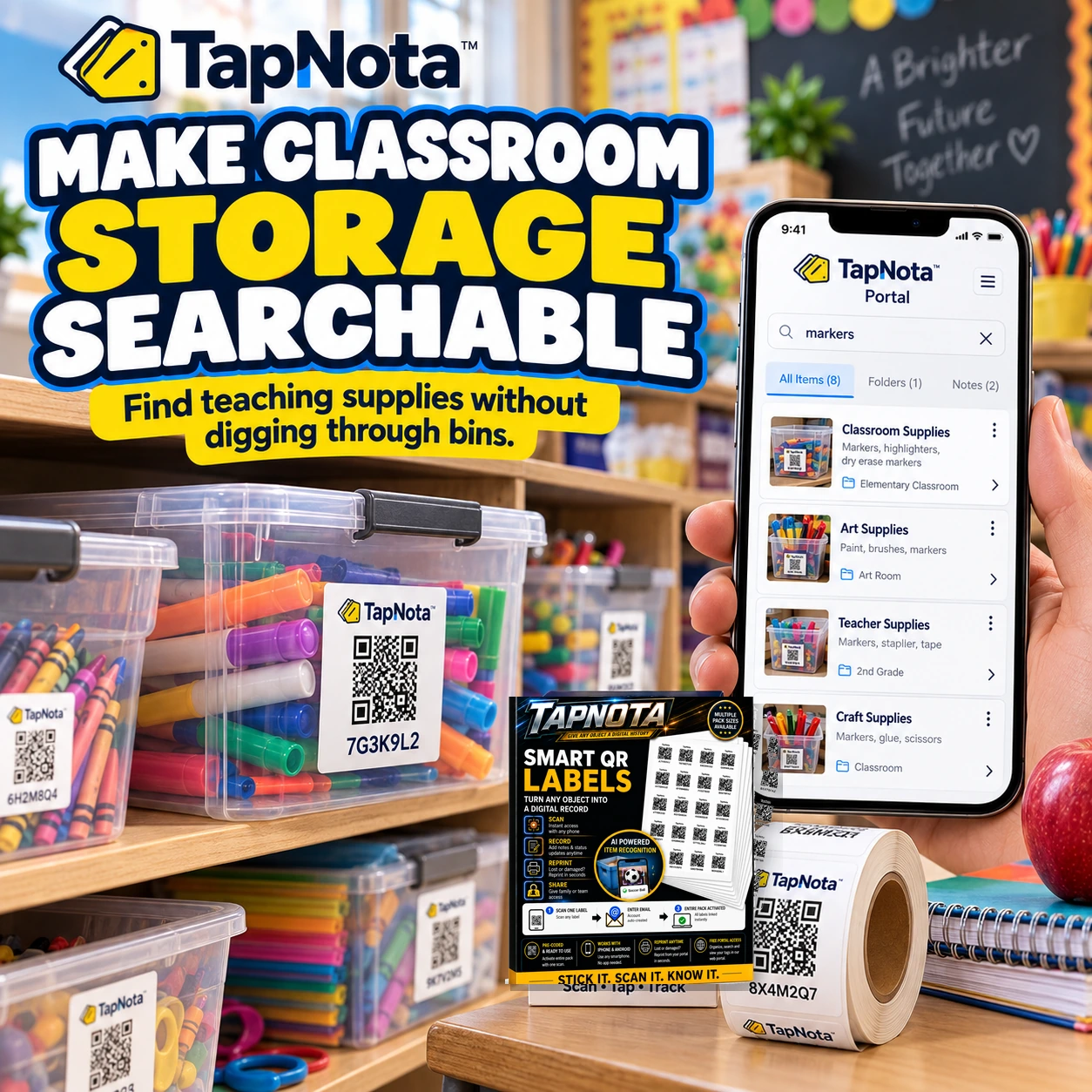
Using TapNota’s Property Inventory Report PDF turns complex classroom and school inventory management into a streamlined, collaborative, and searchable process. It helps educators focus on teaching while keeping supplies and assets under control.
Frequently Asked Questions
What information does the Property Inventory Report PDF include?
The report lists all Item Pages with their assigned QR tag codes, item names, folder grouping, item status, and any manually entered estimated values. It groups items by folders and provides subtotals and overall totals.
Can I generate the Property Inventory Report PDF without scanning labels?
Yes. The report is generated from data already saved in your TapNota Portal account and does not require scanning labels at the time of generation.
Is estimated value automatically calculated in the report?
No. Estimated values must be manually entered by the owner in the Portal’s Your TapNota Tags list. The report sums these values but does not provide automatic appraisals.
Can multiple teachers or staff members access the inventory data?
Yes. Shared Account Access allows authorized users to log in with their own credentials and collaborate on managing the inventory.
Does the Property Inventory Report PDF include all notes and photos from Item Pages?
No. The report summarizes key information like item names, status, and values, but does not embed all notes or photos. Those remain accessible in the Portal’s Item Pages.


