













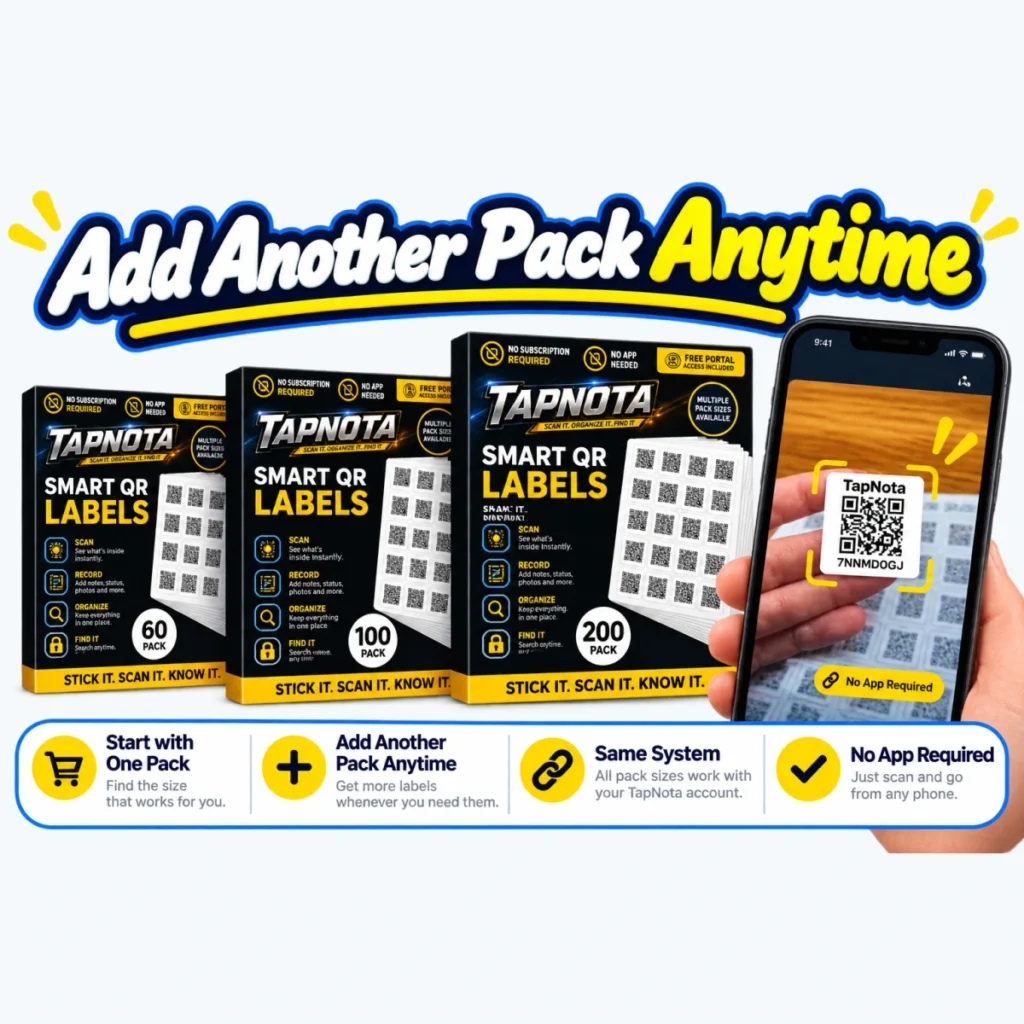
Managing a large inventory of items—whether for home, business, or storage—can quickly become overwhelming without an organized system. TapNota offers a powerful solution with its smart QR labels and web Portal, allowing you to not only tag and track individual items but also organize them into folders and generate comprehensive inventory reports by folder. This article walks you through how to create, manage, and export a QR code inventory report by folder using TapNota’s system.
What Is a QR Code Inventory Report by Folder?
A QR code inventory report by folder is a detailed, organized listing of your tagged items grouped according to the folders you create in your TapNota web Portal. Each folder can represent a category, location, project, or any grouping that suits your needs. The report lists each item’s name, associated QR tag code, item status, estimated value (if entered), and the folder it belongs to. This structure helps you quickly understand what you own, where it is, and its condition or value.
Why Organize Your Inventory into Folders?
- Efficient Searching: Folders let you narrow searches to specific groups, so you find items faster without scanning every label.
- Better Organization: Grouping related items like seasonal decorations, tools, or office supplies keeps your inventory logical and manageable.
- Clear Reporting: Folder-based reports provide subtotals and summaries, giving you a snapshot of each category’s contents and value.
Step-by-Step: Creating and Using Folders in TapNota
- Activate Your QR Label Pack: Start by scanning any label in your purchased TapNota pack and verify your email address. This activates the entire pack under your account.
- Assign and Name Items: Attach a label to an item or container, scan it, and open its unique Item Page. Add a name, notes, photos, manuals, serial numbers, and any other details.
- Create Folders: In the TapNota web Portal, create folders that match your organizational system. For example, “Garage Tools,” “Holiday Decorations,” or “Office Supplies.”
- Assign Items to Folders: Edit each Item Page or use batch editing in the Portal to assign items to the appropriate folders.
- Set Item Status and Estimated Values (Optional): Use the Item Status feature to mark if an item is In Storage, In Use, Loaned Out, or Missing. You can also manually enter estimated values in the Portal’s tag list for insurance or personal tracking.
Generating a QR Code Inventory Report by Folder
Once your items are organized and assigned, TapNota allows you to export a comprehensive Property Inventory Report in PDF format:
- Open your TapNota web Portal and navigate to the inventory management section.
- Click the Download Inventory PDF button.
- The report will list all Item Pages grouped by folder, showing names, QR tag codes, status, and estimated values where available.
- Folder subtotals and an overall total estimated value are included, providing a clear overview.
This report is ideal for insurance records, asset management, or simply keeping a detailed inventory snapshot.
Benefits of Using TapNota’s QR Code Inventory Reports
- Accurate and Up-to-Date: Because each Item Page is editable and evolves over time, your report reflects the latest information, not static labels or spreadsheets.
- Easy to Share: You can share individual Item Pages or invite trusted helpers with Shared Account Access to collaborate on your inventory.
- No App Needed: Scanning and Portal access work from any smartphone browser—no app installation required.
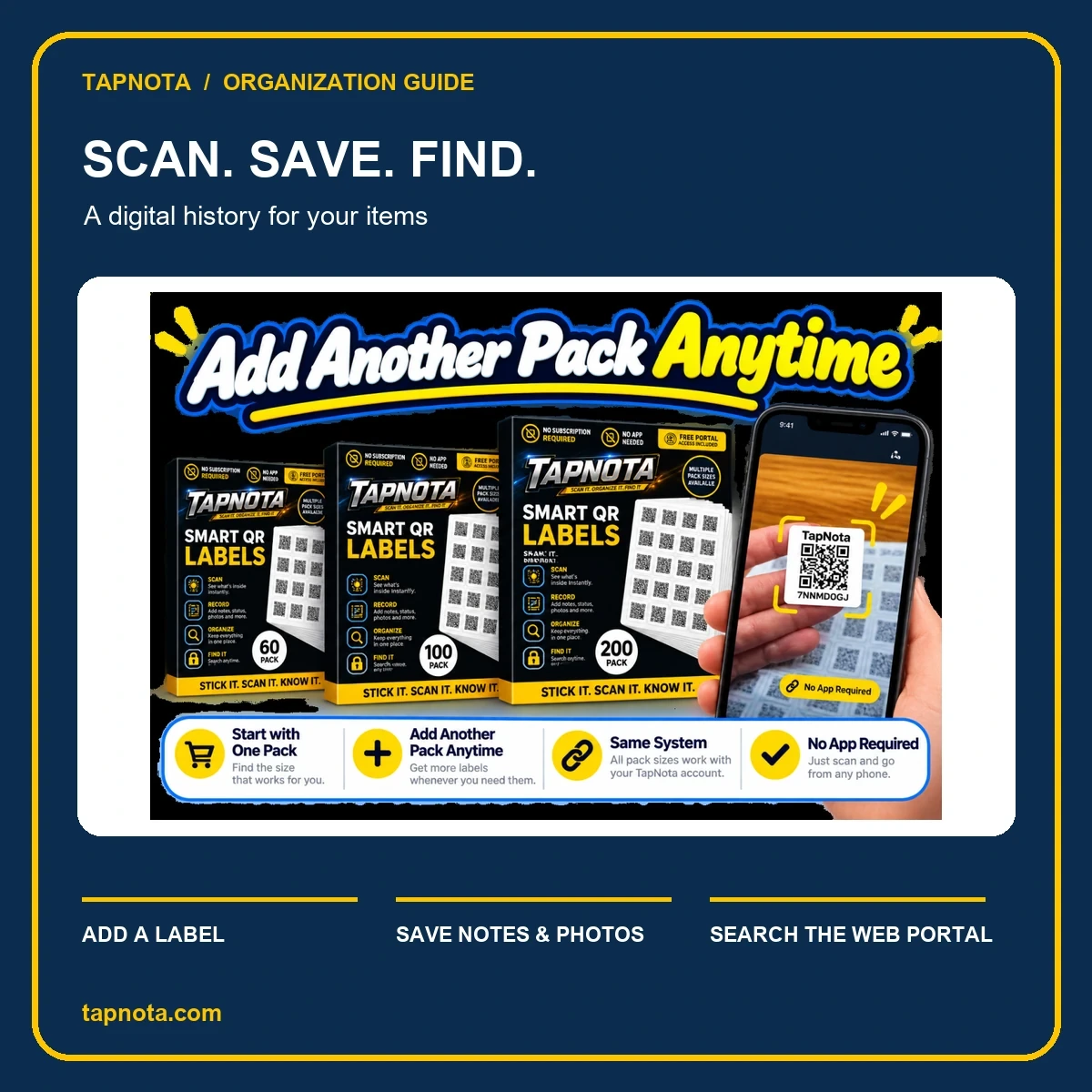
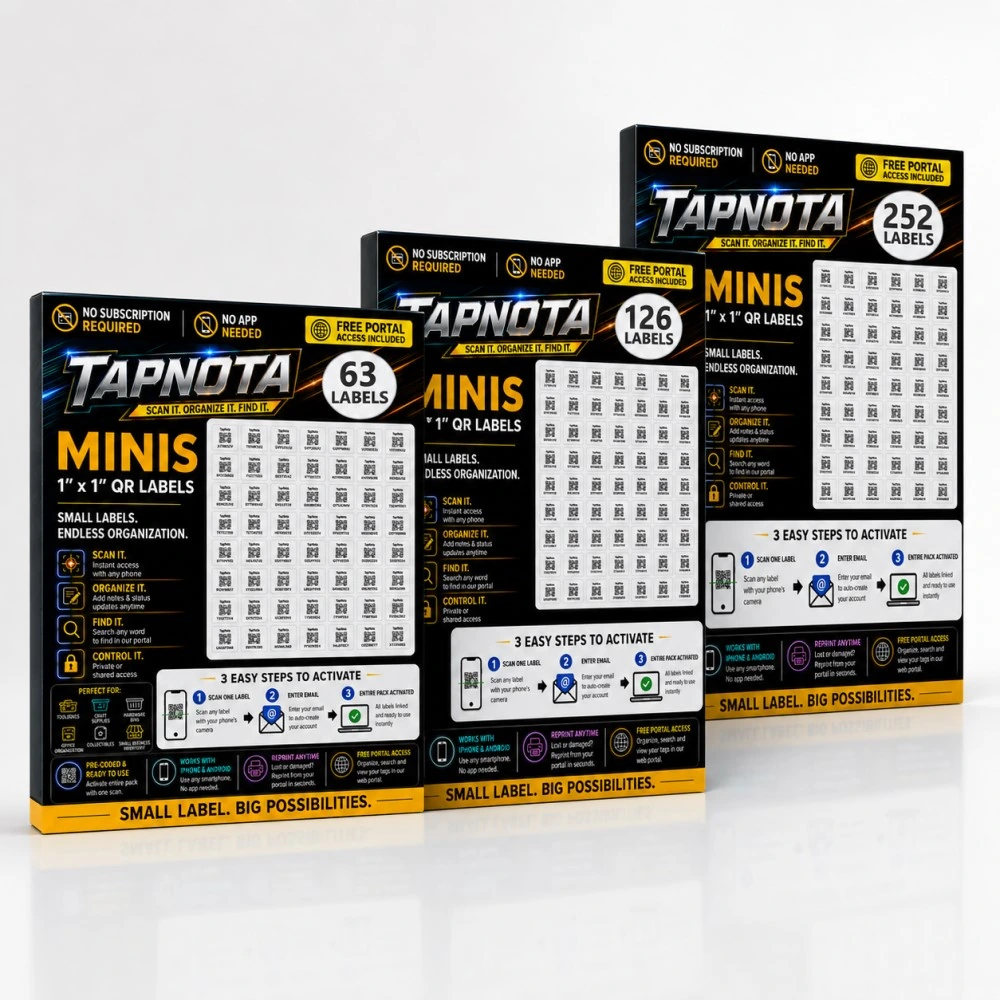
- Flexible Label Packs: Choose from various pre-coded pack sizes (60, 100, 200 labels or mini packs of 63, 126, 252 labels) to fit your inventory size and needs.
Tips for Maximizing Folder and Report Use
- Be Consistent: Use a clear and consistent naming scheme for folders to make searching and reporting straightforward.
- Regular Updates: Keep your Item Pages current with condition, location changes, or new photos to maintain report accuracy.
- Use Tags and Notes: Add searchable tags and detailed notes on Item Pages to enhance your ability to find items quickly.
- Leverage Mini Labels: For smaller items or detailed sub-grouping, use TapNota Mini QR Labels to keep everything organized at every scale. Learn more about maximizing storage bin organization with Mini QR Labels.
Summary
TapNota’s system of smart QR labels combined with an intuitive web Portal lets you create a detailed, searchable, and organized inventory. By grouping items into folders and generating QR code inventory reports by folder, you gain a powerful overview of your assets, improving management, insurance preparedness, and day-to-day access. Whether organizing a home, workshop, office, or business equipment, TapNota adapts to your needs without requiring apps or complicated setups.
Explore how to use TapNota Mini QR Labels for detailed organization in your workspace in our guide to mastering organization with Mini QR Labels and the web Portal. For office or document inventories, see how to organize office documents efficiently with TapNota.
Frequently Asked Questions
Can I generate inventory reports without scanning each label every time?
Yes. Once you have entered and saved information on each Item Page, you can generate reports directly from the TapNota web Portal without needing to rescan the physical labels.
How do folders improve my inventory management in TapNota?
Folders let you group related items logically, making searching, reporting, and managing your inventory more efficient by focusing on specific categories or locations.
Is it possible to add estimated values to items for insurance purposes?
Yes. You can manually enter or update estimated values for each item in the Portal’s Your TapNota Tags list. These values appear in your inventory reports but are intended for personal recordkeeping, not professional appraisals.
Do I need a subscription or app to use TapNota’s QR labels and reports?
No subscription or app is required. You can activate label packs, scan QR codes, and access the free web Portal from any smartphone or computer browser.
Can I share my inventory reports or Item Pages with family or team members?
Yes. TapNota supports sharing individual Item Pages via links and offers Shared Account Access for approved members to collaborate within the same inventory with their own login credentials.


