













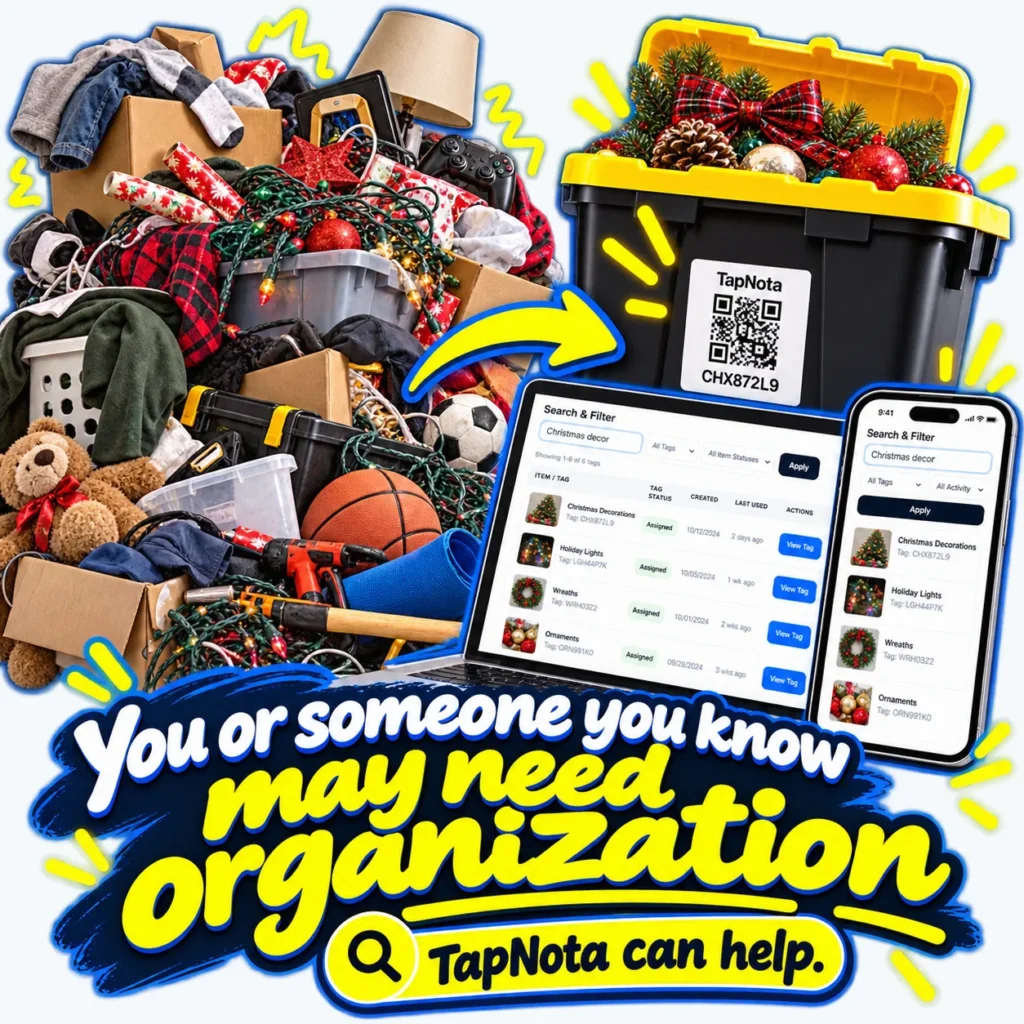
Seasonal storage can quickly become a source of clutter and confusion, especially when holiday decorations, sports gear, and other occasional-use items pile up in bins and boxes. The challenge isn’t just packing away items but being able to find exactly what you need without opening every container. TapNota offers a streamlined solution that bridges physical storage and digital organization with smart QR labels.
Why Seasonal Storage Gets Messy
Many households struggle with seasonal storage because it involves multiple categories of items that are only used part of the year. Decorations, lights, wreaths, wrapping paper, and related supplies tend to accumulate in boxes or bins that are often unlabeled or poorly tracked. Over time, this leads to frustration when searching for a specific ornament or string of lights.
Traditional labeling methods—like handwritten tags or generic stickers—fall short because they don’t provide detailed, evolving information. You might label a box “Christmas Decorations,” but that doesn’t tell you what’s inside or the condition of the items. Plus, if you add or remove items, the label quickly becomes outdated.
How TapNota Smart QR Labels Work for Seasonal Storage
TapNota’s system uses pre-coded smart QR labels that attach to any container, bin, or box. Each label opens a unique, editable Item Page in the TapNota web Portal, accessible via any smartphone or browser without needing a dedicated app.
- One Label, One Item Page: Each QR label corresponds to a single container or grouping, creating a digital record that evolves as you add information.
- Detailed Records: Add names, notes, photos, serial numbers, manuals, or condition updates. For example, you can list “Holiday Lights – 50 feet, LED, working” or “Wreath with pinecones and red berries.”
- Search Without Scanning: You don’t need the physical label in hand to find items. The TapNota Portal lets you search by item name, tags, notes, or status across your entire inventory.
- AI Identification (Optional): Take photos of visible contents before packing, and TapNota’s AI suggests item lists to jumpstart your notes. You review and save the details, making the process faster and more accurate.
- Sharing and Privacy: Share individual Item Pages with family or helpers via secure links or invite them to your account with controlled access.
Practical Example: Organizing Holiday Decorations
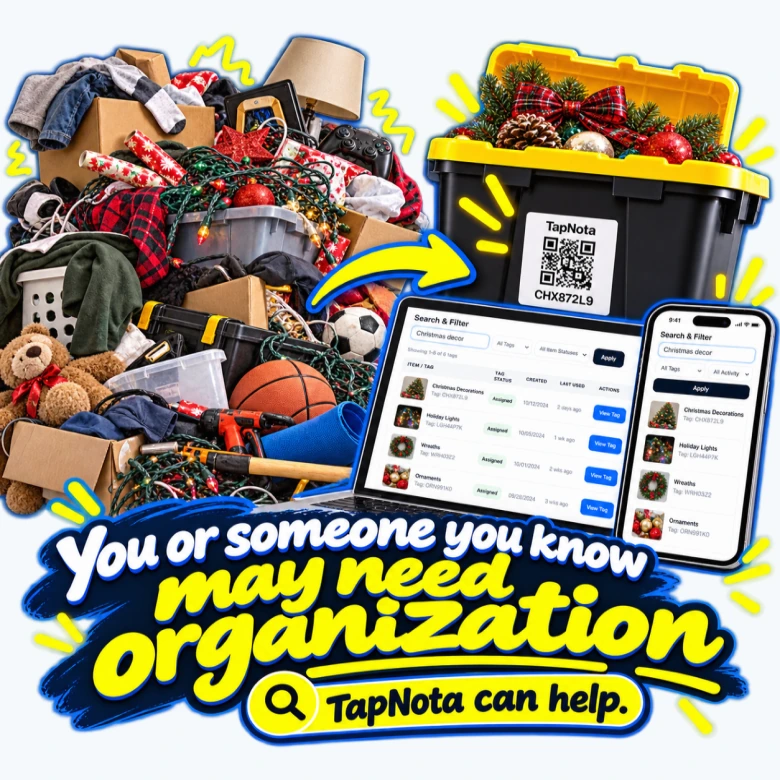
Imagine you have a pile of holiday decorations, lights, and wrapping supplies scattered across your garage or attic. Using TapNota, you attach a QR label to each bin:
- Scan One Label to Activate: When you buy a pack of TapNota labels, scanning any one label and verifying your email activates the entire pack. No need to activate each sticker separately.
- Attach Labels: Stick a label on each bin or box—one for wreaths, one for ornaments, one for lights, etc.
- Create Item Pages: Scan the QR code on each container to open its Item Page. Add a descriptive name like “Christmas Ornaments,” upload photos of the contents, and add notes about fragile items or missing pieces.
- Search and Find: Later, when you want to find your wreath or check if you have extra lights, open the Portal and search for those terms. The system shows you exactly which bin to grab without opening every box.
This approach saves time, reduces frustration, and protects your seasonal items from damage by minimizing unnecessary handling.
Beyond Seasonal Storage: TapNota for Your Entire Home Inventory
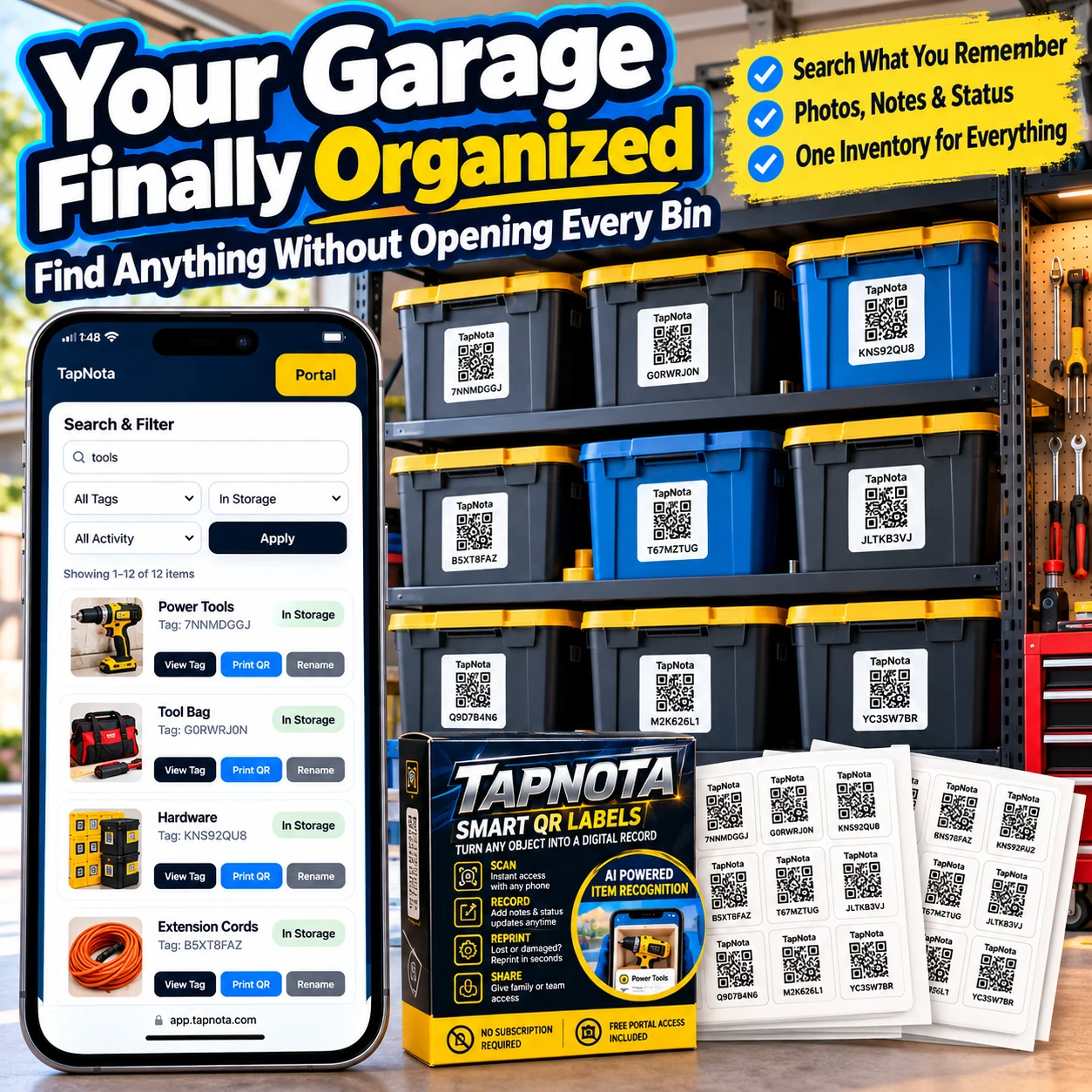
While seasonal storage is a common use case, TapNota’s flexibility means you can organize your entire home or workspace with the same system. From tools in the garage to holiday decorations and even important documents, every item or container can have its own evolving digital record accessible instantly.
Folders and tags help you group related items, and the Item Status feature lets you track whether something is in storage, in use, loaned out, or missing. This unified approach provides peace of mind and better control over your belongings.
Getting Started with TapNota
To begin organizing your seasonal storage with TapNota:
- Purchase a pack of pre-coded smart QR labels in the size that fits your containers.
- Scan one label to activate the entire pack with your email.
- Attach labels to bins, boxes, or cases.
- Open each Item Page via scanning and add detailed descriptions, photos, and notes.
- Use the TapNota web Portal to search, filter, and manage your entire inventory anytime.
With TapNota, what once was a chaotic pile of boxes becomes an organized, searchable, and easily manageable collection of seasonal storage items. No more guesswork, no more opening every bin, just quick access and organized cheer.
For more tips on organizing storage bins and seasonal decorations, check out How to Organize Storage Bins for Easy Access and Holiday Decoration Storage Ideas with QR Labels.
Frequently Asked Questions
Do I need to scan every TapNota QR label individually to activate them?
No. When you purchase a pack, scanning any one label and verifying your email activates the entire pack, so you don’t need to activate each sticker separately.
Can I update the information on an Item Page after saving it?
Yes. TapNota’s Item Pages are dynamic and editable, allowing you to add or change notes, photos, and details over time without changing the physical QR label.
Does TapNota require a mobile app installation?
No. TapNota works through scanning QR codes with your phone’s camera and managing records via the browser-based web Portal, so no dedicated app installation is necessary.
Can I search for items without having the physical label nearby?
Yes. The TapNota Portal lets you search your entire inventory by item names, tags, or notes without needing to scan the physical QR label.
Is the AI recognition automatic when scanning a label?
No. AI recognition is an optional feature where you take or select a photo of visible contents on the Item Page. It is not automatic on scanning and requires user review and saving.


