













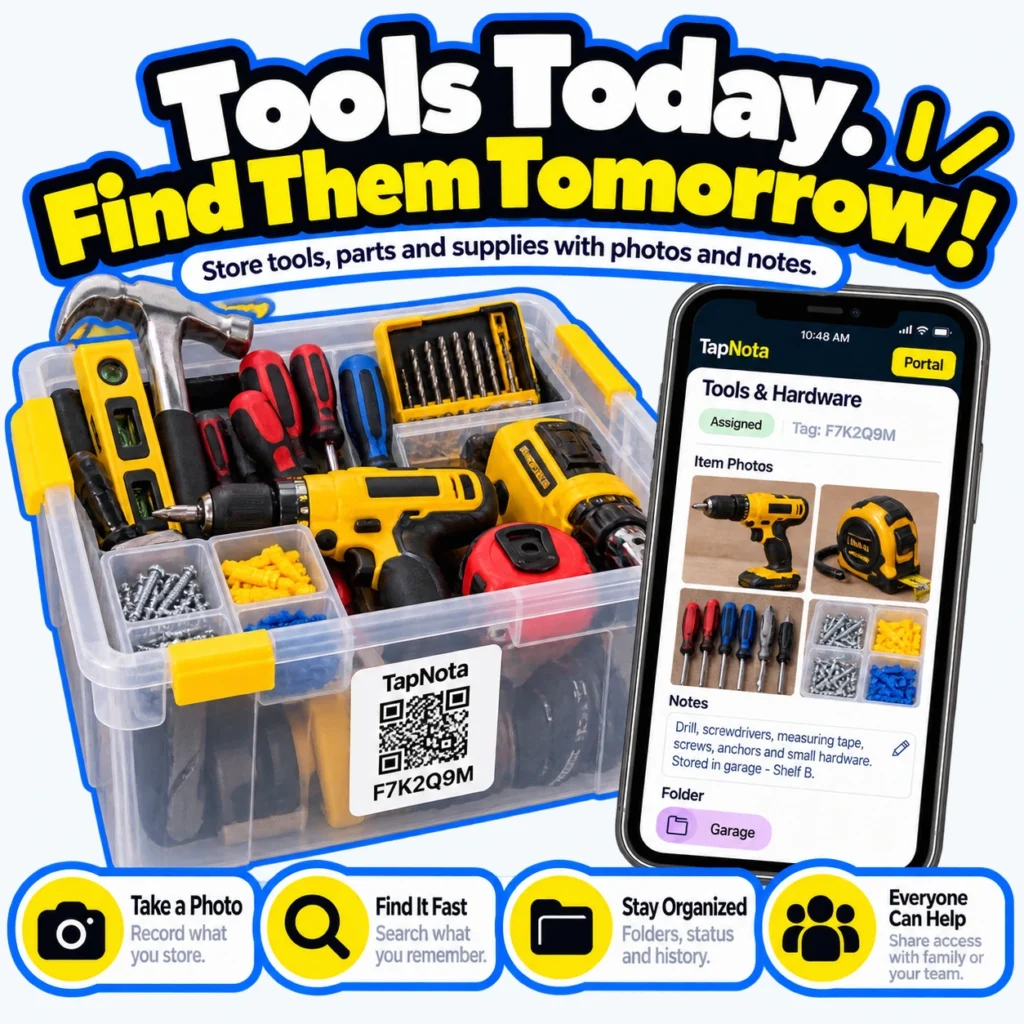
Keeping your tools, hardware, and supplies organized is essential for any DIY enthusiast, professional tradesperson, or household. Traditional labels and handwritten notes can only do so much, often leaving you hunting for the right screwdriver or drill bit when time is tight. TapNota offers a smarter solution: pre-coded smart QR labels that connect each physical tool bin or container to a dynamic, editable digital Item Page accessible from any smartphone or browser.
How TapNota Transforms Tool Organization
TapNota is not just a QR sticker or a spreadsheet; it’s a comprehensive physical-to-digital record system. Each 2 x 2-inch or 1 x 1-inch smart label is pre-coded and unique, linking to a dedicated online Item Page. When you attach a label to a tool box, bin, or shelf, scanning that QR code opens the exact digital record for that container or item.
On the Item Page, you can add detailed information such as:
- Item names and categories: e.g., drill, screwdrivers, tape measure.
- Notes: Include specifics like serial numbers, model details, or storage location (e.g., “Garage – Shelf B”).
- Photos: Upload permanent photos showing the contents or condition of the tools.
- Manuals or instructions: Attach PDFs or links for easy reference.
- Condition and service history: Track repairs or maintenance over time.
Once saved, this information stays linked to the physical label. Scanning the QR code later opens the updated record instantly, making it easy to find exactly what’s inside without opening boxes or bins.
Day-to-Day Benefits for Tool and Hardware Storage
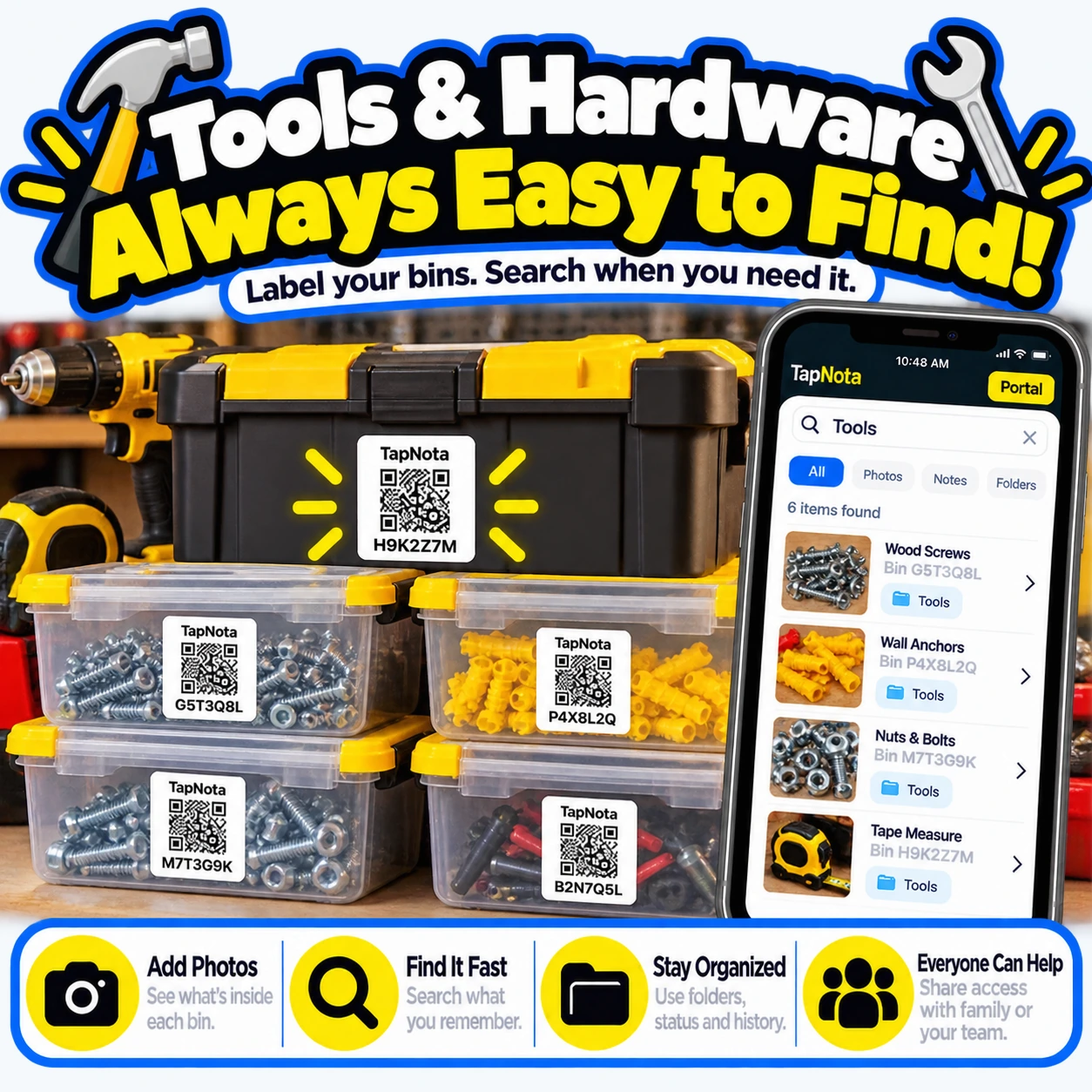
Imagine a clutter-free workshop where every screwdriver set, drill bit, and box of wall anchors is clearly labeled and searchable. TapNota enables:
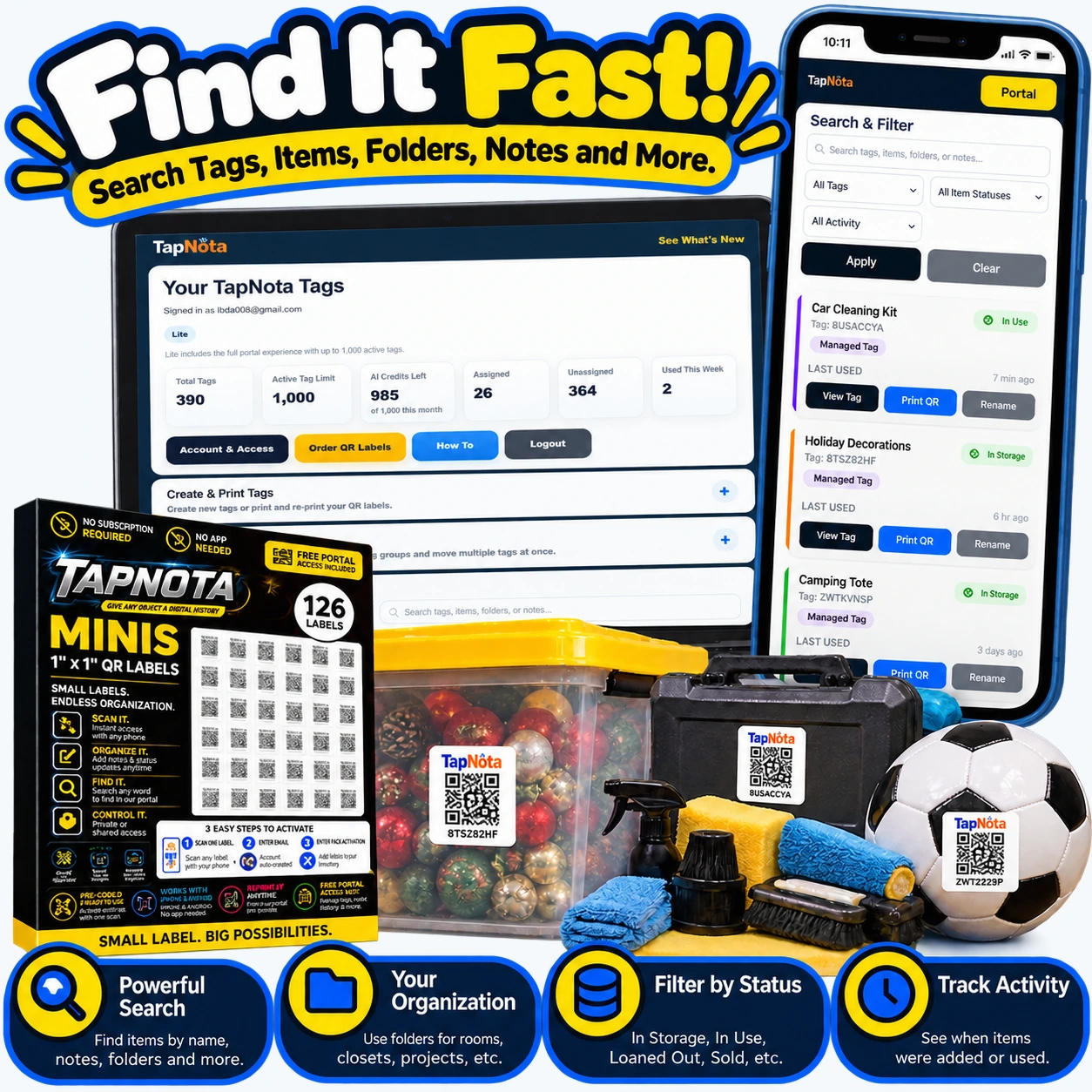
- Fast Searching: The TapNota web Portal lets you search across all your Item Pages by name, note text, or tags without needing to scan a label first. For example, searching “wall anchors” quickly shows which bin contains them.
- Folder Organization: Group related items into folders such as “Garage,” “Workshop,” or “Outdoor Tools” to keep your inventory structured.
- Item Status Tracking: Mark tools as “In Use,” “Loaned Out,” or “Missing” to maintain awareness of your inventory state.
- Sharing: Share single Item Pages via secure links or invite family or team members to your account with Shared Account Access, allowing collaborative management.
With TapNota, you’ll never waste time searching through unlabeled bins or guessing what’s inside. The system grows with you, letting you update records as you add new tools or supplies.
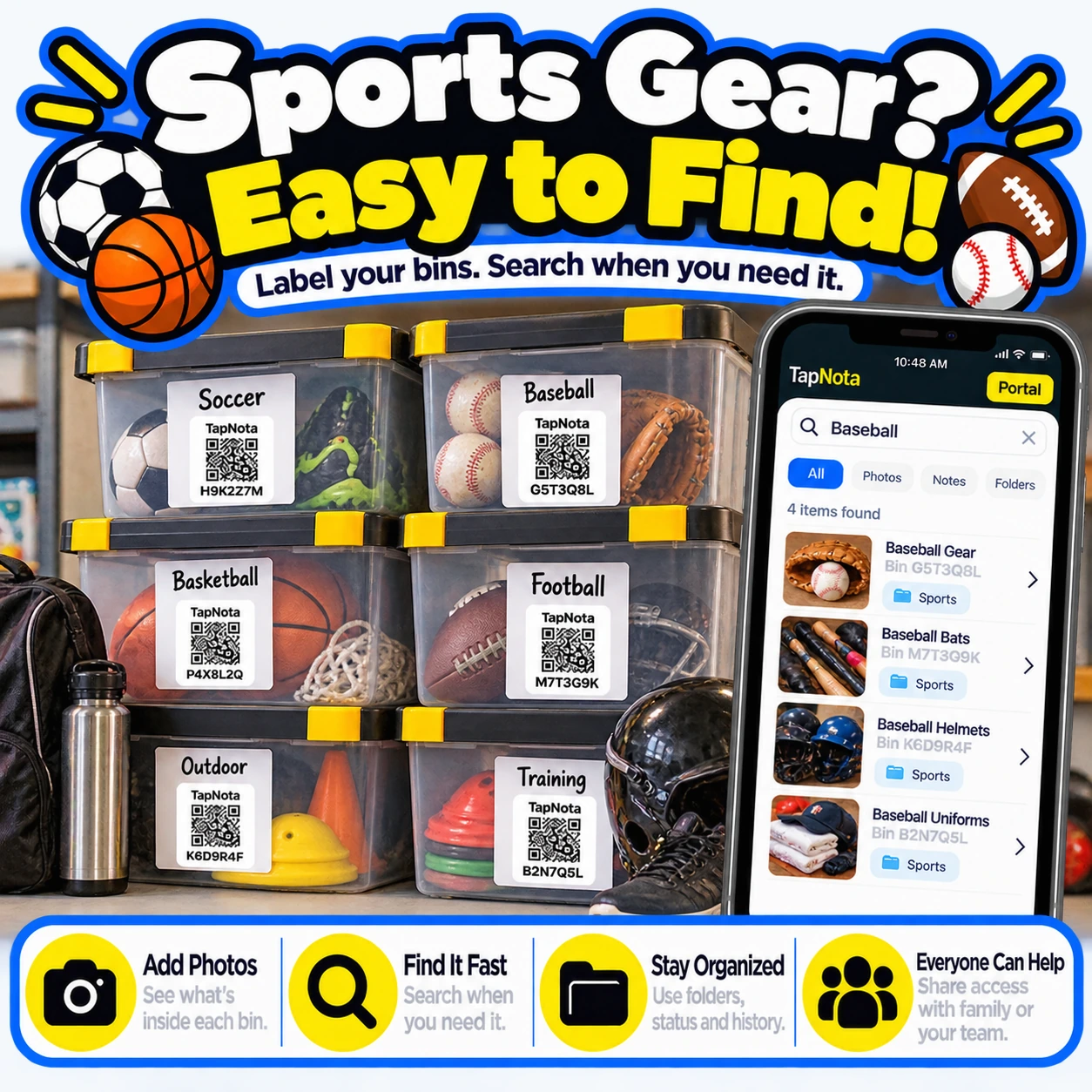
Using Photos and AI to Enhance Tool Records
Adding photos is a key TapNota feature. Snap pictures of the contents before sealing a bin or while tools are visible on a shelf. These images help you visually confirm what’s inside without opening it.
For added convenience, TapNota offers an optional AI recognition feature. When signed in, you can take or select a photo of visible tools and hardware. The AI suggests a starting list of items detected, which you can review, edit, and save to the Item Page notes. This helps jumpstart your inventory without manual typing, though it requires credits and user verification to ensure accuracy.
Practical Example: Organizing a Garage Tool Bin
Suppose you have a plastic bin filled with a cordless drill, screwdriver set, drill bits, measuring tape, and anchors. Here’s how TapNota streamlines organization:
- Attach a pre-coded TapNota QR label to the bin.
- Scan the label with your smartphone and verify your email to activate the pack.
- Open the Item Page and add a descriptive name like “Tools & Hardware.”
- Add notes listing contents: “Cordless drill, screwdrivers, drill bits, measuring tape, screws, anchors.”
- Upload photos of each tool and the bin contents.
- Assign the bin to a folder called “Garage” for easy grouping.
- Later, when you need the drill bits, simply search “drill bits” in the Portal or scan the bin label to confirm contents.
This approach saves time, reduces frustration, and keeps your workspace tidy and efficient.
Getting Started with TapNota for Tool Organization
To begin, purchase a pack of TapNota pre-coded labels (available in standard or mini sizes). Activation is simple: scan any label in the pack, enter your email, and your entire pack is linked to your account. No need to activate each label individually.
Attach labels to your toolboxes, bins, or shelves, then start adding detailed information through the web Portal. You don’t need to install any app; all scanning and management happen via your device’s camera and browser.
Explore additional features like folders, status tracking, and sharing to maximize your tool inventory management.
Related Resources
- QR Tool Tracking System for Tools & Equipment – Learn more about managing tools with TapNota.
- How to Label Storage Bins Like a Pro – Tips for effective labeling strategies.
- How QR Asset Tracking Works with Digital Item History – Understand the TapNota workflow in detail.
Frequently Asked Questions
What makes TapNota different from regular QR code labels?
TapNota labels connect each physical item or bin to a unique, editable online Item Page that stores detailed notes, photos, and history. Unlike simple QR codes, TapNota offers a full inventory Portal with search, folders, sharing, and status tracking.
Do I need to scan every label to activate it?
No. When you activate one label from a purchased pack by scanning and verifying your email, the entire pack becomes associated with your account. You don’t need to activate each label separately.
Can I search my tool inventory without scanning labels?
Yes. You can open your TapNota web Portal and search all saved item names, notes, tags, and folders without scanning physical labels.
Is there a mobile app required to use TapNota?
No. TapNota works through your device’s camera and any web browser. There is no dedicated app to install.
How does the AI feature help with inventory?
The optional AI feature lets you take a photo of visible items and suggests a list of recognized objects to add to your notes. It requires user review and consumes AI credits but can speed up initial inventory entry.


