













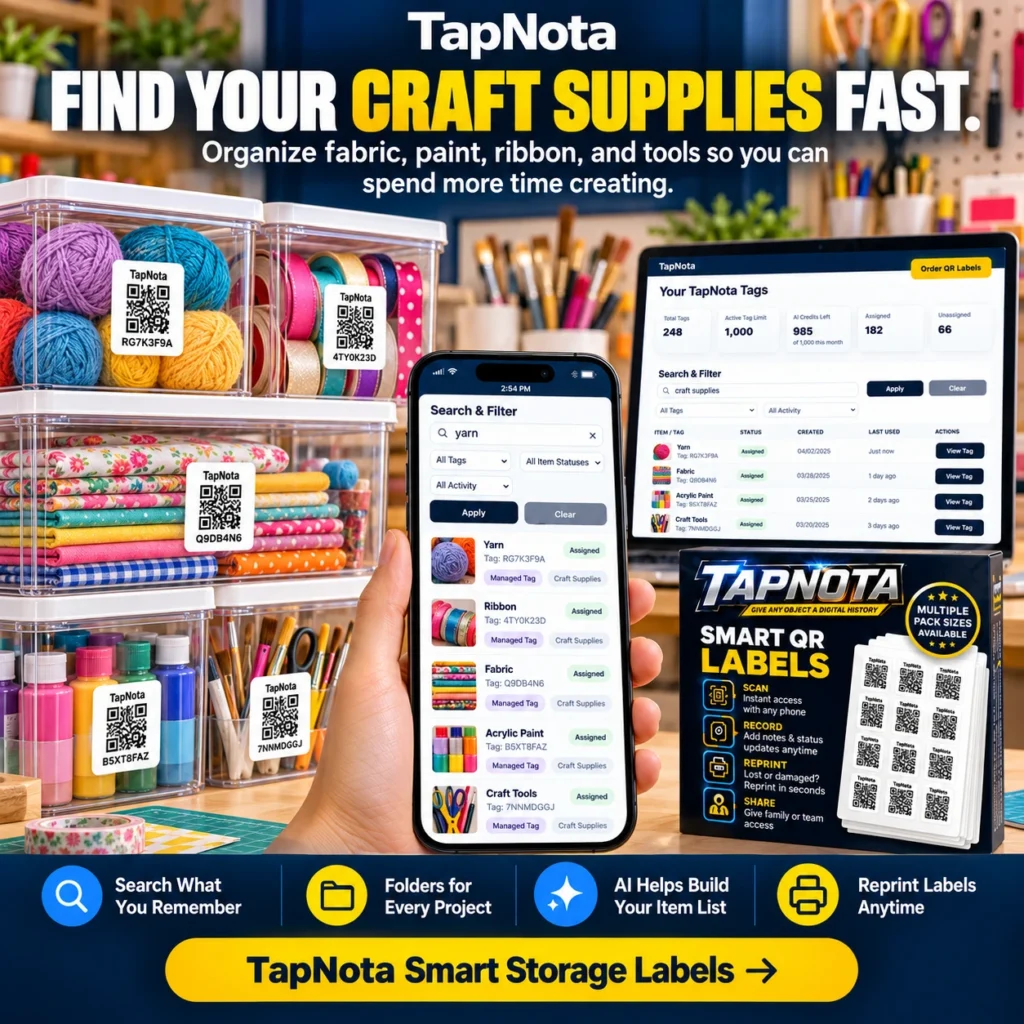
For crafters and hobbyists, organization can be the key to creativity. Spending less time searching for fabric, paint, ribbons, or tools means more time making beautiful projects. TapNota offers a unique solution that bridges physical storage and digital records, making it simple to find and manage your craft supplies efficiently.
What Makes TapNota Ideal for Craft Supply Organization?
Unlike traditional handwritten labels or generic QR stickers, TapNota’s system uses pre-coded smart QR labels that link each container or item to a dedicated digital Item Page. This page evolves over time, allowing you to add notes, photos, serial numbers, and more. The labels are not just tags; they are gateways to a dynamic inventory management system accessible from any phone or browser.
When you attach a TapNota label to a bin or box, scanning it opens the specific Item Page where you can record contents and details. But the power comes from the TapNota web Portal, where you can search across all your items by name, tag, or note text without needing to scan each label physically. This is a game-changer for craft supplies, which often come in many small containers and varied materials.
Step-by-Step: Organizing Craft Supplies with TapNota
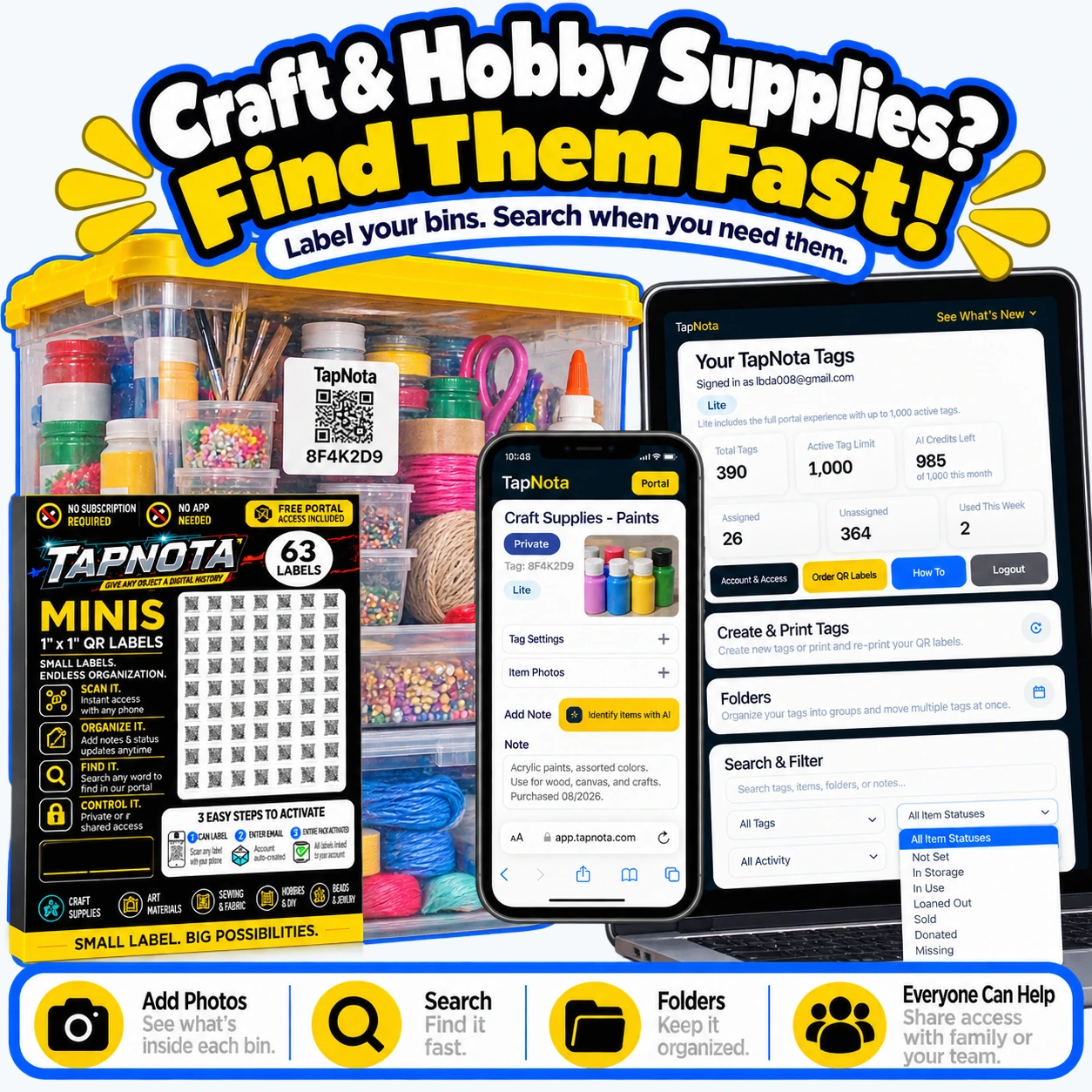
- Attach Labels to Containers: Use TapNota’s 1″ x 1″ Mini QR labels or 2″ x 2″ standard labels on your fabric bins, paint jars, ribbon boxes, and tool cases.
- Activate Your Label Pack: Scan any label from your purchased pack and verify your email once to activate the entire set—no need to activate each sticker individually.
- Create Item Pages: Scan a label to open its Item Page. Add a descriptive name (e.g., “Acrylic Paints – Assorted Colors”), notes about contents, photos of the items inside, and any manuals or usage instructions.
- Use Tags and Folders: Group related supplies by project or material type using folders and tags (e.g., “Fabric,” “Ribbon,” “Paints”). This helps you quickly filter and find items in the Portal.
- Search Without Scanning: Open the TapNota Portal on your phone or computer and search terms like “yarn” or “ribbon” to instantly locate all related bins or containers.
- Update Records Over Time: Add new contents, change notes, or update the condition without changing the physical label. The Item Page evolves as your supplies do.
How AI Recognition Helps Build Your Item List
TapNota offers an optional AI feature that can assist in identifying visible items when you add photos to an Item Page. For example, if you take a photo of an open bin filled with colorful yarn balls or paint tubes, the AI suggests a starting list of items. You review and edit this list before saving, which speeds up the cataloging process. However, AI is not automatic on scan and requires visible items to work effectively.
Sharing and Collaboration for Craft Groups
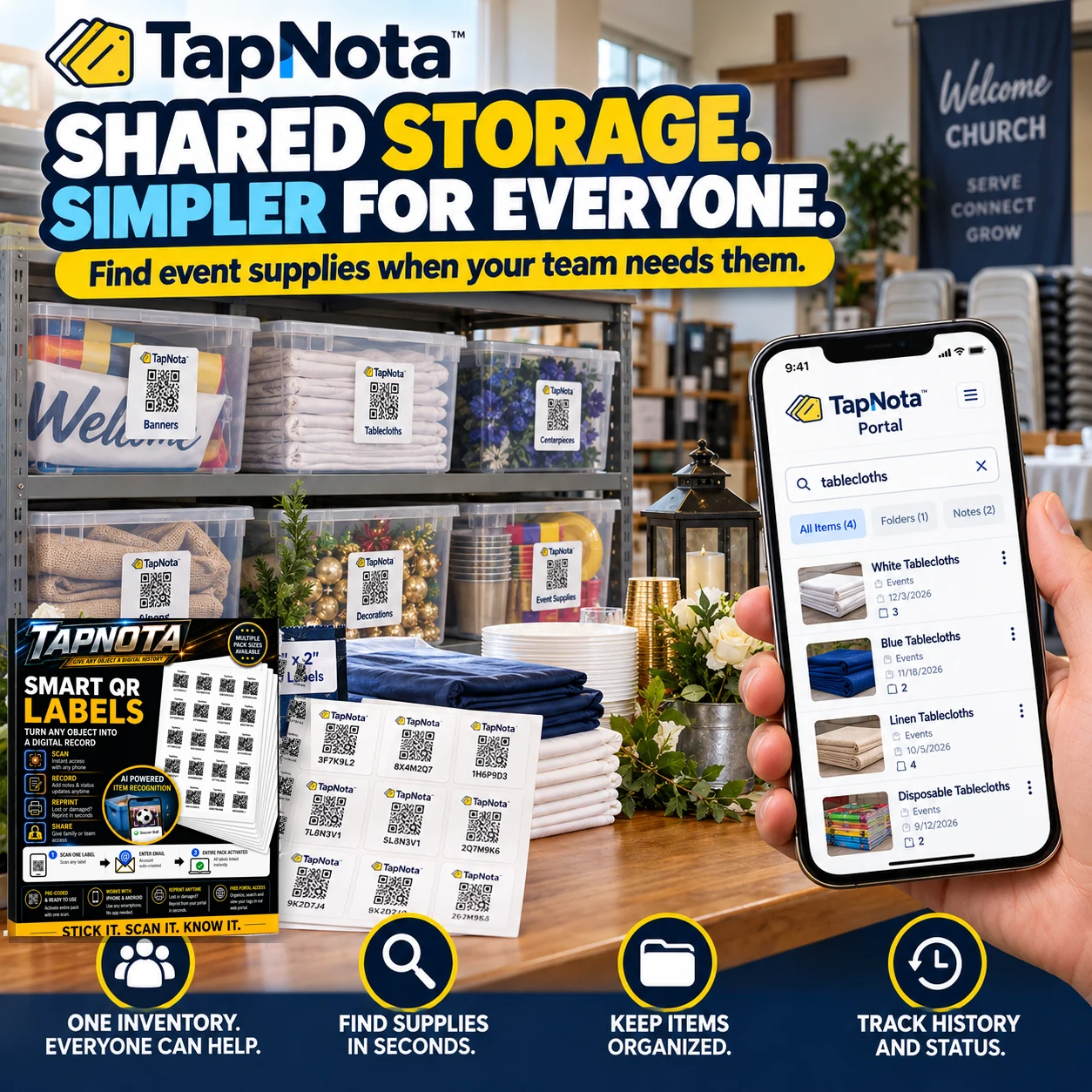
If you work on craft projects with family, friends, or a creative team, TapNota supports shared Account Access. This allows multiple users to log in with their own credentials to view and update the same inventory. You maintain control as the account owner, managing who has access. This feature is perfect for community craft rooms or small business hobbyists who share supplies.
Reprinting and Managing Labels
Labels can get damaged or lost, especially in busy craft spaces. TapNota’s Portal lets you reprint any existing QR label without losing the linked Item Page or its history. This ensures your inventory stays intact even if physical labels need replacement.
Practical Examples: Craft, Church, and Farmers Market Supplies
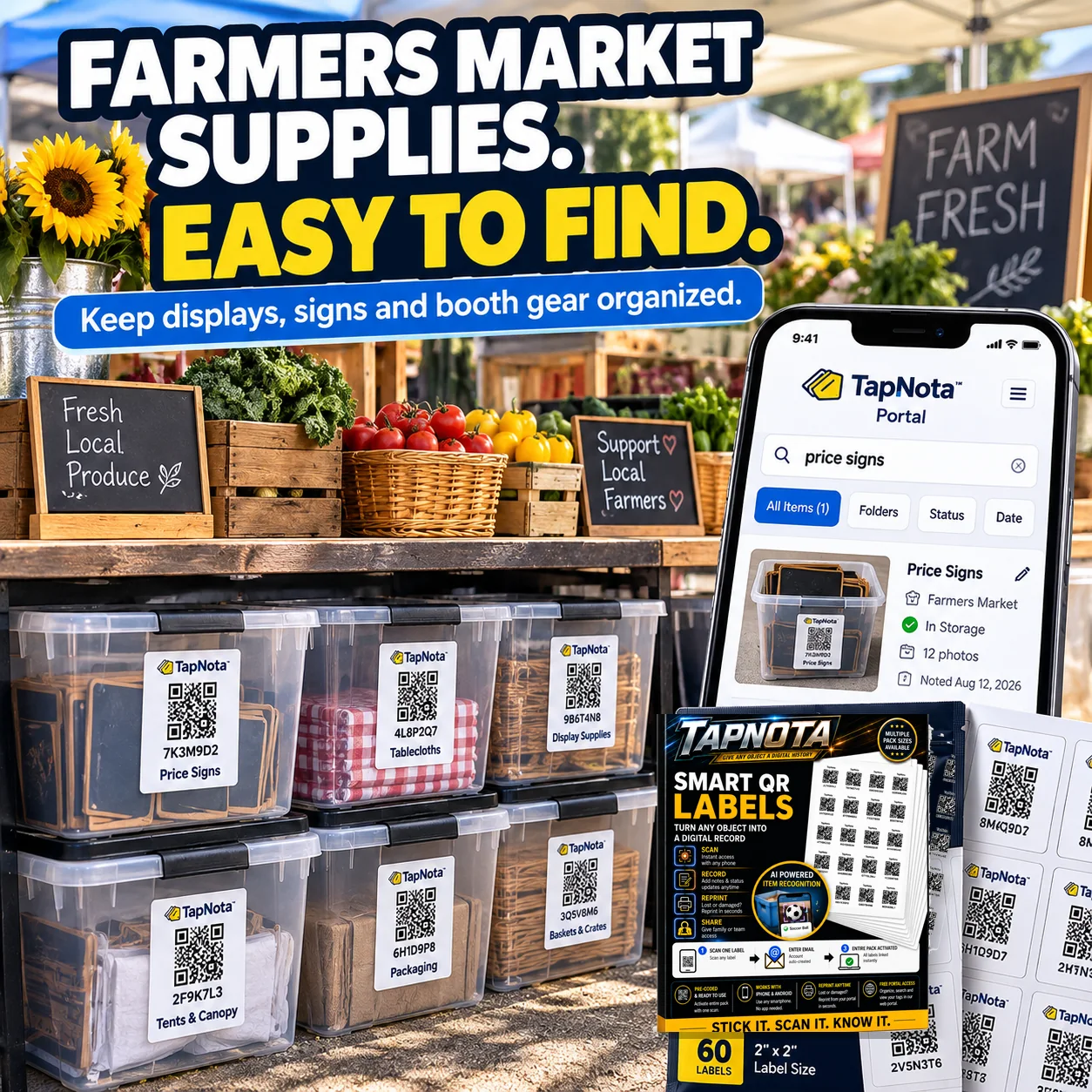
TapNota’s versatility shines across various small-item storage needs. For example, crafters can label bins filled with fabric, paint, and ribbons, making it easy to find “blue fabric” or “acrylic paint” instantly. Churches use TapNota to organize event supplies like tablecloths and decorations, enabling teams to locate items quickly during busy event setups. Farmers market vendors label display bins and signage supplies, keeping everything organized and ready for the next market day.
These real-world applications demonstrate how TapNota’s smart labels and digital Portal save time and reduce frustration by connecting physical items to detailed, searchable digital records.
Getting Started with TapNota for Your Craft Supplies
To begin organizing your craft supplies with TapNota, start by ordering a pack of pre-coded QR labels from the TapNota Order QR Labels page. Once you receive your labels, activate your pack with a simple scan and email verification. Then, attach labels to your containers and begin building your digital inventory.
For detailed setup guidance, the TapNota Product Support & Setup Guide offers step-by-step instructions and tips to maximize your inventory management experience.
With TapNota, your craft supplies become easy to find, well organized, and ready for your next creative project.
Frequently Asked Questions
Do I need to scan each TapNota label to search my craft supplies?
No. While scanning a label opens its specific Item Page, you can search all your saved item information directly in the TapNota web Portal without scanning physical labels.
Can multiple people access and update my craft supply inventory?
Yes. TapNota offers Shared Account Access, allowing approved family members or team members to log in with their own credentials and collaborate on the same inventory.
How does the AI feature help with organizing craft supplies?
The optional AI feature suggests item lists based on photos of visible objects you upload to an Item Page. You review and edit these suggestions before saving, which can speed up inventory creation.
What happens if a TapNota label gets damaged or lost?
You can easily reprint any label from the TapNota Portal without losing the linked Item Page or its history, ensuring your inventory remains intact.
Do I need a special app to use TapNota labels?
No. TapNota works with any phone or browser without requiring a dedicated app. The labels link to a web-based Portal accessible from any device.


