













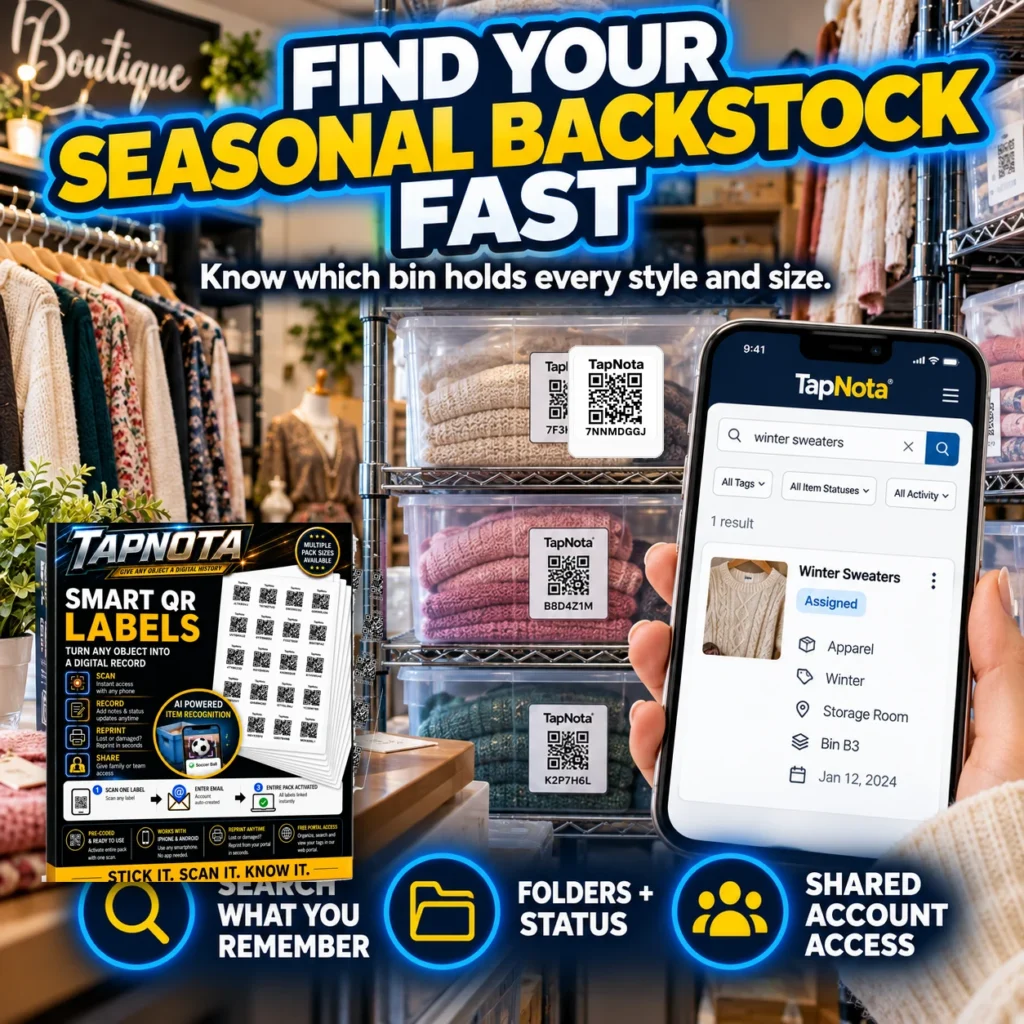
Seasonal storage often means stashing away items like winter sweaters, holiday decorations, or summer gear in bins or shelves until they’re needed again. But when the season changes, finding the right bin quickly can be a frustrating hunt. TapNota offers a smart, physical-to-digital record system that transforms how you manage seasonal backstock, making it easy to know exactly which bin holds every style, size, or category of stored items.
Why Seasonal Storage Gets Complicated
Many people rely on plastic bins or boxes to store seasonal items, but traditional labeling methods—handwritten tags or generic stickers—often fall short. They don’t provide detailed information, can fade or fall off, and don’t connect to a searchable inventory. This means you might waste precious time opening multiple bins trying to find a single item.
TapNota solves this by linking each physical bin or container with a unique pre-coded smart QR label that opens a dedicated, editable Item Page in a web Portal. This digital record grows and evolves over time, letting you add detailed notes, photos, and status updates without needing new labels.
How TapNota Simplifies Seasonal Backstock Management
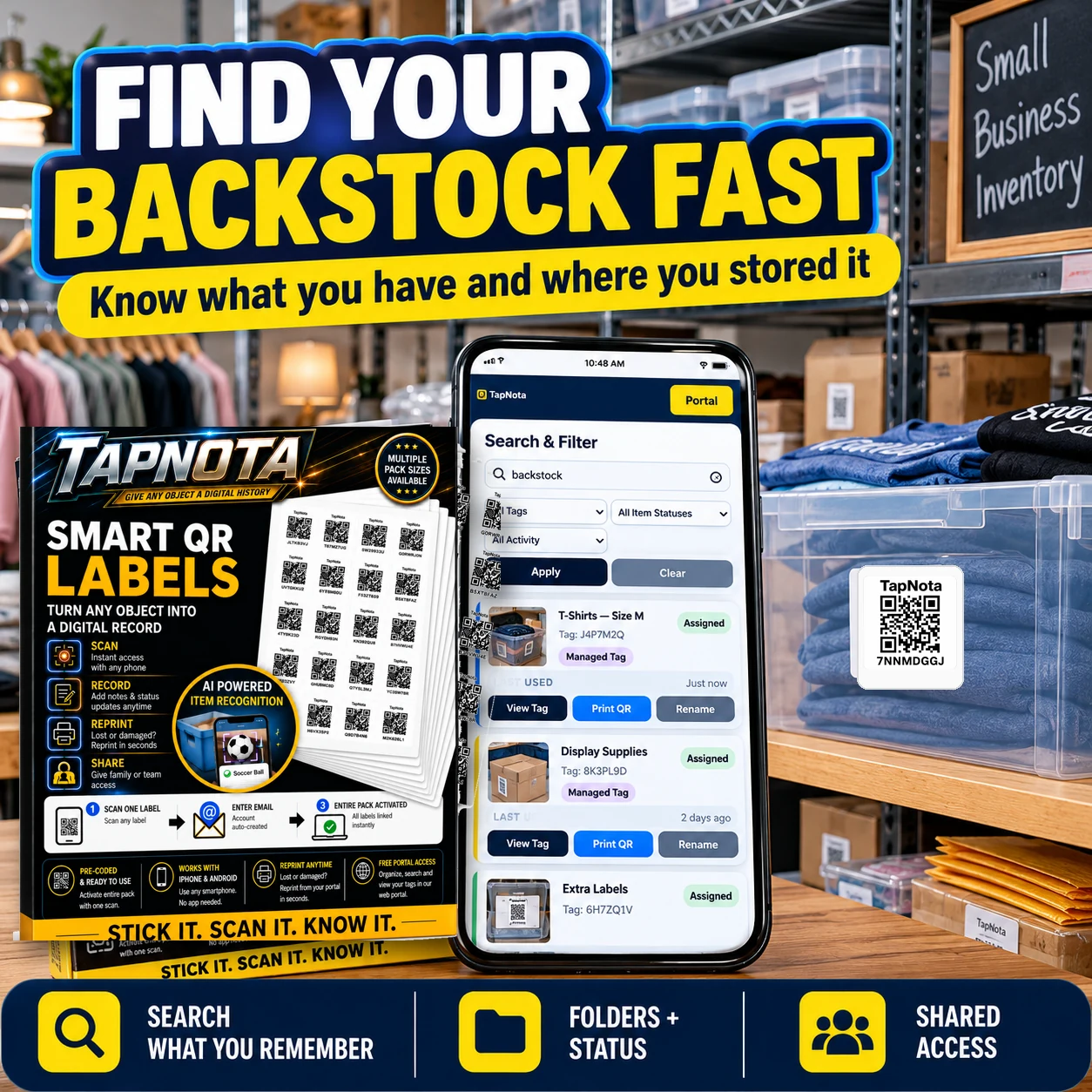
- One Label, One Item Page: Attach a TapNota QR label to each bin or storage container. Scanning the label opens its specific Item Page where you can add a name, contents, photos, and notes about the items inside.
- Search Without Scanning: The web Portal lets you search for item names, tags, or notes across all your records without needing the physical label in front of you. This means you can find where your winter sweaters or holiday decorations are stored from anywhere.
- Folders and Status: Organize your bins into folders like “Winter Clothes” or “Holiday Decor” and track item status such as “In Storage,” “In Use,” or “Loaned Out.” This keeps your inventory current and easy to manage.
- Shared Account Access: Share your inventory with family or team members so everyone can help find or update items, all while you retain control over the account.
- AI-Powered Identification (Optional): Take a photo of visible items before packing and let TapNota’s AI suggest a starting list of contents. Review and edit the list to save time creating detailed notes.
Practical Example: Organizing Your Boutique’s Seasonal Backstock
Imagine you run a boutique with seasonal apparel and accessories. You have bins filled with winter sweaters, scarves, and hats stored in your backroom. Using TapNota, you attach a QR label to each bin and scan it to create an Item Page. You add a descriptive name like “Winter Sweaters,” upload photos of the items, and note sizes and styles.
When a customer requests a specific sweater, you don’t have to guess which bin holds it. Instead, you open the TapNota web Portal, search for “winter sweaters,” and instantly see which bin it’s in along with item details. This saves time, reduces errors, and improves customer service.
Getting Started with TapNota for Seasonal Storage
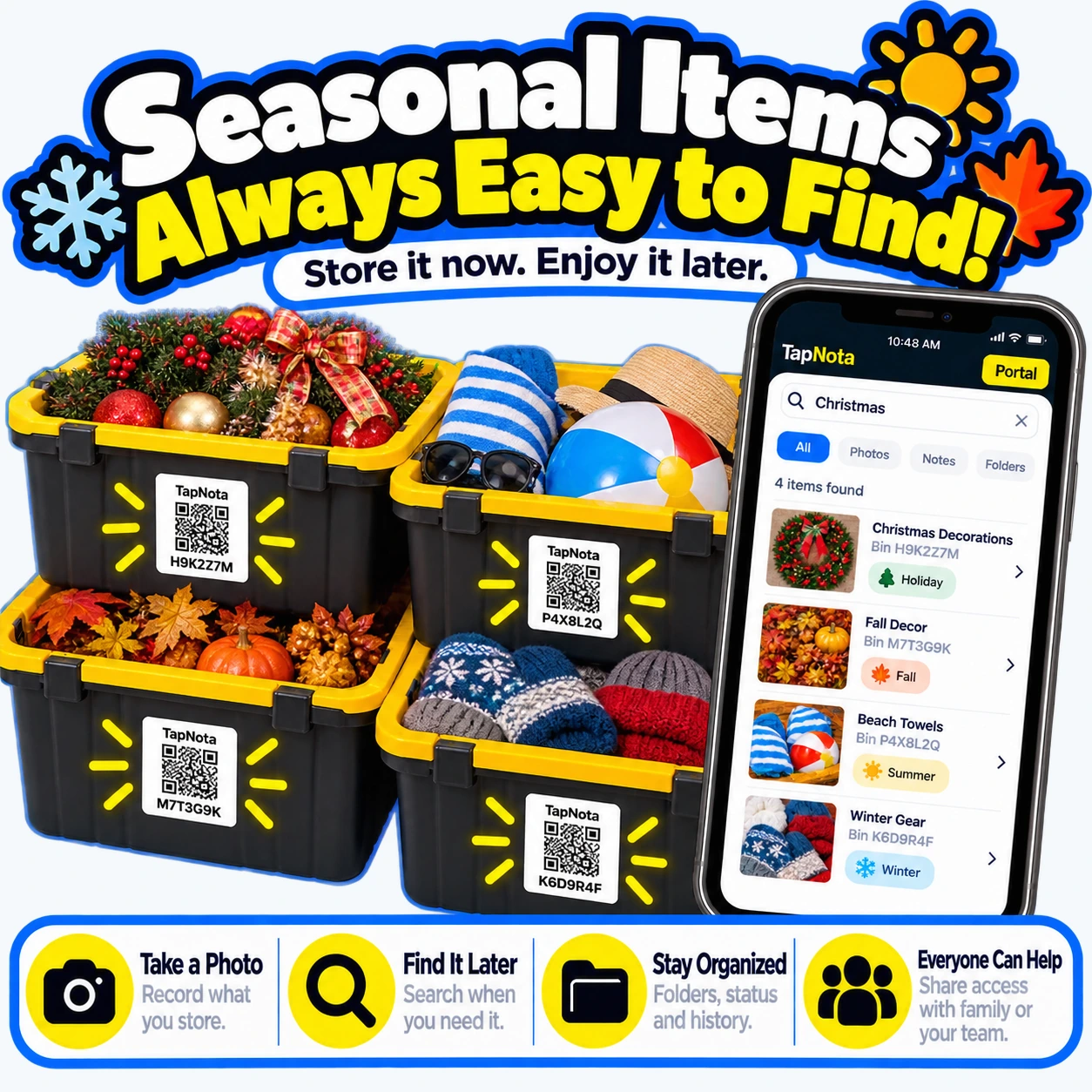
- Purchase a Pre-Coded Pack: Choose from 60, 100, or 200 packs of 2×2 inch labels or Mini 1×1 inch labels depending on your storage needs.
- Activate Your Pack: Scan any one label from the pack and verify your email. The entire pack is then linked to your account—no need to activate each label individually.
- Attach Labels: Stick a label on each bin or storage container.
- Create Item Pages: Scan each label to open its Item Page in the Portal, then add names, photos, notes, and organize into folders.
- Search and Share: Use the Portal to search your inventory from anywhere and share access with family or team members if desired.
Tips for Efficient Seasonal Storage Using TapNota
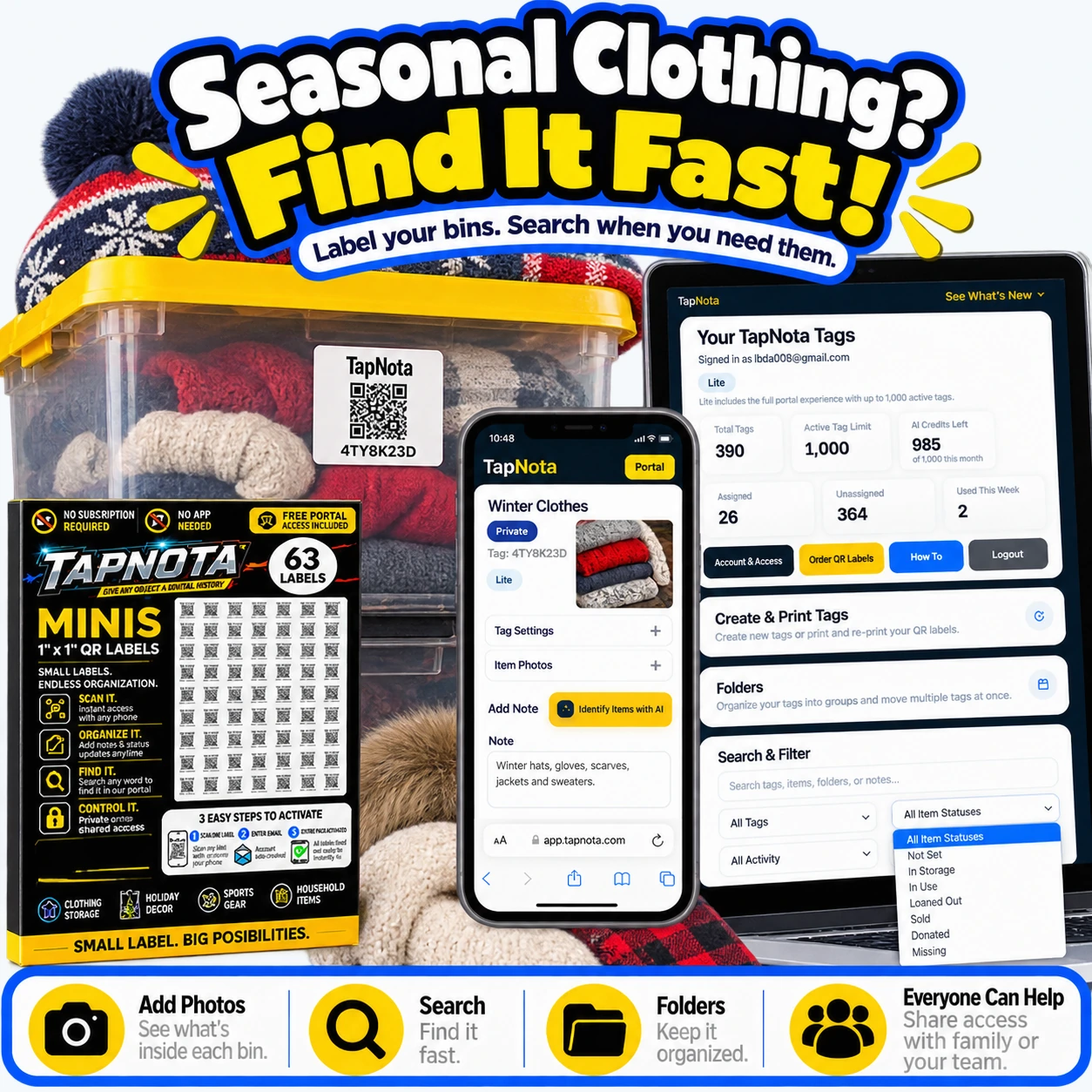
- Take Photos Before Packing: Capture visible items in the bin to help with AI identification and future reference.
- Use Descriptive Names and Tags: Include season, category, and other useful keywords to improve search results.
- Update Records Over Time: Add notes about condition, repairs, or loan status to maintain an accurate inventory.
- Leverage Folders: Group related items like “Summer Gear” or “Holiday Decorations” for faster browsing.
- Involve Your Team: Shared Account Access helps multiple people keep the inventory current without confusion.
Seasonal storage doesn’t have to be a chaotic, time-consuming chore. TapNota’s smart QR labels and intuitive web Portal create a seamless bridge between your physical backstock and digital records. This system helps you find what you need fast, stay organized, and share inventory management with others—all without the need for apps or complicated software.
For more on organizing storage bins effectively, see How to Organize Storage Bins for Easy Access. To learn how to label your storage bins professionally, visit How to Label Storage Bins Like a Pro. For seasonal-specific ideas, check out Holiday Decoration Storage Ideas with QR Labels.
Frequently Asked Questions
Do I need to scan every TapNota label to activate it?
No. When you scan and activate one label from a purchased pre-coded pack, the entire pack becomes linked to your account. You do not need to activate each label individually.
Can I search my seasonal inventory without having the physical bins nearby?
Yes. The TapNota web Portal allows you to search item names, notes, tags, and folders without scanning the physical labels, so you can find your items anytime from any device.
Is a mobile app required to use TapNota?
No. TapNota works through scanning QR codes with any smartphone camera and managing records in a browser-based web Portal. There is no dedicated app to install.
How does the AI item identification feature work?
AI identification is an optional tool where you take or select a photo of visible items before packing. The AI suggests a list of possible contents which you can review and edit before saving. It does not see inside closed containers and requires credits to use.
Can I share my seasonal storage inventory with family or coworkers?
Yes. TapNota supports Shared Account Access where authorized members can log in with their own credentials to collaborate on the same inventory while the owner retains full control.


