













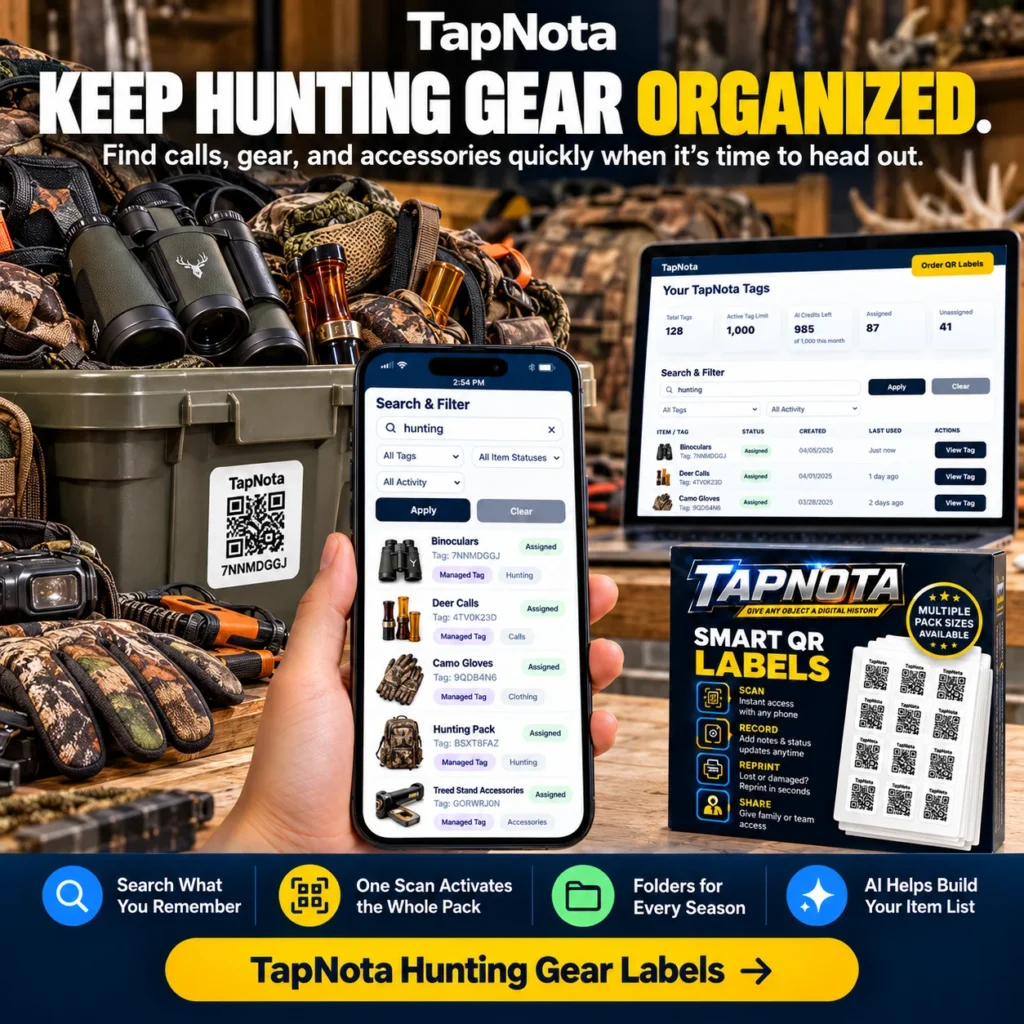
Hunting season demands quick access to your essential gear, calls, and accessories. Instead of rummaging through boxes or bags, you can keep everything organized and instantly searchable with TapNota Smart QR Labels. This physical-to-digital record system links each labeled item or storage container to a unique, editable digital Item Page accessible via any smartphone or browser. Here’s how to streamline your hunting gear organization and retrieval using TapNota’s powerful features.
Why Organize Hunting Gear with TapNota?
Hunting gear often includes a mix of bulky items like binoculars, trail cameras, and decoys, plus smaller accessories such as calls, gloves, and cleaning kits. Traditional labeling or written lists can quickly become outdated or incomplete. TapNota offers a dynamic solution where each QR label connects to a digital record you can update anytime, from anywhere.
- One scan activates the entire pack: When you purchase a pack of TapNota labels, scanning just one label and verifying your email activates all labels in that pack for your account. No need to activate each sticker individually.
- Attach labels to bins and totes: Stick labels on storage containers holding related gear. For example, one bin for binoculars, another for calls, and another for trail cameras.
- Add detailed notes and photos: Open the Item Page after scanning to add item names, serial numbers, condition, manuals, or permanent photos. You can also use TapNota’s optional AI feature to help identify visible items and build your inventory faster.
- Search without scanning: The TapNota web Portal lets you search all saved records by name, notes, tags, or status, even if you don’t have the physical label in hand.
- Share and collaborate: Share individual Item Pages or invite family members or hunting partners to access your inventory through Shared Account Access with controlled permissions.
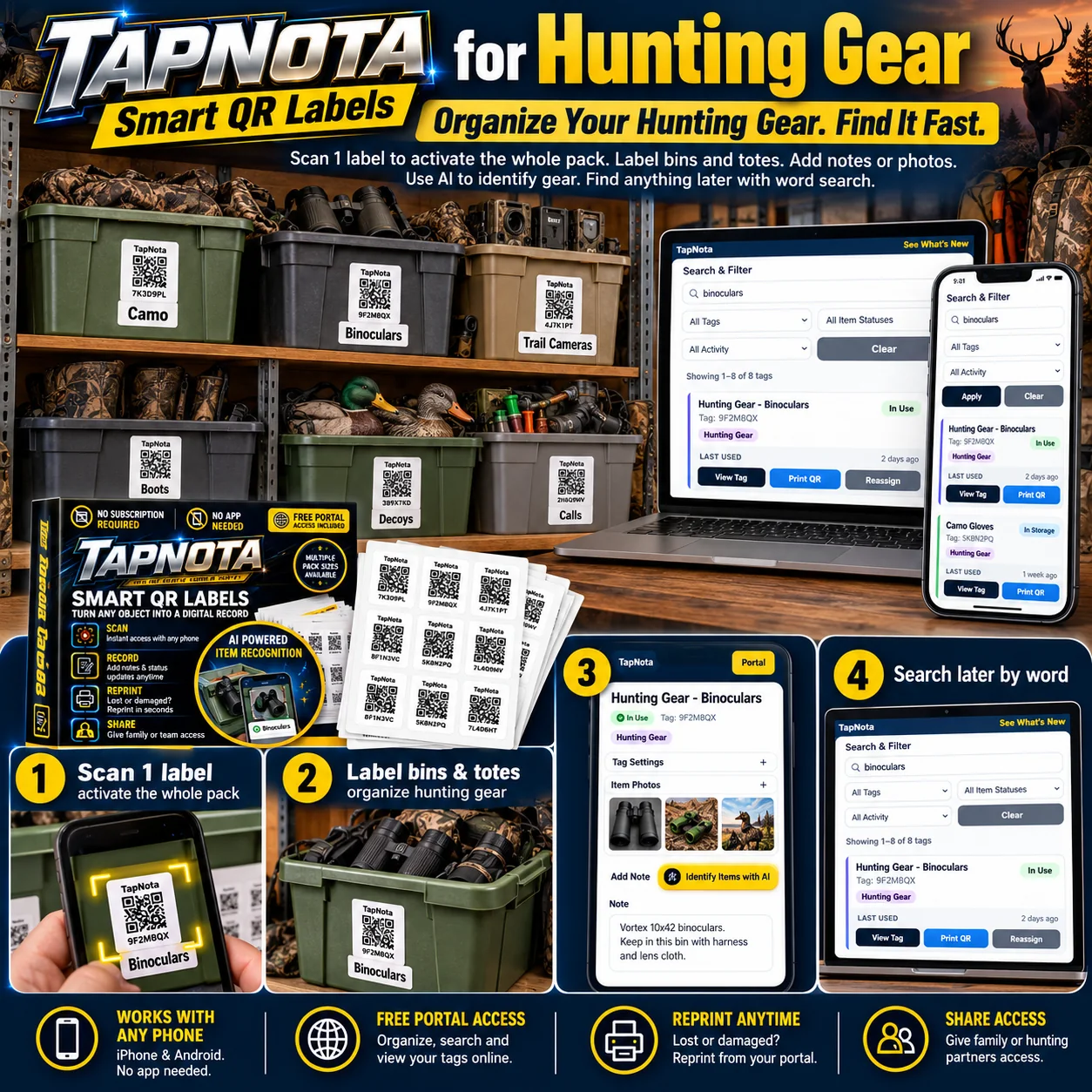
Step-by-Step Guide to Organizing Hunting Gear with TapNota
- Scan one label to activate your pack: When you receive your pre-coded TapNota labels, scan any one label and verify your email. This action activates your entire pack, linking all labels to your TapNota account automatically.
- Label your gear bins and totes: Attach labels to each storage container. For example, label one bin “Binoculars,” another “Camo Gloves,” and another “Trail Cameras.” This physical-to-digital link lets you open a unique Item Page for each bin.
- Open the Item Page and add details: Scan the QR code on a bin to open its digital record. Add descriptive notes like brand, model, serial numbers, or special instructions. Upload permanent photos of the contents or manuals to keep everything in one place.
- Use AI to identify items: On the Item Page, you can optionally use TapNota’s AI-powered recognition by taking or selecting a photo of visible gear. The AI suggests a list of items, which you can review and edit before saving. This helps build your inventory quickly and accurately.
- Search your inventory anytime: Use the TapNota Portal to search by keywords such as “binoculars” or “deer calls” to find the exact bin or item you need, even if you’re not near the physical label.
- Reprint or share labels as needed: If a label is damaged or lost, reprint a replacement directly from your Portal without losing any saved history. Share access with hunting partners or family for easy collaboration.
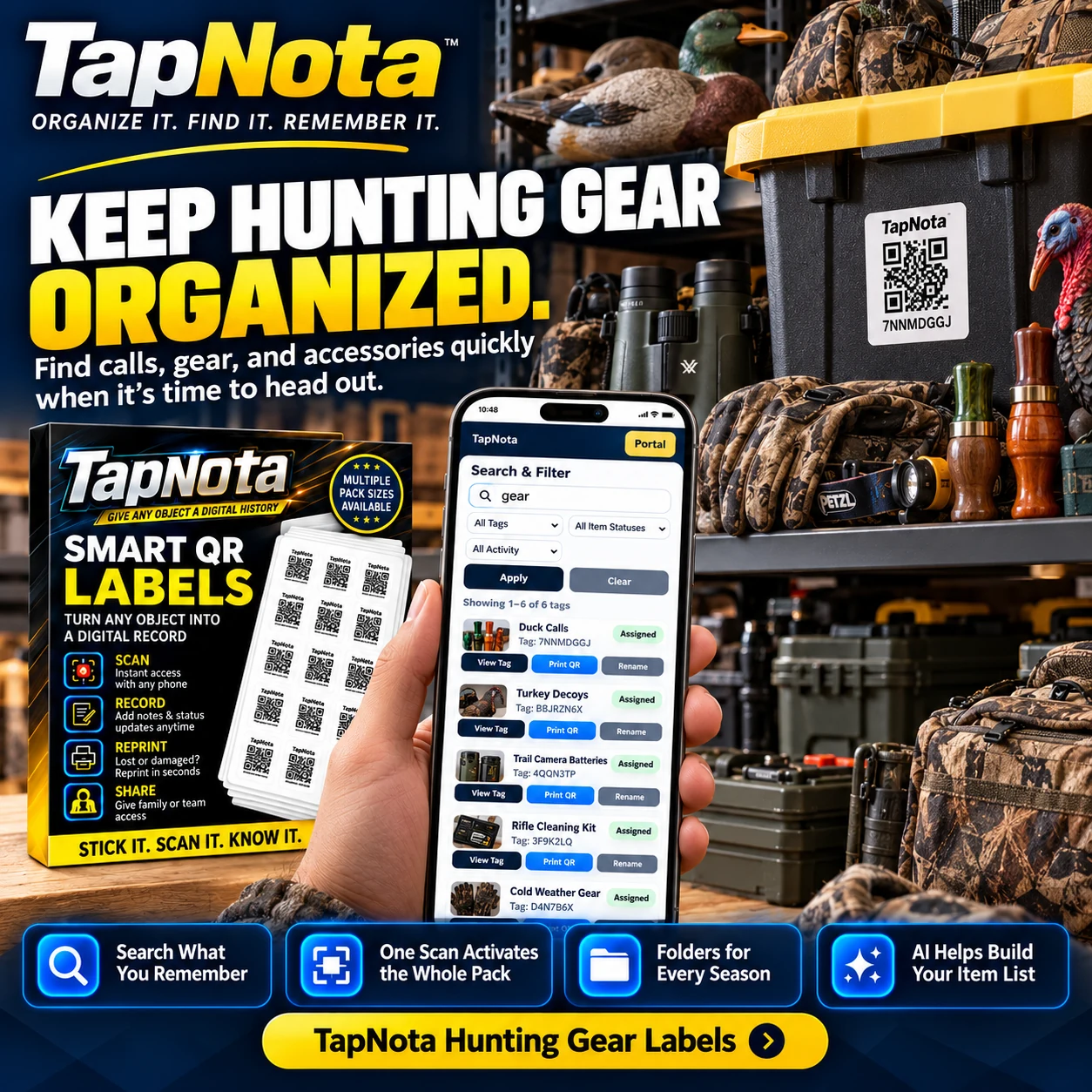
Additional Tips for Hunting Gear Organization
- Group gear seasonally: Use folders or tags in the Portal to group gear by hunting season or type, making it easier to rotate and prepare for different trips.
- Track item status: Use the Item Status feature to mark gear as “In Use,” “In Storage,” or “Loaned” to keep track of where everything is at all times.
- Keep manuals and maintenance logs: Attach photos or notes about cleaning, repairs, or battery replacements to ensure your gear is always ready.
- Label accessories separately: Smaller items like calls or gloves can be grouped or labeled individually depending on your preference, making them easier to find.
How TapNota Compares to Traditional Hunting Gear Organization
Unlike handwritten labels or spreadsheets, TapNota’s system links physical labels to evolving digital records. This means you can:
- Update notes and photos anytime without replacing labels.
- Search your entire inventory instantly without needing physical access to labels.
- Use AI assistance to speed up inventory building.
- Share selective or full inventory access with trusted people.
- Reprint damaged labels without losing history.
This combination of physical and digital organization saves time, reduces lost gear, and ensures you’re always ready for the next hunt.
Explore More Organization Ideas
For other outdoor gear, check out Camping Gear Organization with QR Labels. If you want to organize your garage tools or workshop, visit Garage & Tool Organization. To master seasonal storage for hunting or other hobbies, see Master Seasonal Storage: Find Your Backstock Fast.
Frequently Asked Questions
Do I need a special app to use TapNota labels for hunting gear?
No, TapNota works with any smartphone or device that can scan QR codes and access the web. There is no dedicated app to install; all management is done through the browser-based TapNota Portal.
Can I update my hunting gear records after labeling?
Yes, you can add or edit notes, photos, serial numbers, and other details on the Item Page anytime without needing to change the physical label.
How does TapNota’s AI feature help with organizing hunting gear?
The AI feature lets you take or upload a photo of visible items in a bin or tote. It suggests a list of recognized objects to add to your notes, speeding up inventory creation. However, AI identification requires review and is not automatic on scanning.
Can I share my hunting gear inventory with family or hunting partners?
Yes, TapNota supports sharing individual Item Pages via links and also allows Shared Account Access where approved members can log into the same inventory with their own credentials.
What happens if a TapNota label gets damaged or lost?
You can reprint a replacement label from your TapNota Portal without losing any saved information or history linked to that label.


