













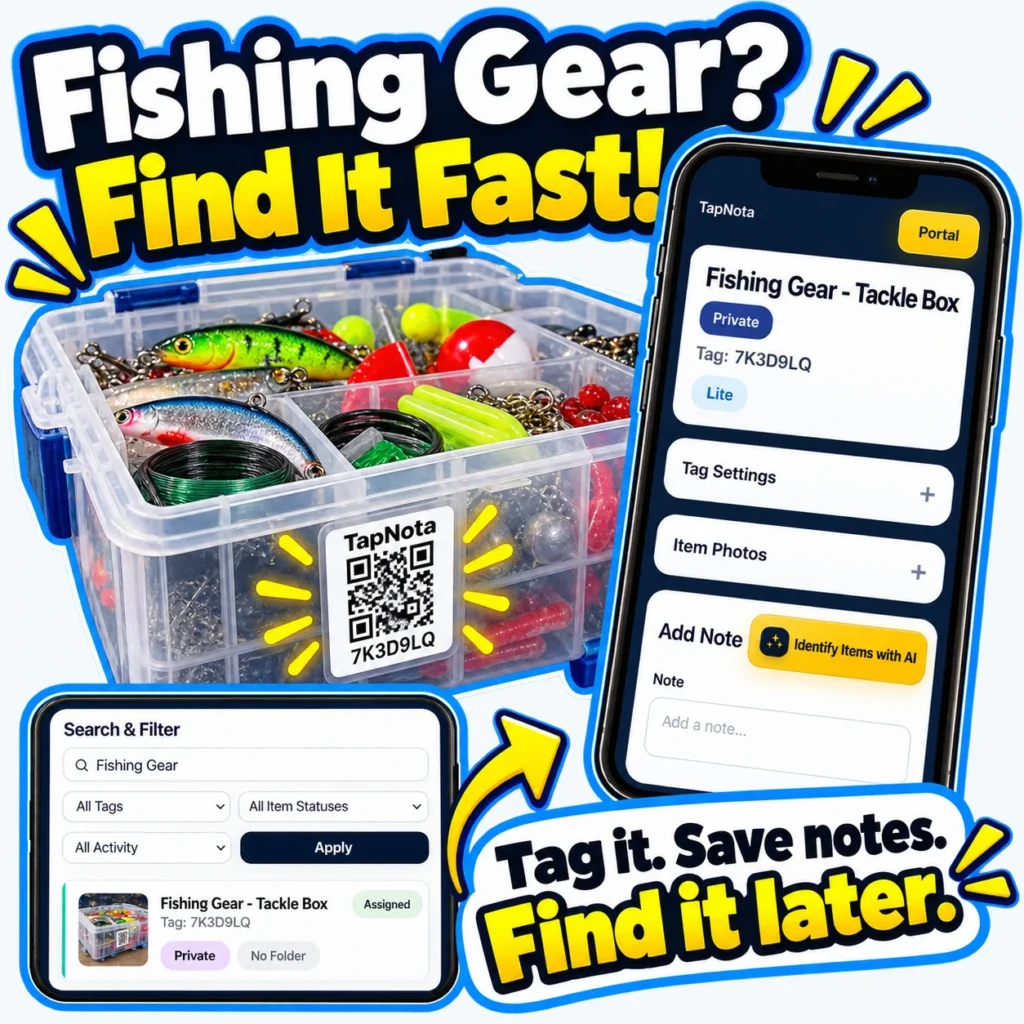
Fishing enthusiasts know the frustration of digging through tackle boxes and bins to find the right lure, hook, or line. With so many small parts and varied gear, staying organized can be a challenge. TapNota offers a smart, physical-to-digital record system that simplifies fishing gear organization and retrieval.
What Makes TapNota Different for Fishing Gear?
Unlike basic QR stickers or handwritten labels, TapNota’s system connects each physical item or container to a unique, evolving digital record accessible via a smart QR label. Each label is pre-coded and linked to an editable online Item Page where you can add detailed notes, photos, serial numbers, and service history. This means your fishing gear isn’t just labeled—it’s documented and searchable.
Step-by-Step: Organizing Your Fishing Gear with TapNota
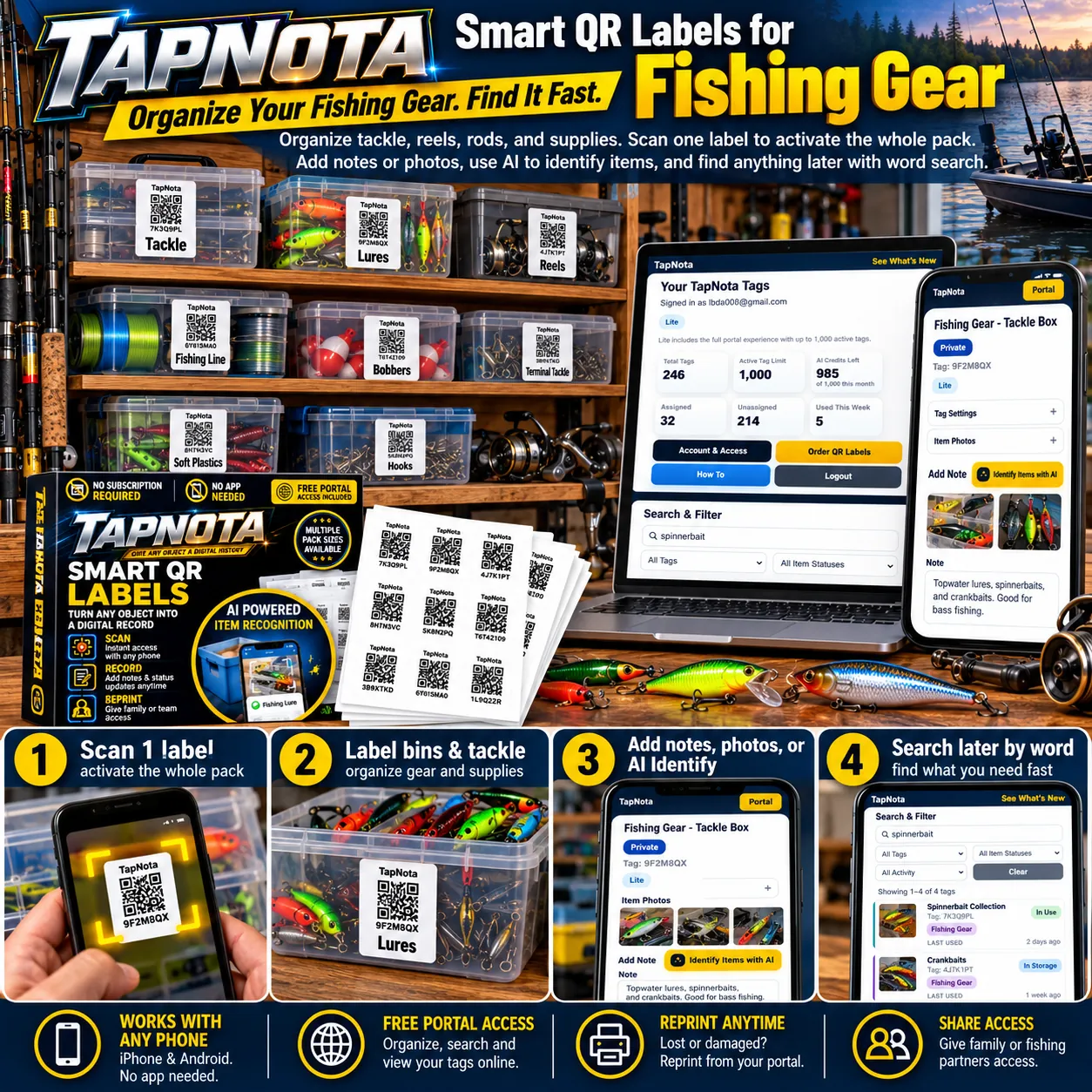
- Activate Your Pack with One Scan: When you purchase a TapNota pack, simply scan one label and verify your email address. This action activates the entire pack under your account—no need to activate labels one by one.
- Label Your Tackle Boxes and Bins: Attach a TapNota label to each tackle box, lure container, reel case, or storage bin. For example, you might have separate labeled bins for “Lures,” “Reels,” “Fishing Line,” and “Terminal Tackle.”
- Add Detailed Notes and Photos: Scan the label to open its Item Page in your browser. Add a descriptive name, notes about contents, photos of the gear, or even manuals and instructions. Use TapNota’s optional AI-powered item recognition by uploading a photo of visible contents to get suggested notes that you can review and save.
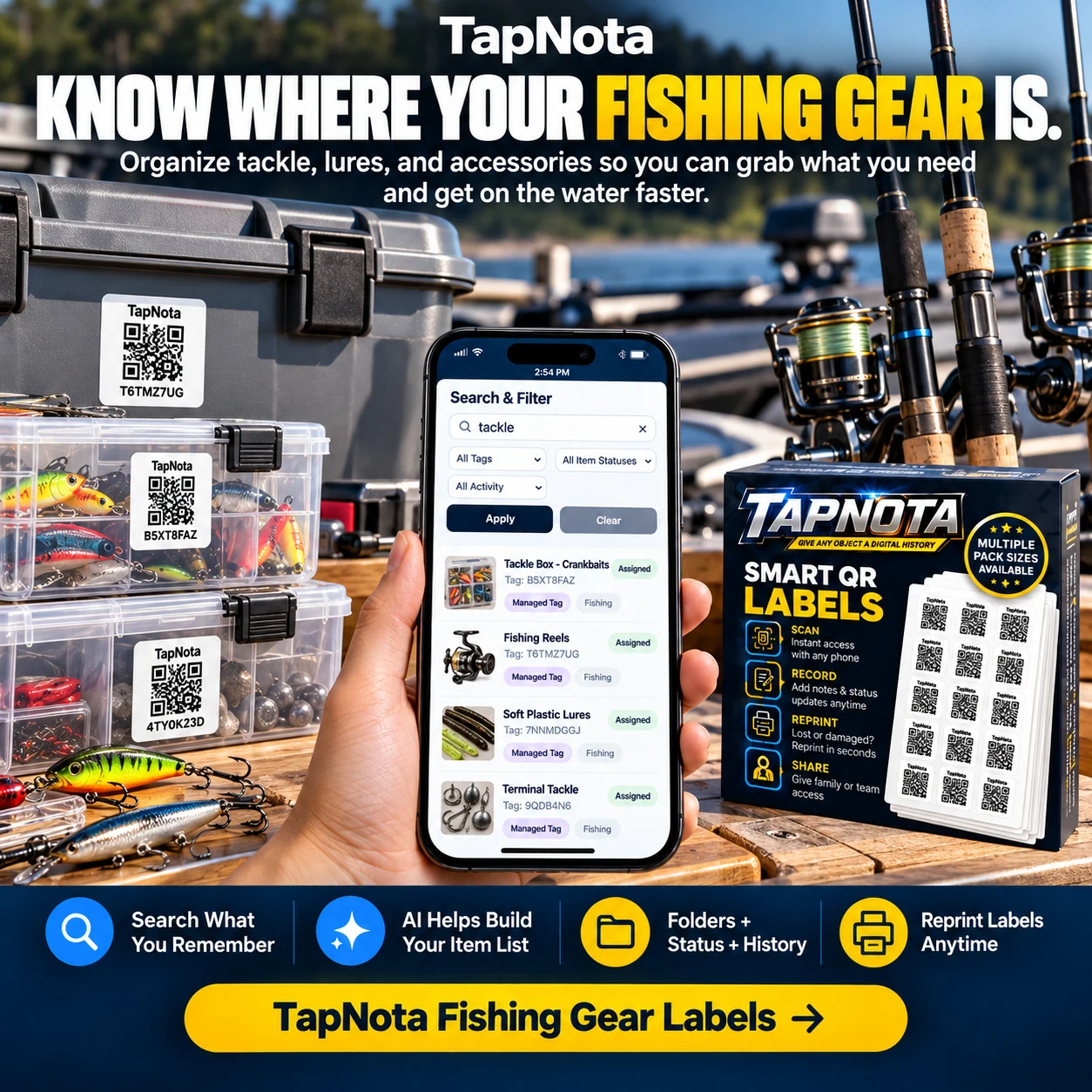
- Search and Find Gear Instantly: Later, you don’t need to scan the physical label to find what’s inside. Open the TapNota Portal and search by name, tag, note content, or folder. For instance, searching “spinnerbait” or “crankbait” will show all labeled items containing those terms, helping you locate the exact box quickly.
- Share or Secure Your Inventory: You can share individual Item Pages with fishing buddies or family, or invite trusted team members to access your full inventory with their own login. Optional PIN protection and sharing controls help maintain privacy.
Benefits of Using TapNota for Fishing Gear
- Save Time and Reduce Frustration: No more opening multiple boxes to find the right lure or hook. Your digital record tells you exactly what’s inside each container.
- Keep Gear Condition and History: Record maintenance, repairs, or condition notes for reels and rods, helping you track gear lifespan and service needs.
- Flexible and Evolving Records: Update notes and photos anytime without changing the physical label. The QR code stays the same while the digital record grows.
- Works with Any Smartphone: No app installation is required. Scan with any phone camera or QR reader to access your records instantly.
- Free Portal Access: Manage, search, and update all your records online at no extra cost.
Example Workflow: Organizing a Fishing Trip
Before heading out, you scan your “Fishing Gear – Tackle Box” label to check what’s packed. You add a note about the types of lures inside, upload photos of the contents, and mark the box as “In Use.” If you need a specific lure type, a quick search in the Portal shows exactly which box to grab. After the trip, you update the condition notes or add new photos of any gear changes.
Expanding Beyond Fishing: Outdoor and Camping Gear
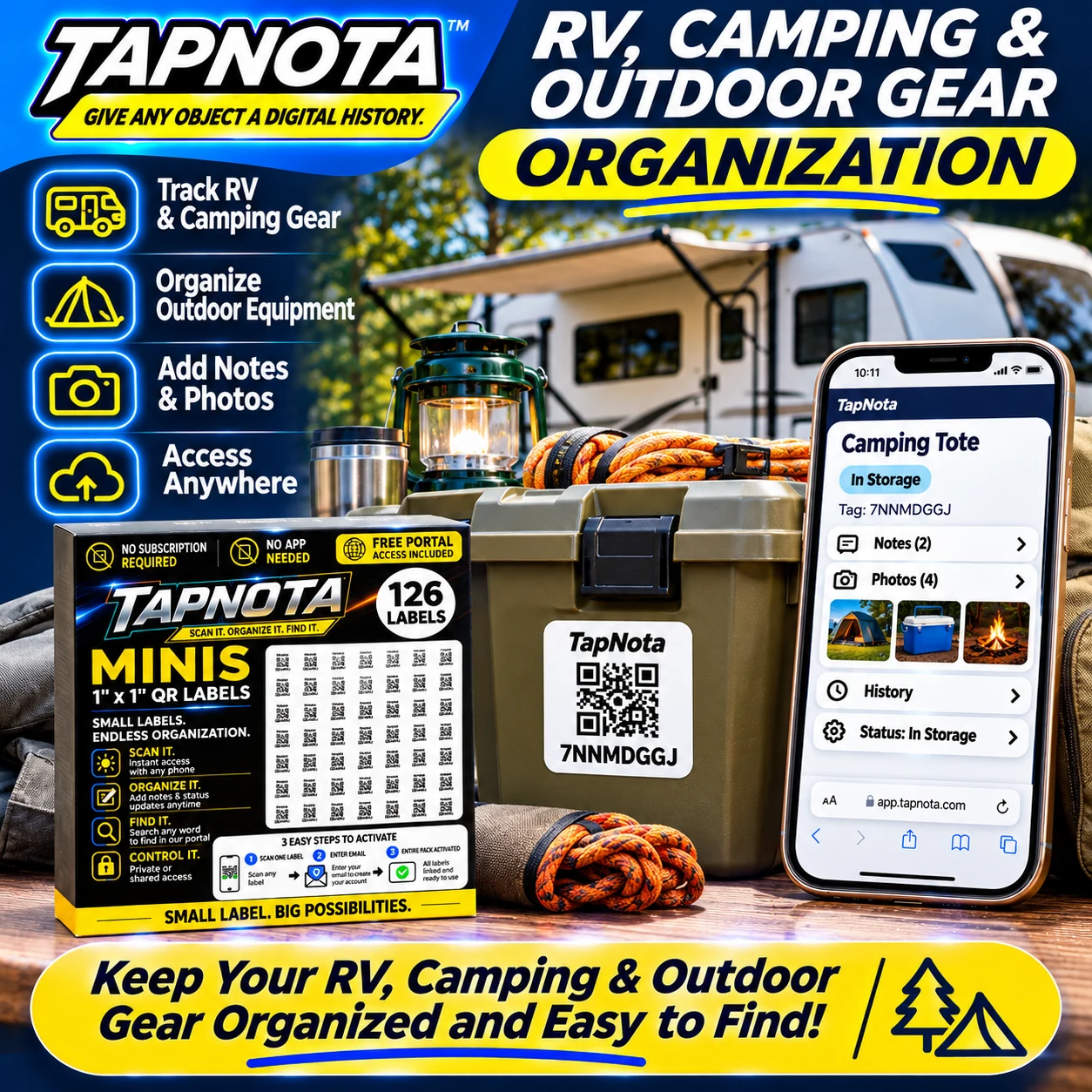
TapNota’s system isn’t limited to fishing gear. Many users organize RV, camping, and outdoor equipment using the same smart labels and Portal. Label coolers, tents, ropes, and toolkits to keep your entire outdoor setup accessible and organized.
Tips for Best Results
- Use folders and tags to group related gear, such as “Bass Fishing” or “Fly Fishing.”
- Take clear photos of contents before packing to help AI identification and future reference.
- Update item status to track whether gear is stored, in use, loaned, or missing.
- Reprint labels easily from the Portal if a QR code gets damaged.
- Invite family or fishing partners to your account for shared inventory management.
Learn More and Get Started
TapNota’s smart QR label system offers a modern, flexible way to organize your fishing gear and outdoor equipment. For detailed guidance on labeling and organizing storage bins, check out How to Organize Storage Bins for Easy Access. To explore organizing other outdoor gear, see Camping Gear Organization with QR Labels. For a deep dive into searchable inventory systems, visit Master Your Inventory with TapNota’s Searchable Storage System.
Frequently Asked Questions
Do I need to scan every TapNota label individually to activate them?
No. When you scan one label from a purchased pre-coded pack and verify your email, the entire pack is activated and linked to your account.
Can TapNota identify the contents of a closed tackle box automatically?
No. TapNota cannot see inside closed containers. You must first enter or save information about the contents manually or use the AI feature with a photo of visible items before sealing.
Is a mobile app required to use TapNota for fishing gear organization?
No. TapNota works through any smartphone or device browser without needing to install a dedicated app.
Can I share my fishing gear inventory with friends or family?
Yes. You can share individual Item Pages via links or invite family and team members to access your full inventory with their own login credentials.
What happens if a QR label gets damaged or lost?
You can easily reprint a replacement label from your TapNota Portal without losing the linked Item Page or its history.


