













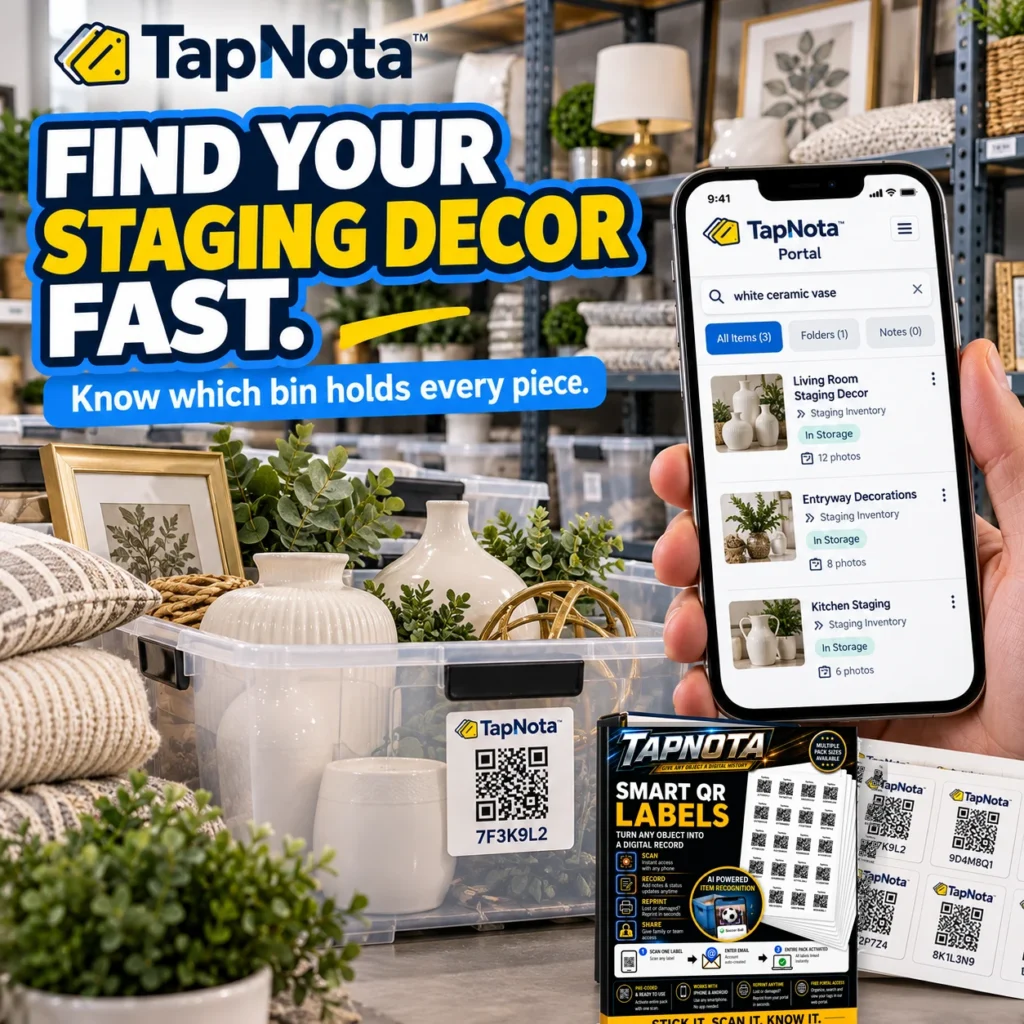
Real estate staging is a dynamic business requiring efficient organization and quick access to a variety of decor, furniture, artwork, and staging supplies. Whether you’re preparing multiple properties for sale or managing seasonal decorations, keeping track of every item can be a challenge. TapNota offers a smart solution with its physical-to-digital inventory system that uses pre-coded Smart QR Labels to transform bins, boxes, and items into searchable digital records.
Why Real Estate Staging Needs Smarter Inventory Management
Staging professionals juggle numerous items that need to be transported, stored, and arranged based on each property’s unique style and requirements. Without a clear system, locating a specific vase or piece of artwork can waste valuable time and delay staging schedules. Traditional labeling or spreadsheets often fall short because they either lack detail or require manual updates that quickly become outdated.
TapNota’s Physical-to-Digital Advantage
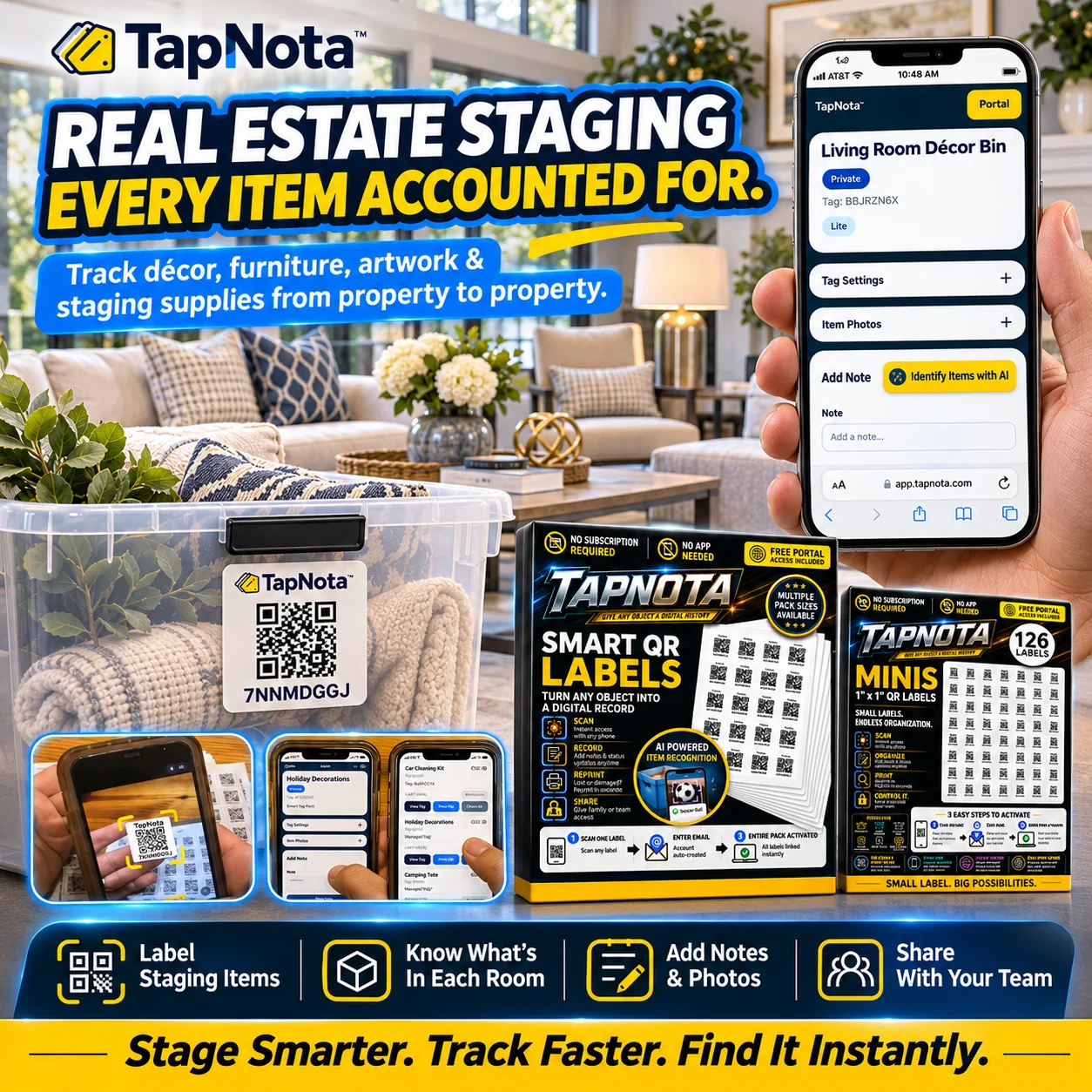
TapNota’s Smart QR Labels attach to bins or individual items, each linked to a unique Item Page in a centralized web Portal. Once a label is scanned, the owner can add detailed information such as item names, photos, serial numbers, condition notes, and more. This evolving record stays up to date as items move between properties or storage locations, eliminating guesswork and lost items.
How TapNota Simplifies Staging Inventory Workflow
- Instant Item Identification: Instead of opening boxes or searching through piles, scanning a label opens the exact Item Page with all stored details.
- Comprehensive Notes and Photos: Add permanent photos of decor pieces or staging setups to ensure consistency and easy recognition.
- Account-Wide Portal Search: Quickly find any item by searching names, notes, or tags in the Portal without needing the physical label on hand.
- Team Collaboration: Share access with staging team members or assistants so everyone stays updated on inventory status and location.
- Reusable Labels: One label per item or bin evolves with the record over time, so there’s no need to print new labels as contents change.
Practical Example: Managing Living Room Décor Bins
Imagine you have multiple clear bins filled with living room staging decor such as vases, framed prints, and throw pillows. Each bin gets a TapNota Smart QR Label. When you scan the label, the Item Page shows photos of the contents, a list of included items, and notes on condition or style suitability.
Before staging a property, you can search the Portal for “white ceramic vase” and immediately see which bin holds that item, saving you from opening every box. You can also add notes if a vase is fragile or recently cleaned, helping your team handle items appropriately.
Getting Started with TapNota for Real Estate Staging
To activate TapNota, scan any label in your purchased pack and verify your email address. This links the entire pack to your account, so you don’t need to activate each label individually. Attach labels to your staging bins, scan to open Item Pages, and start adding detailed information.
TapNota requires no app installation; all management happens through the browser-based Portal accessible from any smartphone or computer. Optional AI-powered item recognition can help build inventory faster by suggesting item lists from photos you take of visible contents.
Benefits Beyond Inventory
TapNota’s system also supports sharing individual item records via secure links or inviting team members as shared account users. This feature is ideal for real estate staging teams working across locations, ensuring everyone has real-time access to inventory information without confusion or duplication.
Moreover, if a label gets damaged, you can reprint a replacement without losing the linked digital record or history, maintaining continuity in your staging inventory management.
For more tips on organizing storage bins efficiently, see How to Organize Storage Bins for Easy Access. To explore collaboration features, visit Sharing & Family Organization. And for a detailed overview of the TapNota system, check out TapNota Product Support & Setup Guide.
Frequently Asked Questions
Can TapNota track individual staging items as well as bins?
Yes, TapNota labels can be attached to individual items or bins. Each label links to an editable digital Item Page where you can add detailed information, photos, and notes for precise tracking.
Do I need to activate each TapNota label separately?
No, scanning and activating any one label in a purchased pack links the entire pack to your account. This simplifies setup and avoids activating labels one by one.
Can I share my staging inventory with team members?
Yes, TapNota supports inviting team members as shared account users with their own logins, allowing collaboration while you retain full administrative control.
Does TapNota require a mobile app installation?
No, TapNota operates entirely through a browser-based web Portal accessible on smartphones, tablets, or computers, without any app downloads.
How does TapNota’s AI feature help with staging inventory?
The AI feature can analyze photos of visible items in bins to suggest an initial list of contents, which you can review and save, speeding up inventory creation.


