













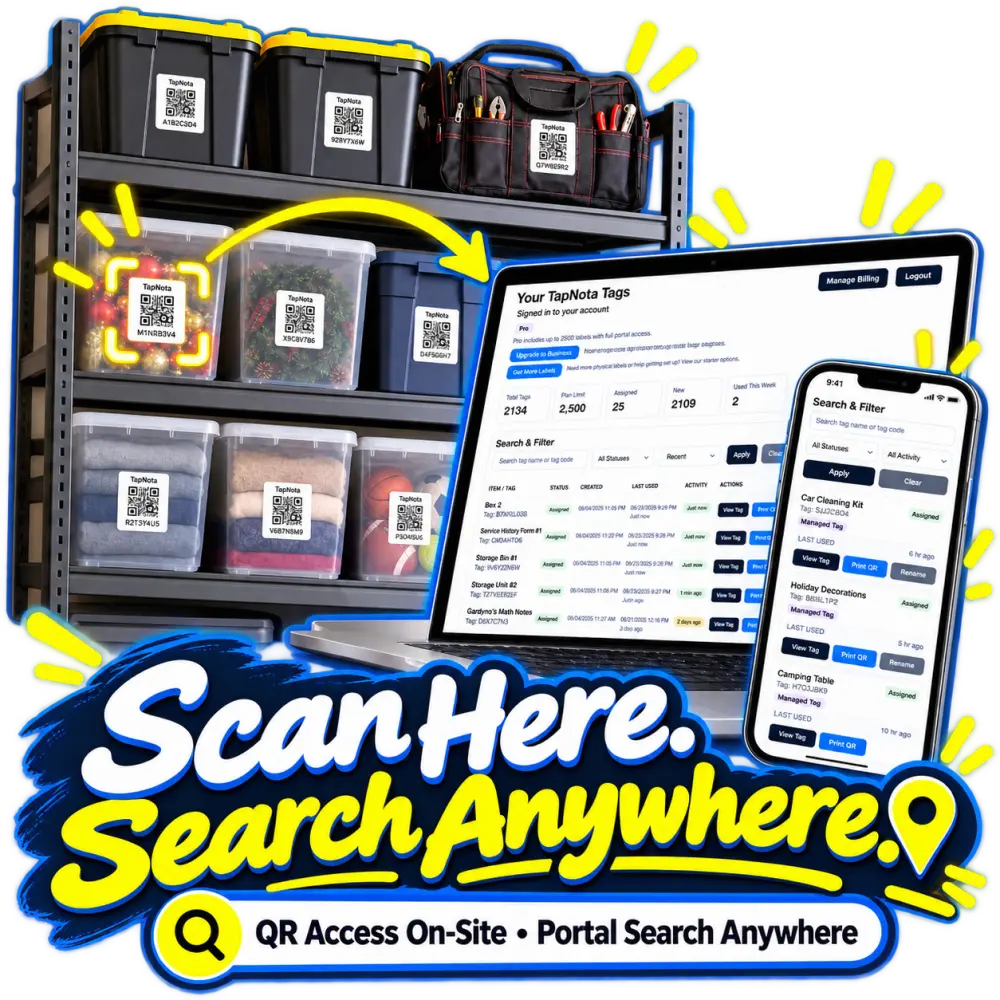
For small businesses and organizations, keeping track of tools, equipment, and inventory can quickly become a complex and time-consuming task. Traditional methods like handwritten logs or spreadsheets often fall short, especially when multiple people need access or when items move between locations. TapNota offers a smarter, more efficient solution that combines physical QR labels with a powerful web Portal to transform how businesses manage their assets.
What Is TapNota and How Does It Work for Business Inventory?
TapNota is a physical-to-digital record system designed to link individual items, bins, shelves, or equipment with unique pre-coded QR labels. Each label opens a dedicated, evolving Item Page accessible via any smartphone or device with a web browser. This Item Page stores all relevant information such as item names, photos, manuals, serial numbers, condition updates, and notes.
Unlike standalone QR stickers or static spreadsheets, TapNota’s system creates a centralized, searchable inventory Portal where all your tagged items live digitally. This means you can search for any item by name, tag code, notes, or folder—even without having the physical label at hand.
Benefits of Using TapNota for Business Asset Tracking
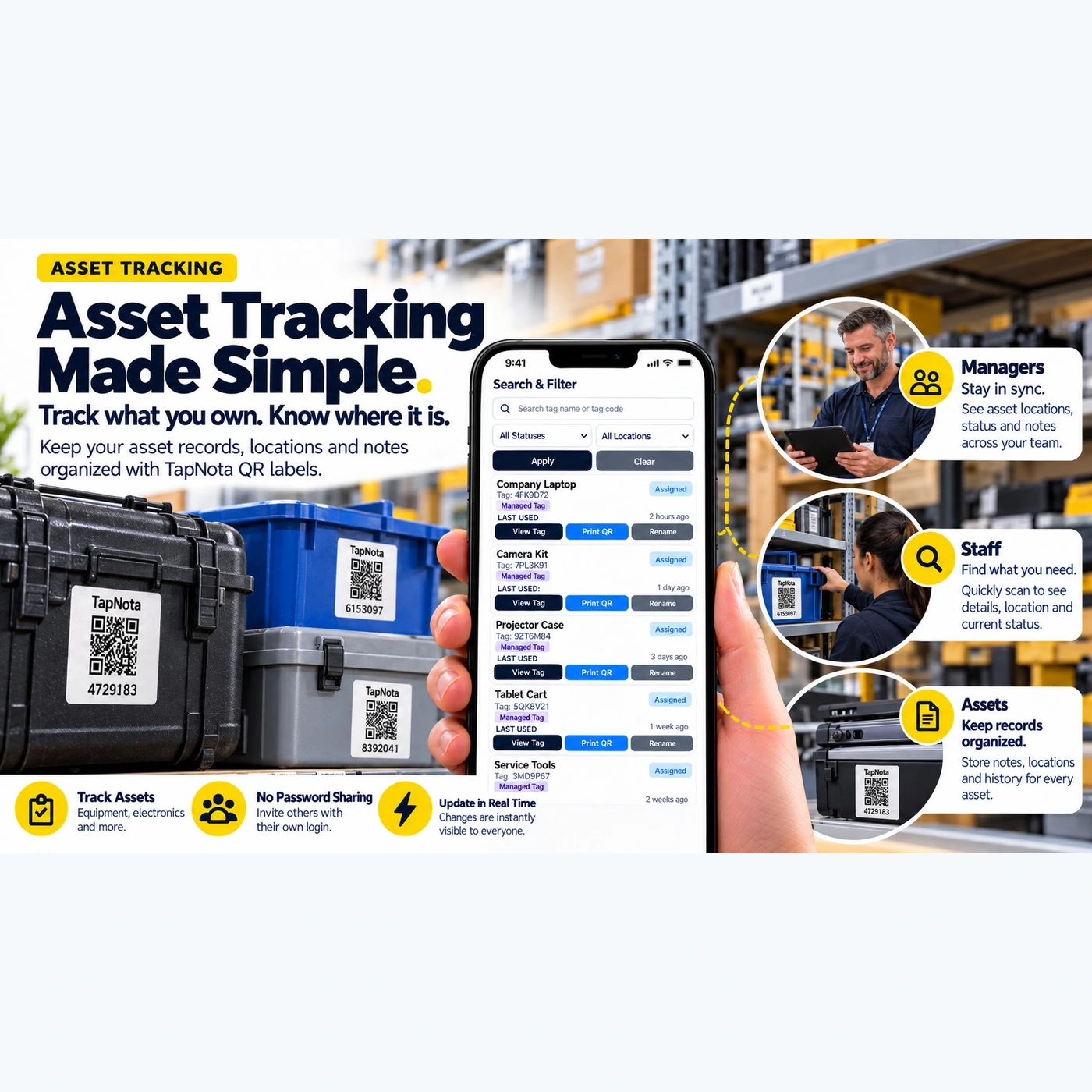
- Stay Organized: Attach labels to tools, equipment, storage bins, or supply cases, then add detailed records to each Item Page. Keep your entire inventory organized with folders, tags, and status updates.
- Real-Time Updates: Changes made by one team member instantly sync across the account, so everyone sees the latest information without password sharing or manual updates.
- Team Collaboration: Managers, staff, and team members can each have their own login credentials, allowing controlled access to view or edit item records. Sharing individual Item Pages or inviting team members to the account keeps everyone in sync.
- Search Without Scanning: Open the TapNota web Portal and search across all saved item names, notes, and tags without needing to scan labels physically. This saves time when looking for specific assets or supplies remotely.
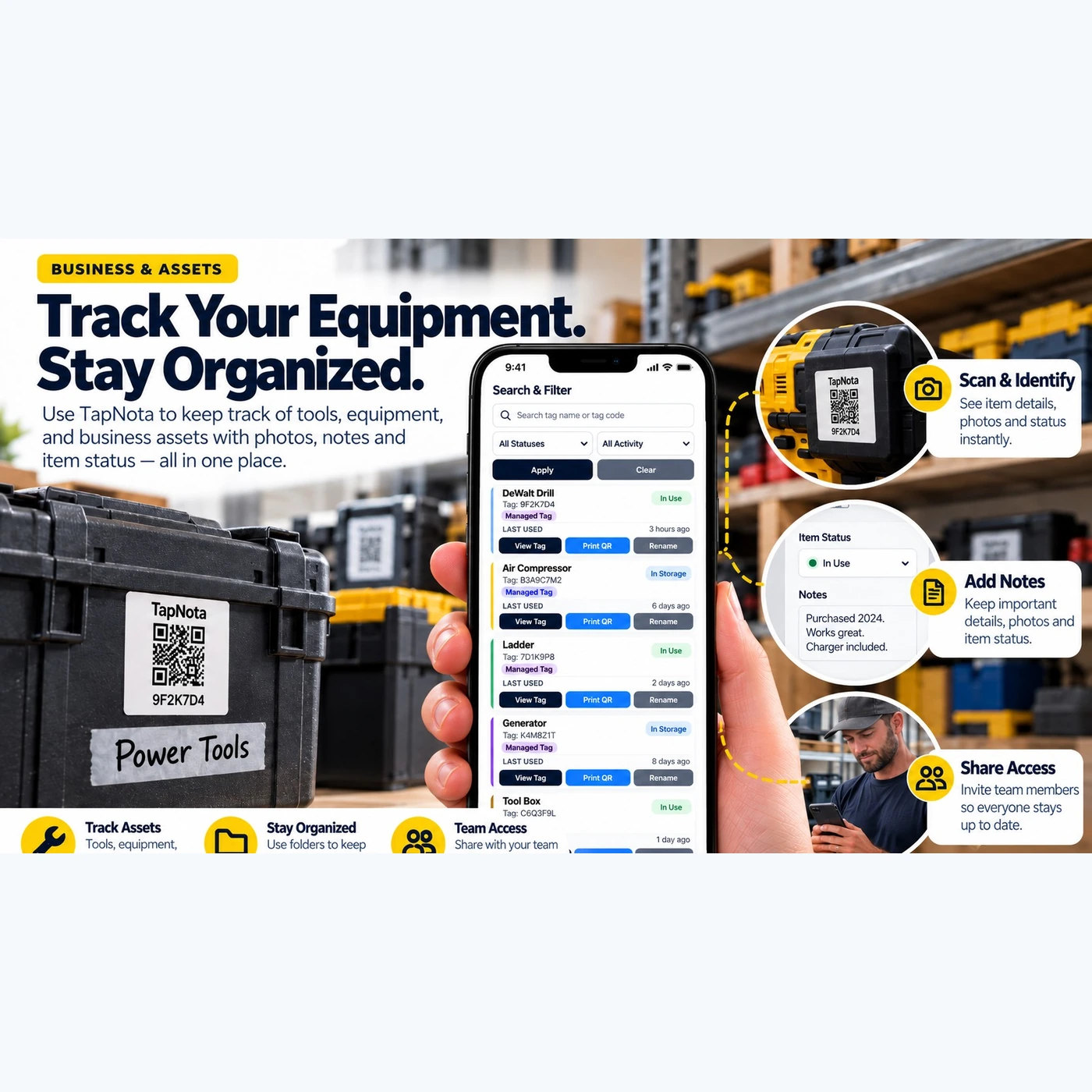
- Track Item Status: Assign statuses like “In Use,” “In Storage,” or “Loaned” to items to monitor availability and condition over time.
How to Set Up TapNota for Your Business Inventory
- Purchase Pre-Coded QR Label Packs: Choose from original 2×2-inch or mini 1×1-inch labels in various pack sizes depending on your inventory volume.
- Activate Your Pack: Scan any one label from the pack and verify your email address. This action activates the entire pack under your TapNota account—no need to activate each label individually.
- Attach Labels to Items: Apply labels to tools, equipment cases, storage bins, shelves, or documents.
- Add Item Details: Scan the label to open its Item Page, then add names, photos, serial numbers, manuals, notes, and status updates.
- Invite Team Members: Share access with staff or managers who can log in separately to update or view inventory records.
Using TapNota Daily: A Practical Example
Imagine a small business warehouse managing dozens of power tools, electronic devices, and shipping supplies. Each item is tagged with a TapNota QR label. When a staff member needs to check out a drill or camera kit, they scan the label to view the current status and notes. They can update the Item Page to mark it as “In Use” and add any relevant comments, such as maintenance needs or missing accessories.
If a manager wants to see what equipment is currently available or where it is stored, they can log into the TapNota Portal and filter items by status or location. The system’s real-time updates ensure everyone has accurate, up-to-date information without phone calls or emails.
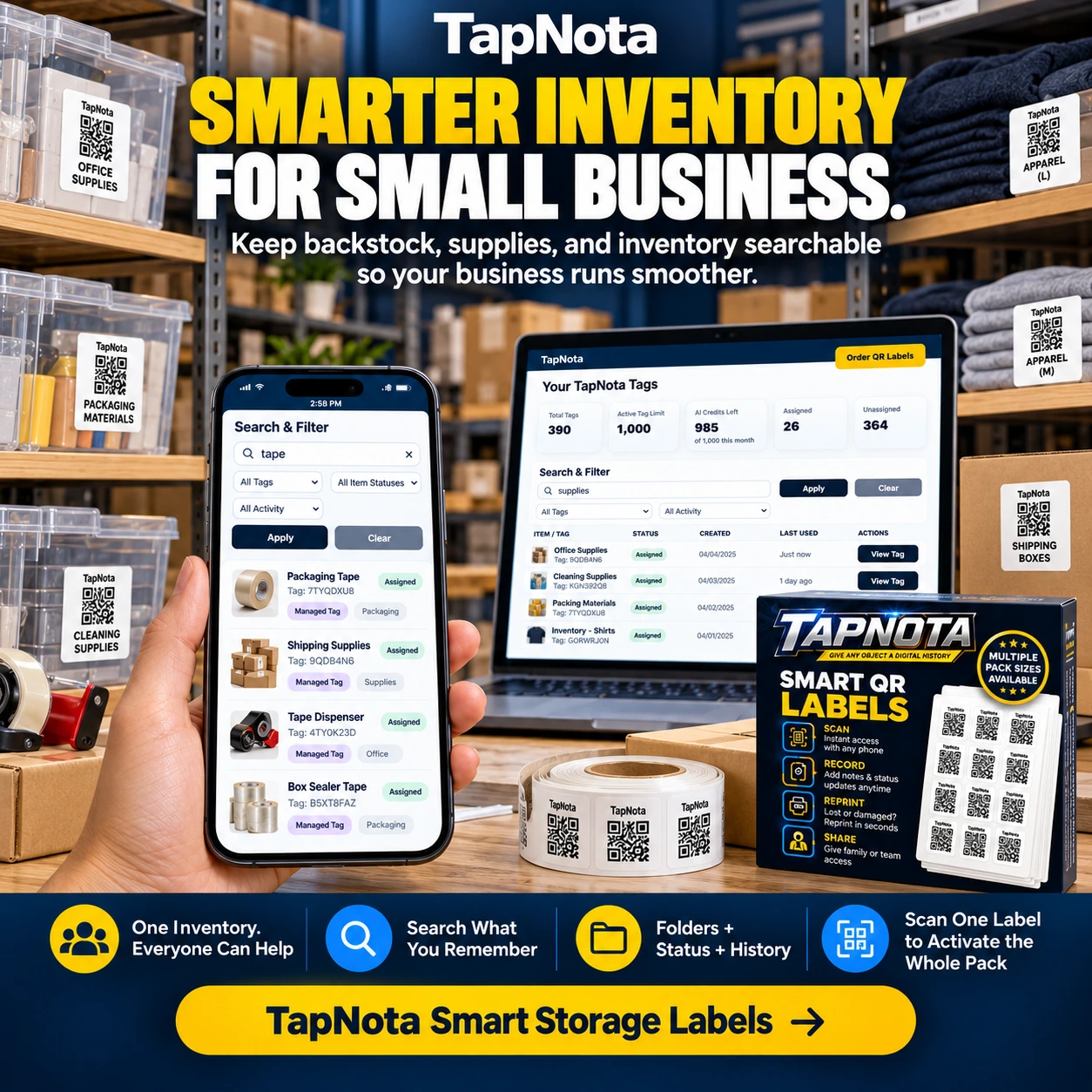
Additionally, if a box of office supplies is restocked, the staff can update the Item Page with new quantities and attach photos of the contents. The entire team remains informed, and the business avoids over-ordering or losing track of inventory.
Advanced Features to Enhance Business Inventory Management
- AI Identification (Optional): Users can upload photos of visible items to receive AI-generated suggestions for inventory notes. This feature speeds up data entry but requires user review and consumes AI credits.
- Reprinting QR Labels: If a label is damaged or lost, you can easily reprint a replacement without losing the linked Item Page or history.
- Sharing and Privacy Controls: Choose between Private, Share (single record links), or Public modes for Item Pages. Optional PIN protection is available depending on your plan.
- Folder Organization and History: Group related items into folders and track changes to item records over time for audit or maintenance purposes.
By integrating TapNota’s smart QR labels and web Portal into your business inventory system, you gain a flexible, scalable, and collaborative tool that grows with your needs.
Related Resources
- QR Equipment Tracking System for Business Assets
- Small Business Inventory System with QR Labels
- QR Labels for Business | Smart Inventory Labels
Frequently Asked Questions
Can multiple team members update the inventory at the same time?
Yes, TapNota allows multiple users to have their own login credentials. Changes made by any team member are updated in real time and visible to everyone with access.
Do I need to activate each QR label individually?
No, activating one label from a purchased pack associates the entire pack with your account, so you do not need to activate each label separately.
Can I search my inventory without scanning QR labels?
Absolutely. You can open the TapNota web Portal and search item names, notes, tags, and folders without having the physical label in front of you.
Is there a mobile app required to use TapNota?
No dedicated mobile app is required. TapNota works via any smartphone or device with a web browser to scan labels and access the Portal.
Can I reprint a QR label if it gets damaged?
Yes, the Portal allows you to reprint QR labels without losing the linked Item Page or its history.


