













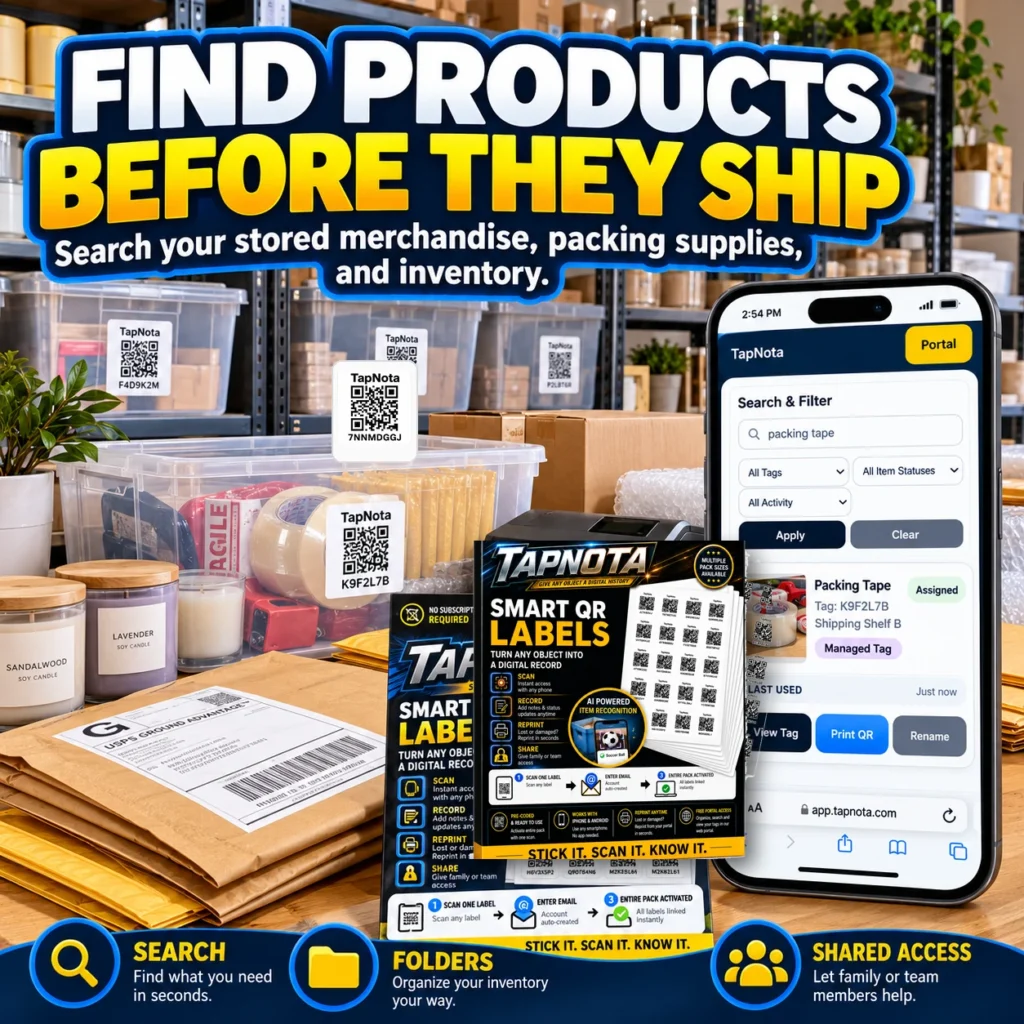
For online sellers, efficient management of shipping supplies and inventory is crucial to maintaining smooth operations and timely order fulfillment. From packing tape to shipping boxes and fragile packing materials, having quick access to these items saves time and reduces costly mistakes. TapNota offers a smart solution with its physical-to-digital record system using pre-coded smart QR labels that link directly to editable Item Pages within a centralized web Portal.
How TapNota Works for Online Sellers
TapNota’s system starts with pre-coded QR labels that attach to any shipping supply, storage bin, or merchandise. When you scan a label, it opens a unique Item Page where you can add detailed information such as item name, contents, photos, manuals, serial numbers, and notes about condition or usage.
Unlike traditional QR stickers or spreadsheets, each TapNota label maintains a persistent digital record that evolves over time. You don’t need to print new labels if contents change; simply update the online record. This makes it ideal for online sellers who store various packing materials and inventory items in bins or shelves.
Organize and Search Your Shipping Supplies Instantly
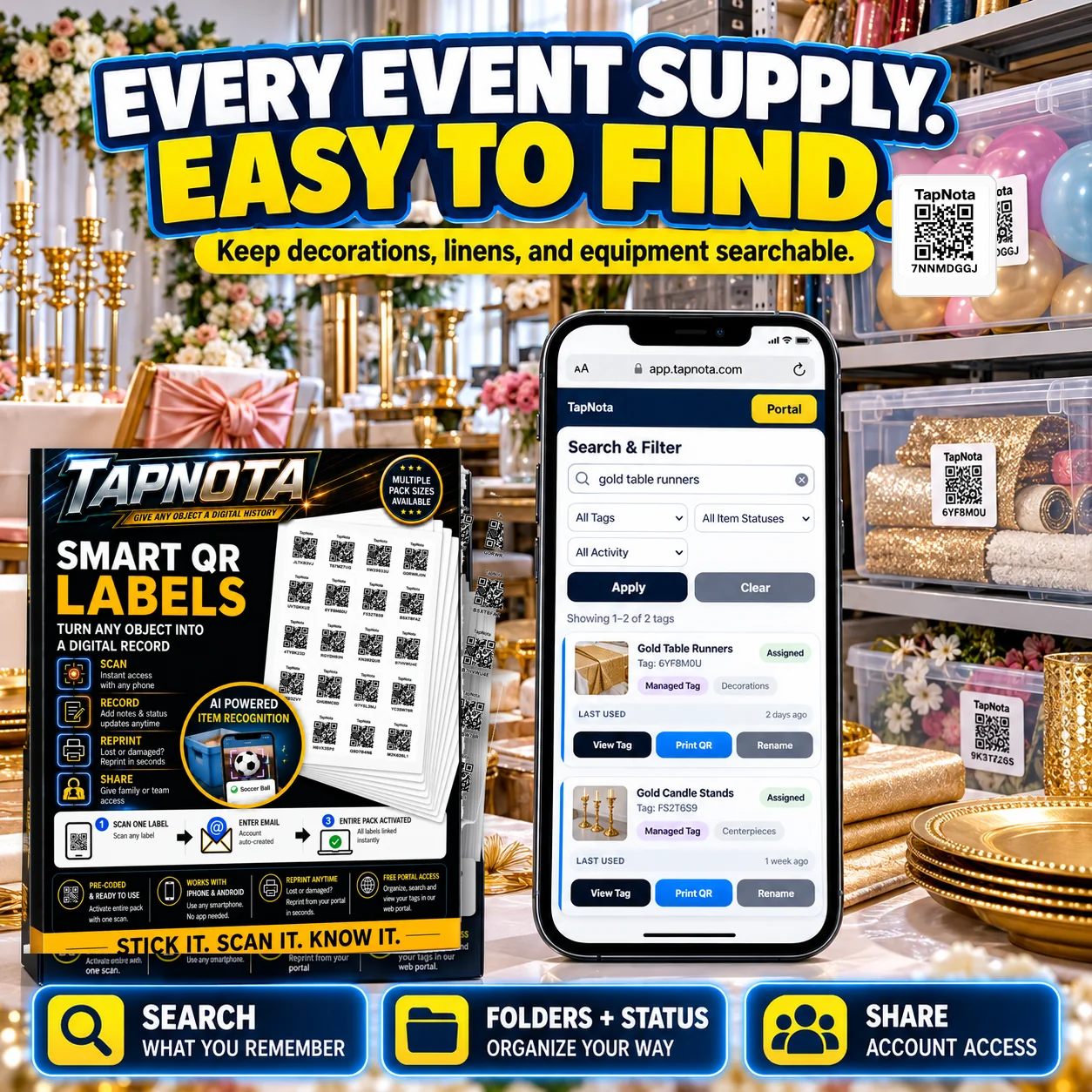
One of TapNota’s key advantages is its powerful search feature that works without scanning a label. Online sellers can open their TapNota Portal and search by item names, notes, tags, or folder names to find exactly what they need — whether it’s bubble wrap, tape rolls, or shipping boxes. This means you can find products before they ship, ensuring packing supplies are ready and reducing delays.
Folders help group related supplies, such as “Fragile Packing Materials” or “Shipping Labels,” while Item Status tracks whether supplies are available, in use, or need restocking. This organized approach keeps your shipping area efficient and clutter-free.
Activate and Manage Your Label Packs Easily
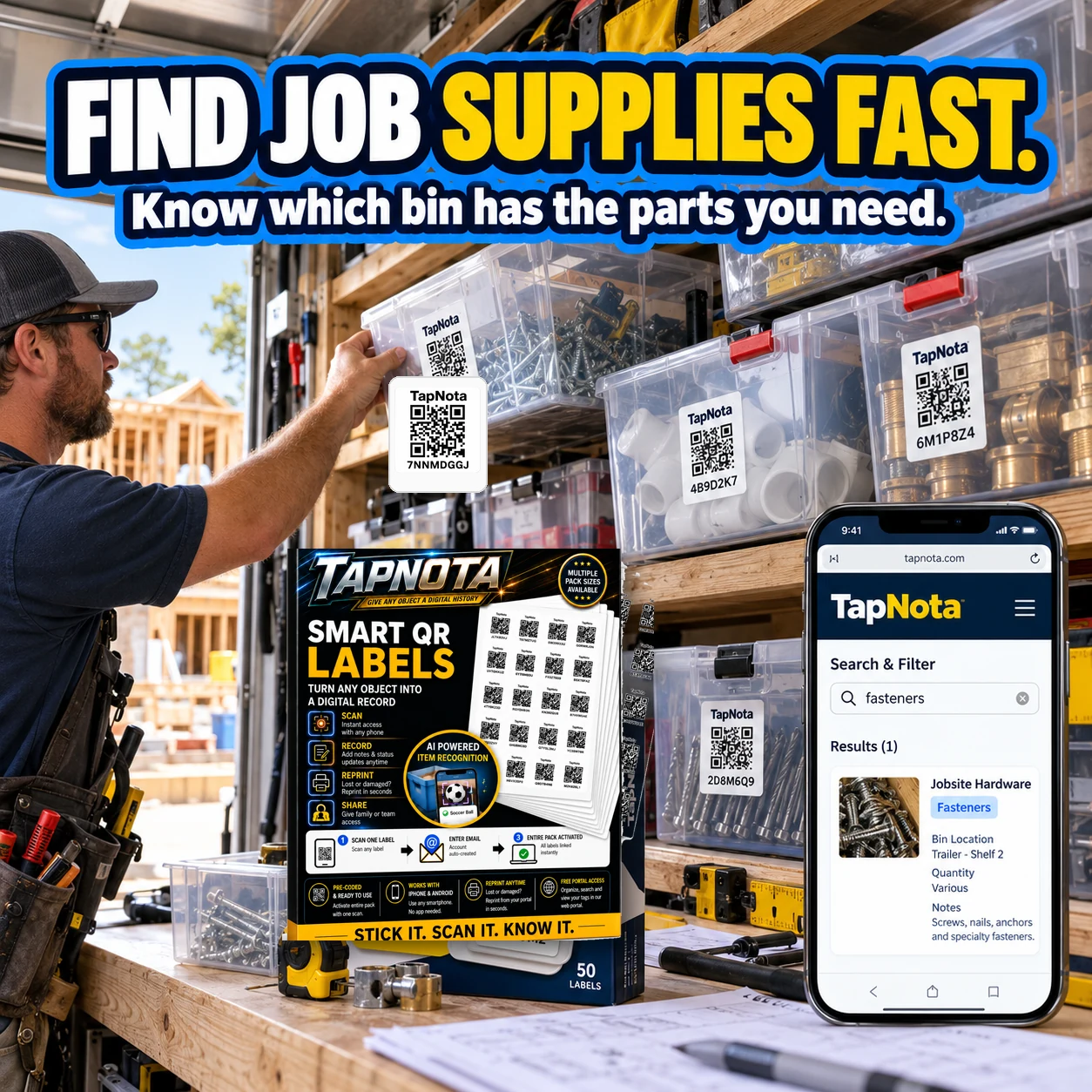
When you purchase TapNota’s pre-coded label packs, activation is simple: scan any label once and verify your email address. The entire pack then links to your account automatically, so you don’t have to activate each label individually. This is perfect for online sellers who want to quickly label dozens or hundreds of bins and boxes without hassle.
The TapNota Portal is web-based, requiring no app installation. You can manage your inventory from any device with a browser, whether in your shipping area, warehouse, or on the go.
Sharing Access and Collaboration
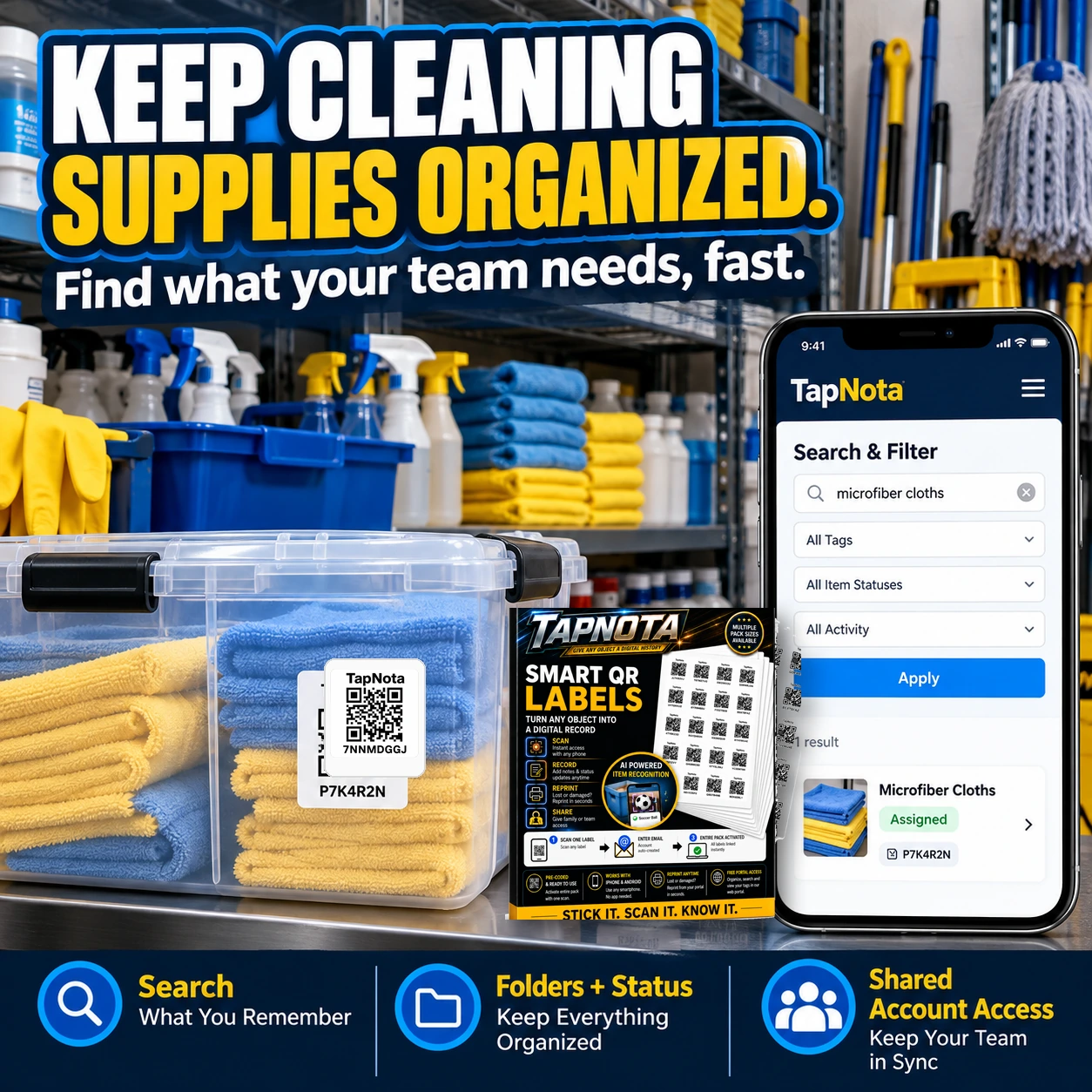
For online sellers who work with packing teams or family helpers, TapNota supports Shared Account Access. This lets approved users log in with their own credentials to view and update the inventory, while the owner retains full control over administration and billing. Sharing individual Item Pages is also possible via secure, revocable links for quick communication about specific supplies.
Example Workflow for an Online Seller
- Step 1: Attach TapNota QR labels to bins containing packing tape, bubble wrap, shipping boxes, and fragile materials.
- Step 2: Scan any label to open the Item Page, then enter details such as quantity, supplier, and usage notes.
- Step 3: Organize bins into folders like “Packing Supplies” and tag items by type for easy filtering.
- Step 4: When preparing orders, search the Portal for needed packing materials to quickly locate bins without scanning.
- Step 5: Update item status as supplies are used or replenished to maintain accurate inventory records.
Benefits for Online Sellers
- Save time: Quickly find packing supplies without rummaging through cluttered shelves.
- Reduce errors: Avoid shipping delays by knowing exactly where materials are stored.
- Improve collaboration: Share inventory access with team members or helpers securely.
- Maintain accurate records: Track usage and condition of supplies over time.
- Flexible and scalable: Add new labels and update records as your inventory grows.
By integrating TapNota’s smart QR labels into your shipping supply management, online sellers gain a powerful tool to stay organized, efficient, and ready to ship orders on time.
For more detailed guidance, see our How QR Asset Tracking Works with Digital Item History and Order QR Labels for Storage, Moving & Inventory.
Frequently Asked Questions
Do I need to scan every TapNota label to activate my pack?
No. When you scan any one label in your purchased pack and verify your email, the entire pack is automatically linked to your account. You don't need to activate each label individually.
Can I search my inventory without having the physical labels?
Yes. You can open the TapNota web Portal and search item names, notes, tags, and folders without scanning any label, making it easy to find items remotely.
Is TapNota a mobile app that I need to download?
No. TapNota is accessed via a web Portal through any smartphone or browser. There is no dedicated app to install.
Can I share my inventory with my packing team or helpers?
Yes. TapNota supports Shared Account Access, allowing approved users to log in with their own credentials to collaborate on the same inventory while you retain administrative control.
Does TapNota’s AI automatically identify contents inside closed boxes?
No. AI recognition requires a visible photo of the contents. It cannot see through closed containers and the user must review and save AI suggestions manually.


