













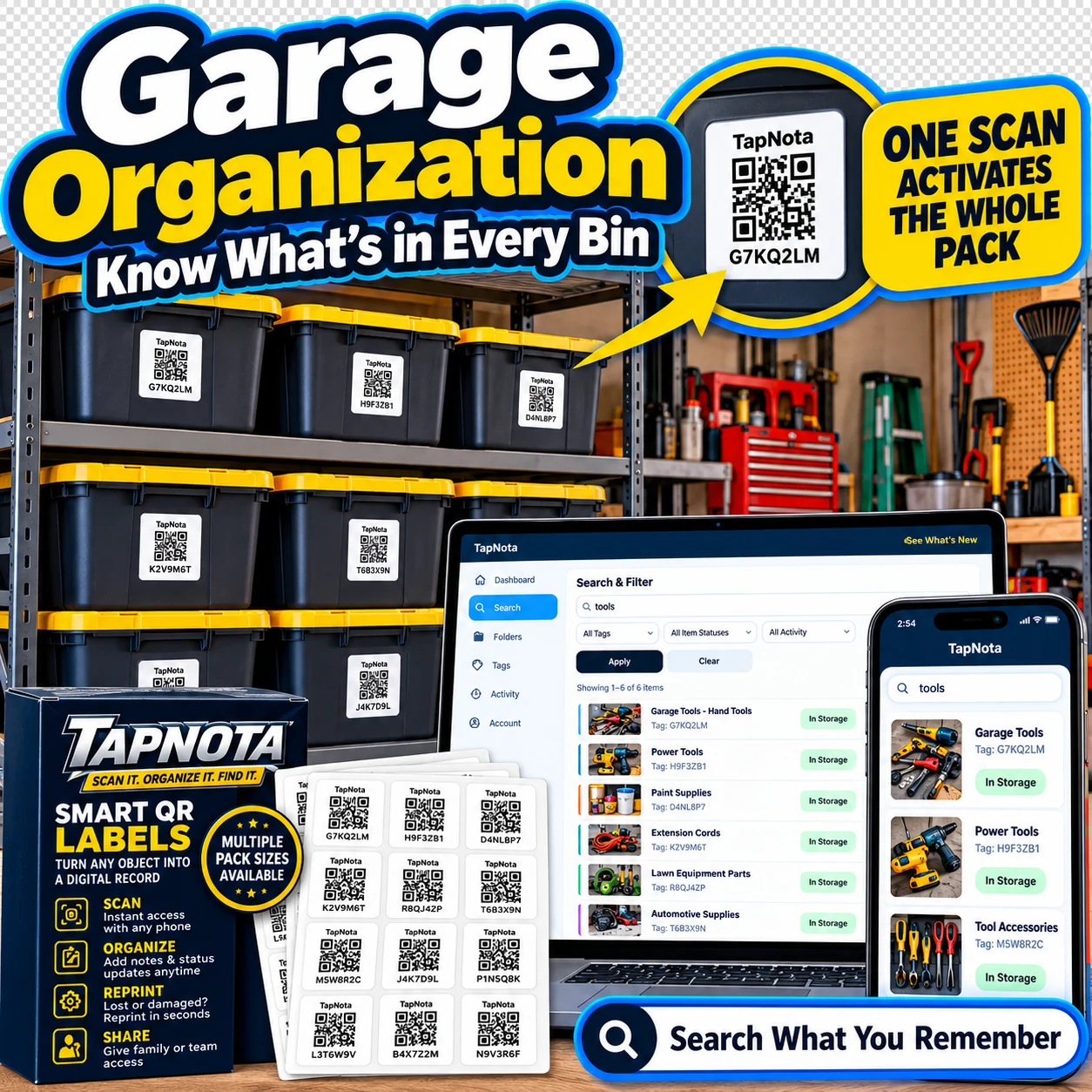
Garage organization can quickly become overwhelming without a reliable system to track tools, bins, and equipment. TapNota offers a unique physical-to-digital record solution that transforms how you manage your garage items. By attaching pre-coded smart QR labels to bins, tools, or shelves, you create a digital Item Page accessible from any smartphone or browser. This guide explains how to use TapNota to streamline your garage organization, find items fast, and collaborate with family or team members.
Why Choose TapNota for Garage Organization?
Unlike traditional labels or spreadsheets, TapNota connects a physical item with an evolving digital record. Each smart QR label opens a unique Item Page where you can add names, notes, photos, manuals, serial numbers, and status updates. Over time, this record grows without needing new printed labels. The system also lets you search your entire inventory by name, notes, or tags—without needing to scan the label first.
TapNota’s web Portal provides a centralized dashboard to manage all your labels and records. You can track whether a tool is in use, loaned out, missing, or stored. Sharing access with approved family or team members is simple and controlled by the owner, making collaboration easy for shared garages or workspaces.
Step-by-Step Garage Organization with TapNota
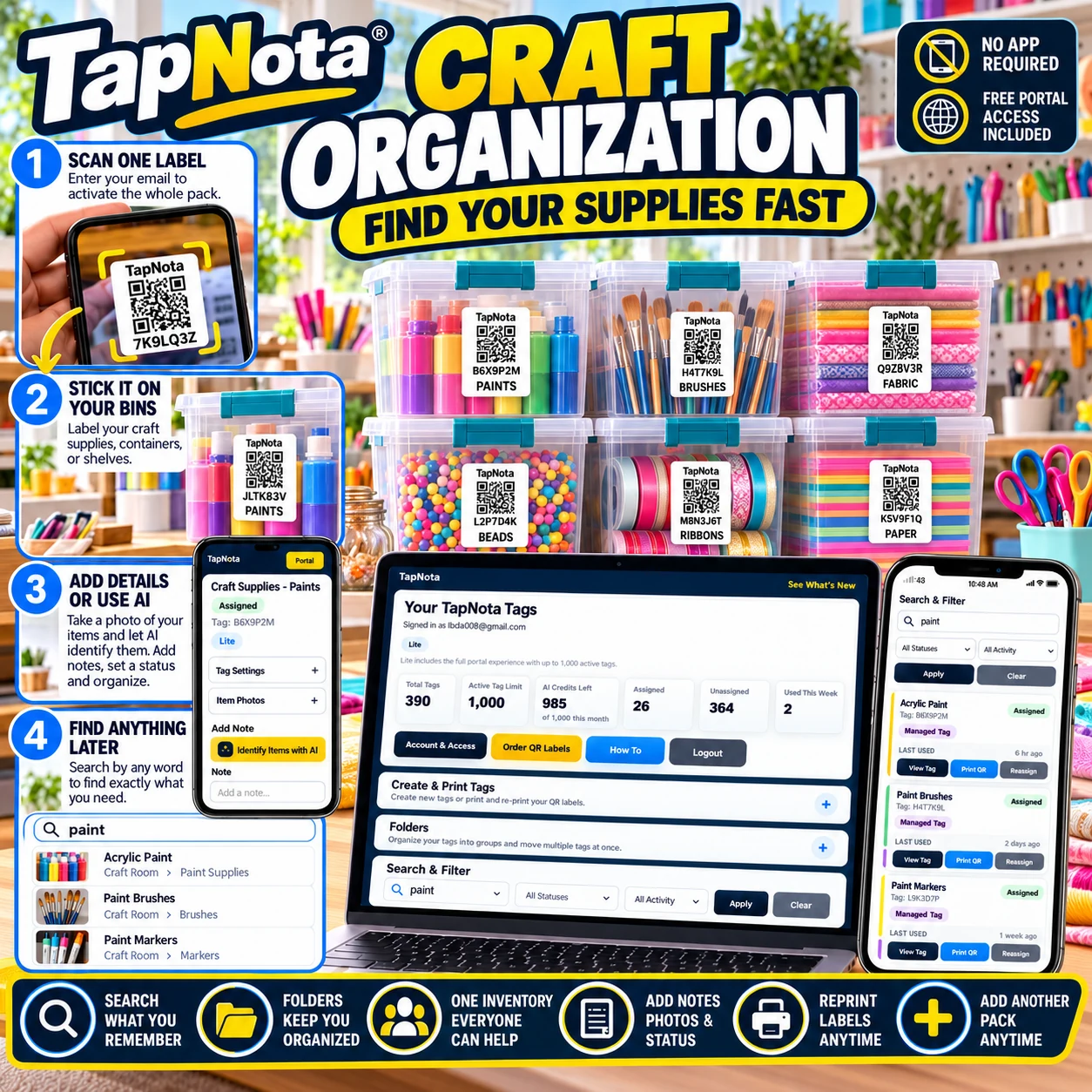
- Activate Your Label Pack: Start by scanning any one label in your purchased pack and verify your email. This activates the entire pack under your account, so you don’t need to activate each label individually.
- Attach Labels to Items: Stick a TapNota smart QR label on every bin, tool case, ladder, or shelf you want to track. The labels are durable and sized to fit various garage items.
- Create and Update Item Pages: Scan a label to open its Item Page in your browser. Add a descriptive name (e.g., “6ft Ladder”), contents, photos, manuals, or notes about condition or maintenance. You can update this information anytime without changing the label.
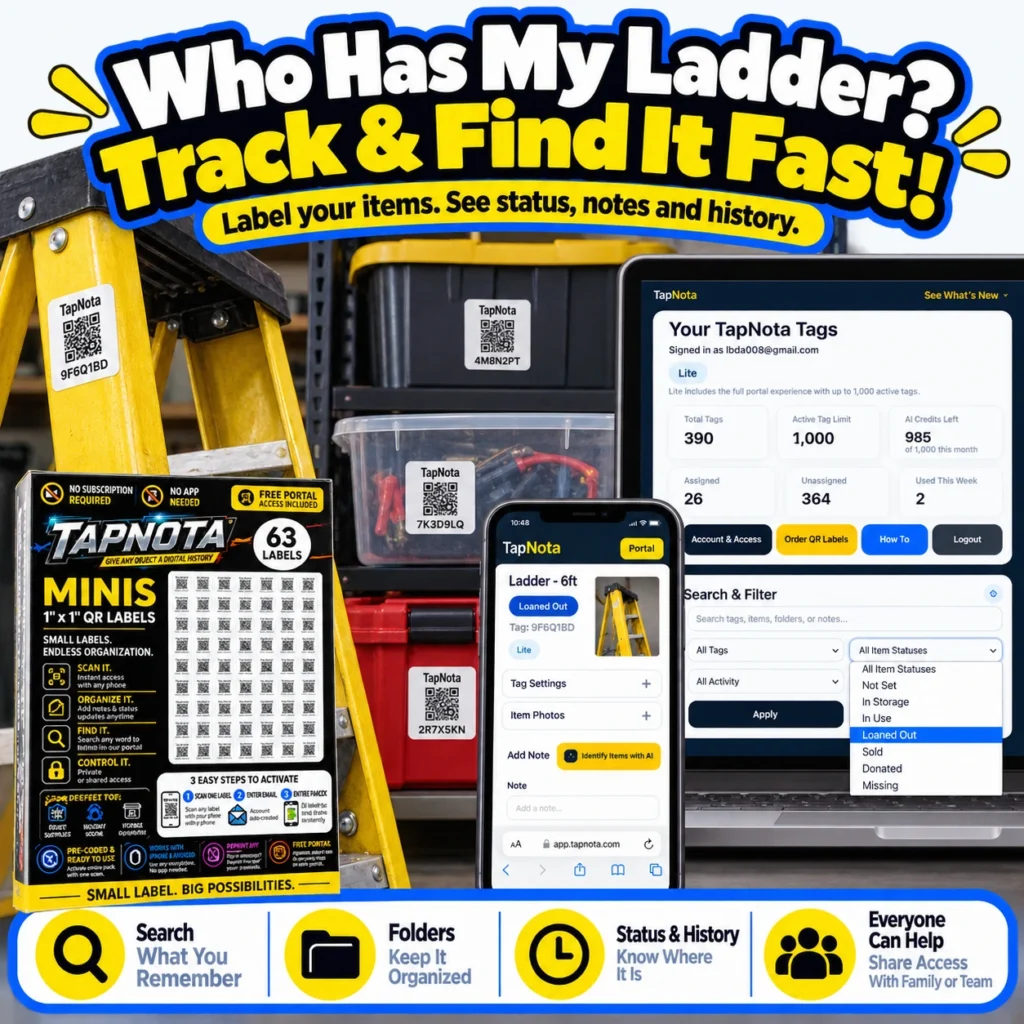
- Set Item Status and Track History: Use status tags like “In Storage,” “Loaned Out,” or “Missing” to keep track of item availability. The history log preserves changes over time, helping you understand usage patterns or when maintenance occurred.
- Search and Filter Your Inventory: Instead of scanning labels one by one, open the TapNota Portal and use search filters to find items by name, tag, status, or notes. This is especially useful when you don’t have the physical item nearby.
- Share Access with Helpers: Invite family members or team helpers to share your inventory. They get their own login credentials but access the same records, enabling seamless collaboration without losing control.
Maximizing Efficiency with TapNota Features
Folders and Tags: Organize your garage items into folders like “Power Tools,” “Ladders,” or “Automotive Supplies” for easy grouping. Tags help you quickly filter and find related items.
AI Identification (Optional): On an Item Page, you can take or upload a photo of visible contents. TapNota’s AI suggests a starting list of items in the photo for you to review and save. This speeds up cataloging but requires user verification.
Reprint and Replace Labels: If a label gets damaged, you can reprint a replacement without losing the linked digital record or history.
Private, Shared, or Public Modes: Control who sees each Item Page. Use private mode for personal items, share links for occasional access, or public mode for items you want openly visible.
Real-World Garage Organization Example
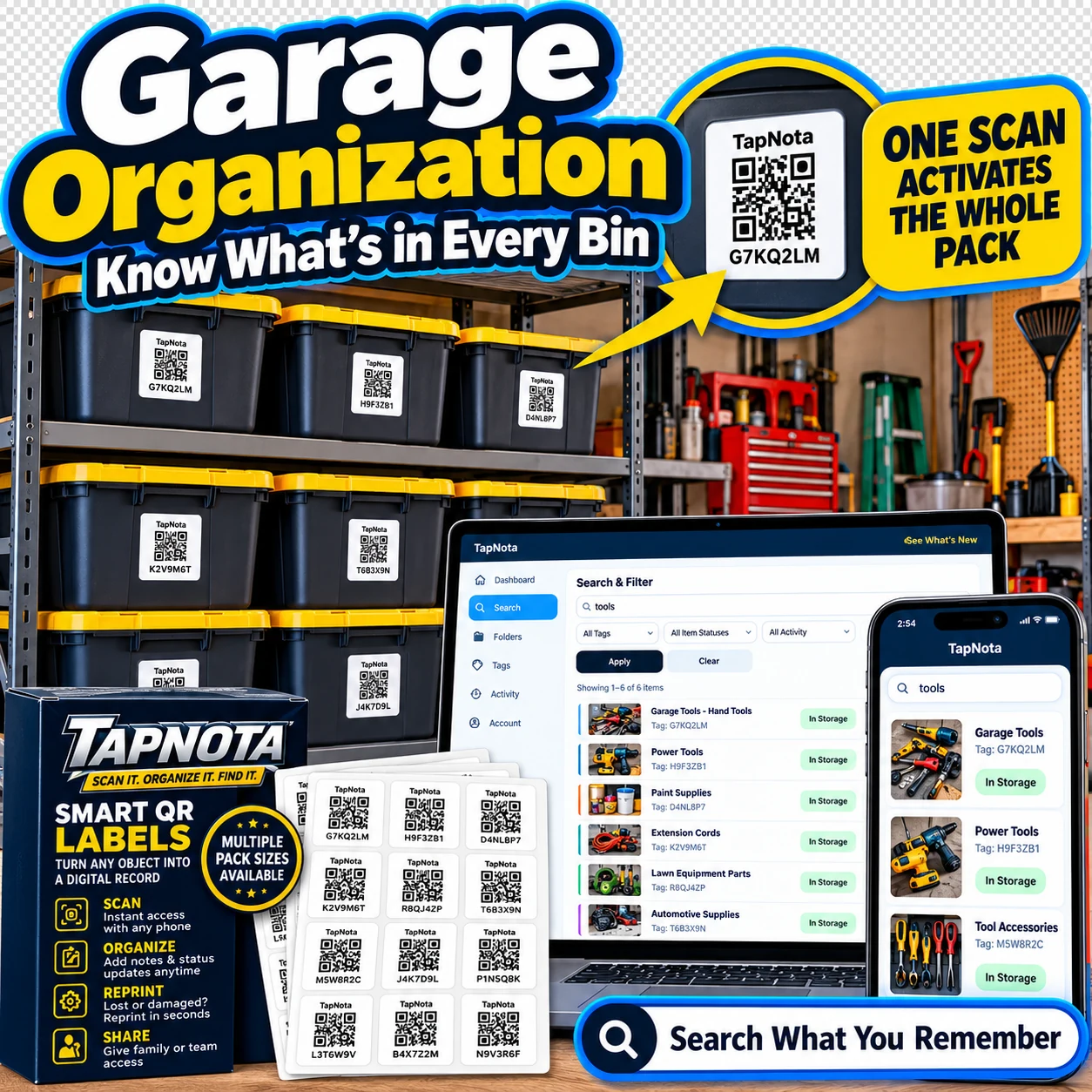
Imagine you have a collection of black storage bins with yellow lids stacked on shelves. Each bin is labeled with a TapNota QR code. One bin contains automotive supplies, another power tools, and a third gardening equipment. You scan a label on the “Automotive Supplies” bin and add notes about its contents, including oil filters, wrenches, and cleaning products, plus photos of the inside. You mark the bin status as “In Storage.”
Later, your spouse needs a wrench but can’t find the bin. They open the TapNota Portal on their phone, search “wrench,” and see the bin’s digital record with photos and notes. They find the item without opening every bin or guessing. When the wrench is borrowed, you update the status to “Loaned Out” so everyone knows where it is.
Benefits Beyond the Garage
While this guide focuses on garage organization, TapNota’s system is versatile for many use cases such as workshop tools, seasonal storage, craft supplies, or office equipment. The same principles of attaching smart QR labels, creating digital records, and searching your inventory apply, making TapNota a comprehensive solution for home or small business organization.
Learn More and Get Started
Explore how TapNota can transform your garage and tool organization by visiting our Garage Organization with QR Storage Labels page. For detailed setup help, see the TapNota Product Support & Setup Guide. If you also craft or have hobby supplies, check out Organize Craft Supplies Fast with TapNota Smart QR Labels.
Frequently Asked Questions
Do I need to scan every TapNota label to activate it?
No. Scanning and verifying your email for just one label in a purchased pack activates the entire pack under your account.
Can I update the contents or notes of a labeled item after attaching the label?
Yes. You can add or edit names, notes, photos, manuals, and status updates anytime on the Item Page linked to the label.
Is there a dedicated app required to use TapNota?
No. TapNota works through a web Portal accessible on any smartphone or computer browser without installing an app.
How can I share my garage inventory with family or team members?
You can invite approved users to your account with their own login credentials, allowing them to access and collaborate on your inventory.
Can TapNota’s AI feature see inside closed bins or boxes?
No. AI identification requires a photo of visible contents and suggests items based on that image. It cannot see through closed containers.


