













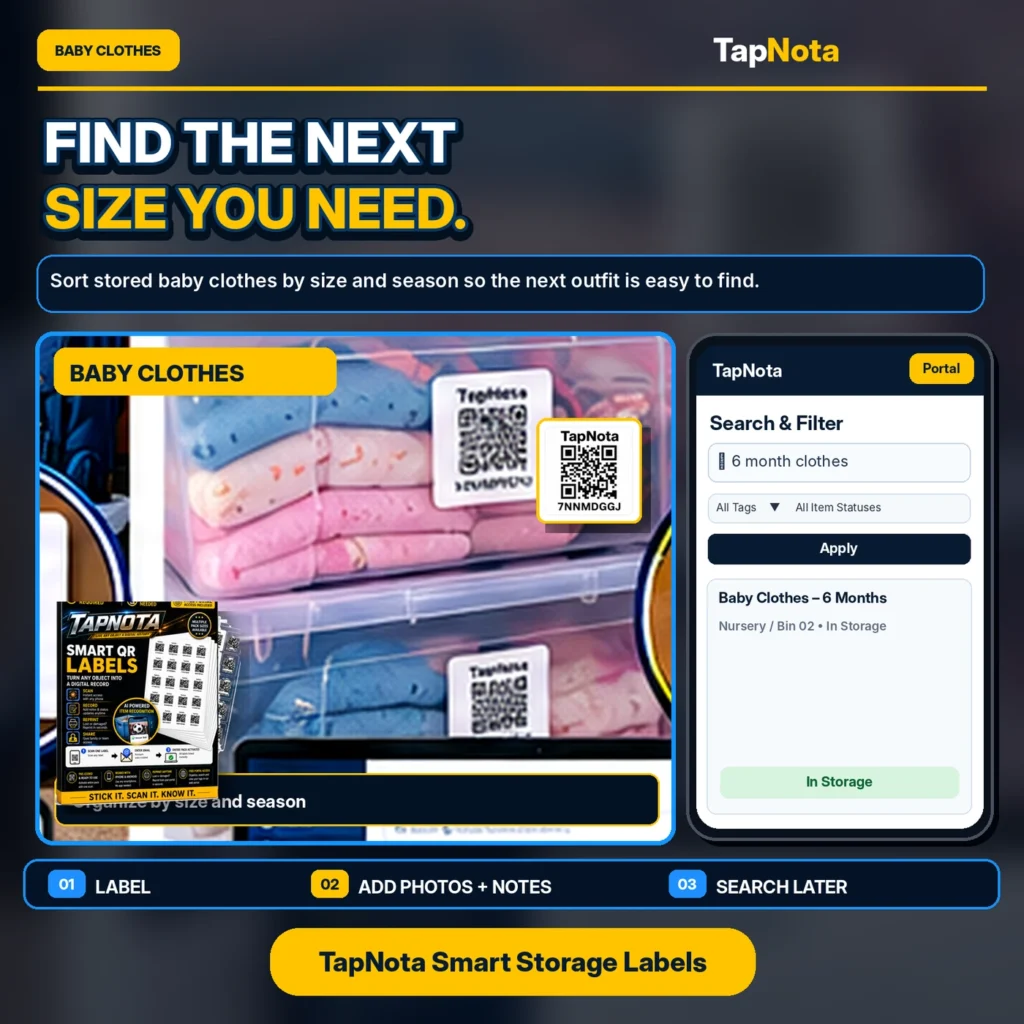
Managing kids’ clothes and cherished childhood keepsakes can quickly become overwhelming as children grow and seasons change. Traditional labeling methods often fall short when it comes to quickly finding the right size or preserving memories in an organized, accessible way. TapNota’s Smart QR Labels offer a modern, flexible solution that links physical storage to a digital record system accessible by the whole family.
Sorting Kids’ Clothes by Size and Season
Children’s clothing needs change rapidly, and storing outgrown items for future siblings or seasonal use can create clutter without a system. With TapNota, you can attach a pre-coded QR label to each storage bin or box. Once scanned, the label opens a unique Item Page in the TapNota web Portal where you can add essential details such as size, season, and contents.
For example, you might label a bin as “6 Month Clothes – Spring/Summer” and add notes describing the types of garments inside. Adding photos of the folded clothes makes it easy to visually identify the bin’s contents without opening it. Later, when you need a specific size or seasonal outfit, you can search your entire inventory by keywords like “6 month” or “winter clothes” directly in the Portal, even if you don’t have the physical label in hand.
This approach eliminates the guesswork and frustration of digging through multiple bins. It also helps avoid duplicate purchases by showing what you already have stored. The digital record evolves over time—you can update notes, add new photos, or change the status (e.g., “in use” or “loaned”) without needing a new QR label.
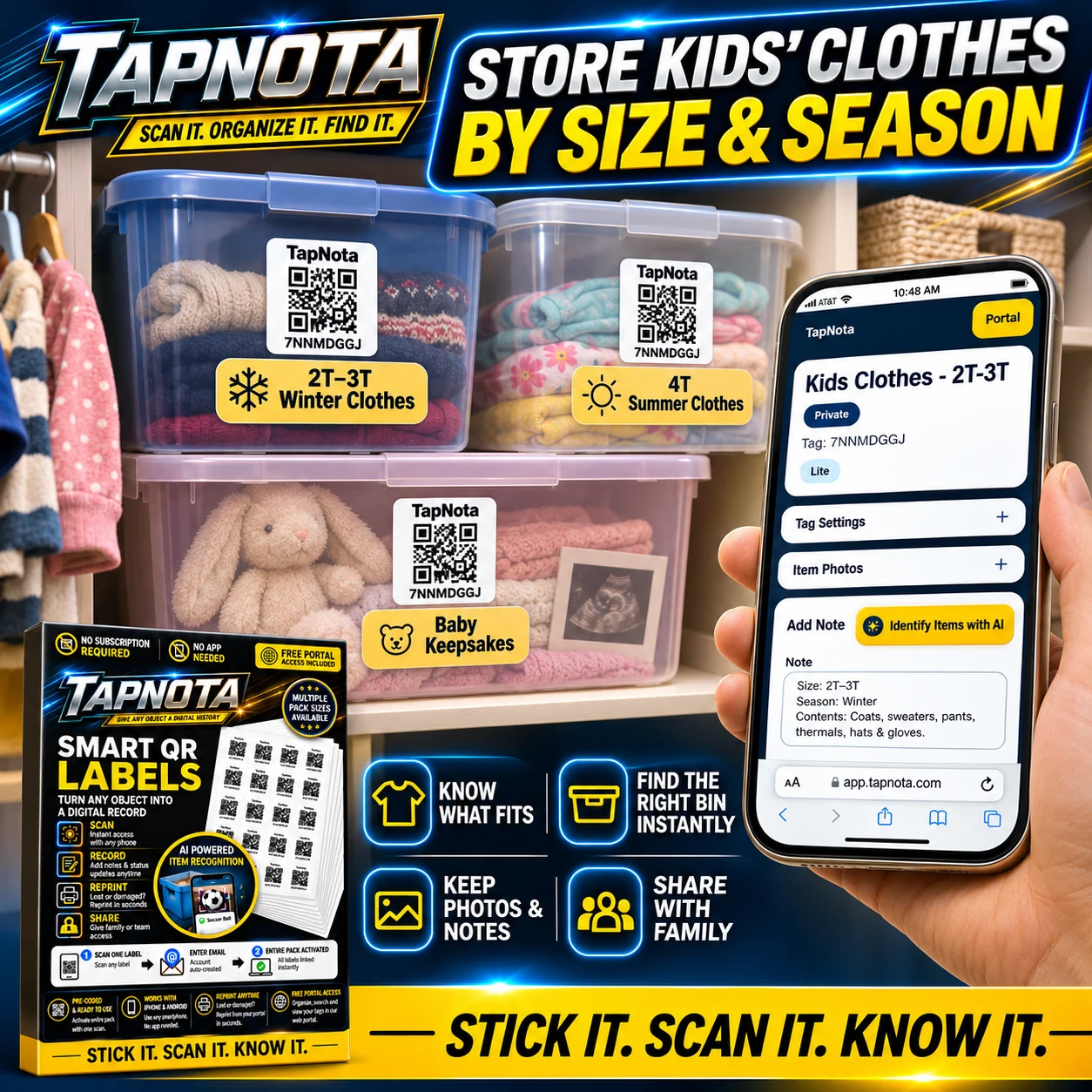
Preserving Childhood Keepsakes Digitally
Beyond clothes, families often have boxes of artwork, school projects, photos, and other meaningful keepsakes. TapNota supports organizing these precious items with the same smart labeling system. Label a keepsake box, then add detailed notes about its contents—such as “School Artwork 2022” or “Baby’s First Year Memories.”
Including photos of the items inside preserves the memories digitally and makes it easy to find a specific piece years later. You can even use TapNota’s optional AI-powered photo recognition feature to help create an initial list of contents from visible objects in photos, which you can review and edit before saving.
Sharing is simple too. You can set Item Pages to private, share them with select family members via a secure link, or invite trusted helpers to access the entire inventory with their own login credentials. This ensures everyone stays informed and connected without confusion.
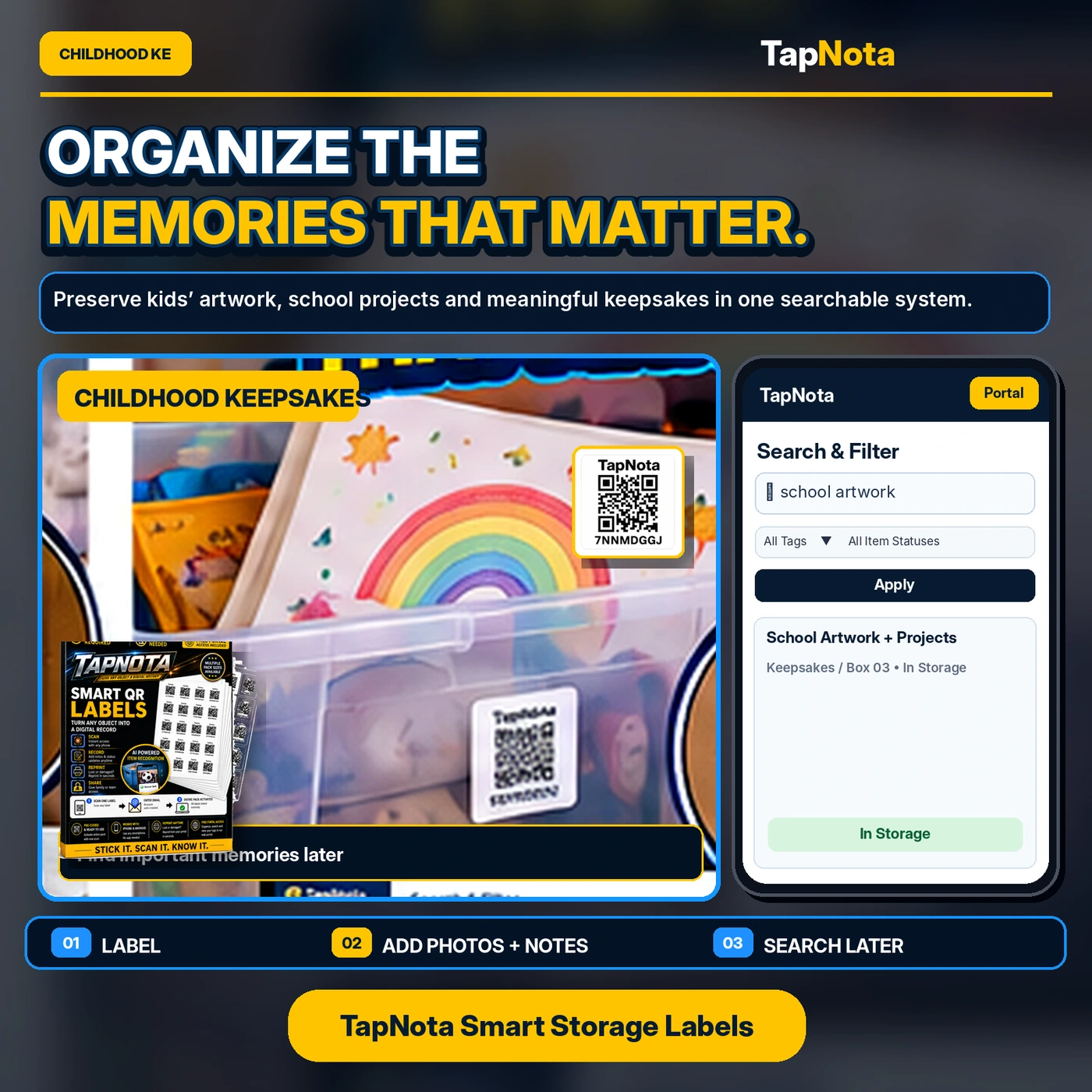
How to Get Started with TapNota for Kids’ Clothes and Keepsakes
- Attach Labels: Use pre-coded TapNota QR labels on bins, boxes, or shelves containing kids’ clothes or keepsakes.
- Activate Your Pack: Scan any one label and verify your email to activate the entire pack to your account—no need to activate each sticker separately.
- Add Details: Open each Item Page via scanning or the Portal, then add names, sizes, seasons, notes, photos, serial numbers, or other relevant info.
- Search and Manage: Use the web Portal to search across your entire inventory by keywords, tags, or item status without needing to scan labels.
- Share Access: Optionally invite family members to collaborate with their own logins or share single Item Pages with secure links.
Closet Organization Made Simple
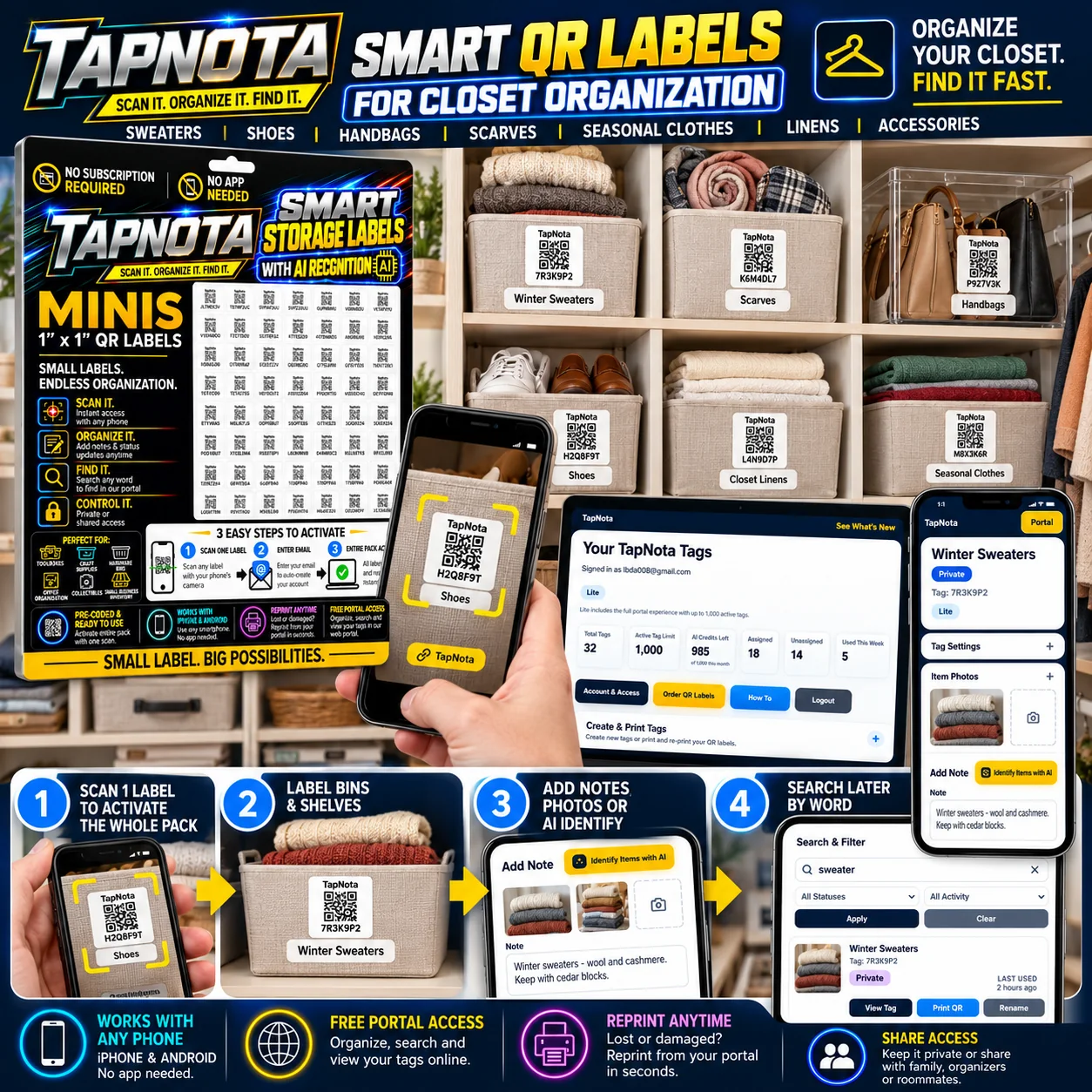
TapNota’s Mini QR labels (1 x 1 inch) are ideal for closets and shelves, offering a neat, unobtrusive way to label bins and baskets. The system works with any smartphone browser—no app needed—and the free Portal provides powerful search, note-taking, and photo management features.
Whether organizing winter sweaters, seasonal clothes, shoes, scarves, or handbags, TapNota helps you find what fits and what’s stored instantly. You can even reprint labels if one gets damaged, without losing the linked digital record or history.
Benefits of Using TapNota for Family Inventory
- Time Saver: Quickly locate clothes or keepsakes without opening multiple bins.
- Reduced Clutter: Keep your storage neat by labeling and categorizing effectively.
- Shared Access: Family members can easily view and update the inventory remotely.
- Memory Preservation: Digitally archive photos and notes about keepsakes for future generations.
- Flexible and Scalable: Add or update information anytime without changing physical labels.
Conclusion
TapNota transforms how families organize kids’ clothes and treasured keepsakes by connecting physical storage with a rich, searchable digital record. This system helps you find the right size or special memory instantly, reduces duplicate purchases, and keeps everyone on the same page. With easy setup, shared access, and powerful search tools, TapNota is an invaluable tool for family inventory management.
Explore more about organizing your home and closets with TapNota’s smart QR labels by visiting Closet Organization with QR Labels and learn how to preserve memories at Organizing Keepsakes with QR Labels. For a broader look at managing your storage bins efficiently, see How to Organize Storage Bins for Easy Access.
Frequently Asked Questions
Can I use TapNota labels for both clothes and keepsakes?
Yes, TapNota labels are versatile and can be attached to any storage container, whether it holds kids’ clothes, seasonal items, or childhood keepsakes. Each label links to a unique digital record where you can add detailed notes and photos.
Do I need to scan every label to activate them?
No, scanning and verifying your email with any one label in a purchased pack activates the entire pack to your account. This means you do not have to activate each label individually.
Is a mobile app required to use TapNota?
No mobile app is required. TapNota works through any smartphone or computer browser, giving you access to your inventory and records anytime without app installation.
How can family members access the inventory?
You can share individual Item Pages via secure links or invite family members to have their own login to your TapNota account with shared access, depending on your plan features.
Can I update the information on an item after labeling?
Absolutely. The digital Item Page linked to each QR label is editable, allowing you to add or change notes, photos, status, and other details over time without needing new physical labels.


