













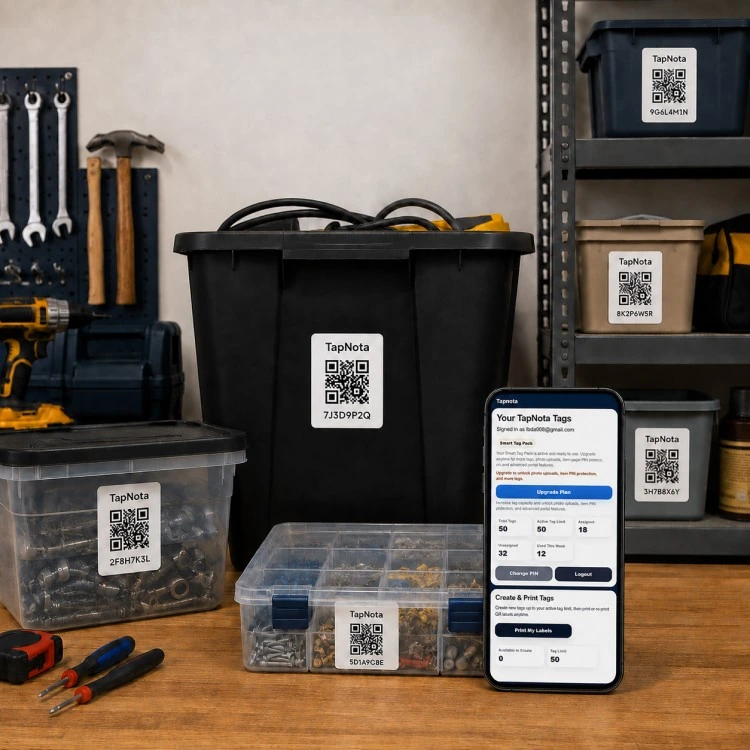
Maintaining an organized collection of tools and equipment is essential for both professionals and DIY enthusiasts. Disorganized tools waste valuable time, cause frustration, and can lead to lost or damaged items. TapNota offers an innovative solution that goes beyond traditional labeling by connecting physical items to a dynamic digital record through smart QR labels.
What Makes TapNota Different for Tool & Equipment Organization?
TapNota is not just a QR sticker or a static inventory spreadsheet. Each pre-coded smart QR label attaches to a tool, storage bin, case, or shelf and opens a unique, evolving Item Page in the TapNota web Portal. This Item Page can hold detailed information such as the item’s name, notes, photos, manuals, serial numbers, and condition updates over time.
Unlike other systems, you only need to scan one label from a purchased pack to activate the entire set with your email account. This simplifies setup and ensures all labels are linked under one searchable Portal. You can update and manage your inventory from any browser without needing a dedicated app.
Step-by-Step: Organizing Your Tools with TapNota
- Attach Labels: Secure a TapNota smart QR label to each tool, bin, or equipment case. The labels come in two sizes—standard 2×2 inch and mini 1×1 inch—both compatible with the system.
- Scan & Activate: Scan any label from your purchased pack and verify your email to activate the entire pack in your account.
- Create Item Records: Open each label’s Item Page by scanning it, then add descriptive details such as the tool’s name, contents, serial numbers, condition, and photos. You can add permanent photos of the tool or its storage location, plus notes about maintenance or usage.
- Use AI Item Recognition (Optional): For visible items, take a photo on the Item Page and let TapNota’s AI suggest a list of contents to add to your notes. Review and edit before saving. This helps speed up cataloging complex bins or toolkits.
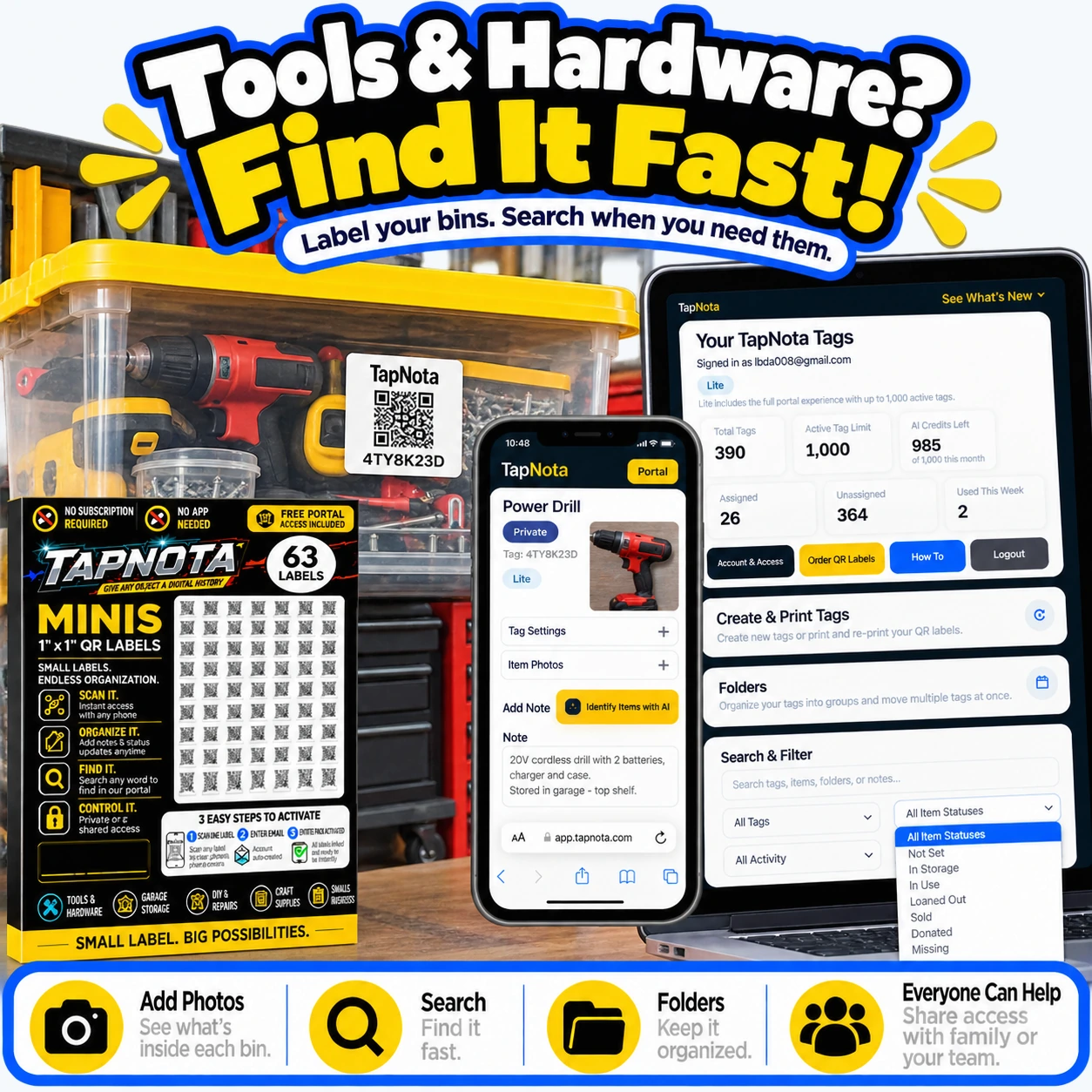
- Organize with Folders & Status: Group tools into folders by type, project, or location, and use Item Status tags like ‘In Use,’ ‘In Storage,’ or ‘Loaned Out’ to track availability.
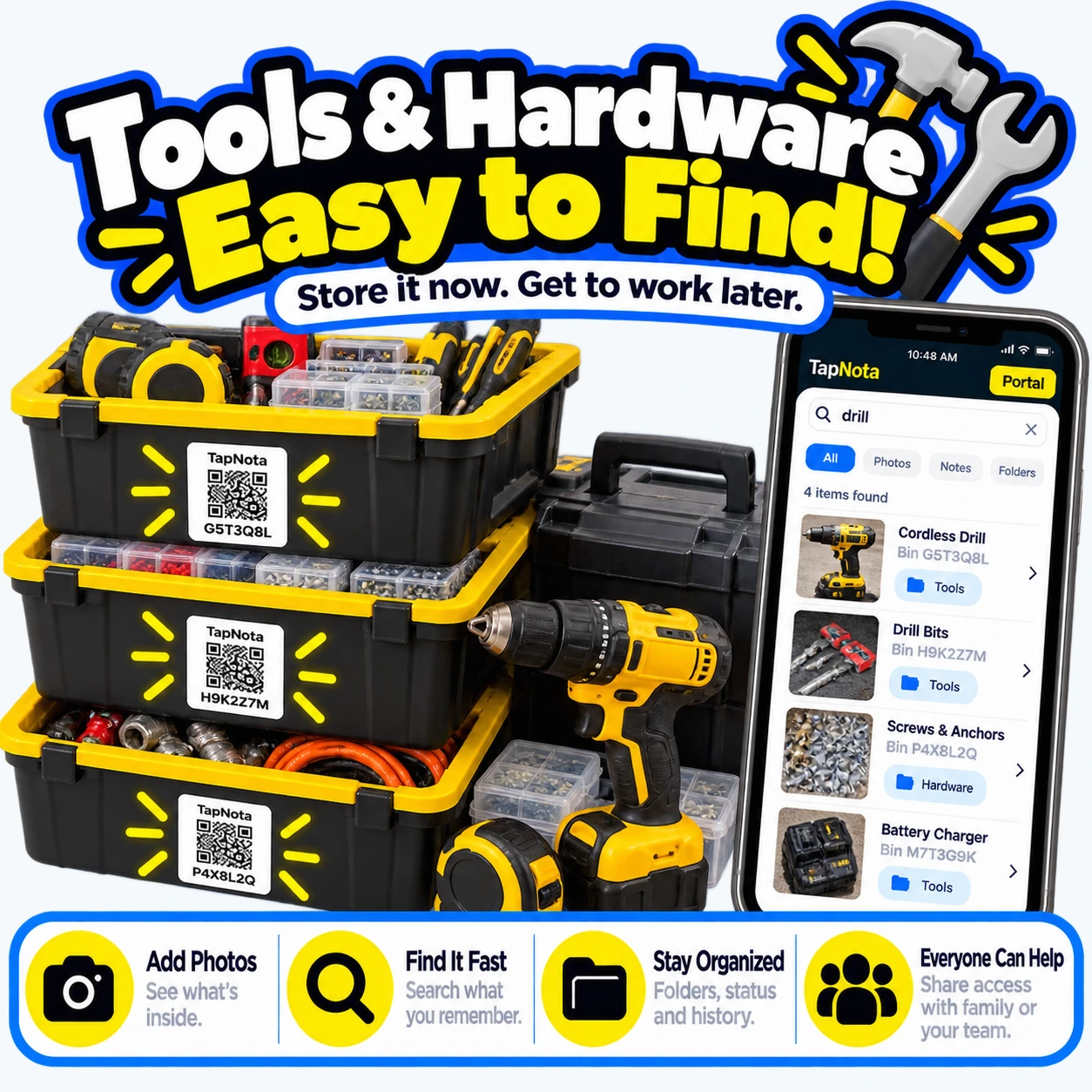
- Search & Find: Use the Portal’s powerful search to find tools by name, notes, tags, or folder without needing to scan the physical label. This makes locating a specific drill bit or replacement part fast and intuitive.
- Share Access: Invite family members, helpers, or team members to access your inventory under your account with separate logins. This keeps everyone on the same page and prevents lost or misplaced tools during shared projects.
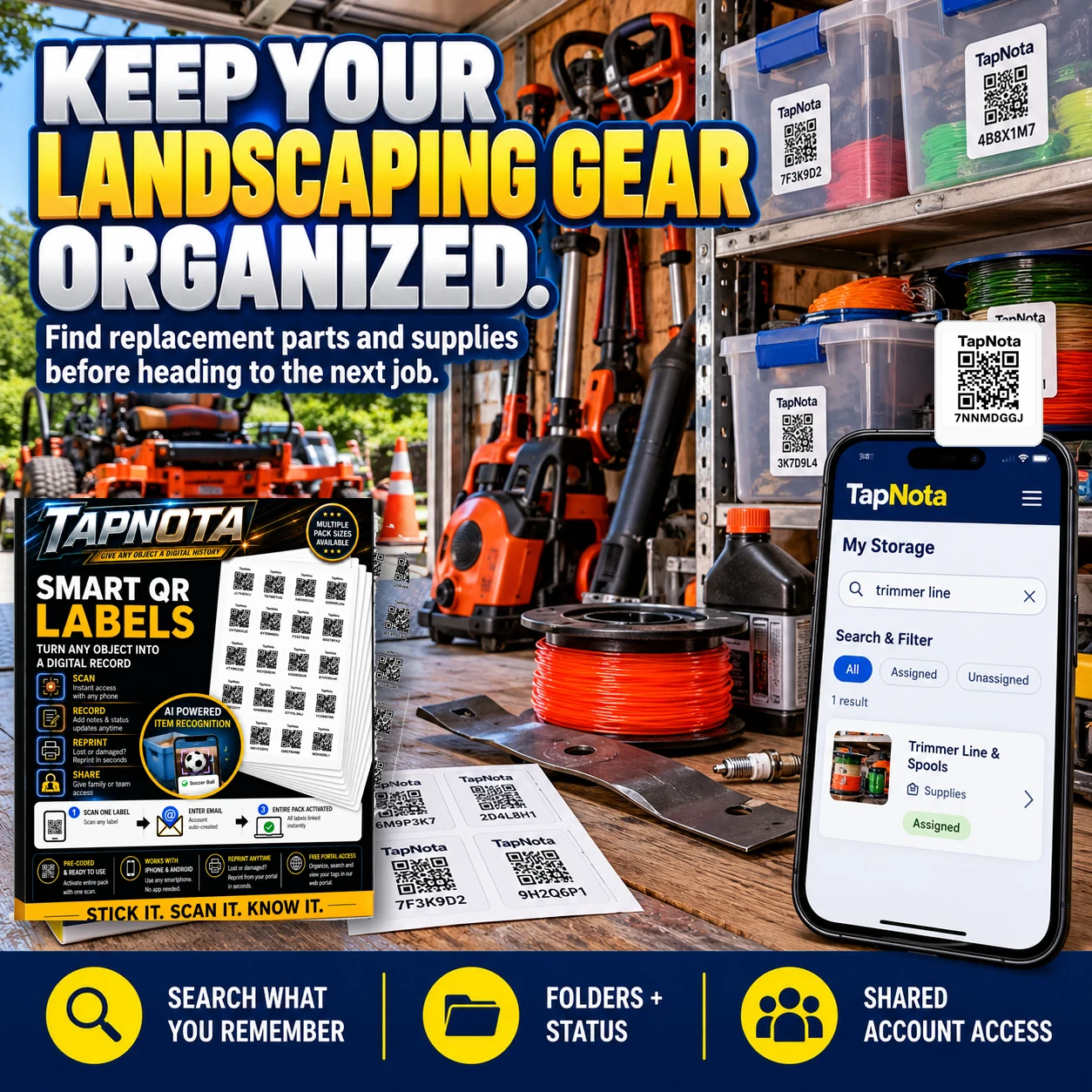
Real-World Use Case: Landscaping Equipment Organization
Professional landscapers juggle numerous tools, parts, and supplies that must be ready and easy to find on the job. By attaching TapNota labels to bins of trimmer lines, replacement parts, and power tools, landscapers can quickly search their inventory from a phone, find what they need, and avoid costly downtime. The ability to add photos and notes about each item ensures accurate restocking and maintenance tracking.
Benefits for Tool & Equipment Users
- Save Time: Quickly locate tools or parts without opening multiple bins or cases.
- Maintain Accuracy: Keep detailed records including serial numbers, manuals, and service history all linked to the physical item.
- Reduce Loss: Track item status and share inventory access with team members to prevent misplaced equipment.
- Flexible & Scalable: Add or update information anytime without reprinting labels.
- Easy Setup: No app installation required; use any smartphone browser and a free or paid TapNota account.
Tips for Maximizing Your TapNota Tool Inventory
- Use Clear, Consistent Naming: Label items with descriptive names and include model or serial numbers to avoid confusion.
- Take Good Photos: Add clear images of tools and their storage location to speed up identification.
- Leverage Notes & Tags: Record maintenance dates, usage instructions, or loan details in the notes section.
- Organize Folders Thoughtfully: Group items by job type, location, or frequency of use for quicker browsing.
- Regularly Update Status: Mark tools as ‘In Use,’ ‘Loaned Out,’ or ‘Missing’ to keep your inventory current.
Integrate TapNota with Your Existing Workflow
Whether you manage a home workshop, a professional garage, or a business equipment inventory, TapNota seamlessly fits into your existing workflow. The web Portal’s search and sharing features mean you can coordinate with coworkers or family members easily. The ability to reprint damaged QR labels without losing the linked Item Page or history ensures long-term reliability.
For businesses, TapNota supports asset tracking and inventory management with robust record-keeping and team collaboration. For hobbyists and homeowners, it simplifies keeping track of seasonal tools, craft supplies, or garden equipment.
Learn More & Get Started
Explore more about organizing tools and equipment with TapNota by visiting the QR Tool Tracking System for Tools & Equipment page. For business owners, see how TapNota can streamline asset management on the Business Inventory & Equipment category page. To dive deeper into organizing your workspace, check out Organize and Find Your Tools Easily with TapNota Smart QR Labels for practical tips.
Frequently Asked Questions
Do I need to scan each TapNota label individually to activate them?
No. When you scan any one label from a purchased pack and verify your email, the entire pack is activated and linked to your account. There’s no need to activate each label separately.
Can I update the information on an item after attaching the QR label?
Yes. Each TapNota Item Page is editable and can be updated anytime with new notes, photos, condition changes, or other details without needing a new printed label.
Is a mobile app required to use TapNota labels?
No. TapNota works entirely through scanning QR codes with any smartphone camera and managing records via the web Portal in a browser—no dedicated app installation is necessary.
Can I share my tool inventory with my team or family?
Yes. TapNota offers Shared Account Access, allowing approved members to log in with their own credentials to collaborate on the same inventory while you retain administrative control.
How does TapNota’s AI recognition help with tool organization?
The optional AI feature lets you take photos of visible items on the Item Page. It suggests a list of recognized objects to add to your notes, speeding up inventory creation. However, it requires user review and consumes AI credits.


