













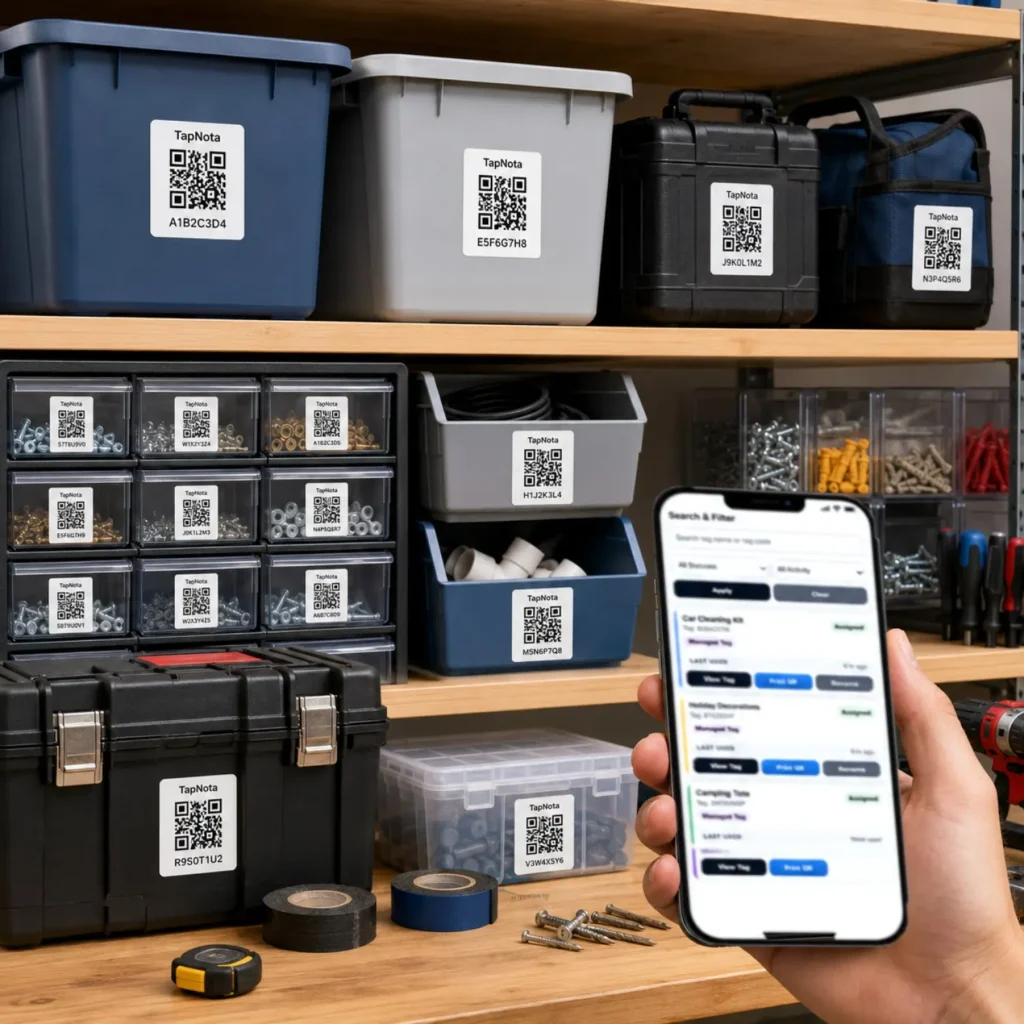
Keeping a workshop organized can be a challenging task, especially when managing numerous tools, small parts, and drawers filled with hardware. TapNota Mini QR Labels offer an innovative solution that bridges the physical and digital worlds, making it easier to track and manage your workshop inventory effectively.
What Are TapNota Mini QR Labels?
TapNota Mini QR Labels are pre-coded smart QR labels designed to attach to tools, drawers, bins, cases, or shelves. Each label opens a unique, evolving Item Page in the TapNota web Portal, where you can add detailed information such as item names, notes, photos, manuals, serial numbers, and condition updates over time. Unlike traditional labels or spreadsheets, TapNota connects the physical item directly to its editable digital record, enabling seamless inventory management.
How TapNota Works in a Workshop Setting
Imagine your toolbox drawers, small parts organizers, and individual tools all labeled with TapNota Mini QR Labels. When you scan a label on a drawer or tool, you open its specific Item Page instantly. This page can include:
- Tool names and descriptions
- Contents of drawers or bins
- Photos showing the current arrangement
- Manuals or instructions for use
- Maintenance and service records
This digital record evolves as you update it, ensuring accurate and current information without needing to print new labels.
Activating Your TapNota Mini QR Label Pack
When you purchase a pack of pre-coded labels, you only need to scan one label and verify your email address to activate the entire pack. This streamlined activation process means you can quickly label multiple items without repetitive setup. Additional packs can be added to the same account using the same email.
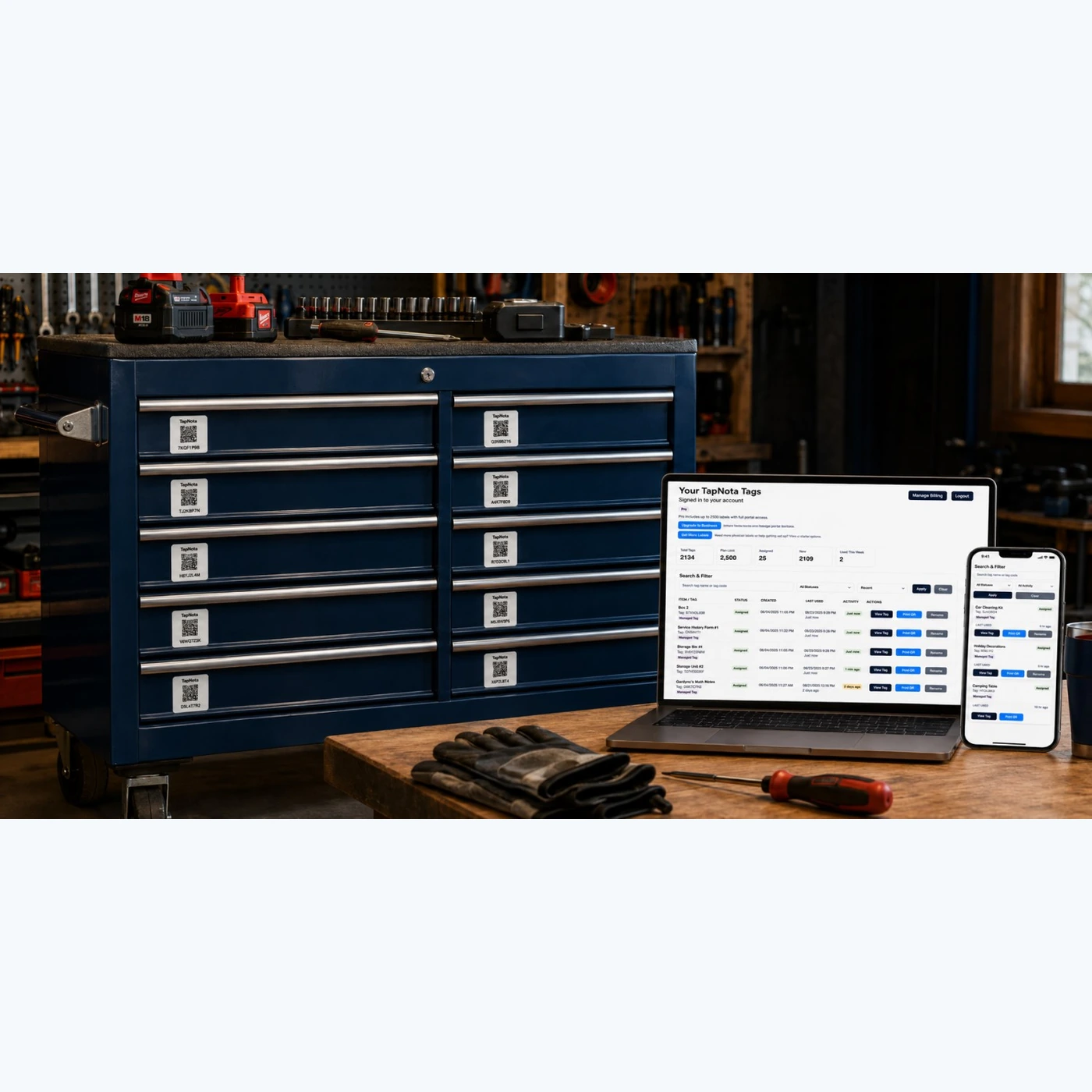
Managing Your Workshop Inventory Through the TapNota Portal
The TapNota web Portal is your central hub for managing all your labeled items. It allows you to:
- Search item names, notes, folder names, and tag codes without scanning physical labels
- Group items into folders for logical organization
- Track item status such as stored, in use, loaned, or missing
- Review activity history to see changes over time
This means even if you are away from your workshop, you can access your inventory and find what you need quickly.
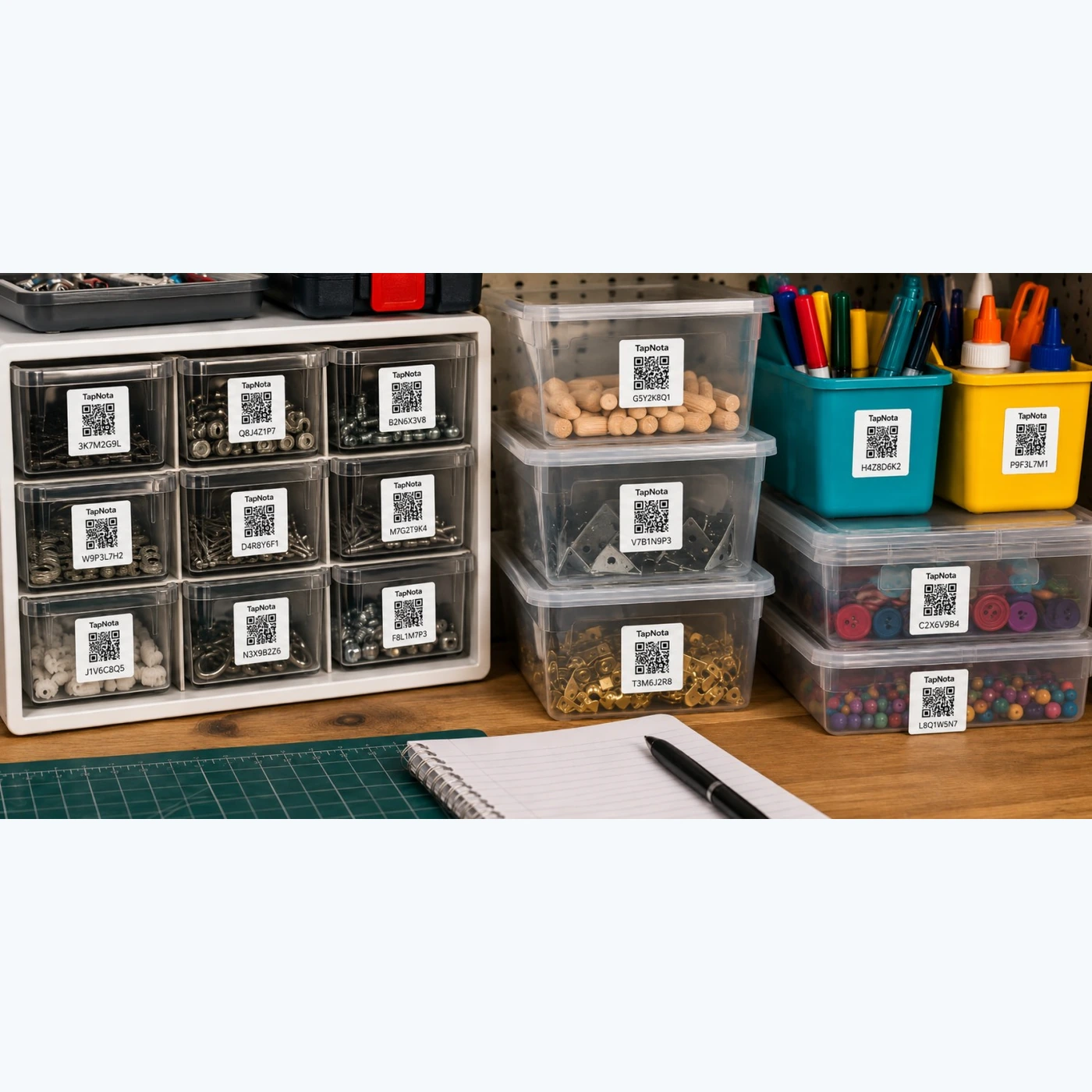
Example: Organizing Small Parts and Drawers
Small parts such as screws, washers, and connectors often end up scattered and hard to locate. By attaching TapNota Mini QR Labels to each small part drawer or container, you create an instant digital inventory:
- Label each compartment with a unique QR code
- Scan to open the Item Page and add detailed contents
- Upload photos showing the arrangement for easy visual reference
- Update notes if contents change or get replenished
This approach reduces the time spent searching and ensures you always know your stock levels.
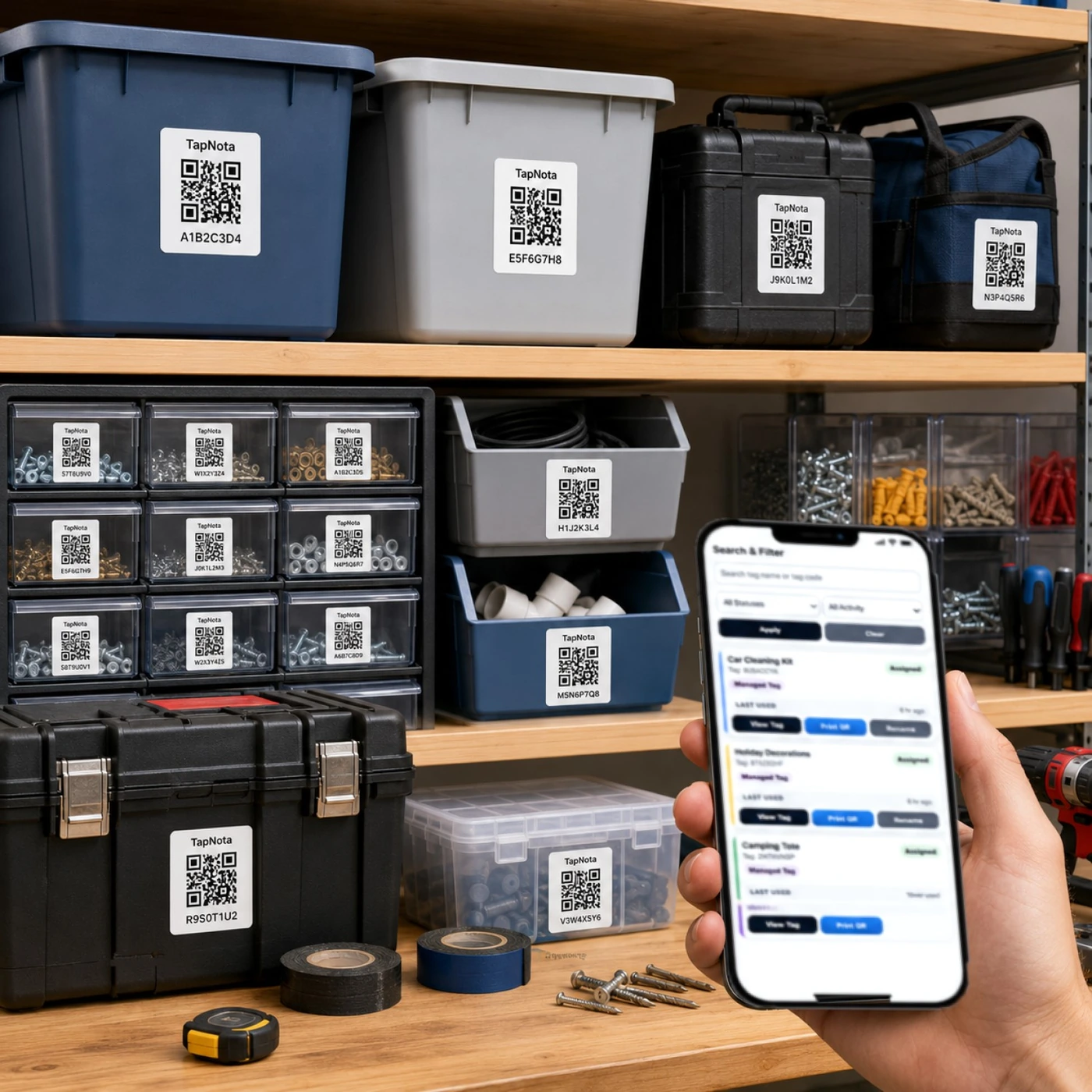
Using AI to Identify and Catalog Workshop Items
TapNota also offers an optional AI feature that helps identify visible objects in photos you take of your workshop items or drawers. This can jumpstart your notes by suggesting item lists, which you can review and edit before saving. Note that AI recognition requires a signed-in account and consumes credits, and it is not automatic upon scanning.
Sharing and Collaboration
TapNota supports sharing options including:
- Private, Share (single-record link), or Public Item Pages
- Optional PIN protection (depending on your plan)
- Shared Account Access, allowing approved family members or team helpers to log in with their own credentials while the owner retains control
This makes it ideal for workshops shared by multiple users or small teams.
Tips for Effective Workshop Organization with TapNota
- Start by labeling your toolbox drawers and frequently used tools
- Create folders in the Portal for categories like “Hand Tools,” “Power Tools,” and “Hardware”
- Use permanent photos to document your setup for easy reference
- Regularly update notes to reflect maintenance, condition, or contents changes
- Leverage search and filters in the Portal to find items without needing the physical label
By integrating TapNota Mini QR Labels into your workshop, you gain a dynamic system that grows with your inventory, reduces clutter, and saves time.
For more on organizing tools and equipment, see Tool Organization System with QR Labels and QR Tool Tracking System for Tools & Equipment.
Frequently Asked Questions
Can I use TapNota Mini QR Labels on any type of tool or drawer?
Yes, TapNota Mini QR Labels are designed to adhere to a variety of surfaces including metal toolboxes, plastic bins, and wooden drawers, making them versatile for workshop use.
Do I need to scan every label individually to activate them?
No, scanning and verifying your email on any one label in a purchased pack activates the entire pack for your account, simplifying setup.
Is there a mobile app required to use TapNota?
No, TapNota works through scanning QR codes with a standard smartphone camera and managing your inventory via the browser-based web Portal; no dedicated app is needed.
Can I share my workshop inventory with team members?
Yes, TapNota offers Shared Account Access, allowing approved team members or family helpers to log in with their own credentials while you maintain administrative control.
How does the AI feature help with organizing tools?
The optional AI feature can analyze photos of visible objects and suggest initial item lists for your notes, helping you quickly catalog and organize your workshop inventory.


