













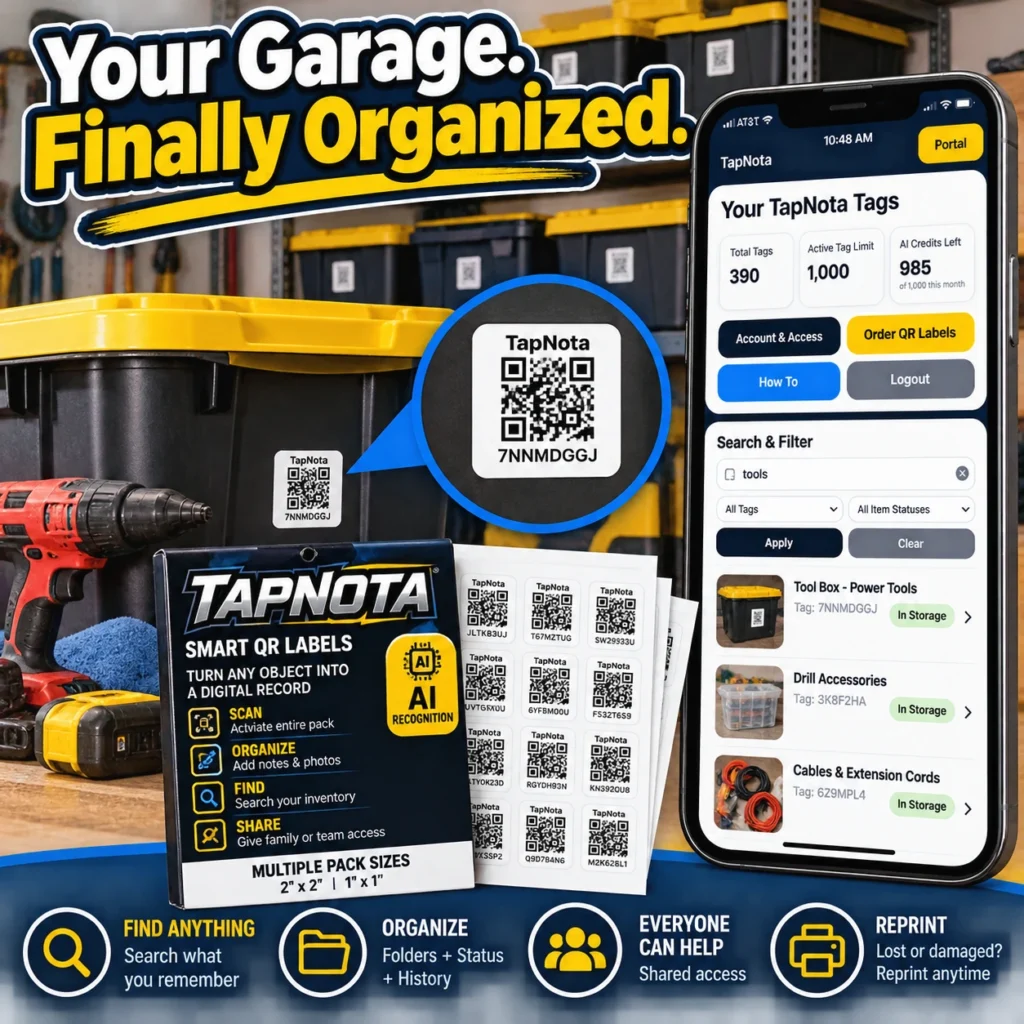
Garages often become the catch-all space for tools, seasonal decorations, sports gear, and miscellaneous items. Over time, this leads to chaos—unlabeled bins, misplaced tools, and frustrating searches. TapNota offers a smart solution that transforms your garage from cluttered confusion to streamlined organization.
What is TapNota and How Does it Work?
TapNota is a physical-to-digital record system that uses pre-coded smart QR labels to link physical items, bins, shelves, or toolboxes to a unique evolving Item Page online. Unlike simple QR stickers or spreadsheets, each label opens a dedicated digital record accessible via any smartphone browser without needing a special app.
Once you attach a TapNota label to a container or tool case, scanning it opens its specific Item Page where you can add detailed information such as item names, notes, photos, manuals, serial numbers, and condition updates. These records evolve over time without changing the QR code itself.
Step-by-Step Garage Organization with TapNota
- Activate Your Pack: Scan any label from a purchased pack and verify your email to activate the entire set. This one-time step links all labels to your TapNota account.
- Label Your Storage: Attach labels to bins, toolboxes, shelves, or individual tools. For example, label a bin “Power Tools” or a toolbox with “Drill Accessories.”
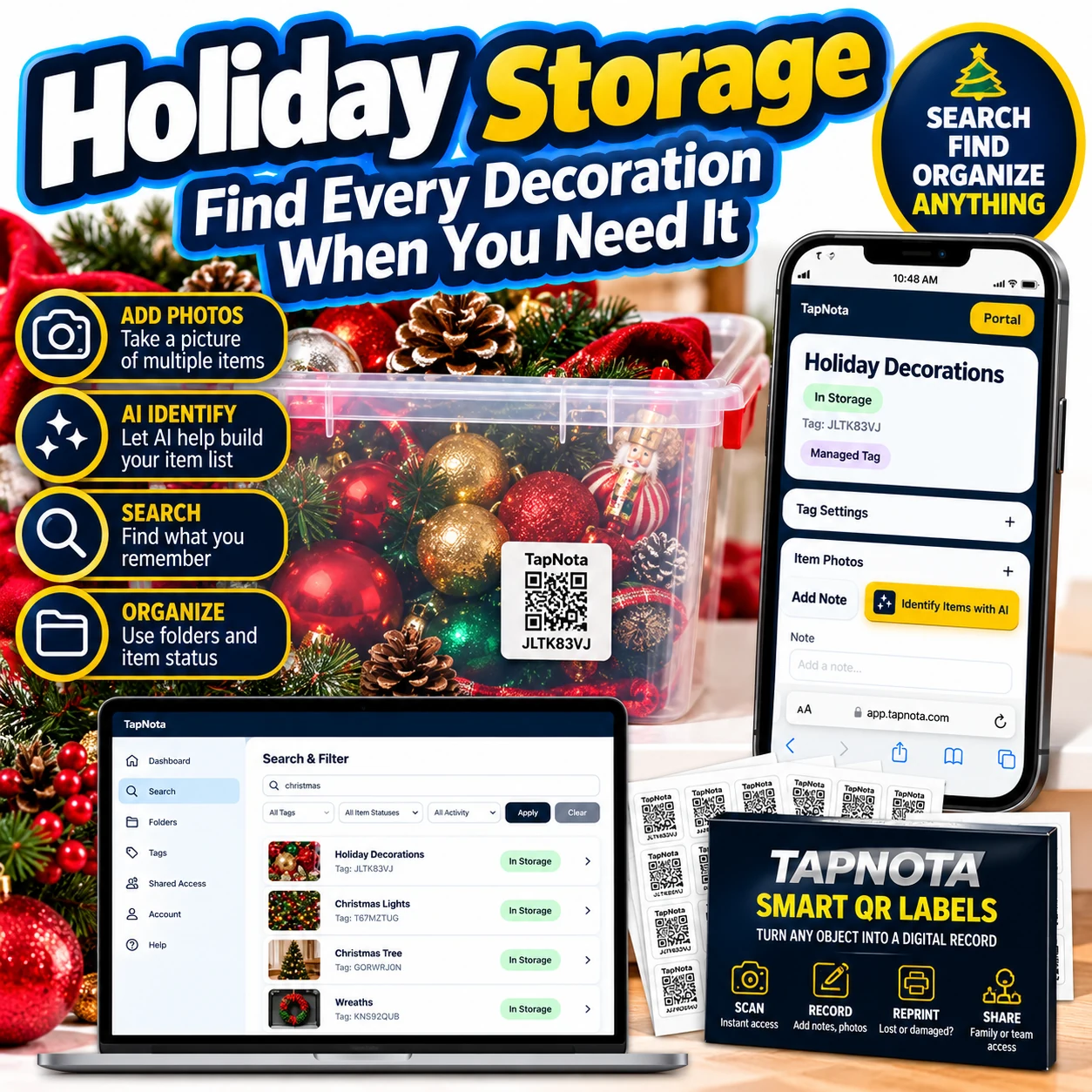
- Add Item Details: Scan a label to open its Item Page and add names, notes, photos, and manuals. Use the AI identification feature by uploading a photo of visible items to get suggested item lists—review and edit before saving.
- Organize Digitally: Use folders, tags, and item status (in storage, in use, loaned) to keep your garage inventory structured and easy to search.
- Search and Find: Use the TapNota web Portal to search by item name, note text, or tags—even without scanning the physical label. This means you can find what you need quickly without opening every bin.
- Share Access: Invite family members or helpers to your account with shared access credentials, so everyone can help maintain and find items.
- Reprint Labels: If a QR label gets damaged or lost, reprint a new one from the Portal without losing the digital record or history.
Real Garage Transformation: Before and After
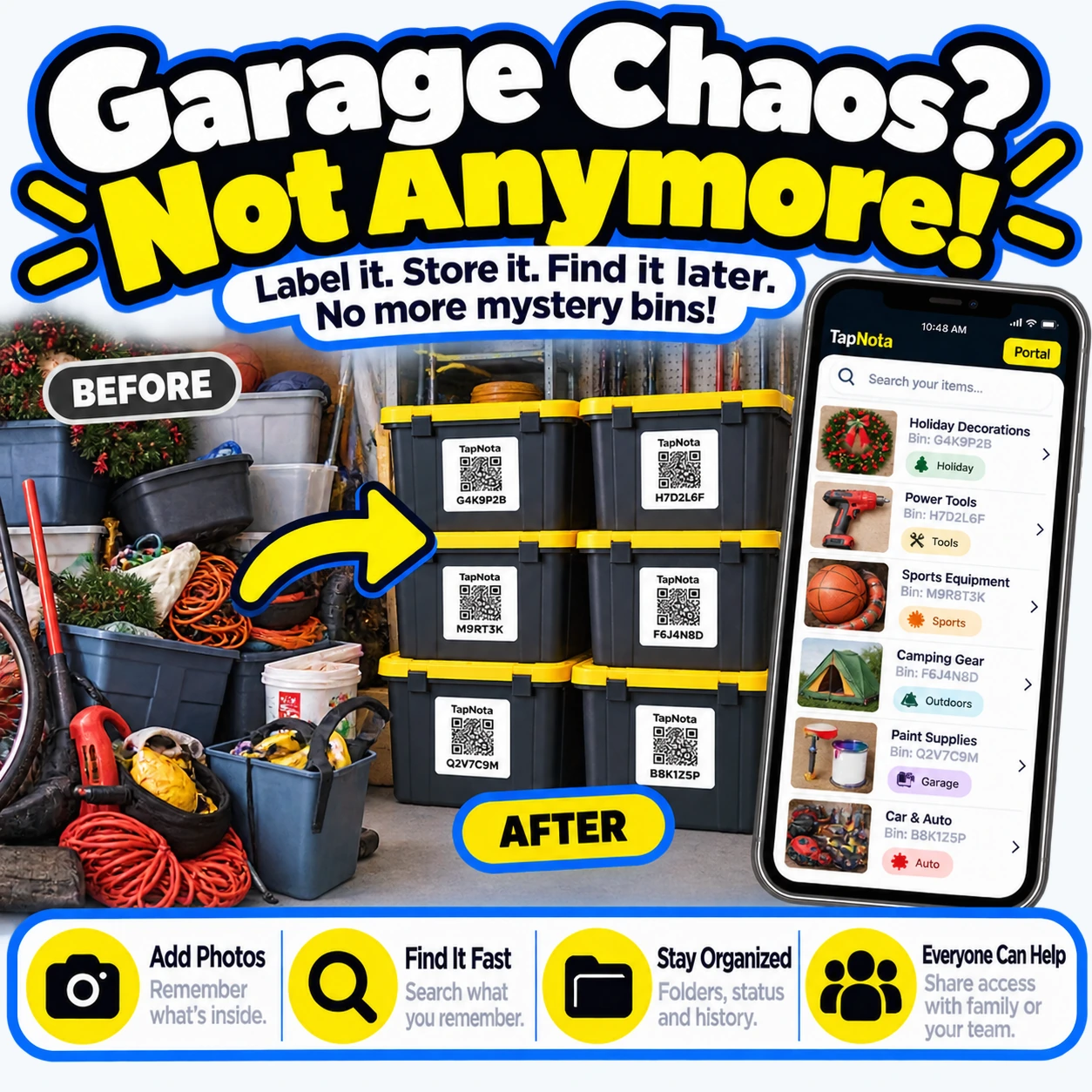
Many users experience a dramatic change from chaotic piles of unlabeled bins and tools to neatly stacked, clearly labeled containers. The “before” garage is a tangle of cords, boxes, and tools with no easy way to know contents. After applying TapNota labels, each bin is uniquely tagged, and the digital records hold detailed contents and photos.
This transformation eliminates mystery bins and wasted time, making your garage a functional space again.
Using AI to Speed Up Item Listing
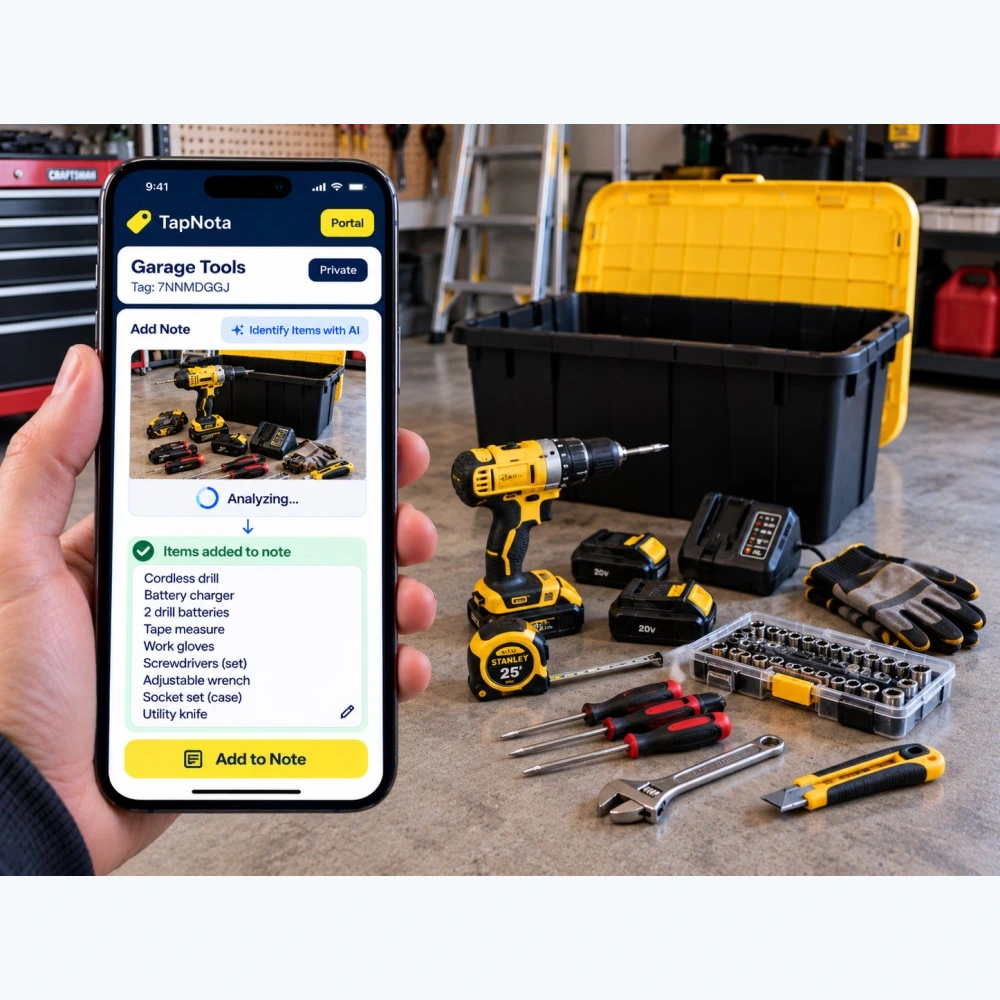
TapNota offers an optional AI feature that helps identify visible items from a photo you take or select on the Item Page. For example, when organizing a toolbox, snap a picture of your tools laid out. The AI suggests a list of items like “cordless drill,” “battery charger,” “screwdrivers,” and more.
You review and edit this list before saving it to the Item Page notes. This saves time typing and helps ensure your inventory is detailed and accurate. Remember, AI cannot see through closed containers, so it only works with visible items.
Benefits of TapNota for Garage Organization
- Find Anything Fast: Search your entire inventory by name, note, or tag without needing to scan labels first.
- Organize with Folders and Status: Group items logically and track if they are stored, in use, or loaned out.
- Share Access: Family or team members can help maintain and find items without sharing your login.
- Reprint Labels Anytime: Easily replace damaged or lost QR labels without losing data.
- No App Required: Access the TapNota Portal through any web browser on phone or desktop.
Tips for Maintaining Your Garage Inventory
- Regularly update Item Pages when adding or removing items.
- Use clear, descriptive names and notes for each bin or tool case.
- Take photos of contents before closing bins to aid AI identification and future reference.
- Utilize folders for categories like “Power Tools,” “Gardening,” or “Sports Equipment.”
- Set item status to track if tools are loaned or temporarily in use.
By following these steps, your garage will stay organized and easy to navigate year-round.
For more detailed guidance on labeling and organizing, visit How to Label Storage Bins Like a Pro and explore Tool Organization System with QR Labels to maximize your setup.
Frequently Asked Questions
Do I need to scan every TapNota label to activate them?
No. Scanning and verifying your email for just one label in a purchased pack activates the entire pack, linking all labels to your account.
Can I use TapNota without installing an app?
Yes. TapNota works entirely through a web browser on your smartphone or desktop—no app installation required.
How does the AI identification feature work?
You take or select a photo of visible items on the Item Page. AI suggests a list of items based on the image, which you can review, edit, and save. It does not see inside closed containers.
Can I share my garage inventory with family members?
Yes. TapNota allows you to invite trusted family or team members to access your inventory with their own login credentials, while you retain full control.
What happens if a QR label gets damaged or lost?
You can reprint a replacement label from the TapNota Portal without losing the linked digital record or item history.


