













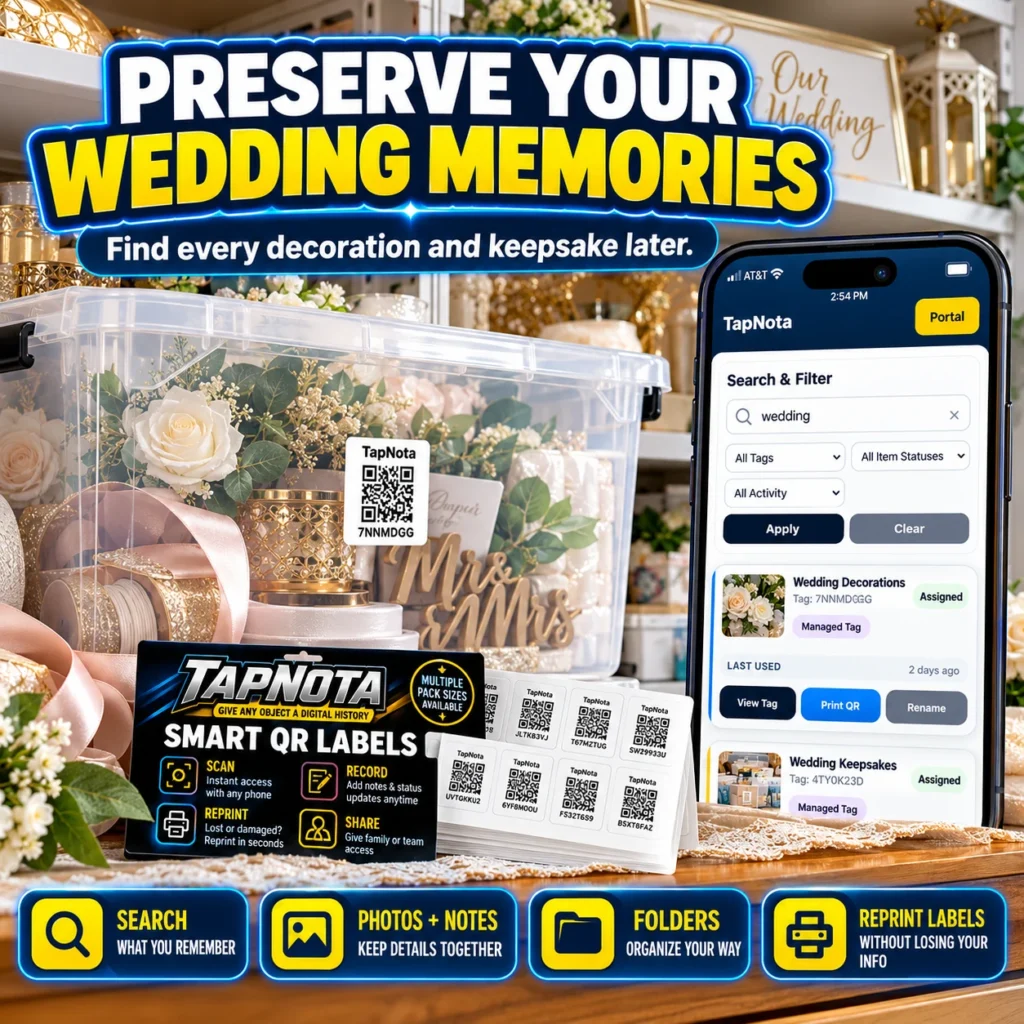
Wedding memories are precious treasures that deserve careful preservation. From delicate decorations to sentimental keepsakes, these items often end up tucked away in boxes or bins, making it difficult to find or recall their details years later. TapNota offers a smart, physical-to-digital solution that helps you preserve your wedding memories with ease and confidence.
Why Preserve Wedding Memories Digitally?
Traditional storage methods like handwritten labels or generic stickers rarely capture the full story behind your wedding items. Over time, notes fade, labels peel, and memories blur. TapNota’s smart QR labels connect each physical item or container to a dedicated digital Item Page, allowing you to store detailed information, photos, and notes that evolve with you.
Imagine scanning a simple QR code on your wedding keepsake box and instantly accessing a rich record of its contents, including photos of decorations, vendor details, special instructions, or stories behind each item. This digital history stays linked to the physical label forever, even if you change the contents or move the box.
How TapNota Works for Wedding Keepsakes
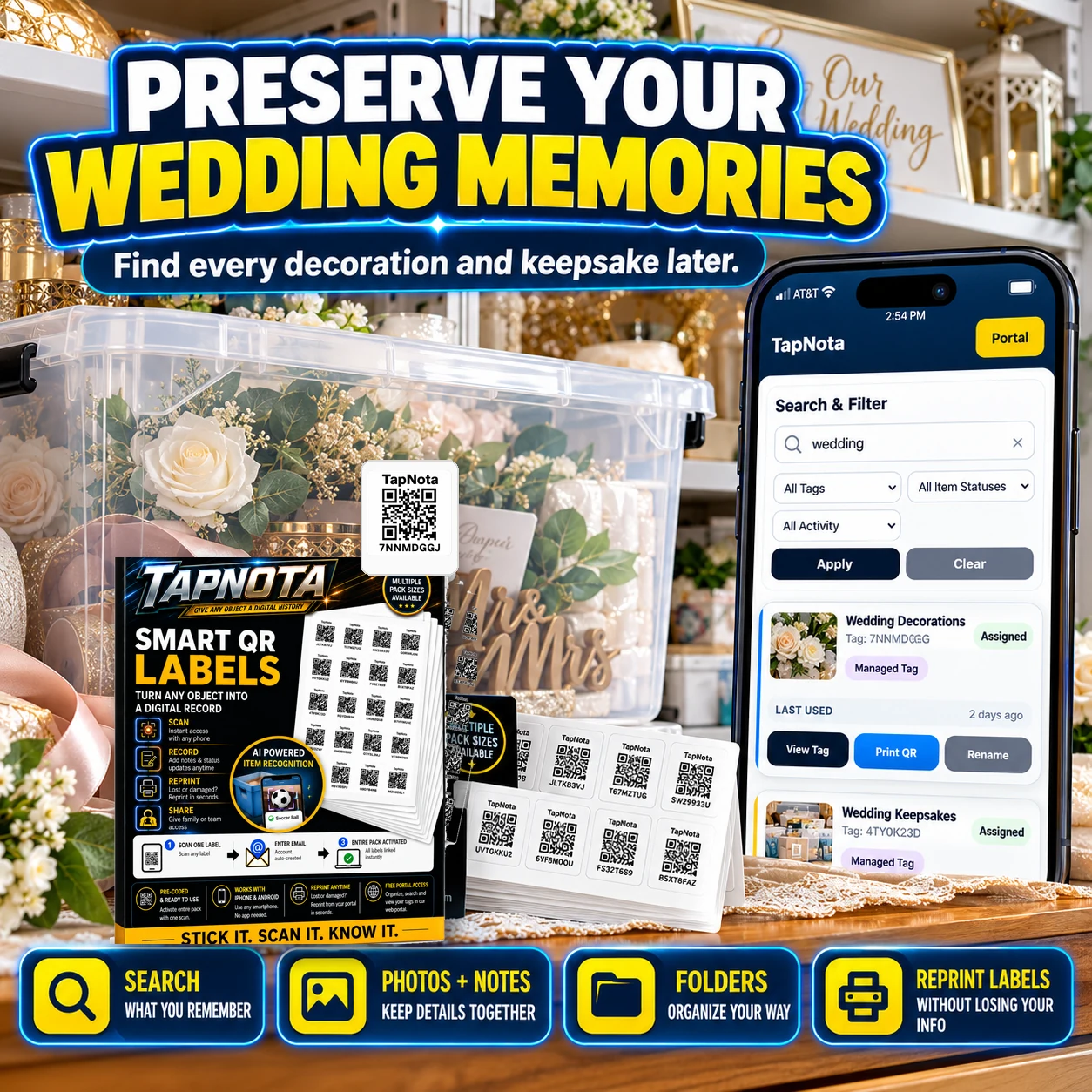
TapNota is more than just a QR sticker. It’s a comprehensive system that combines physical labels with a powerful web Portal. Here’s how you can preserve your wedding memories step-by-step:
- Attach a TapNota Label: Use a pre-coded smart QR label from your TapNota pack and stick it on your wedding memory box, bin, or individual keepsake.
- Activate Your Pack: Scan any one label and verify your email to activate the entire pack to your account—no need to activate each label separately.
- Create Your Item Page: Scan the label with any smartphone to open its unique Item Page. Add a descriptive name like “Wedding Decorations” or “Keepsakes.”
- Add Photos and Notes: Upload permanent photos of the contents, write notes about each item, add vendor or serial numbers, and record condition or special instructions.
- Organize Using Folders and Tags: Group your wedding items into folders such as “Ceremony,” “Reception,” or “Gifts” and add searchable tags for easy retrieval later.
- Search and Find Anytime: Use the TapNota web Portal to search all your saved wedding records by name, notes, or tags—no need to have the physical label in hand.
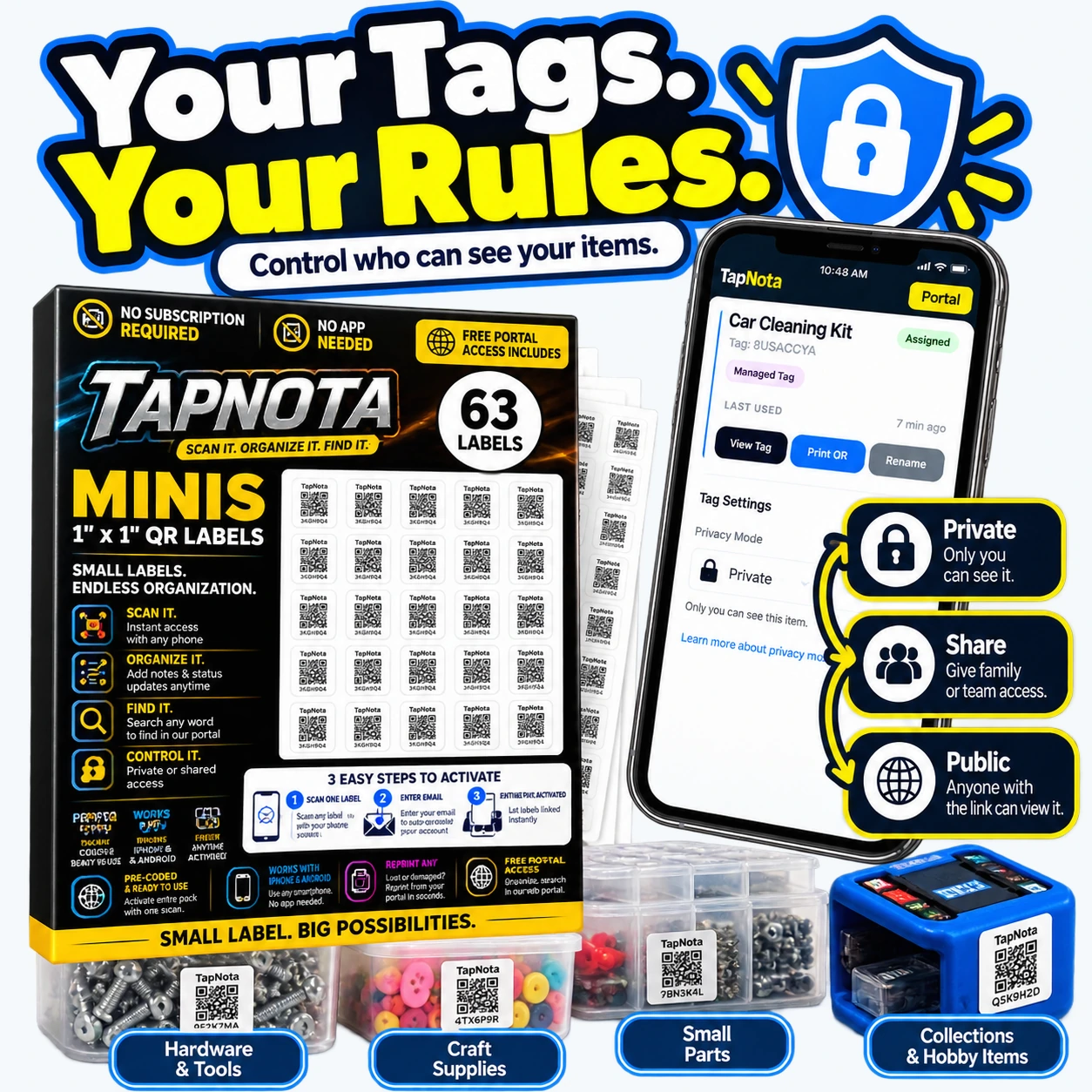
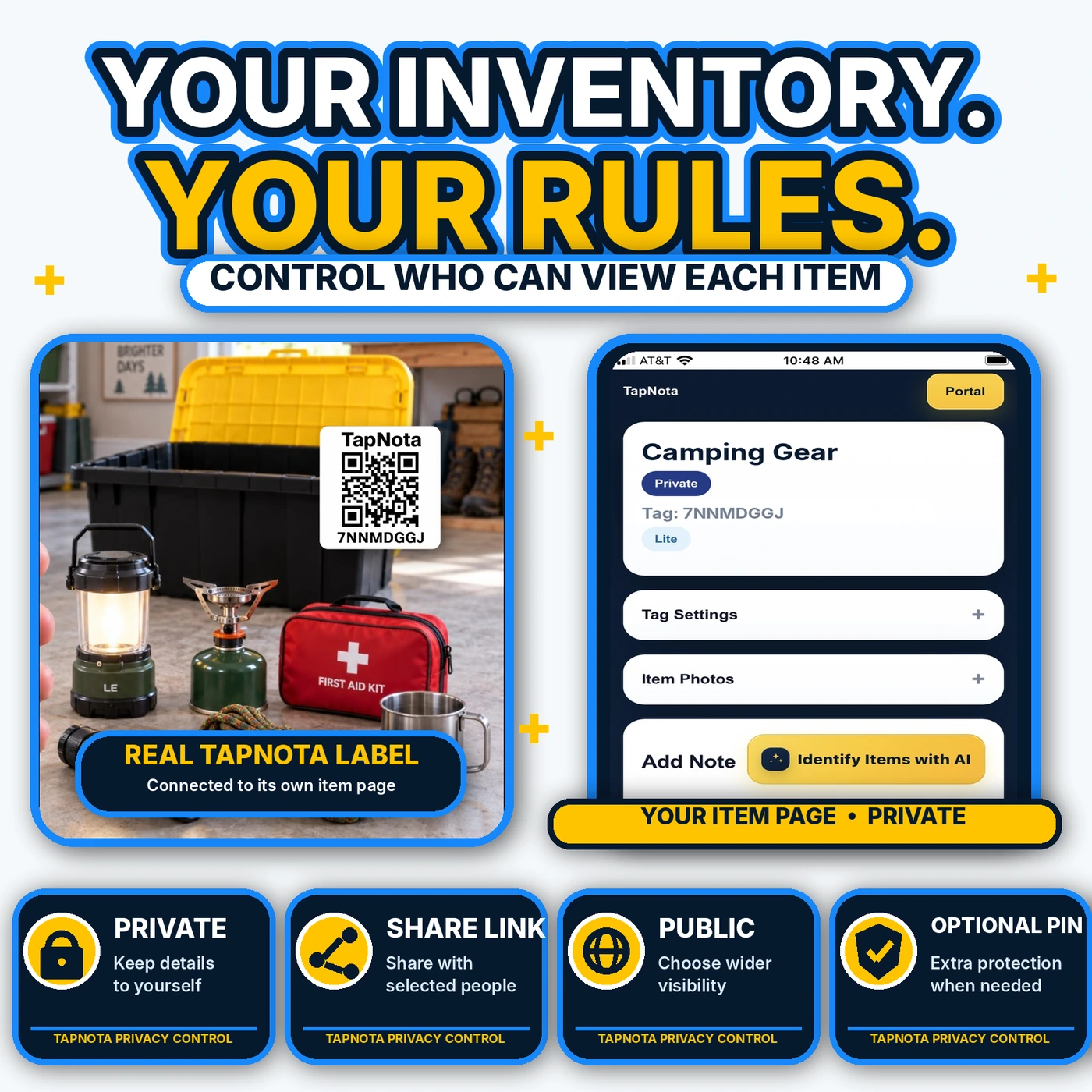
- Share or Keep Private: Control who can view each Item Page by setting it to Private, Share with family, or Public. Optional PIN protection adds extra security.
- Reprint Labels if Needed: If a label gets damaged, reprint it without losing any saved information or history.
Real-Life Example: Organizing Wedding Keepsakes
Consider a newlywed couple who wants to preserve their wedding memories neatly. They use TapNota labels on storage bins containing floral decorations, table settings, and personalized gifts. Each bin’s Item Page includes photos of the original setup, notes about the florist, and reminders about care instructions for fragile items.
Years later, when they want to recreate a similar theme for an anniversary party or pass down keepsakes to family, they simply search their TapNota Portal for “wedding” and instantly find every related item with all its details intact. This saves time, reduces stress, and keeps memories vivid.
Benefits of Using TapNota for Wedding Memory Preservation
- Comprehensive Digital Records: Store photos, notes, manuals, and history all in one place linked to the physical item.
- Easy Searching and Filtering: Quickly find any wedding item using keywords, tags, or folders without needing to scan labels.
- Flexible Sharing Options: Share specific keepsakes with family or keep your memories private and secure.
- Long-Term Preservation: Your digital Item Pages evolve as you update them, preserving the full story over time.
- Reprint and Replace Labels: Never lose your records even if a label is damaged or lost.
- No App Required: Access your inventory from any web browser—no need to install apps or manage complex software.
Getting Started
To begin preserving your wedding memories with TapNota, order a pack of pre-coded smart QR labels suitable for your storage needs. Activate your pack with a simple scan and start tagging your boxes and keepsakes. Use the web Portal to add rich details and organize your memories for a lifetime.
For more ideas on organizing keepsakes and creating searchable inventories, explore Organizing Keepsakes with QR Labels and learn about Photo and Memory Organization.
Frequently Asked Questions
Can I add photos of my wedding decorations to TapNota?
Yes, you can add permanent photos to each Item Page, helping you visually document decorations and keepsakes.
Do I need to scan every label to activate my TapNota pack?
No, scanning and verifying your email on any one label activates the entire purchased pack for your account.
Can I share my wedding memory records with family?
Yes, TapNota allows you to share individual Item Pages with family or team members via revocable links or invite them to your account.
Will TapNota work without installing an app?
Absolutely. TapNota works entirely through web browsers, so no app installation is required.
What happens if a QR label gets damaged or lost?
You can easily reprint a new label from the Portal without losing any saved data or history.


