













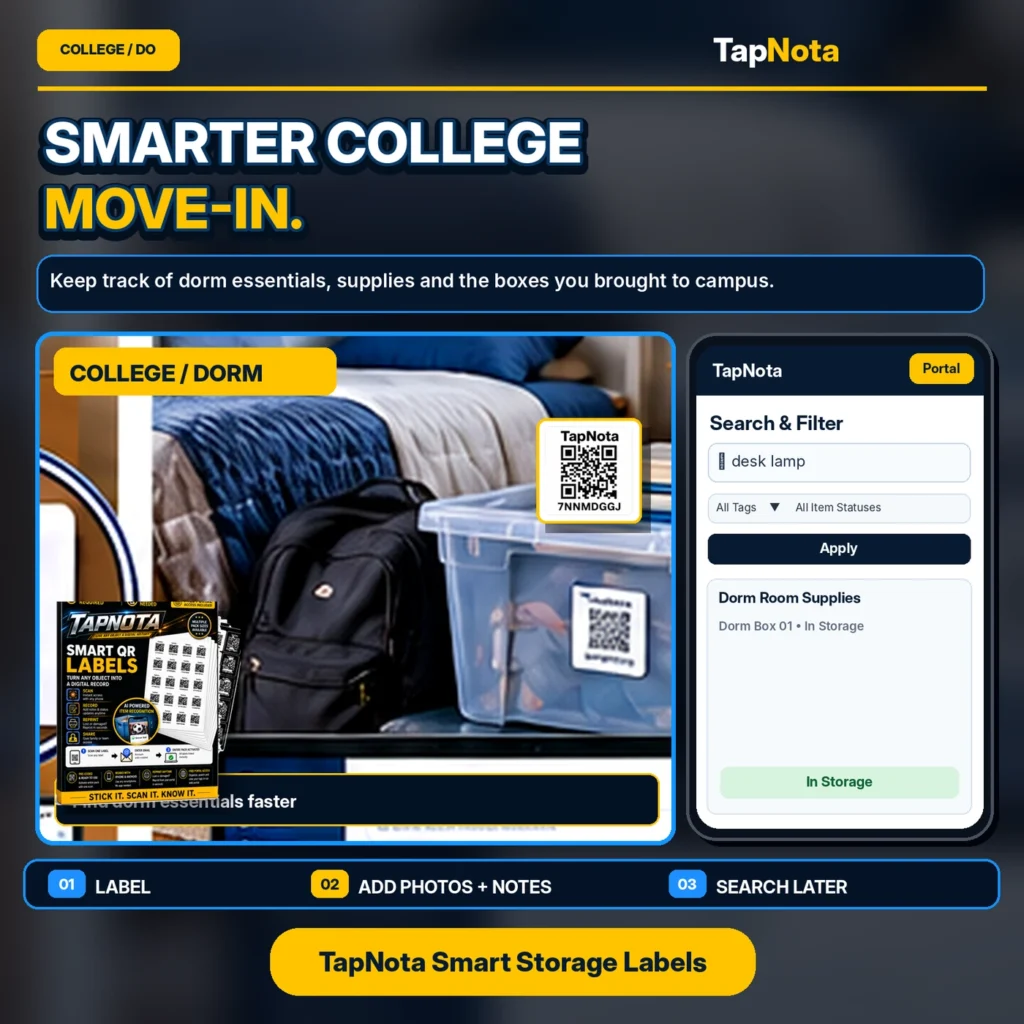
Moving into a college dorm can be an exciting yet overwhelming experience. Between packing boxes, carrying supplies, and settling into a new space, it’s easy for essentials to get lost or buried under a mountain of belongings. TapNota offers a smart, physical-to-digital solution that helps you keep track of every box and item you bring to campus with minimal fuss.
Why Use TapNota for College Move-In?
TapNota Smart QR Labels attach to your boxes, bins, or individual items and link to a unique online Item Page. Unlike traditional handwritten labels or simple QR stickers, TapNota connects your physical items to a dynamic, evolving digital record. This means you can add detailed notes, photos, serial numbers, and even use AI to identify visible contents, all accessible through a simple scan or search from your phone or laptop.
Key Benefits for College Students
- Track Dorm Essentials Easily: Label each box or bin with a TapNota QR label and add names, contents, or special instructions. For example, one box might be labeled “Dorm Box 01 – Desk Lamp, Bedding, School Supplies.”
- Search Without Scanning: If you need to find your desk lamp or favorite coffee mug, simply open the TapNota web Portal and search by item name or tag. No need to scan every box or open them to check contents.
- Update Records Anytime: Move-in day is just the start. You can add photos, notes, or update the condition of items directly in the Item Page, keeping your inventory current.
- Share Access with Roommates or Family: TapNota supports shared account access, so trusted people can help manage or find items without sharing your login.
Step-by-Step Guide to Using TapNota for Your College Move-In
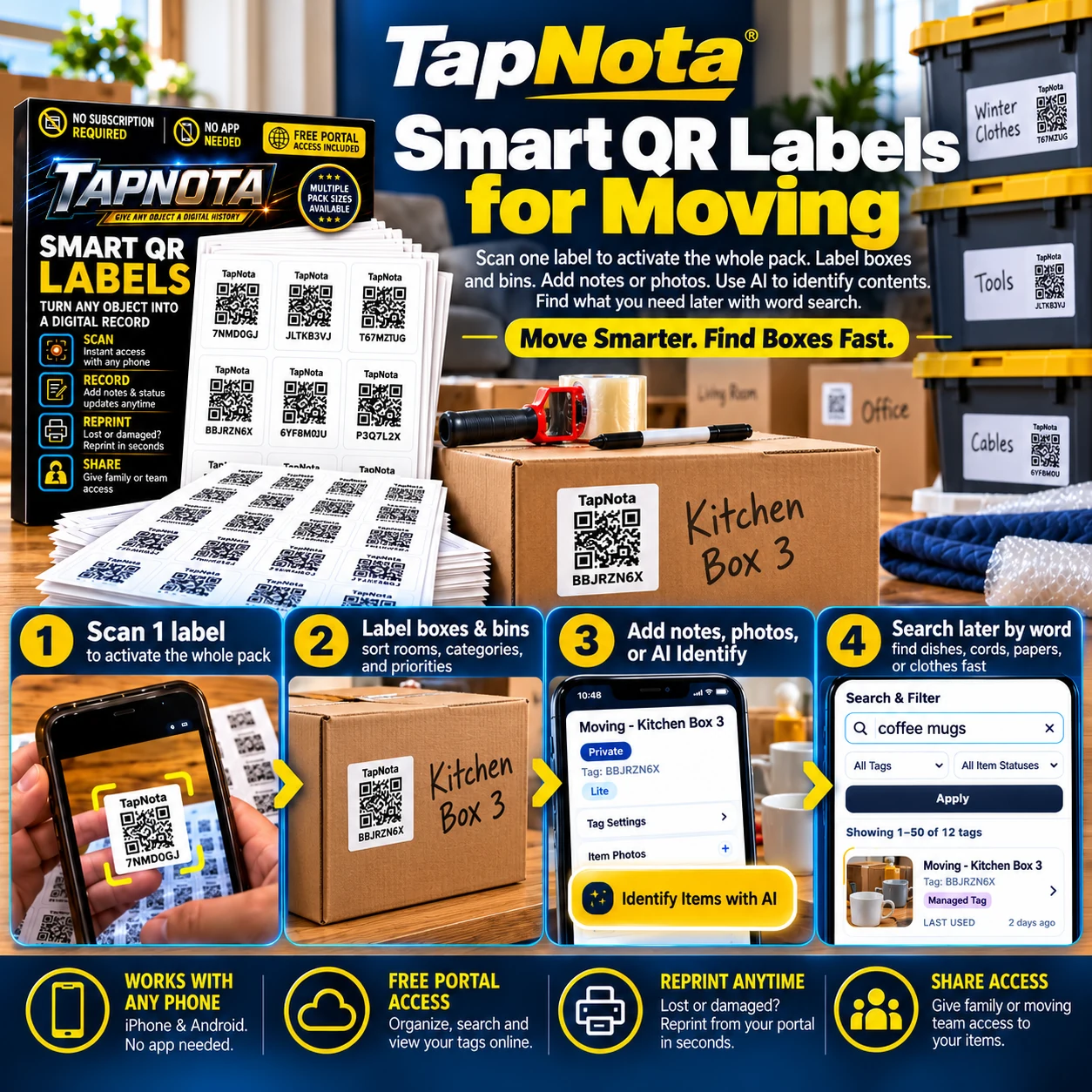
- Activate Your Pack: When you receive your pre-coded TapNota QR label pack, scan any one label and verify your email. This activates the entire pack under your account—no need to activate each label separately.
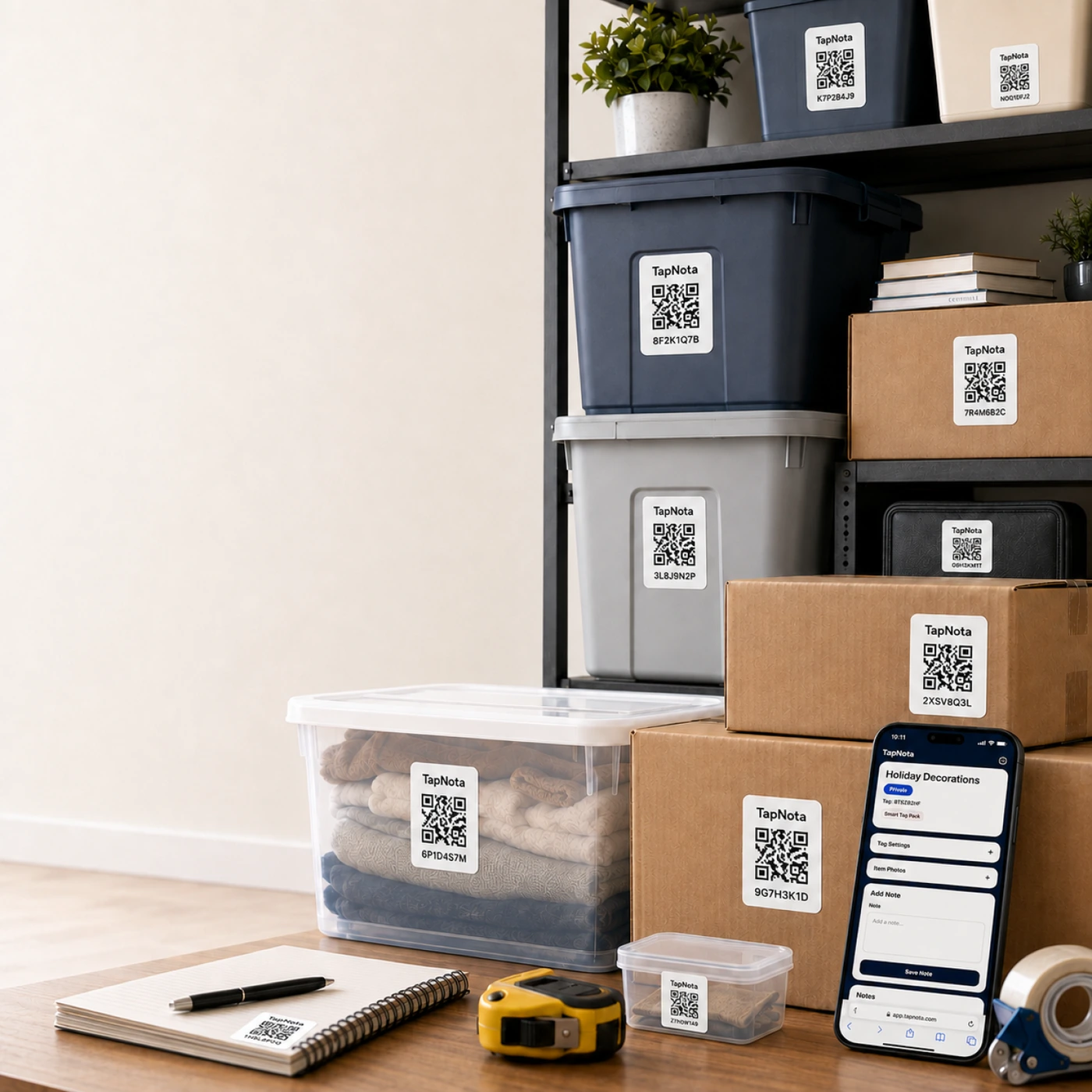
- Label Boxes and Items: Attach a label to each box, bin, or item you want to track. For example, label your “Winter Clothes” box, “Desk Supplies” bin, or your backpack.
- Add Details: Scan the label to open its Item Page in your browser. Add the box name, contents, photos of what’s inside, manuals, or any notes like “Fragile” or “Gifts.” TapNota’s optional AI feature can help identify visible items from a photo you take, giving you a good starting list to review and save.
- Search Anytime: Once your boxes are labeled and their details saved, you can search your entire inventory from the TapNota Portal. Need your desk lamp? Just search “desk lamp” and see which box it’s in without opening anything.
- Reprint Labels if Needed: If a label gets damaged, simply reprint it from your Portal without losing any history or notes.
How TapNota Makes Dorm Life Easier
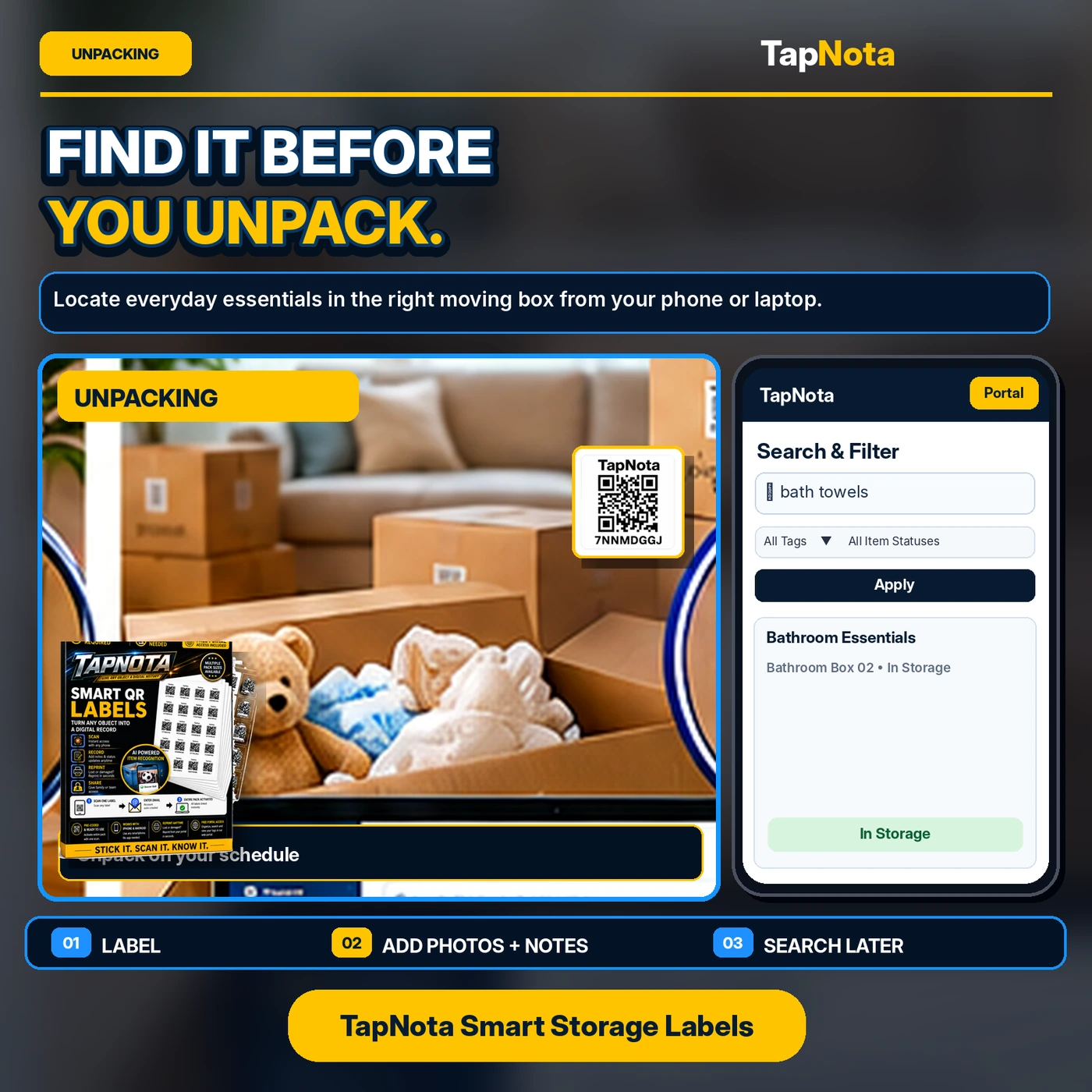
Imagine arriving at your dorm room with multiple boxes and bins. Instead of guessing which box holds your bedding or school supplies, you scan the QR label on any box to confirm contents or quickly search your entire inventory on your phone. This saves time and reduces stress, especially when you’re juggling move-in day logistics.
Later, when you need to find a specific item during the semester, you don’t have to dig through every box. TapNota’s searchable Portal remembers what you packed and where, so you can locate items instantly.
Additional Tips for a Smooth College Move-In
- Use Clear Plastic Bins: When possible, pack items in clear bins so you get a visual hint of contents alongside your TapNota label.
- Group by Category: Create folders or tags in the Portal for categories like “Kitchen Supplies,” “Clothing,” or “School Materials” to organize your inventory logically.
- Take Photos Before Sealing Boxes: Use the AI identification feature or add your own photos to make it easier to remember what’s inside each container.
- Share Access: If parents or roommates help with move-in, invite them to your TapNota account with shared access so they can help find or update items.
Conclusion
Moving to college is a big step, and staying organized can make all the difference. TapNota Smart QR Labels provide a simple, flexible, and searchable system to track your dorm essentials and boxes. From activation to day-to-day use, TapNota helps you find what you need fast and keeps your inventory up to date without extra hassle.
To get started, explore TapNota’s pre-coded QR label packs and see how easy it is to track moving box contents and dorm supplies digitally. For more tips on labeling and organizing, check out our Moving & Packing category.
Frequently Asked Questions
Do I need to scan every QR label to search for items later?
No. Once you have added details to each Item Page, you can search your entire inventory by item names, tags, or notes directly from the TapNota web Portal without scanning physical labels.
Can I share my TapNota inventory with my roommate or family?
Yes. TapNota allows shared account access where approved members can log in with their own credentials to collaborate and manage the inventory.
How does the AI identification feature work?
You can take or select a photo of visible items in a box or bin on the Item Page. TapNota’s AI suggests a list of possible contents which you can review, edit, and save. This helps speed up inventory creation but is optional and requires credits.
What happens if a QR label gets damaged or lost?
You can reprint the same QR label from your TapNota Portal at any time without losing the linked Item Page or history.
Is a mobile app required to use TapNota?
No. TapNota works through scanning QR codes with any smartphone camera and managing your inventory via a browser-based web Portal. No dedicated mobile app is needed.


