













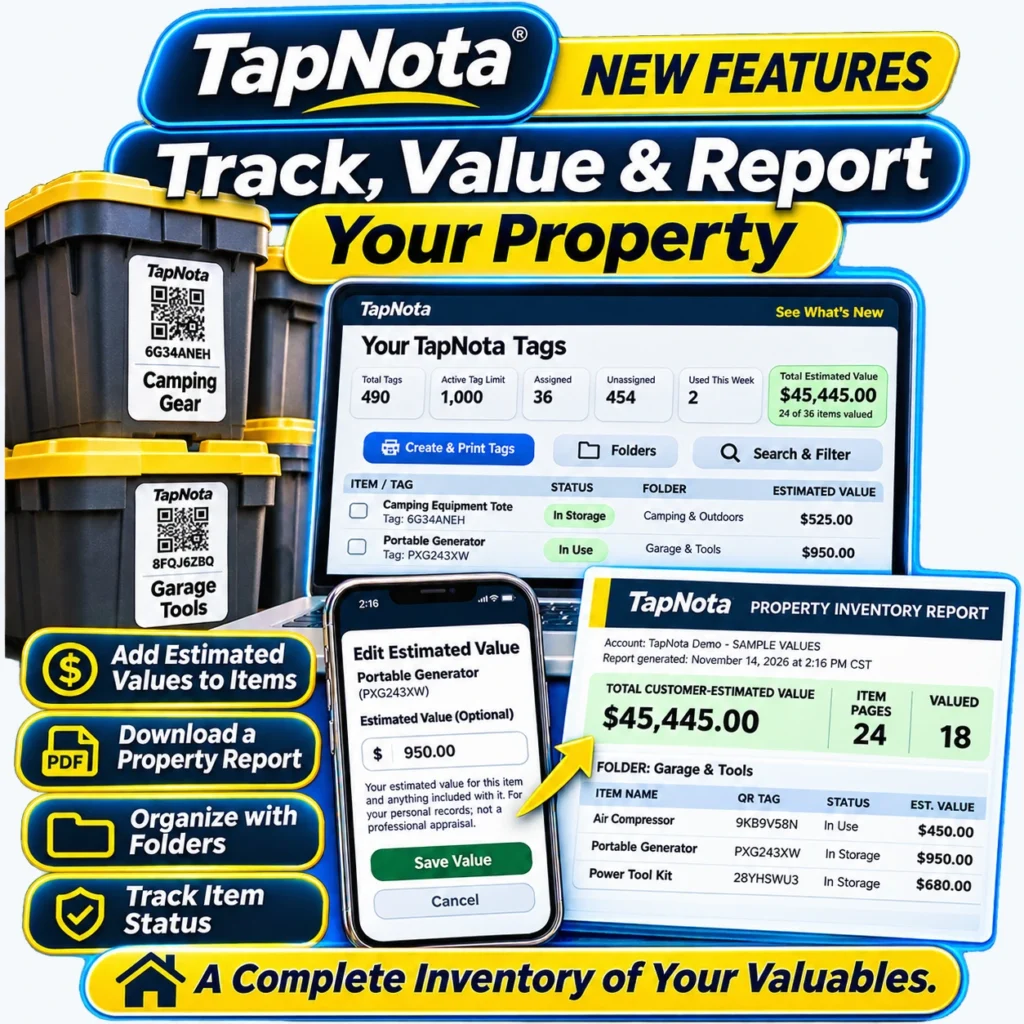
Keeping a detailed, organized inventory of your valuables is essential for personal recordkeeping, insurance planning, and estate management. TapNota’s latest Property Inventory Report feature simplifies this process by allowing you to add estimated values to your tagged items, organize them in folders, track their status, and download a comprehensive PDF report. This article explains how to use these new features effectively for your home, garage, camping gear, vehicles, and more.
What Is the TapNota Property Inventory Report?
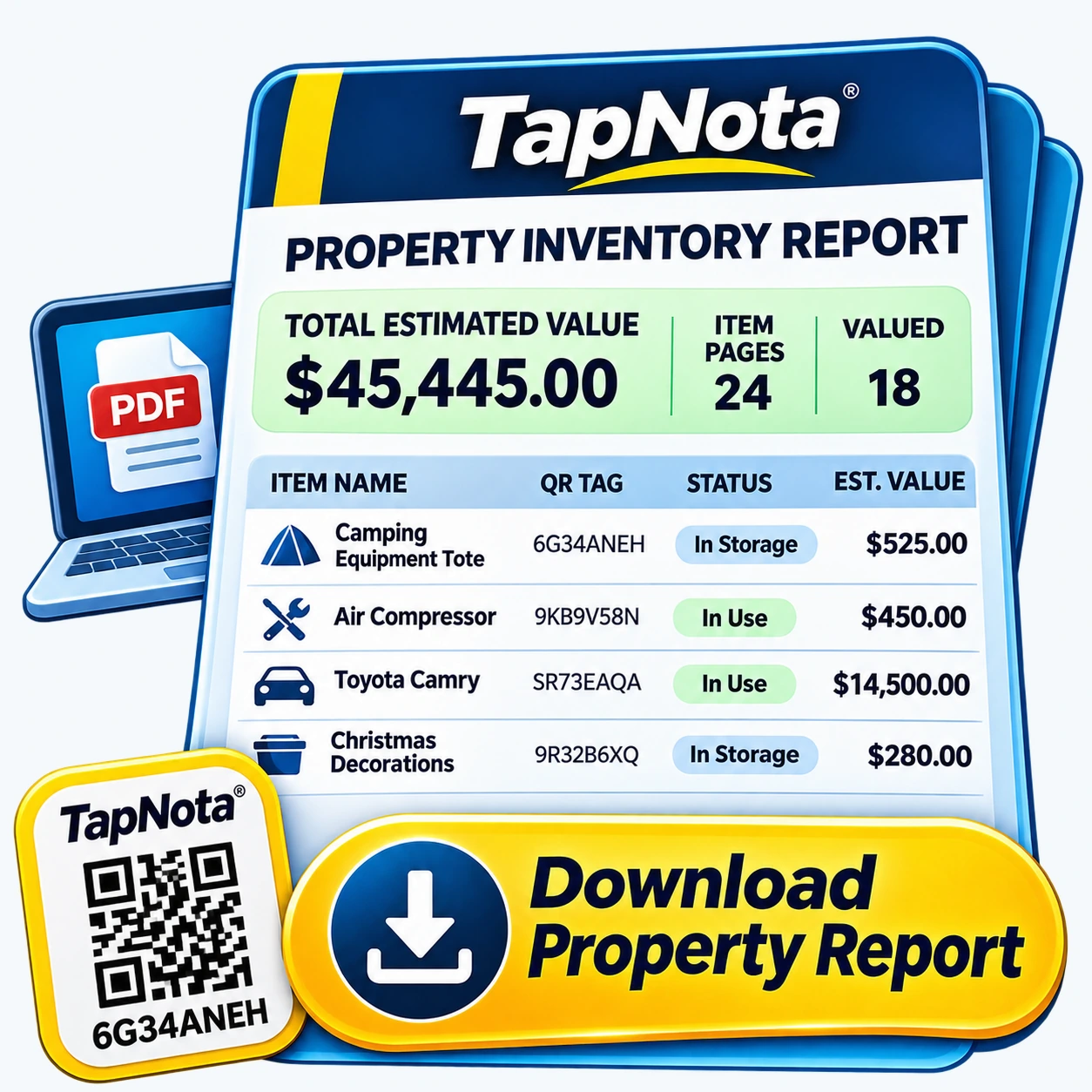
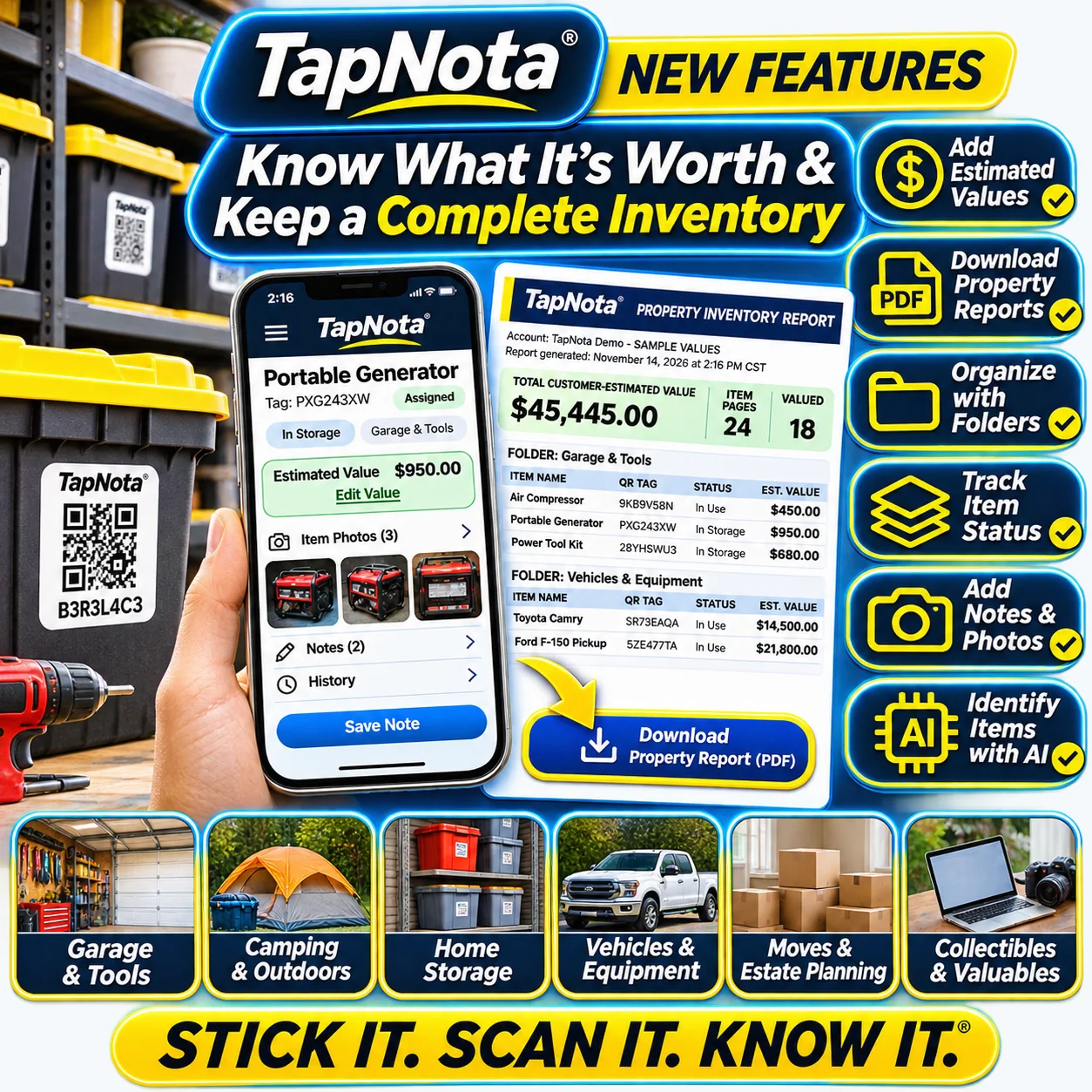
The TapNota Property Inventory Report is a downloadable PDF document generated from your TapNota account. It compiles all your tagged items with their assigned names, QR tag codes, folder organization, item status, and any estimated values you’ve entered. This report provides a snapshot of your property’s total estimated worth, making it easier to understand what you own at a glance.
Key Benefits of the Property Inventory Report
- Centralized Overview: View all your items in one organized report, grouped by folders for easy navigation.
- Estimated Values: Add and edit estimated monetary values for each item to track your property’s worth.
- Item Status Tracking: Know if items are in storage, in use, loaned out, or missing.
- Insurance Ready: Use the report to help prepare for insurance claims or estate planning.
- Downloadable PDF: Save, print, or share the report as needed.
How to Add Estimated Values to Your Items
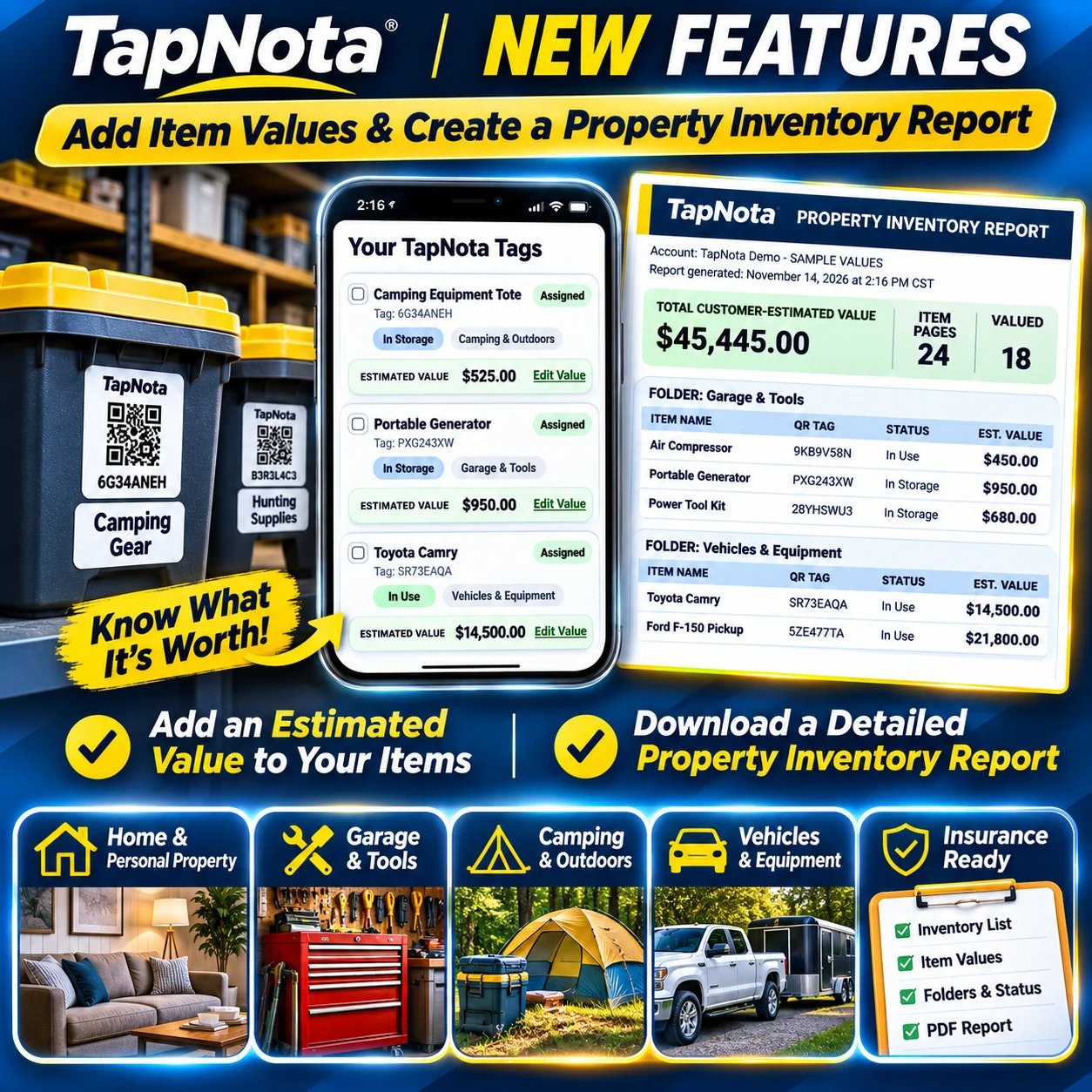
Adding estimated values to your items is simple and optional but highly useful for tracking the worth of your belongings. Here’s how:
- Open Your TapNota Portal: Log in to your account and navigate to Your TapNota Tags.
- Select an Item: Click on any assigned tag to open its Item Page.
- Edit Estimated Value: Enter the estimated value in the provided field. This could be the purchase price, current market value, or any amount you choose for your records. TapNota clarifies this is for personal use and not a professional appraisal.
- Save Your Changes: Click Save Value to update the record.
Once saved, these values contribute to your account-wide total estimated value, visible on your dashboard and in the Property Inventory Report.
Organizing Items with Folders and Tracking Status
TapNota lets you group items into folders based on categories like Garage & Tools, Camping & Outdoors, Vehicles & Equipment, or any custom grouping you prefer. This organization helps you quickly locate and understand your inventory’s layout.
Each item also has an Item Status tag such as In Storage, In Use, or Loaned Out. These statuses provide real-time insight into where your items are and their availability.
Downloading Your Property Inventory Report PDF
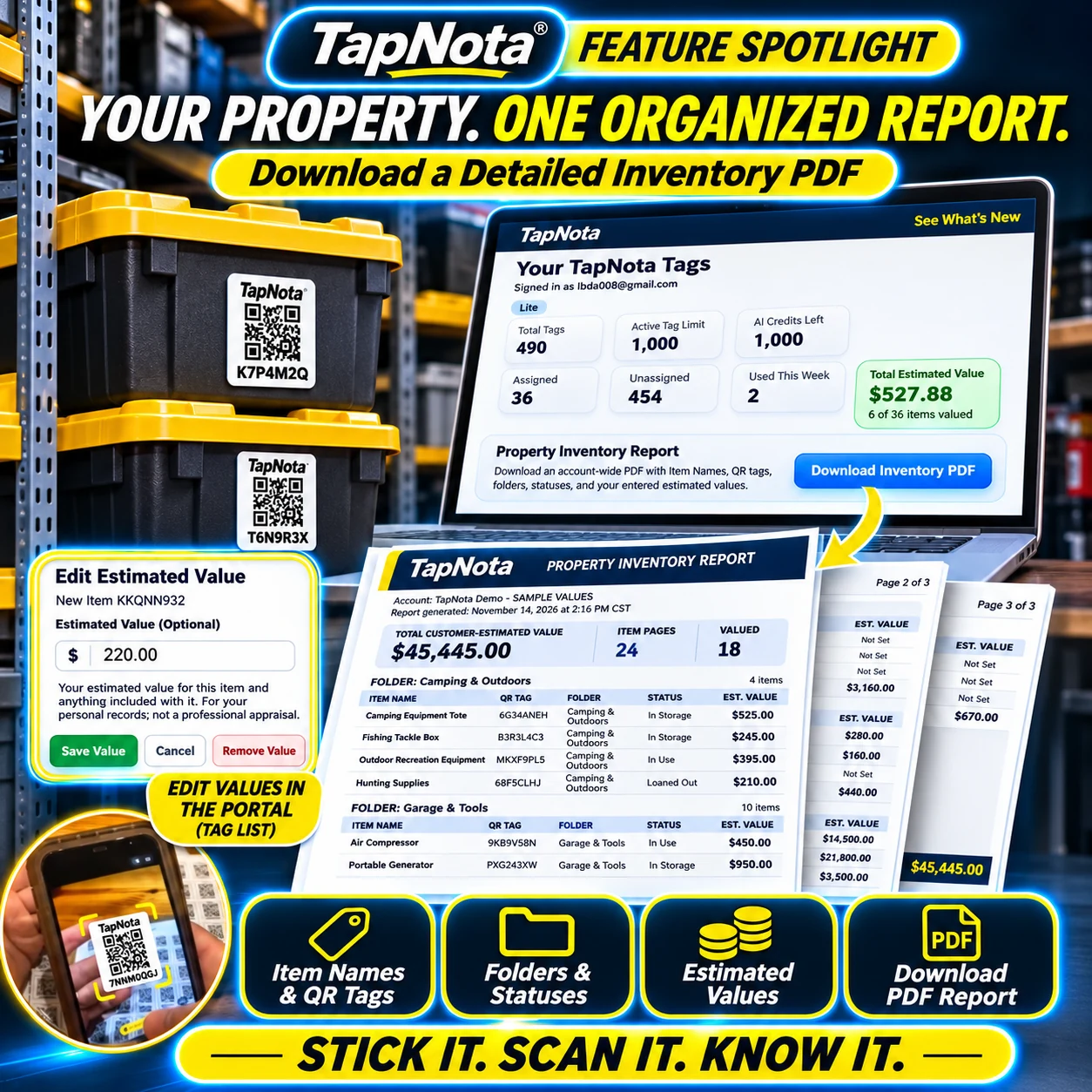
After organizing your items and adding estimated values, you can generate a detailed inventory report:
- Access the Report: In your TapNota Portal, look for the Download Inventory PDF button.
- Generate the Report: Click the button to create a PDF that lists all your items, their QR tags, folders, statuses, and estimated values.
- Review and Save: Open the PDF to review your inventory. It includes folder-level subtotals and an overall total estimated value.
- Use as Needed: Save it for your records, share with family members or insurance agents, or print a hard copy.
This report is a powerful tool for estate planning, insurance documentation, or simply staying organized.
Additional Features to Enhance Your Inventory Management
TapNota’s system supports more than just values and reports. You can also:
- Add Notes and Photos: Attach detailed notes, manuals, serial numbers, or photos to each item for thorough documentation.
- Use AI Identification: With AI-powered item recognition, you can take photos of visible contents to get suggested notes, speeding up inventory creation.
- Share and Collaborate: Share individual Item Pages or invite family and helpers to access your inventory with their own logins.
- Reprint QR Labels: If a label is damaged, you can print a new one without losing the linked record.
Practical Use Cases for the Property Inventory Report
This feature is ideal for:
- Homeowners: Track furniture, electronics, collectibles, and valuables for insurance or estate planning.
- Garage and Workshop: Manage tools, equipment, and vehicles with accurate value tracking.
- Outdoor Enthusiasts: Inventory camping gear, sports equipment, and seasonal items.
- Moving and Estate Planning: Keep a clear, organized record of possessions for smooth transitions.
- Small Business Owners: Track assets, tools, and supplies with estimated values for accounting.
Using TapNota’s Property Inventory Report helps you stay prepared and informed about your belongings’ worth and location, all accessible through a simple QR scan and web Portal.
Related Resources
- Home Inventory Checklist for Every Room
- How to Organize Storage Bins for Easy Access
- Folders & Search
Frequently Asked Questions
Can I add estimated values to items after creating the inventory?
Yes, you can add, edit, or remove estimated values for any assigned item at any time through the TapNota Portal. These values update your total estimated property value automatically.
Does the Property Inventory Report replace professional appraisals?
No, the estimated values you add are for personal recordkeeping only and do not constitute a professional appraisal or insurance valuation.
Do I need to scan each QR label to generate the report?
No, generating the Property Inventory Report does not require scanning labels. The report compiles data from all saved Item Pages in your account.
Can I share the Property Inventory Report with others?
You can download the PDF report and share it as needed. Additionally, TapNota supports sharing individual Item Pages or inviting others to your account with separate logins.
Is the Property Inventory Report available to all TapNota users?
Yes, the report feature is available to users with assigned tags and saved item information. Some advanced features like folders or PIN protection may depend on your plan.


