













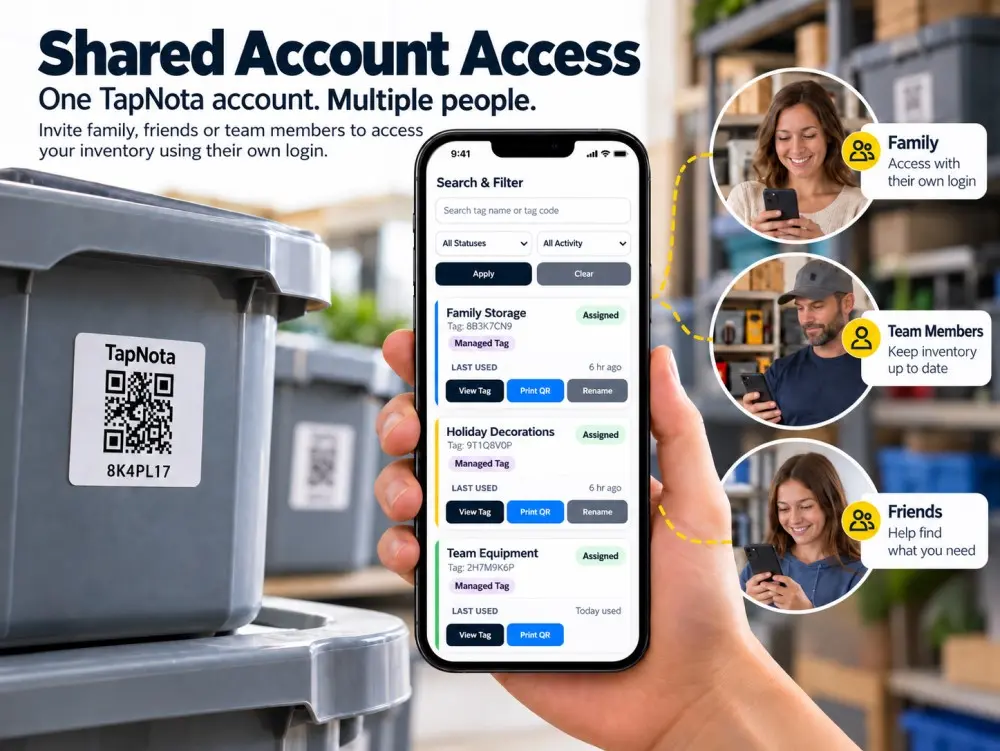
Managing household items, tools, or business inventory can quickly become a challenge when multiple people are involved. TapNota’s Shared Account Access feature offers an elegant solution by enabling multiple users to access and update a single TapNota inventory account using their own unique logins. Whether it’s a family managing storage bins, a team tracking business equipment, or friends coordinating shared resources, this feature keeps everyone in sync while the account owner retains full control.
What Is TapNota Shared Account Access?
TapNota is a physical-to-digital record system that connects QR-coded smart labels on your items to a dynamic online Item Page. The Shared Account Access feature builds on this by allowing the primary account owner to invite others—family members, friends, team members, or staff—to join the same inventory portal under their own login credentials. This creates one centralized inventory that multiple people can view and update independently, without sharing passwords or mixing personal accounts.
Key Benefits of Shared Account Access
- Multiple Users, One Inventory: Everyone invited accesses the same inventory database, ensuring consistent, up-to-date information.
- Individual Logins: Each user has a unique login, improving security and accountability.
- Owner Control: The original account owner manages invitations, permissions, and billing, maintaining full administrative oversight.
- Flexible Collaboration: Ideal for families, moving teams, small businesses, or hobby groups who want to share inventory management duties.
How Families and Friends Benefit from Shared Account Access
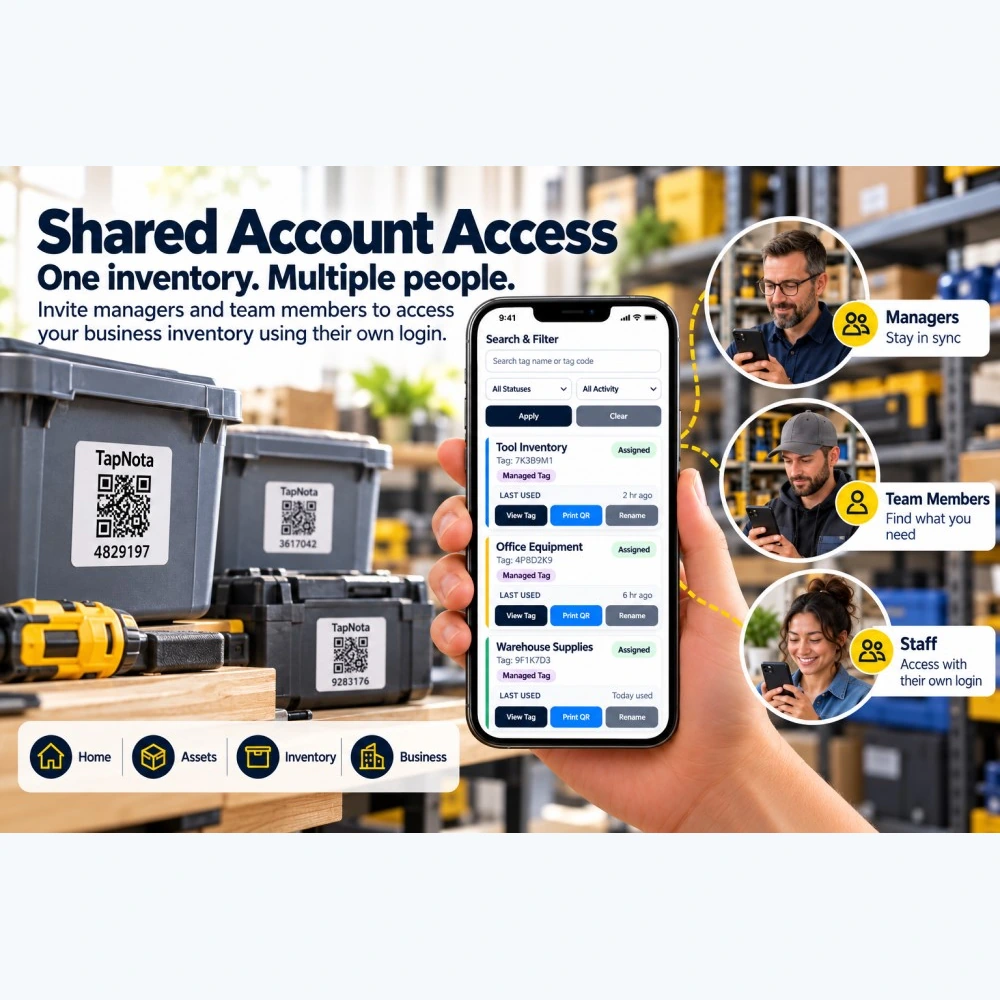
Imagine a family with seasonal decorations, sports equipment, and camping gear stored in labeled bins. With TapNota Shared Account Access, parents, children, and even close friends can access the inventory through their own logins. They can check what’s stored, update contents, add photos or notes, and mark items as loaned or in use. This eliminates confusion about where things are or who last used an item.
For example, a family member can scan a label on a storage bin and update its contents or condition, while another can search the portal from home without needing the physical label. Friends helping with a move or shared hobby can also participate without compromising the owner’s control.
Practical Steps for Setting Up Shared Access in a Family Setting
- Purchase and activate a TapNota pack by scanning one label and verifying your email.
- Log into your TapNota web Portal and enter your inventory details.
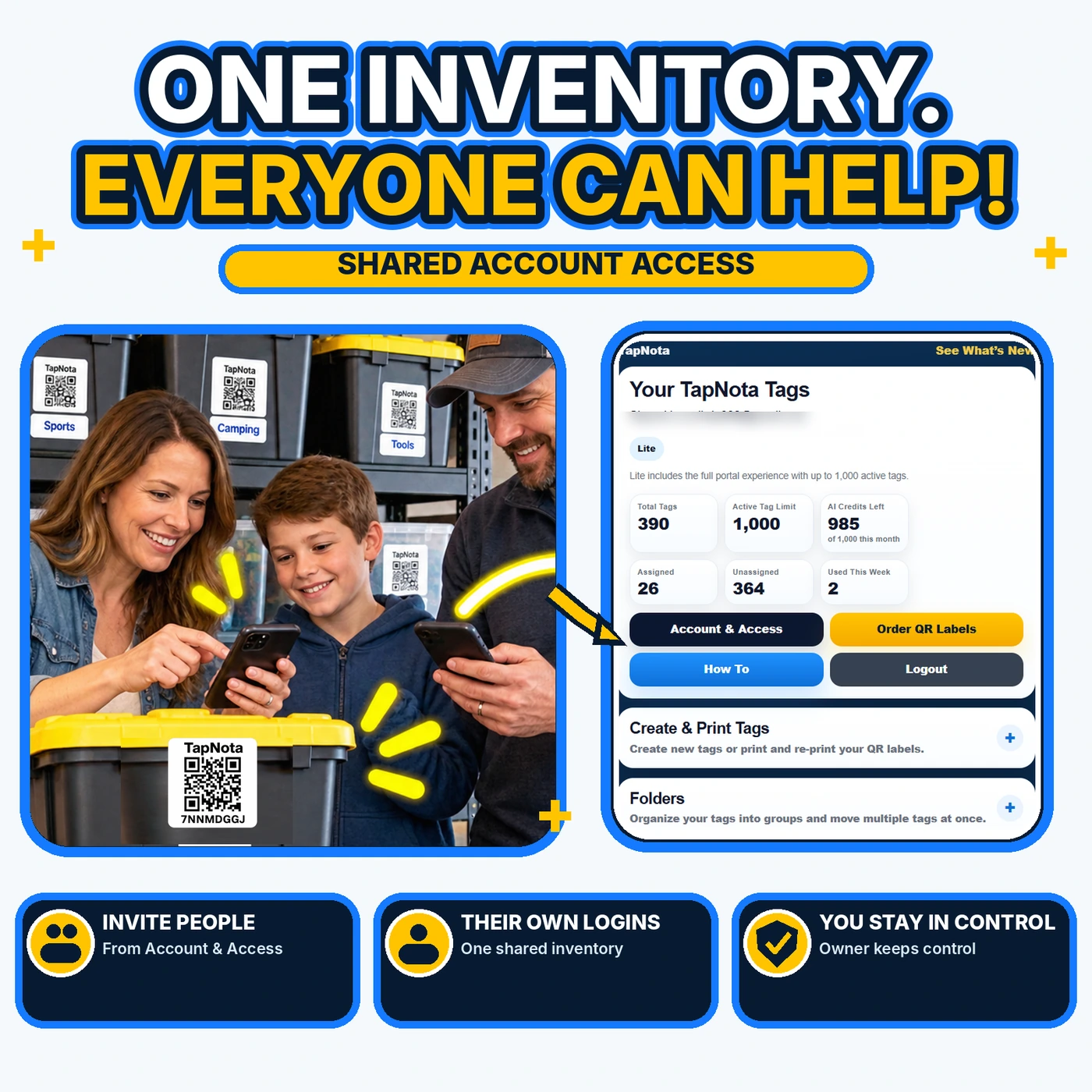
- Invite family members or friends via the Account & Access section to create their own login for your shared inventory.
- Each invited user logs in independently to view, add, or edit item records.
- The owner monitors activity and manages user invitations and permissions as needed.
Shared Account Access for Business and Team Use
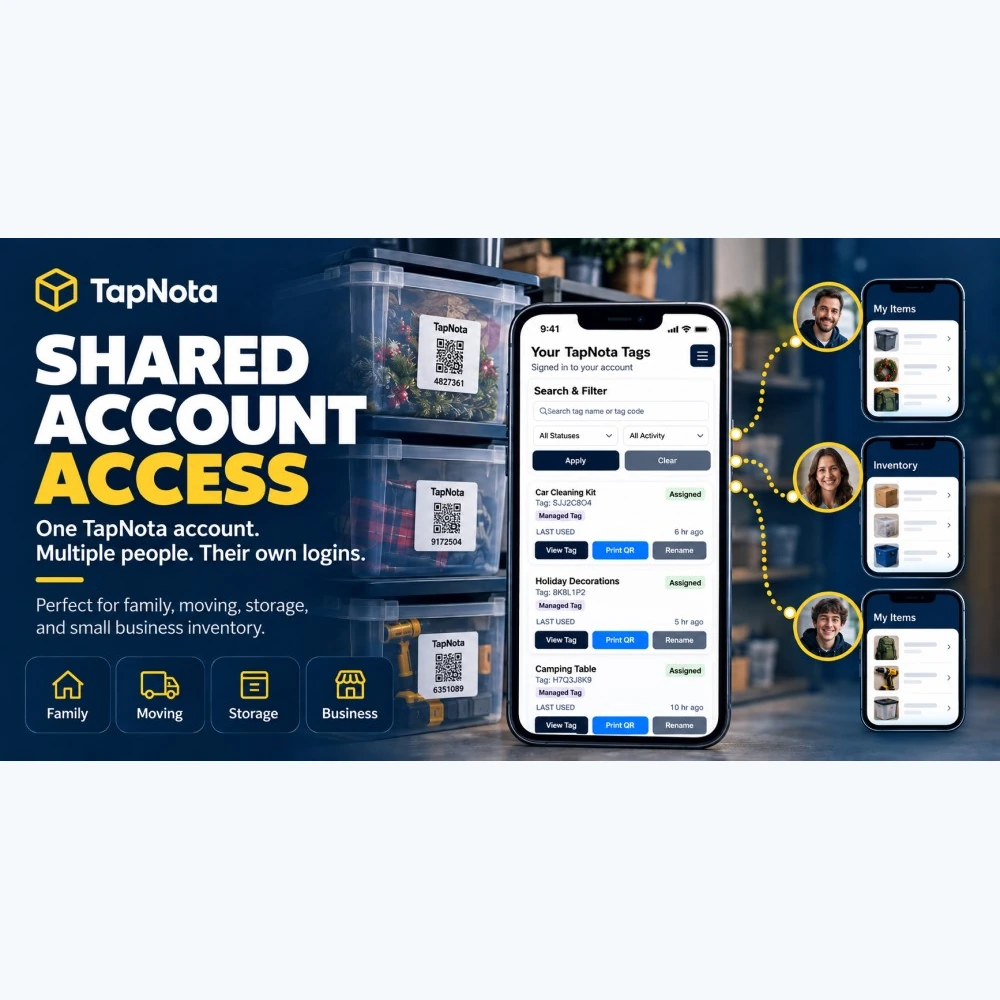
TapNota’s Shared Account Access is equally powerful for small businesses and teams managing tools, office supplies, or warehouse stock. Managers, staff, and team members can each have their own login to track inventory, update item status, and print QR labels without delays or bottlenecks.
This decentralized approach keeps business operations agile. For example, a warehouse worker can mark items as shipped, while a manager reviews inventory levels remotely. Staff can locate tools or equipment quickly, reducing downtime and loss.
Benefits for Business Environments
- Stay in Sync: Everyone accesses the same real-time inventory data.
- Find What You Need: Team members can search and locate items without physical labels.
- Access Control: Staff logins keep records secure and accountable.
- Print and Reprint QR Labels: Easily generate or replace labels from the portal.
Why TapNota’s Shared Account Access Stands Out
Unlike traditional inventory systems or simple QR label stickers, TapNota integrates physical labels with a robust, searchable online portal that supports multiple users seamlessly. Some standout features include:
- One Label, One Item Page: The QR code on each label connects to a unique, editable Item Page that evolves over time.
- Powerful Search: Search your entire inventory by item name, notes, tags, or folder even without scanning physical labels.
- AI Identification (Optional): Use AI to suggest item contents from photos, speeding up record creation.
- Sharing Flexibility: Share individual items publicly or privately, or invite users for full account access.
- No App Required: TapNota works entirely via web browsers, no app installation needed.
These capabilities make TapNota ideal for households, moving projects, small businesses, and collaborative teams seeking an organized, transparent inventory system.
Getting Started with TapNota Shared Account Access
To begin, purchase a pre-coded label pack from TapNota and activate it with a single scan and email verification. Then, set up your inventory by attaching labels to your items and adding details via the web Portal. Invite your family or team members to join your account with their own credentials. From there, everyone can contribute to keeping your inventory accurate and accessible.
For more on activating your TapNota pack and managing your inventory, see How to Activate TapNota Pack with One Simple Scan and How QR Asset Tracking Works with Digital Item History.
TapNota’s Shared Account Access truly transforms how groups organize, track, and share their belongings—making inventory management a collaborative, simple, and secure experience.
Frequently Asked Questions
What is TapNota Shared Account Access?
TapNota Shared Account Access allows multiple users to access and manage one TapNota inventory account with their own unique logins, enabling collaboration while the owner retains control.
Can family members update the inventory independently?
Yes, each invited user can log in separately to view, add, or edit item records, ensuring the inventory stays current and accurate.
Is there a limit to how many people can be invited to a shared TapNota account?
The number of shared account users depends on your TapNota plan. Paid plans typically support multiple users, while the free Starter tier may have limitations.
Does TapNota require installing an app for shared access?
No, TapNota works entirely through a web browser. Users do not need to install any app to access shared inventories.
Can shared users print or reprint QR labels?
Yes, users with shared account access can print or reprint QR labels directly from the TapNota web Portal.


