













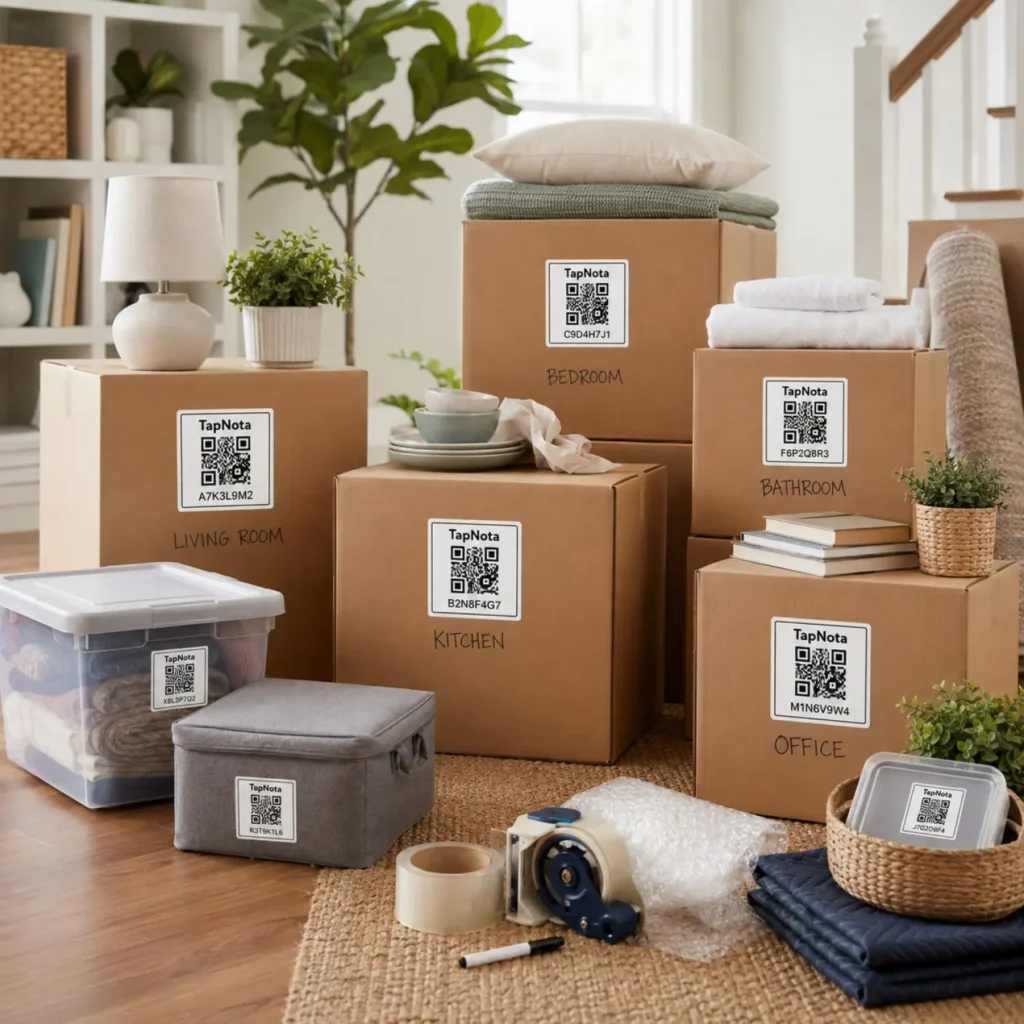
Moving can be a stressful and chaotic process, especially when it comes to keeping track of what’s packed in each box. Traditional handwritten labels or generic checklists often fall short when you need to quickly find a particular item or verify the contents of a box without opening it. TapNota offers a smart solution by combining physical QR labels with a dynamic digital inventory system that evolves as you pack, move, and unpack.
Why Tracking Moving Box Contents Matters
When you move, every box represents a container of valuable belongings. Without proper tracking, you risk losing time searching for essentials, damaging fragile items through careless unpacking, or even misplacing boxes. A detailed, accessible inventory saves time and stress during both packing and unpacking phases.
How TapNota Simplifies Moving Box Inventory
TapNota is not just a QR sticker or a spreadsheet; it is a physical-to-digital record system that links each moving box to a unique, editable online Item Page. Here’s how it works:
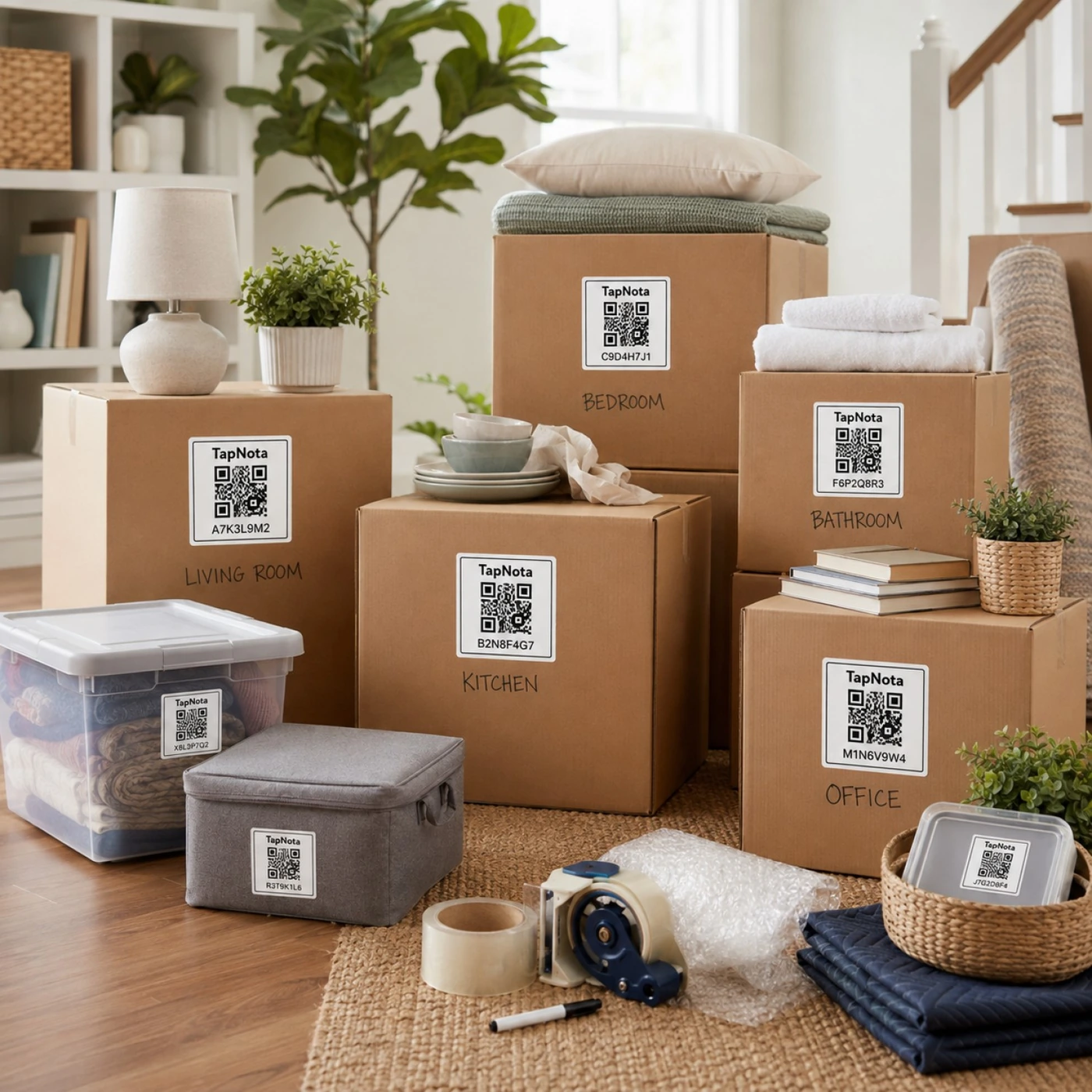
- Attach a pre-coded TapNota QR label to each box. The label is linked to a unique web-based Item Page.
- Scan the QR code with any smartphone or device to open the Item Page instantly.
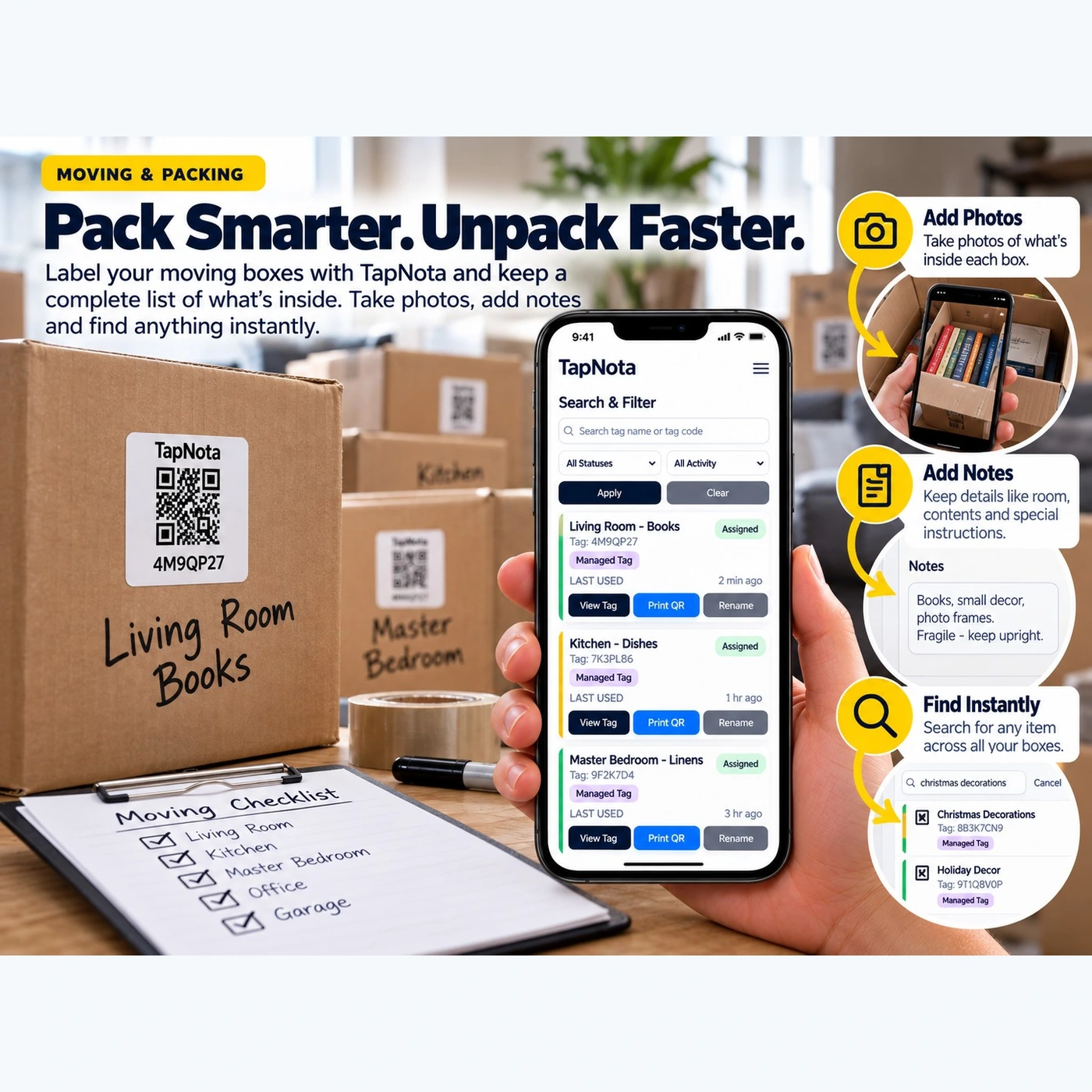
- Add detailed information like box name, contents list, notes, photos, manuals, serial numbers, or special instructions.
- Update the record anytime as you pack or unpack without changing the physical label.
- Search your entire inventory through the TapNota web Portal by names, notes, tags, or folder groupings — no need to have the box or label physically present.
Step-by-Step Guide to Tracking Your Moving Boxes with TapNota
Follow these practical steps to pack smarter and unpack faster:
- Activate your TapNota pack by scanning any label and verifying your email. This links the entire pack to your account instantly.
- Label each moving box with a TapNota QR code. Write the room or category (e.g., Kitchen, Living Room Books) on the box for quick visual reference.
- Scan the QR code on each box to open its Item Page.
- Add a descriptive title such as “Kitchen Box” or “Master Bedroom Linens.”
- List the contents in the Item Page notes or item list. Include details like fragile items or special handling instructions.
- Take photos of the box contents before sealing it. Upload these photos to the Item Page for visual reference.
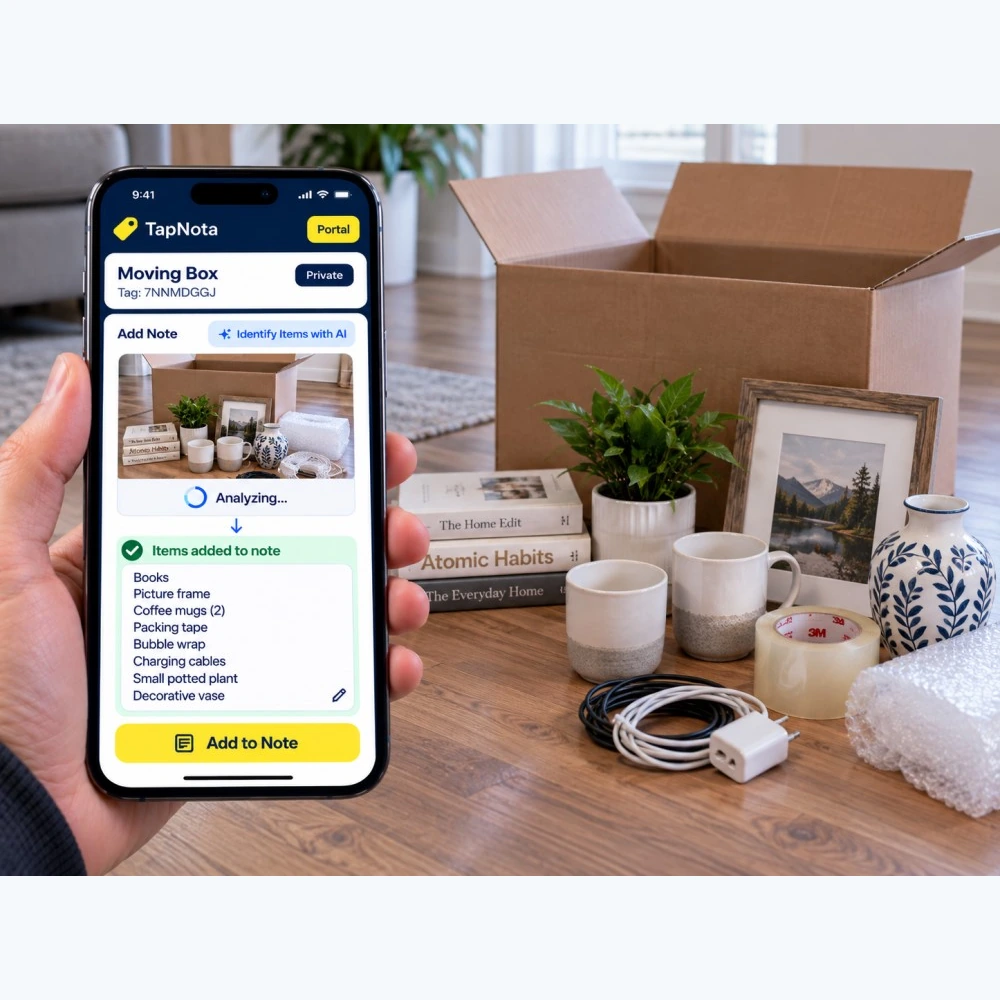
- Optionally use AI identification to help generate an initial list from a photo of visible contents. Review and edit the AI suggestions before saving.
- Repeat for all boxes and organize them by folders or tags for easy filtering in the Portal.
- During unpacking, search or scan to instantly find what’s inside each box without opening it.
Benefits of Using TapNota for Moving
- Save time and reduce stress: Quickly locate boxes with needed items by searching your inventory from anywhere.
- Protect fragile items: Add notes about handling and packing details visible on the Item Page.
- Keep evolving records: Update contents or condition after unpacking or during storage without changing labels.
- Share access securely: Share individual Item Pages or invite family members to collaborate with separate logins.
- Print or reprint labels: Easily replace damaged QR labels without losing the linked data or history.
Tips for a Smooth Moving Box Inventory
- Use consistent naming conventions for boxes and folders, like “Room – Contents” for clarity.
- Group related boxes in folders by room or category for faster searching.
- Regularly update notes if you add or remove items after the initial packing.
- Make use of the TapNota Portal’s search and filter tools to find items by keywords, tags, or status.
- Consider PIN protection for sensitive boxes if your plan supports it.
Conclusion
Tracking moving box contents with TapNota transforms the moving experience from chaotic to organized. By linking physical boxes to detailed, searchable digital records, you gain control over your inventory, reduce unpacking time, and protect your belongings. Whether you’re moving locally or long-distance, TapNota’s smart QR labels and intuitive Portal provide a reliable, scalable system for managing your move with confidence.
For more on labeling moving boxes and organizing your move, explore Smart Moving Box Labels for Easy Organization and Keep Track of Moving Boxes with QR Labels.
Frequently Asked Questions
Do I need to scan each TapNota label to activate it?
No. Scanning and verifying your email with any one label in a purchased pre-coded pack activates the entire pack for your account, so you don’t need to activate each label individually.
Can TapNota automatically identify contents inside a closed box?
No. TapNota’s AI identification requires a photo of visible items before packing or while the box is open. It cannot see through closed containers, and AI suggestions should always be reviewed and edited.
Is a dedicated app required to use TapNota?
No. TapNota works through scanning QR codes with any device browser and managing your inventory via the web Portal. There is no dedicated app to install.
Can I share my moving box inventory with family members?
Yes. You can share individual Item Pages via revocable links or invite family members to join your account with their own credentials for collaborative management.
What happens if a QR label gets damaged during the move?
You can easily print and replace a damaged QR label from the Portal without losing the linked Item Page or its history.


