













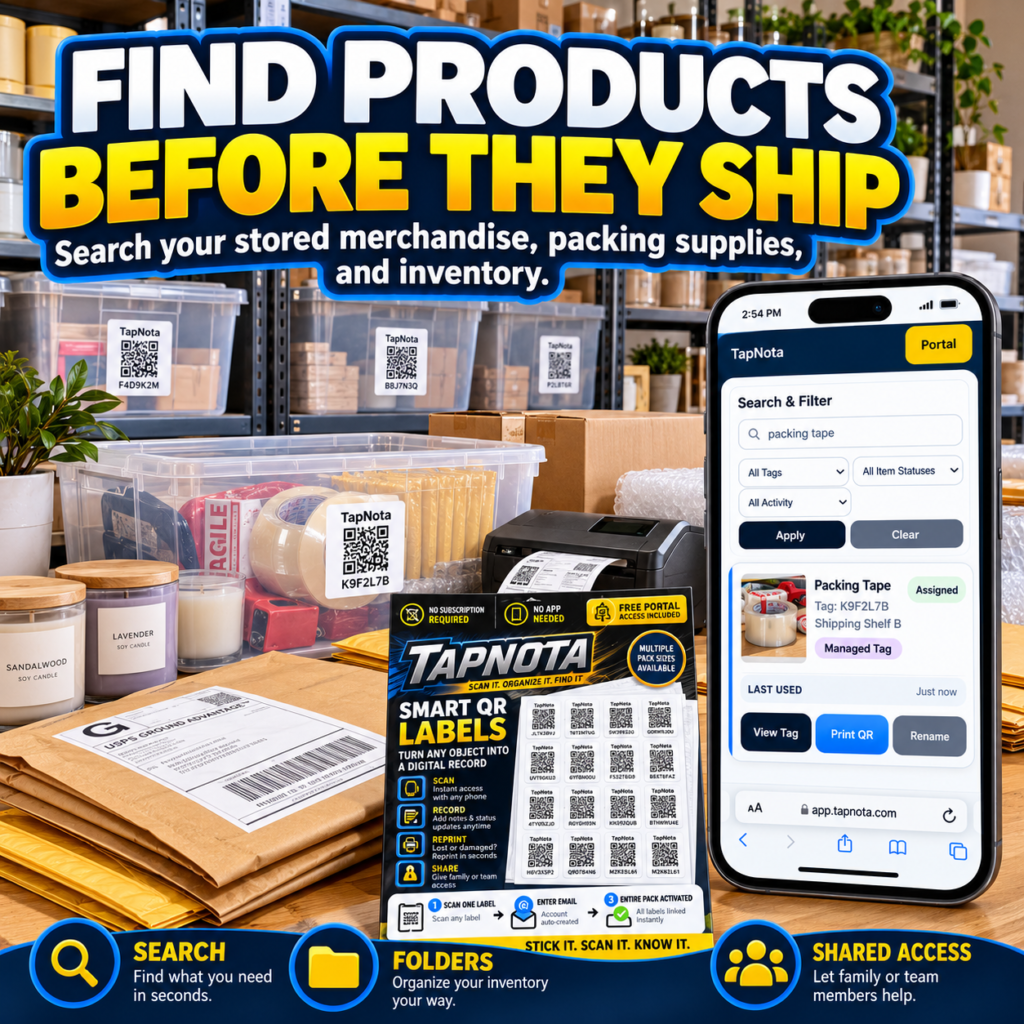
Shipping products efficiently requires knowing exactly what you have in storage, where it is located, and its condition. For businesses and home-based sellers alike, the challenge is often locating merchandise, packing supplies, or inventory quickly and accurately before an order ships. TapNota offers a smart solution that combines physical QR labels with a dynamic digital record system to help you find products before they ship—saving time, reducing errors, and improving organization.
How TapNota Works for Shipping Preparation
TapNota’s system is built around pre-coded smart QR labels that you attach to any object, bin, or shelf. Each label links to a unique, evolving Item Page accessible through the TapNota web Portal. This is not just a QR sticker or spreadsheet—it’s a physical-to-digital connection that lets you scan and instantly access detailed records about the item or container.
When you receive a pack of TapNota labels, you activate the entire pack with a single scan and email verification. This means all labels in that pack are ready for use right away—no need to activate each one individually. Once attached, scanning a label opens its Item Page where you can add a name, notes, photos, serial numbers, instructions, condition details, and more. This record can be updated over time without changing the physical label.
Searching Your Inventory Without Scanning
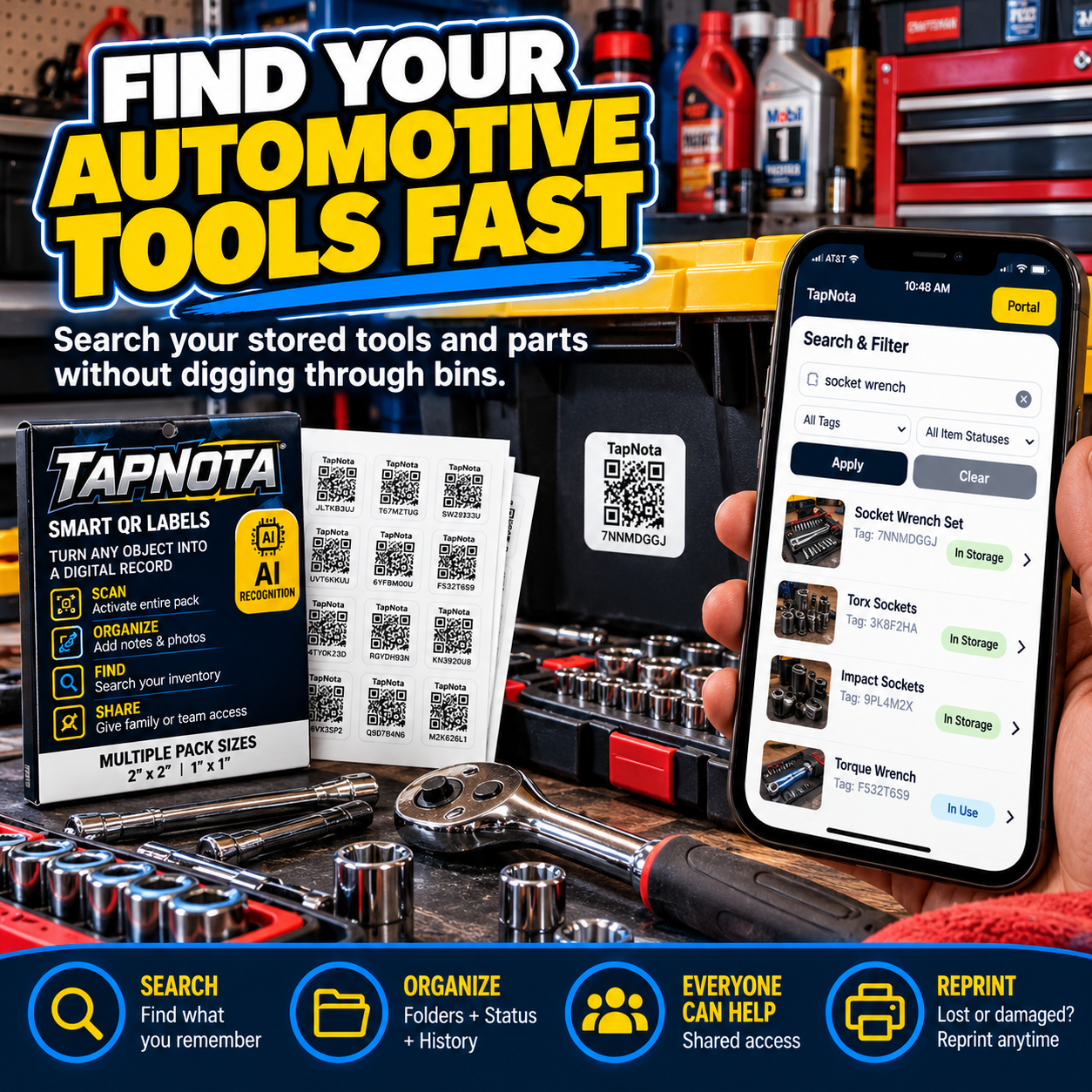
One of TapNota’s key advantages is that you don’t need the physical label in hand to search your inventory. The TapNota Portal offers a powerful search function that lets you find items by name, notes, tags, or folder groupings. For example, you can search for “packing tape” and immediately see which bin or shelf holds it, even if you’re not physically near the label. This feature is invaluable when preparing shipments and ensures you can locate packing supplies or merchandise quickly.
Folders and item status indicators help you organize your inventory logically. You might group bins by product category, packing supplies, or shipping priority. Item Status shows whether an item is in storage, in use, loaned out, or missing, giving you a real-time snapshot of your inventory availability.
Sharing Access for Team Efficiency
Shipping often involves multiple people. TapNota supports shared account access so family members, helpers, or team members can log in with their own credentials to collaborate on the same inventory. The owner controls membership and administration, ensuring secure and organized teamwork. This is especially helpful for small businesses or home operations where several people may be involved in packing and shipping.
Reprinting and Managing Labels
Damaged or lost QR labels are no problem. The TapNota Portal lets you reprint any label without losing the linked Item Page or its history. This keeps your records intact and reduces downtime during busy shipping periods.
Example: Preparing to Ship Orders
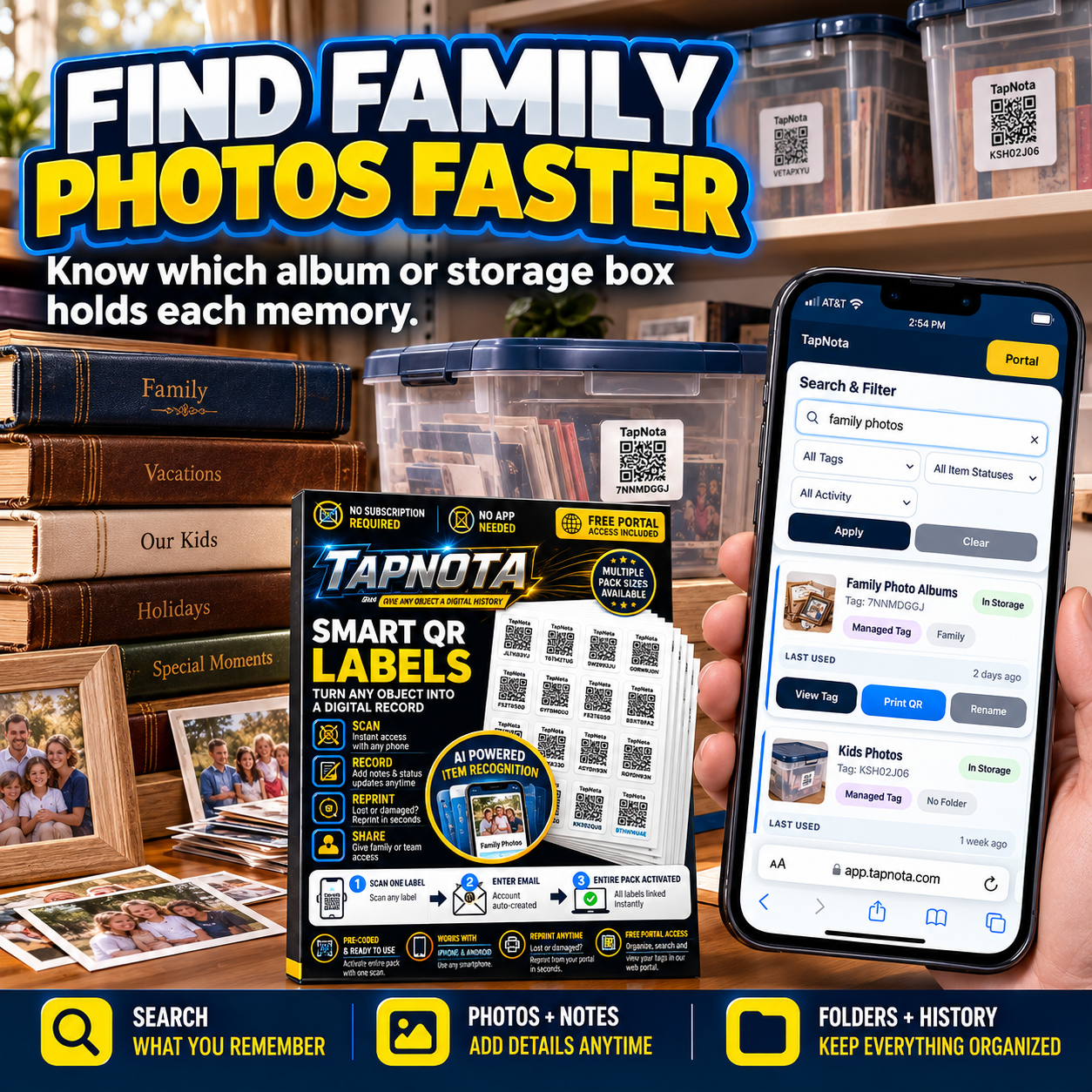
Imagine you run a small e-commerce business shipping handmade goods. You use TapNota labels on your inventory bins and packing supply shelves. When an order comes in, you:
- Open the TapNota Portal and search for the product name or SKU.
- Find the exact bin or shelf where the item is stored.
- Check the Item Page for condition notes or serial numbers if needed.
- Locate packing tape, bubble wrap, or boxes by searching packing supplies in the Portal.
- Assign status updates like “in use” or “shipped” on the Item Pages.
- Share access with your packing team so everyone stays informed.
This streamlined workflow reduces time spent digging through storage and prevents shipping errors.
Additional Benefits of TapNota for Shipping
- AI Identification: Optional AI-powered photo recognition helps you create initial item lists when packing or stocking inventory.
- Permanent Photos and Notes: Add photos or detailed notes anytime for clarity on item contents or instructions.
- Activity History: Track changes and status updates over time to manage inventory lifecycle.
- Multiple Pack Sizes: Choose from 2×2 inch or mini 1×1 inch labels depending on your needs.
- No App Required: Use any smartphone or browser to scan and manage your inventory without installing an app.
Getting Started with TapNota for Your Shipping Needs
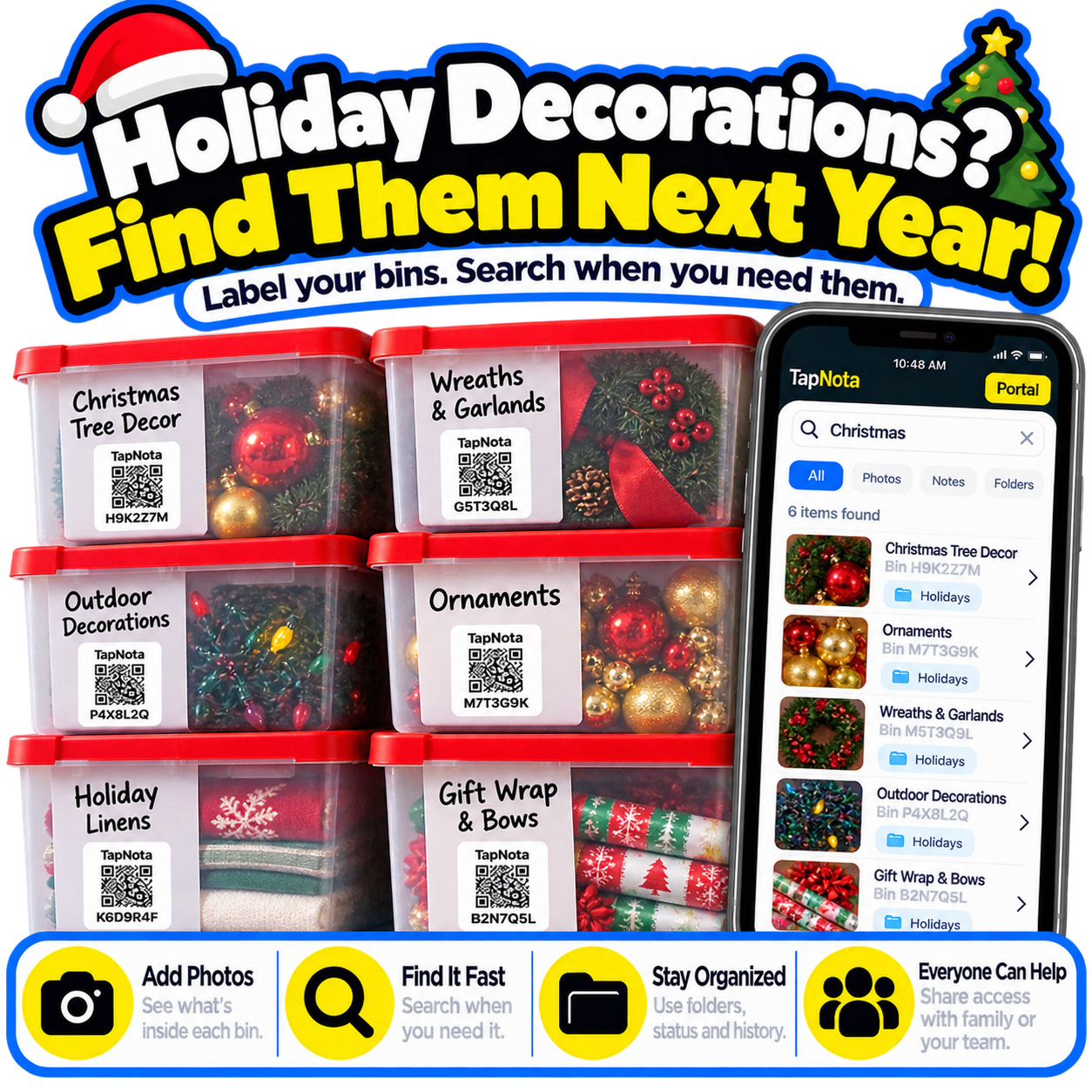
To start, order a pack of pre-coded TapNota smart QR labels from the TapNota order page. After activating your pack, label your storage bins, shelves, or packing supply containers. Use the TapNota Portal to add detailed item information and organize your records with folders and tags. Train your team to use the shared access feature for collaboration.
For more detailed guidance, check out the How to Find Things in Storage and Moving Box Inventory pages to see how TapNota can fit into your workflow.
With TapNota, you can finally find products before they ship—making your packing and shipping process faster, more accurate, and less stressful.
Frequently Asked Questions
Do I need to scan every label to activate my TapNota pack?
No. You only need to scan one label and verify your email to activate the entire purchased pack. Subsequent packs can be activated with the same email to add them to your Portal.
Can I search my inventory without having the physical labels nearby?
Yes. The TapNota Portal allows you to search item names, notes, tags, and folders directly without scanning any label.
Is there a mobile app required to use TapNota?
No. TapNota works through any smartphone or browser without needing to install a dedicated mobile app.
Can multiple people access and update the inventory?
Yes. TapNota supports shared account access where authorized family, helpers, or team members can log in with their own credentials to collaborate.
What happens if a QR label gets damaged or lost?
You can reprint the label anytime from the TapNota Portal without losing the linked Item Page or its history.


