
Activate the Entire Pack Once
Scan any label in the purchased pack, enter and verify your email, and TapNota connects the whole pack to your account.
You do not activate every label separately.

TapNota connects a physical item to its own searchable digital Item Page with a smart QR label. Activate a purchased pack once, attach a label, save the details that matter, and use the Portal whenever you need to search, update, share, or reprint the record later. No app is required.
The key idea is simple: the QR label stays on the physical object while the connected Item Page can keep changing over time.
Scan any label in the purchased pack, enter and verify your email, and TapNota connects the whole pack to your account.
You do not activate every label separately.
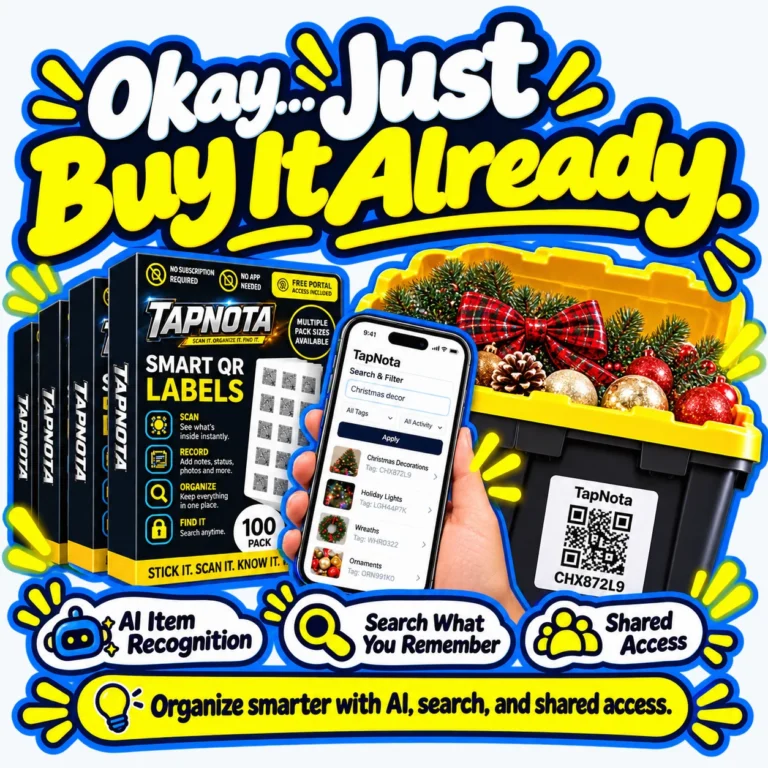
Original 2" × 2" labels and compact 1" × 1" Minis use the same TapNota system.
Place a label on a storage bin, moving box, tool, shelf, case, piece of equipment, document container, or nearly anything you want to identify later.
Add a useful name, notes, permanent photos, contents, model or serial numbers, condition, instructions, Item Status, or other details.
Open the Portal to find items by name, note text, folder, or tag code — even when the physical QR label is not in front of you.
When you are signed in, open the Item Page and use Identify Items with AI. TapNota can identify visible items from a photo and place the result into the Note box for you to review and edit before saving.
An Item Page manages one connected physical item. The Portal manages the entire account.
Invite approved family members, friends, helpers, or team members. Each person uses their own TapNota login while working inside the same inventory.
The account owner keeps control of billing, subscription, ownership, and member administration.
Different from sharing one Item Page: Shared Account Access gives an approved member access inside the account. An Item Page share link only shares that specific record.
Choose the level of access that makes sense for each Item Page. Normal QR scanning does not require a PIN unless you choose to add one.
Know what is inside bins, boxes, totes, closets, shelves, and seasonal storage.
Document appliances, valuables, keepsakes, furniture, electronics, and household belongings.
Keep serial numbers, service notes, condition, instructions, and repair history with the item.
Organize supplies, equipment, inventory, cases, rental items, and team-managed assets.
Open the Portal to manage your inventory, try the live demo, or visit the full How To Use page for more detailed help.
Choose original 2" × 2" labels or compact TapNota Minis 1" × 1" labels.
Smart QR labels for storage bins, boxes, and home inventory.
Buy on Amazon →
Great for larger home organization and storage projects.
Buy on Amazon →
Larger pack for bulk labeling and bigger spaces.
Buy on Amazon →
Compact QR labels for small items and tight spaces.
Buy on Amazon →
More Mini labels for organizers, containers, tools, and gear.
Buy on Amazon →
Bulk Mini QR labels for detailed organization.
Buy on Amazon →Home » Storage Bin Organization
Discover storage bin organization ideas, QR code labels for storage, and practical ways to organize plastic totes, shelves, and storage rooms. Learn how to label containers, create searchable inventory records, and find stored belongings without opening every box.
Find useful projects, straightforward tutorials, and real ways to organize with smart QR labels, searchable notes, photos, and item records.

Discover how TapNota’s smart QR labels and digital inventory system let you instantly search what you own, preventing duplicate purchases and streamlining your storage organization.
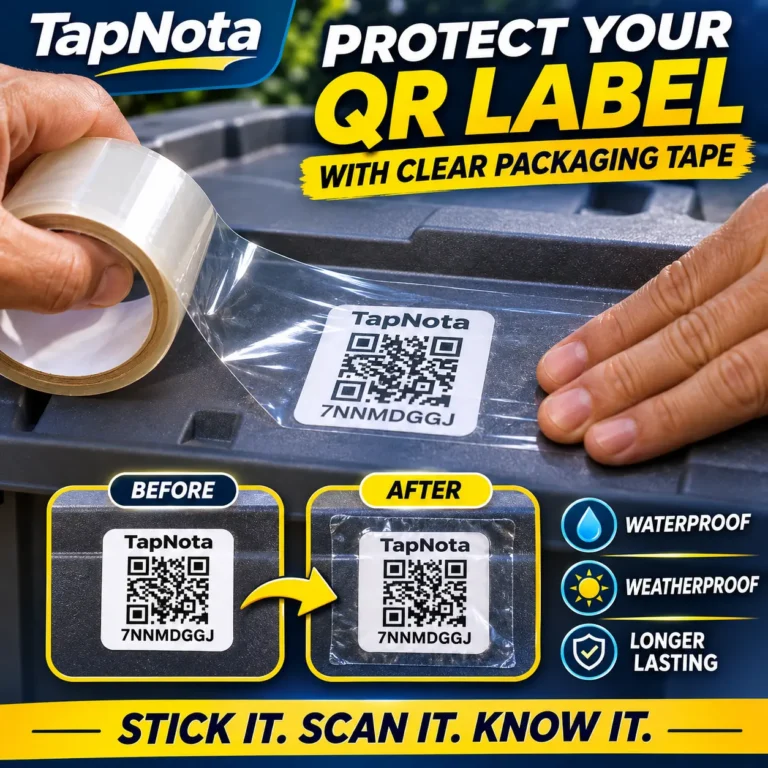
Protect your TapNota AI-Smart QR Storage Labels from moisture, weather, and everyday wear with one simple step. Outdoor storage presents a challenge
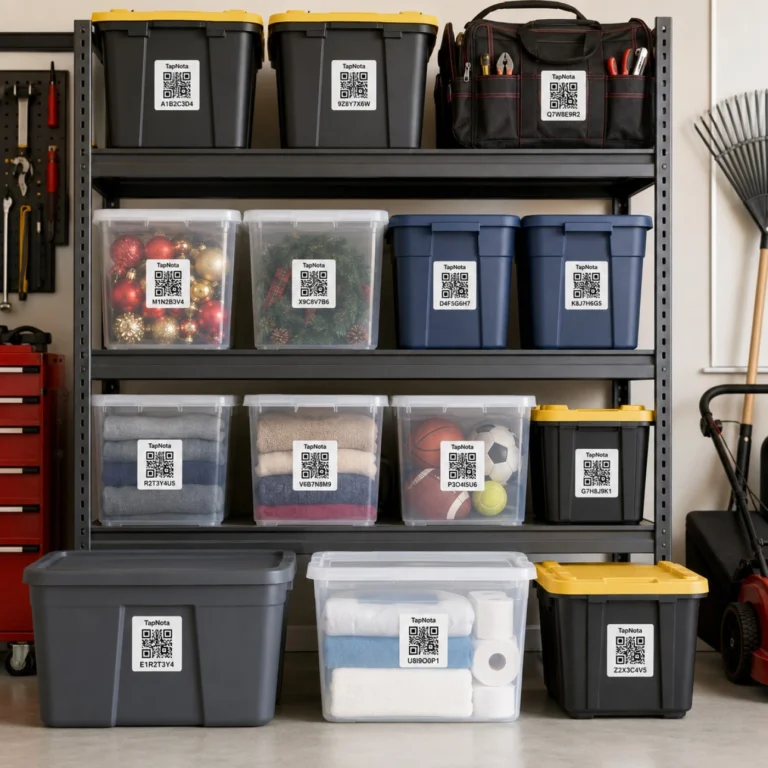
Discover a practical method to organize plastic storage totes using TapNota’s smart QR labels, transforming your bins into searchable, editable digital records for fast retrieval and management.
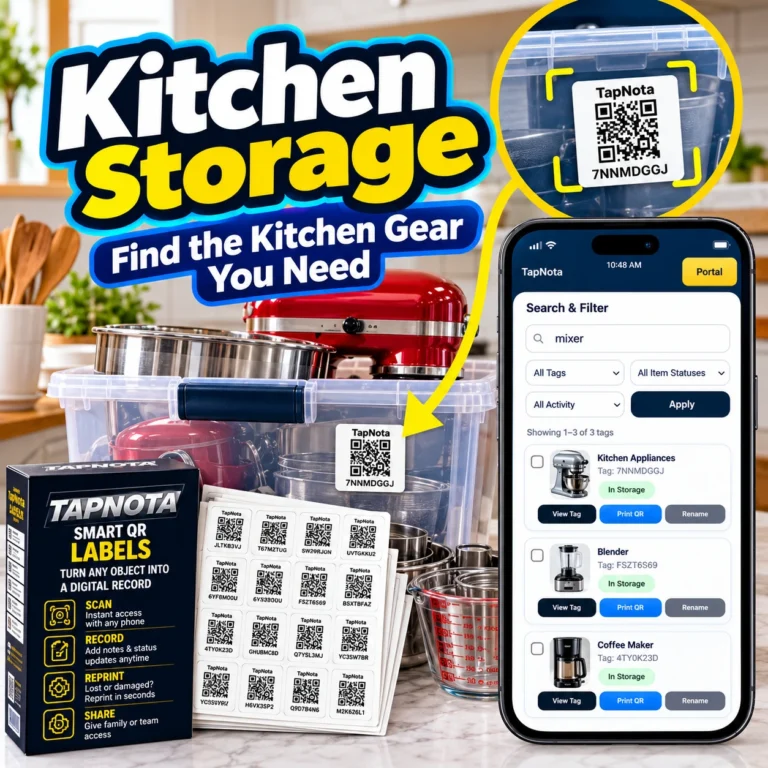
Learn how TapNota’s smart QR labels and web Portal simplify kitchen storage organization by connecting physical bins to digital records, making it easy to find and manage your kitchen gear.
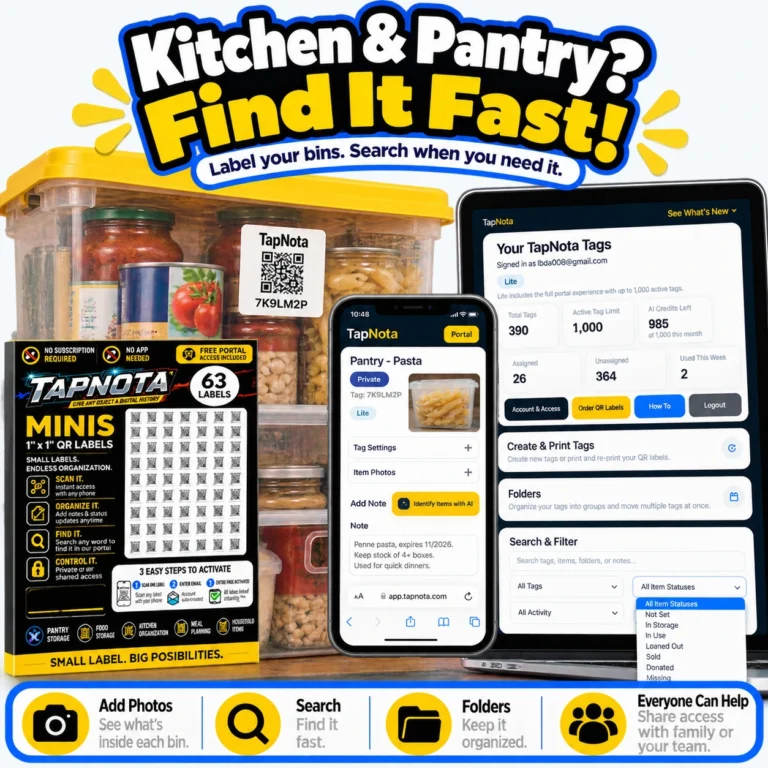
Learn how to transform your kitchen pantry organization with TapNota’s smart QR labels. Easily label storage bins, add photos, search items fast, and share access with family.
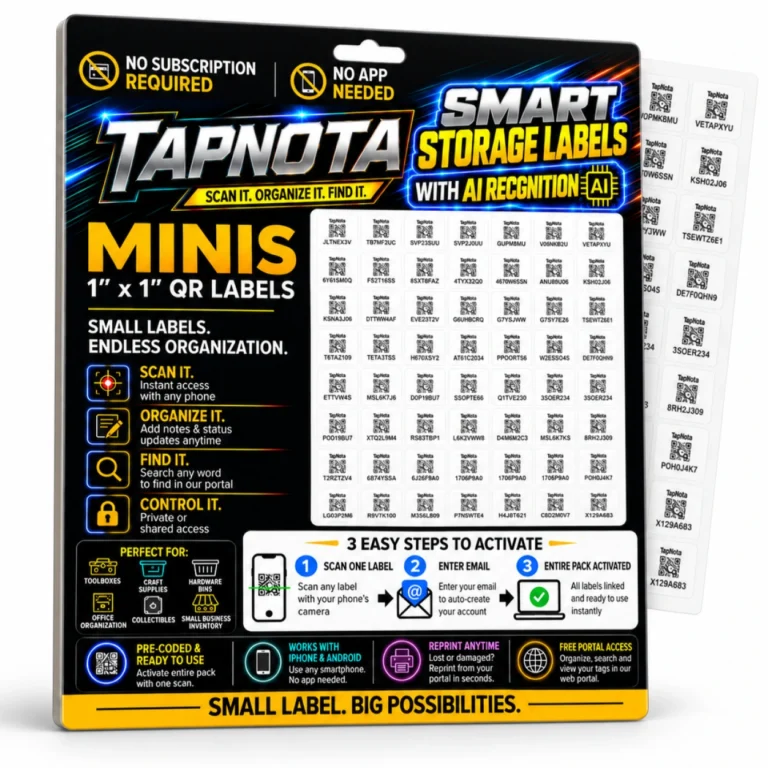
TapNota Mini QR Labels offer a compact, powerful solution for organizing storage bins. Learn how to activate, label, and manage your inventory digitally for fast, searchable access.
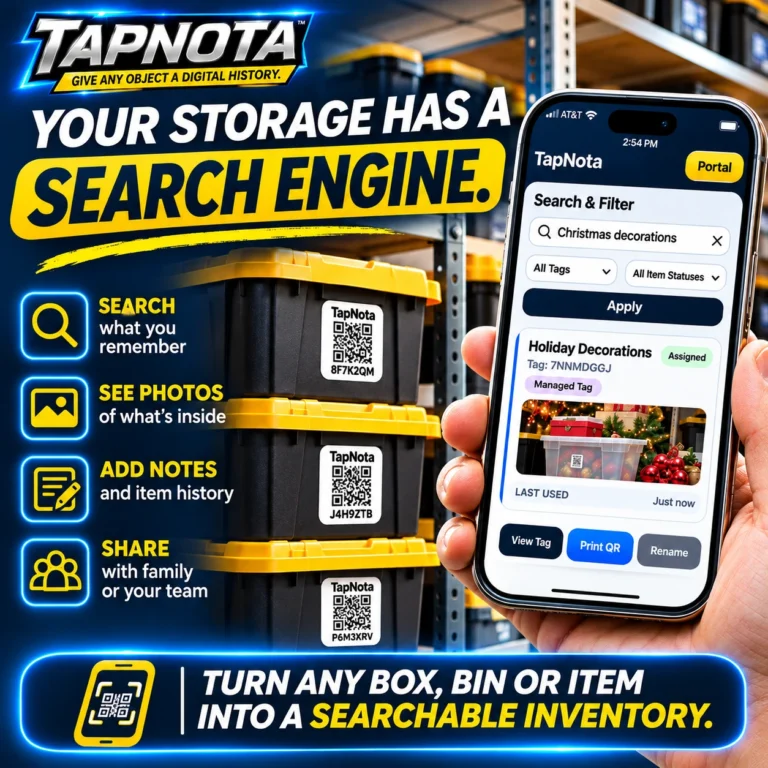
Learn how TapNota transforms your storage bins, boxes, and items into a searchable digital inventory with smart QR labels, enabling quick search, photo viewing, note-taking, and sharing—all without opening every box.
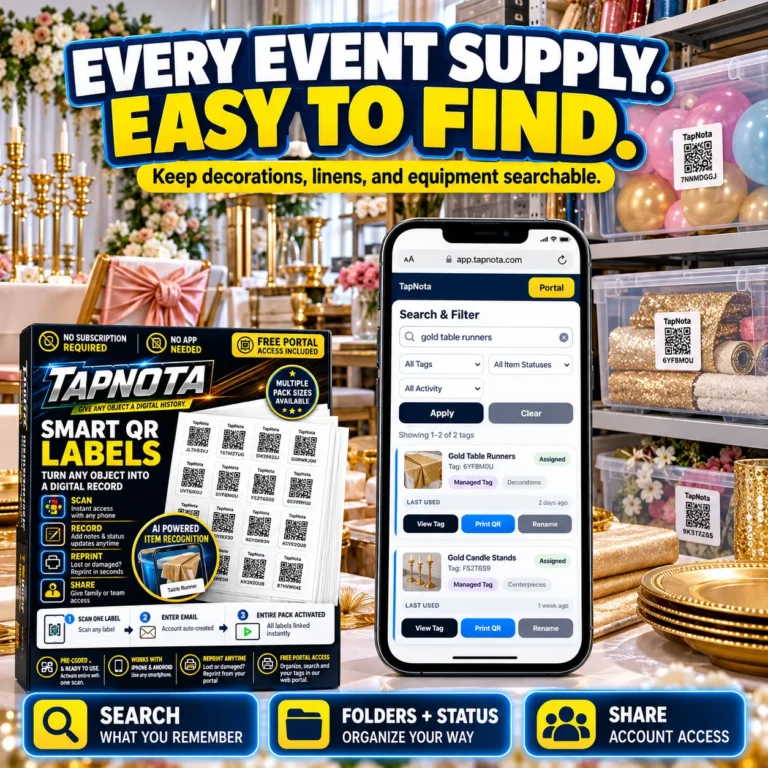
Discover how TapNota smart QR labels transform the way event professionals organize and locate supplies, decorations, and equipment with a searchable digital inventory system.
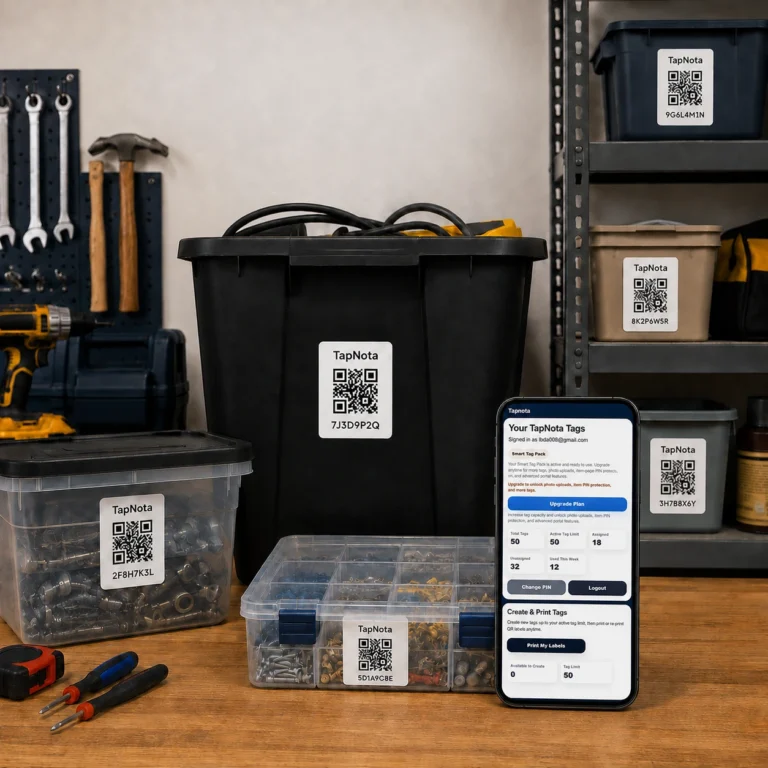
Learn practical steps to organize storage bins using TapNota’s smart QR labels and web Portal. Manage, search, and share digital records linked to physical bins for easy access and inventory control.
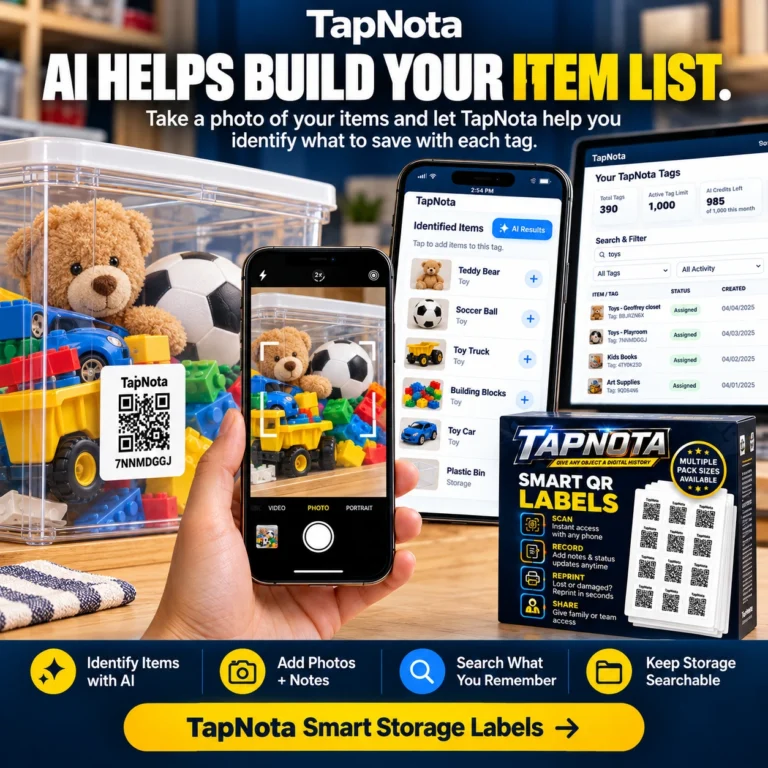
Learn how TapNota’s innovative AI feature helps you snap photos of your storage items and automatically identifies them, streamlining your inventory management and making storage organization smarter and faster.
Explore the tools and techniques behind the guides, from QR storage labels to inventory records you can search and update.
Keep the contents of boxes and bins connected to notes, locations, and photos.
Explore storage solutions → ⌂Create a searchable record of belongings around the house and in storage.
Learn about home inventory → ⚙Manage gear, kits, and equipment with useful, editable digital histories.
Explore equipment tracking →Attach a TapNota label, add photos and notes, then search your inventory when you need it. Start with one drawer, bin, tool, or collection and grow from there.
Need more labels? Buy additional TapNota pre-coded packs on Amazon. Scan one label to activate your entire pack instantly.











