













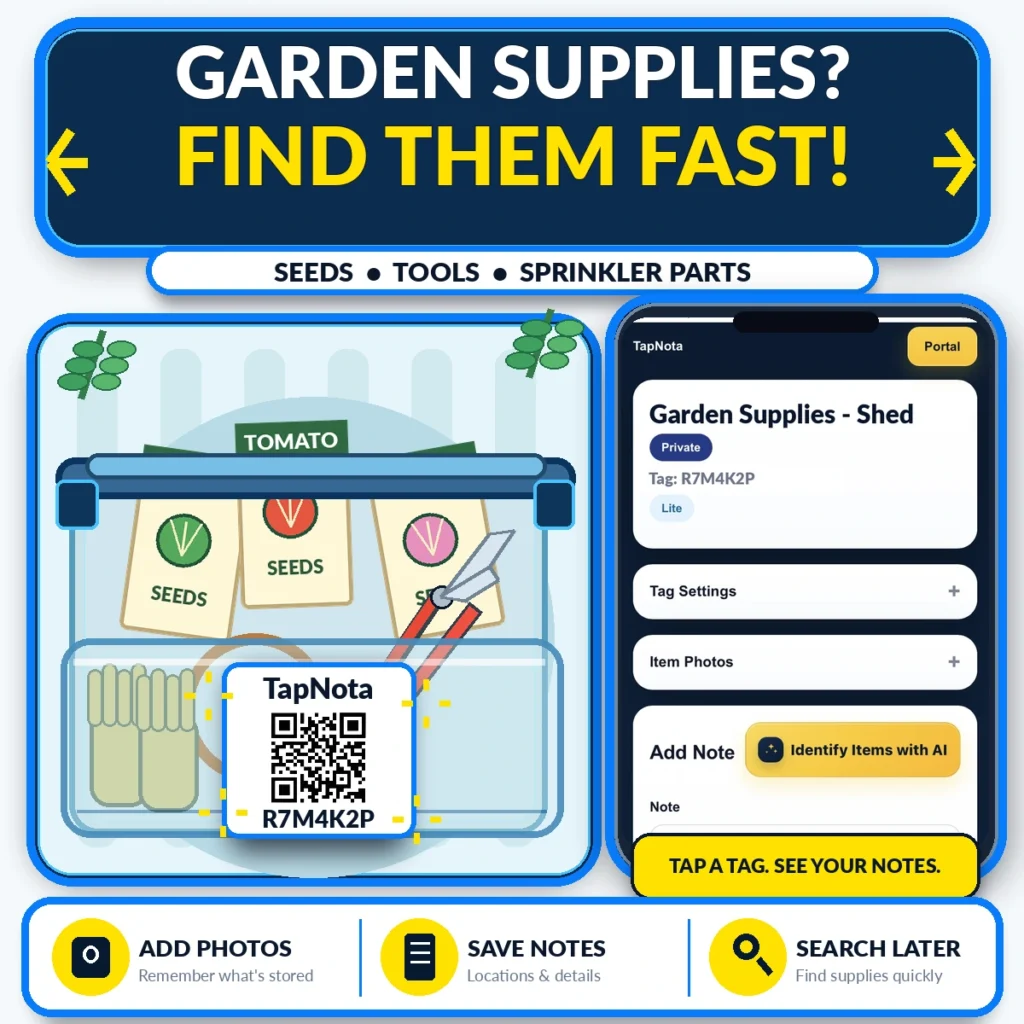
Gardeners know the frustration of hunting for seeds, tools, or sprinkler parts when spring arrives or maintenance is due. TapNota offers a smart physical-to-digital labeling system that transforms how you organize and find garden supplies. By attaching a pre-coded TapNota QR label to any storage bin, box, or container, you create a dedicated, evolving digital Item Page accessible with a quick scan or through the TapNota web Portal.
Why Traditional Garden Storage Falls Short
Many gardeners rely on handwritten labels, mismatched containers, or spreadsheets to track their gardening gear. These methods often lack flexibility and searchability. You might label a bin “Seeds” but forget what types or quantities are inside, or where you stashed your pruning shears. TapNota solves this by linking a physical label to a dynamic digital record that you can update anytime.
Getting Started: Label Your Garden Bins and Tools
Start by attaching a TapNota pre-coded QR label to a garden supply bin, tool box, or seed packet folder. When you scan the label with any smartphone camera, it opens the unique Item Page in your TapNota account. Here you can:
- Add a clear name: e.g., “Tomato Seeds – Shed Bin”
- Save notes: List seed varieties, planting dates, or tool maintenance tips
- Upload photos: Snap pictures of seed packets, tools, or sprinkler parts for quick visual reference
- Record serial or model numbers: Useful for sprinkler system components
This information stays linked to the QR label, so scanning it later brings up all the details instantly. You don’t need to print new labels when contents change—just update the digital Item Page.
Use the TapNota Portal to Search and Manage Your Garden Inventory
The power of TapNota lies in its web Portal, where you manage all your labels and records in one place. You can:
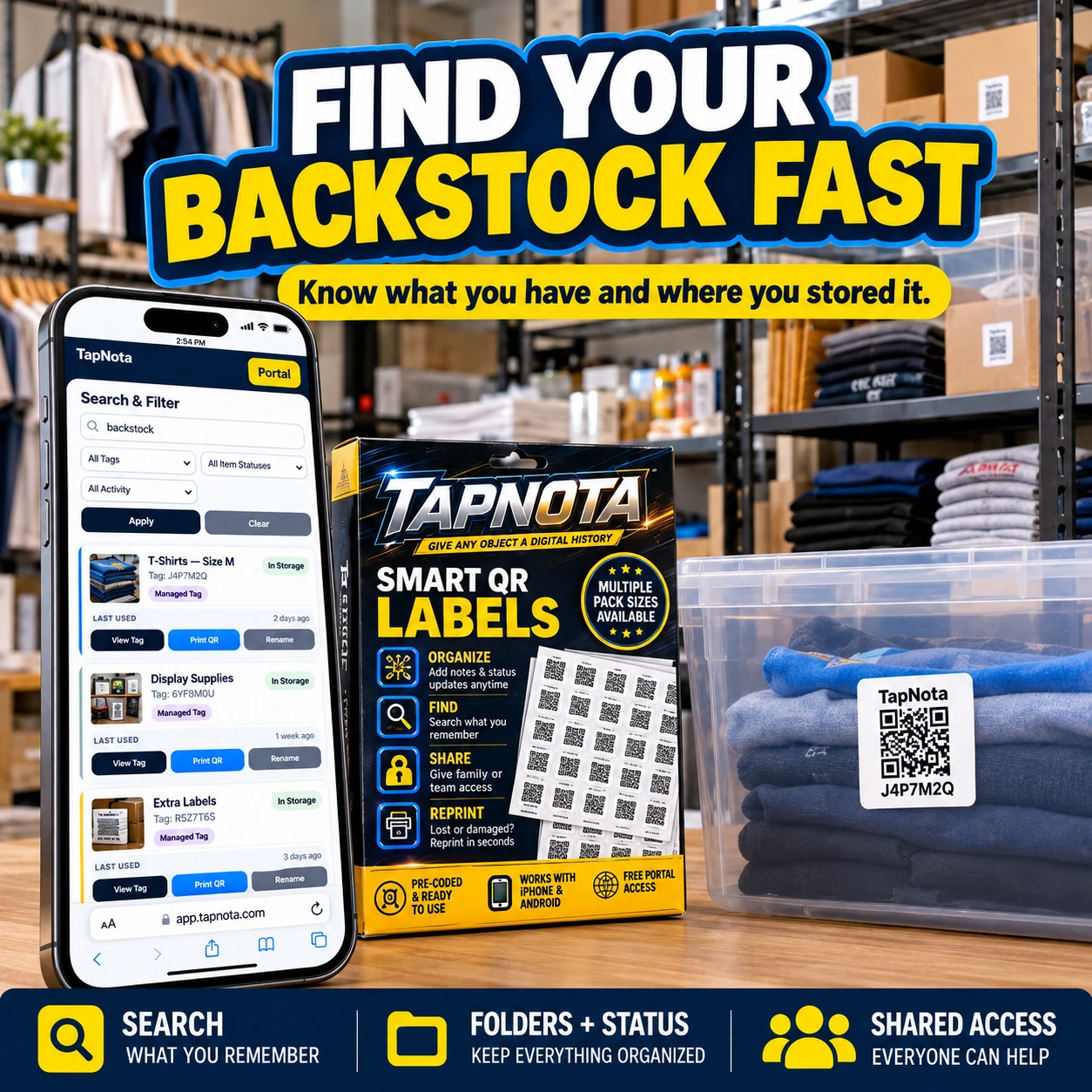
- Search by name or notes: Find “Tomato Seeds” or “hand pruners” without scanning physical labels
- Organize using folders: Group items by category, such as Seeds, Tools, or Sprinkler Parts
- Track item status: Mark supplies as “In Use,” “Stored,” or “Missing”
- Share access: Invite family members or gardening helpers to view or update inventory
This centralized control saves you time and prevents duplicate purchases or lost tools.
Optional AI Identification to Speed Up Note Taking
TapNota offers an AI-powered feature to help identify visible items in photos you take of your garden supplies before packing or storing. The AI suggests a list of items to add as notes, which you can review and edit. This feature requires credits and works best when contents are visible, as it cannot see inside closed containers.
Example Workflow: Organizing Tomato Seed Storage
Imagine you have a plastic bin labeled “Tomato Seeds” with various seed packets and a pair of pruning shears inside. You attach a TapNota QR label to the bin and scan it to open its Item Page. You name it “Garden Supplies – Shed,” add notes listing seed types and pruning tool details, and upload photos of the contents. Later, when you want to plant tomatoes, you search “Tomato Seeds” in the Portal from your phone and immediately find the bin location and contents without digging through multiple boxes.
Benefits Beyond the Garden
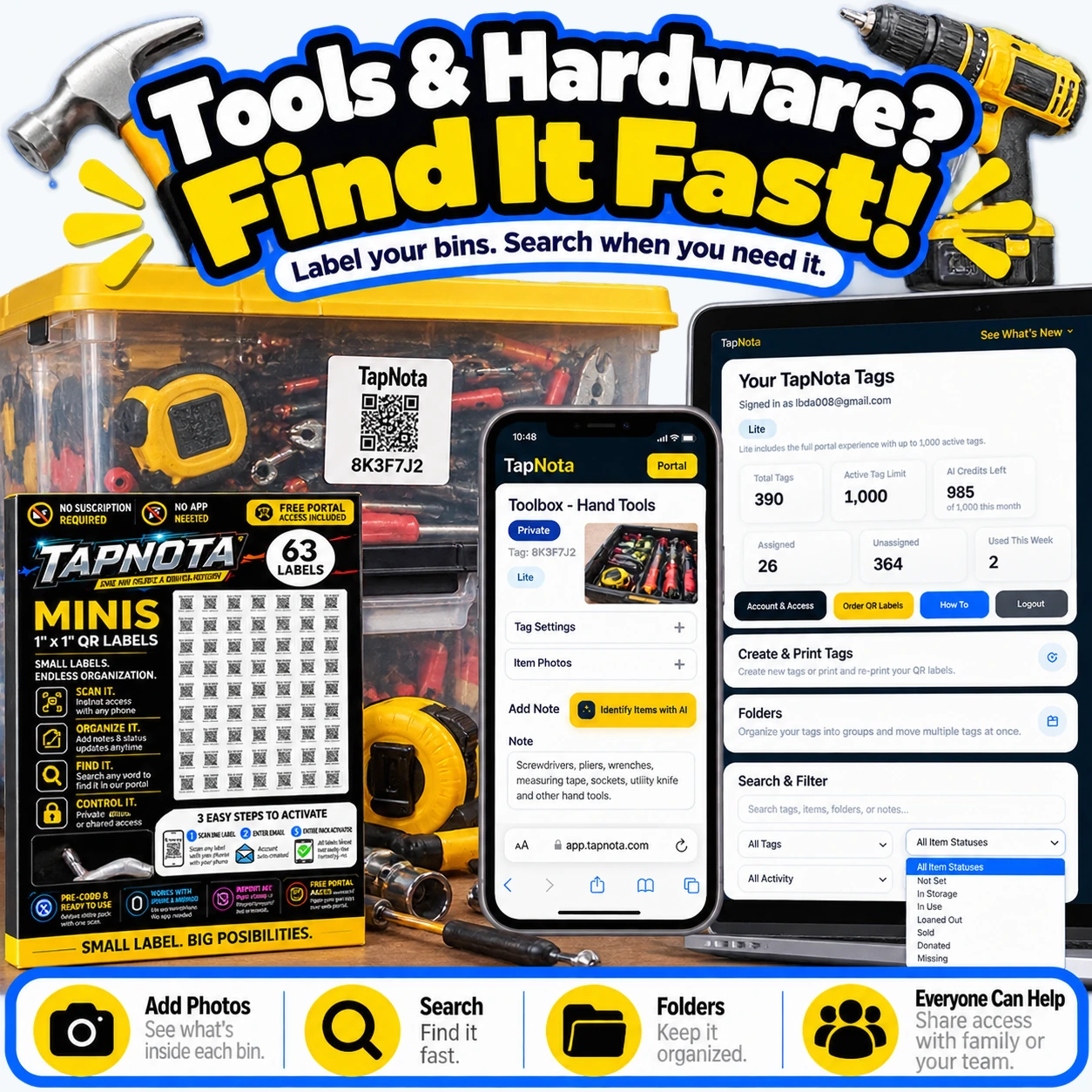
While this article focuses on garden supplies, the same principles apply to other storage areas. TapNota helps you organize garage tools, seasonal decorations, office supplies, and more. The system’s flexibility and searchable Portal make it a versatile solution for any physical inventory.
Tips for Maximizing Your Garden Supply Organization
- Label consistently: Use clear, descriptive names on Item Pages
- Use folders: Group related items like seeds, tools, and irrigation parts for easier browsing
- Keep photos updated: Add permanent photos to document contents for quick visual identification
- Regularly update notes: Record planting dates, tool maintenance, or supply restocking info
- Share access: Let family members or garden helpers collaborate on the inventory
By following these steps, you’ll save time, reduce frustration, and maintain a well-organized garden supply system year-round.
Frequently Asked Questions
Do I need a special app to use TapNota QR labels for garden supplies?
No, TapNota QR labels work with any smartphone camera and a web browser. There is no need to download or install a dedicated app.
Can I update the contents of a labeled garden supply bin after labeling it?
Yes, the TapNota Item Page is dynamic and editable. You can add or change notes, photos, and details anytime without needing a new QR label.
How does the AI identification feature work for garden supplies?
You take or select a photo of visible items in a container, and the AI suggests a list of items to add as notes. You review and edit the list before saving. It does not see inside closed containers.
Can I share my garden supply inventory with family or helpers?
Yes, TapNota supports sharing individual Item Pages via links and also allows shared account access for approved members to collaborate.
What if a QR label gets damaged or lost?
You can reprint the QR label from the TapNota Portal without losing any linked data or history.


