













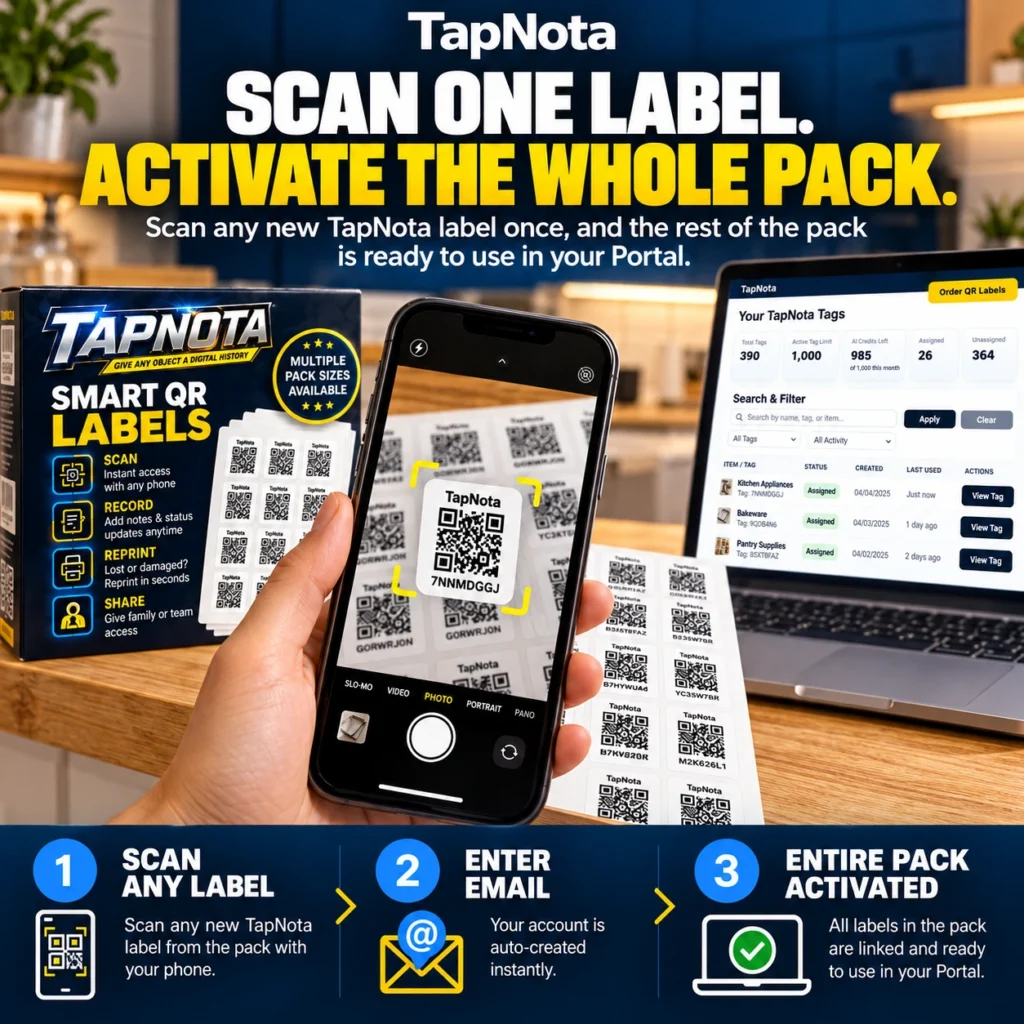
TapNota revolutionizes physical-to-digital inventory management by linking smart QR labels to an evolving digital record system. One of its standout features is the ability to activate an entire pack of labels with a single scan, simplifying setup and saving valuable time.
Understanding TapNota’s One-Scan Activation
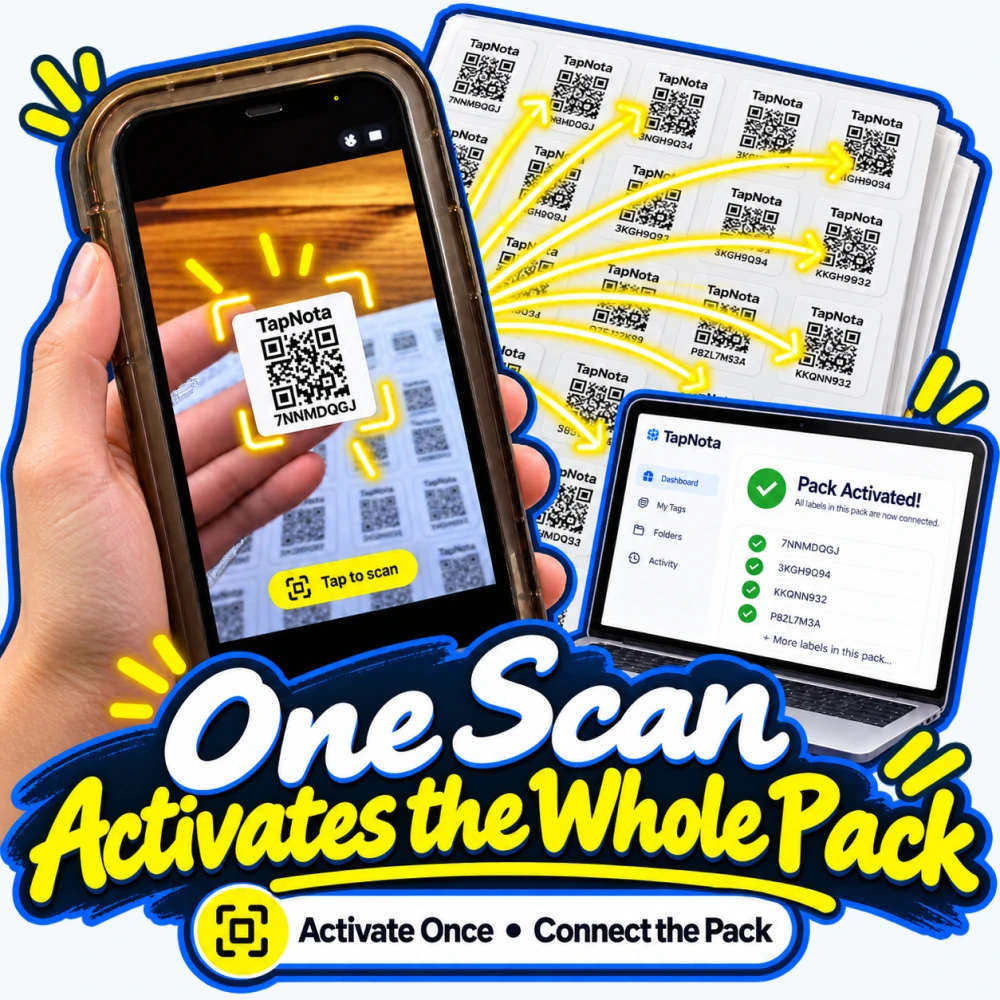
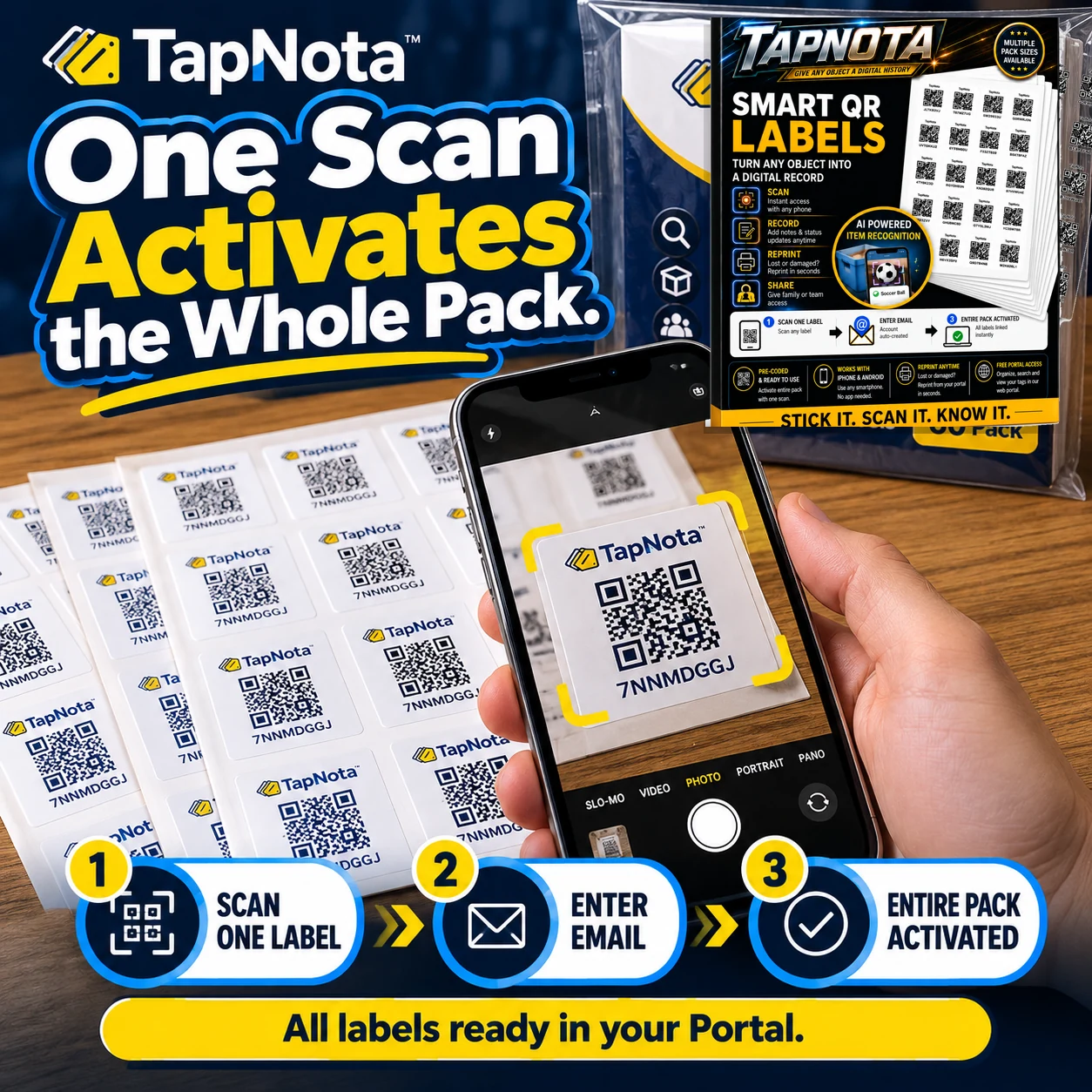
When you purchase a TapNota pack, whether it contains 60, 100, or 200 pre-coded labels, you don’t need to activate each sticker individually. Instead, scanning any one label from the pack with your phone camera is all it takes to link the entire pack to your account.
This process is straightforward:
- Scan Any Label: Use your phone’s camera or any QR code scanning app to scan a new TapNota label from your pack.
- Enter Your Email: You’ll be prompted to enter and verify your email address. This step auto-creates your TapNota account if you don’t have one.
- Pack Activated: Once verified, the entire pack is activated and all labels are linked to your TapNota web Portal, ready for use.
This method eliminates the hassle of activating each label one by one and instantly provides you with a centralized digital inventory system.
Why One Scan Activation Matters
Traditional labeling or inventory systems often require tedious manual entry or individual activation of each tag or label. TapNota’s one-scan activation offers several key advantages:
- Time-Saving: Activate hundreds of labels in seconds by scanning just one.
- Convenience: No need to keep track of which labels are activated; all come ready to use in your account.
- Seamless Management: All labels appear in your Portal, allowing you to organize, search, and update item records anytime.
- Flexibility: Add additional packs later by scanning a single label from each new pack with the same email to merge them into your existing Portal.
Two Label Sizes, One Unified System
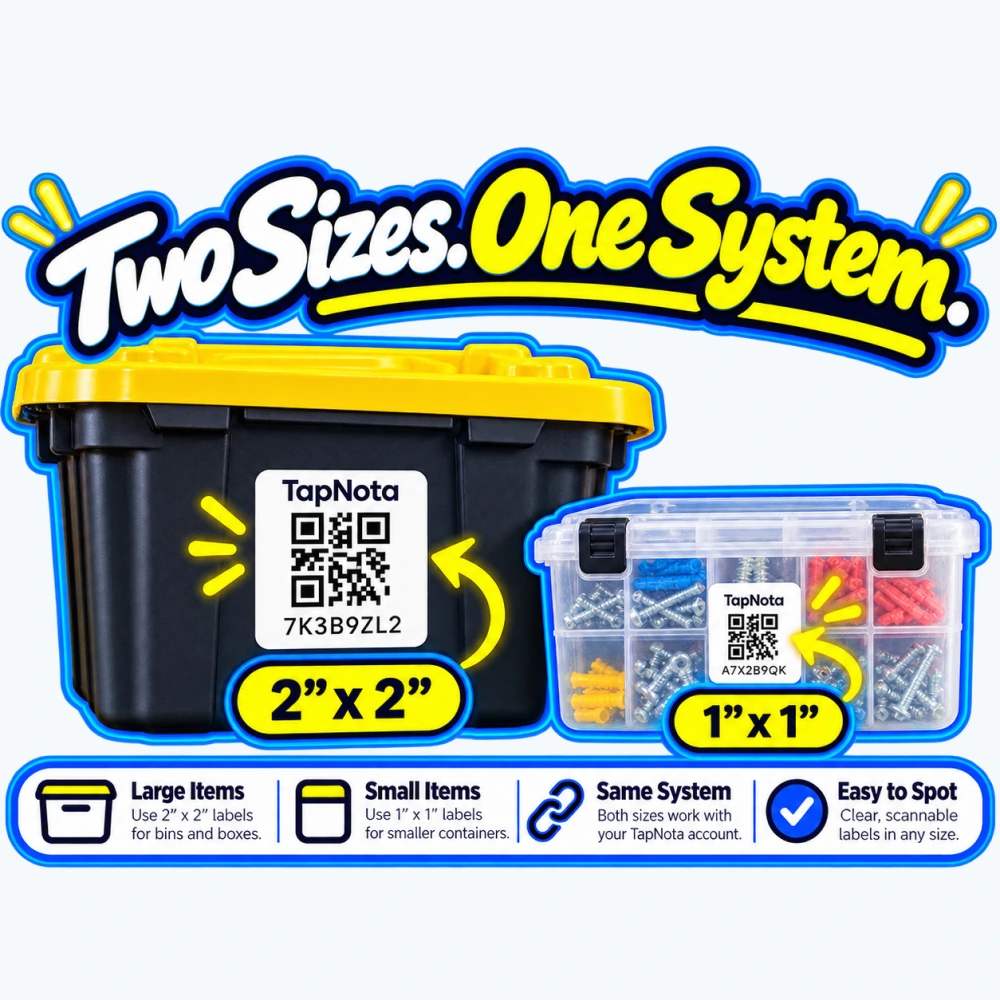
TapNota offers two label sizes to suit different needs:
- 2 x 2-inch labels: Ideal for larger bins, boxes, or equipment cases.
- 1 x 1-inch mini labels: Perfect for smaller containers, tools, or grouped items.
Both sizes operate under the same TapNota system and link to the same account and Portal. This means you can use a mix of label sizes throughout your home, office, or workshop without managing multiple systems.
Whether you’re labeling a large storage bin or a small parts organizer, the activation process remains the same and all labels become instantly accessible in your account.
Getting Started with Your Activated Pack
After activating your pack, each label opens its own editable Item Page in your TapNota Portal. Here’s what you can do next:
- Name and Describe Items: Add names, notes, and detailed descriptions.
- Upload Photos and Manuals: Attach permanent photos, instruction manuals, or receipts.
- Track Condition and Service: Record maintenance dates, serial numbers, or item condition updates.
- Organize with Folders and Tags: Group related items and use searchable tags for quick retrieval.
Remember, scanning a label only opens its Item Page; the system does not automatically detect contents inside boxes or bins. You must enter the information manually or use the optional AI recognition feature to help identify visible items in photos.
How to Search and Manage Without Scanning
The TapNota web Portal lets you search your entire inventory by item names, notes, tags, or folder names without needing to scan labels physically. This is especially useful when you’re away from your storage or want to quickly find an item’s details from your computer or phone browser.
For advanced organization, you can also track item status such as stored, in use, loaned, or missing, and view the activity history to see changes over time.
Summary
TapNota’s one-scan activation system makes starting your digital inventory effortless. By scanning just one label and verifying your email, your entire pack of smart QR labels is ready to use, saving time and simplifying management. With two label sizes available and a powerful web Portal for organization and search, TapNota is an ideal solution for home storage bins, moving boxes, tools, and more.
Activate your pack today and transform your physical items into a searchable, editable digital inventory.
For more on using TapNota’s features, see How QR Asset Tracking Works with Digital Item History and Order QR Labels to get started.
Frequently Asked Questions
Do I need to scan every label in my TapNota pack to activate them?
No. Scanning any one new TapNota label from your pack and entering your email activates the entire pack instantly in your Portal.
Can I add multiple packs to the same TapNota account?
Yes. Simply scan one label from each new pack and enter the same email address to merge all packs into your existing account.
What sizes do TapNota labels come in?
TapNota offers 2 x 2-inch labels for larger items and 1 x 1-inch mini labels for smaller containers, both working with the same system.
Does scanning a label automatically detect the contents of a box or bin?
No. Scanning opens the Item Page for that label, but you must manually enter or add information about the contents.
Is there a mobile app required to use TapNota?
No. TapNota works through your phone’s camera and a browser-based web Portal with no dedicated app needed.


