













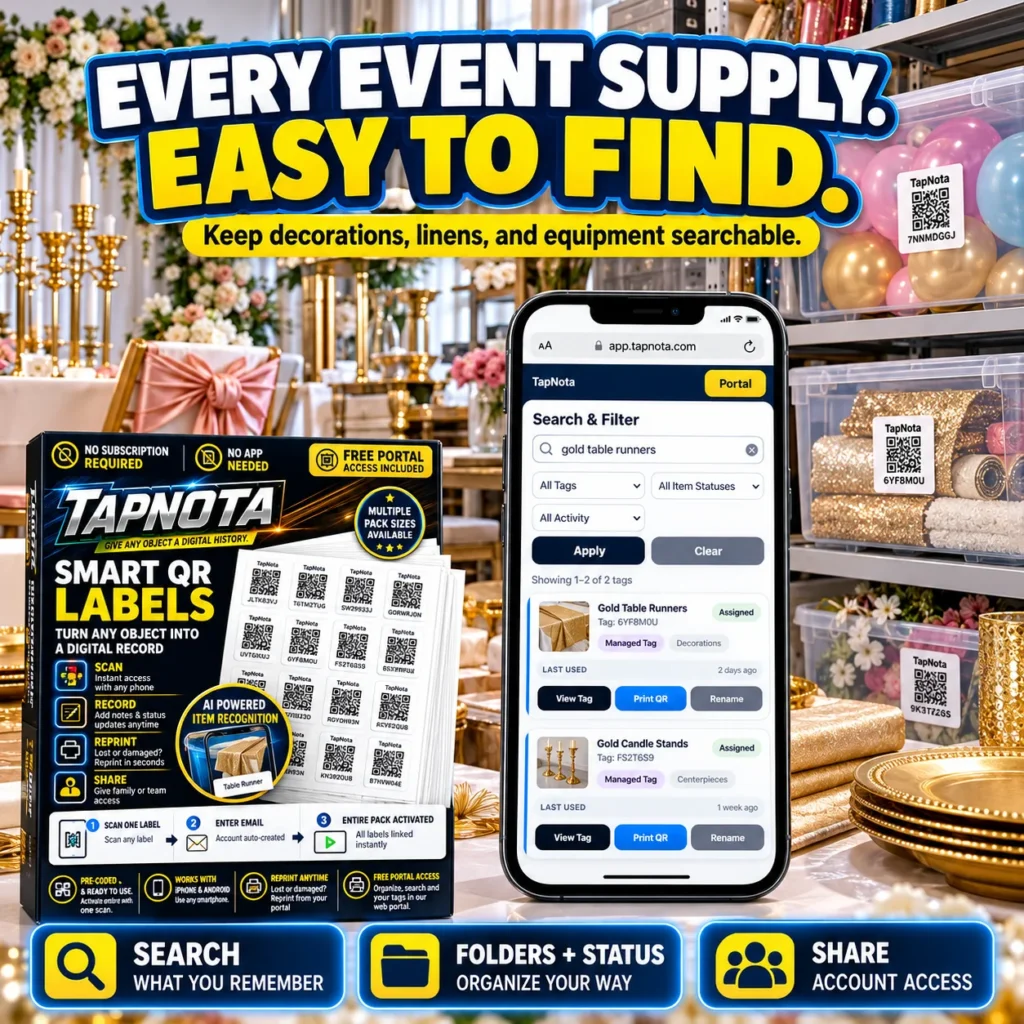
Managing event supplies can quickly become overwhelming without a clear system to track decorations, linens, and equipment. Whether you are a professional event planner or organizing supplies for community gatherings, keeping everything easy to find saves time and reduces stress. TapNota smart QR labels offer a powerful physical-to-digital solution that connects your physical event items to an evolving online record, making inventory management simple and efficient.
How TapNota Works for Event Supply Organization
TapNota’s system starts with pre-coded smart QR labels that you attach to bins, boxes, shelves, or individual items. Each label links to a unique Item Page accessible via any smartphone or web browser. Once attached, scanning the QR code opens the specific digital record where you can add detailed information such as item names, photos, notes, manuals, serial numbers, and status updates.
Unlike traditional labels or spreadsheets, TapNota’s Item Pages evolve over time. You don’t need to print a new label when contents change—just update the record online. This dynamic connection between physical items and digital records is ideal for event supplies, which often vary per occasion.
Search and Find Supplies Without Opening Every Bin
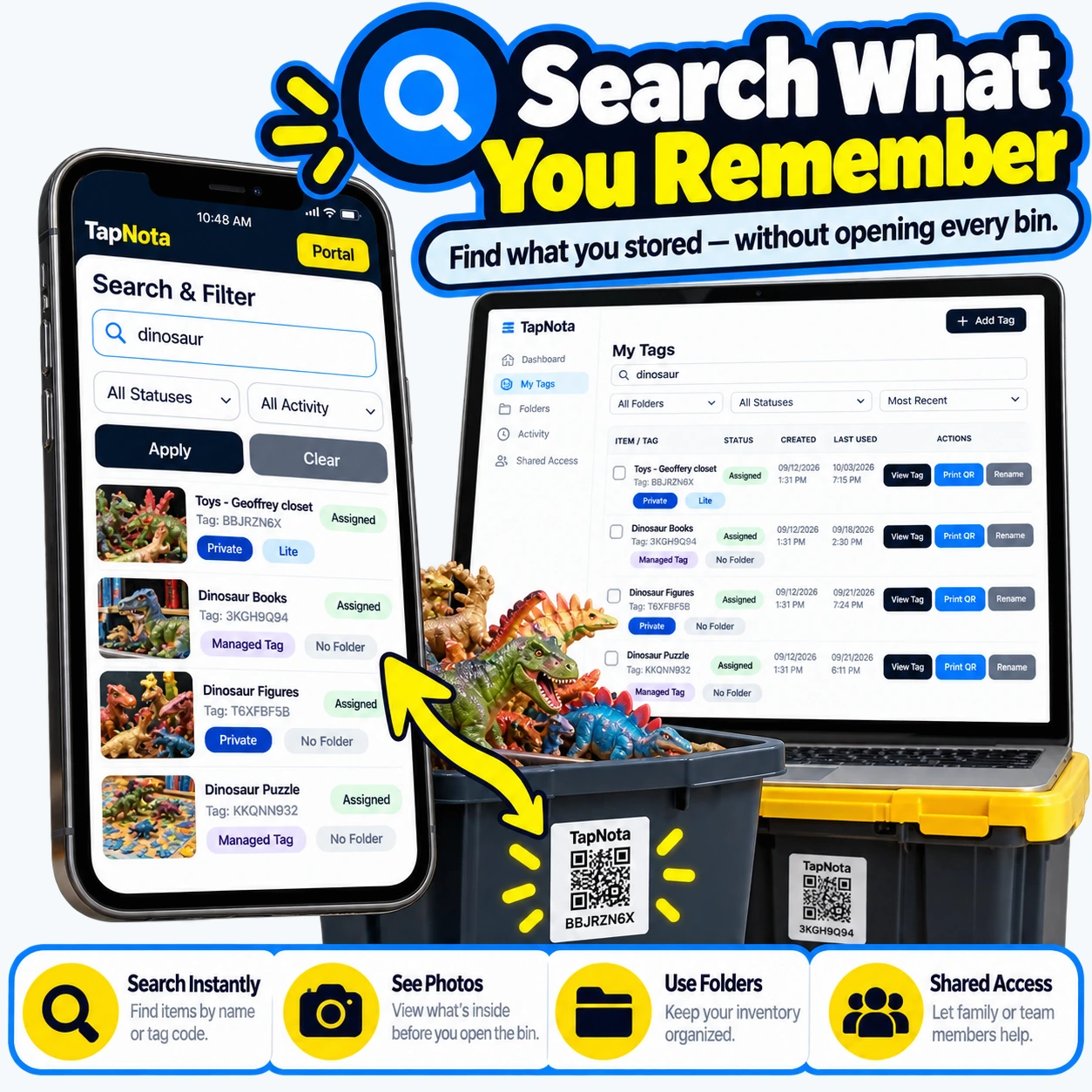
One of TapNota’s standout features is its powerful search capability available from the account-wide web Portal. You can search by item names, tag codes, notes, or folder names without needing to scan any label physically. This means you can instantly find which bin or shelf holds your gold table runners, candle stands, or floral arrangements just by typing keywords.
You can organize your inventory into folders—for example, “Table Linens,” “Centerpieces,” or “Lighting Equipment”—and assign status labels like “Stored,” “In Use,” or “Loaned.” This helps you track what’s ready to go for your next event and what’s currently deployed.
Using Photos and AI to Enhance Inventory Details
TapNota supports adding permanent photos to Item Pages, so you can see exactly what’s inside a bin or box without opening it. This is particularly useful for event decorations or fragile items where frequent handling is undesirable.
For further convenience, an optional AI-powered identification feature lets you upload or take photos of visible contents. The AI suggests item descriptions to jumpstart your notes, which you can then review and edit. This saves time when cataloging complex or mixed supplies, though it requires some manual confirmation to ensure accuracy.
Sharing and Collaborating with Your Team
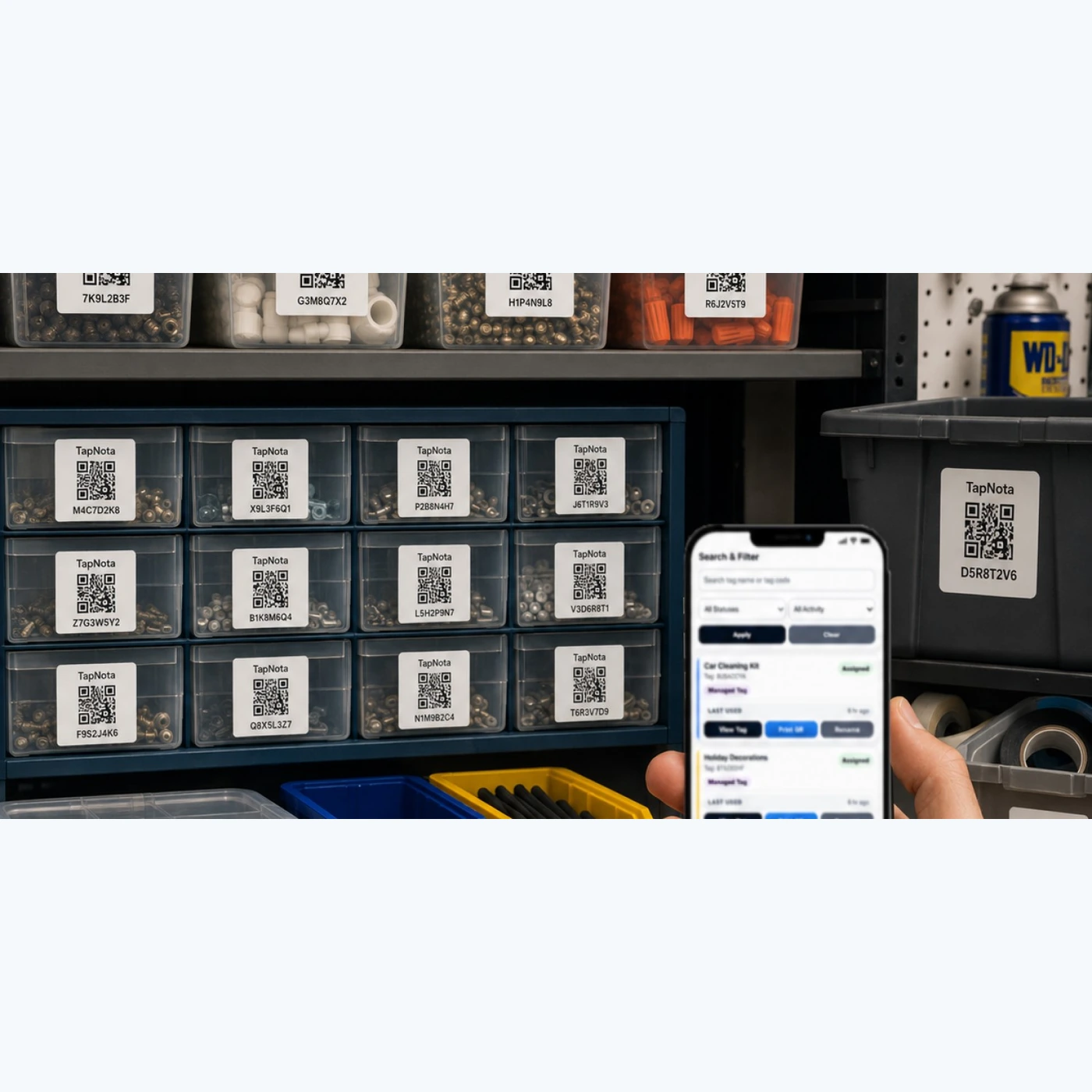
Event supply management often involves multiple people. TapNota supports sharing individual Item Pages via revocable links and offers Shared Account Access, allowing approved team members or family helpers to log in with their own credentials. The account owner retains full control over membership and administration, ensuring secure collaboration.
Sharing individual records differs from giving full account access, so you can selectively share only what’s necessary. This flexibility is perfect for event teams who need to coordinate equipment or decoration usage without exposing all inventory details.
Reprinting QR Labels and Managing Packs
If a QR label gets damaged or lost during busy event setups, TapNota lets you reprint it without losing the linked Item Page or history. This keeps your records intact and your physical labels usable.
TapNota labels come in practical pack sizes (60, 100, 200 for standard 2×2-inch; 63, 126, 252 for mini 1×1-inch) and activate easily by scanning any label in the pack and verifying your email. Additional packs can be added to the same account seamlessly.
Practical Example: Organizing a Wedding Event Inventory
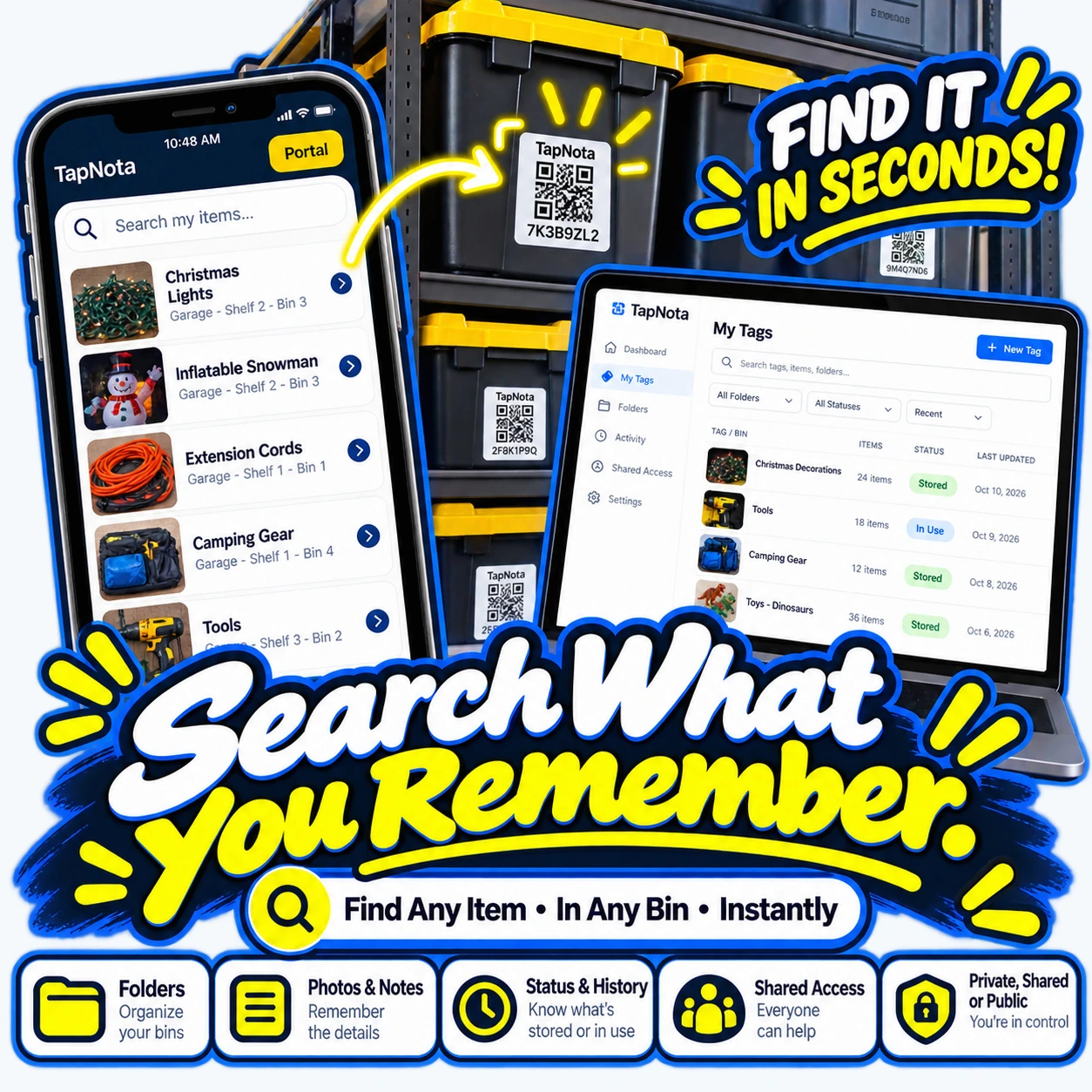
Imagine you manage a wedding supply business with dozens of bins containing linens, floral decor, candles, and tableware. By attaching TapNota labels to each bin, you create a digital inventory where each Item Page includes photos of the contents, notes on condition, and instructions for care.
Before an event, you search your Portal for “gold table runners” and instantly see which bin holds them along with recent usage history. Your team members access the shared account to update statuses as items are packed or returned.
If a new batch of candles arrives, you simply scan a new label, add details and photos, and place the bin in storage. No more guesswork or opening every box to confirm contents.
Conclusion
TapNota smart QR labels transform event supply management by linking physical items to a dynamic digital record system. With powerful search, photo documentation, AI-assisted identification, and flexible sharing options, event professionals can keep decorations, linens, and equipment easy to find and well organized. Whether managing a small collection or a large inventory, TapNota saves time and reduces the frustration of lost or misplaced supplies.
To learn more about how TapNota can simplify your event supply organization, visit the How to Organize Storage Bins for Easy Access and Scan Here, Search Anywhere pages for detailed guides on maximizing your inventory management.
Frequently Asked Questions
Do I need to scan every TapNota label individually to activate them?
No. When you purchase a pre-coded pack, scanning any one label and verifying your email activates the entire pack under your account. Additional packs can be added to the same account by repeating this process.
Can TapNota automatically identify items inside closed bins?
No. TapNota’s AI-powered identification works only with visible objects in photos you upload or take. It cannot see inside closed containers or unopened boxes.
Is a dedicated mobile app required to use TapNota?
No. TapNota works entirely through scanning QR codes with your phone’s camera and managing records via the browser-based web Portal. There is no app installation needed.
How does sharing inventory with team members work?
TapNota offers Shared Account Access, allowing approved users to log in with their own credentials while the owner manages membership and billing. Individual Item Pages can also be shared via revocable links separately.
Can I reprint a damaged or lost QR label without losing my inventory data?
Yes. The Portal lets you reprint any existing QR label without affecting the linked Item Page or its history, ensuring your records stay intact.


