













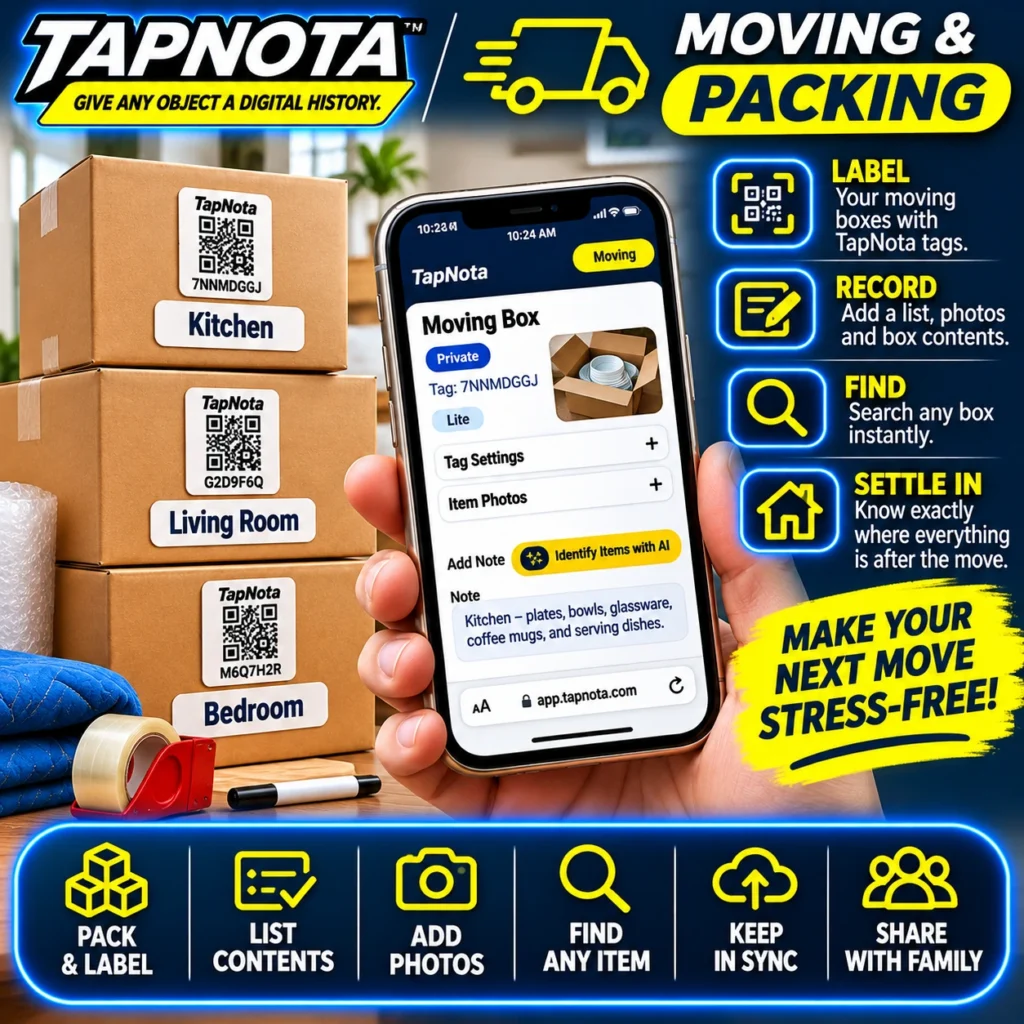
Moving to a new home or office is often a chaotic experience filled with packing, labeling, and trying to remember what’s in every box. TapNota offers a smart, physical-to-digital solution that transforms the moving process from stressful to streamlined. By attaching pre-coded TapNota QR labels to your moving boxes, you create a unique digital Item Page for each box that evolves with your move.
Label Your Boxes with TapNota Smart QR Tags
Start by applying TapNota’s pre-coded QR labels to your boxes. Each label is unique and connects to a dedicated Item Page in your TapNota web Portal. Unlike traditional handwritten labels or generic stickers, these smart QR tags are the gateway to a rich digital record that you control and update.
Once you scan one label from your purchased pack and verify your email, your entire set of labels is activated under your account—no need to activate each separately. This means you can label boxes as you pack, even across multiple sessions or locations, while keeping all records centralized.
Record Box Contents with Photos and Notes
After labeling, open the Item Page for each box by scanning its QR code. Add detailed notes such as contents lists, special instructions, or fragile item alerts. You can also upload permanent photos of the items inside, which is especially helpful for fragile or oddly shaped objects.
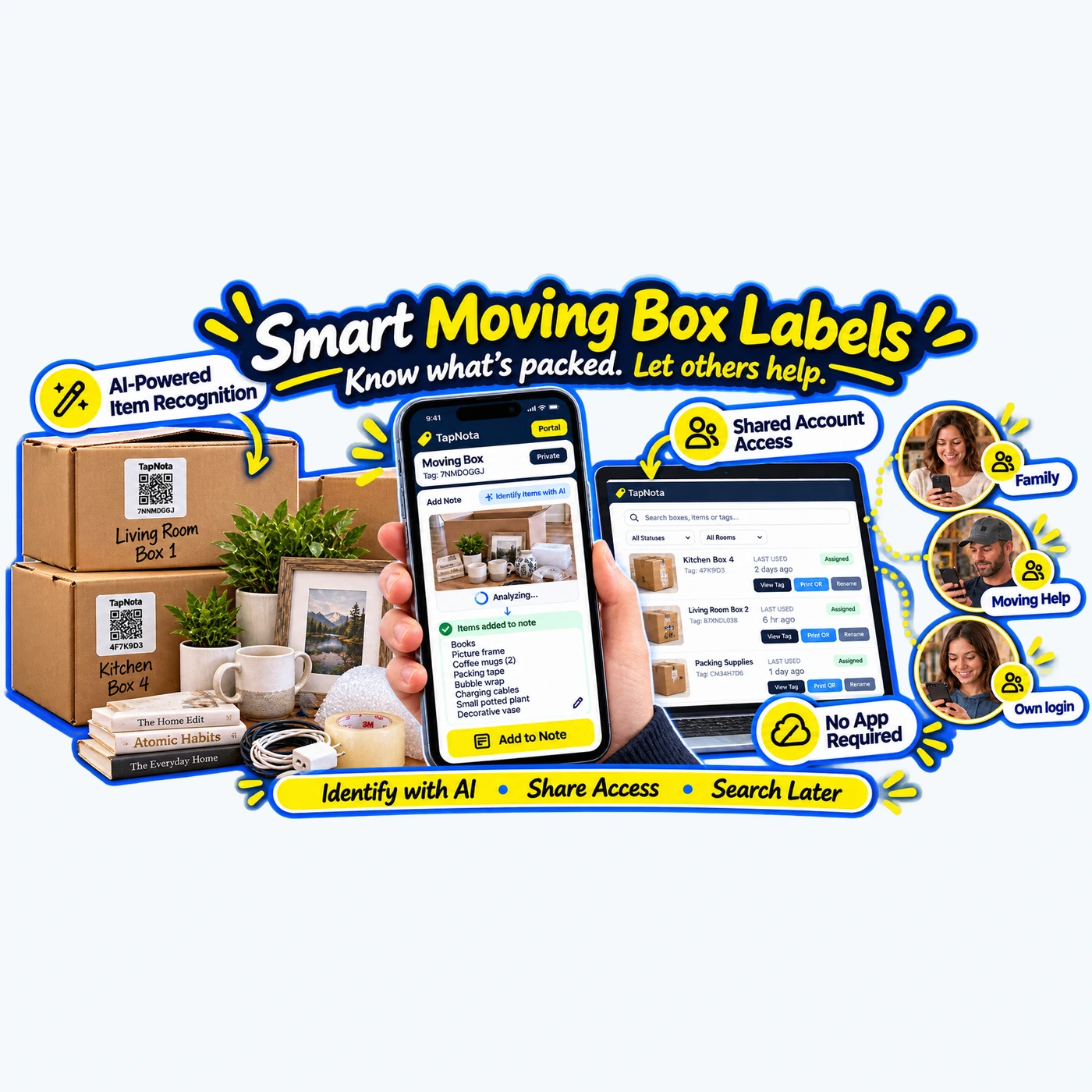
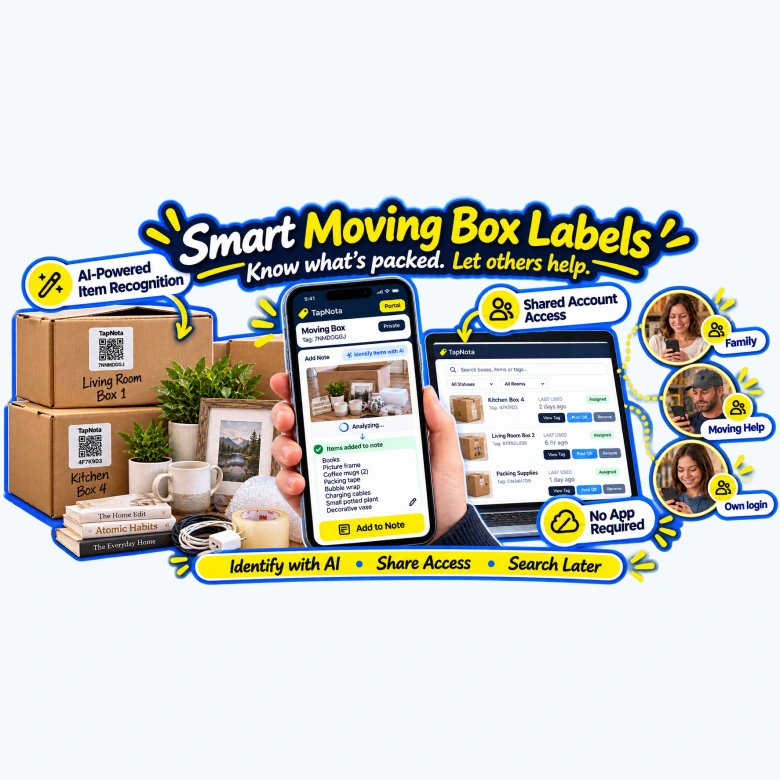
TapNota even offers an optional AI-powered item recognition feature. By taking a photo of the visible contents before sealing the box, AI suggests a starting list of items. You review, edit, and save this list, creating a searchable inventory without tedious typing.
Find Any Box Instantly with Search
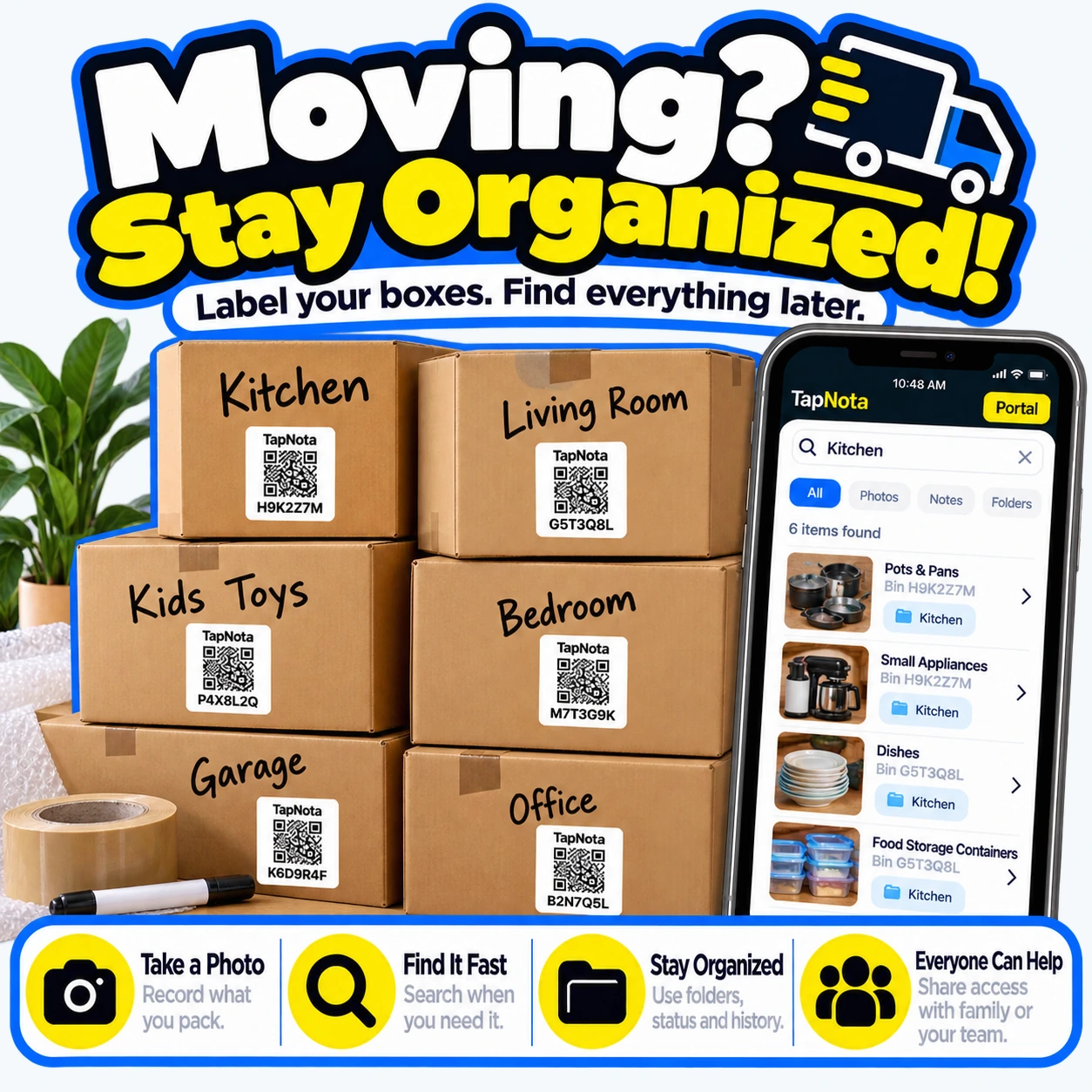
One of the biggest challenges during a move is locating a specific box without opening multiple containers. With TapNota, you don’t need to scan labels to find what you need. Simply log into your TapNota Portal on any device and search by item name, note text, or folder tags.
For example, if you need a coffee maker from the kitchen box, type “coffee maker” or “kitchen” in the search bar. TapNota displays all relevant boxes and their contents, saving you time and frustration.
Organize and Share Access with Family or Helpers
Moving often involves multiple people helping with packing, loading, and unpacking. TapNota supports Shared Account Access, allowing you to invite family members or moving helpers to log in with their own credentials. This way, everyone can update or view box contents without sharing your main account details.
You can also share individual Item Pages via revocable links, which is perfect if you only want to grant temporary access to a specific box’s information.
Settle In Stress-Free
Once you arrive at your new location, TapNota’s system helps you settle in efficiently. Knowing exactly which box contains what, and where it’s located, reduces unpacking time and confusion. Update each Item Page with notes about where the box is stored or unpacked items, keeping your new space organized from the start.
Additionally, if a label gets damaged or lost, the Portal lets you reprint QR labels without losing any saved history or notes, ensuring your inventory remains intact.
Step-by-Step Moving Workflow with TapNota
- Pack & Label: Attach a TapNota QR label to each box as you pack.
- Record Contents: Scan the label, add notes, photos, and use AI recognition if desired.
- Search Anytime: Use the Portal to find boxes by contents without scanning.
- Share Access: Invite helpers or family to collaborate on your inventory.
- Reprint Labels: Easily replace damaged labels without losing data.
- Settle In: Update box locations and unpack notes for ongoing organization.
Why TapNota Is Better Than Traditional Moving Labels
Traditional moving labels are static and limited to what you write on the box. They don’t evolve or let you search across your entire move inventory. TapNota’s smart QR labels connect physical boxes to a dynamic, searchable digital record that you control and update anytime.
Unlike apps that require scanning every time, TapNota lets you search your entire inventory directly from the Portal, even without the physical label in hand. Plus, the AI-powered recognition and sharing features make packing and unpacking a team effort, reducing stress and errors.
Getting Started with TapNota for Your Move
To begin, order a pack of TapNota pre-coded QR labels here. Once your pack arrives, scan any label and verify your email to activate the entire set. Then, start labeling and recording your boxes as you pack.
For detailed tips on labeling and managing moving boxes, check out How to Label Moving Boxes with Smart QR Labels and How to Track Moving Box Contents Efficiently with TapNota.
With TapNota, your next move can be organized, searchable, and stress-free.
Frequently Asked Questions
Do I need to scan every TapNota label to find my boxes later?
No. Once you have saved the contents and notes on an Item Page, you can search your entire inventory directly in the TapNota web Portal without scanning physical labels.
Can multiple people help manage the moving inventory?
Yes. TapNota supports Shared Account Access, allowing family members or helpers to log in with their own credentials and collaborate on the inventory.
What if I lose or damage a QR label during the move?
You can reprint any damaged or lost QR label from the Portal without losing the linked Item Page or its history.
How does the AI-powered item recognition work?
You take or select a photo of visible items before sealing the box. The AI suggests a list of items to add to the notes, which you review and save. It helps speed up recording contents but requires your confirmation.
Is a mobile app required to use TapNota for moving?
No. TapNota works through a browser-based web Portal. No dedicated mobile app installation is needed for scanning or managing your inventory.


