













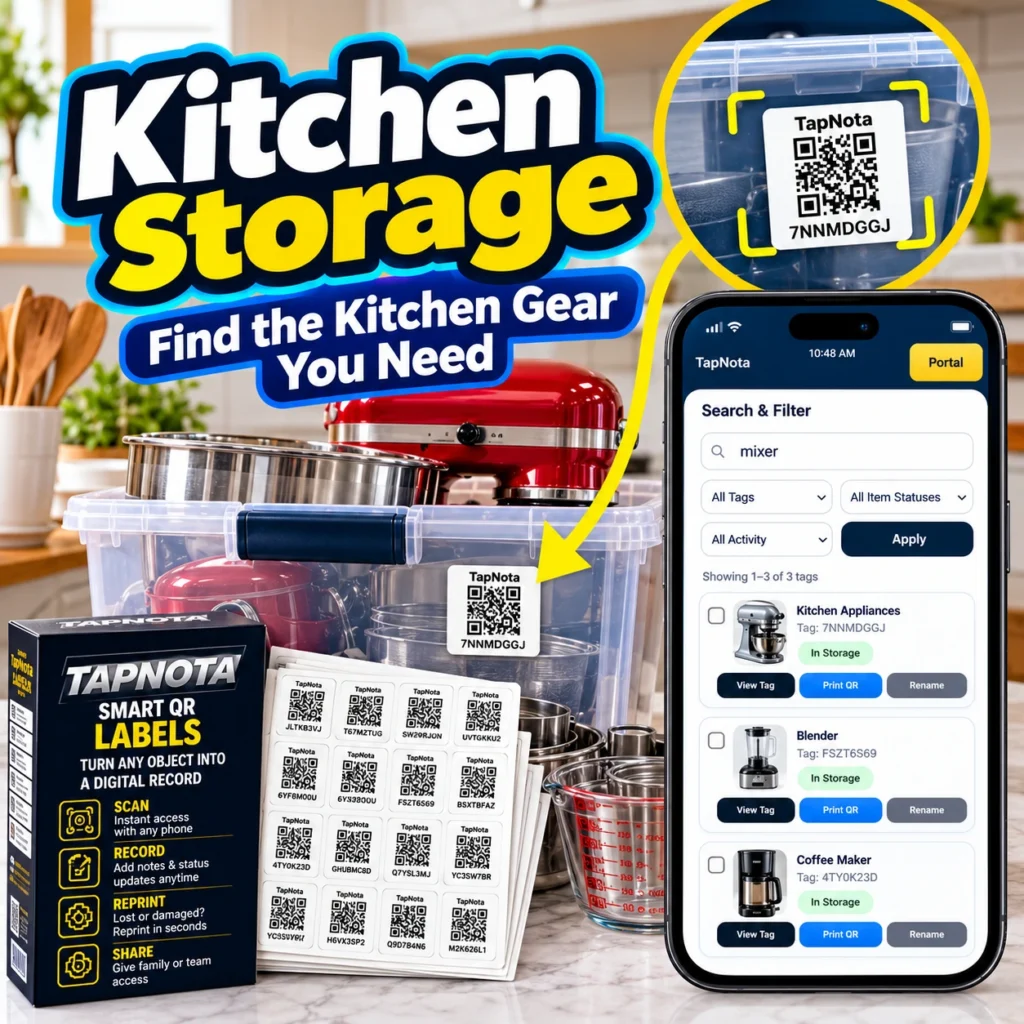
Keeping a kitchen organized can be a challenge, especially when dealing with numerous appliances, utensils, and pantry items stored in bins or containers. TapNota offers a smart, physical-to-digital labeling solution that simplifies kitchen storage management by linking each container to an evolving digital record accessible via a unique QR code.
How TapNota Transforms Kitchen Storage
At its core, TapNota uses pre-coded smart QR labels that attach to any kitchen item, bin, or container. Each label opens a dedicated Item Page within the TapNota web Portal, where you can add detailed information such as the item name, contents, photos, manuals, and usage or service notes. Unlike traditional handwritten labels or spreadsheets, TapNota connects the physical container with a dynamic digital record that can be updated anytime without changing the printed QR label.
For example, a plastic bin holding various baking tools can be labeled with a TapNota QR code. Scanning the code with any smartphone instantly opens the Item Page, showing all added details. This eliminates the guesswork of what’s inside an opaque container and helps you locate kitchen gear quickly.
Step-by-Step Setup for Kitchen Storage
- Attach Labels: Choose the appropriate TapNota label size and stick it onto your storage bin or kitchen item.
- Activate Your Pack: Scan any label in your purchased pack and verify your email to activate all labels at once—no need to activate individually.
- Create Item Pages: Scan each label to open its Item Page, then add names, notes, photos, serial numbers, or instructions relevant to the kitchen gear.
- Organize with Folders & Tags: Group related items in folders (e.g., “Baking Supplies” or “Small Appliances”) and use tags for quick filtering.
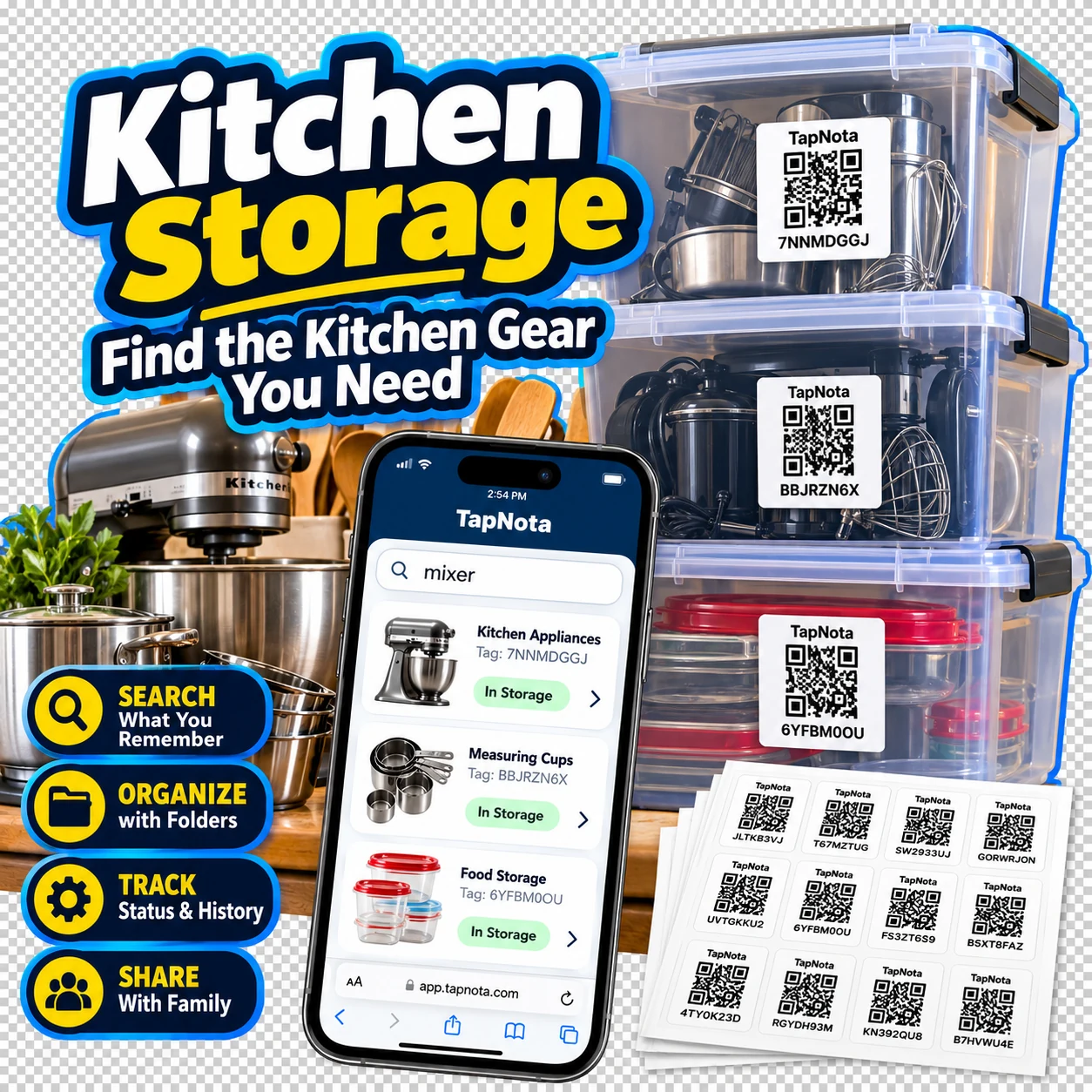
- Search Anytime: Use the TapNota web Portal to search across all your records by item names, notes, or tags without needing to scan physical labels.
Leveraging TapNota’s AI Recognition for Kitchen Inventory
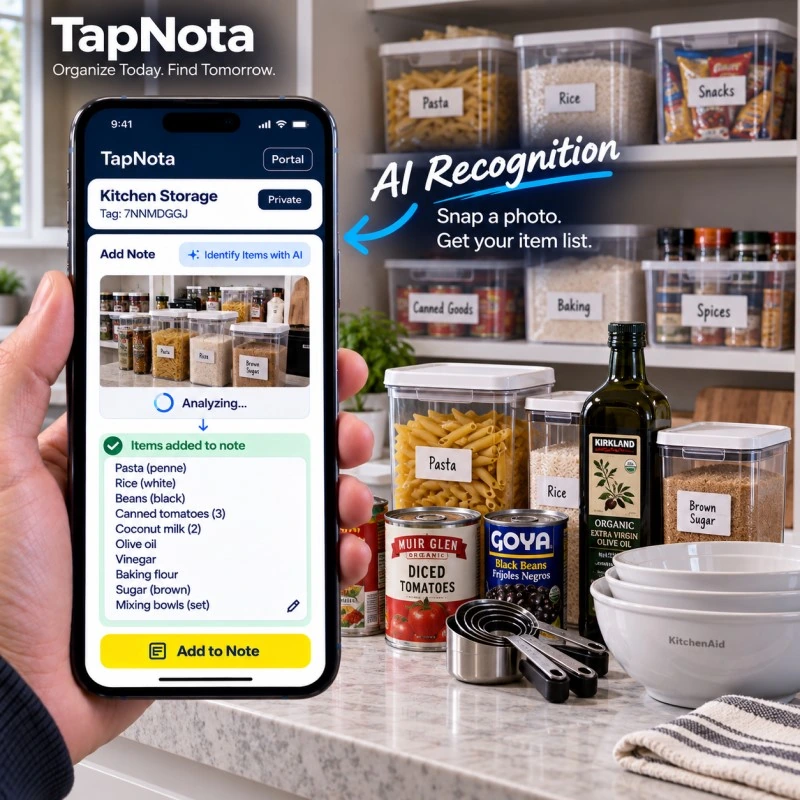
One standout feature is TapNota’s optional AI-powered item recognition. While on an Item Page, you can snap or select a photo of visible kitchen contents before packing or organizing. The AI suggests a list of detected items to add to your notes, such as pasta, canned goods, or utensils. This helps quickly build or update your inventory without manual typing.
Keep in mind, AI recognition requires user review and editing, as it cannot see inside closed containers or guarantee perfect accuracy. It also consumes AI credits available based on your plan.
Benefits of Using TapNota for Kitchen Storage
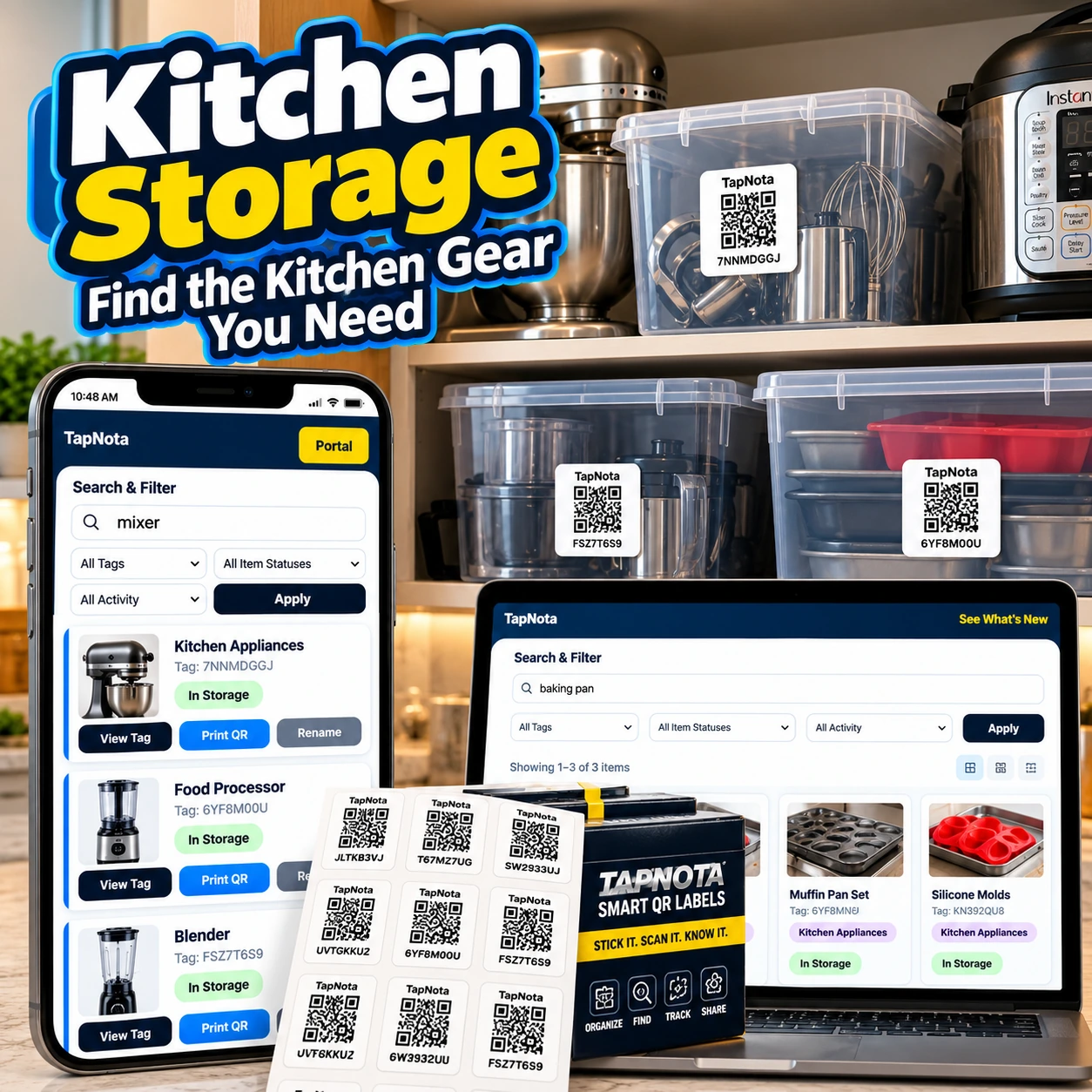
- Instant Access: Scan any label to open its unique digital record and see exactly what’s inside.
- Search Without Scanning: Find items by searching names, notes, or tags in the Portal, even if you don’t have the physical label handy.
- Organize and Track: Use folders to group kitchen gear and track item status such as “In Storage,” “In Use,” or “Loaned.”
- Share Access: Optionally share individual Item Pages or invite family members to access the entire inventory with separate logins.
- Reprint Labels: Easily reprint damaged or lost QR labels without losing connection to the digital record.
Practical Example: Organizing Your Kitchen Mixer and Accessories
Imagine you have a kitchen mixer stored in a bin with attachments and measuring cups. You attach a TapNota label to the bin and create an Item Page titled “Kitchen Mixer & Accessories.” You add notes listing the mixer model, serial number, and contents like beaters, dough hooks, and measuring cups. You also upload photos of the items for quick visual reference.
Later, when you need the mixer, you can search “mixer” in the Portal and instantly find its location and contents without opening multiple bins. If you lend the mixer to a friend, you update the Item Status to “Loaned” in the record. When it returns, you mark it “In Storage” again, preserving the history.
Tips for Maximizing Your Kitchen Storage with TapNota
- Label All Bins Consistently: Use a clear naming convention for easier searching and folder grouping.
- Utilize Photos: Add permanent photos of containers and contents to aid identification.
- Keep Notes Updated: Record condition, usage tips, or expiration dates to maintain useful kitchen records.
- Invite Helpers: Share access with family members who help in the kitchen to keep inventory current.
By integrating TapNota’s smart QR labels and web Portal into your kitchen storage system, you gain a flexible, searchable, and shareable inventory that evolves with your needs—making it easier to find the kitchen gear you need, when you need it.
For more detailed kitchen storage organization ideas, see our Smart Kitchen Pantry Organization with TapNota QR Labels post and explore Storage Bin Organization for broader tips on container management.
Frequently Asked Questions
Do I need to scan every TapNota label to activate them?
No. When you purchase a pre-coded pack, scanning any one label and verifying your email activates the entire pack under your account.
Can TapNota AI see inside closed containers?
No. The AI feature only analyzes visible items in the photo you provide; it cannot see through closed bins or boxes.
Is it possible to search my kitchen inventory without scanning labels?
Yes. You can open the TapNota web Portal and search by item names, notes, tags, or folders without needing the physical label.
Can I share my kitchen inventory with family members?
Yes. You can share individual Item Pages via links or invite family members to your account with their own logins, depending on your plan.
What happens if I lose or damage a TapNota QR label?
You can quickly reprint a new label from the Portal without losing the digital record or history linked to that item.


