













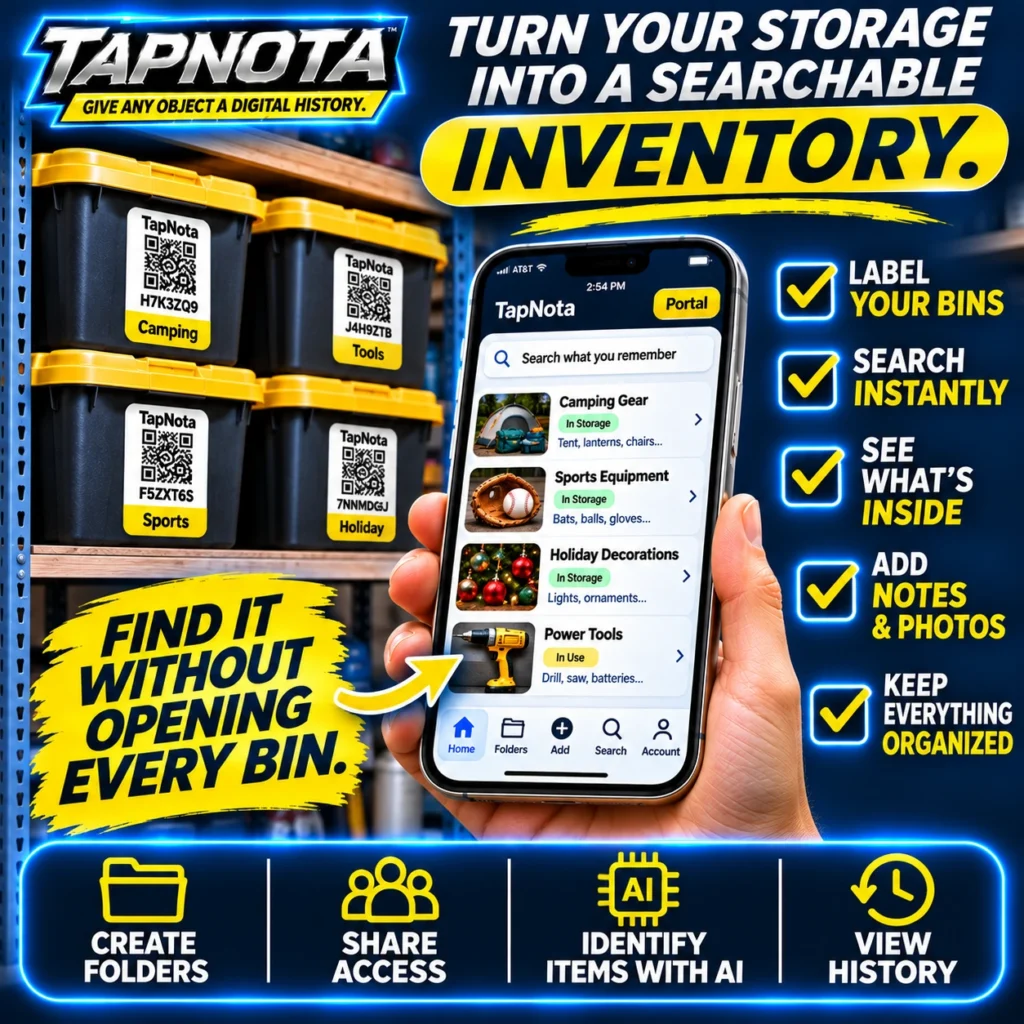
Garage organization often feels like a daunting task, especially when storage bins pile up and it becomes nearly impossible to remember what’s inside each one. TapNota offers a practical and efficient solution by turning your physical storage bins into a searchable digital inventory. This system uses pre-coded smart QR labels that link each bin to a unique, editable online Item Page. With TapNota, you can find what you need without opening every bin, saving time and reducing frustration.
Why Traditional Garage Storage Falls Short
Most garages rely on handwritten labels or simple stickers to identify bins, but these methods have limitations. Labels can fade, get damaged, or provide vague information. You often have to open bins to confirm contents, which is time-consuming and messy. Spreadsheets or apps that require manual data entry separate from the physical items add complexity and risk of errors.
TapNota bridges the gap by linking a physical label directly to a digital record that evolves over time. Each smart QR label is a gateway to a dedicated Item Page accessible via any smartphone or computer browser, no app installation needed.
How TapNota Works for Garage Storage
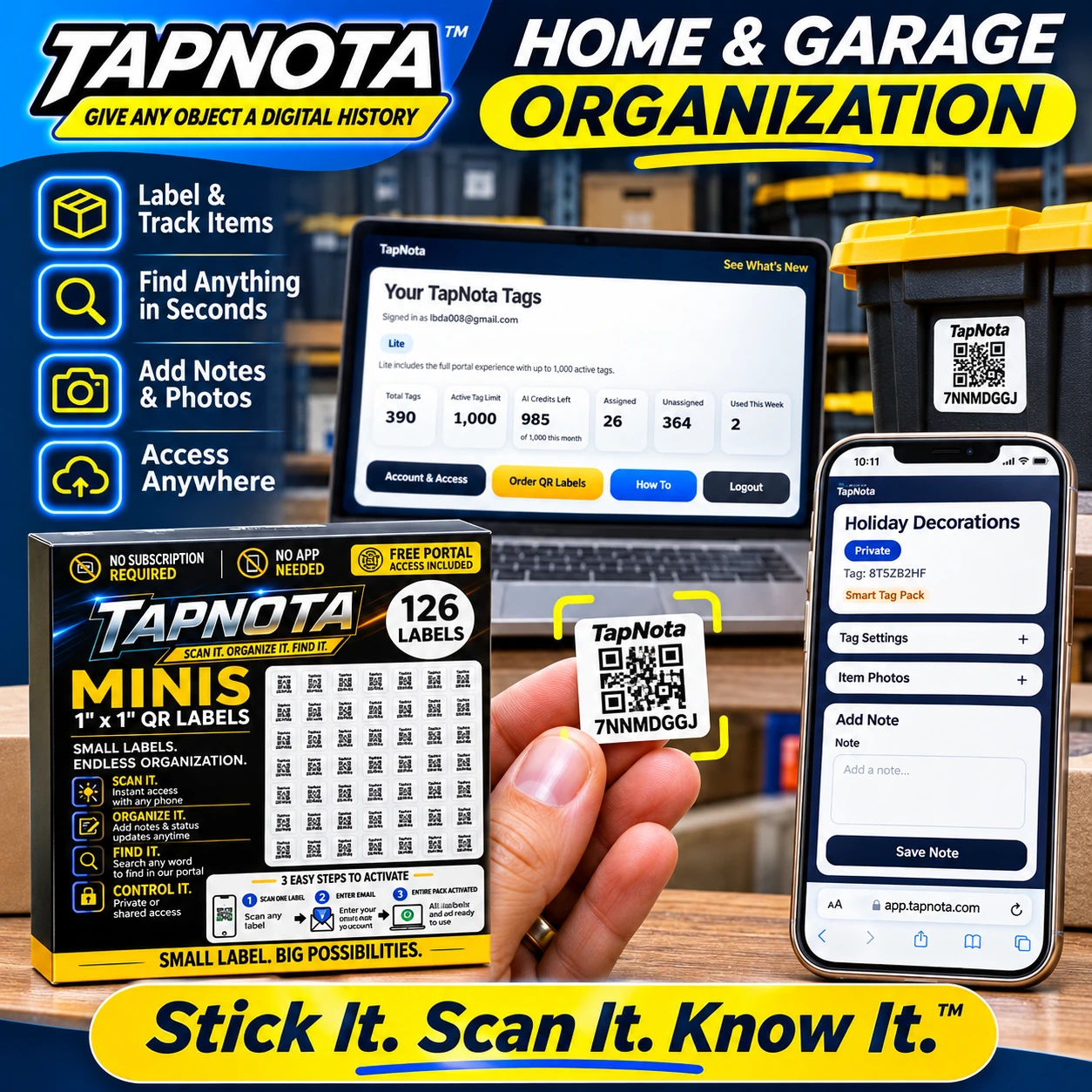
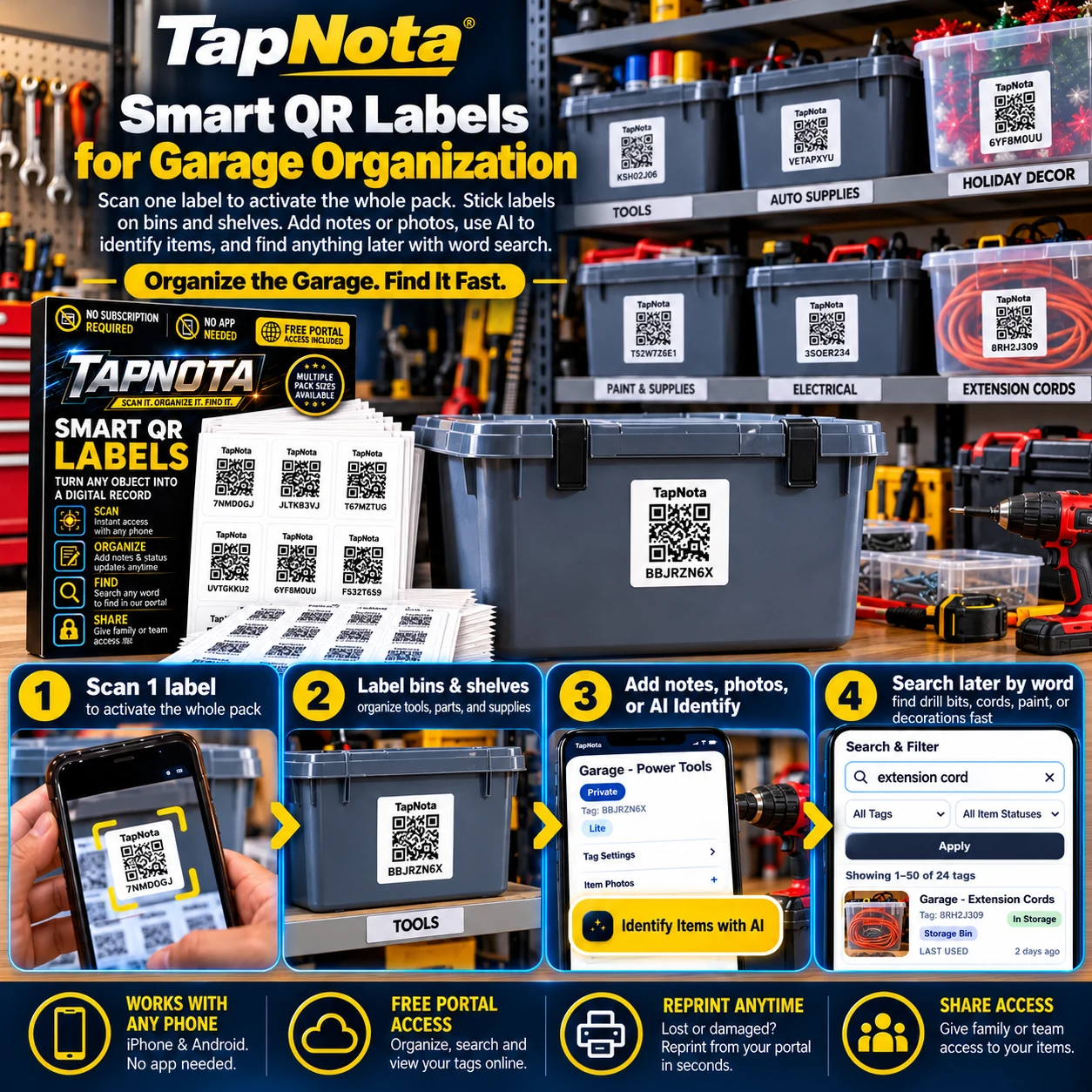
- Label Your Bins and Shelves: Attach a TapNota pre-coded QR label to each storage bin or shelf. The labels come in packs and activate with a single scan and email verification, so you don’t need to activate each label separately.
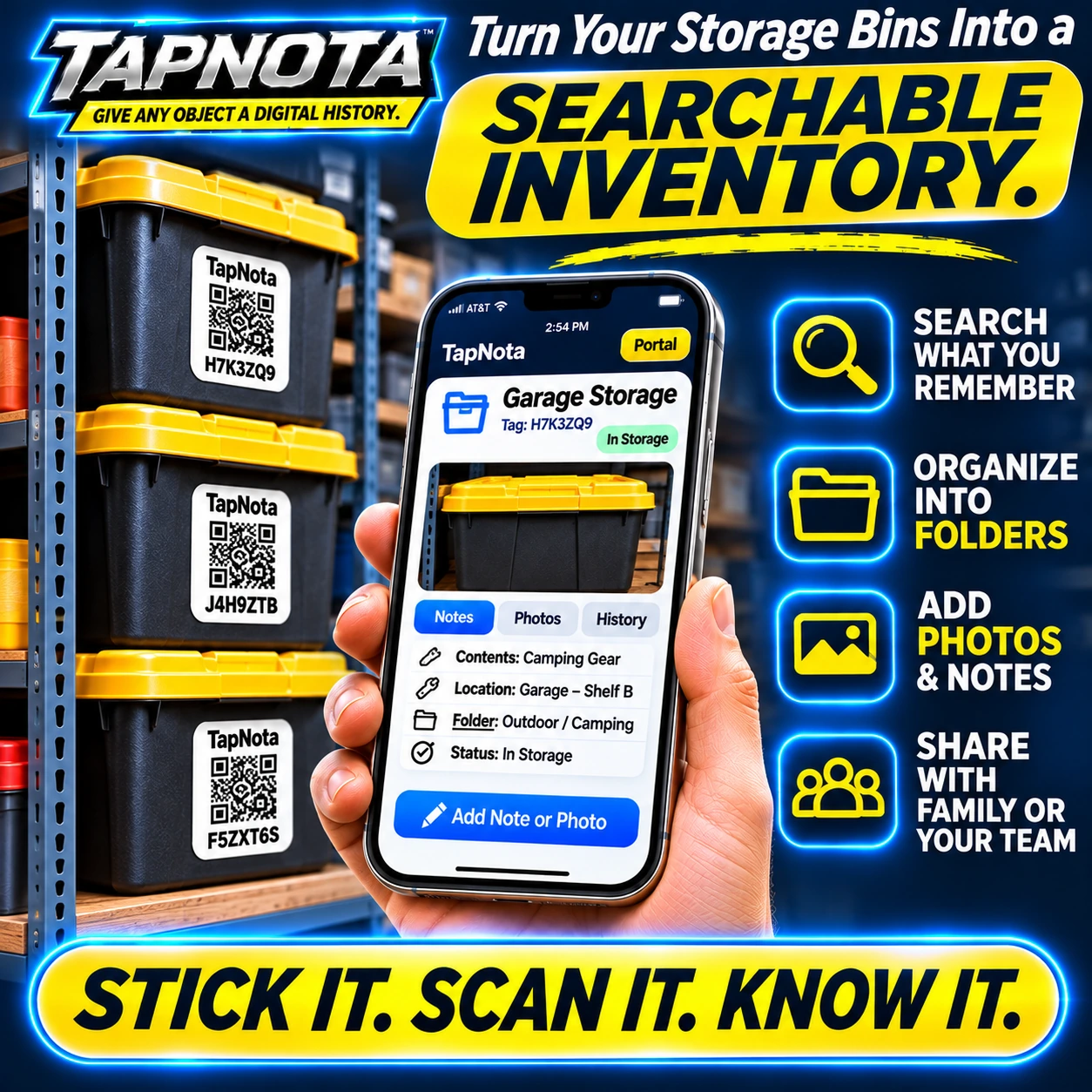
- Scan and Add Details: Scan the QR label to open its Item Page. Add a descriptive name (e.g., “Camping Gear”), notes, permanent photos, manuals, serial numbers, or service history. You can update this information anytime without changing the physical label.
- Organize with Folders and Tags: Use the web Portal to group bins into folders such as “Outdoor / Camping” or “Holiday Decorations”. Apply tags to help with searching and filtering.
- Search Instantly Without Scanning: Open the TapNota Portal on any device and search by item name, notes, tags, or folder names. This lets you find exactly what you need without having the physical bin in front of you.
- Use AI to Identify Contents: Optionally, take or upload photos of visible items inside a bin. TapNota’s AI feature suggests item lists to add to notes, speeding up record creation. AI identification requires user review and consumes credits but can be a helpful starting point.
- Share Access Safely: Share individual Item Pages with family or team members via secure links or invite them to your account with separate login credentials. The owner controls all access and can revoke sharing anytime.
Practical Garage Storage Example
Imagine you have four large storage bins labeled “Camping,” “Tools,” “Sports,” and “Holiday.” Each bin has a TapNota QR label. You scan the “Camping” bin label and add notes about tents, lanterns, and folding chairs inside, plus photos for quick visual reference. You assign this bin to an “Outdoor / Camping” folder.
Later, you want to find your camping tent without opening every bin. You simply open the TapNota Portal, type “tent” in the search bar, and instantly see the “Camping” bin record. You know exactly which bin to grab.
This method eliminates guesswork and keeps your garage tidy and efficient. You can also track item status, such as “In Storage,” “In Use,” or “Loaned,” right from the Item Page.
Benefits of Using TapNota in Your Garage
- Save Time: Find items fast without opening multiple bins.
- Stay Organized: Digital notes and photos keep your inventory accurate and up-to-date.
- Flexible Management: Update records anytime without printing new labels.
- Collaborate Easily: Share access with family or helpers to keep everyone on the same page.
- Works with Any Device: No app needed; just scan or log into the web Portal.
- Reprint Labels: Lost or damaged labels can be reprinted from the Portal without losing history.
Getting Started with TapNota for Garage Storage
1. Purchase a TapNota pack of pre-coded QR labels suitable for your bin sizes.
2. Scan one label to activate the entire pack with your email address.
3. Attach labels to bins and shelves in your garage.
4. Scan each label to add item details, photos, and organize with folders and tags.
5. Use the Portal search function to find anything instantly, even without scanning physical labels.
For detailed setup guidance, see the TapNota Product Support & Setup Guide. To explore organizing your garage efficiently, check out How to Organize Your Garage Efficiently with TapNota Smart QR Labels.
Conclusion
TapNota’s smart QR labels provide a robust, flexible, and searchable system for garage storage organization. By linking physical bins to evolving digital records, you gain instant access to detailed inventories, photos, and notes. This eliminates the need to open bins unnecessarily and helps maintain a clutter-free garage. Whether you’re organizing tools, holiday decorations, or sports equipment, TapNota simplifies tracking and finding your items with ease.
Frequently Asked Questions
Do I need to scan every TapNota label to activate them?
No, scanning any one label in a purchased pack and verifying your email activates the entire pack. You don’t need to activate each label individually.
Can I search for items without scanning the physical QR labels?
Yes, the TapNota web Portal lets you search all saved item names, notes, folder names, and tags without needing to scan any label.
Is there a mobile app required to use TapNota?
No app installation is required. You can scan labels and access your inventory through any smartphone or computer browser.
How does the AI identification feature work?
You can take or upload photos of visible items on the Item Page. The AI suggests a list of items to add to your notes, which you review and save. It does not see inside closed bins and requires user confirmation.
Can I share my garage inventory with family or team members?
Yes, you can share individual Item Pages via secure links or invite members to your account with separate logins. The owner controls all access and permissions.


