













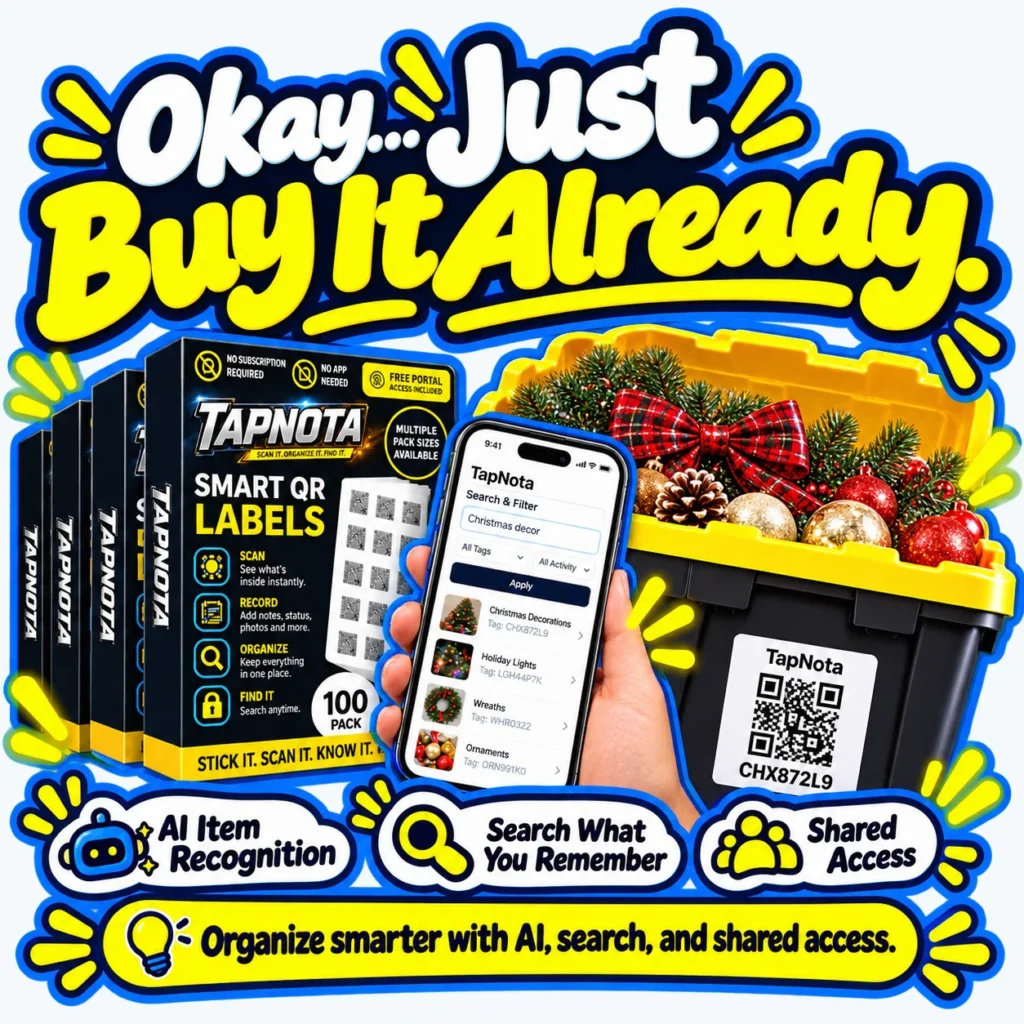
Have you ever found yourself standing in a store aisle wondering, “Do I already have this at home?” It’s a common dilemma that leads to wasted money, clutter, and frustration. TapNota offers a simple, effective solution: smart QR labels that connect your physical storage to a digital inventory you can search anytime.
Why Duplicate Purchases Happen
When items are tucked away in storage bins, boxes, or shelves, it’s easy to lose track of what you own. Without a clear system, you might buy extra tools, decorations, or supplies simply because you can’t remember if you have them. This wastes money and space, and adds to the clutter you’re trying to avoid.
How TapNota Helps You Know What You Own
TapNota’s system uses pre-coded smart QR labels that you attach to bins, boxes, or individual items. Each label opens a unique Item Page in the TapNota web Portal, where you can add detailed notes, photos, serial numbers, and more. Once you’ve saved this information, you can search your entire inventory by keywords, tags, or item status—without needing the physical label in front of you.
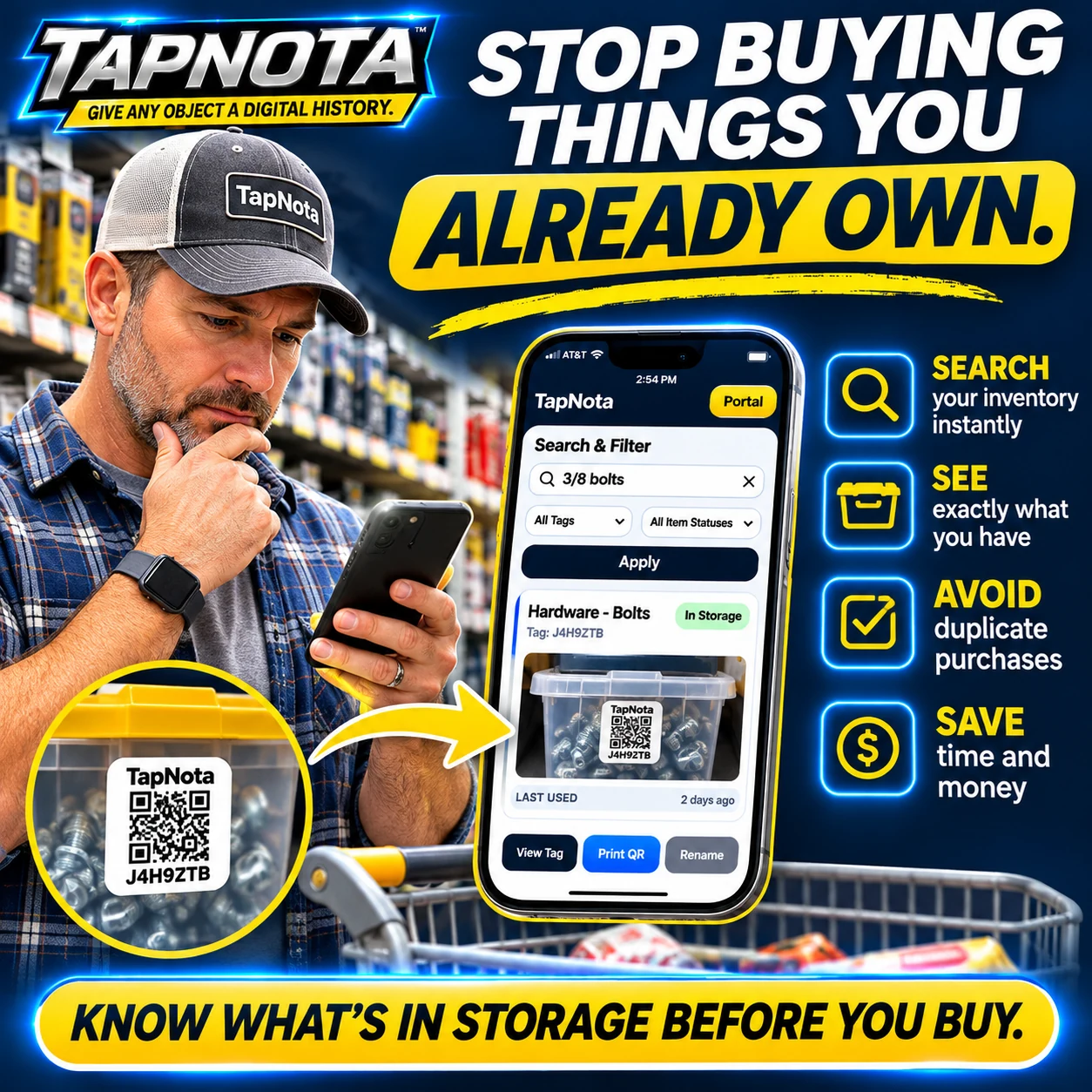
This means when you’re at the store, you can quickly check if you already have the exact item before buying. For example, searching “3/8 bolts” in your Portal will instantly show you if you have any in storage, saving you from buying duplicates.
Key Features Supporting Smarter Buying Decisions
- Search What You Remember: TapNota’s powerful search lets you find items by name, tags, notes, or even partial descriptions.
- See Exactly What You Have: Item Pages can include photos, contents lists, and condition details, so you know precisely what’s inside each bin or box.
- Shared Access: Invite family members or team members to access the same inventory, ensuring everyone knows what’s available and avoids unnecessary purchases.
- AI Item Recognition (Optional): Use AI to help identify visible contents from photos, jumpstarting your notes and making inventory faster to build.
Simple Setup and Day-to-Day Use
Getting started is easy. When you buy a pre-coded pack of TapNota labels, scanning any one label and verifying your email activates the entire pack for your account—no need to activate each sticker individually. Attach labels to your bins or items, then scan to open their Item Page and add details. Over time, update notes, photos, or service records as needed, all linked to the same QR code.
When you’re shopping or planning projects, simply open the TapNota Portal on your phone or computer and search your inventory. No scanning required to search—just type what you remember and find it instantly.
Benefits Beyond Avoiding Duplicates
Besides preventing duplicate purchases, TapNota helps you:
- Save Time: Quickly find what you need without digging through boxes.
- Stay Organized: Group items into folders, track item status (in use, loaned, missing), and maintain a clear history of changes.
- Reduce Waste: Avoid buying items you don’t need, saving money and reducing clutter.
TapNota is not just a QR sticker or spreadsheet. It’s a physical-to-digital record system that links your real-world items to a searchable, evolving digital history accessible anywhere.
Ready to stop buying duplicates and take control of your storage? Order TapNota smart QR labels today and start organizing smarter.
Additional Resources
- How to Organize Storage Bins for Easy Access
- Moving Box Inventory with QR Labels
- TapNota FAQ | QR Labels, Accounts, Plans & Support
Frequently Asked Questions
Do I need to scan each TapNota label to activate it?
No. When you purchase a pre-coded pack, scanning any one label and verifying your email activates the entire pack for your account. You don’t need to activate each sticker individually.
Can I search my inventory without having the physical label nearby?
Yes. You can open the TapNota web Portal and search your inventory by item names, tags, or notes without scanning any label.
Does TapNota require a mobile app installation?
No. TapNota works through a browser-based web Portal and does not require downloading or installing any dedicated mobile app.
How does TapNota help prevent buying duplicates?
By maintaining a detailed, searchable digital inventory of your items, TapNota lets you check what you already own before purchasing, helping you avoid duplicate items.
Is AI recognition automatic when I scan a label?
No. AI item recognition is an optional feature you can use by taking or selecting a photo of visible contents on the Item Page. It is not automatic on scanning and requires review before saving.


