













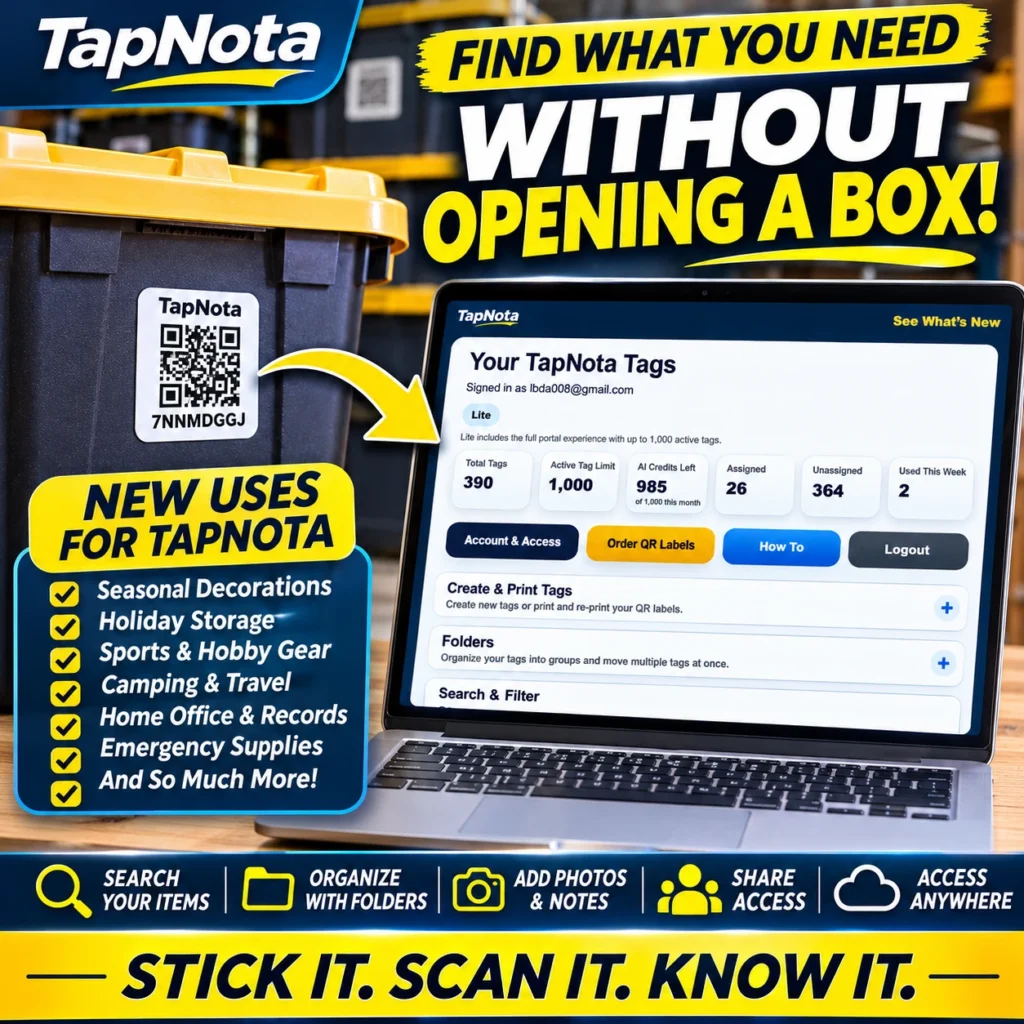
When it comes to managing storage bins, holiday decorations, hobby gear, or even emergency supplies, the challenge isn’t just labeling boxes — it’s finding exactly what you need without wasting time opening multiple containers. TapNota offers a physical-to-digital record system that transforms any labeled bin or box into a searchable inventory, letting you find stored items fast by searching your inventory without opening a single box.
How TapNota Works to Help You Find Items Instantly
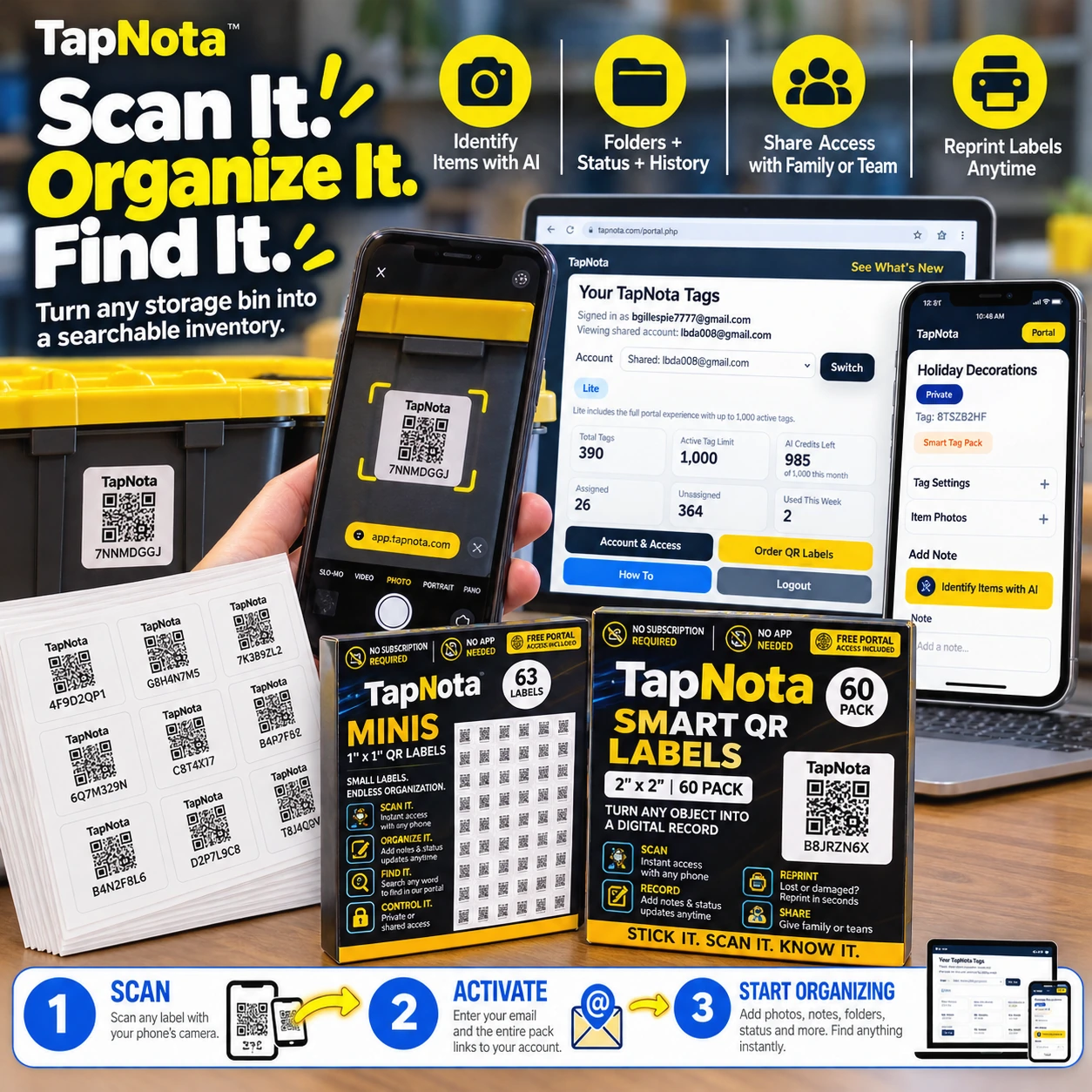
TapNota uses pre-coded smart QR labels that you attach to bins, boxes, shelves, or any item grouping. Each label opens a unique digital Item Page in the TapNota web Portal, where you can add detailed information like item names, contents, photos, manuals, serial numbers, and notes. Because the Item Page is cloud-based and editable, you can update it anytime without changing the physical label.
Once your items are labeled and information is saved, the real power begins: you can search your entire inventory by keywords, folder names, or even tags — all without needing to scan a QR label first. This means you can find the exact bin or box containing what you remember or need, even if you don’t have the physical label in front of you.
Organize Your Inventory with Folders and Status for Faster Searching
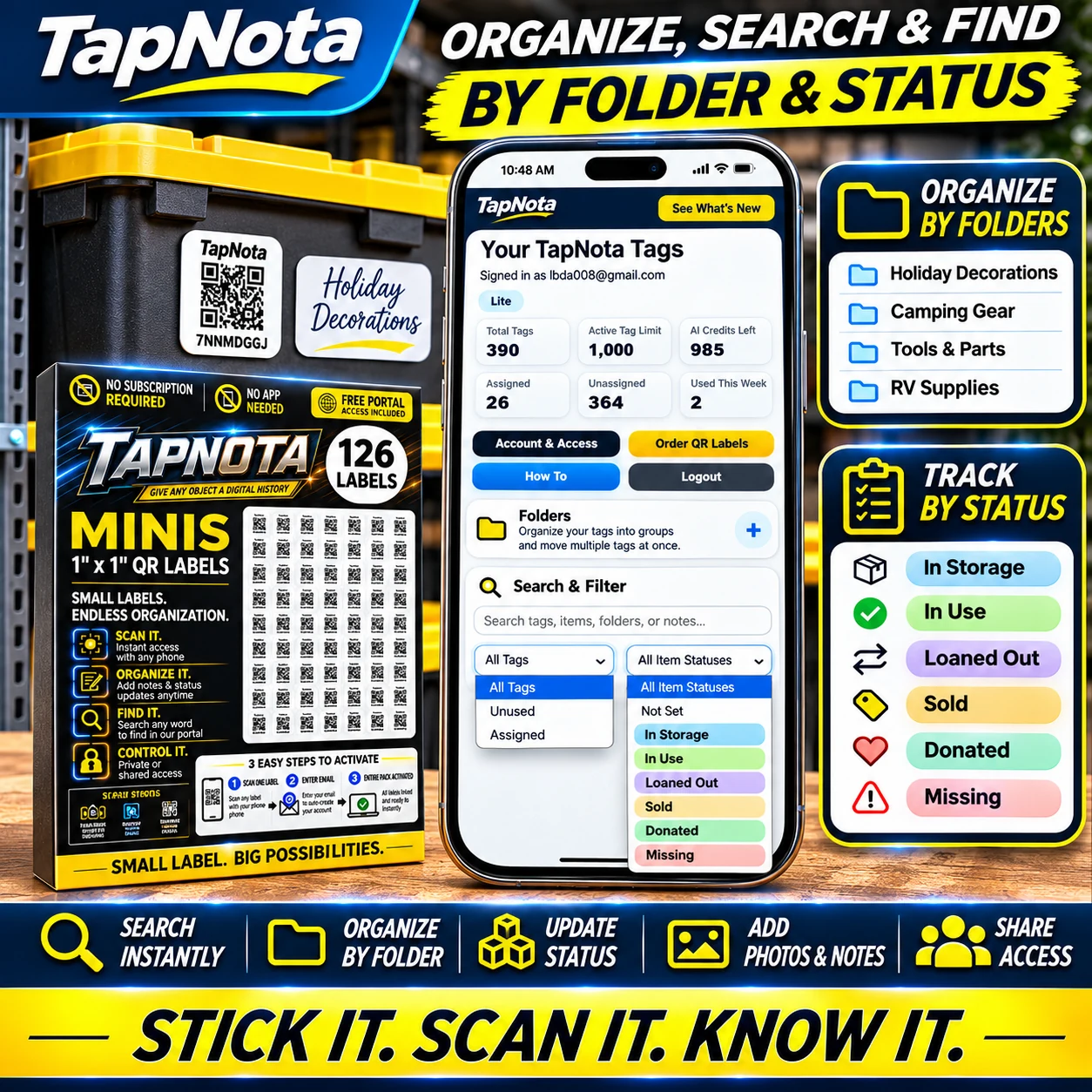
TapNota’s Portal offers folder organization to group related items — for example, you can create folders for Holiday Decorations, Camping Gear, or Sports Equipment. This structure helps narrow down searches quickly and keeps your inventory tidy.
Additionally, the Item Status feature lets you track whether an item is In Storage, In Use, Loaned Out, Sold, Donated, or Missing. This status tracking adds another searchable dimension, so you can instantly find items that are available or currently in use.
Use Photos and AI to Enhance Your Records and Remember Contents
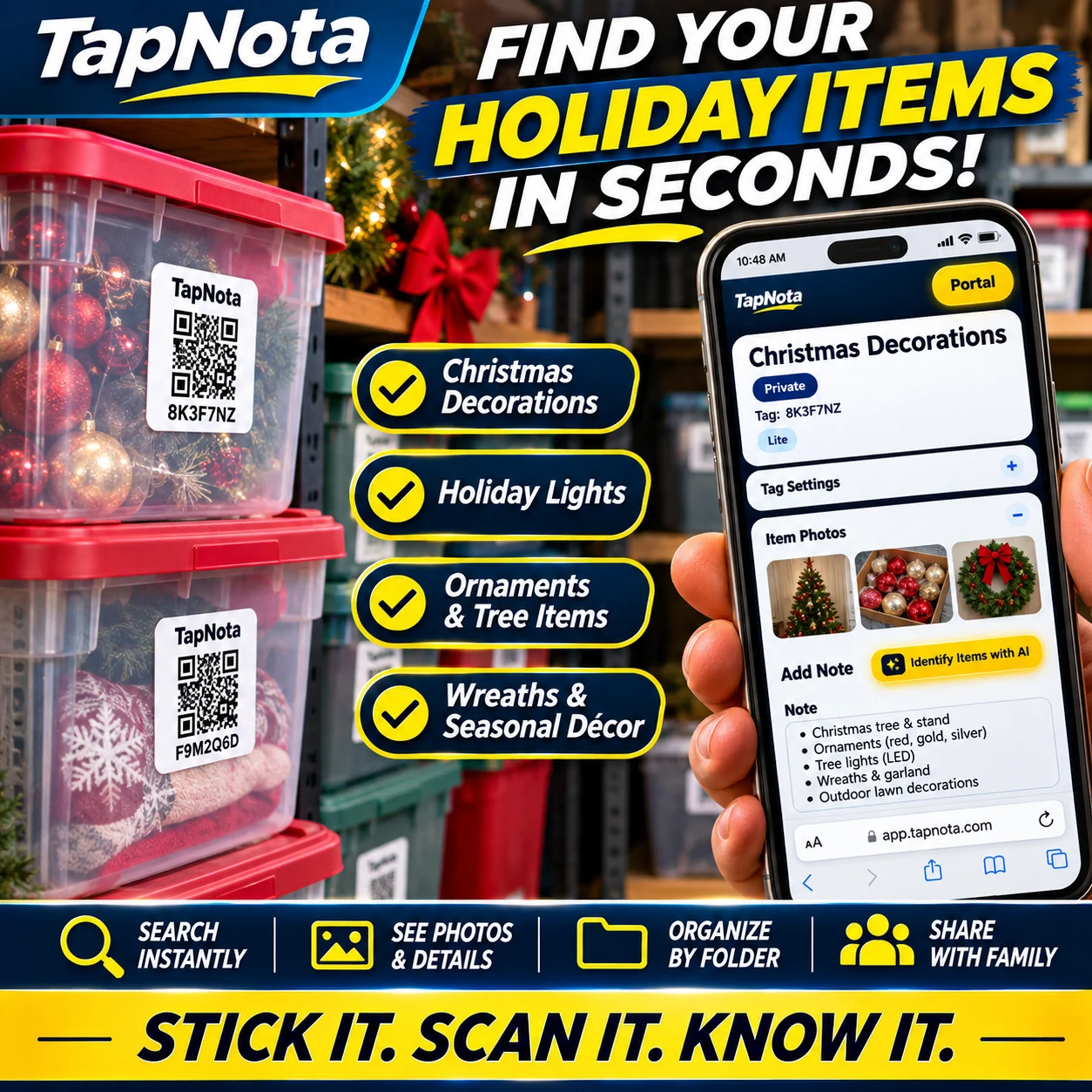
Adding photos to your Item Pages lets you visually confirm what’s inside a bin or box without opening it. TapNota’s optional AI feature can analyze photos you take of visible contents and suggest item lists to help you start your notes faster. You review and edit the AI suggestions before saving, ensuring accuracy.
This capability is especially helpful for seasonal storage like holiday decorations, where seeing images of ornaments, lights, or wreaths can quickly remind you what’s inside each labeled container.
Search What You Remember — Find Any Item, Any Bin, Instantly
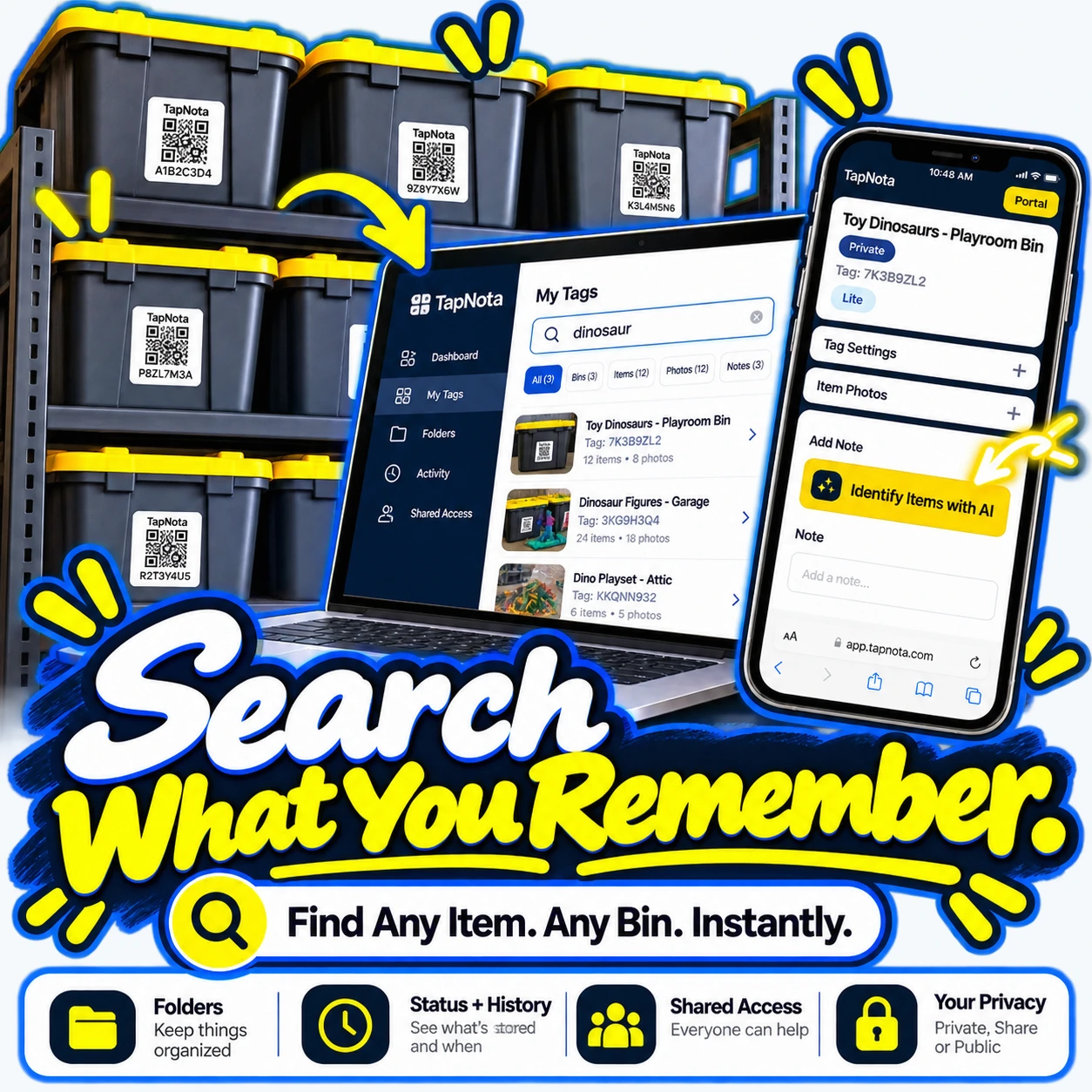
One of TapNota’s standout advantages is its powerful search function. You don’t have to scan a label to search. Instead, log into your TapNota Portal and enter any keyword you recall — like “dinosaur,” “Christmas tree,” or “camping stove.” The search results show all matching Item Pages, including bins, boxes, or individual items, along with photos and notes.
This means you can find what you need based on what you remember about the contents, even if you forgot exactly which bin it’s in. The search also includes notes and folder names, making it easy to track down items across your entire inventory.
Sharing and Access Anywhere for Family, Teams, or Business
TapNota supports Shared Account Access, allowing approved family members or team members to log in with their own credentials. This collaboration means everyone can contribute to updating records, searching inventory, or adding photos and notes, all while the account owner controls membership and administration.
Individual Item Pages can also be shared via single-record links with optional PIN protection (depending on your plan), making it easy to share specific inventory details without giving full account access.
Getting Started: Scan, Activate, and Organize
To start, simply scan any one label from a purchased pre-coded pack with your phone’s camera. Enter and verify your email address, and your entire pack becomes linked to your TapNota account — no need to activate each label separately. Then attach labels to your items, open each Item Page to add names, notes, photos, and more.
This straightforward workflow turns your physical storage into a smart, searchable inventory that grows and changes with your needs.
Why TapNota Is More Than Just QR Labels
- One Label, One Evolving Record: Each QR label links to a unique digital record that you can update anytime.
- Search Without Scanning: Find items by searching saved information, even when you don’t have the label physically.
- Folders and Status: Organize by groups and track item availability.
- Photos and AI: Add permanent photos and optionally use AI to identify visible items.
- Sharing and Privacy: Share access securely with family or teams while controlling administration.
- Print and Reprint: Create or reprint labels without losing linked records or history.
TapNota is ideal for home storage bins, holiday decorations, hobby collections, office records, and more — anywhere you want to find what you need fast without opening every box.
For more detailed tips on organizing storage bins and using TapNota’s search and folder features, check out our Storage Bin Organization category. To see how TapNota can streamline holiday storage, visit Seasonal & Holiday Storage. And for a deep dive into TapNota’s search and folder system, explore the Folders & Search category.
Frequently Asked Questions
Can I search my TapNota inventory without scanning a QR label?
Yes, you can search your entire inventory directly in the TapNota web Portal by item names, notes, folder names, or tag codes without needing to scan any physical label.
How does TapNota help me find holiday decorations quickly?
By labeling holiday storage bins and adding detailed notes and photos in the Item Pages, TapNota lets you instantly find specific decorations, lights, ornaments, or wreaths by searching or scanning the QR labels.
What if I forget which bin an item is stored in?
TapNota’s search function allows you to enter any keyword you remember about the item, and it will show all matching bins or items, so you don’t need to recall the exact container.
Can I share my TapNota inventory with family or team members?
Yes, TapNota supports Shared Account Access, so approved members can log in with their own credentials to view and update the inventory while the owner controls administration.
Is there a mobile app to use TapNota?
No dedicated mobile app is required. TapNota works via scanning QR labels with your phone’s camera and accessing the full-featured web Portal through any browser.


