













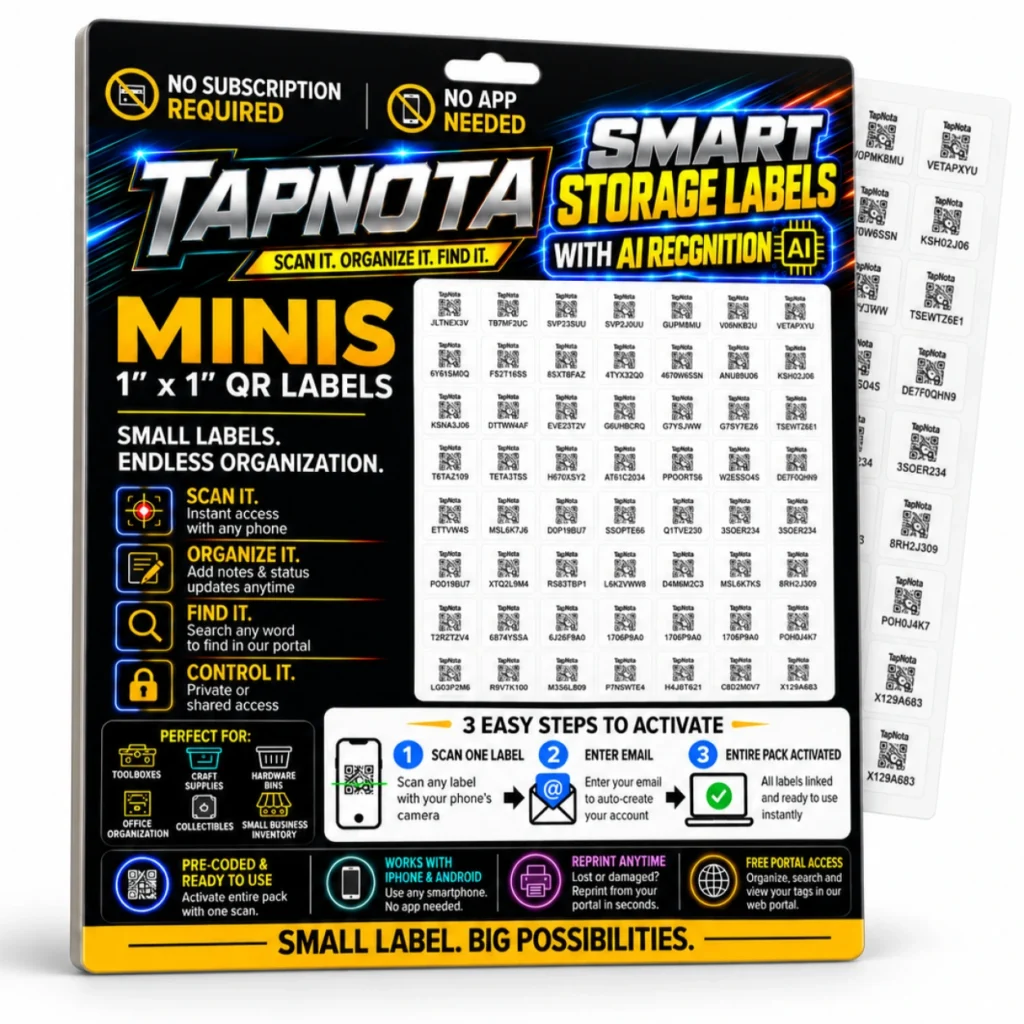
Organizing storage bins can quickly become overwhelming without a clear system to track what’s inside each container. TapNota Mini QR Labels provide a smart, physical-to-digital record system that simplifies this task by connecting each bin to a unique, evolving digital Item Page. These 1″ x 1″ labels are perfect for small bins, craft supplies, toolboxes, and more, offering endless organization possibilities without the need for an app or subscription.
What Makes TapNota Mini QR Labels Ideal for Storage Bins?
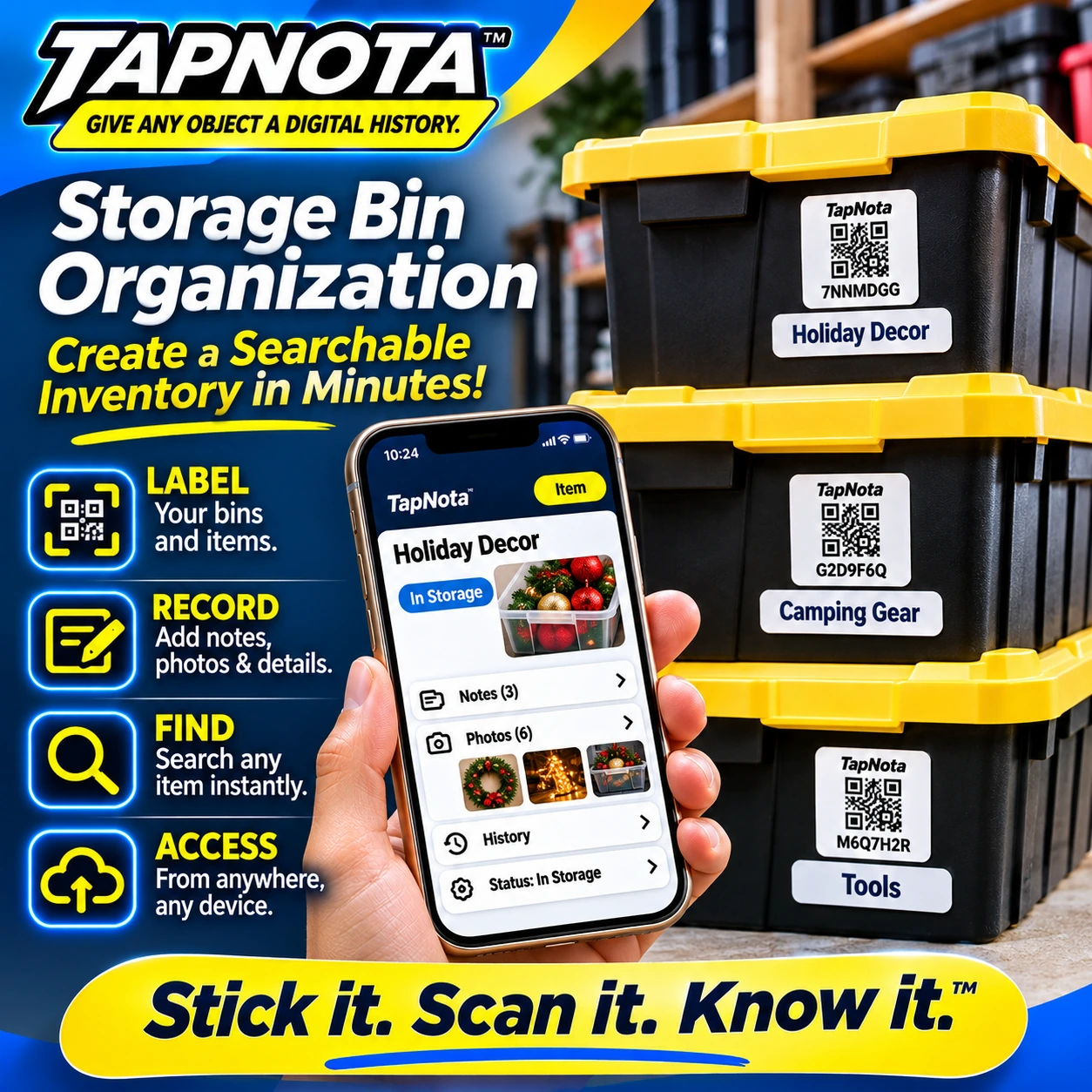
Unlike traditional handwritten labels or spreadsheets, TapNota combines the physical convenience of QR labels with a powerful web Portal for management and search. Each label is pre-coded and ready to use, so you can attach it to a bin and instantly create a digital record. This record can include item names, notes, photos, manuals, serial numbers, and condition updates — all accessible by scanning the QR code or searching in the Portal.
Because the labels are small and unobtrusive, they fit neatly on any size bin without overwhelming the surface. The TapNota Minis pack includes multiple labels that activate together with a single scan and email verification, making large-scale organization projects efficient and straightforward.
Step-by-Step: Activate and Use Your Mini QR Labels
- Scan One Label: Use your smartphone camera to scan any one label from your purchased pack.
- Enter Email: Provide your email address to auto-create and link the entire pack to your TapNota account.
- Attach Labels: Place labels on your storage bins, toolboxes, or small containers.
- Add Details: Open each Item Page by scanning its label or via the web Portal to add names, contents, photos, notes, and status updates.
- Search and Manage: Use the Portal to search across all your bins by name, note text, or tags without needing to scan each label physically.
Benefits of Using TapNota Mini QR Labels for Storage Bin Organization
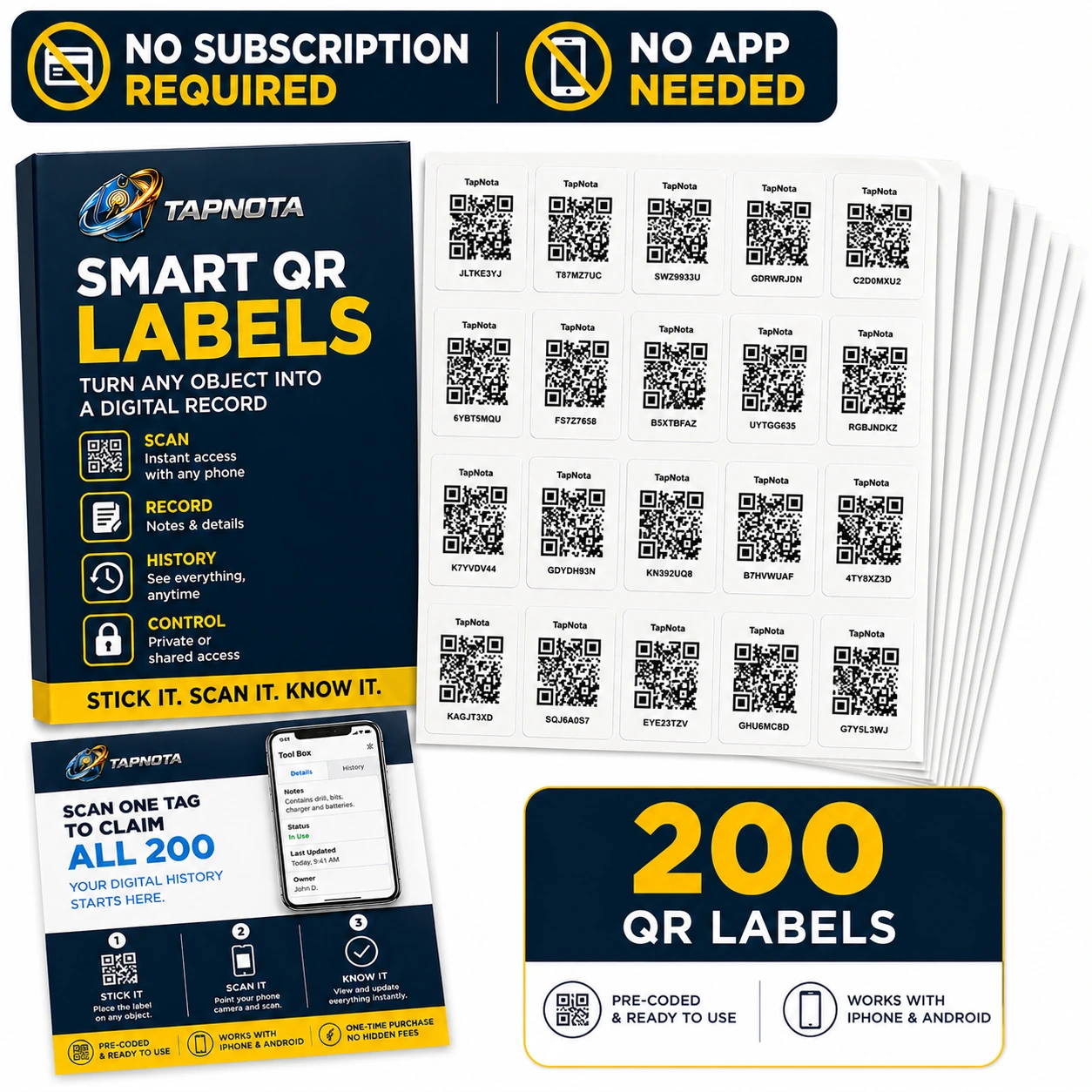
- No Subscription or App Required: Access your inventory from any device with a browser.
- Pre-Coded and Ready: Labels come pre-coded, so no manual setup or coding is needed.
- Reusable Digital Records: Update your Item Pages anytime without changing the physical label.
- Powerful Search: Find items quickly by searching names, notes, or tags in the Portal.
- AI Recognition (Optional): Use the AI feature to help identify visible contents from photos and get suggested notes to save time.
- Flexible Privacy and Sharing: Control who can see or edit your inventory with private, shareable links or shared account access.
Practical Use Case: Organizing a Craft Supplies Bin
Imagine you have a plastic storage bin filled with assorted craft supplies like paints, brushes, ribbons, and beads. By attaching a TapNota Mini QR Label to the bin, you create an Item Page where you can:
- Name the bin “Craft Supplies”.
- Add notes describing the contents and any special instructions.
- Upload permanent photos of the contents for quick visual reference.
- Record purchase dates or supplier info for restocking.
- Update the status when the bin is in use, stored, or loaned out.
Later, when you need a specific item, you can search “ribbons” or “paintbrushes” in the Portal without opening the bin, saving time and effort.
How TapNota’s Web Portal Enhances Your Storage System
The TapNota web Portal is the command center for managing your entire inventory. It lets you:
- Search across all your labeled bins and items by any saved detail.
- Group records into folders for better organization.
- Track item status such as in storage, in use, or missing.
- Reprint damaged QR labels without losing the linked record or history.
- Invite family members or team helpers with shared account access to collaborate on the inventory.
Because the Portal is browser-based, you never need to install an app, and you can manage your inventory from anywhere.
Choosing the Right TapNota Pack for Your Needs
TapNota offers various pack sizes to fit the scale of your project:
- Minis (1″ x 1″): Available in packs of 63, 126, or 252 labels, ideal for small bins, drawers, or collectibles.
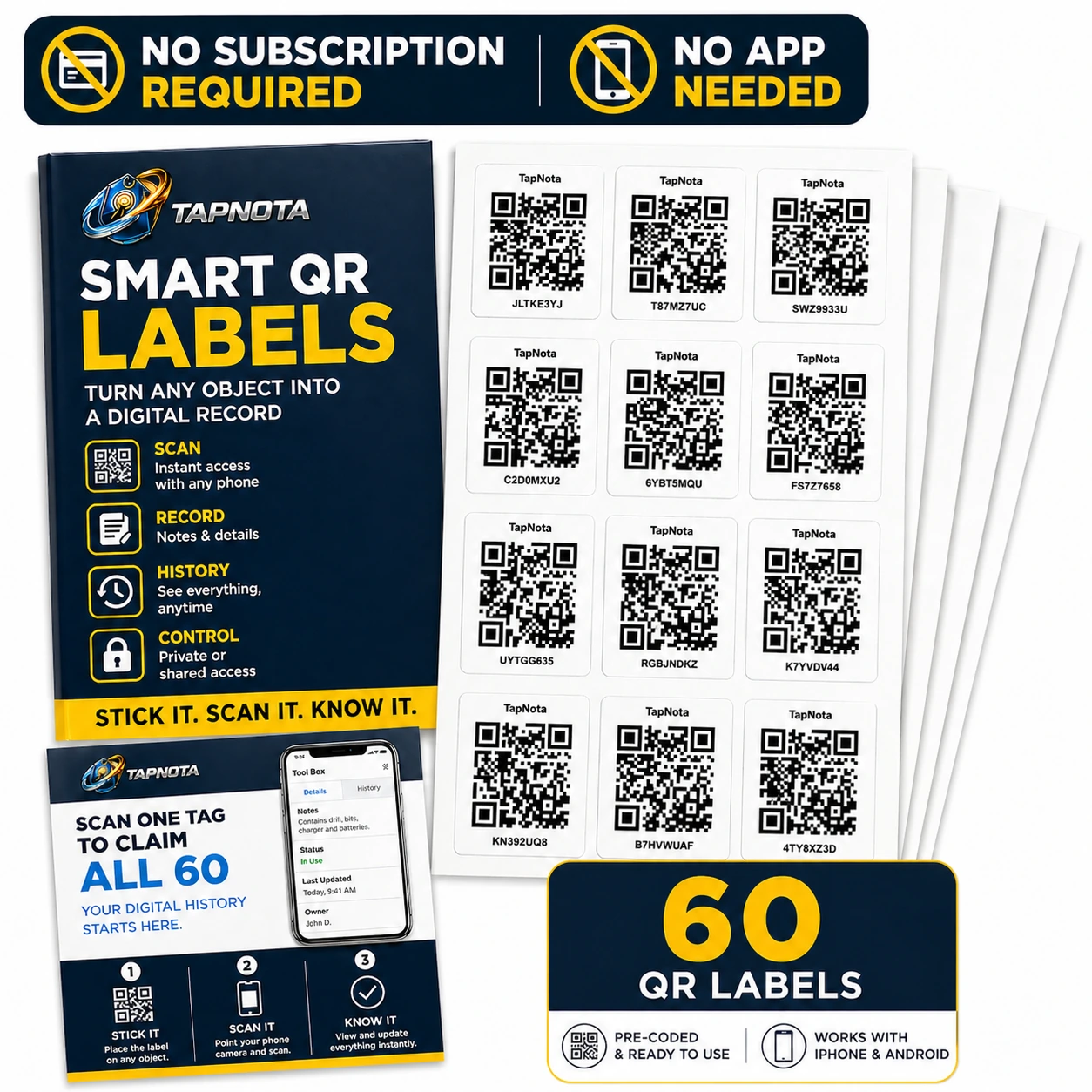
- Standard (2″ x 2″): Available in 60, 100, or 200 packs, better for larger bins, toolboxes, or cases.
All packs work seamlessly within the same system and Portal, so you can mix label sizes to suit different storage types.
Summary
TapNota Mini QR Labels transform storage bin organization by linking physical bins to detailed, searchable digital records. Their easy activation, no-app-needed convenience, and powerful web Portal make managing even large inventories simple and efficient. Whether for craft supplies, hardware bins, or small business inventory, TapNota helps you find what you need fast and keep your storage organized over time.
Learn more about organizing storage bins with TapNota on the Storage Bin Labels page and explore additional tips in the Storage Bin Organization category.
Frequently Asked Questions
Do I need to buy a subscription to use TapNota Mini QR Labels?
No, TapNota Mini QR Labels do not require any subscription. You activate your purchased pack with a single scan and email entry, and then you can use the included core features without ongoing fees.
Can I use TapNota Mini Labels without installing an app?
Yes, TapNota works entirely through your smartphone's camera and a browser-based web Portal. No app installation is needed to scan labels or manage your inventory.
How do I update the contents of a storage bin after labeling?
Simply scan the bin’s QR label or open its Item Page in the Portal to add or edit notes, photos, status, and other details. The physical label remains the same.
Can I search for items without scanning the QR labels?
Yes, the TapNota web Portal allows you to search your entire inventory by item names, notes, tags, or folder names without needing to scan any physical label.
Is it possible to share my storage bin inventory with family or team members?
Yes, TapNota offers Shared Account Access, allowing approved users to log into your inventory with their own credentials while you retain administrative control.


