













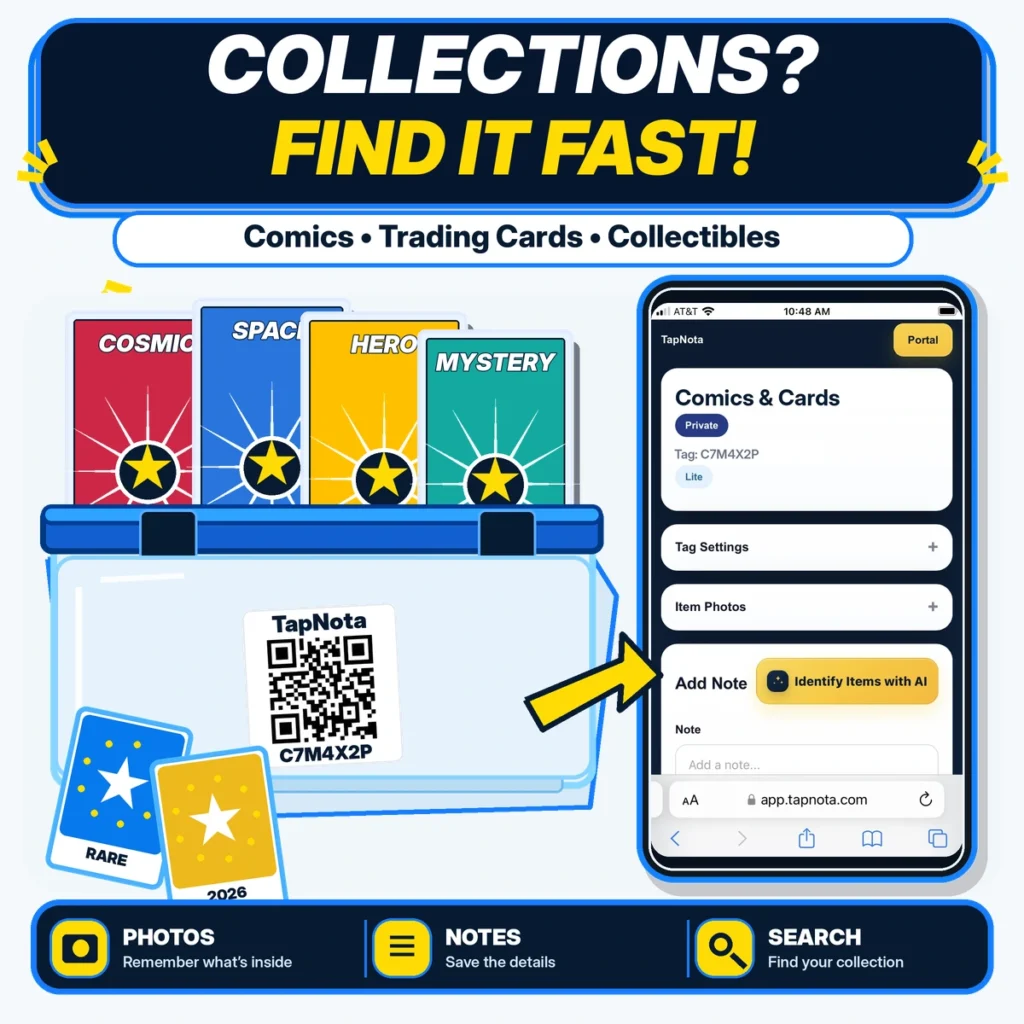
Baseball card collecting is a beloved hobby that can quickly grow into an extensive and valuable collection. Keeping track of your cards, their condition, and their storage can become overwhelming without a reliable system. TapNota offers a smart solution that bridges the physical and digital worlds, allowing collectors to organize and manage their baseball cards efficiently with smart QR labels and a powerful web Portal.
Why Organize Your Baseball Card Collection Digitally?
Traditional methods like handwritten lists or spreadsheets often fall short when it comes to real-time updates, easy searching, or linking physical cards to detailed information. TapNota’s system uses pre-coded QR labels that attach to card boxes, binders, or individual card holders. Each QR label opens a dedicated Item Page online where you can add photos, notes, and status updates.
This means you can:
- Remember what’s inside: Upload permanent photos of your cards or boxes to visually catalog your collection.
- Save detailed notes: Record player names, card conditions, purchase dates, values, and any other important details.
- Search your collection: Use the TapNota Portal to find cards by name, year, folder, or notes without needing to physically access the cards.
Getting Started with TapNota for Baseball Cards
Start by purchasing a pack of TapNota pre-coded QR labels. You only need to scan one label to activate the entire pack to your account by verifying your email. This eliminates the hassle of activating each label individually.
Attach labels to your card boxes, binders, or storage cases. Scan any label to open its unique Item Page in your browser—no app installation required. Here you can add a name like “Yankees 1980s Cards,” upload photos of the cards or boxes, and add notes such as player details or card condition.
Organizing with Folders and Tags
Use folders in the Portal to group cards by team, era, or player. Tags help you filter and quickly locate specific subsets, such as “rookie cards” or “rare inserts.” The Item Status feature lets you mark cards as “in storage,” “on display,” or “loaned,” helping you keep track of your collection’s whereabouts.
Using TapNota’s AI Feature for Faster Cataloging
TapNota offers an optional AI-powered identification tool. On the Item Page, you can take or upload a photo of visible cards. The AI suggests a starting list of known cards or types to add to your notes. You then review and save the suggestions. Keep in mind the AI works only with visible items and requires your confirmation before saving.
Benefits Beyond Simple Labeling
Unlike basic QR stickers or spreadsheets, TapNota connects your physical cards to an evolving digital record that grows with your collection. You can update notes, add new photos, or change status without needing a new label. The Portal’s search function means you don’t need to scan a label to find information—just search your entire collection by keywords or tags.
Sharing is easy too. You can generate shareable links to individual Item Pages for friends or buyers, or invite family members to collaborate via Shared Account Access with their own logins.
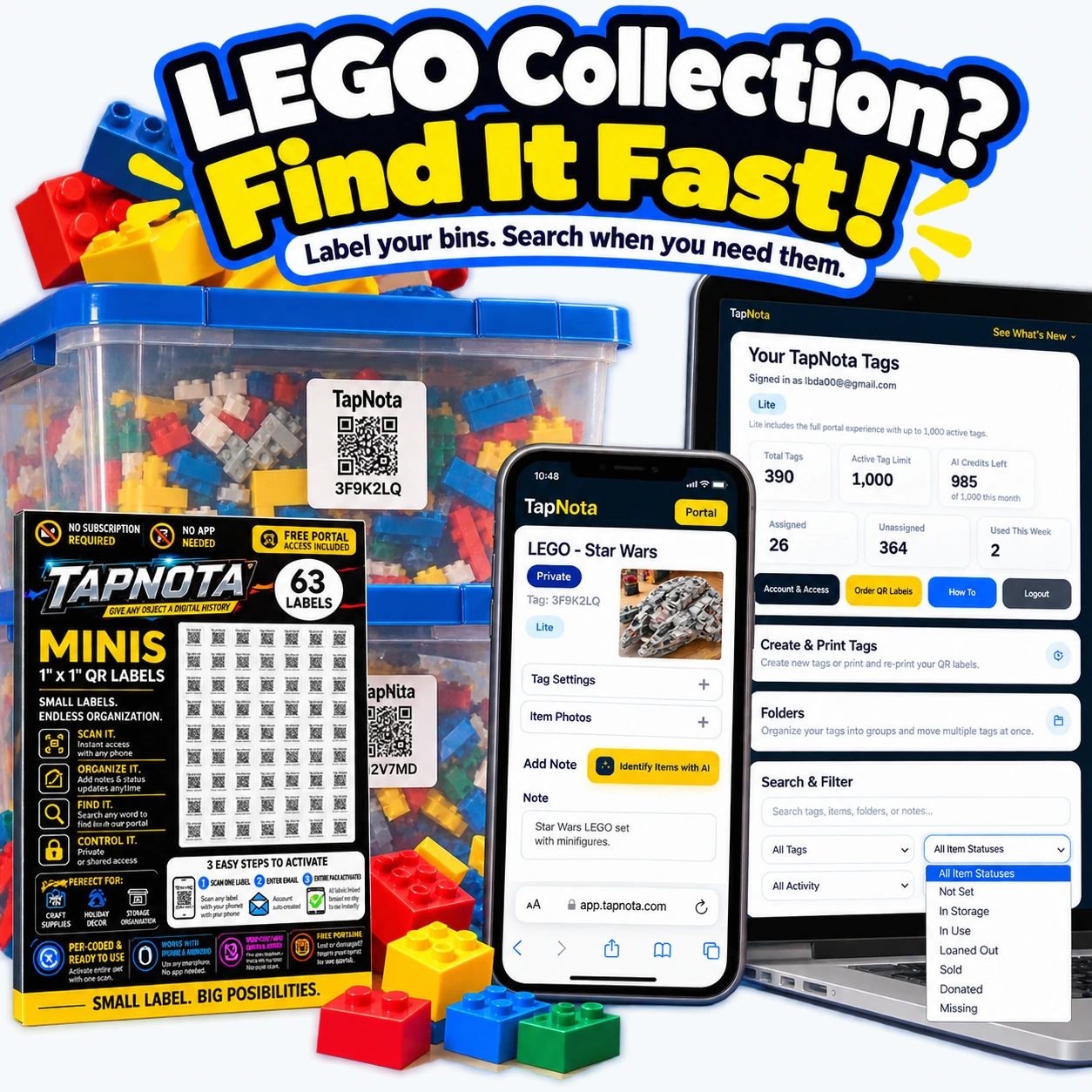
Example Workflow for a Baseball Card Collector
- Buy a pack of TapNota QR labels and activate it with your email.
- Label each storage box or binder containing cards.
- Scan a label to open its Item Page and add a descriptive name, such as “Yankees Cards 1980–1990.”
- Upload photos of the cards or box contents, add notes like player names, card grades, or purchase info.
- Organize Item Pages into folders by team or decade.
- Use the Portal search to find all cards related to a specific player or year.
- Update notes or photos as your collection changes or grows.
This system keeps your baseball card collection organized, documented, and searchable without the hassle of manual record-keeping or separate apps.
More Ways to Use TapNota for Collectibles
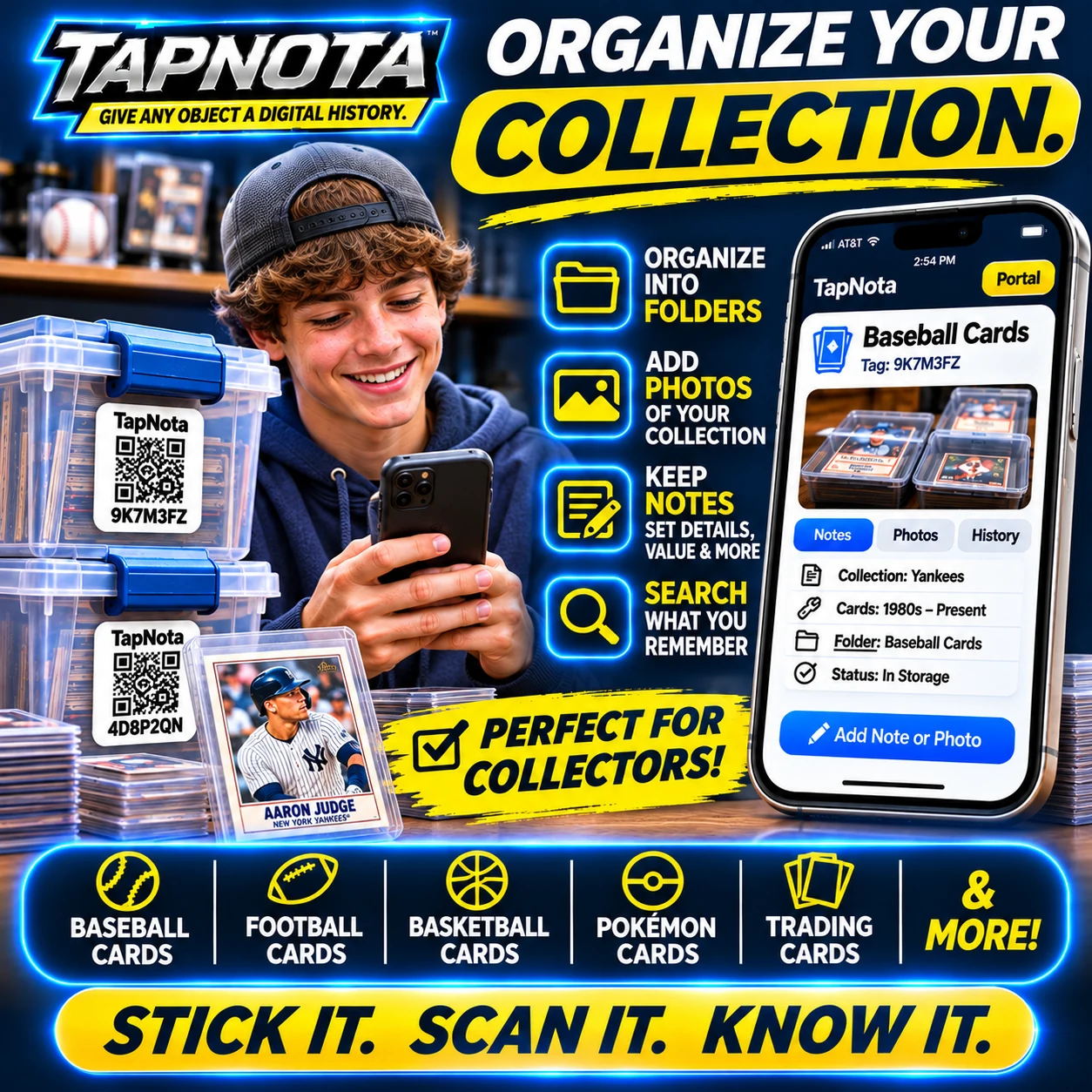
TapNota’s flexibility supports many collectibles beyond baseball cards. Whether you collect comics, trading cards, LEGO sets, or other memorabilia, you can label bins, cases, or shelves with QR codes linked to detailed digital records. The same principles apply: add photos, notes, organize into folders, and search anytime.
For example, LEGO collectors can label storage bins by theme or set, upload photos of minifigures or parts, and track which pieces are stored where. The AI feature can even help identify visible items in photos to speed up cataloging.
Additional Tips for Collectors
- Use permanent photos: Take clear pictures of your cards or boxes to remember condition and contents.
- Keep notes updated: Record changes like card sales, trades, or condition updates.
- Leverage search and folders: Organize by player, team, era, or value to quickly find what you need.
- Share selectively: Use share links or Shared Account Access to collaborate with family or fellow collectors.
With TapNota, your baseball card collection becomes a living digital archive that’s easy to manage, update, and explore.
For more on organizing hobbies and collectibles, see Collections & Hobbies. To learn about bin labeling and search features, check out Storage Bin Organization. For a practical guide on moving and packing collectibles, visit Moving & Packing.
Frequently Asked Questions
Can I use TapNota for individual baseball cards or only boxes?
TapNota labels are best suited for containers or groups of items like boxes or binders. For individual cards, you can label their storage holders or create detailed notes on the container’s Item Page.
Is an app required to use TapNota QR labels?
No, TapNota works entirely through scanning QR codes with your smartphone’s camera and accessing the browser-based Portal—no app installation needed.
How does the AI identification feature work for card collections?
The AI analyzes photos of visible cards to suggest possible identifications you can review and save. It helps speed up cataloging but requires your confirmation and works only with visible items.
Can I share my baseball card inventory with other collectors?
Yes, you can share individual Item Pages via secure links or invite others as shared account members with separate logins for collaboration.
What happens if a QR label gets damaged or lost?
You can reprint replacement QR labels from the Portal without losing the linked Item Page or history, preserving your digital records.


