













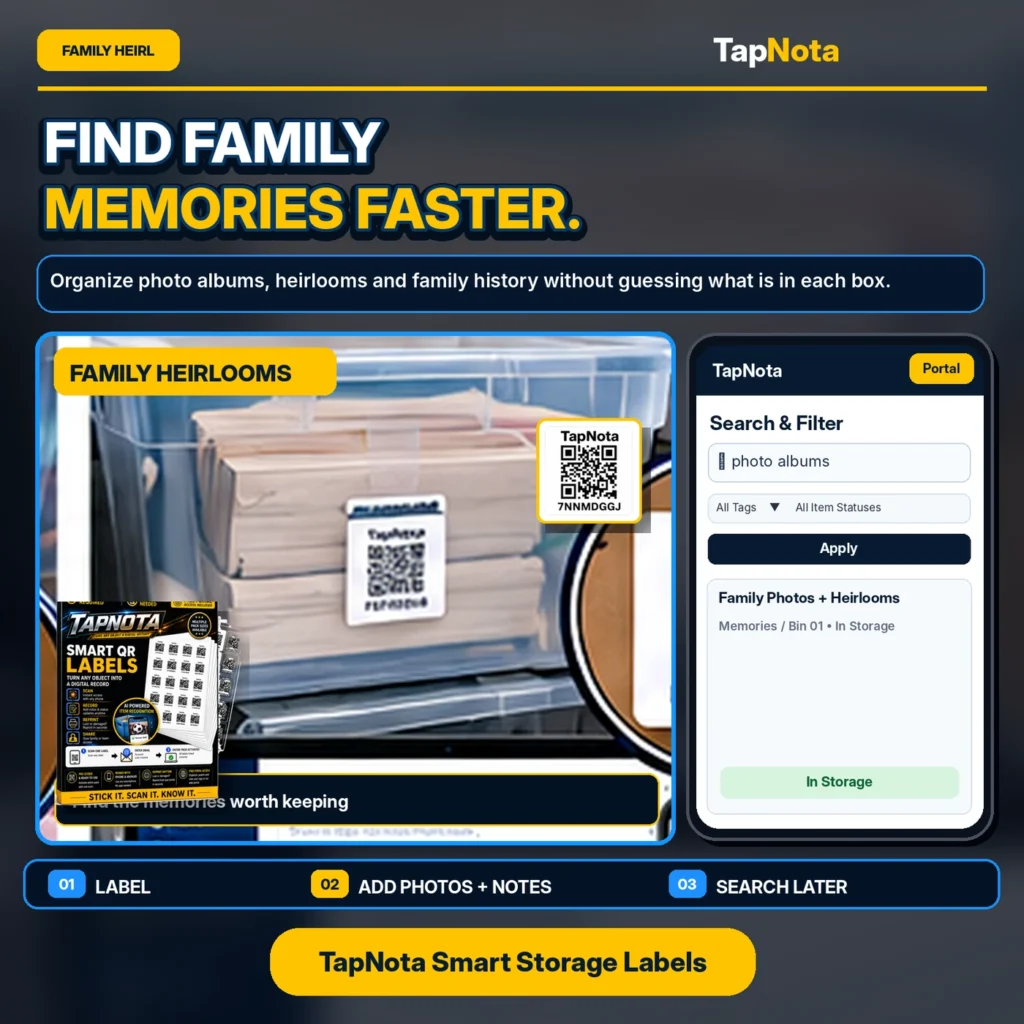
Family heirlooms and photo albums hold priceless memories, but they often end up tucked away in boxes or bins that are hard to identify without opening them. This can lead to frustration and lost time when you want to revisit those special moments or pass down family history. TapNota offers a smart solution with its physical-to-digital record system using Smart QR Labels that make organizing and finding family memories faster and easier.
Why Organize Family Heirlooms with TapNota?
Traditional labeling methods like handwritten tags or generic stickers don’t provide an evolving digital record or searchable database. TapNota’s system attaches a unique, pre-coded QR label to each heirloom box, photo album, or storage bin. Scanning the label opens a dedicated Item Page online where you can add detailed information such as names, dates, descriptions, photos, manuals, and condition notes.
This approach transforms physical storage into a dynamic digital archive:
- Search Anytime: You don’t need to scan the label every time. Use the TapNota web Portal to search item names, notes, tags, or folder names to find exactly what you want.
- Update Records Over Time: Add new photos, notes, or condition updates without changing the printed QR label.
- Share with Family: Use Shared Account Access to invite family members to help manage and view the inventory, keeping everyone in sync.
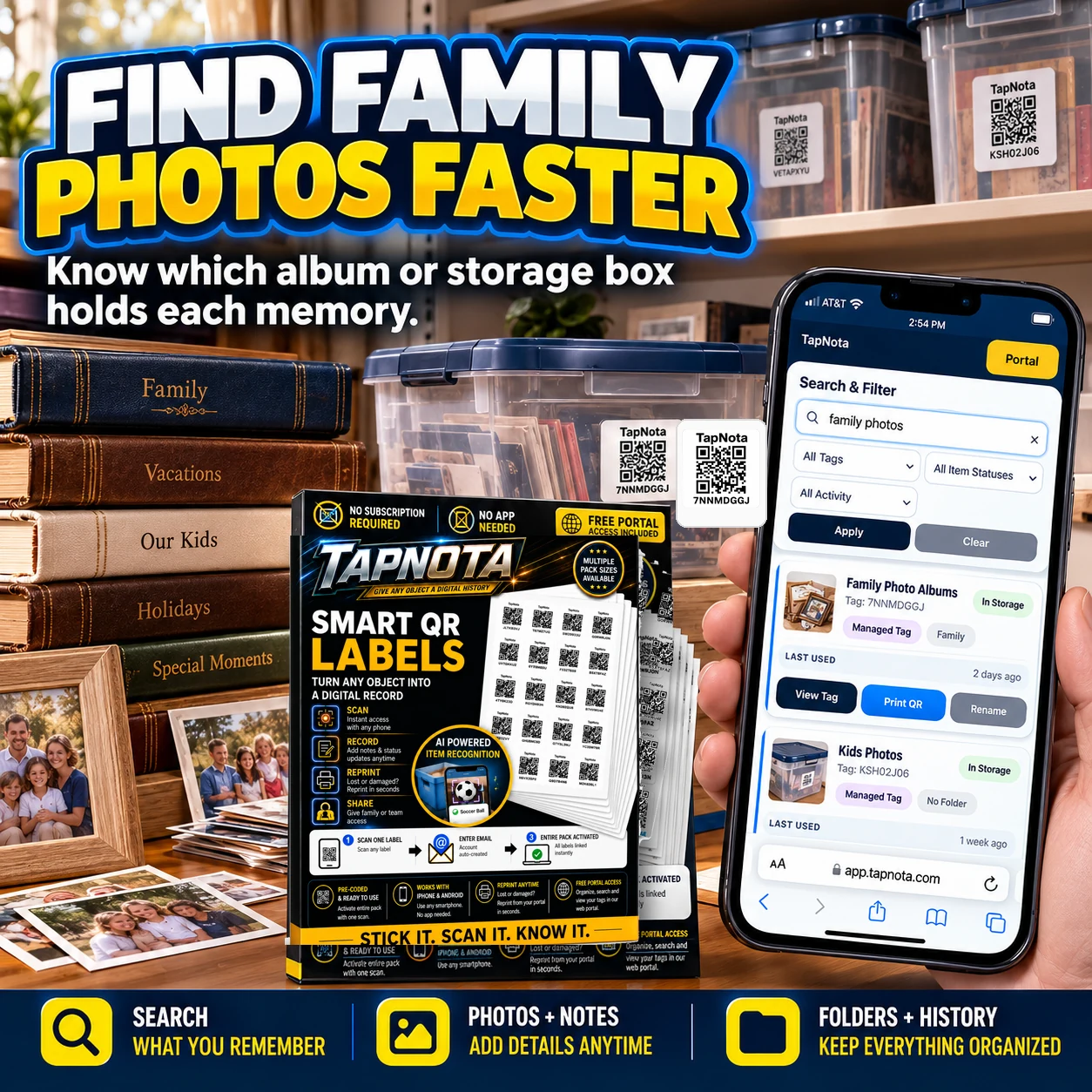
Step-by-Step: Organizing Family Heirlooms and Photos
- Attach a TapNota Label: Stick a pre-coded TapNota QR label on each box or album containing heirlooms or photos.
- Activate Your Pack: Scan any label and verify your email to activate your entire purchased pack. No need to activate labels individually.
- Add Details: Open the Item Page by scanning the label or via the Portal. Add a name, notes about the contents, permanent photos of the items, and any relevant history or condition information.
- Organize into Folders: Group related items into folders such as “Family Photos,” “Wedding Keepsakes,” or “Grandparents’ Heirlooms” to keep your inventory tidy.
- Search and Find: Use the Portal’s powerful search to locate any item by keywords, tags, or folder names without needing the physical label nearby.
Using AI to Identify Visible Contents
TapNota offers an optional AI-powered feature where you can take or upload a photo of visible items inside a box before sealing it. The AI suggests a list of recognized objects in the notes section for you to review and save. This helps create a detailed starting inventory without guesswork, though it requires your review and consumes AI credits.
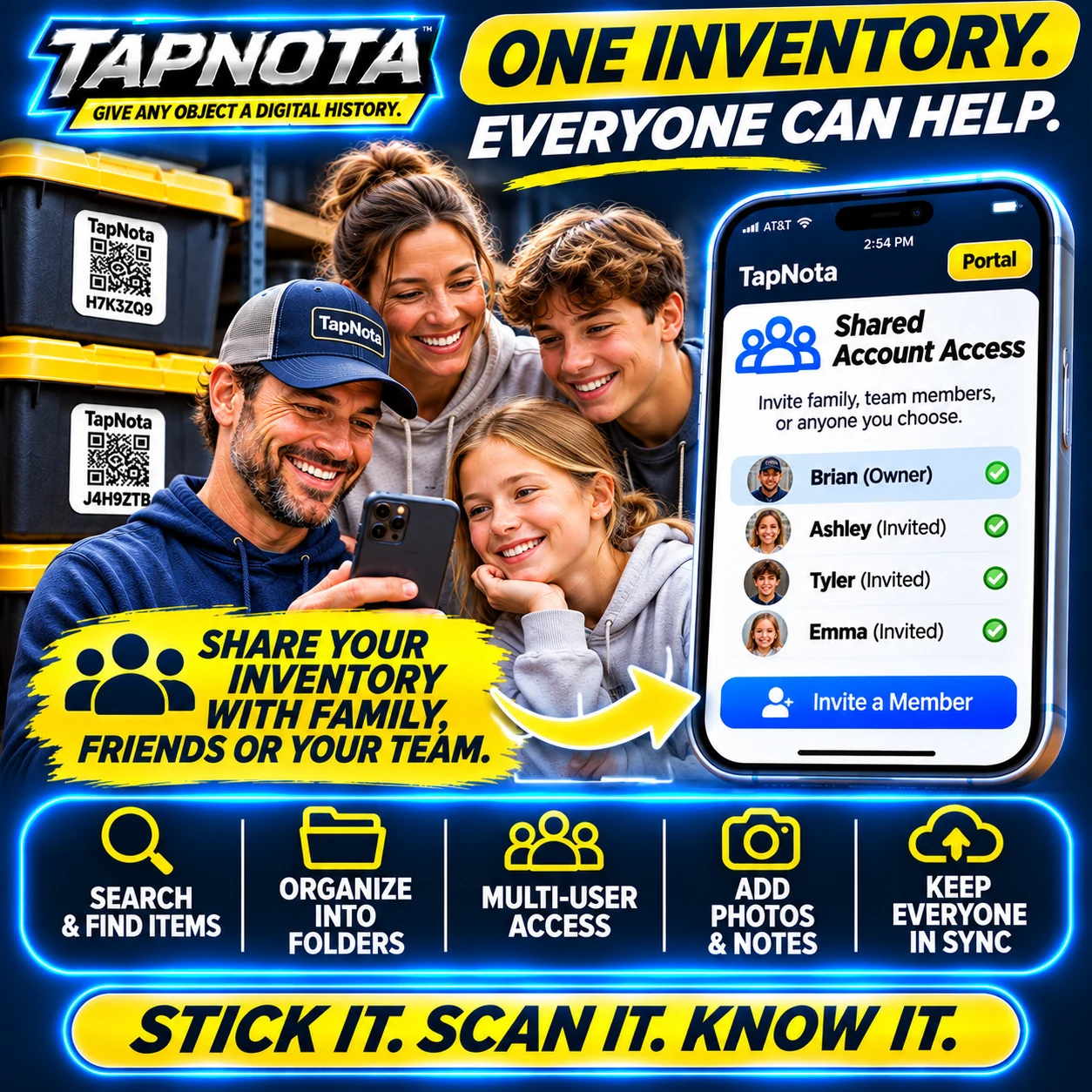
Sharing Your Family Inventory
One of TapNota’s standout features is Shared Account Access, which lets you invite family members or trusted helpers to access the same inventory with their own login credentials. This collaborative approach means:
- Everyone can add or update records, photos, and notes.
- The owner retains full administrative control over membership and billing.
- Shared access keeps your family’s memories organized and accessible to all.
This is especially useful for families managing large collections of heirlooms or coordinating preservation efforts across generations.
Tips for Successful Family Heirloom Organization
- Label Early: Start labeling boxes and albums before packing or storing to capture details while contents are visible.
- Use Permanent Photos: Add clear, well-lit photos of heirlooms or album covers to the Item Page for quick visual identification.
- Keep Notes Detailed: Record important stories, provenance, or condition notes to preserve family history along with the physical items.
- Regularly Update: Revisit your inventory periodically to add new items or update existing records as memories or items change.
- Leverage Search and Folders: Use descriptive tags and folders for easy retrieval without opening every box.
Conclusion
TapNota’s Smart QR Labels and web Portal offer a modern, flexible way to organize family heirlooms and photo albums. By connecting physical items to evolving digital records, you can preserve precious memories, reduce guesswork, and share access with loved ones. Whether you’re archiving decades of family history or managing current keepsakes, TapNota helps you find family memories faster and keep them safe for generations.
Explore how TapNota can transform your family inventory and start organizing your heirlooms today.
For more on sharing family inventories, see Sharing & Family Organization. To learn about collaborative access, visit How TapNota Shared Account Access Simplifies Family and Team Inventory Management.
Frequently Asked Questions
Can I update the information on an Item Page after labeling?
Yes, TapNota allows you to add or edit notes, photos, and details on an Item Page anytime without changing the physical QR label.
Do I need to scan every label to search my family inventory?
No, the TapNota web Portal lets you search all saved records by name, notes, tags, or folders without needing to scan the physical label.
How does Shared Account Access work for families?
The account owner invites family members to log in with their own credentials, allowing them to view and update the shared inventory while the owner controls membership and administration.
Is TapNota’s AI feature automatic when scanning labels?
No, AI recognition is optional and requires you to take or upload a photo of visible items on the Item Page. It helps suggest notes but does not see inside closed boxes.
Can I print replacement QR labels if one gets damaged?
Yes, TapNota’s Portal allows you to reprint existing QR labels without losing the linked Item Page or its history.


