













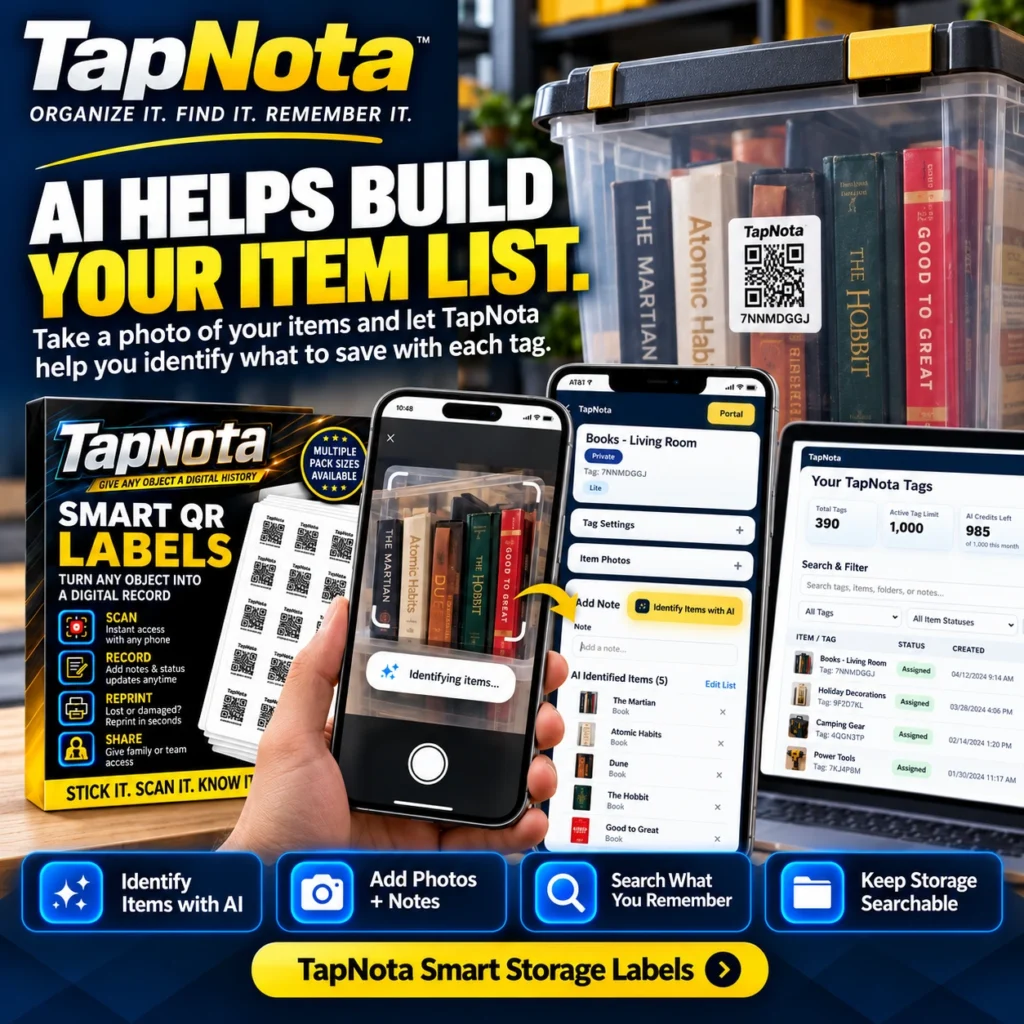
Managing storage bins, moving boxes, or workshop tools can quickly become overwhelming without a reliable system to track what’s inside each container. TapNota smart QR labels revolutionize this process by linking physical items to evolving digital records that you can update and search anytime. What sets TapNota apart is its optional AI-powered item recognition feature, which helps you build your item list simply by taking a photo of visible contents.
How TapNota Smart QR Labels Work
Each TapNota label is a pre-coded smart QR code that attaches to an item, bin, or shelf. Scanning the QR with any smartphone opens a unique Item Page in the TapNota web Portal, where you can add or edit details like item names, notes, photos, serial numbers, condition, or instructions. This digital record evolves over time without needing to print new labels.
Unlike traditional inventory spreadsheets or handwritten labels, TapNota connects the physical object to a searchable, account-wide digital Portal. This means you can search your entire inventory by name, notes, tags, or folders, even without having the physical label at hand.
Using AI to Build Your Item List Quickly
One of TapNota’s most innovative features is the AI-assisted item identification. When you scan a label and open its Item Page, you can take or select a photo of the visible contents of a bin or box. The AI then suggests a list of items it recognizes, which you can review, edit, and save as part of the record.
This feature is especially useful when you’re organizing storage bins filled with toys, books, tools, or seasonal decorations. Instead of manually typing each item, the AI helps jumpstart your inventory notes, saving time and effort. Note that AI recognition only works on visible items and requires credits from your TapNota plan.
Practical Example: Organizing a Toy Storage Bin
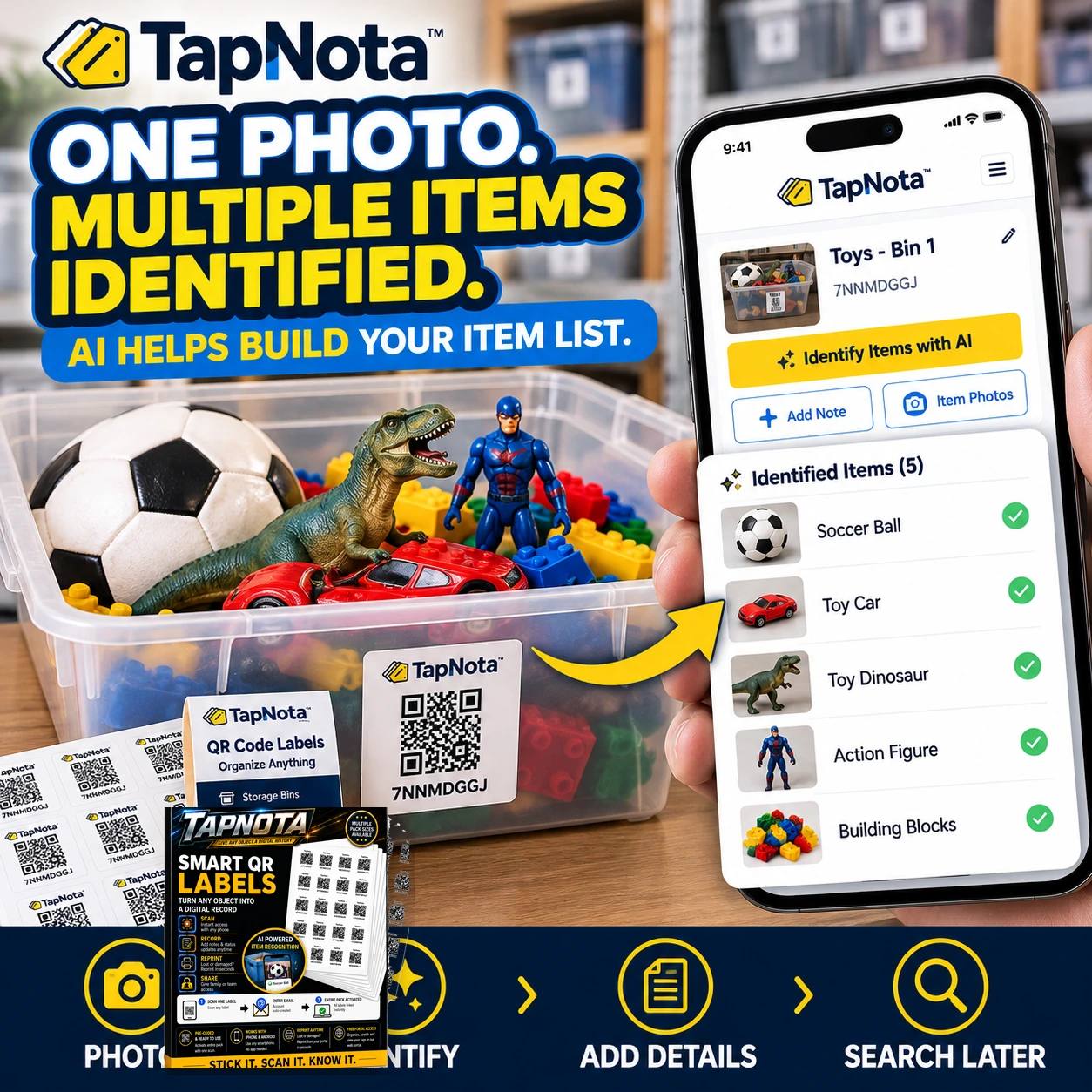
Imagine you have a plastic bin filled with various toys: a soccer ball, a toy dinosaur, an action figure, toy cars, and building blocks. After attaching a TapNota smart QR label to the bin, you scan the label to open its Item Page. Next, you use the AI feature to take a photo of the toys inside.
The AI analyzes the photo and suggests item names like “Soccer Ball,” “Toy Dinosaur,” and “Action Figure.” You confirm or adjust the list, add any extra notes or photos, and save the record. Now, whenever you or a family member scans that QR label or searches your Portal, you instantly know what’s inside without opening the bin.
Create, Print, and Reprint Your QR Labels Easily
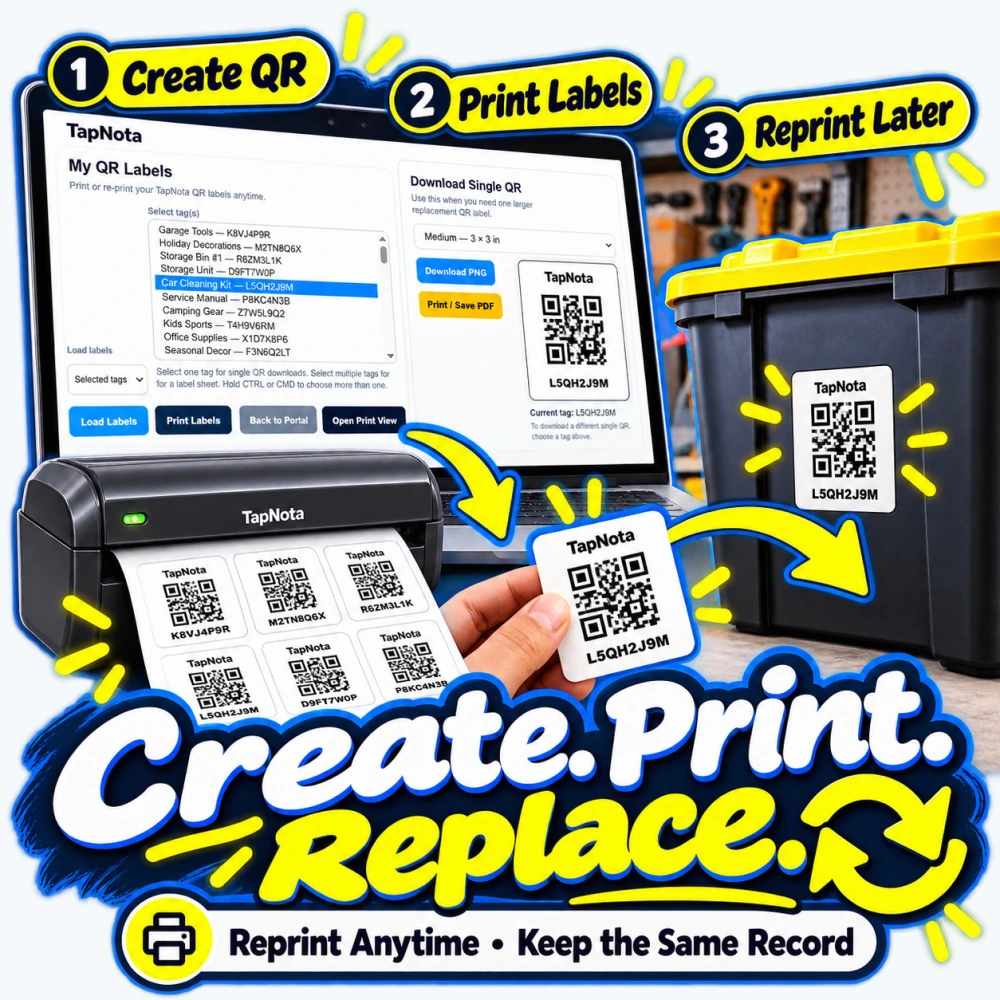
TapNota’s web Portal lets you create new QR labels for any item or container in your inventory. You can print these labels on demand or reprint replacements if a label gets damaged, all while keeping the same digital record intact. This flexibility ensures your inventory stays accurate and up to date.
Whether you have a small collection of bins or a large workshop, TapNota’s label printing workflow is straightforward: select tags in the Portal, download or print PDFs, and stick labels on your containers. The system supports multiple pack sizes and label dimensions to suit your needs.
Additional Benefits of TapNota’s System
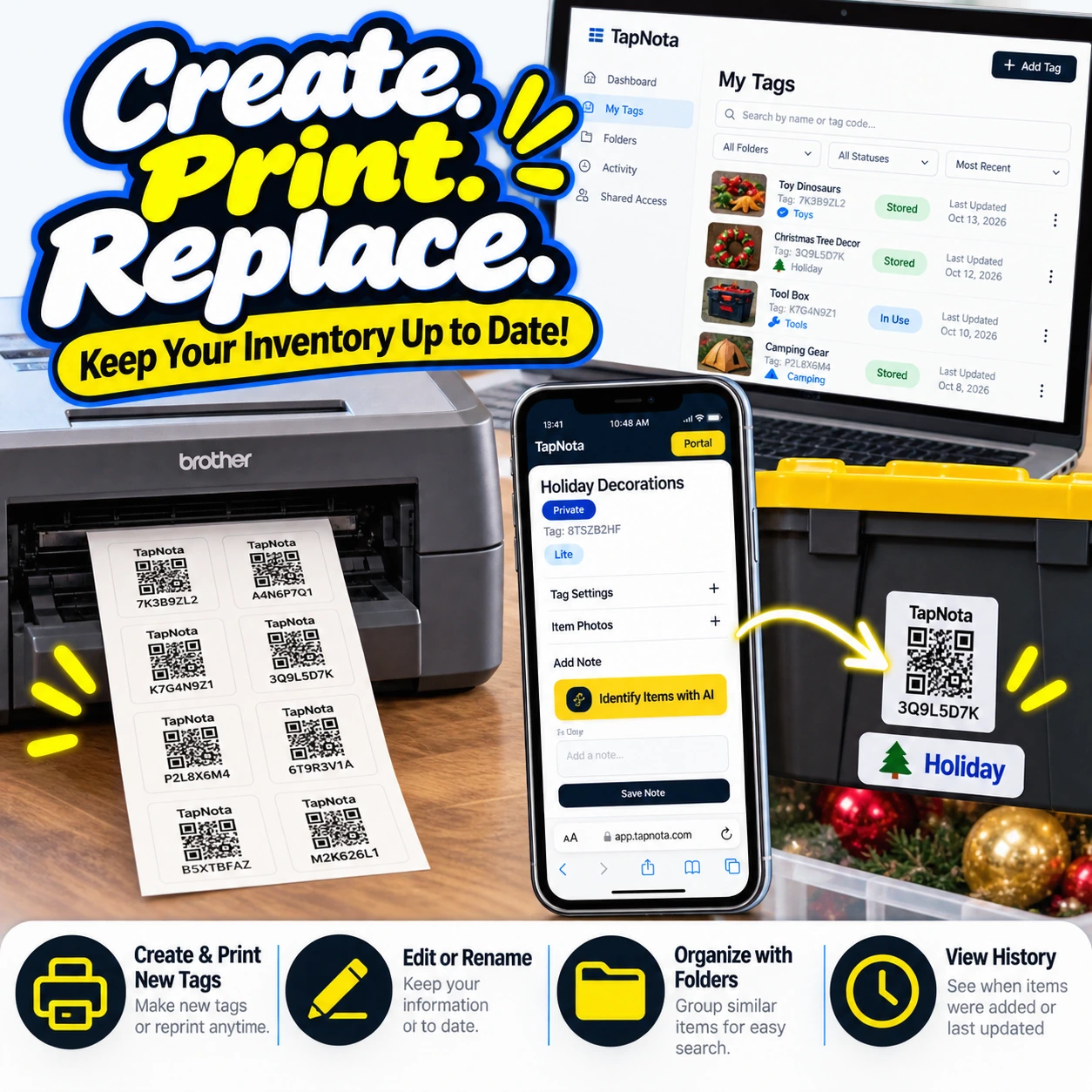
- Searchable Storage: You don’t need to scan a label to find an item. Simply open the Portal and search by name, note text, or tags.
- Organize with Folders: Group related items or bins in folders for easier navigation and management.
- Sharing & Privacy: Share individual Item Pages with family or helpers via secure links or invite them to your account for collaborative inventory management.
- Activity History: Track when items were added, updated, or moved to keep your inventory accurate.
- No App Required: TapNota works entirely through a mobile-friendly web Portal—no app installation needed.
Getting Started with TapNota
Start by purchasing a pre-coded pack of TapNota smart QR labels. Activate the pack by scanning any label and verifying your email address—this automatically links the entire pack to your account. Attach labels to your storage containers, scan to open their Item Pages, and begin adding notes, photos, or using AI to identify contents.
Over time, your inventory grows and stays searchable, making it easier to find items, manage seasonal decorations, track tools, or organize your home efficiently.
For more tips on organizing storage bins and managing home inventory, visit How to Organize Storage Bins for Easy Access and Home Inventory Checklist for Every Room.
Frequently Asked Questions
How does TapNota’s AI item recognition work?
TapNota’s AI analyzes a photo of visible items inside a container, or before putting items in the container, suggests a list of recognized objects. You then review, edit, and save this list to the Item Page. It helps speed up inventory note-taking but only recognizes visible items and uses AI credits from your plan.
Do I need to scan each label to search my inventory?
No. You can search your entire inventory directly in the TapNota web Portal by item names, notes, tags, or folders without scanning physical labels.
Can I reprint a damaged QR label without losing data?
Yes. TapNota lets you reprint any label at any time while preserving the linked Item Page and its history.
Is there a mobile app required to use TapNota?
No. TapNota operates entirely through a mobile-friendly web Portal accessible via any smartphone or browser—no app installation needed.
Can I share my inventory with family or team members?
Yes. You can share individual Item Pages via secure links or invite approved members to access your account with their own login credentials, allowing collaboration while you retain control.


