













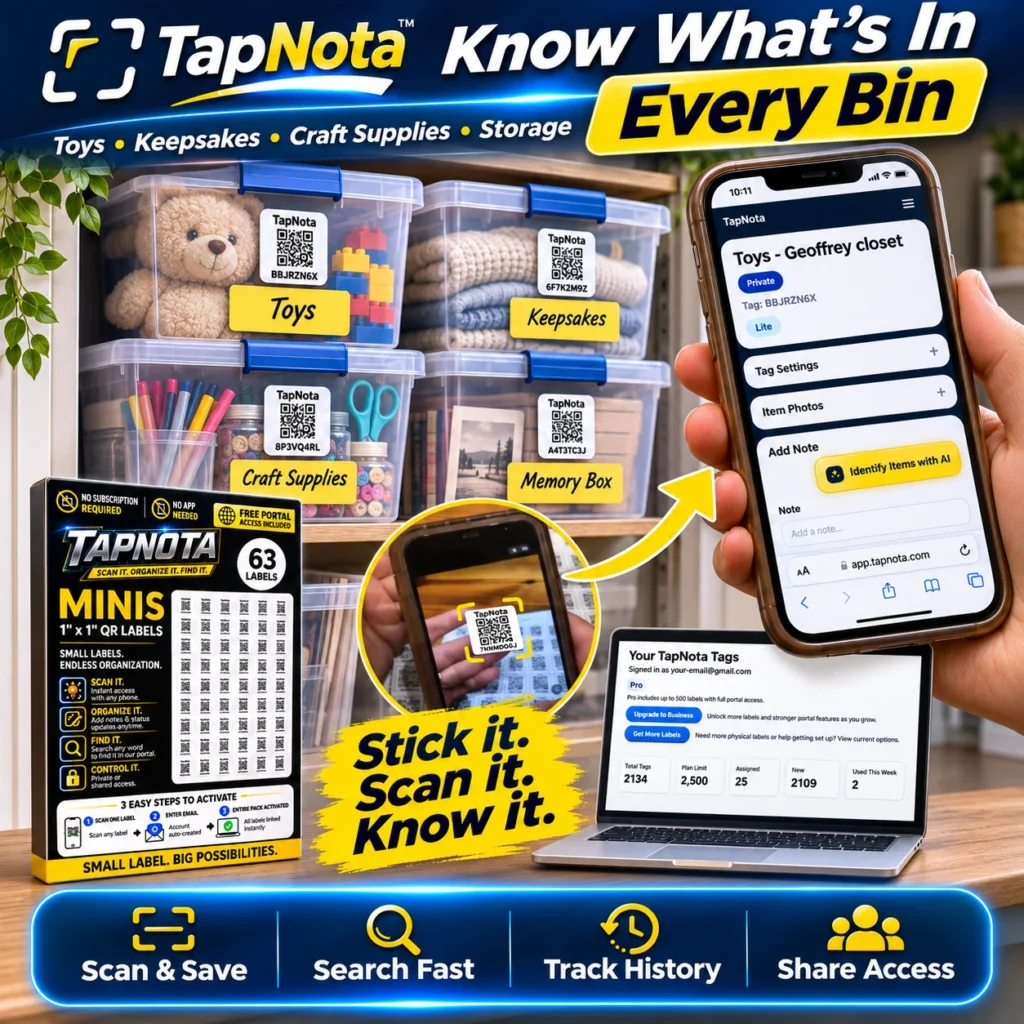
Plastic storage totes are a popular choice for storing seasonal items, keepsakes, craft supplies, and more. However, keeping track of what’s inside each tote can quickly become frustrating, especially when bins are stacked or stored in a basement, garage, or closet. TapNota offers a smart, physical-to-digital system that bridges this gap, letting you know exactly what’s in every bin without opening it.
Why Organize Plastic Storage Totes with TapNota?
Traditional handwritten labels or generic stickers on totes often fall short. They can be hard to read, get lost, or fail to capture evolving details like condition, contents changes, or service history. TapNota’s pre-coded smart QR labels attach securely to each tote and link to a unique, evolving Item Page in your web Portal. This means one label per tote, one digital record that grows with your needs.
Key Benefits:
- Instant Access: Scanning a QR label with any smartphone opens the specific Item Page for that tote.
- Detail-Rich Records: Add names, notes, photos, manuals, serial numbers, and more to fully describe contents.
- Search Without Scanning: Use the TapNota Portal to search saved item names, notes, or tags even if you don’t have the physical bin handy.
- Track History: Monitor changes over time, such as condition updates or new contents added.
- Share Access: Optionally share individual Item Pages or invite trusted helpers to your account for collaborative management.
Step-by-Step: Organizing Your Plastic Storage Totes
- Purchase and Activate Your TapNota Labels: Buy a pack of pre-coded TapNota labels (available in packs of 63, 126, or more). Scan one label and verify your email to activate the entire pack to your account. No need to activate each label individually.
- Attach Labels to Each Tote: Securely stick a label on a visible spot on each plastic tote. This label stays with the bin permanently.
- Scan and Create Item Pages: Scan each label with your phone to open its Item Page. Add a clear name (e.g., “Holiday Decorations,” “Craft Supplies,” or “Keepsakes”), then add notes, photos, and any identifying details.
- Use AI to Identify Contents (Optional): For visible contents, use TapNota’s AI feature to take or select a photo. The AI suggests a list of items inside, which you can review and edit before saving to the record.
- Organize Bins in Groups or Folders: Use the Portal to create folders or tag codes grouping related totes, such as “Holiday,” “Toys,” or “Garage.” This helps when searching or filtering your inventory.
- Search and Find Without Opening Bins: Later, you can search your entire inventory by name, note text, or tags directly from the Portal, even without scanning the physical label.
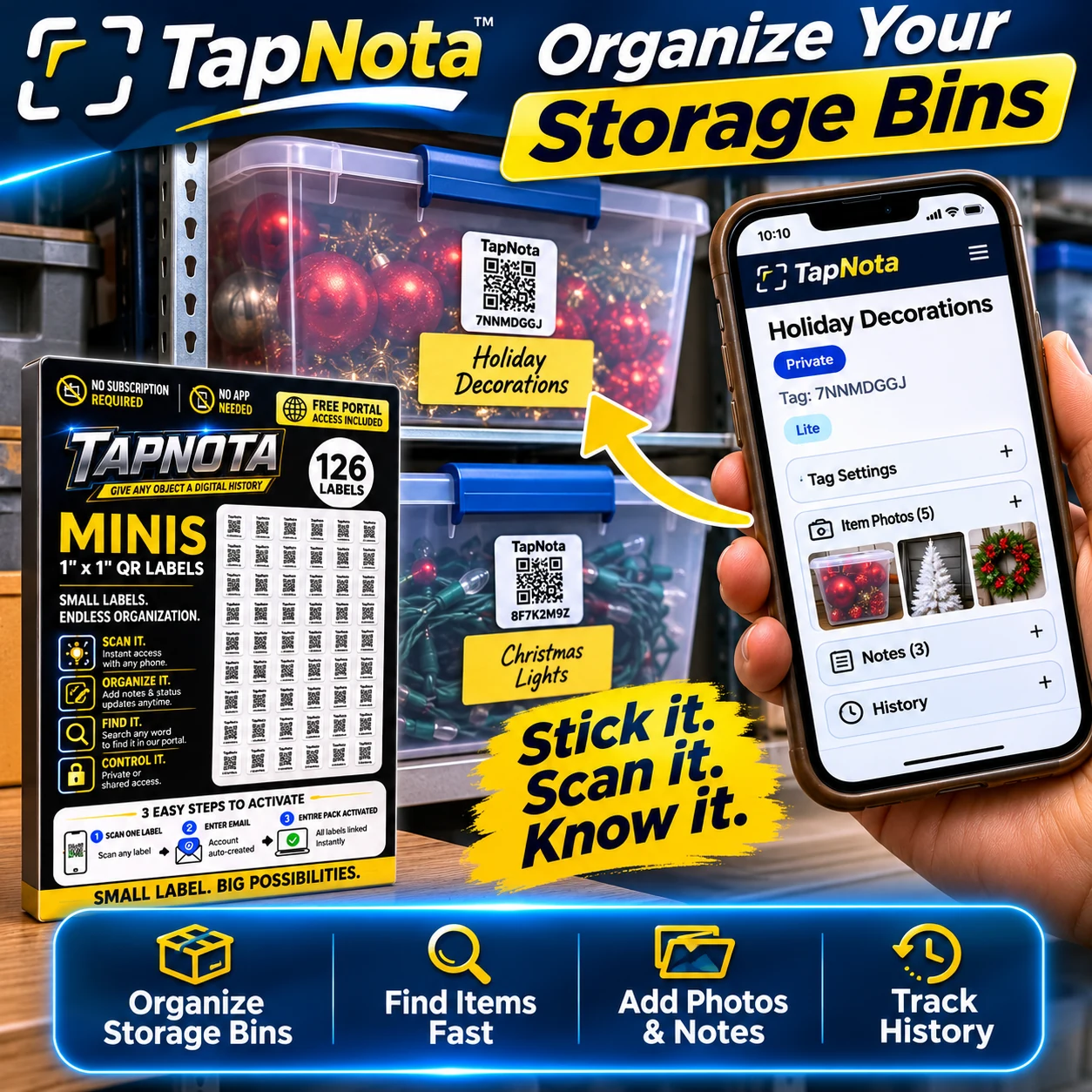
Practical Example: Organizing Holiday Decorations
Imagine you have several plastic totes filled with holiday decorations—ornaments, lights, wreaths, and more. Using TapNota, you attach a label to each tote and scan it to create a digital record. You name one “Holiday Decorations” and upload photos of the contents inside. You add notes like “Red and gold ornaments,” “LED string lights,” and “Wreath with battery-powered lights.”
Later, when you need to find your Christmas lights, you simply open your TapNota Portal and search “Christmas Lights” or “Holiday Decorations.” You instantly see which bin contains the lights without opening every box. This saves time and avoids unnecessary rummaging.
Tips for Maximizing Your Storage Bin Organization with TapNota
- Consistent Naming: Use clear, consistent bin names to make searching easier.
- Detailed Notes: Add condition, quantity, or special instructions in notes to track changes or care requirements.
- Permanent Photos: Upload photos of contents before sealing the bin. These images remain linked to the Item Page for quick visual reference.
- Use Folders and Tags: Group bins logically in the Portal to streamline organization and retrieval.
- Share Access: Invite family members or helpers to your account for collaborative management, especially for seasonal storage or shared spaces.
How TapNota Differs from Traditional Labeling or Spreadsheets
Unlike handwritten labels or spreadsheets, TapNota connects the physical bin directly to a dynamic digital record. The QR label is not just a code but a gateway to a rich, editable Item Page that evolves over time. You don’t need to open the bin to know its contents once the record is saved. The Portal’s powerful search, history tracking, and sharing features make managing multiple totes practical and efficient.
Moreover, TapNota does not require installing any app. Scanning works with any smartphone camera, and the web Portal is accessible from any browser. Activation is simple and done once per pack, not per label. This makes it ideal for home, garage, or business storage.
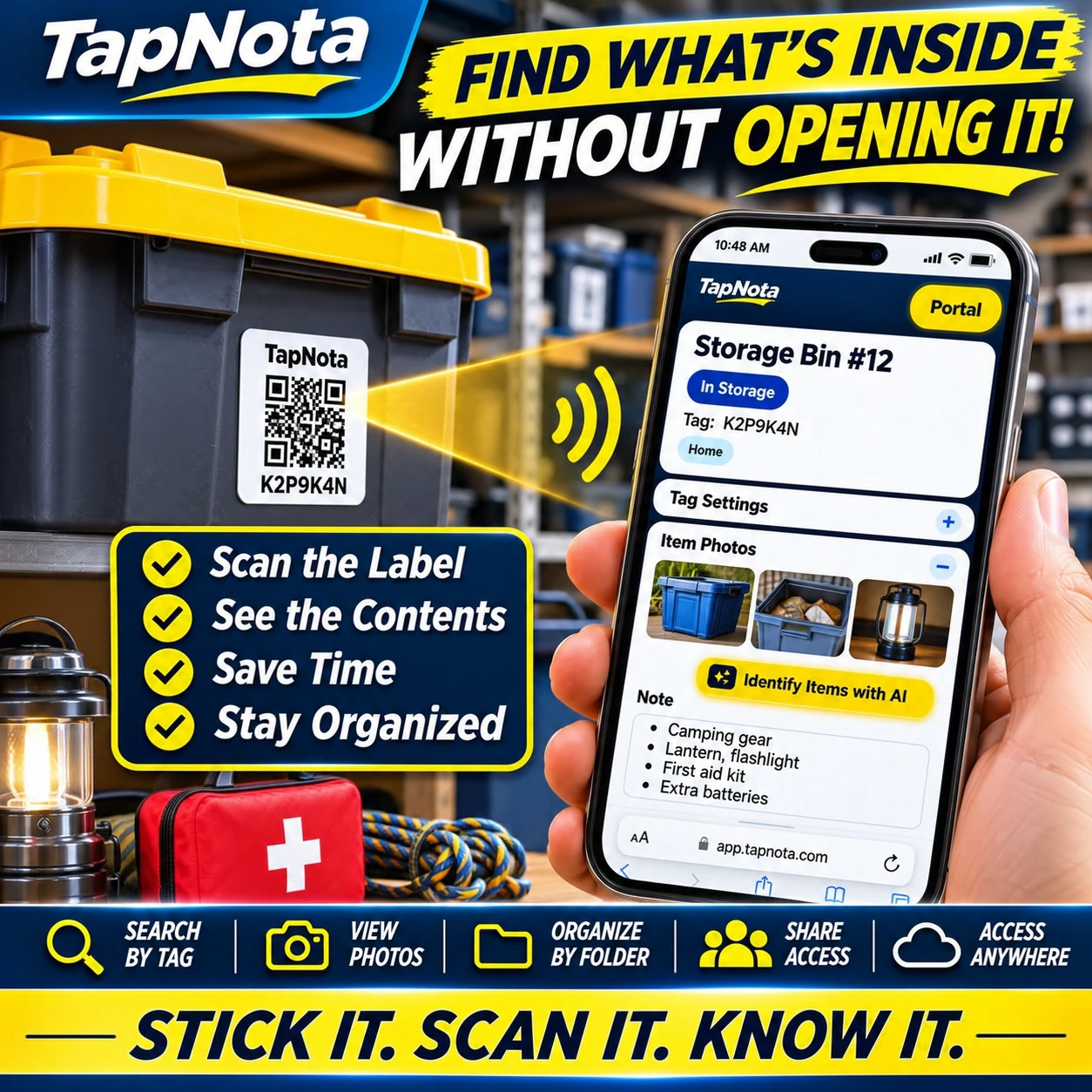
Getting Started with TapNota
Ready to transform your plastic storage tote organization? Start by ordering a TapNota pack that suits your needs. Activate it with a quick scan and email verification, then label your totes and build your digital inventory. Over time, your organized system will save you time, reduce frustration, and keep your stored items easy to find and manage.
For more detailed tips on labeling and organizing storage bins, visit Storage Bin Labels and explore Plastic Storage Bin Organization with QR Labels. To maximize your system, learn how to use TapNota Mini QR Labels for smaller containers or grouped items.
Frequently Asked Questions
Do I need to install a special app to use TapNota?
No, TapNota works with any smartphone camera and a web browser. There is no dedicated app to install.
Can I update the contents of a storage tote after labeling it?
Yes, you can edit the Item Page linked to the QR label anytime to add or change notes, photos, and other details.
How do I activate my TapNota label pack?
Scan any one label from your purchased pack, enter and verify your email address, and the entire pack is activated to your account.
Can I share my storage bin inventory with family members?
Yes, you can share individual Item Pages with links or invite family members to your TapNota account with separate logins for collaborative management.
Does TapNota’s AI feature automatically identify contents inside closed bins?
No, AI identification requires a photo of visible contents. It cannot see inside closed containers and needs user review before saving.


