













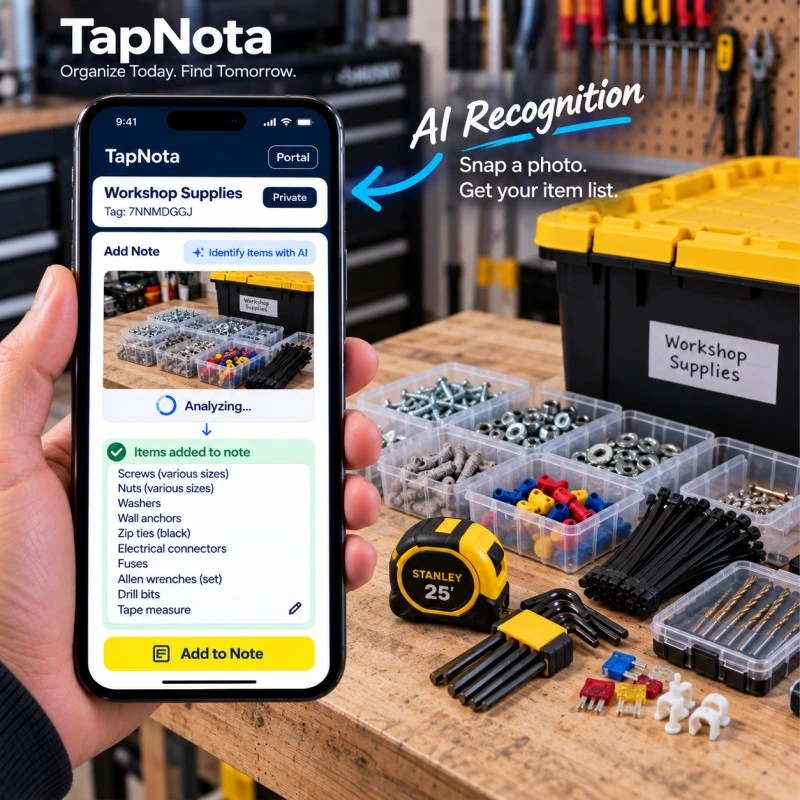
Keeping small parts organized in a busy workshop can be a challenging task. Screws, nuts, washers, drill bits, and various connectors often end up scattered or stored in unmarked containers, making it difficult to find what you need quickly. TapNota offers a modern solution that combines physical QR labels with a powerful digital inventory system, designed to transform how you manage your workshop supplies.
Why Organize Small Parts in Your Workshop?
Small parts are essential to many repair, maintenance, and building projects. Yet, without a reliable system, you risk wasting time searching for the right item or accidentally running out of critical components. Organizing these parts not only saves time but also reduces frustration and improves workflow efficiency.
Using TapNota Smart QR Labels for Workshop Parts
TapNota is not just a QR sticker—it’s a comprehensive physical-to-digital record system. Each pre-coded smart QR label attaches to an item, bin, or tool, instantly linking it to an evolving digital Item Page. This Item Page can store detailed notes, photos, serial numbers, manuals, and service history, all accessible by scanning the label or searching the TapNota web Portal.
For small parts, the process typically involves these steps:
- Attach a QR label to each storage container or bin holding your parts.
- Scan the label with any smartphone to open its unique Item Page.
- Add detailed information such as part names, quantities, photos, and notes.
- Use AI recognition optionally by snapping a photo of the visible contents to generate an initial item list, which you can review and edit before saving.
- Update the record anytime parts are added, removed, or replaced without changing the physical label.
This dynamic system keeps your inventory accurate and searchable, even without having the physical labels in front of you.
Step-by-Step Guide to Organizing Small Parts
- Sort and Group Parts: Start by sorting your small parts into categories such as screws, nuts, washers, electrical connectors, and drill bits. Use clear compartment organizers or small bins for easy visibility.
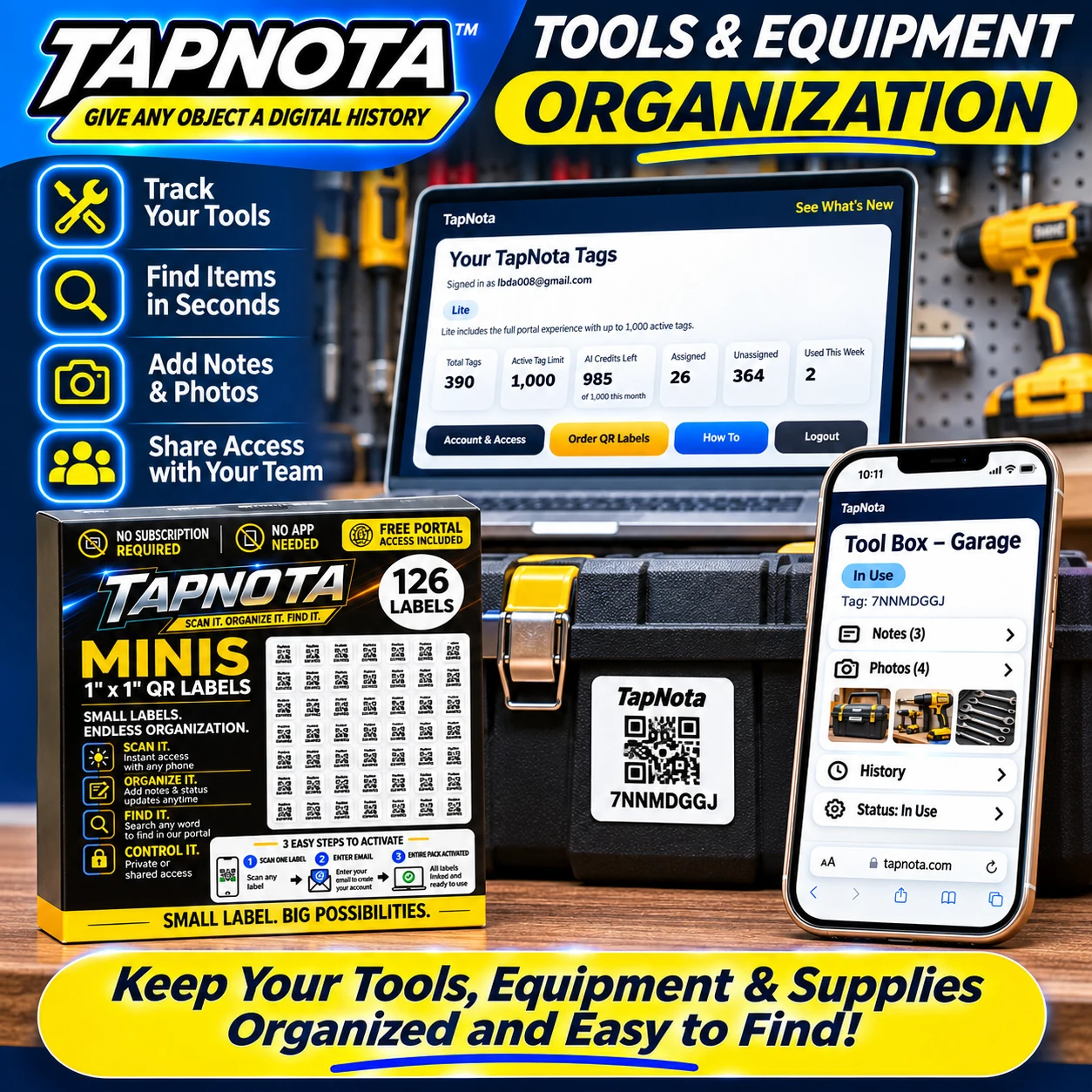
- Label Containers: Attach a TapNota smart QR label to each container or bin. For smaller compartments, the Mini 1″ x 1″ QR labels are perfect, offering a compact but fully functional connection to the digital record.
- Create Digital Records: Scan each label to open its Item Page on the TapNota Portal. Add a descriptive name, contents list, and photos. Use the AI recognition feature by taking a photo of the parts inside to quickly generate an item list, then review and save.
- Maintain and Update: As you use parts or add new ones, update the Item Page with current quantities, notes on condition, or reorder reminders. This evolving record ensures your inventory stays relevant.
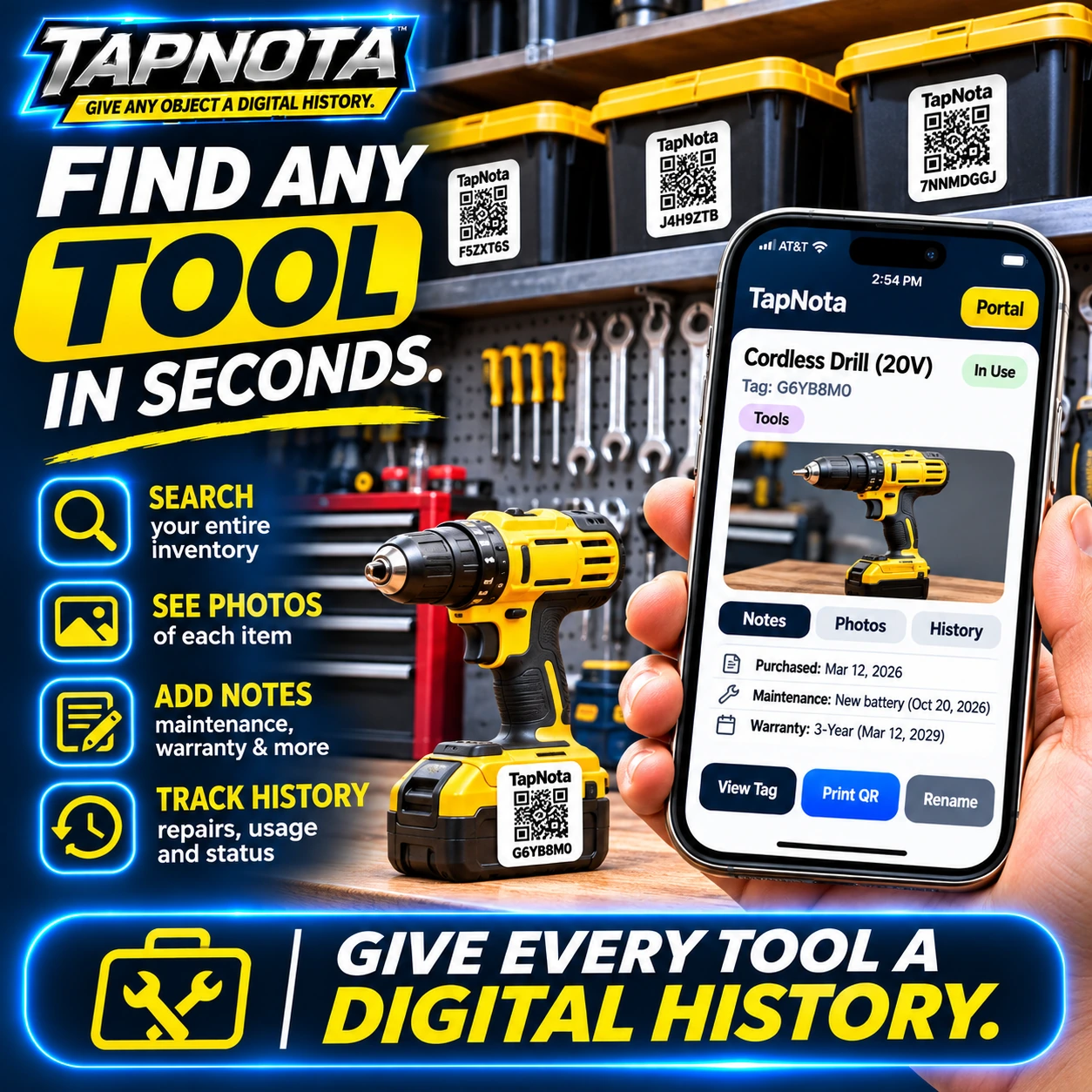
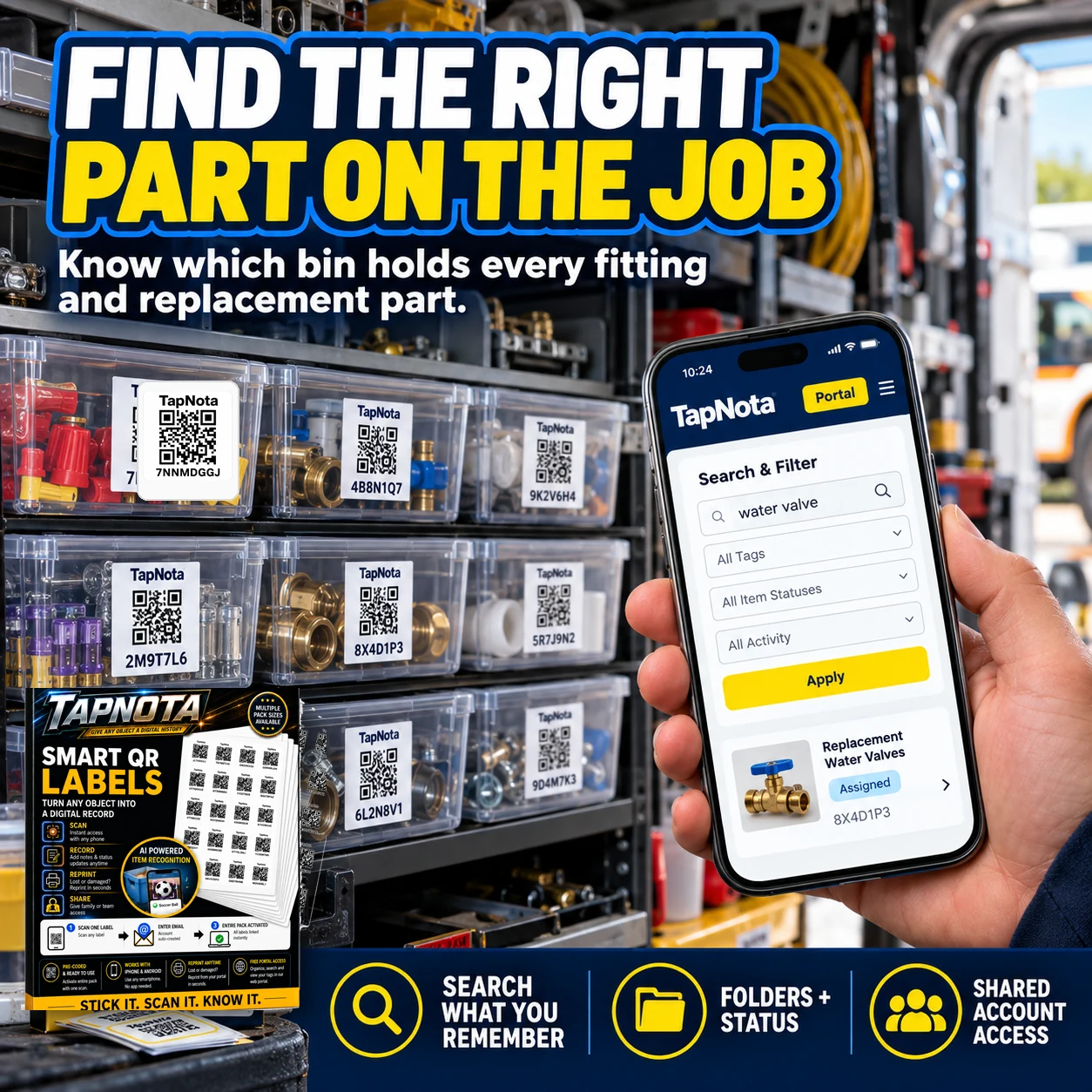
- Search and Find: Instead of physically checking every bin, use the TapNota web Portal to search by part name, tag code, or notes. The system shows you exactly which bin or container holds the part you need.
Benefits of TapNota for Workshop Parts Organization
- Time Savings: Quickly find the right part without opening multiple containers.
- Accurate Inventory: Keep track of quantities and avoid running out of essential parts.
- Easy Updates: Modify item details anytime without reprinting labels.
- AI Assistance: Speed up record creation with AI-powered item recognition from photos.
- Sharing & Collaboration: Share access with team members or family helpers with controlled account access.
- Durability: TapNota labels are designed for workshop environments, sticking securely to bins and cases.
Organizing Tools and Equipment Alongside Small Parts
Beyond small parts, TapNota also excels at organizing larger tools and equipment. By labeling toolboxes, power tools, and equipment cases, you create a unified system where every item has a digital history. This includes purchase dates, maintenance records, warranty info, and usage status.
For example, a cordless drill can have its own Item Page with photos, notes on battery replacements, and repair history. This not only helps with daily workshop management but also supports long-term asset tracking.
Mobile and On-the-Job Use
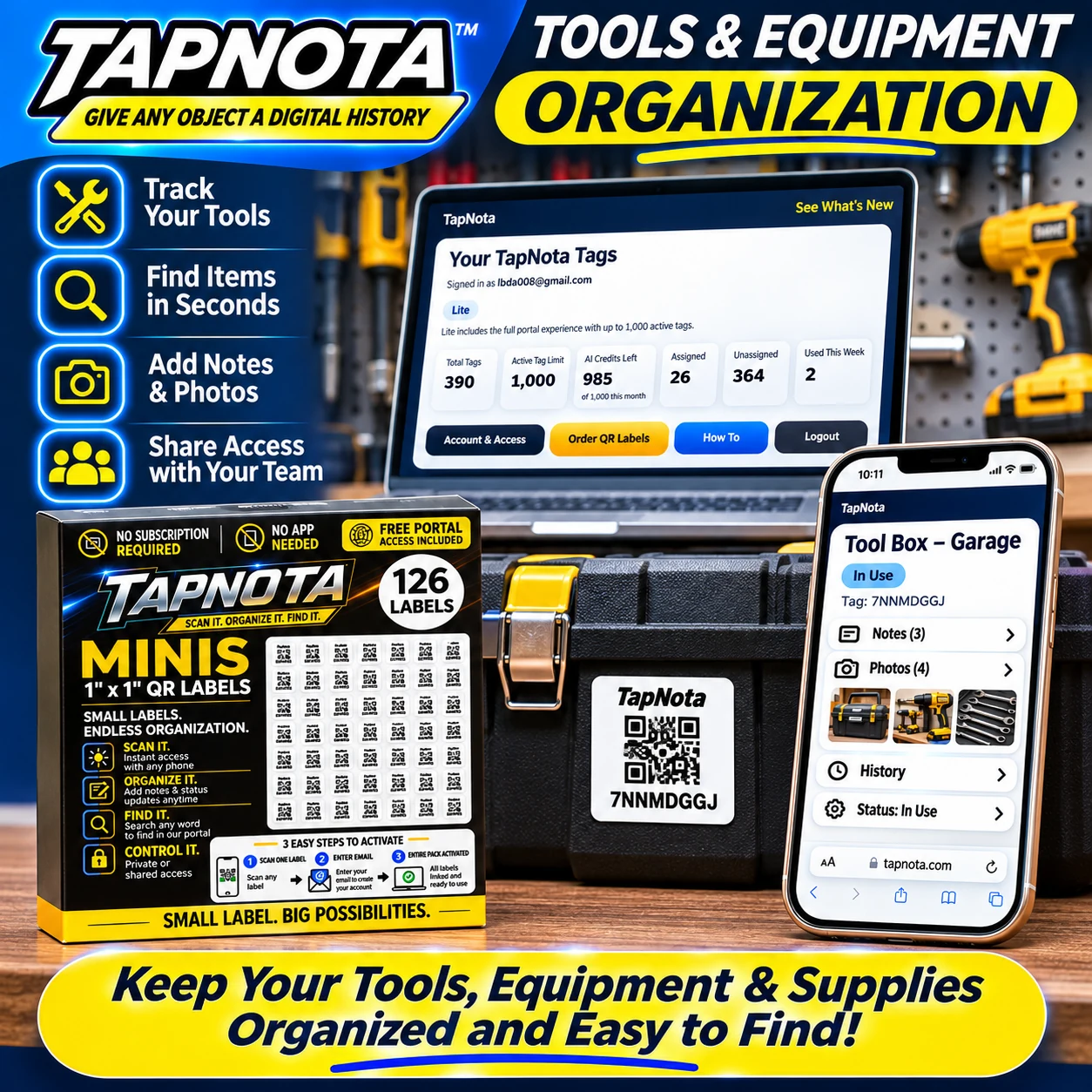
For mobile technicians or service professionals, TapNota keeps parts and tools organized even on the road. Using the searchable web Portal on any device, you can instantly locate the right replacement part or tool in your vehicle or van without wasting time searching physically.
Bins in the vehicle can be labeled with TapNota QR codes, and their contents tracked digitally. This system helps ensure you always know what you have on hand and what needs restocking.
Additional Tips for Workshop Parts Organization
- Use clear containers: Visibility helps when organizing and photographing contents.
- Group by frequency of use: Keep frequently used parts in easily accessible bins.
- Color-code labels or bins: Use colored labels or markers for quick visual identification.
- Regularly audit inventory: Schedule periodic reviews to update quantities and condition.
Conclusion
Organizing small parts in your workshop is simplified with TapNota’s smart QR labels and web Portal. This system bridges the physical and digital worlds, giving each container a unique, editable digital record that evolves over time. With AI assistance, searchable records, and collaborative sharing options, managing your workshop supplies becomes efficient, accurate, and stress-free.
For more detailed guidance on organizing tools and equipment, see Organize and Track Tools & Equipment Efficiently with TapNota Smart QR Labels and Organize Your Workshop Tools and Drawers with TapNota Mini QR Labels. To explore how digital inventory transforms business asset management, visit Business Inventory & Equipment.
Frequently Asked Questions
What sizes of TapNota QR labels are best for small parts?
TapNota offers Mini 1" x 1" QR labels ideal for small containers and compartments, as well as larger 2" x 2" labels for bigger bins or cases. Both sizes connect to the same TapNota system.
Can I update the contents of a bin without replacing the QR label?
Yes, the TapNota system allows you to edit the digital Item Page linked to the QR label anytime. You can add notes, photos, or change contents without printing a new label.
How does the AI recognition feature help with organizing parts?
By taking a photo of visible parts inside a container, TapNota’s AI suggests an initial list of items to add to the notes. You can review and edit this list before saving, speeding up inventory creation.
Is a special app needed to use TapNota QR labels?
No, TapNota works via standard smartphone cameras and a web Portal. No dedicated app installation is required for scanning or managing your inventory.
Can I share my workshop inventory with team members?
Yes, TapNota supports Shared Account Access, allowing approved family or team members to log in with their own credentials while you retain administrative control.


